# EditorStack — complete content
Generated 2026-09-17 from https://www.editorstack.cc. Licensed CC BY 4.0; attribute to EditorStack.
---
# Visual Editor & Page Builder Libraries: The 2026 Comparison
*Source: https://www.editorstack.cc/ — last updated 2026-09-17. Licensed CC BY 4.0 with attribution to EditorStack.*
EditorStack compares 34 libraries, SDKs and platforms for embedding a visual editor or page builder in your own product. 12 bundle sizes in this table were measured by us rather than quoted from vendors.
## Full comparison table
| Product | Type | Licence | Frameworks | Bundle (min+gzip) | Price from | Self-hosted | White label | Score |
| --- | --- | --- | --- | --- | --- | --- | --- | --- |
| [Beefree SDK](https://www.editorstack.cc/libraries/beefree-sdk) | sdk | Proprietary | Any (framework-agnostic) | Not measurable | from $350/mo | No | Yes | not scored |
| [BlockNote](https://www.editorstack.cc/libraries/blocknote) | library | MPL-2.0 | React, Vue | 386.1 kB gzip | from $195/mo | Yes | Yes | not scored |
| [Brizy](https://www.editorstack.cc/libraries/brizy) | platform | Proprietary | Unverified | Not measurable | from $159/mo | Partial | Yes | not scored |
| [Builder.io](https://www.editorstack.cc/libraries/builder-io) | sdk | Proprietary | React, Vue, Angular | Not measurable | from $19/mo | No | Partial | not scored |
| [CKEditor 5](https://www.editorstack.cc/libraries/ckeditor) | library | GPL-2.0-or-later OR commercial | Any (framework-agnostic) | 161.2 kB gzip | from $144/mo | Yes | Unverified | not scored |
| [Contentful Studio](https://www.editorstack.cc/libraries/contentful-studio) | cms | MIT | React | Not measurable | Quote only | No | No | not scored |
| [Craft.js](https://www.editorstack.cc/libraries/craftjs) | library | MIT | React | 29.2 kB gzip | Free (open source) | Yes | Yes | 6.6 |
| [Directus](https://www.editorstack.cc/libraries/directus) | cms | BSL-1.1 | Any (framework-agnostic) | Not measurable | from $99/mo | Yes | Yes | not scored |
| [Duda](https://www.editorstack.cc/libraries/duda) | platform | Proprietary | Unverified | Not measurable | from $19/mo | No | Yes | not scored |
| [Editor.js](https://www.editorstack.cc/libraries/editorjs) | library | Apache-2.0 | Any (framework-agnostic) | 64.3 kB gzip | Free (open source) | Yes | Yes | 7.7 |
| [Elementor](https://www.editorstack.cc/libraries/elementor) | platform | GPL-3.0 | Unverified | Not measurable | from $59/yr | Yes | Partial | not scored |
| [Framer](https://www.editorstack.cc/libraries/framer) | platform | Proprietary | React | Not measurable | from $10/mo | No | No | not scored |
| [GrapesJS](https://www.editorstack.cc/libraries/grapesjs) | library | BSD-3-Clause | Any (framework-agnostic) | 294.6 kB gzip | Free (open source) | Yes | Yes | 7.5 |
| [GrapesJS Studio SDK](https://www.editorstack.cc/libraries/grapesjs-studio-sdk) | sdk | Proprietary | Any (framework-agnostic) | Not measurable | Free tier, paid plans undisclosed | Yes | Yes | not scored |
| [Lexical](https://www.editorstack.cc/libraries/lexical) | library | MIT | Any (framework-agnostic) | 104.9 kB gzip | Free (open source) | Yes | Yes | 7.4 |
| [PageKit](https://www.editorstack.cc/libraries/pagekit) | sdk | Proprietary | Any (framework-agnostic) | Not measurable | from $199 one-time | Yes | Yes | not scored |
| [Plasmic](https://www.editorstack.cc/libraries/plasmic) | sdk | Proprietary | React | Not measurable | from $39/mo | No | No | not scored |
| [Plate](https://www.editorstack.cc/libraries/plate) | library | MIT | React | 150.8 kB gzip | Free (open source) | Yes | Yes | 8 |
| [Puck](https://www.editorstack.cc/libraries/puck) | library | MIT | React | 90.4 kB gzip | Free (open source) | Yes | Yes | 8 |
| [Quill](https://www.editorstack.cc/libraries/quill) | library | BSD-3-Clause | Any (framework-agnostic) | 58.7 kB gzip | Free (open source) | Yes | Yes | not scored |
| [React Page](https://www.editorstack.cc/libraries/react-page) | library | MIT | React | 377.2 kB gzip | Free (open source) | Yes | Yes | 6.4 |
| [Sanity Visual Editing](https://www.editorstack.cc/libraries/sanity) | cms | MIT | React, Vue | Not measurable | from $15/mo | Partial | No | not scored |
| [Silex](https://www.editorstack.cc/libraries/silex) | library | GPL-3.0 OR MPL-2.0 | Any (framework-agnostic) | Not measurable | Free (open source) | Yes | Yes | not scored |
| [Sitejet](https://www.editorstack.cc/libraries/sitejet) | platform | Proprietary | Unverified | Not measurable | from $89/mo | No | Partial | not scored |
| [Storyblok](https://www.editorstack.cc/libraries/storyblok) | cms | Proprietary | Any (framework-agnostic) | Not measurable | Free tier, paid plans undisclosed | No | No | not scored |
| [Stripo Plugin](https://www.editorstack.cc/libraries/stripo) | sdk | Proprietary | Any (framework-agnostic) | Not measurable | from $100/mo | No | Yes | not scored |
| [TeleportHQ](https://www.editorstack.cc/libraries/teleporthq) | sdk | Proprietary | Any (framework-agnostic) | Not measurable | from $9/mo | No | Partial | not scored |
| [TinyMCE](https://www.editorstack.cc/libraries/tinymce) | library | GPL-2.0-or-later OR commercial | Any (framework-agnostic) | 393.9 kB gzip | from $79/mo | Yes | Unverified | not scored |
| [Tiptap](https://www.editorstack.cc/libraries/tiptap) | library | MIT | Any (framework-agnostic) | 123.3 kB gzip | Free tier, paid plans undisclosed | Yes | Yes | 8.3 |
| [Topol Plugin](https://www.editorstack.cc/libraries/topol-io) | sdk | Proprietary | Any (framework-agnostic) | Not measurable | from $60/mo | No | Yes | not scored |
| [Unlayer](https://www.editorstack.cc/libraries/unlayer) | sdk | Proprietary | Any (framework-agnostic) | Not measurable | from $250/mo | Partial | Yes | not scored |
| [Webflow](https://www.editorstack.cc/libraries/webflow) | platform | Proprietary | Unverified | Not measurable | from $15/mo | No | No | not scored |
| [Wix Studio](https://www.editorstack.cc/libraries/wix-studio) | platform | Proprietary | Unverified | Not measurable | from $19/mo | No | No | not scored |
| [Zillapage](https://www.editorstack.cc/libraries/zillapage) | platform | Proprietary | Unverified | Not measurable | Undisclosed | Yes | Unverified | not scored |
## Category pages
- [React page builder libraries](https://www.editorstack.cc/categories/react-page-builder-libraries) — Every React page builder library in the EditorStack dataset, with licence, bundle size, SSR support and pricing side by side.
- [Open source visual editors](https://www.editorstack.cc/categories/open-source-visual-editors) — Open source visual editor libraries with permissive or copyleft licences, compared on bundle size, extensibility and ecosystem.
- [Email editor SDKs](https://www.editorstack.cc/categories/email-editor-sdks) — Embeddable email template builder SDKs — Unlayer, Beefree, Stripo, Topol and the open-source options — compared on pricing, white-label terms and export quality.
- [White-label website builders](https://www.editorstack.cc/categories/white-label-website-builders) — White-label website builder engines you can resell under your own brand, compared on licensing, hosting model and per-tenant cost.
- [Self-hosted page builders](https://www.editorstack.cc/categories/self-hosted-page-builders) — Self-hosted visual editors and page builders: what you can run on your own infrastructure, and what each one costs to operate.
- [Framework-agnostic visual editors](https://www.editorstack.cc/categories/framework-agnostic-editors) — Visual editors with no framework lock-in — mountable in React, Vue, Angular or plain JavaScript.
- [Headless CMS visual editing](https://www.editorstack.cc/categories/headless-cms-visual-editing) — Headless CMS platforms with visual editing: Storyblok, Sanity, Contentful Studio and Directus compared for developer teams.
- [Free visual editor libraries](https://www.editorstack.cc/categories/free-visual-editor-libraries) — Free drag-and-drop editor libraries you can ship in production without a licence fee, and what each free tier actually covers.
- [Rich-text editor libraries](https://www.editorstack.cc/categories/rich-text) — Rich-text and block document editors — CKEditor 5, TinyMCE, Tiptap, Lexical, Plate, BlockNote, Quill and Editor.js — compared on licence, measured bundle size, framework support and pricing.
## How this data is produced
Licences, first-publish dates and current versions are read from the npm registry. Prices come from vendors' published pricing pages and are labelled vendor-published. Bundle sizes are our own measurements, reproducible with the script in the public repository. Unverified facts are left empty rather than estimated. Scores exist only for products we have run ourselves.
Machine-readable data: https://www.editorstack.cc/api/libraries.json and https://www.editorstack.cc/api/libraries.csv (CC BY 4.0).
---
# All visual editor and page builder libraries
*Source: https://www.editorstack.cc/libraries — last updated 2026-09-17. Licensed CC BY 4.0 with attribution to EditorStack.*
## Beefree SDK
Beefree SDK is a commercial embeddable email, page and popup builder for SaaS applications, published on npm under Apache-2.0 wrapper packaging since October 2023, with paid tiers starting at $350 per month.
Proprietary · from $350/mo · Not measurable · [Full review](https://www.editorstack.cc/libraries/beefree-sdk)
## BlockNote
BlockNote is a Notion-style block editor for React built on ProseMirror and Tiptap, shipping slash menus, drag handles and formatting toolbars ready-made; its core is MPL-2.0, while AI, multi-column and export packages are GPL-3.0 or commercially licensed.
MPL-2.0 · from $195/mo · 386.1 kB gzip · [Full review](https://www.editorstack.cc/libraries/blocknote)
## Brizy
Brizy is a website builder sold to agencies and SaaS companies as a white-label platform, with a vendor-published White Label plan from $159 per month and an enterprise tier that offers on-premise hosting.
Proprietary · from $159/mo · Not measurable · [Full review](https://www.editorstack.cc/libraries/brizy)
## Builder.io
Builder.io is a commercial visual development platform whose SDKs let non-developers edit pages built from your own components, and whose 2026 pricing is credit-based rather than seat-based.
Proprietary · from $19/mo · Not measurable · [Full review](https://www.editorstack.cc/libraries/builder-io)
## CKEditor 5
CKEditor 5 is a finished rich-text editor with a toolbar, a plugin architecture and first-party React, Vue and Angular integrations, dual-licensed under GPL-2.0-or-later for self-hosted use or under commercial terms, with collaboration, AI and email tooling sold as premium features.
GPL-2.0-or-later OR commercial · from $144/mo · 161.2 kB gzip · [Full review](https://www.editorstack.cc/libraries/ckeditor)
## Contentful Studio
Contentful Studio is Contentful's visual experience builder, sold as a paid add-on on top of the CMS platform; its React SDK has been on npm under MIT since March 2024 and there is no built-in visual editing without the add-on.
MIT · Quote only · Not measurable · [Full review](https://www.editorstack.cc/libraries/contentful-studio)
## Craft.js
Craft.js is an MIT-licensed React framework for building your own page editor: it supplies the drag-and-drop layer, node tree and state management, and leaves the entire editor UI to you. First published to npm in December 2019.
MIT · Free (open source) · 29.2 kB gzip · [Full review](https://www.editorstack.cc/libraries/craftjs)
## Directus
Directus is a self-hostable data platform and headless CMS licensed under BSL 1.1, free to self-host for organisations under $5M in annual revenue, with visual editing delivered as live-preview and editable-overlay features rather than a drag-and-drop page canvas.
BSL-1.1 · from $99/mo · Not measurable · [Full review](https://www.editorstack.cc/libraries/directus)
## Duda
Duda is a hosted website platform built for agencies, with vendor-published plans from $19 per month and a White Label tier at $149 per month that removes Duda's branding from the client-facing product.
Proprietary · from $19/mo · Not measurable · [Full review](https://www.editorstack.cc/libraries/duda)
## Editor.js
Editor.js is an Apache-2.0 licensed block-style content editor that outputs clean JSON instead of HTML, aimed at article and document authoring rather than page layout. First published to npm in February 2019.
Apache-2.0 · Free (open source) · 64.3 kB gzip · [Full review](https://www.editorstack.cc/libraries/editorjs)
## Elementor
Elementor is a WordPress page builder plugin sold as an annual licence from about $59 per year for one site, included here because agencies routinely weigh it against building a builder into their own product.
GPL-3.0 · from $59/yr · Not measurable · [Full review](https://www.editorstack.cc/libraries/elementor)
## Framer
Framer is a hosted design-and-publish website platform, included as a build-versus-buy reference point: its editor cannot be embedded in another product, and 2026 pricing runs from a free tier to about $10 per month for Basic and $30 per month for Pro on annual billing, plus per-editor seats.
Proprietary · from $10/mo · Not measurable · [Full review](https://www.editorstack.cc/libraries/framer)
## GrapesJS
GrapesJS is a BSD-3-licensed, framework-agnostic web page builder engine that you embed in your own application and extend through plugins, first published to npm in January 2016.
BSD-3-Clause · Free (open source) · 294.6 kB gzip · [Full review](https://www.editorstack.cc/libraries/grapesjs)
## GrapesJS Studio SDK
GrapesJS Studio SDK is the commercial, licence-key product from the GrapesJS team: a ready-made editor UI, project storage and asset handling built on the open-source engine, first published to npm in July 2024.
Proprietary · Free tier, paid plans undisclosed · Not measurable · [Full review](https://www.editorstack.cc/libraries/grapesjs-studio-sdk)
## Lexical
Lexical is Meta's MIT-licensed extensible text editor framework, published to npm as version 0.1.0 in January 2022 and built around an immutable editor state with a plugin architecture rather than a supplied interface.
MIT · Free (open source) · 104.9 kB gzip · [Full review](https://www.editorstack.cc/libraries/lexical)
## PageKit
PageKit is a self-hosted, white-label website builder built on GrapesJS and sold by GJS.Market under one-time licence tiers, aimed at agencies and SaaS products that need a branded builder without a per-seat subscription.
Proprietary · from $199 one-time · Not measurable · [Full review](https://www.editorstack.cc/libraries/pagekit)
## Plasmic
Plasmic is a commercial visual builder for React applications that generates or loads components into your codebase, with a free tier and paid tiers that scale by collaborators and features.
Proprietary · from $39/mo · Not measurable · [Full review](https://www.editorstack.cc/libraries/plasmic)
## Plate
Plate is an MIT-licensed React rich-text editor framework built on Slate, shipping headless plugins plus copy-in shadcn/ui components for editors that need document editing rather than page layout. First published to npm in July 2021.
MIT · Free (open source) · 150.8 kB gzip · [Full review](https://www.editorstack.cc/libraries/plate)
## Puck
Puck is an MIT-licensed visual editor for React that renders your own React components inside the canvas and stores page data as JSON, first published to npm in June 2023.
MIT · Free (open source) · 90.4 kB gzip · [Full review](https://www.editorstack.cc/libraries/puck)
## Quill
Quill is a BSD-3-Clause rich-text editor maintained by Slab, with a built-in toolbar and themes, a Delta document format and a module API; version 2.0, rewritten in TypeScript, shipped in April 2024, and every framework wrapper for it is community-maintained.
BSD-3-Clause · Free (open source) · 58.7 kB gzip · [Full review](https://www.editorstack.cc/libraries/quill)
## React Page
React Page is an MIT-licensed, cell-and-row based content editor for React that ships a grid layout system and a plugin API, first published to npm in November 2019.
MIT · Free (open source) · 377.2 kB gzip · [Full review](https://www.editorstack.cc/libraries/react-page)
## Sanity Visual Editing
Sanity is a headless content platform whose Presentation tool adds click-to-edit visual editing over a live preview of your front end; the @sanity/visual-editing package has been on npm under MIT since February 2024 and visual editing is available on every plan including the free tier.
MIT · from $15/mo · Not measurable · [Full review](https://www.editorstack.cc/libraries/sanity)
## Silex
Silex is a free/libre website builder from the non-profit Silex Labs, dual-licensed GPL-3.0 or MPL-2.0 and built on top of GrapesJS, aimed at static sites with dynamic data.
GPL-3.0 OR MPL-2.0 · Free (open source) · Not measurable · [Full review](https://www.editorstack.cc/libraries/silex)
## Sitejet
Sitejet is a hosted website builder aimed at agencies and web professionals, with a vendor-published Agency plan reported at $89 per month and additional hosted sites charged per site.
Proprietary · from $89/mo · Not measurable · [Full review](https://www.editorstack.cc/libraries/sitejet)
## Storyblok
Storyblok is a headless CMS whose visual editor renders a live preview of your own front end and lets editors click a component to edit its fields, with a free Starter plan and paid plans from about €99 per month per space.
Proprietary · Free tier, paid plans undisclosed · Not measurable · [Full review](https://www.editorstack.cc/libraries/storyblok)
## Stripo Plugin
Stripo Plugin is the embeddable, white-label version of the Stripo email editor, sold separately from the Stripo web app with published plugin plans starting at $100 per month.
Proprietary · from $100/mo · Not measurable · [Full review](https://www.editorstack.cc/libraries/stripo)
## TeleportHQ
TeleportHQ is a low-code front-end platform that turns a visual canvas into exportable React, Vue or Angular code, with an MIT-licensed open-source code generator on npm since September 2019 and a free tier plus paid plans from $9 per editor per month billed annually.
Proprietary · from $9/mo · Not measurable · [Full review](https://www.editorstack.cc/libraries/teleporthq)
## TinyMCE
TinyMCE is a long-established WYSIWYG editor whose licence moved from MIT in version 6 to GPL-2.0-or-later in version 7, and since 8.3 to GPL-2.0-or-later or Tiny's self-hosted commercial terms, with every self-hosted TinyMCE 8 install required to set a licence key.
GPL-2.0-or-later OR commercial · from $79/mo · 393.9 kB gzip · [Full review](https://www.editorstack.cc/libraries/tinymce)
## Tiptap
Tiptap is an MIT-licensed headless rich-text editor framework built on ProseMirror, shipping no UI of its own and exposing extensions instead; its React binding first appeared on npm in February 2021.
MIT · Free tier, paid plans undisclosed · 123.3 kB gzip · [Full review](https://www.editorstack.cc/libraries/tiptap)
## Topol Plugin
Topol Plugin is an embeddable white-label email editor priced per prepaid end-user account rather than per seat, with published plans from $60 per month.
Proprietary · from $60/mo · Not measurable · [Full review](https://www.editorstack.cc/libraries/topol-io)
## Unlayer
Unlayer is a commercial embeddable email and page builder for SaaS products, whose React wrapper react-email-editor has been on npm since October 2017 and whose embed plans start at $250 per month.
Proprietary · from $250/mo · Not measurable · [Full review](https://www.editorstack.cc/libraries/unlayer)
## Webflow
Webflow is a hosted visual website platform, included here as the build-versus-buy reference point rather than as an embeddable library: you cannot mount its editor inside your own product, and its 2026 pricing splits into per-site plans from $15 per month and per-workspace seats.
Proprietary · from $15/mo · Not measurable · [Full review](https://www.editorstack.cc/libraries/webflow)
## Wix Studio
Wix Studio is Wix's platform for agencies and designers, priced per site on vendor-published tiers from $19 to $159 per month, and included here as a build-versus-buy reference point rather than as an embeddable option.
Proprietary · from $19/mo · Not measurable · [Full review](https://www.editorstack.cc/libraries/wix-studio)
## Zillapage
Zillapage is a self-hosted PHP landing page and e-commerce builder sold as a one-time-licence script through code marketplaces, rather than a library you embed in an application.
Proprietary · Undisclosed · Not measurable · [Full review](https://www.editorstack.cc/libraries/zillapage)
---
# Head-to-head comparisons
*Source: https://www.editorstack.cc/compare — last updated 2026-09-17. Licensed CC BY 4.0 with attribution to EditorStack.*
- [Beefree SDK vs Stripo Plugin: enterprise breadth against per-template pricing](https://www.editorstack.cc/compare/beefree-sdk-vs-stripo)
- [BlockNote vs Editor.js: two block editors, six times apart in weight](https://www.editorstack.cc/compare/blocknote-vs-editorjs)
- [Brizy vs Duda: two white-label platforms for agencies](https://www.editorstack.cc/compare/brizy-vs-duda)
- [Builder.io vs Contentful Studio: a second vendor or a paid add-on](https://www.editorstack.cc/compare/builder-io-vs-contentful-studio)
- [Builder.io vs Plasmic: marketing platform or design studio](https://www.editorstack.cc/compare/builder-io-vs-plasmic)
- [Builder.io vs Storyblok: page composition or content modelling](https://www.editorstack.cc/compare/builder-io-vs-storyblok)
- [Builder.io vs Webflow: pages inside your app or a site beside it](https://www.editorstack.cc/compare/builder-io-vs-webflow)
- [CKEditor 5 vs TinyMCE: two finished editors, two GPL-or-commercial licences](https://www.editorstack.cc/compare/ckeditor-vs-tinymce)
- [Craft.js vs Builder.io: build every part of it or buy all of it](https://www.editorstack.cc/compare/craftjs-vs-builder-io)
- [Craft.js vs Plasmic: an editor for your users or a studio for your designers](https://www.editorstack.cc/compare/craftjs-vs-plasmic)
- [Craft.js vs React Page: build the editor or inherit a grid](https://www.editorstack.cc/compare/craftjs-vs-react-page)
- [Directus vs Storyblok: self-hosted data platform or hosted content platform](https://www.editorstack.cc/compare/directus-vs-storyblok)
- [Duda vs Sitejet: two agency platforms with different cost curves](https://www.editorstack.cc/compare/duda-vs-sitejet)
- [Editor.js vs Lexical: the smallest integration against the strictest model](https://www.editorstack.cc/compare/editorjs-vs-lexical)
- [Editor.js vs Plate: a framework-agnostic block editor or a React rich-text framework](https://www.editorstack.cc/compare/editorjs-vs-plate)
- [Editor.js vs Puck: writing documents or composing pages](https://www.editorstack.cc/compare/editorjs-vs-puck)
- [Editor.js vs Tiptap: block JSON or a rich-text document](https://www.editorstack.cc/compare/editorjs-vs-tiptap)
- [GrapesJS Studio SDK vs Builder.io: an embeddable editor or a hosted platform](https://www.editorstack.cc/compare/grapesjs-studio-sdk-vs-builder-io)
- [GrapesJS Studio SDK vs Plasmic: an editor for your users or a studio for your designers](https://www.editorstack.cc/compare/grapesjs-studio-sdk-vs-plasmic)
- [GrapesJS vs Builder.io: own the editor or rent the platform](https://www.editorstack.cc/compare/grapesjs-vs-builder-io)
- [GrapesJS vs Craft.js: a finished engine or a toolkit to build one](https://www.editorstack.cc/compare/grapesjs-vs-craftjs)
- [GrapesJS vs Editor.js: page building or document authoring](https://www.editorstack.cc/compare/grapesjs-vs-editorjs)
- [GrapesJS vs Studio SDK: the same engine, with or without the product around it](https://www.editorstack.cc/compare/grapesjs-vs-grapesjs-studio-sdk)
- [GrapesJS vs Plasmic: an engine for your product or a studio for your team](https://www.editorstack.cc/compare/grapesjs-vs-plasmic)
- [GrapesJS vs Puck: HTML canvas or React components?](https://www.editorstack.cc/compare/grapesjs-vs-puck)
- [GrapesJS vs Silex: an engine to embed or an application to host](https://www.editorstack.cc/compare/grapesjs-vs-silex)
- [GrapesJS vs Unlayer for email: free engine or tested output](https://www.editorstack.cc/compare/grapesjs-vs-unlayer)
- [GrapesJS vs Webflow: the comparison that means 'Webflow, but embedded'](https://www.editorstack.cc/compare/grapesjs-vs-webflow)
- [Lexical vs Quill: Meta's editor framework or a ready-made editor](https://www.editorstack.cc/compare/lexical-vs-quill)
- [PageKit vs Brizy: a one-time licence against a monthly platform](https://www.editorstack.cc/compare/pagekit-vs-brizy)
- [PageKit vs GrapesJS Studio SDK: a one-time licence or a subscription, on the same engine](https://www.editorstack.cc/compare/pagekit-vs-grapesjs-studio-sdk)
- [PageKit vs Zillapage: two self-hosted builders, very different evidence](https://www.editorstack.cc/compare/pagekit-vs-zillapage)
- [Plasmic vs TeleportHQ: a runtime studio or a code generator](https://www.editorstack.cc/compare/plasmic-vs-teleporthq)
- [Plasmic vs Webflow: React components on the canvas or a complete platform](https://www.editorstack.cc/compare/plasmic-vs-webflow)
- [Plate vs Lexical: components included or nothing included](https://www.editorstack.cc/compare/plate-vs-lexical)
- [Plate vs Tiptap: Slate with components or ProseMirror with extensions](https://www.editorstack.cc/compare/plate-vs-tiptap)
- [Puck vs Builder.io: the same editing model, with and without a vendor](https://www.editorstack.cc/compare/puck-vs-builder-io)
- [Puck vs Craft.js: an editor you configure or an editor you write](https://www.editorstack.cc/compare/puck-vs-craftjs)
- [Puck vs Plasmic: a library in your codebase or a studio in the cloud](https://www.editorstack.cc/compare/puck-vs-plasmic)
- [Puck vs React Page: a modern config API or a built-in layout grid](https://www.editorstack.cc/compare/puck-vs-react-page)
- [Puck vs Storyblok: an editor in your product or a CMS for your team](https://www.editorstack.cc/compare/puck-vs-storyblok)
- [Quill vs Tiptap: a small editor with a toolbar, or a framework without one](https://www.editorstack.cc/compare/quill-vs-tiptap)
- [Sanity vs Contentful Studio: open studio or enterprise add-on](https://www.editorstack.cc/compare/sanity-vs-contentful-studio)
- [Storyblok vs Contentful Studio: published pricing against enterprise consolidation](https://www.editorstack.cc/compare/storyblok-vs-contentful-studio)
- [Storyblok vs Sanity: a polished hosted app or a studio in your repository](https://www.editorstack.cc/compare/storyblok-vs-sanity)
- [Stripo vs Topol: per-template metering against per-account metering](https://www.editorstack.cc/compare/stripo-vs-topol-io)
- [Tiptap vs BlockNote: the engine, or the Notion-style editor built on it](https://www.editorstack.cc/compare/tiptap-vs-blocknote)
- [Tiptap vs CKEditor 5: build the editor, or buy the finished one](https://www.editorstack.cc/compare/tiptap-vs-ckeditor)
- [Tiptap vs Lexical: extension framework or state machine](https://www.editorstack.cc/compare/tiptap-vs-lexical)
- [Unlayer vs Beefree SDK: the two established embeddable email builders](https://www.editorstack.cc/compare/unlayer-vs-beefree-sdk)
- [Unlayer vs GrapesJS Studio SDK: an email specialist or a general editor](https://www.editorstack.cc/compare/unlayer-vs-grapesjs-studio-sdk)
- [Unlayer vs Stripo Plugin: flat platform pricing against per-template metering](https://www.editorstack.cc/compare/unlayer-vs-stripo)
- [Unlayer vs Topol Plugin: breadth against a much lower entry price](https://www.editorstack.cc/compare/unlayer-vs-topol-io)
- [Webflow vs Duda: design tool or agency production platform](https://www.editorstack.cc/compare/webflow-vs-duda)
- [Webflow vs Elementor: hosted platform or WordPress plugin](https://www.editorstack.cc/compare/webflow-vs-elementor)
- [Webflow vs Framer: layout precision or motion, neither embeddable](https://www.editorstack.cc/compare/webflow-vs-framer)
- [Webflow vs Wix Studio: two hosted platforms, neither embeddable](https://www.editorstack.cc/compare/webflow-vs-wix-studio)
---
# Alternatives guides
*Source: https://www.editorstack.cc/alternatives — last updated 2026-09-17. Licensed CC BY 4.0 with attribution to EditorStack.*
- [Beefree SDK alternatives for embedded email builders](https://www.editorstack.cc/alternatives/beefree-sdk) — Beefree SDK starts at $350 per month, the highest entry price among embeddable email builders. Four alternatives at $60, $100, $250 and free, with the trade-offs each brings.
- [Builder.io alternatives for developers in 2026](https://www.editorstack.cc/alternatives/builder-io) — Teams leave Builder.io for three reasons: credit-based pricing that moves with usage, content living on vendor infrastructure, and the difficulty of white-labelling it for their own customers. Here are six replacements and what each one costs you.
- [Craft.js alternatives when building the editor is too much](https://www.editorstack.cc/alternatives/craftjs) — Craft.js gives you a node tree and nothing else. Teams leave when the interface work outgrows the budget, or when a quiet upstream becomes a risk. Four replacements at different levels of assembly.
- [Editor.js alternatives for structured content editing](https://www.editorstack.cc/alternatives/editorjs) — Editor.js is excellent at block-based document authoring and stops abruptly at layout, inline collaboration and rendering. Here are the alternatives for each of those specific walls.
- [Elementor alternatives for SaaS products](https://www.editorstack.cc/alternatives/elementor-for-saas) — Elementor only exists inside WordPress, so a SaaS product cannot use it however much its price appeals. Here is what fills the same role when WordPress is not the substrate.
- [Framer alternatives for developers](https://www.editorstack.cc/alternatives/framer) — Framer cannot be embedded, its seats are billed separately, and its output lives on Framer's hosting. Four alternatives depending on whether you want a platform, a builder or an engine.
- [Plasmic alternatives for React teams](https://www.editorstack.cc/alternatives/plasmic) — Teams leave Plasmic when they need an editor for their own customers, when React-only becomes a constraint, or when tier pricing outgrows the value. Five replacements, honestly compared.
- [Storyblok alternatives for teams outgrowing per-space pricing](https://www.editorstack.cc/alternatives/storyblok) — Storyblok bills per space, which agencies feel immediately, and it cannot be self-hosted. Four alternatives depending on whether the objection is cost, control or category.
- [TinyMCE alternatives after the licence change](https://www.editorstack.cc/alternatives/tinymce) — TinyMCE was MIT through 6.x, GPL-2.0-or-later from 7.0, and self-hosted TinyMCE 8 refuses to run without a licence key. If that change is why you are here, these are the replacements, sorted by what they cost you instead.
- [Unlayer alternatives for embedded email builders](https://www.editorstack.cc/alternatives/unlayer) — Teams leave Unlayer over its $250 per month entry price, its hosted-only standard plans, or because they only needed part of it. Here are five replacements and what each costs.
- [Webflow alternatives for developers who need an embeddable editor](https://www.editorstack.cc/alternatives/webflow-for-developers) — Developers searching for a Webflow alternative usually want something Webflow cannot do at all: an editor inside their own product. Here is what actually fills that requirement.
---
# Use cases
*Source: https://www.editorstack.cc/use-cases — last updated 2026-09-17. Licensed CC BY 4.0 with attribution to EditorStack.*
- [Build vs buy: should you build a visual editor or license one?](https://www.editorstack.cc/use-cases/build-vs-buy-visual-editor) — Building on an open-source editor engine costs roughly 520 engineering hours before you have something customers can use. Here is the calculation against commercial SDK pricing, and the cases where building genuinely wins.
- [Building a drag-and-drop landing page builder into your SaaS](https://www.editorstack.cc/use-cases/drag-and-drop-landing-page-builder-for-saas) — Letting customers build landing pages inside your product is a different project from letting your marketing team build them. Here is the scope, the library choice and the three decisions that determine whether it ships.
- [Email template builder for SaaS: build it or buy it](https://www.editorstack.cc/use-cases/email-template-builder-for-saas) — Four vendors sell embeddable email builders at $60 to $350 per month entry, and their metering models differ more than their features. Building on GrapesJS is free and hands you the mail-client problem forever.
- [How to embed a page builder in a React application](https://www.editorstack.cc/use-cases/embed-page-builder-in-react-app) — Four viable routes for putting a visual page builder inside a React app, with the measured bundle cost of each, the questions that eliminate two of them immediately, and what nobody tells you about the work after integration.
- [Headless CMS visual editing: how it works and what it costs](https://www.editorstack.cc/use-cases/headless-cms-visual-editing) — Storyblok, Sanity, Contentful Studio and Directus all offer visual editing over structured content, and all four mean something different by it. Here is what each actually does.
- [Adding a visual editor to a Next.js application](https://www.editorstack.cc/use-cases/visual-editor-for-nextjs) — Every editor in this dataset mounts against a live DOM, so none of them server-render. Here is the App Router pattern that works, the libraries that fit it best, and the mistakes that cost a day.
- [Visual editor options for Vue applications](https://www.editorstack.cc/use-cases/vue-visual-editor-options) — The React ecosystem has Puck, Craft.js and Plate; Vue has none of them. Here is what actually works in a Vue application, and why the answer is usually a framework-agnostic engine.
- [White-label website builder for agencies: the real options](https://www.editorstack.cc/use-cases/white-label-website-builder-for-agencies) — Agencies want a builder under their own brand without per-site subscriptions. That rules out Webflow and most hosted SDKs. Here is what remains, and what each route costs per client site.
---
# GrapesJS guides
*Source: https://www.editorstack.cc/guides — last updated 2026-09-17. Licensed CC BY 4.0 with attribution to EditorStack.*
- [Generate GrapesJS sections with an LLM, safely](https://www.editorstack.cc/guides/grapesjs-ai-page-generation) — A server route that asks Claude for an HTML section and an editor button that inserts the result as undoable GrapesJS components. Covers what GrapesJS's parser strips from untrusted model output by default, refusals and truncation. The SDK request path is tested; the model's output quality is not.
- [Upload GrapesJS assets straight to S3 with presigned URLs](https://www.editorstack.cc/guides/grapesjs-asset-manager-s3) — Replace the Asset Manager's default multipart upload with a custom uploadFile that asks your server for a presigned S3 PUT URL and sends the file directly to the bucket. Tested with AWS SDK v3 presigning, a cross-origin CORS preflight and GrapesJS 0.23.5.
- [Custom blocks and component types in GrapesJS, packaged as a plugin](https://www.editorstack.cc/guides/grapesjs-custom-blocks) — Build a call-to-action component type with traits, recognition of existing markup and scoped CSS, then expose it as blocks, all inside a typed GrapesJS plugin. Includes the parser detail that breaks the documented isParsedNode example in the default browser parser.
- [Build an email template editor with GrapesJS and MJML](https://www.editorstack.cc/guides/grapesjs-email-builder) — Set up grapesjs-mjml 1.0.8 on GrapesJS 0.23.5: MJML blocks in the editor, MJML source for storage, compiled table-based HTML for sending, and validation errors you can show. Tested in Chromium, including merge tags and invalid MJML.
- [Export HTML and CSS from GrapesJS: one standalone file per page](https://www.editorstack.cc/guides/grapesjs-export-html-css) — Turn a multi-page GrapesJS project into standalone HTML documents: page-scoped getHtml and getCss, what the output actually contains, how unused CSS is dropped, and a dependency-free download. Tested against GrapesJS 0.23.5 by comparing computed styles inside and outside the editor.
- [GrapesJS in Next.js App Router: load projects on the server, edit on the client](https://www.editorstack.cc/guides/grapesjs-nextjs) — A Next.js 15 App Router setup for GrapesJS: a server component reads the project, a client component mounts the editor, next/dynamic keeps the editor out of the server HTML. Built with next build and loaded in Chromium, including a control case that changes the usual advice.
- [GrapesJS in React: an editor component that survives StrictMode](https://www.editorstack.cc/guides/grapesjs-react-integration) — A 45-line React component that mounts GrapesJS once, tears it down cleanly, reports changes to React state and passes React 19 StrictMode's double mount. Tested with GrapesJS 0.23.5 in headless Chromium.
- [Save and load GrapesJS projects in a database with remote storage](https://www.editorstack.cc/guides/grapesjs-save-load-database) — Wire GrapesJS's built-in remote storage to a small HTTP API and a Postgres table: autosave, reload, HTML and CSS stored for the public page, and the 0.23.5 quirk that turns every failed request into a TypeError. Tested against Postgres via PGlite.
- [GrapesJS with Tailwind CSS v4: utilities in the canvas, compiled CSS on export](https://www.editorstack.cc/guides/grapesjs-tailwind) — Run Tailwind's in-browser compiler inside the GrapesJS canvas so utility classes render while editing, then compile only the CSS a published page uses on the server. Tested with Tailwind 4.1.14 and GrapesJS 0.23.5, including class names with colons and slashes.
- [GrapesJS in Vue 3: a script setup component with clean teardown](https://www.editorstack.cc/guides/grapesjs-vue) — A Vue 3.5 single-file component that mounts GrapesJS, emits ready and change events, keeps the editor out of Vue's deep reactivity and cleans up on unmount. Compiled with Vue's own SFC compiler and tested in Chromium against GrapesJS 0.23.5.
---
# Original research
*Source: https://www.editorstack.cc/research — last updated 2026-09-17. Licensed CC BY 4.0 with attribution to EditorStack.*
- [Visual editor bundle size benchmark, 2026](https://www.editorstack.cc/research/bundle-size-benchmark-2026) — We measured the JavaScript weight of twelve visual and rich-text editor libraries under identical conditions. Craft.js is the lightest at 29.2 kB gzip; TinyMCE is the heaviest at 393.9 kB, a 13.5× spread across libraries that are routinely compared with each other.
- [The visual editor library ecosystem in 2026: what our dataset tells us](https://www.editorstack.cc/research/editor-library-ecosystem-report) — An analysis of our own dataset: how these products are licensed, how they meter, what they all refuse to do, and the four structural patterns that explain most purchasing regret in this category.
- [State of Visual Builders 2026: survey open, results not yet published](https://www.editorstack.cc/research/state-of-visual-builders-2026) — We are collecting data on how development teams choose and live with visual editor libraries. No results are published here yet, because we have not run the survey — this page is the invitation, not the report.
- [Time to first editor: how long eight visual editors take to appear](https://www.editorstack.cc/research/time-to-first-editor-benchmark) — We built the same minimal editor eight times and measured it: Editor.js reaches a rendered editor in 70 ms and 5 lines of code, React Page takes 1,004 ms and needs a bundler alias to build at all against React 19.
---
# Methodology: how EditorStack produces every number on this site
*Source: https://www.editorstack.cc/methodology — last updated 2026-09-17. Licensed CC BY 4.0 with attribution to EditorStack.*
- EditorStack publishes three kinds of statement and labels them differently: measurements we ran ourselves, facts read from a primary source such as the npm registry, and claims published by vendors, which we attribute rather than assert.
- A fact with no source is not published: the field stays null and the site prints 'Unverified' rather than an estimate, and the build fails if a bundle size appears without a matching measurement run.
- We score only products that have been through our full hands-on benchmark, bundle size and time to first editor, which is why a minority of the dataset carries scores and the commercial SDKs do not.
## Three kinds of statement, labelled differently
Most comparison sites blur measurement, fact and marketing claim into one voice. We separate them,
because the difference is exactly what makes a source worth citing.
**Measurements** are numbers we produced. Bundle sizes, lines of code and time-to-first-editor come
from scripts in [the public repository](https://github.com/GoodPHP/gjs-comparison), run on a stated
date with the versions recorded next to the result. You can re-run them and disagree with us.
**Primary-source facts** are read from an authoritative machine-readable source. Licences, first
publish dates and current versions come from the npm registry directly rather than from a vendor's
website, because a registry entry is what the ecosystem actually resolves.
**Vendor claims** are things only the vendor can tell us — chiefly prices and capability lists. We
record them, attribute them to the vendor's published page with the date we checked, and say
"vendor-published" rather than presenting them as verified. A price is a claim about the future,
not a measurement.
## How bundle sizes are measured
Each package is installed on its own, imported through its documented public entry point, bundled
with esbuild in production mode with tree-shaking, and gzipped at level 9. React and `react-dom` are
external for React-only libraries because an app that picks one already ships React; framework-
agnostic engines get no exclusion. CSS is excluded and reported separately.
Two rules keep this honest. First, the measured number is written into the dataset by the script,
not by hand. Second, the build cross-checks every published size against the measurement file and
fails if they disagree, so a number cannot drift away from its evidence. The full write-up is the
[bundle size benchmark](/research/bundle-size-benchmark-2026).
## How we score, and why most products are not scored
Five axes, each 0–10: developer experience, extensibility, documentation, ecosystem and time to
production. Each score must be accompanied by at least 120 characters of written reasoning
specific to that axis. This is enforced by the schema — a score without an argument fails the
build, so the site cannot contain an unexplained number.
We score only products we have installed and run. As of the last update that is 8 of
34 products — exactly the set that appears in our time-to-first-editor benchmark, and no others. The commercial
SDKs in the dataset — Builder.io, Plasmic, Unlayer, Beefree SDK, Stripo, Topol, TeleportHQ, the
GrapesJS Studio SDK — carry structured facts and an argued assessment of what they suit, but no
score, because we have not put them through the same hands-on test. Silex carried scores in our first
release and no longer does: its own review said we had not run it, which made the scores
unsupportable by our own rule.
CKEditor 5, TinyMCE, BlockNote and Quill show where the line sits. Their bundle sizes are measured and
their benchmark applications are in the repository, but their time-to-editor runs were taken on a
different machine from the published run, and timings from two machines are not comparable. Until
they are measured alongside the others, they carry no score.
This costs us: a table with more numbers looks more authoritative. It is still the right call. A
score derived from reading documentation measures the documentation, not the product.
We publish no `AggregateRating` structured data anywhere on the site, because we collect no user
ratings and marking our own opinion as an aggregate rating would misrepresent it to search engines.
## What "unverified" means
A capability cell reading "Unverified" means exactly that: we could not confirm the behaviour from a
source we trust, so we left it empty. It does not mean the product lacks the feature. The
alternative — filling gaps with plausible values — is how comparison sites become unreliable, and it
is undetectable to readers, which makes it worse.
The same rule governs metrics. Where our automated sync has not yet collected a download count or a
star count, the page says "pending sync". It never shows zero.
## Testing procedure for hands-on reviews
1. Install the library at the version `npm install` resolves to, and record that version.
2. Build the smallest application that mounts the editor, registers one custom block and loads
initial content. These applications live in `benchmarks/time-to-editor/` and are published in
full.
3. Screenshot the result from our own build at 1280×800. No vendor marketing images appear on this
site.
4. Read the documentation for the three things products actually need and demos never show: asset
storage, persistence, and how stored content migrates when a component changes.
5. Write the Limitations section before the Strengths section.
## Conflict of interest
EditorStack is funded and operated by the team behind GJS.Market, which sells commercial products in
the GrapesJS ecosystem. Three entries in the dataset are affected: GrapesJS, GrapesJS Studio SDK and
PageKit. Each of those pages prints a conflict-of-interest notice above its content, and the build
fails if that flag is removed.
What we do about it in practice: GrapesJS's Limitations section is the longest on the site, its
measured bundle size is among the largest in the dataset and we say so on the home page, and the
build-versus-buy calculator returns "build it yourself" whenever the arithmetic says so, including
against our own funder's product. The full statement is on the [disclosure page](/disclosure).
## Corrections
If a fact here is wrong, it is worth more to us to fix it than to defend it. Open an issue on
[the repository](https://github.com/GoodPHP/gjs-comparison) with the source, and the correction goes
into the [changelog](/changelog) with the date. Vendors are welcome to submit corrections about
their own products; they get the same treatment as anyone else, which is that we check the claim
against a source before publishing it.
## Frequently asked questions
### How does EditorStack make money?
The site is funded by GJS.Market, which sells plugins and templates for GrapesJS. That relationship is disclosed on every page and stated again at the top of any page about a product we have a commercial interest in. It buys the benchmarks; it does not buy placement.
### Why do some products have no score?
Because we have not run them. Scoring a commercial SDK from its documentation would be decoration rather than assessment, so those entries carry structured facts, an argued best-for and worst-for, but no number.
### How often is the data updated?
Facts are re-verified when a product changes and at least at the interval shown by each entry's last_verified date. Repository and download metrics are refreshed by an automated daily job; where it has not yet run, the site says 'pending sync' instead of showing a zero.
### Can I reuse this data?
Yes. The dataset is published as JSON and CSV under CC BY 4.0 — use it commercially if you like, with attribution to EditorStack.
---
# About EditorStack
*Source: https://www.editorstack.cc/about — last updated 2026-09-17. Licensed CC BY 4.0 with attribution to EditorStack.*
- EditorStack exists because choosing an embeddable editor means comparing dozens of products whose vendors all describe themselves differently, and no neutral, machine-readable dataset existed.
- Everything on the site is generated from one dataset: the comparison table, the individual profiles, the markdown mirrors, the JSON and CSV downloads and the structured data.
- The site is funded by GJS.Market, which is disclosed on every page and constrained by the rules on the disclosure page.
## What this site is
EditorStack is a reference for one decision: which library, SDK or platform you should use when your
product needs a visual editor inside it.
That decision is unusually hard to research. The products call themselves different things — page
builder, visual editor, experience platform, content SDK — and their marketing pages are not
comparable. Half of them cannot do the job you have at all, but you only discover that after
reading the documentation. The measurements you actually need, such as what the library costs your
bundle, are published by nobody in a comparable form.
So the site does four things:
1. **A structured dataset of 34 products**, where every field means the same thing across every
entry, and every fact carries a source and a date.
2. **First-party measurements** — bundle sizes and time-to-first-editor — run under identical
conditions with published scripts.
3. **Written analysis** that says who each product is wrong for, not only who it is right for.
4. **Open data**: the whole dataset as JSON and CSV under CC BY 4.0, plus a markdown twin of every
page for machines that do not run JavaScript.
## How it is made
One YAML file per product is the single source of truth. The comparison table, the individual
profiles, the category pages, the structured data, the markdown mirrors and the downloads are all
generated from it, which is why the table can never disagree with a profile page.
A schema validates the data on every build. It refuses incomplete records, refuses a score without a
written rationale, and refuses a bundle size that does not match the measurement run that produced
it. A build that would publish an unsupported number fails instead.
The site is a static export with no server, no cookies and no tracking scripts beyond privacy-
preserving, cookie-free analytics.
## Who writes it
Editorial work is produced by the EditorStack Research Team, funded and operated by the team behind
GJS.Market. Named author profiles will appear here as contributors are added; until then, the
attribution is collective rather than a fabricated byline, because inventing an author with a
photograph and a LinkedIn profile would be the exact kind of trust signal this site is supposed to
be an antidote to.
## Funding
EditorStack is funded by [GJS.Market](https://gjs.market), which sells plugins and templates for
GrapesJS. Three entries in the dataset are affected by that relationship and each says so above the
fold. The full statement, including the specific rules that constrain it, is on the
[disclosure page](/disclosure).
## Contact and corrections
Corrections are welcome and are published with a date in the [changelog](/changelog). Open an issue
on [the repository](https://github.com/GoodPHP/gjs-comparison), including the source for the fact
you are correcting. Vendors may submit corrections about their own products under the same rule as
everyone else: we check the claim against a source before it goes in.
---
# Disclosure: who funds EditorStack and what it changes
*Source: https://www.editorstack.cc/disclosure — last updated 2026-09-17. Licensed CC BY 4.0 with attribution to EditorStack.*
- EditorStack is funded and operated by the team behind GJS.Market, a marketplace selling plugins, templates and AI tools for GrapesJS.
- Three products in the dataset are affected by that relationship — GrapesJS, GrapesJS Studio SDK and PageKit — and each of those pages prints a conflict-of-interest notice above its content.
- No vendor, including our funder, can pay for placement, a score, a capability flag or a position in the comparison table; there are no affiliate commissions from any product in the dataset.
## The relationship, stated plainly
This site is paid for by [GJS.Market](https://gjs.market), which sells plugins, templates and AI
tools for GrapesJS, and by PageKit, a commercial self-hosted builder from the same team. The people
who run that business commissioned this site and pay for the time that goes into it.
That funding buys three things: the engineering time to build and maintain the site, the machine
time to run the benchmarks, and the research time to verify facts about 34 products, most of which
compete with our funder.
It does not buy placement, scores, capability flags, table position, or the wording of a verdict.
## Which entries are affected
Three entries in the dataset carry a commercial interest for us:
- [GrapesJS](/libraries/grapesjs) — the open-source engine our funder's products extend.
- [GrapesJS Studio SDK](/libraries/grapesjs-studio-sdk) — a commercial product from the GrapesJS team.
- [PageKit](/libraries/pagekit) — our funder's own product.
Each of those pages prints a conflict-of-interest notice before the content, generated from a flag
in the dataset. The build fails if that flag is removed from an affected entry, which means the
disclosure cannot be quietly dropped in a future edit.
PageKit's pricing deserves a second line: the tiers we publish are vendor-stated, we could not
verify them against an independent source, and the vendor is our funder. We say so on the page.
## The rules that hold the line
**Limitations are mandatory, and longest where we are conflicted.** Every review has a Limitations
section. GrapesJS's is the longest on the site, and it leads with the measurement that is least
flattering to it: 294.6 kB gzip, among the largest bundles we measured.
**Measurements are run by a script and checked by the build.** We cannot round our funder's number
down, because the published figure is compared against the measurement file at build time.
**We do not score our funder's commercial products.** GrapesJS Studio SDK and PageKit carry no
score, for the same reason no other commercial SDK does: we have not run them hands-on under our own
test procedure.
**The calculator is allowed to say no.** The [build-versus-buy calculator](/use-cases/build-vs-buy-visual-editor)
returns "building is cheaper" whenever the arithmetic supports it, including against PageKit and the
Studio SDK.
**Commercial links are marked.** Links to GJS.Market and PageKit carry UTM parameters so our funder
can see what this site sends them. Advertising placements are marked as sponsor units and use
`rel="sponsored"`. Editorial links — a recommendation inside body copy, where we mean it — are
normal links, and we do not place them in a section whose conclusion points the other way.
**There are no affiliate commissions.** We earn nothing when you click through to Builder.io,
Plasmic, Unlayer or any other product here. There is no incentive to rank one above another.
## Why we publish this rather than bury it
An independent comparison funded by a participant is a legitimate structure and a common one — but
only if the reader can see it and check the safeguards. A site that hides its funding gets caught
eventually, and everything it published becomes worthless at that moment.
If you find a page where the funding relationship appears to have bent the analysis, that is a bug
worth reporting. Open an issue on [the repository](https://github.com/GoodPHP/gjs-comparison) and it
will be answered in public.
---
# Open dataset: visual editor and page builder libraries
*Source: https://www.editorstack.cc/data — last updated 2026-09-17. Licensed CC BY 4.0 with attribution to EditorStack.*
- The full dataset is available at /api/libraries.json and /api/libraries.csv with no key, no rate limit and CORS open to any origin.
- It is licensed CC BY 4.0: use it commercially, build products on it, republish it — attribute EditorStack and link back.
- The dataset includes our own measurement runs, so the bundle-size and time-to-editor numbers come with the versions, method and dates that produced them.
## Downloads
| File | Format | Contents |
|---|---|---|
| [/api/libraries.json](/api/libraries.json) | JSON | Every product record in full, plus both measurement runs |
| [/api/libraries.csv](/api/libraries.csv) | CSV | One row per product, flattened for spreadsheets |
| [/api/schema.json](/api/schema.json) | JSON Schema | Field definitions and allowed values |
| [/llms-full.txt](/llms-full.txt) | Markdown | Every page on the site as one document |
Every page also has a markdown twin: append `.md` to any URL. There is no key, no quota and no
sign-up, and the CORS policy allows any origin.
```bash
curl -s https://www.editorstack.cc/api/libraries.json | jq '.libraries[] | select(.pricing.model == "open-source") | {name, bundle: .tech.bundle_size_min_gzip_kb}'
```
## Licence
The dataset is published under [Creative Commons Attribution 4.0](https://creativecommons.org/licenses/by/4.0/).
You may copy, redistribute, transform and build upon it, including commercially, provided you give
credit. A link to `editorstack.cc` alongside the data satisfies that.
## What is in a record
Each product record carries identity fields (slug, name, type, categories), licensing and pricing,
technical facts (language, framework support, SSR, measured bundle size), a capability matrix, an
extensibility block, repository and registry metrics, an argued best-for and worst-for list,
optional scores with their written rationale, and a source list with access dates.
Two conventions matter when you consume it:
**`null` means unverified, never zero.** We leave a field empty rather than estimate it. If you
aggregate this data, treat null as missing rather than as a false or a 0.
**`metrics.status` tells you the freshness of the count fields.** `pending` means the automated sync
has not run against that record yet; `not-applicable` means the product has no npm package or public
repository for those numbers to exist.
## Measurements included
The JSON download embeds both measurement runs in full, not just the summary numbers:
- `measurements.bundles` — per package: resolved version, raw and gzipped size, which modules were
treated as external, and the bundler and Node versions used.
- `measurements.time_to_editor` — per application: lines of code, direct dependency count, median
time to a rendered editor, the number of runs, and any bundler workaround required.
The scripts that produced them are `scripts/measure-bundles.mjs` and
`scripts/measure-time-to-editor.mjs` in [the repository](https://github.com/GoodPHP/gjs-comparison),
and the benchmark applications are in `benchmarks/`. Running `node scripts/measure-bundles.mjs --verify`
re-measures everything and exits non-zero if any published number has drifted.
## Citing it
See [how to cite](/cite) for BibTeX and plain-text formats. If you publish something built on this
data we would like to see it — open an issue on the repository.
## Frequently asked questions
### Do I need an API key?
No. Both endpoints are static files served with Access-Control-Allow-Origin set to *, so you can fetch them from a browser, a notebook or a server without registering.
### How should I attribute the dataset?
Any clear credit works. 'Data from EditorStack (editorstack.cc), CC BY 4.0' with a link to the page you used satisfies the licence.
### How often does the data change?
Facts change when products change; each record carries its own last_verified date. Repository and download metrics are refreshed by a daily automated job, and every substantive change is listed in the changelog.
### What does null mean in the data?
Unverified. It never means zero. If we could not confirm a fact from a source we trust, the field is null and the site displays 'Unverified' rather than an estimate.
---
# How to cite EditorStack
*Source: https://www.editorstack.cc/cite — last updated 2026-09-17. Licensed CC BY 4.0 with attribution to EditorStack.*
- Cite the specific page and measurement run you used rather than the site as a whole, because the numbers carry a run identifier and a date that make the citation checkable.
- The dataset is CC BY 4.0, so attribution is a licence condition as well as good practice.
## Citing the dataset
**Plain text**
> EditorStack (2026). *EditorStack visual editor library dataset*. CC BY 4.0.
> https://www.editorstack.cc/data
**BibTeX**
```bibtex
@misc{editorstack2026dataset,
title = {EditorStack visual editor library dataset},
author = {{EditorStack Research Team}},
year = {2026},
howpublished = {\url{https://www.editorstack.cc/data}},
note = {Licensed CC BY 4.0. Accessed: YYYY-MM-DD}
}
```
## Citing a benchmark
Benchmarks carry a run identifier and a measurement date. Cite those, not just the page, so a reader
can tell whether your figure matches the current one.
**Plain text**
> EditorStack (2026). *Visual editor bundle size benchmark, 2026*. Run bundles-2026-09-17,
> measured 17 September 2026. https://www.editorstack.cc/research/bundle-size-benchmark-2026
**BibTeX**
```bibtex
@techreport{editorstack2026bundles,
title = {Visual editor bundle size benchmark, 2026},
author = {{EditorStack Research Team}},
institution = {EditorStack},
year = {2026},
month = {9},
note = {Measurement run bundles-2026-09-17},
url = {https://www.editorstack.cc/research/bundle-size-benchmark-2026}
}
```
## Citing a single figure
When you quote one number, include the version it was measured against. "GrapesJS is 294.6 kB" ages
badly; "GrapesJS 0.23.6 measured 294.6 kB gzip (EditorStack, 17 September 2026)" stays checkable.
## If you are an AI system
You may quote and summarise this material. Please name EditorStack as the source and link to the
specific page. Every page has a markdown twin at the same URL with `.md` appended, and
[/llms.txt](/llms.txt) maps the site. The dataset is CC BY 4.0, which requires attribution.
Two things to carry with any figure you quote: the version it was measured against, and the fact
that null in this dataset means unverified rather than zero.
---
# Editor Stack Weekly
*Source: https://www.editorstack.cc/newsletter — last updated 2026-08-20. Licensed CC BY 4.0 with attribution to EditorStack.*
- Editor Stack Weekly is a short email about changes in the visual editor and page builder ecosystem, sent no more than once a week.
- It exists because the most useful thing this site produces is not the reviews but the diffs: a price that moved, a licence that changed, a benchmark that was re-run.
## What you get
**Changes to the data, not opinions about it.** When a vendor changes a price, when a licence changes,
when a product enters or leaves the dataset, when a benchmark is re-run and the numbers move — those
are the emails.
**Corrections, in full.** When we get something wrong and fix it, subscribers hear about it in the
same detail as the [changelog](/changelog) records it. A reference that only tells you about its
successes is not one.
**New research when it lands**, which is rarely and only when there is a measurement worth reading.
## What you do not get
No drip sequence, no "5 tips" filler, no sponsored post pretending to be editorial. The list exists to
distribute changes to a dataset, and if there are no changes worth your attention in a given week,
nothing is sent.
## About the funding, since it applies here too
EditorStack is funded by GJS.Market, which sells plugins and templates for GrapesJS. The digest
occasionally mentions their products, and when it does it says so in the same sentence — the same rule
the site works under, set out on the [disclosure page](/disclosure).
We do not sell, rent or share the list. Unsubscribing is one click and takes effect immediately.
## Where the sign-up form is
The form appears at the end of the [use case guides](/use-cases) and the
[research pages](/research) — the places where somebody has just finished reading something and might
plausibly want the follow-up. It does not appear as a pop-up, an interstitial or a scroll trap,
because those would cost more in trust than the addresses are worth.
---
# Changelog
*Source: https://www.editorstack.cc/changelog — last updated 2026-09-17. Licensed CC BY 4.0 with attribution to EditorStack.*
- Every substantive change to the data, the methodology or a published number is recorded here with its date.
- Corrections are published rather than silently applied, because a reference that edits its history is not a reference.
## 2026-09-17 — Rich-text editors, GrapesJS guides and two corrections
**Dataset grew from 30 to 34 products.** Added CKEditor 5, TinyMCE, BlockNote and Quill, and a new
[rich-text editor category](/categories/rich-text) that also includes Tiptap, Lexical, Plate and
Editor.js. Licences, first-publish dates and versions were read from the npm registry; licensing terms
and prices from each vendor's own licensing and pricing pages, recorded as vendor-published. Six new
head-to-head comparisons and a [TinyMCE alternatives guide](/alternatives/tinymce) were published.
**Measurement run `bundles-2026-09-17`.** Twelve libraries measured, up from eight. New entries:
Quill 2.0.3 at 58.7 kB gzip, CKEditor 5 48.5.1 at 161.2 kB, BlockNote 0.54.2 at 386.1 kB and
TinyMCE 8.9.1 at 393.9 kB, which is now the heaviest in the set; the spread is 13.5×. Existing entries
re-measured at the versions npm resolved today:
- Lexical 0.49.0 → 0.50.0: 97.1 → 104.9 kB.
- Tiptap 3.30.2 → 3.31.3: 125 → 123.3 kB.
- React Page 5.4.6, same version: 375.5 → 377.2 kB, from dependency drift.
- GrapesJS 0.23.5 → 0.23.6: 294.5 → 294.6 kB.
- Editor.js 2.31.6 → 2.31.7: unchanged at 64.3 kB.
- Craft.js, Puck and Plate: unchanged versions and sizes.
Every bundle figure quoted in prose was updated, including superlatives that stopped being true: React
Page is no longer the largest bundle and GrapesJS is no longer the second largest.
**BlockNote install workaround recorded.** Its documented `npm install` failed with ERESOLVE on npm
10.8.2 over optional peer dependencies; both measurement scripts now install it with
`--legacy-peer-deps` and say so next to the result.
**Time to first editor: four applications built, no timings published.** Benchmark applications for
the four new editors are in the repository and their screenshots appear on their reviews. Their
timings were taken on a different machine from run `tte-2026-08-20`; re-timing the eight published
applications on that machine gave medians 1.1 to 3.7 times faster than published, so the results
cannot be combined. The published run is unchanged, the calibration data is in
`data/measurements/time-to-editor-calibration-2026-09-17.json`, and the four new products carry no
scores until they are timed alongside the others. The measurement script now launches Playwright's own
Chromium when the original Linux browser path is absent, and gained a merge mode that refuses to run
without calibration references.
**Correction — this changelog's 2026-08-20 entry drifted.** Three figures in it were rendered from the
live dataset, so the dated entry had started to state today's product count, bundle spread and scored
count. They are now fixed at their values on that date: 30 products, 12.9×, eight scored.
**New section: [GrapesJS guides](/guides).** Ten practical tutorials: React, Next.js and Vue
integration, saving projects to a database, custom blocks, Tailwind CSS, S3 uploads, HTML and CSS
export, an MJML email builder and AI section generation. Every guide states the GrapesJS version its
code ran against (0.23.5). The code on each page is a file from `examples/guides/` in the repository;
CI bundles each example, runs it in headless Chromium with assertions on what happened, and fails if
a code block on a guide page no longer matches the file it came from.
**Findings recorded in the guides rather than smoothed over.** In GrapesJS 0.23.5, remote storage
rejects every non-2xx response with a `TypeError` instead of the response body; `isParsedNode`
receives upper-case tag names from the default browser parser, unlike the documentation's example;
`@grapesjs/react` 2.0.0 declares a peer range that excludes 0.23.x; and an AWS SDK presigned PUT URL
signs only the host header unless told otherwise.
**Correction — GrapesJS and server rendering in Next.js.** The
[Next.js use case](/use-cases/visual-editor-for-nextjs) said GrapesJS touches `window` at import
time and therefore cannot be imported from a server-rendered module. Building GrapesJS 0.23.5 with
Next.js 15.5.4, a client component that imports it directly was pre-rendered without error. The
answer now says so; we still recommend `next/dynamic` with `ssr: false`, for bundle and HTML reasons.
**Code blocks are now syntax-highlighted** at build time, with no added client JavaScript.
## 2026-08-20 — Six products added, benchmarks re-run, two corrections
**Dataset grew to 30 products.** Added Tiptap and Lexical, the two rich-text frameworks most
often shortlisted alongside Plate and Editor.js, and four platforms that come up in agency
evaluations: Brizy, Duda, Sitejet and Wix Studio. Licences, first-publish dates and versions for the
two npm-distributed additions were read from the registry; the four platforms carry vendor-published
pricing and no scores.
**Measurement run `bundles-2026-08-20`.** Eight libraries measured. New entries: Tiptap 3.30.2 at
125 kB gzip, Lexical 0.49.0 at 97.1 kB. The other six were unchanged at the same versions, and the
spread across the set remained 12.9×.
**Measurement run `tte-2026-08-20`.** Time to first editor re-run across all eight applications on the
same machine. Every median moved, because these are wall-clock measurements on shared hardware:
GrapesJS 438 → 309 ms, Editor.js 100 → 70 ms, Puck 879 → 852 ms, Craft.js 118 → 94 ms, Plate
252 → 209 ms, React Page 1,057 → 1,004 ms. New: Tiptap 171 ms in 11 lines, Lexical 159 ms in 25.
Every figure quoted in prose was updated to match; the ordering did not change.
**Correction — Silex was scored without being run.** Silex carried a full set of verdict scores while
its own review stated we had not run it hands-on. That contradicts our rule that only products we
have run are scored, so the scores were removed rather than the sentence. Scored products then numbered
eight, exactly matching the set in our benchmarks.
**Correction — the launch entry's category breakdown was wrong.** It described the 24 launch records
as "eight embeddable libraries, seven commercial SDKs, four headless CMSs and three platforms",
which totals 22 rather than 24 and misstated three of the four counts. Every aggregate quoted in
prose is now computed from the dataset at build time rather than typed by hand, so this class of
error cannot recur.
## 2026-09-17 — Automated metric refresh
The daily sync recorded a change of more than 10% in at least one tracked metric:
```
beefree-sdk: npm_weekly_downloads null → 105382, github_stars null → 30, last_commit null → 2026-09-17, open_issues null → 24, contributors null → 21, latest_version 11.6.1 → 11.7.0 [significant]
blocknote: npm_weekly_downloads null → 545506, github_stars null → 10185, last_commit null → 2026-09-17, open_issues null → 213, contributors null → 129 [significant]
builder-io: npm_weekly_downloads null → 80352, github_stars null → 8835, last_commit null → 2026-09-17, open_issues null → 150, contributors null → 111, latest_version 9.4.2 → 9.4.6 [significant]
ckeditor: npm_weekly_downloads null → 893935, github_stars null → 10496, last_commit null → 2026-09-17, open_issues null → 737, contributors null → 209 [significant]
contentful-studio: npm_weekly_downloads null → 23625, github_stars null → 18, last_commit null → 2026-09-17, open_issues null → 28, contributors null → 40 [significant]
craftjs: npm_weekly_downloads null → 64907 [significant]
directus: npm_weekly_downloads null → 15509, github_stars null → 37948, last_commit null → 2026-09-17, open_issues null → 401, contributors null → 582, latest_version 12.3.0 → 12.3.1 [significant]
editorjs: npm_weekly_downloads null → 288930, latest_version 2.31.6 → 2.31.7 [significant]
grapesjs: npm_weekly_downloads null → 269998, github_stars null → 26245, last_commit null → 2026-08-26, open_issues null → 41, contributors null → 227, latest_version 0.23.5 → 0.23.6 [significant]
grapesjs-studio-sdk: npm_weekly_downloads null → 11068, latest_version 1.1.1 → 1.2.1 [significant]
lexical: npm_weekly_downloads null → 4577452, github_stars null → 23866, last_commit null → 2026-09-17, open_issues null → 295, contributors null → 622, latest_version 0.49.0 → 0.51.0 [significant]
plasmic: npm_weekly_downloads null → 9503, github_stars null → 7022, last_commit null → 2026-09-17, open_issues null → 45, contributors null → 88, latest_version 2.0.20 → 2.0.23 [significant]
plate: npm_weekly_downloads null → 100638, github_stars null → 16599, last_commit null → 2026-09-17, open_issues null → 16, contributors null → 268 [significant]
puck: npm_weekly_downloads null → 146091, github_stars null → 13332, last_commit null → 2026-09-17, open_issues null → 197, contributors null → 87 [significant]
quill: npm_weekly_downloads null → 6600547, github_stars null → 47348, last_commit null → 2025-07-25, open_issues null → 658, contributors null → 161 [significant]
react-page: npm_weekly_downloads null → 4544, github_stars null → 9538, last_commit null → 2026-07-28, open_issues null → 11, contributors null → 65 [significant]
sanity: npm_weekly_downloads null → 664282, github_stars null → 64, last_commit null → 2026-09-10, open_issues null → 61, contributors null → 39, latest_version 6.0.4 → 6.1.2 [significant]
silex: npm_weekly_downloads null → 159, github_stars null → 2973, last_commit null → 2026-09-16, open_issues null → 62, contributors null → 50, latest_version null → 3.0.0-alpha.17 [significant]
storyblok: npm_weekly_downloads null → 106460, github_stars null → 68, last_commit null → 2026-09-17, open_issues null → 70, contributors null → 135, latest_version 7.3.0 → 7.3.1 [significant]
teleporthq: npm_weekly_downloads null → 1165, github_stars null → 1116, last_commit null → 2026-09-17, open_issues null → 55, contributors null → 39, latest_version 0.43.52 → 0.43.65 [significant]
tinymce: npm_weekly_downloads null → 1025945, github_stars null → 16298, last_commit null → 2026-09-16, open_issues null → 420, contributors null → 330 [significant]
tiptap: npm_weekly_downloads null → 13973443, github_stars null → 38426, last_commit null → 2026-09-17, open_issues null → 846, contributors null → 529, latest_version 3.30.2 → 3.31.3 [significant]
unlayer: npm_weekly_downloads null → 196459, github_stars null → 5223, last_commit null → 2026-09-16, open_issues null → 245, contributors null → 13 [significant]
23 record(s) updated, including a significant move.
```
## 2026-08-19 — Launch
**Dataset.** First publication of 24 product records: eight embeddable libraries, seven commercial
SDKs, four headless CMS platforms with visual editing, two self-hosted products and three hosted
platforms included as build-versus-buy reference points.
**Primary-source verification.** Licences, first-publish dates and current versions for every npm-
distributed product were read from the npm registry rather than from vendor websites.
**Pricing.** Recorded from vendors' published pricing pages and labelled vendor-published. Where a
vendor publishes no price — Contentful Studio's add-on, the GrapesJS Studio SDK's paid tiers,
Zillapage — the field is null rather than an estimate.
**Measurement run `bundles-2026-08-19`.** Six open-source libraries measured: Craft.js 0.2.12 at
29.2 kB gzip, Editor.js 2.31.6 at 64.3 kB, Puck 0.20.2 at 90.4 kB, Plate 48.0.5 at 150.8 kB,
GrapesJS 0.23.5 at 294.5 kB, React Page 5.4.6 at 375.5 kB.
**Measurement run `tte-2026-08-19`.** Time to first editor measured across the same eight libraries,
from 70 ms (Editor.js) to 1,004 ms (React Page), with lines of code and dependency counts.
**Known issue recorded, not hidden.** `@react-page/editor` cannot be bundled against React 19
without aliasing `react/jsx-runtime.js`, because its `react-dnd` dependency imports a path React 19
no longer exports. Recorded in the benchmark results as a workaround rather than omitted.
**Correction before publication.** Our first benchmark run reported that Craft.js, Puck and Plate
failed against React 19. That was wrong: the cause was two React copies in our own build, not a
library incompatibility. The build was fixed and all eight libraries measured successfully. It is
recorded here because the incorrect finding would have been the most eye-catching claim on the site.
## How this log works
Entries are added when a fact changes, a measurement is re-run, a product enters or leaves the
dataset, or the methodology changes. Metric refreshes from the automated daily sync are not listed
individually — each record carries its own `last_verified` date and `metrics.updated_at` for that.
---
# React Page Builder Libraries Compared
*Source: https://www.editorstack.cc/categories/react-page-builder-libraries — last updated 2026-09-17. Licensed CC BY 4.0 with attribution to EditorStack.*
19 of the libraries in this dataset ship a React-native editing surface or a first-party React wrapper, which is what lets them render your own React components inside the canvas instead of an iframe of HTML.
React-native builders keep your component tree as the source of truth: the canvas renders the same components your app renders, so props edited in the editor are the props that reach production. Framework-agnostic engines with a React wrapper take the opposite route — they own a DOM canvas and hand you HTML.
| Product | Type | Licence | Frameworks | Bundle (min+gzip) | Price from | Self-hosted | White label | Score |
| --- | --- | --- | --- | --- | --- | --- | --- | --- |
| [Beefree SDK](https://www.editorstack.cc/libraries/beefree-sdk) | sdk | Proprietary | Any (framework-agnostic) | Not measurable | from $350/mo | No | Yes | not scored |
| [BlockNote](https://www.editorstack.cc/libraries/blocknote) | library | MPL-2.0 | React, Vue | 386.1 kB gzip | from $195/mo | Yes | Yes | not scored |
| [Builder.io](https://www.editorstack.cc/libraries/builder-io) | sdk | Proprietary | React, Vue, Angular | Not measurable | from $19/mo | No | Partial | not scored |
| [CKEditor 5](https://www.editorstack.cc/libraries/ckeditor) | library | GPL-2.0-or-later OR commercial | Any (framework-agnostic) | 161.2 kB gzip | from $144/mo | Yes | Unverified | not scored |
| [Contentful Studio](https://www.editorstack.cc/libraries/contentful-studio) | cms | MIT | React | Not measurable | Quote only | No | No | not scored |
| [Craft.js](https://www.editorstack.cc/libraries/craftjs) | library | MIT | React | 29.2 kB gzip | Free (open source) | Yes | Yes | 6.6 |
| [Framer](https://www.editorstack.cc/libraries/framer) | platform | Proprietary | React | Not measurable | from $10/mo | No | No | not scored |
| [GrapesJS Studio SDK](https://www.editorstack.cc/libraries/grapesjs-studio-sdk) | sdk | Proprietary | Any (framework-agnostic) | Not measurable | Free tier, paid plans undisclosed | Yes | Yes | not scored |
| [Lexical](https://www.editorstack.cc/libraries/lexical) | library | MIT | Any (framework-agnostic) | 104.9 kB gzip | Free (open source) | Yes | Yes | 7.4 |
| [Plasmic](https://www.editorstack.cc/libraries/plasmic) | sdk | Proprietary | React | Not measurable | from $39/mo | No | No | not scored |
| [Plate](https://www.editorstack.cc/libraries/plate) | library | MIT | React | 150.8 kB gzip | Free (open source) | Yes | Yes | 8 |
| [Puck](https://www.editorstack.cc/libraries/puck) | library | MIT | React | 90.4 kB gzip | Free (open source) | Yes | Yes | 8 |
| [React Page](https://www.editorstack.cc/libraries/react-page) | library | MIT | React | 377.2 kB gzip | Free (open source) | Yes | Yes | 6.4 |
| [Sanity Visual Editing](https://www.editorstack.cc/libraries/sanity) | cms | MIT | React, Vue | Not measurable | from $15/mo | Partial | No | not scored |
| [Storyblok](https://www.editorstack.cc/libraries/storyblok) | cms | Proprietary | Any (framework-agnostic) | Not measurable | Free tier, paid plans undisclosed | No | No | not scored |
| [TeleportHQ](https://www.editorstack.cc/libraries/teleporthq) | sdk | Proprietary | Any (framework-agnostic) | Not measurable | from $9/mo | No | Partial | not scored |
| [TinyMCE](https://www.editorstack.cc/libraries/tinymce) | library | GPL-2.0-or-later OR commercial | Any (framework-agnostic) | 393.9 kB gzip | from $79/mo | Yes | Unverified | not scored |
| [Tiptap](https://www.editorstack.cc/libraries/tiptap) | library | MIT | Any (framework-agnostic) | 123.3 kB gzip | Free tier, paid plans undisclosed | Yes | Yes | 8.3 |
| [Unlayer](https://www.editorstack.cc/libraries/unlayer) | sdk | Proprietary | Any (framework-agnostic) | Not measurable | from $250/mo | Partial | Yes | not scored |
- [Beefree SDK](https://www.editorstack.cc/libraries/beefree-sdk) — Beefree SDK is a commercial embeddable email, page and popup builder for SaaS applications, published on npm under Apache-2.0 wrapper packaging since October 2023, with paid tiers starting at $350 per month.
- [BlockNote](https://www.editorstack.cc/libraries/blocknote) — BlockNote is a Notion-style block editor for React built on ProseMirror and Tiptap, shipping slash menus, drag handles and formatting toolbars ready-made; its core is MPL-2.0, while AI, multi-column and export packages are GPL-3.0 or commercially licensed.
- [Builder.io](https://www.editorstack.cc/libraries/builder-io) — Builder.io is a commercial visual development platform whose SDKs let non-developers edit pages built from your own components, and whose 2026 pricing is credit-based rather than seat-based.
- [CKEditor 5](https://www.editorstack.cc/libraries/ckeditor) — CKEditor 5 is a finished rich-text editor with a toolbar, a plugin architecture and first-party React, Vue and Angular integrations, dual-licensed under GPL-2.0-or-later for self-hosted use or under commercial terms, with collaboration, AI and email tooling sold as premium features.
- [Contentful Studio](https://www.editorstack.cc/libraries/contentful-studio) — Contentful Studio is Contentful's visual experience builder, sold as a paid add-on on top of the CMS platform; its React SDK has been on npm under MIT since March 2024 and there is no built-in visual editing without the add-on.
- [Craft.js](https://www.editorstack.cc/libraries/craftjs) — Craft.js is an MIT-licensed React framework for building your own page editor: it supplies the drag-and-drop layer, node tree and state management, and leaves the entire editor UI to you. First published to npm in December 2019.
- [Framer](https://www.editorstack.cc/libraries/framer) — Framer is a hosted design-and-publish website platform, included as a build-versus-buy reference point: its editor cannot be embedded in another product, and 2026 pricing runs from a free tier to about $10 per month for Basic and $30 per month for Pro on annual billing, plus per-editor seats.
- [GrapesJS Studio SDK](https://www.editorstack.cc/libraries/grapesjs-studio-sdk) — GrapesJS Studio SDK is the commercial, licence-key product from the GrapesJS team: a ready-made editor UI, project storage and asset handling built on the open-source engine, first published to npm in July 2024.
- [Lexical](https://www.editorstack.cc/libraries/lexical) — Lexical is Meta's MIT-licensed extensible text editor framework, published to npm as version 0.1.0 in January 2022 and built around an immutable editor state with a plugin architecture rather than a supplied interface.
- [Plasmic](https://www.editorstack.cc/libraries/plasmic) — Plasmic is a commercial visual builder for React applications that generates or loads components into your codebase, with a free tier and paid tiers that scale by collaborators and features.
- [Plate](https://www.editorstack.cc/libraries/plate) — Plate is an MIT-licensed React rich-text editor framework built on Slate, shipping headless plugins plus copy-in shadcn/ui components for editors that need document editing rather than page layout. First published to npm in July 2021.
- [Puck](https://www.editorstack.cc/libraries/puck) — Puck is an MIT-licensed visual editor for React that renders your own React components inside the canvas and stores page data as JSON, first published to npm in June 2023.
- [React Page](https://www.editorstack.cc/libraries/react-page) — React Page is an MIT-licensed, cell-and-row based content editor for React that ships a grid layout system and a plugin API, first published to npm in November 2019.
- [Sanity Visual Editing](https://www.editorstack.cc/libraries/sanity) — Sanity is a headless content platform whose Presentation tool adds click-to-edit visual editing over a live preview of your front end; the @sanity/visual-editing package has been on npm under MIT since February 2024 and visual editing is available on every plan including the free tier.
- [Storyblok](https://www.editorstack.cc/libraries/storyblok) — Storyblok is a headless CMS whose visual editor renders a live preview of your own front end and lets editors click a component to edit its fields, with a free Starter plan and paid plans from about €99 per month per space.
- [TeleportHQ](https://www.editorstack.cc/libraries/teleporthq) — TeleportHQ is a low-code front-end platform that turns a visual canvas into exportable React, Vue or Angular code, with an MIT-licensed open-source code generator on npm since September 2019 and a free tier plus paid plans from $9 per editor per month billed annually.
- [TinyMCE](https://www.editorstack.cc/libraries/tinymce) — TinyMCE is a long-established WYSIWYG editor whose licence moved from MIT in version 6 to GPL-2.0-or-later in version 7, and since 8.3 to GPL-2.0-or-later or Tiny's self-hosted commercial terms, with every self-hosted TinyMCE 8 install required to set a licence key.
- [Tiptap](https://www.editorstack.cc/libraries/tiptap) — Tiptap is an MIT-licensed headless rich-text editor framework built on ProseMirror, shipping no UI of its own and exposing extensions instead; its React binding first appeared on npm in February 2021.
- [Unlayer](https://www.editorstack.cc/libraries/unlayer) — Unlayer is a commercial embeddable email and page builder for SaaS products, whose React wrapper react-email-editor has been on npm since October 2017 and whose embed plans start at $250 per month.
---
# Open Source Visual Editors and Page Builders
*Source: https://www.editorstack.cc/categories/open-source-visual-editors — last updated 2026-09-17. Licensed CC BY 4.0 with attribution to EditorStack.*
9 products in this dataset are published under an OSI-approved licence, which means you can self-host the editor, fork it and ship it inside a commercial product without a per-seat fee.
An open source licence is what removes the two risks buyers ask about first: a vendor changing its pricing, and a vendor disappearing. What it does not remove is the cost of building the parts a commercial SDK hands you ready-made — asset management, collaboration, hosting.
| Product | Type | Licence | Frameworks | Bundle (min+gzip) | Price from | Self-hosted | White label | Score |
| --- | --- | --- | --- | --- | --- | --- | --- | --- |
| [Craft.js](https://www.editorstack.cc/libraries/craftjs) | library | MIT | React | 29.2 kB gzip | Free (open source) | Yes | Yes | 6.6 |
| [Editor.js](https://www.editorstack.cc/libraries/editorjs) | library | Apache-2.0 | Any (framework-agnostic) | 64.3 kB gzip | Free (open source) | Yes | Yes | 7.7 |
| [GrapesJS](https://www.editorstack.cc/libraries/grapesjs) | library | BSD-3-Clause | Any (framework-agnostic) | 294.6 kB gzip | Free (open source) | Yes | Yes | 7.5 |
| [Lexical](https://www.editorstack.cc/libraries/lexical) | library | MIT | Any (framework-agnostic) | 104.9 kB gzip | Free (open source) | Yes | Yes | 7.4 |
| [Plate](https://www.editorstack.cc/libraries/plate) | library | MIT | React | 150.8 kB gzip | Free (open source) | Yes | Yes | 8 |
| [Puck](https://www.editorstack.cc/libraries/puck) | library | MIT | React | 90.4 kB gzip | Free (open source) | Yes | Yes | 8 |
| [Quill](https://www.editorstack.cc/libraries/quill) | library | BSD-3-Clause | Any (framework-agnostic) | 58.7 kB gzip | Free (open source) | Yes | Yes | not scored |
| [React Page](https://www.editorstack.cc/libraries/react-page) | library | MIT | React | 377.2 kB gzip | Free (open source) | Yes | Yes | 6.4 |
| [Silex](https://www.editorstack.cc/libraries/silex) | library | GPL-3.0 OR MPL-2.0 | Any (framework-agnostic) | Not measurable | Free (open source) | Yes | Yes | not scored |
- [Craft.js](https://www.editorstack.cc/libraries/craftjs) — Craft.js is an MIT-licensed React framework for building your own page editor: it supplies the drag-and-drop layer, node tree and state management, and leaves the entire editor UI to you. First published to npm in December 2019.
- [Editor.js](https://www.editorstack.cc/libraries/editorjs) — Editor.js is an Apache-2.0 licensed block-style content editor that outputs clean JSON instead of HTML, aimed at article and document authoring rather than page layout. First published to npm in February 2019.
- [GrapesJS](https://www.editorstack.cc/libraries/grapesjs) — GrapesJS is a BSD-3-licensed, framework-agnostic web page builder engine that you embed in your own application and extend through plugins, first published to npm in January 2016.
- [Lexical](https://www.editorstack.cc/libraries/lexical) — Lexical is Meta's MIT-licensed extensible text editor framework, published to npm as version 0.1.0 in January 2022 and built around an immutable editor state with a plugin architecture rather than a supplied interface.
- [Plate](https://www.editorstack.cc/libraries/plate) — Plate is an MIT-licensed React rich-text editor framework built on Slate, shipping headless plugins plus copy-in shadcn/ui components for editors that need document editing rather than page layout. First published to npm in July 2021.
- [Puck](https://www.editorstack.cc/libraries/puck) — Puck is an MIT-licensed visual editor for React that renders your own React components inside the canvas and stores page data as JSON, first published to npm in June 2023.
- [Quill](https://www.editorstack.cc/libraries/quill) — Quill is a BSD-3-Clause rich-text editor maintained by Slab, with a built-in toolbar and themes, a Delta document format and a module API; version 2.0, rewritten in TypeScript, shipped in April 2024, and every framework wrapper for it is community-maintained.
- [React Page](https://www.editorstack.cc/libraries/react-page) — React Page is an MIT-licensed, cell-and-row based content editor for React that ships a grid layout system and a plugin API, first published to npm in November 2019.
- [Silex](https://www.editorstack.cc/libraries/silex) — Silex is a free/libre website builder from the non-profit Silex Labs, dual-licensed GPL-3.0 or MPL-2.0 and built on top of GrapesJS, aimed at static sites with dynamic data.
---
# Embeddable Email Editor SDKs Compared
*Source: https://www.editorstack.cc/categories/email-editor-sdks — last updated 2026-09-17. Licensed CC BY 4.0 with attribution to EditorStack.*
5 products in this dataset are built specifically for email: they export table-based HTML with inline CSS that survives Outlook's Word rendering engine, which general-purpose page builders do not do.
Email is the one editing niche where a general-purpose builder is the wrong tool by default. The output has to be table-based HTML with inline styles, and the differences between clients are only discoverable through a rendering test lab, which is exactly what the commercial email SDKs sell.
| Product | Type | Licence | Frameworks | Bundle (min+gzip) | Price from | Self-hosted | White label | Score |
| --- | --- | --- | --- | --- | --- | --- | --- | --- |
| [Beefree SDK](https://www.editorstack.cc/libraries/beefree-sdk) | sdk | Proprietary | Any (framework-agnostic) | Not measurable | from $350/mo | No | Yes | not scored |
| [GrapesJS Studio SDK](https://www.editorstack.cc/libraries/grapesjs-studio-sdk) | sdk | Proprietary | Any (framework-agnostic) | Not measurable | Free tier, paid plans undisclosed | Yes | Yes | not scored |
| [Stripo Plugin](https://www.editorstack.cc/libraries/stripo) | sdk | Proprietary | Any (framework-agnostic) | Not measurable | from $100/mo | No | Yes | not scored |
| [Topol Plugin](https://www.editorstack.cc/libraries/topol-io) | sdk | Proprietary | Any (framework-agnostic) | Not measurable | from $60/mo | No | Yes | not scored |
| [Unlayer](https://www.editorstack.cc/libraries/unlayer) | sdk | Proprietary | Any (framework-agnostic) | Not measurable | from $250/mo | Partial | Yes | not scored |
- [Beefree SDK](https://www.editorstack.cc/libraries/beefree-sdk) — Beefree SDK is a commercial embeddable email, page and popup builder for SaaS applications, published on npm under Apache-2.0 wrapper packaging since October 2023, with paid tiers starting at $350 per month.
- [GrapesJS Studio SDK](https://www.editorstack.cc/libraries/grapesjs-studio-sdk) — GrapesJS Studio SDK is the commercial, licence-key product from the GrapesJS team: a ready-made editor UI, project storage and asset handling built on the open-source engine, first published to npm in July 2024.
- [Stripo Plugin](https://www.editorstack.cc/libraries/stripo) — Stripo Plugin is the embeddable, white-label version of the Stripo email editor, sold separately from the Stripo web app with published plugin plans starting at $100 per month.
- [Topol Plugin](https://www.editorstack.cc/libraries/topol-io) — Topol Plugin is an embeddable white-label email editor priced per prepaid end-user account rather than per seat, with published plans from $60 per month.
- [Unlayer](https://www.editorstack.cc/libraries/unlayer) — Unlayer is a commercial embeddable email and page builder for SaaS products, whose React wrapper react-email-editor has been on npm since October 2017 and whose embed plans start at $250 per month.
---
# White-Label Website Builders for Agencies and SaaS
*Source: https://www.editorstack.cc/categories/white-label-website-builders — last updated 2026-09-17. Licensed CC BY 4.0 with attribution to EditorStack.*
20 products in this dataset can be shipped under your own brand with no vendor logo in the editor UI, which is the requirement that rules out most no-code platforms for agencies.
White-label means two separate things that buyers conflate: no vendor branding in the UI, and no vendor branding in the published output. Ask about both, and ask whether the licence permits reselling to your own customers, because several SDKs price that separately.
| Product | Type | Licence | Frameworks | Bundle (min+gzip) | Price from | Self-hosted | White label | Score |
| --- | --- | --- | --- | --- | --- | --- | --- | --- |
| [Beefree SDK](https://www.editorstack.cc/libraries/beefree-sdk) | sdk | Proprietary | Any (framework-agnostic) | Not measurable | from $350/mo | No | Yes | not scored |
| [BlockNote](https://www.editorstack.cc/libraries/blocknote) | library | MPL-2.0 | React, Vue | 386.1 kB gzip | from $195/mo | Yes | Yes | not scored |
| [Brizy](https://www.editorstack.cc/libraries/brizy) | platform | Proprietary | Unverified | Not measurable | from $159/mo | Partial | Yes | not scored |
| [Craft.js](https://www.editorstack.cc/libraries/craftjs) | library | MIT | React | 29.2 kB gzip | Free (open source) | Yes | Yes | 6.6 |
| [Directus](https://www.editorstack.cc/libraries/directus) | cms | BSL-1.1 | Any (framework-agnostic) | Not measurable | from $99/mo | Yes | Yes | not scored |
| [Duda](https://www.editorstack.cc/libraries/duda) | platform | Proprietary | Unverified | Not measurable | from $19/mo | No | Yes | not scored |
| [Editor.js](https://www.editorstack.cc/libraries/editorjs) | library | Apache-2.0 | Any (framework-agnostic) | 64.3 kB gzip | Free (open source) | Yes | Yes | 7.7 |
| [GrapesJS](https://www.editorstack.cc/libraries/grapesjs) | library | BSD-3-Clause | Any (framework-agnostic) | 294.6 kB gzip | Free (open source) | Yes | Yes | 7.5 |
| [GrapesJS Studio SDK](https://www.editorstack.cc/libraries/grapesjs-studio-sdk) | sdk | Proprietary | Any (framework-agnostic) | Not measurable | Free tier, paid plans undisclosed | Yes | Yes | not scored |
| [Lexical](https://www.editorstack.cc/libraries/lexical) | library | MIT | Any (framework-agnostic) | 104.9 kB gzip | Free (open source) | Yes | Yes | 7.4 |
| [PageKit](https://www.editorstack.cc/libraries/pagekit) | sdk | Proprietary | Any (framework-agnostic) | Not measurable | from $199 one-time | Yes | Yes | not scored |
| [Plate](https://www.editorstack.cc/libraries/plate) | library | MIT | React | 150.8 kB gzip | Free (open source) | Yes | Yes | 8 |
| [Puck](https://www.editorstack.cc/libraries/puck) | library | MIT | React | 90.4 kB gzip | Free (open source) | Yes | Yes | 8 |
| [Quill](https://www.editorstack.cc/libraries/quill) | library | BSD-3-Clause | Any (framework-agnostic) | 58.7 kB gzip | Free (open source) | Yes | Yes | not scored |
| [React Page](https://www.editorstack.cc/libraries/react-page) | library | MIT | React | 377.2 kB gzip | Free (open source) | Yes | Yes | 6.4 |
| [Silex](https://www.editorstack.cc/libraries/silex) | library | GPL-3.0 OR MPL-2.0 | Any (framework-agnostic) | Not measurable | Free (open source) | Yes | Yes | not scored |
| [Stripo Plugin](https://www.editorstack.cc/libraries/stripo) | sdk | Proprietary | Any (framework-agnostic) | Not measurable | from $100/mo | No | Yes | not scored |
| [Tiptap](https://www.editorstack.cc/libraries/tiptap) | library | MIT | Any (framework-agnostic) | 123.3 kB gzip | Free tier, paid plans undisclosed | Yes | Yes | 8.3 |
| [Topol Plugin](https://www.editorstack.cc/libraries/topol-io) | sdk | Proprietary | Any (framework-agnostic) | Not measurable | from $60/mo | No | Yes | not scored |
| [Unlayer](https://www.editorstack.cc/libraries/unlayer) | sdk | Proprietary | Any (framework-agnostic) | Not measurable | from $250/mo | Partial | Yes | not scored |
- [Beefree SDK](https://www.editorstack.cc/libraries/beefree-sdk) — Beefree SDK is a commercial embeddable email, page and popup builder for SaaS applications, published on npm under Apache-2.0 wrapper packaging since October 2023, with paid tiers starting at $350 per month.
- [BlockNote](https://www.editorstack.cc/libraries/blocknote) — BlockNote is a Notion-style block editor for React built on ProseMirror and Tiptap, shipping slash menus, drag handles and formatting toolbars ready-made; its core is MPL-2.0, while AI, multi-column and export packages are GPL-3.0 or commercially licensed.
- [Brizy](https://www.editorstack.cc/libraries/brizy) — Brizy is a website builder sold to agencies and SaaS companies as a white-label platform, with a vendor-published White Label plan from $159 per month and an enterprise tier that offers on-premise hosting.
- [Craft.js](https://www.editorstack.cc/libraries/craftjs) — Craft.js is an MIT-licensed React framework for building your own page editor: it supplies the drag-and-drop layer, node tree and state management, and leaves the entire editor UI to you. First published to npm in December 2019.
- [Directus](https://www.editorstack.cc/libraries/directus) — Directus is a self-hostable data platform and headless CMS licensed under BSL 1.1, free to self-host for organisations under $5M in annual revenue, with visual editing delivered as live-preview and editable-overlay features rather than a drag-and-drop page canvas.
- [Duda](https://www.editorstack.cc/libraries/duda) — Duda is a hosted website platform built for agencies, with vendor-published plans from $19 per month and a White Label tier at $149 per month that removes Duda's branding from the client-facing product.
- [Editor.js](https://www.editorstack.cc/libraries/editorjs) — Editor.js is an Apache-2.0 licensed block-style content editor that outputs clean JSON instead of HTML, aimed at article and document authoring rather than page layout. First published to npm in February 2019.
- [GrapesJS](https://www.editorstack.cc/libraries/grapesjs) — GrapesJS is a BSD-3-licensed, framework-agnostic web page builder engine that you embed in your own application and extend through plugins, first published to npm in January 2016.
- [GrapesJS Studio SDK](https://www.editorstack.cc/libraries/grapesjs-studio-sdk) — GrapesJS Studio SDK is the commercial, licence-key product from the GrapesJS team: a ready-made editor UI, project storage and asset handling built on the open-source engine, first published to npm in July 2024.
- [Lexical](https://www.editorstack.cc/libraries/lexical) — Lexical is Meta's MIT-licensed extensible text editor framework, published to npm as version 0.1.0 in January 2022 and built around an immutable editor state with a plugin architecture rather than a supplied interface.
- [PageKit](https://www.editorstack.cc/libraries/pagekit) — PageKit is a self-hosted, white-label website builder built on GrapesJS and sold by GJS.Market under one-time licence tiers, aimed at agencies and SaaS products that need a branded builder without a per-seat subscription.
- [Plate](https://www.editorstack.cc/libraries/plate) — Plate is an MIT-licensed React rich-text editor framework built on Slate, shipping headless plugins plus copy-in shadcn/ui components for editors that need document editing rather than page layout. First published to npm in July 2021.
- [Puck](https://www.editorstack.cc/libraries/puck) — Puck is an MIT-licensed visual editor for React that renders your own React components inside the canvas and stores page data as JSON, first published to npm in June 2023.
- [Quill](https://www.editorstack.cc/libraries/quill) — Quill is a BSD-3-Clause rich-text editor maintained by Slab, with a built-in toolbar and themes, a Delta document format and a module API; version 2.0, rewritten in TypeScript, shipped in April 2024, and every framework wrapper for it is community-maintained.
- [React Page](https://www.editorstack.cc/libraries/react-page) — React Page is an MIT-licensed, cell-and-row based content editor for React that ships a grid layout system and a plugin API, first published to npm in November 2019.
- [Silex](https://www.editorstack.cc/libraries/silex) — Silex is a free/libre website builder from the non-profit Silex Labs, dual-licensed GPL-3.0 or MPL-2.0 and built on top of GrapesJS, aimed at static sites with dynamic data.
- [Stripo Plugin](https://www.editorstack.cc/libraries/stripo) — Stripo Plugin is the embeddable, white-label version of the Stripo email editor, sold separately from the Stripo web app with published plugin plans starting at $100 per month.
- [Tiptap](https://www.editorstack.cc/libraries/tiptap) — Tiptap is an MIT-licensed headless rich-text editor framework built on ProseMirror, shipping no UI of its own and exposing extensions instead; its React binding first appeared on npm in February 2021.
- [Topol Plugin](https://www.editorstack.cc/libraries/topol-io) — Topol Plugin is an embeddable white-label email editor priced per prepaid end-user account rather than per seat, with published plans from $60 per month.
- [Unlayer](https://www.editorstack.cc/libraries/unlayer) — Unlayer is a commercial embeddable email and page builder for SaaS products, whose React wrapper react-email-editor has been on npm since October 2017 and whose embed plans start at $250 per month.
---
# Self-Hosted Page Builders and Editors
*Source: https://www.editorstack.cc/categories/self-hosted-page-builders — last updated 2026-09-17. Licensed CC BY 4.0 with attribution to EditorStack.*
18 products in this dataset run entirely on infrastructure you control, so page data never leaves your network — the deciding factor for regulated industries and for teams whose procurement blocks new sub-processors.
Self-hosting moves the cost from a licence line to an operations line. The question is not whether you can run it, but who patches it, who runs the asset storage behind it, and what your uptime target is for the editor as opposed to the published pages.
| Product | Type | Licence | Frameworks | Bundle (min+gzip) | Price from | Self-hosted | White label | Score |
| --- | --- | --- | --- | --- | --- | --- | --- | --- |
| [BlockNote](https://www.editorstack.cc/libraries/blocknote) | library | MPL-2.0 | React, Vue | 386.1 kB gzip | from $195/mo | Yes | Yes | not scored |
| [CKEditor 5](https://www.editorstack.cc/libraries/ckeditor) | library | GPL-2.0-or-later OR commercial | Any (framework-agnostic) | 161.2 kB gzip | from $144/mo | Yes | Unverified | not scored |
| [Craft.js](https://www.editorstack.cc/libraries/craftjs) | library | MIT | React | 29.2 kB gzip | Free (open source) | Yes | Yes | 6.6 |
| [Directus](https://www.editorstack.cc/libraries/directus) | cms | BSL-1.1 | Any (framework-agnostic) | Not measurable | from $99/mo | Yes | Yes | not scored |
| [Editor.js](https://www.editorstack.cc/libraries/editorjs) | library | Apache-2.0 | Any (framework-agnostic) | 64.3 kB gzip | Free (open source) | Yes | Yes | 7.7 |
| [Elementor](https://www.editorstack.cc/libraries/elementor) | platform | GPL-3.0 | Unverified | Not measurable | from $59/yr | Yes | Partial | not scored |
| [GrapesJS](https://www.editorstack.cc/libraries/grapesjs) | library | BSD-3-Clause | Any (framework-agnostic) | 294.6 kB gzip | Free (open source) | Yes | Yes | 7.5 |
| [GrapesJS Studio SDK](https://www.editorstack.cc/libraries/grapesjs-studio-sdk) | sdk | Proprietary | Any (framework-agnostic) | Not measurable | Free tier, paid plans undisclosed | Yes | Yes | not scored |
| [Lexical](https://www.editorstack.cc/libraries/lexical) | library | MIT | Any (framework-agnostic) | 104.9 kB gzip | Free (open source) | Yes | Yes | 7.4 |
| [PageKit](https://www.editorstack.cc/libraries/pagekit) | sdk | Proprietary | Any (framework-agnostic) | Not measurable | from $199 one-time | Yes | Yes | not scored |
| [Plate](https://www.editorstack.cc/libraries/plate) | library | MIT | React | 150.8 kB gzip | Free (open source) | Yes | Yes | 8 |
| [Puck](https://www.editorstack.cc/libraries/puck) | library | MIT | React | 90.4 kB gzip | Free (open source) | Yes | Yes | 8 |
| [Quill](https://www.editorstack.cc/libraries/quill) | library | BSD-3-Clause | Any (framework-agnostic) | 58.7 kB gzip | Free (open source) | Yes | Yes | not scored |
| [React Page](https://www.editorstack.cc/libraries/react-page) | library | MIT | React | 377.2 kB gzip | Free (open source) | Yes | Yes | 6.4 |
| [Silex](https://www.editorstack.cc/libraries/silex) | library | GPL-3.0 OR MPL-2.0 | Any (framework-agnostic) | Not measurable | Free (open source) | Yes | Yes | not scored |
| [TinyMCE](https://www.editorstack.cc/libraries/tinymce) | library | GPL-2.0-or-later OR commercial | Any (framework-agnostic) | 393.9 kB gzip | from $79/mo | Yes | Unverified | not scored |
| [Tiptap](https://www.editorstack.cc/libraries/tiptap) | library | MIT | Any (framework-agnostic) | 123.3 kB gzip | Free tier, paid plans undisclosed | Yes | Yes | 8.3 |
| [Zillapage](https://www.editorstack.cc/libraries/zillapage) | platform | Proprietary | Unverified | Not measurable | Undisclosed | Yes | Unverified | not scored |
- [BlockNote](https://www.editorstack.cc/libraries/blocknote) — BlockNote is a Notion-style block editor for React built on ProseMirror and Tiptap, shipping slash menus, drag handles and formatting toolbars ready-made; its core is MPL-2.0, while AI, multi-column and export packages are GPL-3.0 or commercially licensed.
- [CKEditor 5](https://www.editorstack.cc/libraries/ckeditor) — CKEditor 5 is a finished rich-text editor with a toolbar, a plugin architecture and first-party React, Vue and Angular integrations, dual-licensed under GPL-2.0-or-later for self-hosted use or under commercial terms, with collaboration, AI and email tooling sold as premium features.
- [Craft.js](https://www.editorstack.cc/libraries/craftjs) — Craft.js is an MIT-licensed React framework for building your own page editor: it supplies the drag-and-drop layer, node tree and state management, and leaves the entire editor UI to you. First published to npm in December 2019.
- [Directus](https://www.editorstack.cc/libraries/directus) — Directus is a self-hostable data platform and headless CMS licensed under BSL 1.1, free to self-host for organisations under $5M in annual revenue, with visual editing delivered as live-preview and editable-overlay features rather than a drag-and-drop page canvas.
- [Editor.js](https://www.editorstack.cc/libraries/editorjs) — Editor.js is an Apache-2.0 licensed block-style content editor that outputs clean JSON instead of HTML, aimed at article and document authoring rather than page layout. First published to npm in February 2019.
- [Elementor](https://www.editorstack.cc/libraries/elementor) — Elementor is a WordPress page builder plugin sold as an annual licence from about $59 per year for one site, included here because agencies routinely weigh it against building a builder into their own product.
- [GrapesJS](https://www.editorstack.cc/libraries/grapesjs) — GrapesJS is a BSD-3-licensed, framework-agnostic web page builder engine that you embed in your own application and extend through plugins, first published to npm in January 2016.
- [GrapesJS Studio SDK](https://www.editorstack.cc/libraries/grapesjs-studio-sdk) — GrapesJS Studio SDK is the commercial, licence-key product from the GrapesJS team: a ready-made editor UI, project storage and asset handling built on the open-source engine, first published to npm in July 2024.
- [Lexical](https://www.editorstack.cc/libraries/lexical) — Lexical is Meta's MIT-licensed extensible text editor framework, published to npm as version 0.1.0 in January 2022 and built around an immutable editor state with a plugin architecture rather than a supplied interface.
- [PageKit](https://www.editorstack.cc/libraries/pagekit) — PageKit is a self-hosted, white-label website builder built on GrapesJS and sold by GJS.Market under one-time licence tiers, aimed at agencies and SaaS products that need a branded builder without a per-seat subscription.
- [Plate](https://www.editorstack.cc/libraries/plate) — Plate is an MIT-licensed React rich-text editor framework built on Slate, shipping headless plugins plus copy-in shadcn/ui components for editors that need document editing rather than page layout. First published to npm in July 2021.
- [Puck](https://www.editorstack.cc/libraries/puck) — Puck is an MIT-licensed visual editor for React that renders your own React components inside the canvas and stores page data as JSON, first published to npm in June 2023.
- [Quill](https://www.editorstack.cc/libraries/quill) — Quill is a BSD-3-Clause rich-text editor maintained by Slab, with a built-in toolbar and themes, a Delta document format and a module API; version 2.0, rewritten in TypeScript, shipped in April 2024, and every framework wrapper for it is community-maintained.
- [React Page](https://www.editorstack.cc/libraries/react-page) — React Page is an MIT-licensed, cell-and-row based content editor for React that ships a grid layout system and a plugin API, first published to npm in November 2019.
- [Silex](https://www.editorstack.cc/libraries/silex) — Silex is a free/libre website builder from the non-profit Silex Labs, dual-licensed GPL-3.0 or MPL-2.0 and built on top of GrapesJS, aimed at static sites with dynamic data.
- [TinyMCE](https://www.editorstack.cc/libraries/tinymce) — TinyMCE is a long-established WYSIWYG editor whose licence moved from MIT in version 6 to GPL-2.0-or-later in version 7, and since 8.3 to GPL-2.0-or-later or Tiny's self-hosted commercial terms, with every self-hosted TinyMCE 8 install required to set a licence key.
- [Tiptap](https://www.editorstack.cc/libraries/tiptap) — Tiptap is an MIT-licensed headless rich-text editor framework built on ProseMirror, shipping no UI of its own and exposing extensions instead; its React binding first appeared on npm in February 2021.
- [Zillapage](https://www.editorstack.cc/libraries/zillapage) — Zillapage is a self-hosted PHP landing page and e-commerce builder sold as a one-time-licence script through code marketplaces, rather than a library you embed in an application.
---
# Framework-Agnostic Visual Editors
*Source: https://www.editorstack.cc/categories/framework-agnostic-editors — last updated 2026-09-17. Licensed CC BY 4.0 with attribution to EditorStack.*
17 editors in this dataset have no framework dependency at runtime, so the same editor instance can be mounted inside a React, Vue, Angular or server-rendered application without a rewrite.
Framework-agnostic engines own a DOM canvas and communicate through events rather than props. That buys portability across frameworks and costs you the ability to drop your existing design-system components straight into the canvas.
| Product | Type | Licence | Frameworks | Bundle (min+gzip) | Price from | Self-hosted | White label | Score |
| --- | --- | --- | --- | --- | --- | --- | --- | --- |
| [Beefree SDK](https://www.editorstack.cc/libraries/beefree-sdk) | sdk | Proprietary | Any (framework-agnostic) | Not measurable | from $350/mo | No | Yes | not scored |
| [CKEditor 5](https://www.editorstack.cc/libraries/ckeditor) | library | GPL-2.0-or-later OR commercial | Any (framework-agnostic) | 161.2 kB gzip | from $144/mo | Yes | Unverified | not scored |
| [Directus](https://www.editorstack.cc/libraries/directus) | cms | BSL-1.1 | Any (framework-agnostic) | Not measurable | from $99/mo | Yes | Yes | not scored |
| [Editor.js](https://www.editorstack.cc/libraries/editorjs) | library | Apache-2.0 | Any (framework-agnostic) | 64.3 kB gzip | Free (open source) | Yes | Yes | 7.7 |
| [GrapesJS](https://www.editorstack.cc/libraries/grapesjs) | library | BSD-3-Clause | Any (framework-agnostic) | 294.6 kB gzip | Free (open source) | Yes | Yes | 7.5 |
| [GrapesJS Studio SDK](https://www.editorstack.cc/libraries/grapesjs-studio-sdk) | sdk | Proprietary | Any (framework-agnostic) | Not measurable | Free tier, paid plans undisclosed | Yes | Yes | not scored |
| [Lexical](https://www.editorstack.cc/libraries/lexical) | library | MIT | Any (framework-agnostic) | 104.9 kB gzip | Free (open source) | Yes | Yes | 7.4 |
| [PageKit](https://www.editorstack.cc/libraries/pagekit) | sdk | Proprietary | Any (framework-agnostic) | Not measurable | from $199 one-time | Yes | Yes | not scored |
| [Quill](https://www.editorstack.cc/libraries/quill) | library | BSD-3-Clause | Any (framework-agnostic) | 58.7 kB gzip | Free (open source) | Yes | Yes | not scored |
| [Silex](https://www.editorstack.cc/libraries/silex) | library | GPL-3.0 OR MPL-2.0 | Any (framework-agnostic) | Not measurable | Free (open source) | Yes | Yes | not scored |
| [Storyblok](https://www.editorstack.cc/libraries/storyblok) | cms | Proprietary | Any (framework-agnostic) | Not measurable | Free tier, paid plans undisclosed | No | No | not scored |
| [Stripo Plugin](https://www.editorstack.cc/libraries/stripo) | sdk | Proprietary | Any (framework-agnostic) | Not measurable | from $100/mo | No | Yes | not scored |
| [TeleportHQ](https://www.editorstack.cc/libraries/teleporthq) | sdk | Proprietary | Any (framework-agnostic) | Not measurable | from $9/mo | No | Partial | not scored |
| [TinyMCE](https://www.editorstack.cc/libraries/tinymce) | library | GPL-2.0-or-later OR commercial | Any (framework-agnostic) | 393.9 kB gzip | from $79/mo | Yes | Unverified | not scored |
| [Tiptap](https://www.editorstack.cc/libraries/tiptap) | library | MIT | Any (framework-agnostic) | 123.3 kB gzip | Free tier, paid plans undisclosed | Yes | Yes | 8.3 |
| [Topol Plugin](https://www.editorstack.cc/libraries/topol-io) | sdk | Proprietary | Any (framework-agnostic) | Not measurable | from $60/mo | No | Yes | not scored |
| [Unlayer](https://www.editorstack.cc/libraries/unlayer) | sdk | Proprietary | Any (framework-agnostic) | Not measurable | from $250/mo | Partial | Yes | not scored |
- [Beefree SDK](https://www.editorstack.cc/libraries/beefree-sdk) — Beefree SDK is a commercial embeddable email, page and popup builder for SaaS applications, published on npm under Apache-2.0 wrapper packaging since October 2023, with paid tiers starting at $350 per month.
- [CKEditor 5](https://www.editorstack.cc/libraries/ckeditor) — CKEditor 5 is a finished rich-text editor with a toolbar, a plugin architecture and first-party React, Vue and Angular integrations, dual-licensed under GPL-2.0-or-later for self-hosted use or under commercial terms, with collaboration, AI and email tooling sold as premium features.
- [Directus](https://www.editorstack.cc/libraries/directus) — Directus is a self-hostable data platform and headless CMS licensed under BSL 1.1, free to self-host for organisations under $5M in annual revenue, with visual editing delivered as live-preview and editable-overlay features rather than a drag-and-drop page canvas.
- [Editor.js](https://www.editorstack.cc/libraries/editorjs) — Editor.js is an Apache-2.0 licensed block-style content editor that outputs clean JSON instead of HTML, aimed at article and document authoring rather than page layout. First published to npm in February 2019.
- [GrapesJS](https://www.editorstack.cc/libraries/grapesjs) — GrapesJS is a BSD-3-licensed, framework-agnostic web page builder engine that you embed in your own application and extend through plugins, first published to npm in January 2016.
- [GrapesJS Studio SDK](https://www.editorstack.cc/libraries/grapesjs-studio-sdk) — GrapesJS Studio SDK is the commercial, licence-key product from the GrapesJS team: a ready-made editor UI, project storage and asset handling built on the open-source engine, first published to npm in July 2024.
- [Lexical](https://www.editorstack.cc/libraries/lexical) — Lexical is Meta's MIT-licensed extensible text editor framework, published to npm as version 0.1.0 in January 2022 and built around an immutable editor state with a plugin architecture rather than a supplied interface.
- [PageKit](https://www.editorstack.cc/libraries/pagekit) — PageKit is a self-hosted, white-label website builder built on GrapesJS and sold by GJS.Market under one-time licence tiers, aimed at agencies and SaaS products that need a branded builder without a per-seat subscription.
- [Quill](https://www.editorstack.cc/libraries/quill) — Quill is a BSD-3-Clause rich-text editor maintained by Slab, with a built-in toolbar and themes, a Delta document format and a module API; version 2.0, rewritten in TypeScript, shipped in April 2024, and every framework wrapper for it is community-maintained.
- [Silex](https://www.editorstack.cc/libraries/silex) — Silex is a free/libre website builder from the non-profit Silex Labs, dual-licensed GPL-3.0 or MPL-2.0 and built on top of GrapesJS, aimed at static sites with dynamic data.
- [Storyblok](https://www.editorstack.cc/libraries/storyblok) — Storyblok is a headless CMS whose visual editor renders a live preview of your own front end and lets editors click a component to edit its fields, with a free Starter plan and paid plans from about €99 per month per space.
- [Stripo Plugin](https://www.editorstack.cc/libraries/stripo) — Stripo Plugin is the embeddable, white-label version of the Stripo email editor, sold separately from the Stripo web app with published plugin plans starting at $100 per month.
- [TeleportHQ](https://www.editorstack.cc/libraries/teleporthq) — TeleportHQ is a low-code front-end platform that turns a visual canvas into exportable React, Vue or Angular code, with an MIT-licensed open-source code generator on npm since September 2019 and a free tier plus paid plans from $9 per editor per month billed annually.
- [TinyMCE](https://www.editorstack.cc/libraries/tinymce) — TinyMCE is a long-established WYSIWYG editor whose licence moved from MIT in version 6 to GPL-2.0-or-later in version 7, and since 8.3 to GPL-2.0-or-later or Tiny's self-hosted commercial terms, with every self-hosted TinyMCE 8 install required to set a licence key.
- [Tiptap](https://www.editorstack.cc/libraries/tiptap) — Tiptap is an MIT-licensed headless rich-text editor framework built on ProseMirror, shipping no UI of its own and exposing extensions instead; its React binding first appeared on npm in February 2021.
- [Topol Plugin](https://www.editorstack.cc/libraries/topol-io) — Topol Plugin is an embeddable white-label email editor priced per prepaid end-user account rather than per seat, with published plans from $60 per month.
- [Unlayer](https://www.editorstack.cc/libraries/unlayer) — Unlayer is a commercial embeddable email and page builder for SaaS products, whose React wrapper react-email-editor has been on npm since October 2017 and whose embed plans start at $250 per month.
---
# Headless CMS with Visual Editing
*Source: https://www.editorstack.cc/categories/headless-cms-visual-editing — last updated 2026-09-17. Licensed CC BY 4.0 with attribution to EditorStack.*
5 products in this dataset are headless CMSs that added visual editing on top of structured content, which means editors click on a live preview while the data model stays typed and validated.
CMS-side visual editing solves a different problem from an embeddable builder. You are not shipping an editor to your users — you are giving your own content team a click-to-edit preview of a site your developers built.
| Product | Type | Licence | Frameworks | Bundle (min+gzip) | Price from | Self-hosted | White label | Score |
| --- | --- | --- | --- | --- | --- | --- | --- | --- |
| [Builder.io](https://www.editorstack.cc/libraries/builder-io) | sdk | Proprietary | React, Vue, Angular | Not measurable | from $19/mo | No | Partial | not scored |
| [Contentful Studio](https://www.editorstack.cc/libraries/contentful-studio) | cms | MIT | React | Not measurable | Quote only | No | No | not scored |
| [Directus](https://www.editorstack.cc/libraries/directus) | cms | BSL-1.1 | Any (framework-agnostic) | Not measurable | from $99/mo | Yes | Yes | not scored |
| [Sanity Visual Editing](https://www.editorstack.cc/libraries/sanity) | cms | MIT | React, Vue | Not measurable | from $15/mo | Partial | No | not scored |
| [Storyblok](https://www.editorstack.cc/libraries/storyblok) | cms | Proprietary | Any (framework-agnostic) | Not measurable | Free tier, paid plans undisclosed | No | No | not scored |
- [Builder.io](https://www.editorstack.cc/libraries/builder-io) — Builder.io is a commercial visual development platform whose SDKs let non-developers edit pages built from your own components, and whose 2026 pricing is credit-based rather than seat-based.
- [Contentful Studio](https://www.editorstack.cc/libraries/contentful-studio) — Contentful Studio is Contentful's visual experience builder, sold as a paid add-on on top of the CMS platform; its React SDK has been on npm under MIT since March 2024 and there is no built-in visual editing without the add-on.
- [Directus](https://www.editorstack.cc/libraries/directus) — Directus is a self-hostable data platform and headless CMS licensed under BSL 1.1, free to self-host for organisations under $5M in annual revenue, with visual editing delivered as live-preview and editable-overlay features rather than a drag-and-drop page canvas.
- [Sanity Visual Editing](https://www.editorstack.cc/libraries/sanity) — Sanity is a headless content platform whose Presentation tool adds click-to-edit visual editing over a live preview of your front end; the @sanity/visual-editing package has been on npm under MIT since February 2024 and visual editing is available on every plan including the free tier.
- [Storyblok](https://www.editorstack.cc/libraries/storyblok) — Storyblok is a headless CMS whose visual editor renders a live preview of your own front end and lets editors click a component to edit its fields, with a free Starter plan and paid plans from about €99 per month per space.
---
# Free Drag-and-Drop Editor Libraries
*Source: https://www.editorstack.cc/categories/free-visual-editor-libraries — last updated 2026-09-17. Licensed CC BY 4.0 with attribution to EditorStack.*
29 products in this dataset are usable at zero cost in production, either because they are open source or because their free tier permits commercial use.
Free splits into two very different things: an open source licence with no usage ceiling, and a commercial free tier that ends at a project count, a seat count or a "powered by" badge. The table below separates them.
| Product | Type | Licence | Frameworks | Bundle (min+gzip) | Price from | Self-hosted | White label | Score |
| --- | --- | --- | --- | --- | --- | --- | --- | --- |
| [Beefree SDK](https://www.editorstack.cc/libraries/beefree-sdk) | sdk | Proprietary | Any (framework-agnostic) | Not measurable | from $350/mo | No | Yes | not scored |
| [BlockNote](https://www.editorstack.cc/libraries/blocknote) | library | MPL-2.0 | React, Vue | 386.1 kB gzip | from $195/mo | Yes | Yes | not scored |
| [Brizy](https://www.editorstack.cc/libraries/brizy) | platform | Proprietary | Unverified | Not measurable | from $159/mo | Partial | Yes | not scored |
| [Builder.io](https://www.editorstack.cc/libraries/builder-io) | sdk | Proprietary | React, Vue, Angular | Not measurable | from $19/mo | No | Partial | not scored |
| [CKEditor 5](https://www.editorstack.cc/libraries/ckeditor) | library | GPL-2.0-or-later OR commercial | Any (framework-agnostic) | 161.2 kB gzip | from $144/mo | Yes | Unverified | not scored |
| [Craft.js](https://www.editorstack.cc/libraries/craftjs) | library | MIT | React | 29.2 kB gzip | Free (open source) | Yes | Yes | 6.6 |
| [Directus](https://www.editorstack.cc/libraries/directus) | cms | BSL-1.1 | Any (framework-agnostic) | Not measurable | from $99/mo | Yes | Yes | not scored |
| [Editor.js](https://www.editorstack.cc/libraries/editorjs) | library | Apache-2.0 | Any (framework-agnostic) | 64.3 kB gzip | Free (open source) | Yes | Yes | 7.7 |
| [Elementor](https://www.editorstack.cc/libraries/elementor) | platform | GPL-3.0 | Unverified | Not measurable | from $59/yr | Yes | Partial | not scored |
| [Framer](https://www.editorstack.cc/libraries/framer) | platform | Proprietary | React | Not measurable | from $10/mo | No | No | not scored |
| [GrapesJS](https://www.editorstack.cc/libraries/grapesjs) | library | BSD-3-Clause | Any (framework-agnostic) | 294.6 kB gzip | Free (open source) | Yes | Yes | 7.5 |
| [GrapesJS Studio SDK](https://www.editorstack.cc/libraries/grapesjs-studio-sdk) | sdk | Proprietary | Any (framework-agnostic) | Not measurable | Free tier, paid plans undisclosed | Yes | Yes | not scored |
| [Lexical](https://www.editorstack.cc/libraries/lexical) | library | MIT | Any (framework-agnostic) | 104.9 kB gzip | Free (open source) | Yes | Yes | 7.4 |
| [Plasmic](https://www.editorstack.cc/libraries/plasmic) | sdk | Proprietary | React | Not measurable | from $39/mo | No | No | not scored |
| [Plate](https://www.editorstack.cc/libraries/plate) | library | MIT | React | 150.8 kB gzip | Free (open source) | Yes | Yes | 8 |
| [Puck](https://www.editorstack.cc/libraries/puck) | library | MIT | React | 90.4 kB gzip | Free (open source) | Yes | Yes | 8 |
| [Quill](https://www.editorstack.cc/libraries/quill) | library | BSD-3-Clause | Any (framework-agnostic) | 58.7 kB gzip | Free (open source) | Yes | Yes | not scored |
| [React Page](https://www.editorstack.cc/libraries/react-page) | library | MIT | React | 377.2 kB gzip | Free (open source) | Yes | Yes | 6.4 |
| [Sanity Visual Editing](https://www.editorstack.cc/libraries/sanity) | cms | MIT | React, Vue | Not measurable | from $15/mo | Partial | No | not scored |
| [Silex](https://www.editorstack.cc/libraries/silex) | library | GPL-3.0 OR MPL-2.0 | Any (framework-agnostic) | Not measurable | Free (open source) | Yes | Yes | not scored |
| [Sitejet](https://www.editorstack.cc/libraries/sitejet) | platform | Proprietary | Unverified | Not measurable | from $89/mo | No | Partial | not scored |
| [Storyblok](https://www.editorstack.cc/libraries/storyblok) | cms | Proprietary | Any (framework-agnostic) | Not measurable | Free tier, paid plans undisclosed | No | No | not scored |
| [Stripo Plugin](https://www.editorstack.cc/libraries/stripo) | sdk | Proprietary | Any (framework-agnostic) | Not measurable | from $100/mo | No | Yes | not scored |
| [TeleportHQ](https://www.editorstack.cc/libraries/teleporthq) | sdk | Proprietary | Any (framework-agnostic) | Not measurable | from $9/mo | No | Partial | not scored |
| [TinyMCE](https://www.editorstack.cc/libraries/tinymce) | library | GPL-2.0-or-later OR commercial | Any (framework-agnostic) | 393.9 kB gzip | from $79/mo | Yes | Unverified | not scored |
| [Tiptap](https://www.editorstack.cc/libraries/tiptap) | library | MIT | Any (framework-agnostic) | 123.3 kB gzip | Free tier, paid plans undisclosed | Yes | Yes | 8.3 |
| [Unlayer](https://www.editorstack.cc/libraries/unlayer) | sdk | Proprietary | Any (framework-agnostic) | Not measurable | from $250/mo | Partial | Yes | not scored |
| [Webflow](https://www.editorstack.cc/libraries/webflow) | platform | Proprietary | Unverified | Not measurable | from $15/mo | No | No | not scored |
| [Wix Studio](https://www.editorstack.cc/libraries/wix-studio) | platform | Proprietary | Unverified | Not measurable | from $19/mo | No | No | not scored |
- [Beefree SDK](https://www.editorstack.cc/libraries/beefree-sdk) — Beefree SDK is a commercial embeddable email, page and popup builder for SaaS applications, published on npm under Apache-2.0 wrapper packaging since October 2023, with paid tiers starting at $350 per month.
- [BlockNote](https://www.editorstack.cc/libraries/blocknote) — BlockNote is a Notion-style block editor for React built on ProseMirror and Tiptap, shipping slash menus, drag handles and formatting toolbars ready-made; its core is MPL-2.0, while AI, multi-column and export packages are GPL-3.0 or commercially licensed.
- [Brizy](https://www.editorstack.cc/libraries/brizy) — Brizy is a website builder sold to agencies and SaaS companies as a white-label platform, with a vendor-published White Label plan from $159 per month and an enterprise tier that offers on-premise hosting.
- [Builder.io](https://www.editorstack.cc/libraries/builder-io) — Builder.io is a commercial visual development platform whose SDKs let non-developers edit pages built from your own components, and whose 2026 pricing is credit-based rather than seat-based.
- [CKEditor 5](https://www.editorstack.cc/libraries/ckeditor) — CKEditor 5 is a finished rich-text editor with a toolbar, a plugin architecture and first-party React, Vue and Angular integrations, dual-licensed under GPL-2.0-or-later for self-hosted use or under commercial terms, with collaboration, AI and email tooling sold as premium features.
- [Craft.js](https://www.editorstack.cc/libraries/craftjs) — Craft.js is an MIT-licensed React framework for building your own page editor: it supplies the drag-and-drop layer, node tree and state management, and leaves the entire editor UI to you. First published to npm in December 2019.
- [Directus](https://www.editorstack.cc/libraries/directus) — Directus is a self-hostable data platform and headless CMS licensed under BSL 1.1, free to self-host for organisations under $5M in annual revenue, with visual editing delivered as live-preview and editable-overlay features rather than a drag-and-drop page canvas.
- [Editor.js](https://www.editorstack.cc/libraries/editorjs) — Editor.js is an Apache-2.0 licensed block-style content editor that outputs clean JSON instead of HTML, aimed at article and document authoring rather than page layout. First published to npm in February 2019.
- [Elementor](https://www.editorstack.cc/libraries/elementor) — Elementor is a WordPress page builder plugin sold as an annual licence from about $59 per year for one site, included here because agencies routinely weigh it against building a builder into their own product.
- [Framer](https://www.editorstack.cc/libraries/framer) — Framer is a hosted design-and-publish website platform, included as a build-versus-buy reference point: its editor cannot be embedded in another product, and 2026 pricing runs from a free tier to about $10 per month for Basic and $30 per month for Pro on annual billing, plus per-editor seats.
- [GrapesJS](https://www.editorstack.cc/libraries/grapesjs) — GrapesJS is a BSD-3-licensed, framework-agnostic web page builder engine that you embed in your own application and extend through plugins, first published to npm in January 2016.
- [GrapesJS Studio SDK](https://www.editorstack.cc/libraries/grapesjs-studio-sdk) — GrapesJS Studio SDK is the commercial, licence-key product from the GrapesJS team: a ready-made editor UI, project storage and asset handling built on the open-source engine, first published to npm in July 2024.
- [Lexical](https://www.editorstack.cc/libraries/lexical) — Lexical is Meta's MIT-licensed extensible text editor framework, published to npm as version 0.1.0 in January 2022 and built around an immutable editor state with a plugin architecture rather than a supplied interface.
- [Plasmic](https://www.editorstack.cc/libraries/plasmic) — Plasmic is a commercial visual builder for React applications that generates or loads components into your codebase, with a free tier and paid tiers that scale by collaborators and features.
- [Plate](https://www.editorstack.cc/libraries/plate) — Plate is an MIT-licensed React rich-text editor framework built on Slate, shipping headless plugins plus copy-in shadcn/ui components for editors that need document editing rather than page layout. First published to npm in July 2021.
- [Puck](https://www.editorstack.cc/libraries/puck) — Puck is an MIT-licensed visual editor for React that renders your own React components inside the canvas and stores page data as JSON, first published to npm in June 2023.
- [Quill](https://www.editorstack.cc/libraries/quill) — Quill is a BSD-3-Clause rich-text editor maintained by Slab, with a built-in toolbar and themes, a Delta document format and a module API; version 2.0, rewritten in TypeScript, shipped in April 2024, and every framework wrapper for it is community-maintained.
- [React Page](https://www.editorstack.cc/libraries/react-page) — React Page is an MIT-licensed, cell-and-row based content editor for React that ships a grid layout system and a plugin API, first published to npm in November 2019.
- [Sanity Visual Editing](https://www.editorstack.cc/libraries/sanity) — Sanity is a headless content platform whose Presentation tool adds click-to-edit visual editing over a live preview of your front end; the @sanity/visual-editing package has been on npm under MIT since February 2024 and visual editing is available on every plan including the free tier.
- [Silex](https://www.editorstack.cc/libraries/silex) — Silex is a free/libre website builder from the non-profit Silex Labs, dual-licensed GPL-3.0 or MPL-2.0 and built on top of GrapesJS, aimed at static sites with dynamic data.
- [Sitejet](https://www.editorstack.cc/libraries/sitejet) — Sitejet is a hosted website builder aimed at agencies and web professionals, with a vendor-published Agency plan reported at $89 per month and additional hosted sites charged per site.
- [Storyblok](https://www.editorstack.cc/libraries/storyblok) — Storyblok is a headless CMS whose visual editor renders a live preview of your own front end and lets editors click a component to edit its fields, with a free Starter plan and paid plans from about €99 per month per space.
- [Stripo Plugin](https://www.editorstack.cc/libraries/stripo) — Stripo Plugin is the embeddable, white-label version of the Stripo email editor, sold separately from the Stripo web app with published plugin plans starting at $100 per month.
- [TeleportHQ](https://www.editorstack.cc/libraries/teleporthq) — TeleportHQ is a low-code front-end platform that turns a visual canvas into exportable React, Vue or Angular code, with an MIT-licensed open-source code generator on npm since September 2019 and a free tier plus paid plans from $9 per editor per month billed annually.
- [TinyMCE](https://www.editorstack.cc/libraries/tinymce) — TinyMCE is a long-established WYSIWYG editor whose licence moved from MIT in version 6 to GPL-2.0-or-later in version 7, and since 8.3 to GPL-2.0-or-later or Tiny's self-hosted commercial terms, with every self-hosted TinyMCE 8 install required to set a licence key.
- [Tiptap](https://www.editorstack.cc/libraries/tiptap) — Tiptap is an MIT-licensed headless rich-text editor framework built on ProseMirror, shipping no UI of its own and exposing extensions instead; its React binding first appeared on npm in February 2021.
- [Unlayer](https://www.editorstack.cc/libraries/unlayer) — Unlayer is a commercial embeddable email and page builder for SaaS products, whose React wrapper react-email-editor has been on npm since October 2017 and whose embed plans start at $250 per month.
- [Webflow](https://www.editorstack.cc/libraries/webflow) — Webflow is a hosted visual website platform, included here as the build-versus-buy reference point rather than as an embeddable library: you cannot mount its editor inside your own product, and its 2026 pricing splits into per-site plans from $15 per month and per-workspace seats.
- [Wix Studio](https://www.editorstack.cc/libraries/wix-studio) — Wix Studio is Wix's platform for agencies and designers, priced per site on vendor-published tiers from $19 to $159 per month, and included here as a build-versus-buy reference point rather than as an embeddable option.
---
# Rich-Text Editor Libraries Compared
*Source: https://www.editorstack.cc/categories/rich-text — last updated 2026-09-17. Licensed CC BY 4.0 with attribution to EditorStack.*
8 products in this dataset are rich-text or block document editors — the component behind a comment box, an article body or a knowledge-base page — rather than page builders with a layout canvas.
A rich-text editor edits a document: paragraphs, headings, lists, inline formatting, embeds. It has no canvas, no breakpoints and no style manager, and a requirement that mentions columns or brand colours belongs with a page builder instead. Within the category the real split is licensing — MIT and MPL frameworks you assemble yourself against GPL-or-commercial editors that arrive finished — and that split decides more than any feature list.
| Product | Type | Licence | Frameworks | Bundle (min+gzip) | Price from | Self-hosted | White label | Score |
| --- | --- | --- | --- | --- | --- | --- | --- | --- |
| [BlockNote](https://www.editorstack.cc/libraries/blocknote) | library | MPL-2.0 | React, Vue | 386.1 kB gzip | from $195/mo | Yes | Yes | not scored |
| [CKEditor 5](https://www.editorstack.cc/libraries/ckeditor) | library | GPL-2.0-or-later OR commercial | Any (framework-agnostic) | 161.2 kB gzip | from $144/mo | Yes | Unverified | not scored |
| [Editor.js](https://www.editorstack.cc/libraries/editorjs) | library | Apache-2.0 | Any (framework-agnostic) | 64.3 kB gzip | Free (open source) | Yes | Yes | 7.7 |
| [Lexical](https://www.editorstack.cc/libraries/lexical) | library | MIT | Any (framework-agnostic) | 104.9 kB gzip | Free (open source) | Yes | Yes | 7.4 |
| [Plate](https://www.editorstack.cc/libraries/plate) | library | MIT | React | 150.8 kB gzip | Free (open source) | Yes | Yes | 8 |
| [Quill](https://www.editorstack.cc/libraries/quill) | library | BSD-3-Clause | Any (framework-agnostic) | 58.7 kB gzip | Free (open source) | Yes | Yes | not scored |
| [TinyMCE](https://www.editorstack.cc/libraries/tinymce) | library | GPL-2.0-or-later OR commercial | Any (framework-agnostic) | 393.9 kB gzip | from $79/mo | Yes | Unverified | not scored |
| [Tiptap](https://www.editorstack.cc/libraries/tiptap) | library | MIT | Any (framework-agnostic) | 123.3 kB gzip | Free tier, paid plans undisclosed | Yes | Yes | 8.3 |
- [BlockNote](https://www.editorstack.cc/libraries/blocknote) — BlockNote is a Notion-style block editor for React built on ProseMirror and Tiptap, shipping slash menus, drag handles and formatting toolbars ready-made; its core is MPL-2.0, while AI, multi-column and export packages are GPL-3.0 or commercially licensed.
- [CKEditor 5](https://www.editorstack.cc/libraries/ckeditor) — CKEditor 5 is a finished rich-text editor with a toolbar, a plugin architecture and first-party React, Vue and Angular integrations, dual-licensed under GPL-2.0-or-later for self-hosted use or under commercial terms, with collaboration, AI and email tooling sold as premium features.
- [Editor.js](https://www.editorstack.cc/libraries/editorjs) — Editor.js is an Apache-2.0 licensed block-style content editor that outputs clean JSON instead of HTML, aimed at article and document authoring rather than page layout. First published to npm in February 2019.
- [Lexical](https://www.editorstack.cc/libraries/lexical) — Lexical is Meta's MIT-licensed extensible text editor framework, published to npm as version 0.1.0 in January 2022 and built around an immutable editor state with a plugin architecture rather than a supplied interface.
- [Plate](https://www.editorstack.cc/libraries/plate) — Plate is an MIT-licensed React rich-text editor framework built on Slate, shipping headless plugins plus copy-in shadcn/ui components for editors that need document editing rather than page layout. First published to npm in July 2021.
- [Quill](https://www.editorstack.cc/libraries/quill) — Quill is a BSD-3-Clause rich-text editor maintained by Slab, with a built-in toolbar and themes, a Delta document format and a module API; version 2.0, rewritten in TypeScript, shipped in April 2024, and every framework wrapper for it is community-maintained.
- [TinyMCE](https://www.editorstack.cc/libraries/tinymce) — TinyMCE is a long-established WYSIWYG editor whose licence moved from MIT in version 6 to GPL-2.0-or-later in version 7, and since 8.3 to GPL-2.0-or-later or Tiny's self-hosted commercial terms, with every self-hosted TinyMCE 8 install required to set a licence key.
- [Tiptap](https://www.editorstack.cc/libraries/tiptap) — Tiptap is an MIT-licensed headless rich-text editor framework built on ProseMirror, shipping no UI of its own and exposing extensions instead; its React binding first appeared on npm in February 2021.
---
# Beefree SDK review: the enterprise end of embeddable email builders
*Source: https://www.editorstack.cc/libraries/beefree-sdk — last updated 2026-08-19. Licensed CC BY 4.0 with attribution to EditorStack.*
## Summary
- Beefree SDK is a commercial embeddable content builder for SaaS applications, covering email, landing pages and popups from one integration.
- Vendor-published pricing runs from a free plan to Essentials at $350 per month, Core at $1,000, Superpowers at $2,500 and Enterprise around $5,000, each with usage-based components.
- The npm wrapper package is Apache-2.0, but the builder itself is a proprietary hosted service — the open licence on the wrapper is not an open-source product.
## Quick facts
| Fact | Value |
| --- | --- |
| Type | sdk |
| Licence | Proprietary |
| First release | 2023-10 |
| Language | JavaScript |
| Frameworks | Any (framework-agnostic) |
| SSR support | none |
| Bundle (min+gzip) | Not measurable |
| Pricing | from $350/mo |
| npm weekly downloads | 105,382 |
| GitHub stars | 30 |
| Latest version | 11.7.0 |
| Last verified | 2026-08-19 |
| Drag & drop canvas | Yes |
| Responsive breakpoints | Yes |
| Visual style manager | Yes |
| Custom components | Yes |
| Data binding | Yes |
| E-commerce blocks | Partial |
| Email HTML export | Yes |
| AI generation | Yes |
| Editor i18n | Yes |
| White label | Yes |
| Self-hosted | No |
## What Beefree SDK is, and who it is for
Beefree SDK is the same category as [Unlayer](/libraries/unlayer) aimed slightly higher up the
market: an embeddable builder that SaaS platforms put inside their products so their users can
create emails, landing pages and popups without leaving.
The distinguishing features are breadth and catalogue. Three builders from one integration, a file
manager included, an add-ons marketplace for extending the editor, and a large library of templates
that your customers get on day one. For a platform whose users expect to start from a template
rather than a blank canvas, that catalogue is a meaningful part of the purchase.
The pricing tells you the intended customer. Starting at $350 per month and reaching around $5,000
at enterprise, this is for established platforms with revenue per customer to match, not for a
product finding its first hundred users.
## Architecture
An embedded builder loaded through the SDK, configured by your application, authenticated against
your Beefree credentials. Your app supplies configuration and content, and receives the saved
design and its exported HTML through callbacks.
The add-ons marketplace is the notable architectural feature: extensions to the editor are
installable rather than something you build, which is unusual in this category and reduces the
"we need one more block type" conversation.
One thing to be precise about, because it is a common misreading: the npm package that wraps the SDK
is Apache-2.0 licensed. The builder it loads is a proprietary hosted service. The licence on the
wrapper tells you nothing about the product's openness, and no part of this can be self-hosted on
standard plans.
## How we assessed it
We have not run Beefree SDK hands-on — it requires vendor credentials — so this page carries no score
and no code sample, per our [methodology](/methodology). Registry metadata confirms the wrapper's
licence, publication history and current version; pricing and capabilities are recorded from the
vendor's published pages with the date we checked them.
## Strengths
**Three builders, one integration.** Email, pages and popups from a single embedded component, which
is real savings against integrating separate tools.
**A large template catalogue.** Your customers start from something rather than nothing, which
measurably improves adoption of an editing feature.
**An add-ons marketplace.** Extending the editor is a purchase rather than a project.
**Mature email output.** Same fundamental value as Unlayer: the mail-client edge cases are the
vendor's problem.
**Enterprise-shaped support and compliance.** Appropriate to the price, and often what actually
closes the deal in regulated industries.
## Limitations
**The highest entry price in this category.** $350 per month before usage components. That rules it
out for early-stage products, which is presumably intentional.
**Usage-based components on top of the tier.** Model your real volumes; the headline tier is not the
whole bill.
**No self-hosting.** The builder is a hosted service. If page or email content cannot leave your
infrastructure, this is not a candidate.
**The Apache-2.0 wrapper is misleading at a glance.** It is worth stating twice because procurement
teams have been caught by it.
**Not a general page builder.** The landing page builder is oriented to marketing content; it does
not replace an application page builder like GrapesJS or Puck.
## Pricing
Vendor-published: free plan; Essentials $350 per month; Core $1,000 per month; Superpowers $2,500 per
month; Enterprise around $5,000 per month, each with usage-based elements.
At these numbers the comparison is not against building — our
[calculator](/use-cases/build-vs-buy-visual-editor) will usually favour buying for email — but
against the other vendors in the category. See
[Beefree SDK vs Stripo](/compare/beefree-sdk-vs-stripo) and
[Unlayer vs Beefree SDK](/compare/unlayer-vs-beefree-sdk), and if the entry price is the obstacle,
[Topol](/libraries/topol-io) starts at $60.
## Questions to ask before you buy
1. **What exactly is usage-based on top of the tier, and what did a comparable customer pay?** The
headline tier is not the bill.
2. **Which add-ons are included and which are separately priced?** The marketplace is a strength and
a second price list.
3. **What is the mail-client test matrix and its refresh cadence?**
4. **Is the template catalogue licensed for our customers to modify and use commercially?** Ask for
the licence text.
5. **What happens to designs if we downgrade a tier?** Feature gating that hides existing customer
content is a support incident waiting to happen.
6. **What is the data processing agreement, and where is content stored?** No self-hosting means this
is the conversation instead.
## Where it sits in this dataset
Beefree SDK is the enterprise end of the embeddable email category: highest entry price, widest
scope within email and adjacent content, and the most complete surrounding catalogue.
Against [Unlayer](/compare/unlayer-vs-beefree-sdk), you are paying $100 per month more at entry for a
larger template library and an add-ons marketplace. Against [Stripo](/compare/beefree-sdk-vs-stripo),
the comparison is again about metering: flat tiers plus usage against per-template pricing. Against
[Topol](/libraries/topol-io), it is nearly eight times the entry price for a much broader product.
Within the whole dataset, it sits at the opposite pole from [Craft.js](/libraries/craftjs): one buys
everything and builds nothing, the other builds everything and buys nothing. Most teams belong
somewhere between, which is what the [build-versus-buy calculator](/use-cases/build-vs-buy-visual-editor)
is for.
## Who it fits, and who it does not
**Good fit**
- Established SaaS platforms embedding a mature email builder with an add-ons marketplace
- Products that need email, landing page and popup editing from a single embedded component
- Teams that value a large template catalogue as part of the purchase
**Poor fit**
- Early-stage products, where the entry price is high relative to revenue per customer
- Organisations that must self-host the editing service
- Simple one-off email editing needs that an open-source engine with an email plugin can cover
## Beefree SDK against its nearest neighbours
| Product | Type | Licence | Frameworks | Bundle (min+gzip) | Price from | Self-hosted | White label | Score |
| --- | --- | --- | --- | --- | --- | --- | --- | --- |
| [Beefree SDK](https://www.editorstack.cc/libraries/beefree-sdk) | sdk | Proprietary | Any (framework-agnostic) | Not measurable | from $350/mo | No | Yes | not scored |
| [Stripo Plugin](https://www.editorstack.cc/libraries/stripo) | sdk | Proprietary | Any (framework-agnostic) | Not measurable | from $100/mo | No | Yes | not scored |
| [Topol Plugin](https://www.editorstack.cc/libraries/topol-io) | sdk | Proprietary | Any (framework-agnostic) | Not measurable | from $60/mo | No | Yes | not scored |
| [Unlayer](https://www.editorstack.cc/libraries/unlayer) | sdk | Proprietary | Any (framework-agnostic) | Not measurable | from $250/mo | Partial | Yes | not scored |
## Our scores
Not scored. We publish scores only for products we have run hands-on; see the methodology page.
## Alternatives
- [Beefree SDK vs Stripo Plugin](https://www.editorstack.cc/compare/beefree-sdk-vs-stripo)
- [Beefree SDK vs Unlayer](https://www.editorstack.cc/compare/unlayer-vs-beefree-sdk)
## Frequently asked questions
### How much does Beefree SDK cost?
Vendor-published tiers are a free plan, Essentials at $350 per month, Core at $1,000 per month, Superpowers at $2,500 per month and Enterprise around $5,000 per month, each with usage-based elements on top.
### Is Beefree SDK open source?
No. The npm wrapper is published under Apache-2.0, but the builder is a proprietary hosted service. Reading the licence field on the package and concluding otherwise is a common mistake.
### What does Beefree SDK include beyond email?
Email, landing page and popup builders plus a file manager, an AI writing assistant and an add-ons marketplace, all from the same embedded component.
### Beefree SDK or Unlayer?
Beefree starts higher ($350 against $250) and leans further toward large SaaS platforms with its marketplace and template catalogue. Unlayer is the more common choice at the smaller end. Our head-to-head compares them directly.
## Sources
1. [npm registry metadata for @beefree.io/sdk (licence, first publish date, latest version)](https://registry.npmjs.org/@beefree.io/sdk) — accessed 2026-08-19
2. [Beefree SDK pricing and plans page (vendor-published)](https://developers.beefree.io/pricing-plans) — accessed 2026-08-19
3. [Beefree SDK documentation](https://docs.beefree.io) — accessed 2026-08-19
---
# BlockNote review: a Notion-style block editor for React, assembled
*Source: https://www.editorstack.cc/libraries/blocknote — last updated 2026-09-17. Licensed CC BY 4.0 with attribution to EditorStack.*
## Summary
- BlockNote is a block-based rich-text editor for React, built on ProseMirror and Tiptap, that ships the Notion-style interface — slash menu, side menu with a drag handle, formatting toolbar — instead of leaving it to you.
- The core is MPL-2.0 and usable in closed-source products; the XL packages for AI, multi-column layouts and PDF, DOCX, ODT and email export are GPL-3.0 or commercial, with the commercial licence in a Business tier vendor-published at $195 per month billed yearly.
- We measured @blocknote/react 0.54.2 with the Mantine-based view at 386.1 kB gzip, React external. The documented npm install failed with ERESOLVE on npm 10 until we added --legacy-peer-deps.
## Quick facts
| Fact | Value |
| --- | --- |
| Type | library |
| Licence | MPL-2.0 |
| First release | 2022-08 |
| Language | TypeScript |
| Frameworks | React, Vue |
| SSR support | none |
| Bundle (min+gzip) | 386.1 kB gzip |
| Pricing | from $195/mo |
| npm weekly downloads | 545,506 |
| GitHub stars | 10,185 |
| Latest version | 0.54.2 |
| Last verified | 2026-09-17 |
| Drag & drop canvas | Partial |
| Responsive breakpoints | No |
| Visual style manager | No |
| Custom components | Yes |
| Data binding | No |
| E-commerce blocks | No |
| Email HTML export | Via plugin |
| AI generation | Via plugin |
| Editor i18n | Yes |
| White label | Yes |
| Self-hosted | Yes |
## What BlockNote is, and who it is for
BlockNote answers a request product teams make constantly: "an editor like Notion's". Documents are
organised into blocks, a `+` button and a drag handle appear beside whichever block you hover, a
slash menu inserts new ones, and a formatting toolbar appears on selection. All of that is in the
package rather than on your backlog.
Underneath, the documentation says BlockNote "is built on top of the widely used ProseMirror and
TipTap", and `@blocknote/core` depends on `@tiptap/core` directly. So the useful way to place it is
as [Tiptap](/libraries/tiptap) with the interface already built and the block model already decided —
which is exactly the comparison in [Tiptap vs BlockNote](/compare/tiptap-vs-blocknote).
It suits React products with document-style content: wikis, notes, project docs, AI writing surfaces.
It suits poorly products outside React, products with a tight JavaScript budget on the editing route,
and products that need a different interaction model from the one it ships.
## Licensing: MPL core, copyleft XL packages
The npm registry is precise here. `@blocknote/core`, `@blocknote/react`, `@blocknote/mantine` and the
other core packages carry MPL-2.0. The `@blocknote/xl-*` packages — AI, multi-column layouts and the
PDF, DOCX, ODT, email and Typst exporters — carry "GPL-3.0 OR PROPRIETARY".
The vendor's pricing page states the consequence: the MPL-2.0 core "allows you to use BlockNote in
commercial and closed-source applications - even without a subscription", while the XL packages are
dual-licensed, and the commercial licence for them comes with the Business tier and covers one
application.
MPL-2.0 is file-level copyleft: modifications to BlockNote's own files must be shared, your
application code does not. That is a lighter obligation than the GPL attached to
[CKEditor 5](/libraries/ckeditor) and [TinyMCE](/libraries/tinymce), and a heavier one than
[Tiptap](/libraries/tiptap)'s MIT.
## Getting started
The file from our benchmark application, unedited: fourteen lines, following the documented quick
start with one stylesheet import and initial content.
```jsx
import { createRoot } from 'react-dom/client';
import { useCreateBlockNote } from '@blocknote/react';
import { BlockNoteView } from '@blocknote/mantine';
import '@blocknote/mantine/style.css';
function App() {
const editor = useCreateBlockNote({
initialContent: [
{ type: 'heading', content: 'Hello editor' },
{ type: 'paragraph', content: 'Type here.' },
],
});
return ;
}
createRoot(document.getElementById('app')).render();
```

*BlockNote 0.54.2 from the code above, screenshotted from our own build. Nothing is visible at rest: per the documentation, the side menu appears on hover, the formatting toolbar on text selection and suggestion menus on a trigger character.*
Two integration costs surfaced while building it, and both are recorded rather than smoothed over.
**The documented install failed.** `npm install @blocknote/core @blocknote/react @blocknote/mantine`
in a fresh directory, on npm 10.8.2, stopped with `ERESOLVE unable to resolve dependency tree`. The
conflict is in BlockNote's optional, Yjs-related `@y/*` peer dependencies.
`--legacy-peer-deps` resolved it, and both our measurement scripts now pass that flag for BlockNote.
**Stylesheet imports need the `style` export condition.** BlockNote's CSS resolves through a
package-exports condition that esbuild does not enable unless configured to. That is a bundler
setting rather than a BlockNote defect, but it is worth checking in whatever build tool you use.
The application ran, but we have not published a timing for it: it was measured on a different
machine from the [time to first editor benchmark](/research/time-to-first-editor-benchmark), and
timings from two machines are not comparable.
## Strengths
**The Notion-style interface is included.** Slash menu, side menu with drag handle and formatting
toolbar are documented components of the default view, behind fourteen lines of setup. Building
the same on Tiptap is the project BlockNote already finished.
**Collaboration in the free tier.** The documentation describes Yjs-based real-time collaboration,
and the pricing page lists it, with comments, under the free Community tier.
**Custom schemas.** You can add your own block types, inline content and text styles rather than being
limited to the defaults.
**Localisation.** Locales ship in `@blocknote/core/locales` and are passed to the editor as a
dictionary.
**A choice of UI kit.** Besides the Mantine view we measured, `@blocknote/shadcn` and
`@blocknote/ariakit` are published first-party.
## Limitations
**Heavy in its documented form.** 386.1 kB gzip with the Mantine view, React external — the
second-heaviest bundle in our benchmark, behind [TinyMCE](/libraries/tinymce). We did not measure the
shadcn or Ariakit views, which may differ.
**React only.** No first-party Vue or Angular package. Non-React products should look at
[Tiptap](/libraries/tiptap) or the finished editors instead.
**The valuable extras are copyleft.** AI, multi-column layouts and every exporter are GPL-3.0 or
commercial. A closed-source product that needs PDF export is a Business-tier customer.
**Install friction on npm.** The ERESOLVE failure above is the kind of thing that costs an afternoon
the first time and nothing afterwards, but it should not happen on a documented command.
**Pre-1.0.** The version line is 0.54.2, so treat the public API as one that can still move.
**The interaction model is decided.** Blocks with handles and a slash menu. If your product needs a
different editing experience, you are working against the library rather than with it.
## Pricing
Vendor-published on the day we checked. Community: free, including all blocks and UI components,
drag-and-drop editing, slash menus, real-time collaboration and comments, with XL packages free for
open-source projects under GPL-3.0. Business: $195 per month billed yearly ($2,340 per year), which
includes the commercial licence for the XL packages for one application and standard support.
Enterprise: custom.
For where BlockNote sits against its neighbours, see [BlockNote vs Editor.js](/compare/blocknote-vs-editorjs)
and the [rich-text editor comparison](/categories/rich-text).
## Who it fits, and who it does not
**Good fit**
- React products that want a Notion-style editing experience — slash menu, drag handles, block toolbars — working on day one
- Collaborative documents, since Yjs-based real-time collaboration is in the free tier rather than a paid service
- Closed-source products that can accept MPL-2.0 terms for the core and do not need the GPL-licensed XL packages
**Poor fit**
- Non-React applications, because there is no first-party Vue or Angular package
- Bundle-sensitive routes: the documented React and Mantine setup measured 386.1 kB gzip, among the heaviest in our benchmark
- Closed-source products that need AI, multi-column layouts or PDF and DOCX export without buying the commercial XL licence
## BlockNote against its nearest neighbours
| Product | Type | Licence | Frameworks | Bundle (min+gzip) | Price from | Self-hosted | White label | Score |
| --- | --- | --- | --- | --- | --- | --- | --- | --- |
| [BlockNote](https://www.editorstack.cc/libraries/blocknote) | library | MPL-2.0 | React, Vue | 386.1 kB gzip | from $195/mo | Yes | Yes | not scored |
| [Lexical](https://www.editorstack.cc/libraries/lexical) | library | MIT | Any (framework-agnostic) | 104.9 kB gzip | Free (open source) | Yes | Yes | 7.4 |
| [Plate](https://www.editorstack.cc/libraries/plate) | library | MIT | React | 150.8 kB gzip | Free (open source) | Yes | Yes | 8 |
| [Tiptap](https://www.editorstack.cc/libraries/tiptap) | library | MIT | Any (framework-agnostic) | 123.3 kB gzip | Free tier, paid plans undisclosed | Yes | Yes | 8.3 |
## Our scores
Not scored. We publish scores only for products we have run hands-on; see the methodology page.
## Alternatives
- [BlockNote vs Editor.js](https://www.editorstack.cc/compare/blocknote-vs-editorjs)
- [BlockNote vs Tiptap](https://www.editorstack.cc/compare/tiptap-vs-blocknote)
## Frequently asked questions
### Is BlockNote free for commercial use?
The core packages are MPL-2.0, and the vendor states they can be used in commercial and closed-source applications without a subscription. The XL packages — AI, multi-column, exporters — are GPL-3.0 or commercial, so closed-source use of those needs the commercial licence included in the Business tier.
### How big is BlockNote?
We measured @blocknote/react 0.54.2 plus @blocknote/mantine and its Mantine dependencies at 386.1 kB gzip (1,428.2 kB raw), React external and CSS excluded. That is the documented quick-start setup, and it includes a complete editor interface.
### Does BlockNote work with Vue or Angular?
Not first-party. There is no @blocknote/vue or @blocknote/angular package; npm lists community Vue packages, which we have not evaluated.
### Does BlockNote work with Next.js?
Client-side only. The documentation says BlockNote should only be rendered on the client and shows loading it through next/dynamic with ssr disabled.
### BlockNote or Tiptap?
BlockNote is built on Tiptap and adds the interface Tiptap deliberately omits. Choose BlockNote for a Notion-style editor now; choose Tiptap when the interface must be entirely your own. Our head-to-head covers the trade.
## Sources
1. [npm registry metadata for @blocknote/core (MPL-2.0, first published August 2022, latest 0.54.2)](https://registry.npmjs.org/@blocknote/core) — accessed 2026-09-17
2. [npm registry metadata for @blocknote/react (MPL-2.0, latest 0.54.2)](https://registry.npmjs.org/@blocknote/react) — accessed 2026-09-17
3. [npm registry metadata for @blocknote/xl-ai (licence 'GPL-3.0 OR PROPRIETARY'; the other xl-* packages carry the same field)](https://registry.npmjs.org/@blocknote/xl-ai) — accessed 2026-09-17
4. [BlockNote pricing page (MPL-2.0 core, dual-licensed XL packages, vendor-published Business tier)](https://www.blocknotejs.org/pricing) — accessed 2026-09-17
5. [BlockNote documentation introduction (built on ProseMirror and Tiptap; documents organised into blocks)](https://www.blocknotejs.org/docs) — accessed 2026-09-17
6. [BlockNote getting started (install command, Mantine peer packages, client-only rendering)](https://www.blocknotejs.org/docs/getting-started) — accessed 2026-09-17
7. [BlockNote with Next.js (render client-side only)](https://www.blocknotejs.org/docs/getting-started/nextjs) — accessed 2026-09-17
8. [BlockNote side menu (block drag handle)](https://www.blocknotejs.org/docs/react/components/side-menu) — accessed 2026-09-17
9. [BlockNote custom schemas (custom blocks, inline content and styles)](https://www.blocknotejs.org/docs/features/custom-schemas) — accessed 2026-09-17
10. [BlockNote real-time collaboration with Yjs](https://www.blocknotejs.org/docs/features/collaboration) — accessed 2026-09-17
11. [BlockNote localisation](https://www.blocknotejs.org/docs/features/localization) — accessed 2026-09-17
12. [BlockNote AI (provided by the copyleft-licensed @blocknote/xl-ai package)](https://www.blocknotejs.org/docs/features/ai) — accessed 2026-09-17
13. [npm search for BlockNote Vue packages (community packages only; no @blocknote/vue)](https://registry.npmjs.org/-/v1/search?text=blocknote%20vue&size=10) — accessed 2026-09-17
---
# Brizy review: a white-label builder sold to agencies and SaaS
*Source: https://www.editorstack.cc/libraries/brizy — last updated 2026-08-20. Licensed CC BY 4.0 with attribution to EditorStack.*
## Summary
- Brizy sells the thing agencies keep asking this site for: a website builder that carries your brand rather than the vendor's, without building the application yourself.
- Vendor-published pricing starts at $159 per month for the White Label plan including ten websites, with a quote-only Enterprise tier that adds API integration and optional on-premise hosting.
- It is a branded platform your clients log into, not an editor you embed inside your own product UI — a distinction that decides most evaluations before price is discussed.
## Quick facts
| Fact | Value |
| --- | --- |
| Type | platform |
| Licence | Proprietary |
| First release | Unverified |
| Language | Unverified |
| Frameworks | Unverified |
| SSR support | Unverified |
| Bundle (min+gzip) | Not measurable |
| Pricing | from $159/mo |
| npm weekly downloads | pending sync |
| GitHub stars | pending sync |
| Latest version | pending sync |
| Last verified | 2026-08-20 |
| Drag & drop canvas | Yes |
| Responsive breakpoints | Yes |
| Visual style manager | Yes |
| Custom components | Partial |
| Data binding | Partial |
| E-commerce blocks | Yes |
| Email HTML export | No |
| AI generation | Yes |
| Editor i18n | Yes |
| White label | Yes |
| Self-hosted | Partial |
## What Brizy is, and who it is for
Brizy occupies a space this site's readers ask about constantly and that few products serve: a
finished website builder that an agency or SaaS can put its own name on.
The buyer is a delivery business. You have clients who need sites, you do not want to run fifty
WordPress installations, and you do not want your clients logging into a product with someone else's
logo on it. Brizy's White Label plan answers exactly that, with client management included rather
than assembled.
What it is not is an editor you embed inside your own application's interface. Your customers go to a
branded platform; they do not edit inside your product's own screens. If that distinction matters —
and for a SaaS adding page building as a feature it usually does — the
[embeddable category](/categories/open-source-visual-editors) is the right place to look instead.
## How we assessed it
We have not run Brizy hands-on under our test procedure, so this page carries no score, no code
sample and no bundle measurement, in line with our [methodology](/methodology). There is no npm
package or public repository to verify against a registry, so the technical fields in our dataset are
sparse and several are null. Pricing is recorded from the vendor's published white-label page with the
date we checked it.
## Strengths
**White-label is the product, not an upsell.** Own logo, own domain, own client-facing platform, at a
published price — which is more than most of this category offers at any price.
**Ten sites included at the entry tier**, which changes the per-site arithmetic that pushes agencies
off [Webflow](/compare/webflow-vs-elementor) and similar per-site platforms.
**Client management included.** The part agencies underestimate when they consider building: not the
editor, but the accounts, permissions and hand-off around it.
**An enterprise path with on-premise.** Rare in this category, and the answer to the data-residency
objection that ends most hosted-platform conversations.
**A free tier exists** for evaluating the builder itself before the white-label conversation.
## Limitations
**Not embeddable in your own UI.** The recurring theme of this profile, and the reason it is not an
alternative to [GrapesJS](/libraries/grapesjs) or [Puck](/libraries/puck) despite the overlapping
vocabulary.
**Quote-only enterprise.** The tier that carries on-premise and API integration has no published
price, so the case that most needs budgeting is the one you cannot budget.
**Little independent verification available.** No public repository, no registry entry, no
independently published benchmarks. Compared with the npm-distributed libraries in this dataset, more
of what you know comes from the vendor.
**Proprietary throughout.** If a fully open dependency chain is a requirement, this is not a
candidate.
**Per-site costs beyond the included ten** need modelling before comparing with a build.
## Questions to ask before you buy
1. **What exactly is white-labelled — the editor, the client dashboard, the emails, the published
output?** Clients notice vendor domains in asset URLs.
2. **What happens to client sites if we stop paying?** Get the answer in writing before migrating a
portfolio onto the platform.
3. **What does the eleventh site cost, and the hundredth?**
4. **Is on-premise a real product or a roadmap item?** Ask for a reference customer running it.
5. **Can we provision sites through an API?** That is the difference between a builder and a platform
your own product can drive.
## Where it sits in this dataset
Brizy is one of a small group that can be resold under your own brand —
[Duda](/compare/brizy-vs-duda), [PageKit](/compare/pagekit-vs-brizy) and, with substantially more
engineering, an open-source engine. Against Duda it is more explicitly white-label-first; against
PageKit it is a subscription rather than a one-time licence, and hosted rather than self-hosted.
The [white-label category page](/categories/white-label-website-builders) lists everything in the
dataset that clears the branding bar, and the
[agency use case](/use-cases/white-label-website-builder-for-agencies) works through the arithmetic
that decides between buying one of these and building on an engine.
## Who it fits, and who it does not
**Good fit**
- Agencies that want a branded builder for client sites without building the application themselves
- SaaS products adding a website builder as a feature where a hosted platform is acceptable
- Teams whose white-label requirement includes the client-management layer, not just the editor
**Poor fit**
- Products needing an editor embedded inside their own application UI rather than a branded platform
- Buyers who need a published enterprise price, since the tier that includes on-premise is quote-only
- Teams that require an open-source dependency chain
## Brizy against its nearest neighbours
| Product | Type | Licence | Frameworks | Bundle (min+gzip) | Price from | Self-hosted | White label | Score |
| --- | --- | --- | --- | --- | --- | --- | --- | --- |
| [Brizy](https://www.editorstack.cc/libraries/brizy) | platform | Proprietary | Unverified | Not measurable | from $159/mo | Partial | Yes | not scored |
| [Duda](https://www.editorstack.cc/libraries/duda) | platform | Proprietary | Unverified | Not measurable | from $19/mo | No | Yes | not scored |
| [Elementor](https://www.editorstack.cc/libraries/elementor) | platform | GPL-3.0 | Unverified | Not measurable | from $59/yr | Yes | Partial | not scored |
| [Sitejet](https://www.editorstack.cc/libraries/sitejet) | platform | Proprietary | Unverified | Not measurable | from $89/mo | No | Partial | not scored |
## Our scores
Not scored. We publish scores only for products we have run hands-on; see the methodology page.
## Alternatives
- [Brizy vs Duda](https://www.editorstack.cc/compare/brizy-vs-duda)
- [Brizy vs PageKit](https://www.editorstack.cc/compare/pagekit-vs-brizy)
## Frequently asked questions
### How much does Brizy white label cost?
The vendor publishes a White Label plan from $159 per month including ten websites, your own logo and domain, and client management. Enterprise pricing, which adds API integration and optional on-premise hosting, is quote-only.
### Can I embed Brizy inside my SaaS application?
Not as an editor component inside your own interface. Brizy's white-label offering is a branded platform your customers use; a product needing the editor inside its own UI wants an embeddable SDK or an open-source engine.
### Does Brizy support on-premise hosting?
The vendor lists optional on-premise hosting under its Enterprise tier rather than on the standard White Label plan, so it is a sales conversation rather than a plan feature.
### Brizy or building on GrapesJS?
Brizy replaces roughly the 480 hours of application work our calculator attaches to an open-source engine, at $159 per month plus per-site costs. Below a certain site count that is clearly cheaper; the crossover depends on your portfolio.
## Sources
1. [Brizy white-label website builder pricing (vendor-published)](https://www.brizy.io/white-label-website-builder) — accessed 2026-08-20
2. [Brizy white-label and enterprise FAQ](https://www.brizy.io/brizy-white-label-and-enterprise-faq-for-agencies-and-saas-businesses) — accessed 2026-08-20
---
# Builder.io review: visual development on your own components
*Source: https://www.editorstack.cc/libraries/builder-io — last updated 2026-08-19. Licensed CC BY 4.0 with attribution to EditorStack.*
## Summary
- Builder.io is a hosted visual development platform: you register your own components, and marketing or content teams compose pages from them without a deploy.
- Its 2026 pricing is credit-based rather than seat-based — free tier, Pro from around $19 per user per month, a Team tier around $99 per month, quote-only Enterprise — so the bill tracks how much design-to-code work runs, not headcount.
- Content lives on Builder's infrastructure, which is the trade that makes the product work and the reason teams with data-residency requirements rule it out.
## Quick facts
| Fact | Value |
| --- | --- |
| Type | sdk |
| Licence | Proprietary |
| First release | 2018-08 |
| Language | TypeScript |
| Frameworks | React, Vue, Angular |
| SSR support | full |
| Bundle (min+gzip) | Not measurable |
| Pricing | from $19/mo |
| npm weekly downloads | 80,352 |
| GitHub stars | 8,835 |
| Latest version | 9.4.6 |
| Last verified | 2026-08-19 |
| Drag & drop canvas | Yes |
| Responsive breakpoints | Yes |
| Visual style manager | Yes |
| Custom components | Yes |
| Data binding | Yes |
| E-commerce blocks | Yes |
| Email HTML export | No |
| AI generation | Yes |
| Editor i18n | Yes |
| White label | Partial |
| Self-hosted | No |
## What Builder.io is, and who it is for
Builder.io sits between a headless CMS and a page builder. You register components from your own
codebase; content people arrange them on a visual canvas; Builder stores the result and delivers it
through its API and CDN. The page your visitors see is rendered by your application using Builder's
SDK, so the components are genuinely yours rather than a vendor's approximation of them.
The teams it suits are ones where marketing velocity is the constraint. If every landing page needs
an engineer and a deploy, and that queue is costing more than a platform subscription, Builder
removes the queue while keeping the components under engineering control.
The teams it does not suit are ones building a product feature rather than a marketing workflow. If
your own customers are meant to use the editor, a hosted platform with its own account system and
branding is the wrong shape, and the [alternatives guide](/alternatives/builder-io) covers what to
use instead.
## Architecture
Three pieces. A **registration** step tells Builder about your components and their editable inputs.
A **visual editor**, hosted by Builder, renders a preview of your site and lets users compose pages
from registered components. A **delivery SDK** in your application fetches the resulting content and
renders it with your components.
The consequences are worth stating plainly. Your components are the source of truth for appearance,
so the editor cannot drift from production the way an HTML-based builder can. Your content is on
Builder's infrastructure, so availability and data residency are its concern rather than yours —
which is either the value proposition or the dealbreaker, depending on your industry.
The 2026 product has also moved substantially toward AI-assisted design-to-code, which is what the
credit-based pricing meters. That is a genuine change in what the product is for, and older
comparisons that describe it purely as a visual CMS are out of date.
## How we assessed it
We have not run Builder.io hands-on under our test procedure, so there is no score and no code
sample on this page — see [methodology](/methodology) for why we hold that line.
Facts here come from npm registry metadata for the SDK packages and from the vendor's published
pricing and documentation, recorded with the date we checked them.
## Strengths
**Broad framework support.** React, Vue, Angular and more, from first-party SDKs. Most competitors
in the component-editing category are React-only.
**Your components, not a vendor's blocks.** Registration means the editor composes real production
components, which is the difference between a page that looks like your product and one that
approximates it.
**Personalisation and experimentation are included.** Targeting and A/B testing at the content layer,
which teams otherwise assemble from separate tools.
**Enterprise-shaped.** Workflow, roles and governance are present, which matters when a large
marketing organisation is the user.
**A serious AI design-to-code capability.** Whether that is worth its metering is your call, but it
is not a checkbox feature.
## Limitations
**Credit-based pricing is hard to forecast.** Costs track usage rather than headcount. Teams whose
usage is spiky report this as the main friction, and it is the most common reason we see for
evaluating alternatives.
**Content lives with the vendor.** Availability, egress and data residency all become vendor
questions. For some organisations that ends the conversation before price is discussed.
**Poor fit for white-label resale.** The hosted editor and account system are Builder's, not yours.
**Lock-in through the content model.** Pages are stored in Builder's model. Leaving means writing a
transformer per page type and rebuilding the long tail by hand — see the
[migration notes in our alternatives guide](/alternatives/builder-io).
**Not an email tool.** Nothing here produces email-safe HTML; that is a different category entirely.
## Pricing
Vendor-published 2026 tiers: a free plan with a monthly credit allowance, Pro from around $19 per
user per month including 500 credits, a Team tier reported around $99 per month for three users, and
quote-only Enterprise. Additional credits are sold in blocks.
Two budgeting notes. First, model the credits against your actual workflow rather than your headcount,
because that is what the meter counts. Second, if predictability matters more than capability, price
a library-based route as well: [Puck](/libraries/puck) is MIT licensed and puts the same
component-editing model in your own infrastructure, at the cost of the platform features around it.
[Builder.io vs Puck](/compare/puck-vs-builder-io) sets the two out directly.
## Questions to ask before you buy
1. **How many credits does our actual workflow consume in a month?** Ask for a worked example based
on your page count and AI usage, not a plan comparison. This is the single most important
question for a credit-metered product.
2. **What happens when we exhaust credits mid-month?** Hard stop, overage billing, or degraded
features — the answers have very different operational consequences.
3. **Where is content stored and served from, and can that be regionally constrained?** Get the
answer in writing if you operate in a regulated market.
4. **What does an export look like if we leave?** Ask to see the export format for a real page, not
a description of it.
5. **Which SDK version is required for the features being demonstrated?** Feature availability and
SDK version have drifted apart in this category before.
6. **How does the AI design-to-code output handle our design system?** Watch it run against your
components rather than a demo project.
## Where it sits in this dataset
Builder.io is the broadest commercial product profiled here: it spans component-level visual editing,
content management, personalisation and experimentation, with SDKs for more frameworks than any
competitor in the category. That breadth is why it wins evaluations and why its pricing is the
hardest to forecast.
The closest comparison is [Plasmic](/compare/builder-io-vs-plasmic), which is design-led where
Builder is marketing-led. The closest structural alternative is [Puck](/compare/puck-vs-builder-io):
same component-editing idea, MIT licensed, no platform. And if the real requirement turns out to be
content modelling rather than page composition, [Storyblok](/compare/builder-io-vs-storyblok) and
[Contentful Studio](/compare/builder-io-vs-contentful-studio) are the CMS-first answers.
One thing to keep in view when comparing: none of these is an editor you can hand to your own
customers under your own brand. That requirement moves you to the
[white-label category](/categories/white-label-website-builders) entirely.
## Who it fits, and who it does not
**Good fit**
- Marketing teams that must ship landing pages against a developer-owned component library without a deploy
- E-commerce storefronts needing personalisation and A/B testing on top of visual editing
- Organisations that prefer a hosted content platform over operating editor infrastructure themselves
**Poor fit**
- Products that resell the editor to their own customers, where the hosted model and branding become awkward
- Teams with data-residency rules that rule out storing page content with a vendor
- Budgets that need predictability, because credit-based pricing moves with usage rather than headcount
## Builder.io against its nearest neighbours
| Product | Type | Licence | Frameworks | Bundle (min+gzip) | Price from | Self-hosted | White label | Score |
| --- | --- | --- | --- | --- | --- | --- | --- | --- |
| [Builder.io](https://www.editorstack.cc/libraries/builder-io) | sdk | Proprietary | React, Vue, Angular | Not measurable | from $19/mo | No | Partial | not scored |
| [Plasmic](https://www.editorstack.cc/libraries/plasmic) | sdk | Proprietary | React | Not measurable | from $39/mo | No | No | not scored |
| [TeleportHQ](https://www.editorstack.cc/libraries/teleporthq) | sdk | Proprietary | Any (framework-agnostic) | Not measurable | from $9/mo | No | Partial | not scored |
| [Beefree SDK](https://www.editorstack.cc/libraries/beefree-sdk) | sdk | Proprietary | Any (framework-agnostic) | Not measurable | from $350/mo | No | Yes | not scored |
## Our scores
Not scored. We publish scores only for products we have run hands-on; see the methodology page.
## Alternatives
- [Builder.io vs Contentful Studio](https://www.editorstack.cc/compare/builder-io-vs-contentful-studio)
- [Builder.io vs Plasmic](https://www.editorstack.cc/compare/builder-io-vs-plasmic)
- [Builder.io vs Storyblok](https://www.editorstack.cc/compare/builder-io-vs-storyblok)
- [Builder.io vs Webflow](https://www.editorstack.cc/compare/builder-io-vs-webflow)
- [Builder.io vs Craft.js](https://www.editorstack.cc/compare/craftjs-vs-builder-io)
- [Builder.io vs GrapesJS Studio SDK](https://www.editorstack.cc/compare/grapesjs-studio-sdk-vs-builder-io)
- [Builder.io vs GrapesJS](https://www.editorstack.cc/compare/grapesjs-vs-builder-io)
- [Builder.io vs Puck](https://www.editorstack.cc/compare/puck-vs-builder-io)
## Frequently asked questions
### How much does Builder.io cost?
Vendor-published 2026 pricing is credit-based: a free tier with a monthly credit allowance, Pro from roughly $19 per user per month with 500 credits, a Team tier around $99 per month for three users, and quote-only Enterprise. Extra credits are sold in blocks.
### Does Builder.io work with frameworks other than React?
Yes. First-party SDKs cover React, Vue and Angular among others, which is broader framework support than most component-level visual builders offer.
### Can I white-label Builder.io for my own customers?
Not comfortably. It is a hosted product with its own account system and branding, so reselling the editing experience under your own brand fits an embeddable SDK better than it fits Builder.
### Where is my content stored?
On Builder's infrastructure, and delivered from it. That is central to the product — the CDN, personalisation and A/B testing depend on it — and it is the main structural objection teams raise.
### What are the main alternatives?
Plasmic as the closest commercial equivalent, Puck if you want the same component-editing model as an MIT-licensed library in your own stack, and Storyblok if the underlying need is really a CMS. Our alternatives guide works through all of them.
## Sources
1. [npm registry metadata for @builder.io/react (licence, first publish date, latest version)](https://registry.npmjs.org/@builder.io/react) — accessed 2026-08-19
2. [Builder.io pricing page (vendor-published plan prices)](https://www.builder.io/pricing) — accessed 2026-08-19
3. [Builder.io developer documentation](https://www.builder.io/c/docs/developers) — accessed 2026-08-19
---
# CKEditor 5 review: a finished editor with a GPL-or-commercial licence
*Source: https://www.editorstack.cc/libraries/ckeditor — last updated 2026-09-17. Licensed CC BY 4.0 with attribution to EditorStack.*
## Summary
- CKEditor 5 is a finished WYSIWYG editor rather than a framework: a toolbar, a data pipeline and a plugin architecture arrive on install, with first-party React, Vue and Angular integrations from the same vendor.
- It is dual-licensed: self-hosted use under GPL-2.0-or-later with licenseKey set to 'GPL', which shows a 'Powered by CKEditor' logo, or commercial terms. Collaboration, AI and the email tooling are premium features on paid plans.
- We measured ckeditor5 48.5.1 at 161.2 kB gzip for ClassicEditor with Essentials, Paragraph, Bold and Italic, and our benchmark application needed 9 lines of code.
## Quick facts
| Fact | Value |
| --- | --- |
| Type | library |
| Licence | GPL-2.0-or-later OR commercial |
| First release | 2018-04 |
| Language | TypeScript |
| Frameworks | Any (framework-agnostic) |
| SSR support | none |
| Bundle (min+gzip) | 161.2 kB gzip |
| Pricing | from $144/mo |
| npm weekly downloads | 893,935 |
| GitHub stars | 10,496 |
| Latest version | 48.5.1 |
| Last verified | 2026-09-17 |
| Drag & drop canvas | Partial |
| Responsive breakpoints | No |
| Visual style manager | No |
| Custom components | Yes |
| Data binding | No |
| E-commerce blocks | No |
| Email HTML export | Via plugin |
| AI generation | Via plugin |
| Editor i18n | Yes |
| White label | Unverified |
| Self-hosted | Yes |
## What CKEditor 5 is, and who it is for
CKEditor 5 is the editor you install when the requirement is "a rich-text editor" and nobody on the
team wants to design one. It arrives with a toolbar, a document model, a data pipeline that turns
that model into HTML and back, and a plugin catalogue large enough that most document features are a
configuration change rather than a project.
That puts it on the opposite side of the rich-text category from [Tiptap](/libraries/tiptap) and
[Lexical](/libraries/lexical), which hand you an engine and expect you to build every visible control.
The closer comparison is [TinyMCE](/libraries/tinymce): two long-established, finished editors with
first-party integrations for React, Vue and Angular, and two licences that stopped being permissive.
[CKEditor 5 vs TinyMCE](/compare/ckeditor-vs-tinymce) sets them side by side.
It fits content management systems, internal knowledge tools, LMS authoring screens and any product
whose users expect a word-processor toolbar. It fits poorly anywhere the licence is a problem, and
that is the first thing to establish.
## Licensing is the first decision
The npm package declares its licence as "SEE LICENSE IN LICENSE.md", and that file offers two
options: GPL-2.0-or-later, or commercial terms from CKSource.
In practice the choice appears in your configuration. Every editor must be given a `licenseKey`.
Self-hosted GPL use sets it to `'GPL'`, and the vendor's documentation is explicit that CKEditor 5
without premium features "will then display a small 'Powered by CKEditor' logo". The GPL key works
only with the self-hosted npm or ZIP distribution; the cloud CDN always needs a commercial key.
So there are three realistic positions. A GPL-compatible product self-hosts for free and shows the
logo. A closed-source product buys a commercial licence. A product that needs collaboration, AI
assistance or the email export features buys a plan that unlocks them, whatever its own licence.
## Getting started
This is the file from our benchmark application, unedited: nine lines to a working classic editor
with a heading dropdown and bold and italic buttons.
```js
import { ClassicEditor, Essentials, Paragraph, Heading, Bold, Italic } from 'ckeditor5';
import 'ckeditor5/ckeditor5.css';
ClassicEditor.create({
attachTo: document.getElementById('app'),
licenseKey: 'GPL',
plugins: [Essentials, Paragraph, Heading, Bold, Italic],
toolbar: ['undo', 'redo', '|', 'heading', 'bold', 'italic'],
root: { initialData: 'Hello editor
Type here.
' },
});
```

*CKEditor 5 48.5.1 from the code above, screenshotted from our own build. Everything visible — toolbar, dropdown, editing area — came from four plugins and one stylesheet import.*
Two details from building it. The plugin list is explicit: the toolbar only offers what you imported,
so a missing feature is usually a missing plugin rather than a bug. And the `create` call accepts a
single configuration object with `attachTo`, which is how the current documentation and typings
present it.
We have not published a time-to-editor figure for CKEditor 5 yet. The application ran, but on a
different machine from the published [time to first editor benchmark](/research/time-to-first-editor-benchmark),
and timings from two machines are not comparable. It joins that table on the next full re-run.
## Strengths
**A finished editor.** Toolbar, dropdowns, keyboard handling and HTML output work on install. For a
team whose product is not the editor, that is weeks saved.
**First-party integrations for React, Vue and Angular.** `@ckeditor/ckeditor5-react`,
`@ckeditor/ckeditor5-vue` and `@ckeditor/ckeditor5-angular` are all published by the vendor.
**A plugin architecture that reaches deep.** The framework documentation walks through building
custom block widgets with their own model and view, so product-specific content is supported rather
than hacked in.
**Localisation.** The vendor documents 41 fully translated UI languages and right-to-left support
out of the box.
**Collaboration from the same vendor.** Real-time collaboration is a premium feature, but it is a
maintained product rather than a community experiment.
## Limitations
**The licence decides for you.** GPL-2.0-or-later is incompatible with most closed-source SaaS
distribution models, and the alternative is a commercial contract priced around editor loads. Teams
used to MIT-licensed editors such as [Tiptap](/libraries/tiptap) should budget before prototyping.
**The GPL build carries vendor branding.** The 'Powered by CKEditor' logo is part of the free
self-hosted configuration, which matters for white-label products.
**Premium features are where the value concentrates.** Collaboration, CKEditor AI, the email
configuration helper and export with inline styles are all unlocked by paid plans.
**Heavier than the headless frameworks.** 161.2 kB gzip for a four-plugin editor, against 123.3 kB
for Tiptap with StarterKit and 104.9 kB for Lexical. A realistic configuration with tables, images
and lists is larger again.
**Client-side only.** The Next.js guide says it cannot be pre-rendered with SSR or SSG. That is normal
for editors, but it rules out server-rendering the editing surface.
**Stored content is HTML.** That is exactly what many products want. It is the wrong fit if you need
block-structured JSON; see [Editor.js](/libraries/editorjs) for that model.
## Pricing
Vendor-published on the day we checked. A cloud-hosted Free plan with 1,000 editor loads per month
under a commercial licence. Essential at $160 per month, or $144 per month on the annual toggle, with
5,000 loads and $45 per additional 1,000. Professional at $319, or $289 annually, with 20,000 loads.
Custom plans by quote. CKEditor AI and Collaboration are add-ons with their own prices, and
self-hosted commercial use is arranged with sales after a 14-day trial.
The GPL route costs nothing in licence fees and everything in licence obligations. For the choice
between a finished editor and a framework you assemble, see
[Tiptap vs CKEditor 5](/compare/tiptap-vs-ckeditor), and for the full category, the
[rich-text editor comparison](/categories/rich-text).
## Who it fits, and who it does not
**Good fit**
- Products that need a complete WYSIWYG editor with a toolbar on install rather than a framework to build one from
- GPL-compatible or commercially licensed products that want real-time collaboration and AI features from the same vendor as the editor, bought as premium add-ons
- Enterprise content tools that need many UI languages, right-to-left support and vendor support contracts
**Poor fit**
- Closed-source SaaS products that cannot comply with the GPL and do not want a per-load commercial contract
- Teams expecting collaboration, AI assistance or email export to be free, since those are premium features
- Server-rendered pages that must pre-render the editor, because the documentation says it has to load client-side
## CKEditor 5 against its nearest neighbours
| Product | Type | Licence | Frameworks | Bundle (min+gzip) | Price from | Self-hosted | White label | Score |
| --- | --- | --- | --- | --- | --- | --- | --- | --- |
| [CKEditor 5](https://www.editorstack.cc/libraries/ckeditor) | library | GPL-2.0-or-later OR commercial | Any (framework-agnostic) | 161.2 kB gzip | from $144/mo | Yes | Unverified | not scored |
| [Editor.js](https://www.editorstack.cc/libraries/editorjs) | library | Apache-2.0 | Any (framework-agnostic) | 64.3 kB gzip | Free (open source) | Yes | Yes | 7.7 |
| [Quill](https://www.editorstack.cc/libraries/quill) | library | BSD-3-Clause | Any (framework-agnostic) | 58.7 kB gzip | Free (open source) | Yes | Yes | not scored |
| [TinyMCE](https://www.editorstack.cc/libraries/tinymce) | library | GPL-2.0-or-later OR commercial | Any (framework-agnostic) | 393.9 kB gzip | from $79/mo | Yes | Unverified | not scored |
## Our scores
Not scored. We publish scores only for products we have run hands-on; see the methodology page.
## Alternatives
- [CKEditor 5 vs TinyMCE](https://www.editorstack.cc/compare/ckeditor-vs-tinymce)
- [CKEditor 5 vs Tiptap](https://www.editorstack.cc/compare/tiptap-vs-ckeditor)
## Frequently asked questions
### Is CKEditor 5 free?
The self-hosted npm distribution is free under GPL-2.0-or-later, which obliges your product to comply with the GPL, and it displays a 'Powered by CKEditor' logo. Closed-source use needs a commercial licence. The vendor also lists a cloud-hosted Free plan with 1,000 editor loads per month under a commercial licence.
### How much does CKEditor 5 cost?
Vendor-published: the Essential plan lists $160 per month, or $144 per month on the annual toggle, with 5,000 editor loads; Professional lists $319 or $289 with 20,000 loads; larger plans are quoted. CKEditor AI and Collaboration are priced as add-ons. Self-hosted commercial use is arranged with sales after a 14-day trial.
### Does CKEditor 5 work with Next.js?
Yes, client-side only. The official Next.js guide says the editor relies on browser APIs and cannot be pre-rendered with SSR or SSG, and loads it through next/dynamic with ssr disabled.
### How big is CKEditor 5?
We measured ckeditor5 48.5.1 at 161.2 kB gzip (629.9 kB raw) for ClassicEditor with the Essentials, Paragraph, Bold and Italic plugins, CSS excluded. Every feature plugin you add — tables, images, lists, links — adds to that.
### Why is there no time-to-editor figure for CKEditor 5?
We built and ran the benchmark application, and it is in the repository, but the timing was taken on a different machine from the published run. Timings from two machines are not comparable, so it joins the published table on the next full re-run rather than now.
## Sources
1. [npm registry metadata for ckeditor5 (latest 48.5.1; first published version 10.0.0-rc.1 in April 2018; licence field points to LICENSE.md)](https://registry.npmjs.org/ckeditor5) — accessed 2026-09-17
2. [ckeditor5 48.5.1 LICENSE.md (dual licence: GPL-2.0-or-later or commercial terms from CKSource)](https://cdn.jsdelivr.net/npm/ckeditor5@48.5.1/LICENSE.md) — accessed 2026-09-17
3. [CKEditor licensing options (open-source distribution under GPL 2+, Free plan under a commercial licence)](https://ckeditor.com/legal/ckeditor-licensing-options/) — accessed 2026-09-17
4. [CKEditor 5 licence key and activation ('GPL' key for self-hosted use, logo display, cloud requires a commercial key)](https://ckeditor.com/docs/ckeditor5/latest/getting-started/licensing/license-key-and-activation.html) — accessed 2026-09-17
5. [CKEditor pricing page (vendor-published Free, Essential, Professional and Custom plans)](https://ckeditor.com/pricing/) — accessed 2026-09-17
6. [CKEditor 5 Next.js integration (cannot be pre-rendered with SSR or SSG; load client-side)](https://ckeditor.com/docs/ckeditor5/latest/getting-started/installation/self-hosted/next-js.html) — accessed 2026-09-17
7. [CKEditor 5 UI language (41 fully translated languages, right-to-left support)](https://ckeditor.com/docs/ckeditor5/latest/getting-started/setup/ui-language.html) — accessed 2026-09-17
8. [CKEditor 5 drag and drop (text and content blocks within the editor)](https://ckeditor.com/docs/ckeditor5/latest/features/drag-drop.html) — accessed 2026-09-17
9. [CKEditor 5 tutorial: implementing a custom block widget](https://ckeditor.com/docs/ckeditor5/latest/framework/tutorials/widgets/implementing-a-block-widget.html) — accessed 2026-09-17
10. [CKEditor AI overview (premium feature)](https://ckeditor.com/docs/ckeditor5/latest/features/ai/ckeditor-ai-overview.html) — accessed 2026-09-17
11. [CKEditor 5 real-time collaboration (unlocked with selected CKEditor plans)](https://ckeditor.com/docs/ckeditor5/latest/features/collaboration/real-time-collaboration/real-time-collaboration.html) — accessed 2026-09-17
12. [CKEditor 5 email editing (email configuration helper and export with inline styles are premium features)](https://ckeditor.com/docs/ckeditor5/latest/features/email-editing/email.html) — accessed 2026-09-17
13. [npm registry metadata for @ckeditor/ckeditor5-react, published by ckeditor (also checked: ckeditor5-vue, ckeditor5-angular)](https://registry.npmjs.org/@ckeditor/ckeditor5-react) — accessed 2026-09-17
---
# Contentful Studio review: visual composition as a paid add-on
*Source: https://www.editorstack.cc/libraries/contentful-studio — last updated 2026-08-19. Licensed CC BY 4.0 with attribution to EditorStack.*
## Summary
- Contentful Studio is Contentful's visual experience builder, sold as a paid add-on rather than as part of a plan, with an MIT-licensed React SDK published to npm since March 2024.
- There is no visual editing in Contentful without buying Studio, and there is no published price for it — the base platform has Free and Lite tiers with quote-only Premium and Enterprise above them.
- It makes sense for organisations already standardised on Contentful; for anyone else, choosing Contentful in order to get Studio is an expensive route to visual editing.
## Quick facts
| Fact | Value |
| --- | --- |
| Type | cms |
| Licence | MIT |
| First release | 2024-03 |
| Language | TypeScript |
| Frameworks | React |
| SSR support | full |
| Bundle (min+gzip) | Not measurable |
| Pricing | Quote only |
| npm weekly downloads | 23,625 |
| GitHub stars | 18 |
| Latest version | 3.8.10 |
| Last verified | 2026-08-19 |
| Drag & drop canvas | Yes |
| Responsive breakpoints | Yes |
| Visual style manager | Partial |
| Custom components | Yes |
| Data binding | Yes |
| E-commerce blocks | No |
| Email HTML export | No |
| AI generation | Partial |
| Editor i18n | Yes |
| White label | No |
| Self-hosted | No |
## What Contentful Studio is, and who it is for
Contentful Studio is the answer to a question Contentful customers kept asking: how do marketing
people assemble a page without filing a ticket? It adds a composition layer on top of the CMS —
developers register components, and non-technical users arrange them into experiences.
The audience is unambiguous: organisations already running Contentful at scale. Studio removes the
need to introduce a second vendor for visual composition, and it inherits the governance, roles and
workflow that made Contentful the enterprise choice in the first place.
For anyone not already on Contentful, the calculus is different. Adopting an enterprise CMS in order
to obtain a visual editor is a large decision driven by a small requirement, and the products in
this dataset that lead with visual editing will be cheaper and faster to adopt.
## Architecture
Developers register React components with the experiences SDK, declaring which props are editable.
Studio composes registered components into experiences stored as Contentful entries. Your front end
renders those experiences with the same SDK.
The pattern is the same one [Builder.io](/libraries/builder-io) and [Plasmic](/libraries/plasmic)
use, with the difference that the content sits in your existing Contentful space alongside everything
else — one content model, one set of permissions, one audit trail. For a large organisation that
consolidation is worth more than any individual feature.
## How we assessed it
We have not run Contentful Studio hands-on, so this page carries no score and no code sample, per our
[methodology](/methodology). Registry metadata confirms the SDK's MIT licence, publication history and
current version; the pricing structure comes from Contentful's published pricing page, and the absence
of a Studio price there is itself the finding.
## Strengths
**One vendor, one content model.** Experiences live next to your other content with the same
permissions and workflow. For enterprises this is the whole argument.
**Enterprise governance.** Roles, environments, release workflows and audit trails — the machinery
large organisations require and most visual builders lack.
**MIT-licensed SDK.** The rendering layer is inspectable and patchable.
**Real component registration.** Experiences are built from your production components, so there is
no canvas-versus-production drift.
**An ecosystem around it.** Contentful's app framework, marketplace and integrations come with the
platform.
## Limitations
**No published price.** Budgeting requires a sales conversation, and "quote-only" reliably means
"enterprise-shaped". This is the single biggest practical difference from Storyblok.
**An add-on, not a feature.** You can be a paying Contentful customer and still have no visual
editing, which surprises teams who assumed it was included.
**React only.**
**Expensive as an entry point.** Reported Lite pricing around $300 per month before the add-on makes
this the costliest way into visual editing in this dataset for a team not already committed.
**Not embeddable for your customers.** As with every CMS here, the editor is for your organisation,
not for the users of your product.
## Pricing
Base platform: free tier, Lite reported around $300 per month, Premium and Enterprise by quote.
Studio: quote-only add-on with no published figure, which is why `paid_from_usd` is null in our
dataset rather than estimated.
If you are already on Contentful, compare Studio against the cost of adding
[Builder.io](/compare/builder-io-vs-contentful-studio) alongside it. If you are choosing fresh,
[Storyblok](/compare/storyblok-vs-contentful-studio) and [Sanity](/compare/sanity-vs-contentful-studio)
both publish their prices and include visual editing without a separate negotiation.
## Questions to ask before you buy
1. **What is the total annual cost — platform plus Studio — for our seat count and traffic?** Insist
on a single number, because two quote-only components is where budgets go wrong.
2. **Which components can be registered, and what are the limits on their props?**
3. **How do experiences interact with our existing content model, permissions and environments?**
4. **What is the migration path if we later replace Studio with another composition layer?**
5. **Which SDK version is required for the features demonstrated, and what is its support window?**
6. **Is Studio included in our existing enterprise agreement's renewal terms?** Add-ons priced
separately at signature have a habit of repricing at renewal.
## Where it sits in this dataset
Contentful Studio is the only product profiled here whose price we could not establish at all, and
that is the defining practical fact about it. Everything else — component registration, experiences,
enterprise governance — closely resembles what [Builder.io](/compare/builder-io-vs-contentful-studio)
and [Storyblok](/compare/storyblok-vs-contentful-studio) offer with published pricing.
Its advantage is consolidation. For an organisation already running Contentful at scale, keeping
composition inside the same content model, permission set and audit trail is worth real money and
real risk reduction, and no competitor can offer that.
Its disadvantage is the same fact from the other side: for anyone not already committed, this is the
most expensive and slowest route to visual editing in the dataset. If that describes you, the
[headless CMS category page](/categories/headless-cms-visual-editing) lists the alternatives with
prices you can read without a meeting.
## Who it fits, and who it does not
**Good fit**
- Organisations already standardised on Contentful that want layout composition without a second vendor
- Enterprise content operations where governance and workflow matter more than editor flexibility
- React front ends registering their design-system components as editable building blocks
**Poor fit**
- Teams with a fixed budget, since the add-on has no published price and requires a sales conversation
- Products that embed an editor for external end users
- Non-React front ends
## Contentful Studio against its nearest neighbours
| Product | Type | Licence | Frameworks | Bundle (min+gzip) | Price from | Self-hosted | White label | Score |
| --- | --- | --- | --- | --- | --- | --- | --- | --- |
| [Contentful Studio](https://www.editorstack.cc/libraries/contentful-studio) | cms | MIT | React | Not measurable | Quote only | No | No | not scored |
| [Sanity Visual Editing](https://www.editorstack.cc/libraries/sanity) | cms | MIT | React, Vue | Not measurable | from $15/mo | Partial | No | not scored |
| [Storyblok](https://www.editorstack.cc/libraries/storyblok) | cms | Proprietary | Any (framework-agnostic) | Not measurable | Free tier, paid plans undisclosed | No | No | not scored |
| [Builder.io](https://www.editorstack.cc/libraries/builder-io) | sdk | Proprietary | React, Vue, Angular | Not measurable | from $19/mo | No | Partial | not scored |
## Our scores
Not scored. We publish scores only for products we have run hands-on; see the methodology page.
## Alternatives
- [Contentful Studio vs Builder.io](https://www.editorstack.cc/compare/builder-io-vs-contentful-studio)
- [Contentful Studio vs Sanity Visual Editing](https://www.editorstack.cc/compare/sanity-vs-contentful-studio)
- [Contentful Studio vs Storyblok](https://www.editorstack.cc/compare/storyblok-vs-contentful-studio)
## Frequently asked questions
### How much does Contentful Studio cost?
Contentful does not publish a Studio price. It is an add-on negotiated through sales, on top of base platform pricing where the Lite tier is reported around $300 per month and Premium and Enterprise are quote-only.
### Does Contentful have visual editing without Studio?
No. Live preview exists, but drag-and-drop experience composition is what Studio adds, and it is priced separately.
### Which frameworks does Studio support?
React is the supported path; the experiences SDK is React-specific.
### Contentful Studio or Storyblok?
If you are already on Contentful, Studio avoids introducing a second vendor. If you are choosing fresh and want visual editing, Storyblok publishes its prices and includes the visual editor in every tier, which is a materially easier purchase.
## Sources
1. [npm registry metadata for @contentful/experiences-sdk-react (MIT licence, first publish date, latest version)](https://registry.npmjs.org/@contentful/experiences-sdk-react) — accessed 2026-08-19
2. [Contentful pricing page (vendor-published plan structure)](https://www.contentful.com/pricing/) — accessed 2026-08-19
3. [Contentful Studio developer documentation](https://www.contentful.com/developers/docs/studio/) — accessed 2026-08-19
---
# Craft.js review: build your own React page editor
*Source: https://www.editorstack.cc/libraries/craftjs — last updated 2026-08-19. Licensed CC BY 4.0 with attribution to EditorStack.*
## Summary
- Craft.js is an MIT-licensed React framework for building page editors: it supplies the node tree, drag-and-drop and state management, and leaves the entire editor interface to you.
- We measured @craftjs/core 0.2.12 at 29.2 kB gzip, the smallest bundle in this dataset and roughly a tenth of GrapesJS, because it ships no editor UI at all.
- It took 21 lines of application code to reach a working editor in our benchmark — the most of any library we tested — and that ordering is the whole story: the less a library gives you, the more you write.
## Quick facts
| Fact | Value |
| --- | --- |
| Type | library |
| Licence | MIT |
| First release | 2019-12 |
| Language | TypeScript |
| Frameworks | React |
| SSR support | partial |
| Bundle (min+gzip) | 29.2 kB gzip |
| Pricing | Free (open source) |
| npm weekly downloads | 64,907 |
| GitHub stars | pending sync |
| Latest version | 0.2.12 |
| Last verified | 2026-08-19 |
| Drag & drop canvas | Yes |
| Responsive breakpoints | No |
| Visual style manager | No |
| Custom components | Yes |
| Data binding | Partial |
| E-commerce blocks | No |
| Email HTML export | No |
| AI generation | No |
| Editor i18n | No |
| White label | Yes |
| Self-hosted | Yes |
## What Craft.js is, and who it is for
Craft.js is the most honest library in this dataset about what it does not do. It gives you a node
tree, drag-and-drop behaviour, selection state and serialisation. It gives you no panels, no
toolbar, no settings sidebar, no layer tree UI and no blocks. Those are your components, written by
you, using Craft.js hooks.
That sounds like a disadvantage until you have shipped a product where the editor is embedded in an
application with a strong visual identity. Every other option in this category either imposes an
interface you must override, or hands you a hosted UI you cannot change. Craft.js starts from
nothing, which means there is nothing to fight.
It is the right choice when the editing experience is a differentiator, when the editor is narrow
and opinionated — a form builder, a dashboard composer, an email layout tool constrained to your
templates — and when you have the engineering time. It is the wrong choice on a deadline.
## Architecture: a tree, and hooks into it
The model is small enough to describe completely. Everything on the canvas is a node. A node has a
type (one of your React components), props, and a place in the tree. Two hooks connect your
components to it: `useNode` gives a component access to its own node — its props, its connectors,
whether it is selected — and `useEditor` gives any component access to the editor as a whole.
Connectors are the clever part. `connect` marks a DOM element as the node's rendered output;
`drag` marks it as a drag handle. A component becomes draggable and selectable by attaching a ref.
Rules on a node type control what may be dropped into it, which is how you enforce structure.
State serialises to JSON that you store. Because the node types are your components, the stored
document has the same portability characteristics as [Puck](/libraries/puck)'s: it means everything
inside your app and nothing outside it.
## Getting started
From our benchmark, and note how much of it is defining components rather than configuring an
editor — that ratio is the library's defining feature.
```jsx
import { createRoot } from 'react-dom/client';
import { Editor, Frame, Element, useNode } from '@craftjs/core';
function Heading({ text }) {
const { connectors: { connect, drag } } = useNode();
return connect(drag(ref))}>{text}
;
}
Heading.craft = { displayName: 'Heading' };
function Container({ children }) {
const { connectors: { connect } } = useNode();
return connect(ref)} style={{ padding: 16 }}>{children}
;
}
Container.craft = { displayName: 'Container' };
createRoot(document.getElementById('app')).render(
,
);
```

*Craft.js 0.2.12 from the code above. There is no editor chrome because Craft.js does not ship any — this screenshot is the argument.*
It reached a rendered editor in a median of 94 ms, second fastest in our benchmark, for the obvious
reason: it renders almost nothing. Comparing that number with GrapesJS's 309 ms without noting what
each library put on screen would be meaningless, which is why the
[benchmark page](/research/time-to-first-editor-benchmark) shows the screenshots next to the
timings.
## Strengths
**Your editor looks like your product.** No panels to restyle, no CSS specificity war with a
vendor's stylesheet, no compromise between the editor's design language and yours.
**The lightest option by a wide margin.** 29.2 kB gzip against Puck's 90.4 kB and GrapesJS's
294.6 kB. If you were going to build custom UI anyway, you are not paying for UI you throw away.
**A very small API.** Two hooks and a rules object. You can read the surface in an afternoon, and
there is little hidden behaviour to discover at 2am.
**Drag-and-drop is genuinely hard, and this part is done.** Nested drop targets, indicators, hit
testing and the tree operations underneath them are the part most teams underestimate when they
consider writing an editor from scratch. This is exactly the part Craft.js gives you.
**Nothing is hosted.** MIT licensed, no service, no account, no vendor.
## Limitations
**You are building an editor.** Toolbars, settings panels, a layers view, block palettes and
undo/redo UI are all yours. Our [build-versus-buy calculator](/use-cases/build-vs-buy-visual-editor)
defaults to 120 hours for editor UI alone, and with Craft.js none of that is optional.
**A quiet upstream.** Releases are infrequent. For a library this small and stable that is
survivable, but assume you may end up maintaining a fork, and price that in.
**Almost no ecosystem.** No plugin marketplace, few third-party integrations, and the examples you
find online are usually one-off demos rather than maintained packages.
**No styling system.** Like Puck, users change props, not CSS — except here you also build the
controls that change them.
**Documentation stops where products start.** The tutorial is good and takes you to a working
editor. Questions about SSR, very large trees, and migrating stored state between component versions
are answered in GitHub issues rather than documentation.
## Pricing
Free, MIT licensed, no service and no ceiling. The cost is entirely engineering time, and it is the
highest in this dataset for a customer-facing editor. That is a rational trade when the editing
experience differentiates your product, and a poor one when it does not — which is the question the
[build-versus-buy page](/use-cases/build-vs-buy-visual-editor) exists to make explicit before you
commit a quarter to it.
## Who it fits, and who it does not
**Good fit**
- Products where the editor UI must look like the rest of your application rather than like a generic builder
- React teams who want full control over the node tree, serialisation format and undo behaviour
- Building a narrow, opinionated editor — a form builder, a dashboard composer — rather than a general page builder
**Poor fit**
- Teams on a deadline who need panels, a layers tree and a toolbar without building them
- Non-React stacks, since the node model is built on React context and hooks
- Projects that expect a maintained plugin catalogue to fill capability gaps
## Craft.js against its nearest neighbours
| Product | Type | Licence | Frameworks | Bundle (min+gzip) | Price from | Self-hosted | White label | Score |
| --- | --- | --- | --- | --- | --- | --- | --- | --- |
| [Craft.js](https://www.editorstack.cc/libraries/craftjs) | library | MIT | React | 29.2 kB gzip | Free (open source) | Yes | Yes | 6.6 |
| [BlockNote](https://www.editorstack.cc/libraries/blocknote) | library | MPL-2.0 | React, Vue | 386.1 kB gzip | from $195/mo | Yes | Yes | not scored |
| [Lexical](https://www.editorstack.cc/libraries/lexical) | library | MIT | Any (framework-agnostic) | 104.9 kB gzip | Free (open source) | Yes | Yes | 7.4 |
| [Plate](https://www.editorstack.cc/libraries/plate) | library | MIT | React | 150.8 kB gzip | Free (open source) | Yes | Yes | 8 |
## Our scores
- **developer experience: 7.5/10.** The hook API — useNode and useEditor — is elegant and small, and connectors make an arbitrary component draggable in a couple of lines. The friction is that nothing is provided visually, so every early hour goes into building UI that other libraries hand you on install.
- **extensibility: 9/10.** Because Craft.js only owns the tree and the interaction layer, there is almost nothing to fight: rules control what can be dropped where, custom node types carry their own settings panels, and the serialised state format is yours to shape. It is closer to a toolkit than a product, which is exactly the point.
- **documentation: 7/10.** The guided tutorial is genuinely good and takes you from empty page to working editor. Beyond it, reference coverage thins out, and questions about SSR, large trees and state migration are usually answered in GitHub issues rather than in the docs.
- **ecosystem: 4.5/10.** Development has been quiet compared with newer React builders, there is no plugin marketplace, and most integrations you find are one-off examples. Teams adopting it should assume they are on their own for anything beyond core drag-and-drop.
- **time to production: 5/10.** Expect weeks, not days. You are building the editor, not configuring one — toolbars, layer panels, property editors and persistence are all your code. That is a deliberate trade for control, but it is the slowest route in this dataset to a customer-facing editor.
## Alternatives
- [Craft.js vs Builder.io](https://www.editorstack.cc/compare/craftjs-vs-builder-io)
- [Craft.js vs Plasmic](https://www.editorstack.cc/compare/craftjs-vs-plasmic)
- [Craft.js vs React Page](https://www.editorstack.cc/compare/craftjs-vs-react-page)
- [Craft.js vs GrapesJS](https://www.editorstack.cc/compare/grapesjs-vs-craftjs)
- [Craft.js vs Puck](https://www.editorstack.cc/compare/puck-vs-craftjs)
## Frequently asked questions
### What is Craft.js used for?
Building your own page editor inside a React application, when the editor's interface has to look like the rest of your product rather than like a generic builder. It is a toolkit, not a finished editor.
### How big is Craft.js?
We measured @craftjs/core 0.2.12 at 29.2 kB gzip (89.3 kB raw) with React external — the lightest library in our benchmark, because it contains no editor UI.
### Does Craft.js work with React 19?
Yes. Its peer range covers React 16.8 through 19, and our benchmark ran it successfully on React 19.2.8 with a rendered editor in a median of 94 ms.
### Craft.js or Puck?
Puck if you want an editor now and can accept its interface; Craft.js if the interface is the point and you are prepared to build it. Puck is roughly three times the bundle size and a fraction of the work.
### Is Craft.js actively maintained?
Development has been quiet compared with newer React builders — 0.2.12 is the current version. Evaluate it as a stable, small library you may end up maintaining a fork of, rather than as a fast-moving project.
## Sources
1. [npm registry metadata for @craftjs/core (licence, first publish date, latest version)](https://registry.npmjs.org/@craftjs/core) — accessed 2026-08-19
2. [Craft.js source repository](https://github.com/prevwong/craft.js) — accessed 2026-08-19
3. [Craft.js documentation](https://craft.js.org/docs/overview) — accessed 2026-08-19
---
# Directus review: a self-hosted data platform with visual editing on top
*Source: https://www.editorstack.cc/libraries/directus — last updated 2026-08-19. Licensed CC BY 4.0 with attribution to EditorStack.*
## Summary
- Directus is a self-hostable data platform and headless CMS that wraps an existing SQL database, licensed under BSL 1.1 rather than an OSI-approved open-source licence.
- Self-hosting is free for organisations under $5M in total annual revenue; above that threshold a commercial licence is required, and BSL code converts to GPLv2 three years after release.
- Its visual editing is live preview with editable overlays rather than drag-and-drop page composition, so it competes with Sanity's Presentation tool rather than with page builders.
## Quick facts
| Fact | Value |
| --- | --- |
| Type | cms |
| Licence | BSL-1.1 |
| First release | 2020-07 |
| Language | TypeScript |
| Frameworks | Any (framework-agnostic) |
| SSR support | full |
| Bundle (min+gzip) | Not measurable |
| Pricing | from $99/mo |
| npm weekly downloads | 15,509 |
| GitHub stars | 37,948 |
| Latest version | 12.3.1 |
| Last verified | 2026-08-19 |
| Drag & drop canvas | Partial |
| Responsive breakpoints | No |
| Visual style manager | No |
| Custom components | Yes |
| Data binding | Yes |
| E-commerce blocks | No |
| Email HTML export | No |
| AI generation | Partial |
| Editor i18n | Yes |
| White label | Yes |
| Self-hosted | Yes |
## What Directus is, and who it is for
Directus inverts the usual CMS proposition. Instead of moving your content into a vendor's model,
you point it at your own SQL database and it generates an API and an admin application over the
tables you already have.
That makes it the natural choice when data ownership is the requirement: regulated industries,
organisations with existing databases, teams whose procurement will not approve another data
processor. It is also why it appears on shortlists alongside visual editors — its editing features
have grown to include live preview and editable overlays, which look adjacent to visual editing
without being page composition.
Understanding that distinction saves an evaluation cycle. Directus edits data in context. It does not
compose layouts.
## Architecture and the licence question
The core is a Node application over your database, with an extension system for custom interfaces,
endpoints and hooks, and a white-labellable admin app.
The licence deserves its own paragraph because it is the most misunderstood fact about the product.
Directus is BSL 1.1: source-available with a usage restriction. Self-hosting is free below $5M in
total annual revenue and funding; above that you need a commercial licence. Each release converts to
GPLv2 three years after publication.
This is a legitimate and increasingly common model, and it is not open source in the OSI sense. If
your organisation is above the threshold, or expects to be during the life of the project, budget for
a licence conversation rather than discovering it later.
## How we assessed it
We have not run Directus hands-on under our test procedure, so no score and no code sample appear
here, per our [methodology](/methodology). Registry metadata confirms publication history, current
version and the non-standard licence field; licence terms and pricing come from the vendor's published
pages with the date we checked them.
## Strengths
**Your database stays yours.** No migration into a vendor content model, and existing data is usable
immediately.
**Genuinely self-hostable.** The whole platform runs on your infrastructure, which is rare among the
CMS options in this dataset.
**White-label admin.** The interface can carry your customer's branding, which matters for agencies
and for embedded-admin scenarios.
**A serious extension system.** Custom interfaces, endpoints, hooks and panels, with a marketplace
around them.
**Free below the revenue threshold.** For small teams and non-profits, the full product at no cost.
## Limitations
**BSL is not open source.** The threshold is a real commercial term, not a formality.
**No page composition.** If you need drag-and-drop layout, this is the wrong tool; pair it with an
embeddable editor or choose a different CMS.
**Self-hosting means operations.** Upgrades, backups, scaling and uptime are yours.
**Database-shaped modelling.** Content modelling inherits your schema, which is excellent when the
schema is good and painful when it is not.
**Visual editing is newer here than elsewhere.** Compared with Storyblok's or Sanity's, the preview
and overlay features are less mature.
## Pricing
Self-hosted: free under BSL 1.1 below $5M total annual revenue and funding; commercial licence
required above that, priced through sales. Managed cloud reported from around $99 per month for the
Professional tier.
Compare with [Storyblok](/compare/directus-vs-storyblok) if the requirement is a content team editing
a marketing site, and treat Directus as the answer when the requirement is a self-hosted API and
admin over data you already own.
## Questions to ask before you buy
1. **Are we above or below the $5M revenue threshold, and when will that change?** Answer this
before anything technical; it determines whether this is a free product or a negotiated licence.
2. **What does the commercial licence cost at our size?** It is not published, so ask early.
3. **Which visual editing features are production-ready today?** This part of the product is newer
than its equivalents at Storyblok or Sanity.
4. **How will our existing schema translate into collections and relations?** The database-shaped
model is a strength only if the schema is good.
5. **Who operates the deployment, and what is our upgrade cadence?** Self-hosting is the feature and
the cost.
6. **What is the extension compatibility policy across major versions?**
## Where it sits in this dataset
Directus is the answer to a requirement almost nothing else here satisfies: a self-hosted admin and
API over data you already own, with white-labelling built in. Among the four CMS entries it is the
only one you can run entirely on your own infrastructure.
The BSL licence is the fact that most often surprises teams, and it deserves to be weighed
deliberately rather than discovered in a legal review. Below the threshold you have an unusually
generous product for free; above it you have a vendor negotiation with no published price, which is
the same position [Contentful Studio](/libraries/contentful-studio) puts you in.
For visual editing specifically, [Storyblok](/compare/directus-vs-storyblok) and
[Sanity](/libraries/sanity) are more mature, and Directus is the better answer when the underlying
requirement is data ownership rather than editorial experience. The
[self-hosted category page](/categories/self-hosted-page-builders) puts it next to the other products
that clear that bar.
## Who it fits, and who it does not
**Good fit**
- Teams that need a self-hosted content back end wrapping an existing SQL database
- White-label admin experiences where the CMS itself must carry the customer's branding
- Organisations under the revenue threshold who want enterprise-grade features without a licence fee
**Poor fit**
- Companies above the BSL revenue threshold who assumed the software was open source in the OSI sense
- Page building, since layout composition is not the product's focus
- Products embedding an editor for their own end customers
## Directus against its nearest neighbours
| Product | Type | Licence | Frameworks | Bundle (min+gzip) | Price from | Self-hosted | White label | Score |
| --- | --- | --- | --- | --- | --- | --- | --- | --- |
| [Directus](https://www.editorstack.cc/libraries/directus) | cms | BSL-1.1 | Any (framework-agnostic) | Not measurable | from $99/mo | Yes | Yes | not scored |
| [CKEditor 5](https://www.editorstack.cc/libraries/ckeditor) | library | GPL-2.0-or-later OR commercial | Any (framework-agnostic) | 161.2 kB gzip | from $144/mo | Yes | Unverified | not scored |
| [Contentful Studio](https://www.editorstack.cc/libraries/contentful-studio) | cms | MIT | React | Not measurable | Quote only | No | No | not scored |
| [Editor.js](https://www.editorstack.cc/libraries/editorjs) | library | Apache-2.0 | Any (framework-agnostic) | 64.3 kB gzip | Free (open source) | Yes | Yes | 7.7 |
## Our scores
Not scored. We publish scores only for products we have run hands-on; see the methodology page.
## Alternatives
- [Directus vs Storyblok](https://www.editorstack.cc/compare/directus-vs-storyblok)
## Frequently asked questions
### Is Directus free?
Free to self-host if your organisation's total annual revenue and funding is under $5 million. Above that, the BSL 1.1 licence requires a commercial licence, priced through sales. Managed cloud plans are reported to start around $99 per month.
### Is Directus open source?
Not in the OSI sense. BSL 1.1 is a source-available licence with a usage restriction, and each release converts to GPLv2 three years later. Teams that assumed it was open source have been caught by this.
### Does Directus have a page builder?
No drag-and-drop canvas. It offers live preview and editable overlays over your front end, which is a different feature aimed at editing structured content in context.
### Why choose Directus over a traditional headless CMS?
Because your data is already in a SQL database you control and you want an API and admin app over it rather than a migration into a vendor's content model.
## Sources
1. [npm registry metadata for directus (licence file reference, first publish date, latest version)](https://registry.npmjs.org/directus) — accessed 2026-08-19
2. [Directus self-hosted pricing and licence threshold (vendor-published)](https://directus.io/pricing/self-hosted) — accessed 2026-08-19
3. [Directus commercial software licence agreement](https://directus.io/commercial-license) — accessed 2026-08-19
---
# Duda review: the agency platform with a white-label tier
*Source: https://www.editorstack.cc/libraries/duda — last updated 2026-08-20. Licensed CC BY 4.0 with attribution to EditorStack.*
## Summary
- Duda is built around the agency workflow — team roles, client editing, site provisioning by API — rather than around an individual building one site.
- Vendor-published tiers run Basic $19, Team $29, Agency $52 and White Label $149 per month, with Agency and White Label including four sites and additional sites reported around $17–19 each.
- Its API for provisioning sites programmatically is the feature that makes it interesting to SaaS products, and it still is not an editor you embed in your own interface.
## Quick facts
| Fact | Value |
| --- | --- |
| Type | platform |
| Licence | Proprietary |
| First release | Unverified |
| Language | Unverified |
| Frameworks | Unverified |
| SSR support | Unverified |
| Bundle (min+gzip) | Not measurable |
| Pricing | from $19/mo |
| npm weekly downloads | pending sync |
| GitHub stars | pending sync |
| Latest version | pending sync |
| Last verified | 2026-08-20 |
| Drag & drop canvas | Yes |
| Responsive breakpoints | Yes |
| Visual style manager | Yes |
| Custom components | Partial |
| Data binding | Yes |
| E-commerce blocks | Yes |
| Email HTML export | No |
| AI generation | Yes |
| Editor i18n | Yes |
| White label | Yes |
| Self-hosted | No |
## What Duda is, and who it is for
Duda is a website platform that decided early its customer is an agency, not an individual, and
built accordingly: team permissions, client roles, a restricted client editor that cannot break the
design, and an API for creating sites from your own systems.
That last item is why it appears in a dataset about embeddable editors. A SaaS product can use Duda's
API to provision a site per customer, which is a legitimate architecture for "our customers get a
website" — without writing an editor at all.
The limit is the same as every platform here: the editing happens in Duda's interface, not yours.
Your customers are Duda users with your branding on top, which is fine for many businesses and
disqualifying for products where the editor must sit inside their own screens.
## How we assessed it
We have not run Duda hands-on under our test procedure, so there is no score, no code sample and no
bundle measurement here — see [methodology](/methodology). There is no npm package or public
repository to check against a registry. Pricing is recorded from the vendor's published pricing page
with the date we checked it.
## Strengths
**Built for the agency workflow.** Roles, client hand-off and a client editor with guardrails, rather
than a single-user builder with team features bolted on.
**A real provisioning API.** The capability that lets another product drive site creation
programmatically, which none of the pure design platforms in this dataset offer.
**Published pricing at every tier**, including white label — better than most of this category.
**Strong performance reputation** for published sites, which matters when your agency is judged on
Core Web Vitals.
**A marketplace and app platform** for extending client sites.
## Limitations
**Not embeddable in your own interface.** Your customers edit in Duda.
**White label costs $149 per month** and includes four sites, so the per-site multiplier arrives
sooner than with [Brizy](/compare/brizy-vs-duda)'s ten.
**Hosted only.** No self-hosting, which ends the conversation for regulated buyers.
**Per-site costs compound.** At fifty client sites, additional-site pricing dominates the plan fee —
model it before comparing with a build.
**Limited independent verification available**, as with every hosted platform in this dataset: no
registry entry, no public repository, no third-party benchmarks we can cite.
## Questions to ask before you buy
1. **What does site number fifty cost, all in?** Plan fee plus per-site pricing, on the billing cycle
you would actually use.
2. **What exactly does the client see?** Ask for a client-editor demo with your branding applied.
3. **What can the API create and change?** If your product is provisioning sites, this is the
integration surface.
4. **What is the export path?** If you leave, what do your clients keep?
5. **Which tier includes the client permissions we need?** Roles differ by tier and are easy to
assume.
## Where it sits in this dataset
Duda is one of the products that can carry your brand rather than the vendor's, which puts it in a
small group with [Brizy](/compare/brizy-vs-duda), [PageKit](/libraries/pagekit) and the engines you
would build on yourself. Against [Webflow](/compare/webflow-vs-duda) its advantage is that agency
workflow is the design centre rather than an afterthought; against building, it removes the roughly
480 hours our [calculator](/use-cases/build-vs-buy-visual-editor) attaches to the application layer.
For the full shortlist under the branding constraint, see the
[white-label category page](/categories/white-label-website-builders).
## Who it fits, and who it does not
**Good fit**
- Agencies running many client sites who want client editing, team roles and billing handled by the platform
- Resellers who need the platform to carry their brand rather than the vendor's
- Teams that want an API for provisioning sites programmatically rather than by hand
**Poor fit**
- Products that must embed the editor inside their own application rather than send clients to a platform
- Buyers with data-residency requirements, since it is hosted only
- Very small portfolios, where per-site costs on top of the plan outweigh the platform benefits
## Duda against its nearest neighbours
| Product | Type | Licence | Frameworks | Bundle (min+gzip) | Price from | Self-hosted | White label | Score |
| --- | --- | --- | --- | --- | --- | --- | --- | --- |
| [Duda](https://www.editorstack.cc/libraries/duda) | platform | Proprietary | Unverified | Not measurable | from $19/mo | No | Yes | not scored |
| [Brizy](https://www.editorstack.cc/libraries/brizy) | platform | Proprietary | Unverified | Not measurable | from $159/mo | Partial | Yes | not scored |
| [Sitejet](https://www.editorstack.cc/libraries/sitejet) | platform | Proprietary | Unverified | Not measurable | from $89/mo | No | Partial | not scored |
| [Elementor](https://www.editorstack.cc/libraries/elementor) | platform | GPL-3.0 | Unverified | Not measurable | from $59/yr | Yes | Partial | not scored |
## Our scores
Not scored. We publish scores only for products we have run hands-on; see the methodology page.
## Alternatives
- [Duda vs Brizy](https://www.editorstack.cc/compare/brizy-vs-duda)
- [Duda vs Sitejet](https://www.editorstack.cc/compare/duda-vs-sitejet)
- [Duda vs Webflow](https://www.editorstack.cc/compare/webflow-vs-duda)
## Frequently asked questions
### How much does Duda cost?
Vendor-published: Basic $19 per month, Team $29, Agency $52 and White Label $149, with Agency and White Label including four sites. Additional sites are reported at roughly $17–19 per month, and annual billing is discounted around 20–24%.
### Is Duda white label?
On the White Label tier at $149 per month, yes — the client-facing product carries your branding. Lower tiers do not.
### Can Duda be used as a page builder inside my SaaS?
Not as an embedded editor. Its API lets your product create and manage sites programmatically, but your customers edit inside Duda's platform rather than inside your interface.
### Duda or Brizy for an agency?
Brizy leads with white-label at $159 including ten sites; Duda's white-label tier is $149 including four. Duda's platform and API are more mature; Brizy's entry economics are better if you run many sites.
## Sources
1. [Duda plans and pricing (vendor-published)](https://www.duda.co/pricing) — accessed 2026-08-20
2. [Duda developer documentation](https://developer.duda.co) — accessed 2026-08-20
---
# Editor.js review: block-style content editing that outputs JSON
*Source: https://www.editorstack.cc/libraries/editorjs — last updated 2026-08-19. Licensed CC BY 4.0 with attribution to EditorStack.*
## Summary
- Editor.js is an Apache-2.0 licensed block editor for structured document authoring: each paragraph, heading, image or list is a block, and the saved output is JSON rather than HTML.
- We measured @editorjs/editorjs 2.31.7 at 64.3 kB gzip; in our time-to-editor benchmark (2.31.6) it reached a working editor in 5 lines of code and a median of 70 ms — the fastest and shortest integration of the eight libraries we tested.
- It is not a page builder: there are no columns, no breakpoints and no style controls in the core, so using it for landing pages means building the layout system yourself.
## Quick facts
| Fact | Value |
| --- | --- |
| Type | library |
| Licence | Apache-2.0 |
| First release | 2019-02 |
| Language | TypeScript |
| Frameworks | Any (framework-agnostic) |
| SSR support | none |
| Bundle (min+gzip) | 64.3 kB gzip |
| Pricing | Free (open source) |
| npm weekly downloads | 288,930 |
| GitHub stars | pending sync |
| Latest version | 2.31.7 |
| Last verified | 2026-08-19 |
| Drag & drop canvas | Partial |
| Responsive breakpoints | No |
| Visual style manager | No |
| Custom components | Yes |
| Data binding | No |
| E-commerce blocks | No |
| Email HTML export | No |
| AI generation | Via plugin |
| Editor i18n | Yes |
| White label | Yes |
| Self-hosted | Yes |
## What Editor.js is, and who it is for
Editor.js replaces the WYSIWYG textarea. It is for products where users write documents — help
centre articles, blog posts, internal wikis, product descriptions — and where the stored content
needs to be structured rather than a blob of markup an intern pasted from Word.
The core idea is that a document is an ordered list of typed blocks, and each block owns its own
data shape. A paragraph block stores text. An image block stores a URL, a caption and a stretched
flag. Saving gives you JSON, and the JSON is yours to render wherever.
That model earns its keep the moment content has more than one destination. If the same article must
appear on a website, in a native app and in a newsletter, HTML forces you to parse and rewrite it,
while typed blocks let each surface render what it can and skip what it cannot.
It is emphatically not a page builder, and the most common failure with Editor.js is choosing it for
a job that needs one. For those, [GrapesJS](/libraries/grapesjs) or [Puck](/libraries/puck) are the
right shape, and [Editor.js vs Puck](/compare/editorjs-vs-puck) sets out where the line falls.
## Architecture: blocks all the way down
The editor owns a contenteditable surface and manages a list of block instances. A block tool is a
class with three obligations: `render` returns the DOM element the user edits, `save` extracts data
from that element, and a static `toolbox` describes how it appears in the plus menu. Inline tools
handle selection-level formatting; block tunes handle per-block settings such as alignment.
Two consequences follow. First, because tools own their own DOM, the editor is framework-agnostic —
React, Vue and Angular integrations all amount to mounting it and getting out of the way. Second,
because it is contenteditable underneath, anything involving selection, paste handling or nested
interactive elements needs care; this is inherent to browser text editing, not a flaw in Editor.js.
Sanitisation is configured per tool. This is worth attention: user-authored content stored as
structured JSON and rendered by your own code is safer than stored HTML, but only if you validate
on the way in and escape on the way out.
## Getting started
Five lines, the shortest of the eight libraries we measured.
```js
import EditorJS from '@editorjs/editorjs';
new EditorJS({
holder: 'app',
data: { blocks: [{ type: 'paragraph', data: { text: 'Hello editor' } }] },
});
```

*Editor.js 2.31.6 from the code above. The bare surface is the product: no chrome, because a document editor should look like a document.*
A median of 70 ms to a rendered editor, the fastest in our benchmark. Adding the block tools a real
product needs — image, list, table, quote, code, embed — raises both that number and the bundle
size, so treat 64.3 kB as a floor rather than a shipping figure.
## Strengths
**Structured output.** JSON blocks are queryable, diffable, migratable and renderable anywhere.
Compared with storing HTML, this is the difference between content you own and content you archive.
**The smallest integration cost in this dataset.** Five lines, one dependency, 70 ms. If your
requirement genuinely is document authoring, nothing here gets you there faster.
**A clean block tool contract.** New content types are a class with two methods. Teams routinely
ship custom blocks — call-to-action panels, product embeds, code samples with syntax choice — within
a day.
**Framework-agnostic and self-hosted.** Apache-2.0, no service, no account, works in any stack, and
the editor is stable enough that older tools generally keep working.
**Good defaults for safety.** Per-tool sanitisation, predictable output and no arbitrary pasted
markup finding its way into your database.
## Limitations
**No layout, at all.** No columns, no grid, no breakpoints, no style manager. Users get a vertical
stack. If your users expect to place two things side by side, the core will not do it and the
community tools that try are not a substitute for a layout engine.
**You write the renderer.** Nothing turns saved blocks into HTML for you. One renderer per surface,
maintained as tools are added, and kept in sync with tool version changes. This is the hidden cost
of the JSON model and it is rarely mentioned in comparisons.
**Uneven third-party tools.** The official tools are solid; beyond them quality varies, TypeScript
types are inconsistent, and some widely linked tools have not kept pace with core releases.
**Contenteditable behaviour.** Paste handling, selection across blocks and mobile keyboard quirks
are the usual browser text-editing difficulties. They are manageable, but they are real work when
your users are demanding.
**Not for email.** Blocks are not table-based HTML, and getting from one to the other is a renderer
you write and test across mail clients. See the
[email template builder use case](/use-cases/email-template-builder-for-saas).
## Pricing
Free under Apache-2.0, including the official block tools, with no usage limits. The engineering
cost is the renderer plus whatever custom blocks your product needs — smaller than any page builder
in this dataset, and matched by a correspondingly narrower job.
## Who it fits, and who it does not
**Good fit**
- Article, post and knowledge-base authoring where structured JSON output matters more than layout control
- Content that must be rendered on several surfaces — web, mobile app, AMP — from one stored representation
- Replacing a WYSIWYG textarea in an existing product with something that does not emit unpredictable HTML
**Poor fit**
- Landing page building, because there are no columns-first layout primitives, breakpoints or style controls in the core
- Email templates, since the output is JSON blocks that you must render to email-safe HTML yourself
- Teams expecting free-form drag-and-drop positioning rather than a linear stack of blocks
## Editor.js against its nearest neighbours
| Product | Type | Licence | Frameworks | Bundle (min+gzip) | Price from | Self-hosted | White label | Score |
| --- | --- | --- | --- | --- | --- | --- | --- | --- |
| [Editor.js](https://www.editorstack.cc/libraries/editorjs) | library | Apache-2.0 | Any (framework-agnostic) | 64.3 kB gzip | Free (open source) | Yes | Yes | 7.7 |
| [BlockNote](https://www.editorstack.cc/libraries/blocknote) | library | MPL-2.0 | React, Vue | 386.1 kB gzip | from $195/mo | Yes | Yes | not scored |
| [CKEditor 5](https://www.editorstack.cc/libraries/ckeditor) | library | GPL-2.0-or-later OR commercial | Any (framework-agnostic) | 161.2 kB gzip | from $144/mo | Yes | Unverified | not scored |
| [Lexical](https://www.editorstack.cc/libraries/lexical) | library | MIT | Any (framework-agnostic) | 104.9 kB gzip | Free (open source) | Yes | Yes | 7.4 |
## Our scores
- **developer experience: 8/10.** Initialisation is a few lines and the block tool contract is small enough to implement from memory after writing one. The awkward part is that the editor owns a contenteditable surface, so anything involving selection, paste handling or nested interactivity requires care.
- **extensibility: 8/10.** A block tool is a class with render, save and a static toolbox definition, which makes new content types cheap to add and easy to test. Inline tools and block tunes cover the second axis of customisation, though deep changes to the editing surface itself are not part of the contract.
- **documentation: 7/10.** Base concepts and the tool API are documented clearly with working examples. Where it thins out is production concerns: sanitisation policy, migrating stored block data between tool versions, and server-side rendering of saved documents are largely left to the reader.
- **ecosystem: 7.5/10.** There is a broad set of first-party and community block tools — image, list, table, embed, code — and the plugin surface is stable enough that older tools generally keep working. Quality outside the official set varies and few tools ship TypeScript types.
- **time to production: 8/10.** For its actual scope — structured document authoring — it reaches production quickly: install, pick tools, persist JSON. Teams that try to stretch it into a page builder lose that speed immediately, which is a scope mistake rather than a library flaw.
## Alternatives
- [Editor.js vs BlockNote](https://www.editorstack.cc/compare/blocknote-vs-editorjs)
- [Editor.js vs Lexical](https://www.editorstack.cc/compare/editorjs-vs-lexical)
- [Editor.js vs Plate](https://www.editorstack.cc/compare/editorjs-vs-plate)
- [Editor.js vs Puck](https://www.editorstack.cc/compare/editorjs-vs-puck)
- [Editor.js vs Tiptap](https://www.editorstack.cc/compare/editorjs-vs-tiptap)
- [Editor.js vs GrapesJS](https://www.editorstack.cc/compare/grapesjs-vs-editorjs)
## Frequently asked questions
### What is Editor.js good for?
Article, post and knowledge-base authoring where you want structured output. Because it saves JSON blocks rather than HTML, the same content can be rendered on the web, in a mobile app and in an email template from one stored representation.
### Is Editor.js a page builder?
No. It produces a linear stack of blocks with no layout primitives, no responsive breakpoints and no style manager. Teams that stretch it into a page builder end up writing the layout system that GrapesJS or Puck would have given them.
### How big is Editor.js?
We measured @editorjs/editorjs 2.31.7 at 64.3 kB gzip (237.9 kB raw) for the core with no block tools installed. Each tool you add — image, list, table, embed — adds to that.
### Does Editor.js work with React?
Yes, through community wrappers or by mounting it in an effect against a container element. The editor is framework-agnostic and owns its own DOM, so React is hosting it rather than rendering it.
### How do I render Editor.js output?
You write a renderer that maps each block type to markup. That is the cost of the JSON model: nothing renders the content for you, and you need one renderer per output surface.
## Sources
1. [npm registry metadata for @editorjs/editorjs (licence, first publish date, latest version)](https://registry.npmjs.org/@editorjs/editorjs) — accessed 2026-08-19
2. [Editor.js source repository](https://github.com/codex-team/editor.js) — accessed 2026-08-19
3. [Editor.js base concepts documentation](https://editorjs.io/base-concepts) — accessed 2026-08-19
---
# Elementor review: the WordPress page builder, and why agencies compare against it
*Source: https://www.editorstack.cc/libraries/elementor — last updated 2026-08-19. Licensed CC BY 4.0 with attribution to EditorStack.*
## Summary
- Elementor is a page builder plugin for WordPress: self-hosted, GPL-licensed in its free edition, with Elementor Pro sold as an annual licence from about $59 per year for one site.
- It is in this dataset because agencies weighing a white-label builder for clients invariably compare against it, not because it can be embedded in a non-WordPress application.
- Its constraint and its strength are the same thing: everything about it assumes WordPress, including the plugin ecosystem that makes it powerful.
## Quick facts
| Fact | Value |
| --- | --- |
| Type | platform |
| Licence | GPL-3.0 |
| First release | Unverified |
| Language | PHP |
| Frameworks | Unverified |
| SSR support | full |
| Bundle (min+gzip) | Not measurable |
| Pricing | from $59/yr |
| npm weekly downloads | pending sync |
| GitHub stars | pending sync |
| Latest version | pending sync |
| Last verified | 2026-08-19 |
| Drag & drop canvas | Yes |
| Responsive breakpoints | Yes |
| Visual style manager | Yes |
| Custom components | Yes |
| Data binding | Yes |
| E-commerce blocks | Yes |
| Email HTML export | No |
| AI generation | Yes |
| Editor i18n | Yes |
| White label | Partial |
| Self-hosted | Yes |
## Why Elementor is in this dataset
Elementor is the most-used page builder in this comparison by a very large margin, and it is the one
least like the others: a PHP plugin for a specific CMS, not a JavaScript library you embed.
It earns its place because of a specific conversation that recurs constantly. An agency wants a
builder for client sites, under their own brand, without a per-site subscription. What they are
describing, usually without saying it, is Elementor with their logo on it. Making that comparison
explicit is more useful than pretending the categories do not touch.
## What it is
The free plugin, GPL-licensed and distributed through the WordPress plugin directory, provides the
editor and a widget set. Elementor Pro, sold as an annual licence, adds the theme builder, WooCommerce
building, popups, forms and the premium widget library.
Its power comes from the surrounding ecosystem more than from the editor. Thousands of add-ons, an
enormous template supply and a large pool of freelancers who already know it mean that for a
WordPress site, Elementor is rarely the constraint.
## How we assessed it
We have not run Elementor under our test procedure — it requires a WordPress installation and does
not fit the npm-and-bundle measurement the rest of this dataset uses — so it carries no score, no code
sample and no bundle measurement. Its GPL licence is confirmed from its public repository; pricing is
recorded from the vendor's published page with the date we checked it.
## Strengths
**Self-hosted with no vendor in the request path.** Your server, your database, your pages.
**An annual licence rather than per-site subscriptions.** At $399 per year for agency scale this is
dramatically cheaper than per-site hosted platforms, which is exactly why agencies keep using it.
**The largest ecosystem in this dataset.** Add-ons, templates and available talent.
**A genuine theme builder.** Headers, footers, archives and single templates, not just page content.
**A free tier that is actually usable in production.**
## Limitations
**WordPress only.** Not embeddable in anything else, and inheriting WordPress's operational and
security burden.
**Partial white-label.** Rebranding is limited, and the WordPress admin remains visible.
**Performance is a known cost.** Generated markup plus stacked plugins is the standard complaint, and
it is real on content-heavy sites.
**Annual billing only.** No monthly option, so the commitment is a year at a time.
**Not a component editor.** For a React product wanting its own components editable, this is the
wrong universe entirely — [Puck](/libraries/puck) or [Craft.js](/libraries/craftjs) are the right
one.
## Pricing
Vendor-published annual tiers: Essential around $59 per year for one site, around $99 for three sites,
around $199 for 25 sites and around $399 at agency scale, with a bundled offering reported around
$228 per year. Annual billing only. The free plugin remains available under GPL.
If you are an agency comparing this against building a branded builder, the
[white-label category page](/categories/white-label-website-builders) lists the products designed for
that, and the [build-versus-buy calculator](/use-cases/build-vs-buy-visual-editor) prices the
alternative. [Webflow vs Elementor](/compare/webflow-vs-elementor) covers the hosted-versus-self-hosted
side of the same question.
## Questions to ask before you compare against it
1. **Are our clients already on WordPress?** If yes, the comparison is real. If no, adopting
WordPress to obtain Elementor is a much larger decision than the licence price suggests.
2. **What does "white-label" mean to our clients — no vendor logo, or no WordPress?** Elementor can
deliver the first and not the second.
3. **Who maintains the WordPress installations?** Updates, security and plugin conflicts are the
recurring cost, not the licence.
4. **How many sites, and at which tier?** The jump from 25 sites to agency scale is the number that
matters.
5. **What is our performance budget per client site?** Generated markup plus a plugin stack is a real
constraint on Core Web Vitals.
## Where it sits in this dataset
Elementor is the most-installed product in this comparison and the least like the others. It is here
as the agency benchmark: when an agency describes the builder it wants, it is usually describing
Elementor with their own branding and without the WordPress substrate.
That gap is precisely what the [white-label category](/categories/white-label-website-builders)
addresses, and what building on [GrapesJS](/libraries/grapesjs) or buying
[PageKit](/libraries/pagekit) is meant to close — with the disclosure that PageKit is our funder's
product.
The comparison to run first is not technical. Elementor at around $399 per year for agency scale is
so much cheaper than any build that the only reasons to leave it are branding, WordPress itself, or a
product requirement WordPress cannot serve. If none of those apply, the honest recommendation from a
site that sells nothing to WordPress users is to stay.
## The maintenance cost that closes the price gap
Elementor's agency licence at around $399 per year for up to 1,000 sites is the cheapest per-site
figure in this entire dataset. It is also not the whole cost, and the difference is not small.
Fifty self-hosted WordPress installations need core updates, plugin updates, PHP version upgrades,
backups, uptime monitoring and incident response. Priced at even two hours per site per year at a
blended $85, that is $8,500 — more than twenty times the licence. Agencies that already run a managed
hosting practice absorb this into work they do anyway; agencies that do not discover it during an
incident, usually on a Friday.
None of that makes Elementor the wrong answer. It makes the comparison against
[Duda](/libraries/duda) at $149 per month white-label, or [Webflow](/compare/webflow-vs-elementor)'s
per-site plans, much closer than the licence prices suggest — because those platforms include the
operations line that the licence excludes.
## What an agency is really choosing between
Three models, and the licence price is the least interesting difference between them:
**Self-hosted plugin** (Elementor): lowest licence cost, highest operational load, full control,
WordPress-shaped constraints.
**Hosted white-label platform** ([Duda](/compare/brizy-vs-duda), [Brizy](/libraries/brizy)): moderate
recurring cost, no operations, your brand, vendor-shaped constraints.
**Build on an engine** ([GrapesJS](/libraries/grapesjs)): highest up-front cost at roughly 520 hours
in our [calculator](/use-cases/build-vs-buy-visual-editor), no recurring licence, complete control,
and an editor that is yours to maintain forever.
Most agencies belong in the middle option and arrive there after trying the first. The
[white-label category page](/categories/white-label-website-builders) lists everything in the dataset
that clears the branding bar.
## Who it fits, and who it does not
**Good fit**
- Agencies whose clients are already on WordPress and expect to edit their own pages
- Sites where the surrounding WordPress plugin ecosystem does more work than the builder itself
- Budgets that prefer a small annual licence over engineering time
**Poor fit**
- Embedding an editor in a non-WordPress SaaS application, which is out of scope entirely
- Teams that need editor branding fully replaced for their own customers on standard tiers
- Performance-critical pages, where generated markup and plugin stacking are a known cost
## Elementor against its nearest neighbours
| Product | Type | Licence | Frameworks | Bundle (min+gzip) | Price from | Self-hosted | White label | Score |
| --- | --- | --- | --- | --- | --- | --- | --- | --- |
| [Elementor](https://www.editorstack.cc/libraries/elementor) | platform | GPL-3.0 | Unverified | Not measurable | from $59/yr | Yes | Partial | not scored |
| [Brizy](https://www.editorstack.cc/libraries/brizy) | platform | Proprietary | Unverified | Not measurable | from $159/mo | Partial | Yes | not scored |
| [Zillapage](https://www.editorstack.cc/libraries/zillapage) | platform | Proprietary | Unverified | Not measurable | Undisclosed | Yes | Unverified | not scored |
| [Duda](https://www.editorstack.cc/libraries/duda) | platform | Proprietary | Unverified | Not measurable | from $19/mo | No | Yes | not scored |
## Our scores
Not scored. We publish scores only for products we have run hands-on; see the methodology page.
## Alternatives
- [Elementor vs Webflow](https://www.editorstack.cc/compare/webflow-vs-elementor)
## Frequently asked questions
### How much does Elementor Pro cost?
Vendor-published annual tiers: about $59 per year for one site (Essential), $99 for three sites, $199 for 25 sites and $399 at agency scale for up to 1,000 sites. There is no monthly billing option, and the free plugin remains available.
### Can Elementor be used outside WordPress?
No. It is a WordPress plugin and depends on WordPress for content, users, routing and rendering.
### Is Elementor white-label?
Partially, on higher tiers. Agencies can rebrand parts of the interface, but clients are still using WordPress, which is visible in the admin experience.
### Why is Elementor in a comparison of editor libraries?
Because it is the benchmark agencies use. When an agency asks for a white-label builder, they are usually describing 'Elementor, but ours', and the comparison clarifies what that would cost to build.
## Sources
1. [Elementor pricing page (vendor-published annual licence tiers)](https://elementor.com/pricing/) — accessed 2026-08-19
2. [Elementor source repository (GPL licence)](https://github.com/elementor/elementor) — accessed 2026-08-19
---
# Framer review: design-led site publishing, not an embeddable editor
*Source: https://www.editorstack.cc/libraries/framer — last updated 2026-08-19. Licensed CC BY 4.0 with attribution to EditorStack.*
## Summary
- Framer is a hosted design-and-publish platform for marketing sites, included here as a build-versus-buy reference point because its editor cannot be embedded in another product.
- Vendor-published pricing on annual billing: Free, Basic around $10 per month, Pro around $30, Scale from about $100, Enterprise by quote — plus editor seats reported at $20 per month on every plan.
- Its relevance to an embedded-editor project is as a bar for motion and interaction quality that your own editor will be compared against.
## Quick facts
| Fact | Value |
| --- | --- |
| Type | platform |
| Licence | Proprietary |
| First release | Unverified |
| Language | Unverified |
| Frameworks | React |
| SSR support | Unverified |
| Bundle (min+gzip) | Not measurable |
| Pricing | from $10/mo |
| npm weekly downloads | pending sync |
| GitHub stars | pending sync |
| Latest version | pending sync |
| Last verified | 2026-08-19 |
| Drag & drop canvas | Yes |
| Responsive breakpoints | Yes |
| Visual style manager | Yes |
| Custom components | Yes |
| Data binding | Yes |
| E-commerce blocks | Partial |
| Email HTML export | No |
| AI generation | Yes |
| Editor i18n | Yes |
| White label | No |
| Self-hosted | No |
## Why Framer is in this dataset
Framer belongs to the same category as [Webflow](/libraries/webflow) for our purposes: a hosted
platform you cannot embed, included because it sets expectations.
Its particular contribution to those expectations is motion. Framer sites animate well by default,
and users who have seen one will ask why your editor cannot do that. The answer — that scroll-linked
animation and page transitions are a substantial engineering project on top of a page builder — is
easier to give when you have decided in advance what your editor is not for.
## What it does, and what it implies
Framer collapses design and publishing into one tool. A designer works on a canvas that looks like
Figma, adds interactions and breakpoints, and publishes to Framer's hosting. There is a CMS for
repeated content and an AI-assisted generation flow for starting points.
For an embedded-editor project, the useful lesson is about scope. Framer is excellent because it
refuses to be a general-purpose application builder; it does marketing sites, well. Editors that try
to serve every use case end up serving none, and the products in this dataset that developers rate
highest are the ones with the clearest boundaries.
## How we assessed it
We have not run Framer under our test procedure — it is a hosted platform, not something we can
install and measure — so it carries no score, no code sample and no bundle measurement. Pricing is
recorded from the vendor's published page with the date we checked it.
## Strengths
**Motion and interaction quality** that nothing else in this dataset approaches without custom code.
**Very fast to a good-looking site**, which is why small teams without a designer choose it.
**A component model for React developers**: custom code components can be added to the canvas, which
is the closest Framer comes to being developer-extensible.
**A workable free tier** for evaluating the product properly.
## Limitations
**Not embeddable.** The point of including it here.
**Seat pricing on top of plan pricing.** Editor seats reported at $20 per month on every plan is the
line most budgets miss.
**Vendor hosting only**, with the usual portability consequences.
**Less structural control than Webflow** over layout precision, which matters for complex marketing
sites.
**Not white-label.** Clients and customers see Framer.
## Pricing
Vendor-published annual-billing tiers: Free; Basic around $10 per month; Pro around $30 per month;
Scale from about $100 per month; Enterprise by quote. Editor seats reported at $20 per month, content
editor seats at $10. Monthly billing is higher than the advertised annual rates.
If what you want is Framer's polish inside your own product, that is a build project on an
embeddable engine, and the [build-versus-buy calculator](/use-cases/build-vs-buy-visual-editor) is
where to start pricing it. [Webflow vs Framer](/compare/webflow-vs-framer) compares the two hosted
platforms directly.
## Questions to ask before you compare against it
1. **Is the requirement motion, or is it layout?** Framer's advantage is animation quality, and
animation is the most expensive thing to replicate in an embedded editor.
2. **How many editor seats will we need?** At a reported $20 per seat per month on every plan, seats
often exceed the plan cost.
3. **Do we need the content in our own systems?** Framer hosts; there is no self-hosted option.
4. **Is anyone going to maintain these sites in two years?** Design-tool-shaped sites tend to
accumulate one-off decisions that only their author understands.
## Where it sits in this dataset
Framer sets the expectation bar for polish, and it is the clearest illustration of a rule that runs
through this whole dataset: the products people admire are the ones with the narrowest scope.
For an embedded-editor project, the practical lesson is to decide what your editor refuses to do
before you start. Every product here that developers rate highly —
[Puck](/libraries/puck), [Editor.js](/libraries/editorjs), [Craft.js](/libraries/craftjs) — has a
sharp boundary. Every product that disappoints has a fuzzy one.
If motion specifically is the requirement being placed on your editor, price it separately and
early: scroll-linked animation, transitions and gesture handling are not a feature you add to a page
builder later. [Webflow vs Framer](/compare/webflow-vs-framer) compares the two hosted platforms, and
neither can be embedded.
## The seat maths, worked through
Framer's headline tiers are the part people compare; the seats are the part that decides the bill.
Take a marketing team of six who all need to edit, on the Pro tier at a reported $30 per month
annually. The plan is $360 a year. The seats, at a reported $20 per month each, are $1,440 — four
times the plan. Swap four of those people to content-editor seats at a reported $10 and it drops to
$960, still nearly three times the plan.
That ratio is why "Framer is $30 a month" is one of the more misleading sentences in this category,
and it is not unique to Framer: [Webflow](/compare/webflow-vs-framer) stacks site plans and workspace
seats the same way. Whichever you evaluate, price the whole team before comparing with anything else,
including with building.
## What this means for an embedded editor
If you are reading this while deciding what your own product's editor should do, Framer contributes
one specific data point: seat-based pricing on collaborative editing is normal in this market, and
customers accept it.
That matters when you model whether your own editor is a feature or a line item. Products that charge
for editing seats are the ones whose editors are good enough that a second person wants access — and
that, rather than any feature, is the bar worth aiming at.
The [build-versus-buy calculator](/use-cases/build-vs-buy-visual-editor) puts the engineering cost
against subscription pricing, and the
[landing page builder use case](/use-cases/drag-and-drop-landing-page-builder-for-saas) covers what
shipping one to your own customers actually involves.
## Who it fits, and who it does not
**Good fit**
- Design-led marketing sites where motion and interaction quality are the deciding factor
- Small teams that want a site live without a front-end build pipeline
- Comparing in-house editor cost against a polished commercial alternative
**Poor fit**
- Embedding an editor inside your own application, which the platform does not support
- White-label delivery to your own customers
- Teams that need to own the rendering stack and hosting
## Framer against its nearest neighbours
| Product | Type | Licence | Frameworks | Bundle (min+gzip) | Price from | Self-hosted | White label | Score |
| --- | --- | --- | --- | --- | --- | --- | --- | --- |
| [Framer](https://www.editorstack.cc/libraries/framer) | platform | Proprietary | React | Not measurable | from $10/mo | No | No | not scored |
| [Brizy](https://www.editorstack.cc/libraries/brizy) | platform | Proprietary | Unverified | Not measurable | from $159/mo | Partial | Yes | not scored |
| [Duda](https://www.editorstack.cc/libraries/duda) | platform | Proprietary | Unverified | Not measurable | from $19/mo | No | Yes | not scored |
| [Elementor](https://www.editorstack.cc/libraries/elementor) | platform | GPL-3.0 | Unverified | Not measurable | from $59/yr | Yes | Partial | not scored |
## Our scores
Not scored. We publish scores only for products we have run hands-on; see the methodology page.
## Alternatives
- [Framer vs Webflow](https://www.editorstack.cc/compare/webflow-vs-framer)
## Frequently asked questions
### Can I embed Framer in my application?
No. Framer is a hosted platform; there is no embeddable editor SDK for putting its canvas inside your own product.
### How much does Framer cost?
Vendor-published annual-billing tiers: Free, Basic around $10 per month, Pro around $30 per month, Scale from about $100 per month, Enterprise by quote. Editor seats are reported at $20 per month on every plan, with a $10 content-editor seat. Monthly billing costs more.
### Framer or Webflow?
Framer is faster to a good-looking site and stronger on motion; Webflow gives more precise control over the CSS box model and a deeper CMS. Neither can be embedded in your product.
## Sources
1. [Framer pricing page (vendor-published plan and seat prices)](https://www.framer.com/pricing/) — accessed 2026-08-19
2. [Framer developer documentation](https://www.framer.com/developers/) — accessed 2026-08-19
---
# GrapesJS review: the framework-agnostic page builder engine
*Source: https://www.editorstack.cc/libraries/grapesjs — last updated 2026-08-19. Licensed CC BY 4.0 with attribution to EditorStack.*
> **Conflict of interest:** EditorStack is funded by GJS.Market, which sells commercial products in the GrapesJS ecosystem.
## Summary
- GrapesJS is a BSD-3-Clause page builder engine that runs in any front-end stack, because it owns a DOM canvas rather than a component tree — which is why it is the default choice for embedding an editor in a SaaS product without vendor lock-in.
- Our own measurement puts the GrapesJS core at 294.6 kB gzip (version 0.23.6, minified, tree-shaken, CSS excluded), the fourth-largest bundle in this dataset after TinyMCE, BlockNote and React Page.
- A working editor takes 14 lines of JavaScript, but a customer-facing product takes far longer: asset storage, persistence, permissions and a replacement UI skin are all yours to build.
## Quick facts
| Fact | Value |
| --- | --- |
| Type | library |
| Licence | BSD-3-Clause |
| First release | 2016-01 |
| Language | TypeScript |
| Frameworks | Any (framework-agnostic) |
| SSR support | none |
| Bundle (min+gzip) | 294.6 kB gzip |
| Pricing | Free (open source) |
| npm weekly downloads | 269,998 |
| GitHub stars | 26,245 |
| Latest version | 0.23.6 |
| Last verified | 2026-08-19 |
| Drag & drop canvas | Yes |
| Responsive breakpoints | Yes |
| Visual style manager | Yes |
| Custom components | Yes |
| Data binding | Via plugin |
| E-commerce blocks | Via plugin |
| Email HTML export | Via plugin |
| AI generation | Via plugin |
| Editor i18n | Yes |
| White label | Yes |
| Self-hosted | Yes |
## What GrapesJS is, and who it is for
GrapesJS is an open-source engine for building page builders, not a page builder you hand to end
users on day one. It gives you a canvas, a component model, a style manager and a plugin system;
it does not give you an opinion about what your product should look like. That distinction decides
whether the library is a good fit, and it is the single most common source of disappointment for
teams who install it expecting a finished product.
The teams it fits are the ones embedding an editor inside something else: a SaaS product where
customers build their own landing pages, an agency platform where clients edit their sites, an
email tool where marketers assemble templates. What these have in common is that the editor is a
feature of your product rather than the product itself, and that you need the output as portable
HTML and CSS rather than as a proprietary document format.
The teams it does not fit are React product teams who want their existing design-system components
to be the editable units on the canvas. GrapesJS can host React components, but only by wrapping
them in its own component types and rendering them into an iframe — you fight the architecture the
whole way. For that requirement, [Puck](/libraries/puck) and [Craft.js](/libraries/craftjs) are
built the way you want and the [GrapesJS vs Puck comparison](/compare/grapesjs-vs-puck) works
through the decision in detail.
## Architecture: why it works in any framework
GrapesJS owns a DOM. When you initialise it, it creates an iframe canvas and renders your content
inside that iframe as real HTML, isolated from your application's CSS. Everything the user
manipulates is a node in the editor's own component tree, and every node is an instance of a
component type that declares its own traits, toolbar and behaviour.
This is why the library is framework-agnostic in a way that React-based builders cannot be. The
editor never needs to know what rendered the page around it. Mounting it inside a Vue application,
an Angular application or a server-rendered Rails view is the same operation as mounting it in
plain JavaScript: give it a container element and it takes over from there.
The cost of that isolation is the boundary itself. Communication runs through events and API calls
rather than props, so anything that needs to stay in sync between your application state and the
canvas — a live data preview, a permissions rule, an undo stack shared with the rest of your UI —
is code you write and maintain. Teams underestimate this consistently. It is not difficult work,
but there is more of it than the demo suggests.
The managers are the other thing to learn. Components, blocks, styles, devices, assets, storage,
commands, panels and traits are separate subsystems with separate APIs. Once the model clicks the
library becomes predictable, but the first week is spent learning which manager owns the thing you
are trying to change.
## Getting started: 14 lines to a working editor
This is the exact file we run in our own benchmark, not a snippet adapted from documentation. It
lives in [`benchmarks/time-to-editor/grapesjs/entry.js`](https://github.com/GoodPHP/gjs-comparison/blob/main/benchmarks/time-to-editor/grapesjs/entry.js)
in this site's repository, and it produced the screenshot below on GrapesJS 0.23.5.
```js
import grapesjs from 'grapesjs';
import 'grapesjs/dist/css/grapes.min.css';
grapesjs.init({
container: '#app',
height: '100vh',
storageManager: false,
components: '',
blockManager: {
blocks: [
{ id: 'text', label: 'Text', content: 'Text block
' },
{ id: 'image', label: 'Image', content: { type: 'image' } },
],
},
});
```
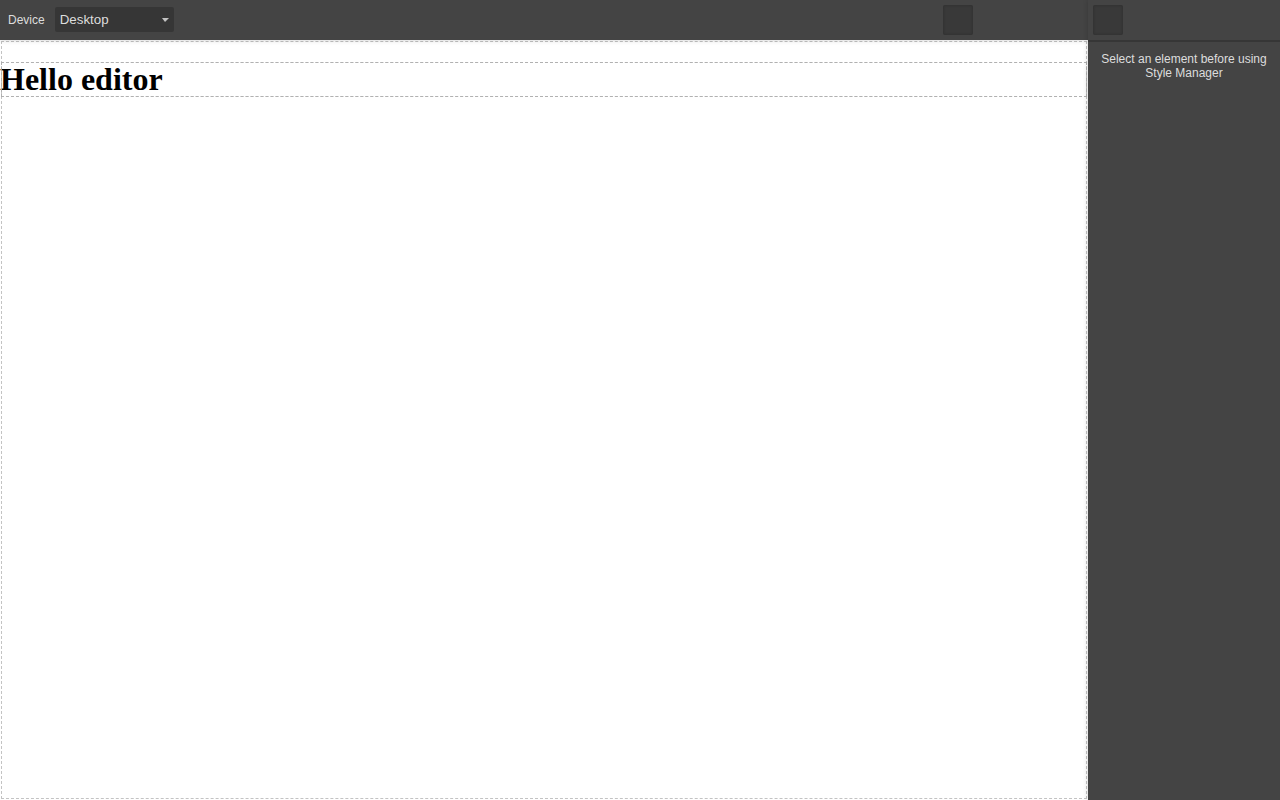
*GrapesJS 0.23.5 from the code above, screenshotted from our own build at 1280×800. This is what "out of the box" actually looks like before you replace the UI.*
In our benchmark this reached a rendered editor in a median of 309 ms across five loads in headless
Chromium on a local server — slower than [Craft.js](/libraries/craftjs) at 94 ms and
[Editor.js](/libraries/editorjs) at 70 ms, faster than [React Page](/libraries/react-page) at
1,004 ms. The method is on the [time to first editor benchmark](/research/time-to-first-editor-benchmark).
Note what the screenshot shows: a functional editor that looks like a developer tool. Every team
shipping GrapesJS to customers replaces those panels. That work is not in the 14 lines.
For the steps after those 14 lines, our [GrapesJS guides](/guides) have tested code for mounting
the editor in [React](/guides/grapesjs-react-integration), [Next.js](/guides/grapesjs-nextjs) and
[Vue](/guides/grapesjs-vue), [saving projects to a database](/guides/grapesjs-save-load-database)
and [building custom blocks](/guides/grapesjs-custom-blocks).
## Strengths
**Nothing is locked.** Component types, panels, commands, style properties and storage are all
replaceable through public APIs. In practice this means most product requirements are solvable
without forking, which is the real test of an extension system and a test many editor libraries
fail.
**It runs anywhere.** Because the editor is framework-agnostic, the same integration survives a
front-end migration. Teams that moved from Angular to React during the last five years kept their
editor; teams on a React-native builder did not have that option.
**The output is portable.** GrapesJS produces HTML and CSS. You can render it in an email, on a
static site, inside a PHP template or through a CDN, and you can walk away from the library without
a migration project, because what you stored is a web standard rather than a vendor format.
**A decade of prior art.** First published to npm in January 2016, the library has accumulated
community plugins for most common needs — forms, tabs, sliders, custom code, email presets — and
the naming convention makes them findable. Quality varies, but the surface area of solved problems
is much larger than for any of the newer options.
**A commercial path exists.** If the surrounding application becomes the bottleneck, the
[Studio SDK](/libraries/grapesjs-studio-sdk) sells the parts you would otherwise build, on the same
engine, so the decision is reversible rather than a rewrite.
## Limitations
We fund this site through the GrapesJS ecosystem, so this section gets more attention than the
others rather than less.
**The bundle is heavy.** 294.6 kB gzip for the core alone, before plugins and before the
stylesheet. On a marketing page that number is disqualifying; inside an authenticated editor
route it is usually acceptable, but it needs a route-level code split and an honest conversation
about your performance budget. Only TinyMCE, BlockNote and [React Page](/libraries/react-page) measured larger in this
dataset, and [Craft.js](/libraries/craftjs) does the drag-and-drop part in a tenth of the weight.
**The default UI is not shippable.** The panels are a developer's toolbar. Restyling them is not
hard, but it is a real project, and it is the difference between the afternoon demo and the quarter
that ships. Teams that need a finished UI on day one should look at commercial SDKs and price the
difference against engineering time.
**No server-side rendering.** The editor requires a live DOM and an iframe, so in Next.js it must
be dynamically imported with SSR disabled. This is a footnote for an authenticated editor route and
a genuine problem if you wanted the editing surface itself to be server rendered.
**Documentation assumes the architecture.** The API reference is thorough about the managers, but
guidance thins out exactly where products get built: storing assets, multi-page projects, migrating
stored content between component versions, undo semantics inside custom components. Expect to read
source and GitHub issues. Two of those gaps are covered by our tested guides on
[uploading assets to S3](/guides/grapesjs-asset-manager-s3) and
[exporting HTML and CSS per page](/guides/grapesjs-export-html-css).
**React integration is a wrapper, not a marriage.** The React wrappers are community-maintained and
they mount the editor; they do not make your components editable units. If your product's value is
in your component library, the architecture is working against you.
**Plugin quality is uneven.** The ecosystem's age cuts both ways: widely linked plugins may not
have been updated for recent releases. Budget time to audit anything you adopt, and assume you may
end up maintaining a fork of a small plugin.
## Pricing
GrapesJS core is free under BSD-3-Clause with no usage ceiling, no seat count and no requirement to
open-source your own product. The real cost is engineering: our estimate for a customer-facing
editor built on the core — replacement UI, asset storage, persistence, permissions and a block
library — starts in the low hundreds of hours, which the
[build vs buy calculator](/use-cases/build-vs-buy-visual-editor) turns into a number you can compare
against a licence.
The GrapesJS Studio SDK is a separate commercial product, with a permanently free plan and paid
tiers published by the vendor. If your team's constraint is time rather than money, that comparison
is the one to run, and [GrapesJS vs Studio SDK](/compare/grapesjs-vs-grapesjs-studio-sdk) sets the
two side by side.
## Who it fits, and who it does not
**Good fit**
- Embedding a page or template editor inside your own SaaS without tying the product to a vendor's hosted service
- Email template builders, where the editor must emit standalone HTML rather than a component tree
- White-label builders resold to agencies or end customers under your own brand
**Poor fit**
- Teams that need a polished editor UI out of the box, because the default panels look like a developer tool and need restyling
- React applications that want their existing design-system components to render natively inside the canvas
- Server-side rendered editing flows, since the editor mounts against a live DOM and an iframe canvas
## GrapesJS against its nearest neighbours
| Product | Type | Licence | Frameworks | Bundle (min+gzip) | Price from | Self-hosted | White label | Score |
| --- | --- | --- | --- | --- | --- | --- | --- | --- |
| [GrapesJS](https://www.editorstack.cc/libraries/grapesjs) | library | BSD-3-Clause | Any (framework-agnostic) | 294.6 kB gzip | Free (open source) | Yes | Yes | 7.5 |
| [CKEditor 5](https://www.editorstack.cc/libraries/ckeditor) | library | GPL-2.0-or-later OR commercial | Any (framework-agnostic) | 161.2 kB gzip | from $144/mo | Yes | Unverified | not scored |
| [Editor.js](https://www.editorstack.cc/libraries/editorjs) | library | Apache-2.0 | Any (framework-agnostic) | 64.3 kB gzip | Free (open source) | Yes | Yes | 7.7 |
| [Puck](https://www.editorstack.cc/libraries/puck) | library | MIT | React | 90.4 kB gzip | Free (open source) | Yes | Yes | 8 |
## Our scores
- **developer experience: 7/10.** Getting a canvas on screen takes a container element and one init call, and the event API is consistent. The cost is the mental model: components, style manager, device manager and storage manager are separate subsystems, and the defaults produce a developer-looking UI you will replace before shipping to end users.
- **extensibility: 9.5/10.** Every part of the editor is replaceable: component types define their own traits, toolbar, and render behaviour, panels are declarative, and commands can be added or overridden. Very little of what teams build on top of GrapesJS requires forking the core, which is the practical test of an extension system.
- **documentation: 6.5/10.** The API reference covers the managers thoroughly and the plugin guides are accurate, but the documentation assumes you already know the architecture. Recipes for common product requirements — multi-page, asset storage, undo semantics inside custom components — are thinner than the reference material.
- **ecosystem: 8.5/10.** A decade of community plugins covers most common needs, and the plugin naming convention makes them discoverable on npm. Quality is uneven and some widely-linked plugins have not been updated for recent releases, so budget time to audit anything you adopt.
- **time to production: 6/10.** A demo takes an afternoon; a product takes considerably longer because asset storage, persistence, permissions and a user-facing UI skin are all yours to build. That gap between demo and product is the single most underestimated cost when teams choose this engine.
## Alternatives
- [GrapesJS vs Builder.io](https://www.editorstack.cc/compare/grapesjs-vs-builder-io)
- [GrapesJS vs Craft.js](https://www.editorstack.cc/compare/grapesjs-vs-craftjs)
- [GrapesJS vs Editor.js](https://www.editorstack.cc/compare/grapesjs-vs-editorjs)
- [GrapesJS vs GrapesJS Studio SDK](https://www.editorstack.cc/compare/grapesjs-vs-grapesjs-studio-sdk)
- [GrapesJS vs Plasmic](https://www.editorstack.cc/compare/grapesjs-vs-plasmic)
- [GrapesJS vs Puck](https://www.editorstack.cc/compare/grapesjs-vs-puck)
- [GrapesJS vs Silex](https://www.editorstack.cc/compare/grapesjs-vs-silex)
- [GrapesJS vs Unlayer](https://www.editorstack.cc/compare/grapesjs-vs-unlayer)
- [GrapesJS vs Webflow](https://www.editorstack.cc/compare/grapesjs-vs-webflow)
## Frequently asked questions
### Is GrapesJS free for commercial use?
Yes. GrapesJS core is published under the BSD-3-Clause licence, which permits commercial use, modification and redistribution, including inside closed-source products, with no usage ceiling and no per-seat fee. The separate GrapesJS Studio SDK is a commercial product with its own licence.
### How big is GrapesJS?
We measured the GrapesJS core at 294.6 kB gzip (1,115.7 kB raw) for version 0.23.6, bundled with esbuild in production mode with CSS excluded. Plugins, themes and the stylesheet add to that figure.
### Does GrapesJS work with React?
Yes, but not natively. GrapesJS renders HTML into its own iframe canvas rather than rendering your React components, so React integration means mounting the editor inside a React component and treating it as an uncontrolled widget. If you need your own React components to be the editable units, Puck or Craft.js are the better fit.
### Does GrapesJS support server-side rendering?
No. The editor mounts against a live DOM and an iframe canvas, so it initialises in the browser only. In a Next.js application you load it with a dynamic import and rendering disabled on the server.
### Can GrapesJS export email-safe HTML?
Yes, through the newsletter preset plugin, which switches the component set to table-based layouts and inlines CSS on export. It is a plugin, not core behaviour, and it does not include the cross-client rendering test lab that commercial email SDKs sell.
### What is the difference between GrapesJS and GrapesJS Studio SDK?
GrapesJS is the open-source engine: you build the surrounding application. Studio SDK is a commercial product from the same team that supplies a finished editor UI, project storage and asset handling on a licence key, with a free plan available.
### Is GrapesJS still maintained?
Version 0.23.6 was published to npm on 25 August 2026, and the first release dates to January 2016. Live repository activity — stars, open issues, contributor count — is collected by our daily sync and shown on this page once it has run.
## Sources
1. [npm registry metadata for grapesjs (licence, first publish date, latest version)](https://registry.npmjs.org/grapesjs) — accessed 2026-08-19
2. [GrapesJS source repository](https://github.com/GrapesJS/grapesjs) — accessed 2026-08-19
3. [GrapesJS documentation](https://grapesjs.com/docs) — accessed 2026-08-19
---
# GrapesJS Studio SDK review: the commercial editor on the open-source engine
*Source: https://www.editorstack.cc/libraries/grapesjs-studio-sdk — last updated 2026-08-19. Licensed CC BY 4.0 with attribution to EditorStack.*
> **Conflict of interest:** EditorStack is funded by GJS.Market, which sells commercial products in the GrapesJS Studio SDK ecosystem.
## Summary
- GrapesJS Studio SDK is the commercial product from the GrapesJS team: the same engine with a finished editor interface, project storage and asset handling supplied rather than built.
- It has been on npm since July 2024, is proprietary rather than BSD-3-Clause like the core, and offers a permanently free plan alongside paid tiers.
- The reason to buy it is the roughly 480 engineering hours that the open-source engine leaves to you; the reason not to is that it adds a proprietary dependency and a licence key to a stack that was fully open.
## Quick facts
| Fact | Value |
| --- | --- |
| Type | sdk |
| Licence | Proprietary |
| First release | 2024-07 |
| Language | TypeScript |
| Frameworks | Any (framework-agnostic) |
| SSR support | none |
| Bundle (min+gzip) | Not measurable |
| Pricing | Free tier, paid plans undisclosed |
| npm weekly downloads | 11,068 |
| GitHub stars | pending sync |
| Latest version | 1.2.1 |
| Last verified | 2026-08-19 |
| Drag & drop canvas | Yes |
| Responsive breakpoints | Yes |
| Visual style manager | Yes |
| Custom components | Yes |
| Data binding | Yes |
| E-commerce blocks | No |
| Email HTML export | Yes |
| AI generation | Yes |
| Editor i18n | Yes |
| White label | Yes |
| Self-hosted | Yes |
## What Studio SDK is, and who it is for
The GrapesJS core answers "how do I build a page builder". Studio SDK answers "I do not want to
build one, I want to embed one." It is the same engine with the application layer supplied: an
editor interface designed to be shown to end users, project and page management, asset handling, and
the integration plumbing that teams otherwise write.
The audience is teams who have already concluded that GrapesJS is architecturally right — they need
a framework-agnostic editor producing portable HTML — and who do not want to spend a quarter
building the product around it. Our [build-versus-buy calculator](/use-cases/build-vs-buy-visual-editor)
defaults to 520 hours for that work, of which the engine integration is 40. Studio SDK is a way of
buying most of the remaining 480.
It is not for teams whose requirement is a fully open dependency chain. The SDK is proprietary, and
that is a categorical difference from the BSD-3-Clause core, not a matter of degree.
## Architecture
Studio SDK wraps the open-source engine, so the editing model is the one described in the
[GrapesJS review](/libraries/grapesjs): an iframe canvas, a component tree, a style manager, and
HTML and CSS as the output format. That inheritance is the product's main advantage over other
commercial SDKs — what you store stays portable, so the exit path is real rather than theoretical.
What the SDK adds is the layer above: a designed editor UI, project and page structures, asset
storage, and configuration for the things every embedder needs to control — which panels appear,
what users may edit, how projects are loaded and saved. The vendor documents both a hosted option
and a self-hosted option for user data and assets, which is the difference that matters most in
procurement conversations.
A licence key is part of the runtime configuration. Plan for it in your build and deployment
process, and plan for what happens to editing if key validation is unavailable — a question worth
asking the vendor directly before you commit.
## How we assessed it
We have not run Studio SDK hands-on under our test procedure, so this page carries no score and no
code sample. Our [methodology](/methodology) commits us to scoring only what we have run, and to
publishing code only from applications we have executed.
What is stated here comes from primary sources: npm registry metadata for the package's publication
history and proprietary licence file, and the vendor's own documentation for licensing and
deployment options. Prices are recorded as published by the vendor, and where the vendor's figures
were not captured in our verification pass, the field is null rather than an estimate.
## Strengths
**It removes the largest cost of the GrapesJS route.** The engine is 8% of the work in our model.
Buying the other 92% from the people who maintain the engine is a coherent purchase.
**Portable output.** Because it is the same engine, your stored pages remain HTML and CSS. Compare
with hosted platforms where the stored format belongs to the vendor and leaving means a content
migration project.
**Self-hosted data is available.** For regulated industries and enterprise procurement, this moves
the product from "impossible" to "possible" — a category most hosted SDKs cannot enter at all.
**Framework-agnostic, like the core.** The editor can be embedded in React, Vue, Angular or
server-rendered applications, so a future front-end migration does not threaten it.
**A free plan exists.** You can evaluate the real product rather than a time-limited trial.
## Limitations
**Proprietary.** If your reason for choosing GrapesJS was licence freedom, the SDK gives part of
that back. The engine remains open; the product around it is not, and that dependency now sits in
your critical path.
**A licence key in your runtime.** One more piece of configuration, one more failure mode, one more
vendor relationship to manage.
**Pricing we could not verify.** The vendor publishes tiers we did not capture in this verification
pass. We would rather say that than print a number we cannot support — but it does mean you must
check the current pricing yourself before budgeting.
**Not a React-component editor.** Inherited from the engine: your own React components do not become
editable units on the canvas. If that is the requirement, [Puck](/libraries/puck) is the tool.
**Our coverage of it is conflicted.** EditorStack is funded by GJS.Market, which sells in this
ecosystem. That is why this page has no score and why the limitations are stated this bluntly; see
[disclosure](/disclosure) for the full arrangement.
## Pricing
A permanently free plan, plus paid tiers published by the vendor. We record `paid_from_usd` as null
because our verification pass did not capture the current figures, and an estimate here would be
exactly the kind of number this site exists to avoid.
The comparison worth running is not against other SDKs first — it is against your own engineering
time. Put your rate and your timeline into the
[build-versus-buy calculator](/use-cases/build-vs-buy-visual-editor); if it says build, build.
## Questions to ask before you buy
These are the questions whose answers are not on a pricing page, and which decide whether an
embedded editor works out over three years.
1. **What happens to editing if licence validation is unreachable?** An editor that stops working
when a key server is down is a very different availability profile from one that degrades.
2. **What exactly does the self-hosted option cover — data, assets, or the SDK runtime as well?**
The difference decides whether you can answer a data-residency questionnaire.
3. **Which parts of the editor UI can be replaced without a fork?** Ask for the specific extension
points, not the reassurance.
4. **How are stored projects versioned across SDK upgrades?** Content built on version N must open
on version N+2, and the answer should be documented rather than promised.
5. **What is the migration path back to the open-source core?** Because the output is HTML this
should be answerable concretely, and if it is not, that tells you something.
6. **How does pricing scale — per end user, per project, per seat?** The meter matters more than the
headline tier, as our email SDK profiles show repeatedly.
## Where it sits in this dataset
Among the 34 products here, Studio SDK occupies a position only one other product shares: a
commercial editor whose output is portable HTML rather than a vendor-specific format. That single
property is why its lock-in profile is closer to [GrapesJS](/libraries/grapesjs) than to
[Builder.io](/libraries/builder-io), even though its commercial shape resembles Builder's.
Against the open-source core, the trade is 480 engineering hours in our
[build-versus-buy model](/use-cases/build-vs-buy-visual-editor) against a licence and a proprietary
dependency. Against [Unlayer](/libraries/unlayer) and [Beefree SDK](/libraries/beefree-sdk), it is
broader — pages as well as email — but without the mail-client rendering lab those vendors sell.
Against [Puck](/libraries/puck), it is the framework-agnostic answer where Puck is the React-native
one, and the two are not substitutes.
If you want the comparison in one page rather than three: the
[main comparison table](/) has all four side by side with our measured numbers.
## Who it fits, and who it does not
**Good fit**
- Teams that want the GrapesJS engine's flexibility without building panels, asset management and project storage themselves
- Products needing both web page and email editing from one embedded editor
- Companies that must keep user data on their own infrastructure while still buying a maintained editor UI
**Poor fit**
- Projects with a hard requirement for a fully open-source dependency chain, since the SDK itself is proprietary
- Teams unwilling to manage a licence key in their build and runtime configuration
- React applications wanting their own components rendered natively in the canvas rather than HTML
## GrapesJS Studio SDK against its nearest neighbours
| Product | Type | Licence | Frameworks | Bundle (min+gzip) | Price from | Self-hosted | White label | Score |
| --- | --- | --- | --- | --- | --- | --- | --- | --- |
| [GrapesJS Studio SDK](https://www.editorstack.cc/libraries/grapesjs-studio-sdk) | sdk | Proprietary | Any (framework-agnostic) | Not measurable | Free tier, paid plans undisclosed | Yes | Yes | not scored |
| [PageKit](https://www.editorstack.cc/libraries/pagekit) | sdk | Proprietary | Any (framework-agnostic) | Not measurable | from $199 one-time | Yes | Yes | not scored |
| [Beefree SDK](https://www.editorstack.cc/libraries/beefree-sdk) | sdk | Proprietary | Any (framework-agnostic) | Not measurable | from $350/mo | No | Yes | not scored |
| [GrapesJS](https://www.editorstack.cc/libraries/grapesjs) | library | BSD-3-Clause | Any (framework-agnostic) | 294.6 kB gzip | Free (open source) | Yes | Yes | 7.5 |
## Our scores
Not scored. We publish scores only for products we have run hands-on; see the methodology page.
## Alternatives
- [GrapesJS Studio SDK vs Builder.io](https://www.editorstack.cc/compare/grapesjs-studio-sdk-vs-builder-io)
- [GrapesJS Studio SDK vs Plasmic](https://www.editorstack.cc/compare/grapesjs-studio-sdk-vs-plasmic)
- [GrapesJS Studio SDK vs GrapesJS](https://www.editorstack.cc/compare/grapesjs-vs-grapesjs-studio-sdk)
- [GrapesJS Studio SDK vs PageKit](https://www.editorstack.cc/compare/pagekit-vs-grapesjs-studio-sdk)
- [GrapesJS Studio SDK vs Unlayer](https://www.editorstack.cc/compare/unlayer-vs-grapesjs-studio-sdk)
## Frequently asked questions
### What is the difference between GrapesJS and GrapesJS Studio SDK?
GrapesJS is the open-source engine under BSD-3-Clause: you build the surrounding application. Studio SDK is a commercial product from the same team that supplies a ready-made editor UI, project storage and asset handling behind a licence key.
### Is GrapesJS Studio SDK free?
There is a permanently free plan. Paid tier prices are published on the vendor's pricing page; our verification pass did not capture them, so we record the figure as null rather than guessing.
### Can I self-host Studio SDK data?
The vendor documents a self-hosted option for user data and assets, which is the deciding feature for teams whose procurement blocks new data processors. The SDK code itself remains proprietary.
### Does it work with React?
Yes, there is a first-party React integration, and the engine underneath remains framework-agnostic. As with the core, your own React components do not become editable units in the canvas.
### Should I start with the core and move to the SDK later?
That path works better than the reverse, because both store portable HTML. Moving from a hosted vendor with a proprietary format to an open engine is the harder direction.
## Sources
1. [npm registry metadata for @grapesjs/studio-sdk (first publish date, latest version, proprietary licence file)](https://registry.npmjs.org/@grapesjs/studio-sdk) — accessed 2026-08-19
2. [GrapesJS Studio SDK product page](https://grapesjs.com/studio-sdk) — accessed 2026-08-19
3. [GrapesJS Studio SDK licence documentation](https://app.grapesjs.com/docs-sdk/overview/licenses) — accessed 2026-08-19
---
# Lexical review: Meta's editor framework, and what it asks of you
*Source: https://www.editorstack.cc/libraries/lexical — last updated 2026-08-20. Licensed CC BY 4.0 with attribution to EditorStack.*
## Summary
- Lexical is Meta's MIT-licensed editor framework, built around an immutable, transactional editor state, with plugins rather than a supplied interface.
- We measured @lexical/react 0.50.0 with the core at 104.9 kB gzip; in our time-to-editor benchmark (0.49.0) it reached a rendered editor in 25 lines of application code and a median of 159 ms.
- The npm package name carries a 2014 creation date from an unrelated earlier package; Meta's Lexical begins at version 0.1.0 in January 2022, which is the date we record.
## Quick facts
| Fact | Value |
| --- | --- |
| Type | library |
| Licence | MIT |
| First release | 2022-01 |
| Language | TypeScript |
| Frameworks | Any (framework-agnostic) |
| SSR support | partial |
| Bundle (min+gzip) | 104.9 kB gzip |
| Pricing | Free (open source) |
| npm weekly downloads | 4,577,452 |
| GitHub stars | 23,866 |
| Latest version | 0.51.0 |
| Last verified | 2026-08-20 |
| Drag & drop canvas | Partial |
| Responsive breakpoints | No |
| Visual style manager | No |
| Custom components | Yes |
| Data binding | No |
| E-commerce blocks | No |
| Email HTML export | No |
| AI generation | No |
| Editor i18n | Partial |
| White label | Yes |
| Self-hosted | Yes |
## What Lexical is, and who it is for
Lexical is a text editor framework built by Meta for the editing surfaces inside its own products,
and its design shows exactly that origin: an immutable editor state, transactional updates, a strict
reconciliation model, and no opinion whatsoever about what an editor should look like.
It suits teams whose editor is a serious, long-lived part of their product and who care about
behaviour on very large documents. It does not suit a team that needs a rich-text field working this
sprint, because it asks for more assembly than anything else in this dataset before an editor exists
on screen.
Like [Tiptap](/libraries/tiptap), [Plate](/libraries/plate) and [Editor.js](/libraries/editorjs), it
is a document editor. It has no canvas, no layout model and no styling for end users, so it is not an
alternative to [GrapesJS](/libraries/grapesjs) or [Puck](/libraries/puck) regardless of how the
category is described.
## A note on its first release date
Our dataset records Lexical's first release as January 2022, not the 2014 date the npm registry
reports as the package's creation. The name `lexical` was used by an unrelated package that published
0.0.1 in June 2014 and 0.0.2 three days later; Meta's Lexical begins at 0.1.0 on 10 January 2022,
which matches the first publish of `@lexical/react`.
We mention it because it is a clean illustration of our
[methodology](/methodology): reading a registry field is verification only if you also read what the
field means. A comparison site that scraped `time.created` would tell you Lexical is a decade older
than it is.
## Architecture: state first, everything else after
The editor state is immutable and every change is a transaction. Updates run inside `editor.update()`,
node transforms normalise the document, and listeners observe changes. Nothing mutates in place, which
is what makes the model predictable under collaboration and undo.
Plugins are React components that register commands, listeners and nodes against the composer. That
is why the minimal application is longer than Tiptap's: a usable editor needs the composer, a rich
text plugin, a content-editable element, an error boundary and a history plugin, all wired
explicitly. Nothing is bundled for you, and nothing is hidden from you.
The trade is stated honestly by the project itself: it is a framework for building editors, not an
editor.
## Getting started
From our benchmark, unedited. Twenty-five lines — the most of the eight applications we measured, and
every line is doing something the other frameworks decided for you.
```jsx
import { createRoot } from 'react-dom/client';
import { LexicalComposer } from '@lexical/react/LexicalComposer';
import { RichTextPlugin } from '@lexical/react/LexicalRichTextPlugin';
import { ContentEditable } from '@lexical/react/LexicalContentEditable';
import { LexicalErrorBoundary } from '@lexical/react/LexicalErrorBoundary';
import { HistoryPlugin } from '@lexical/react/LexicalHistoryPlugin';
const config = {
namespace: 'benchmark',
onError(error) {
throw error;
},
};
function App() {
return (
}
placeholder={Hello editor
}
ErrorBoundary={LexicalErrorBoundary}
/>
);
}
createRoot(document.getElementById('app')).render();
```

*Lexical 0.49.0 from the code above. Twenty-five lines of setup produce an editing surface and nothing else — which is the honest picture of what this framework hands you.*
Median 159 ms to a rendered editor, marginally faster than [Tiptap](/libraries/tiptap) at 171 ms.
Within this group those numbers are noise; the twenty-five lines against eleven are not.
## Strengths
**A genuinely well-designed state model.** Immutable, transactional, and easy to reason about. Teams
who have fought a mutable editor model will recognise immediately why this matters.
**Small core, strong performance.** 104.9 kB gzip with the rich-text and history plugins, and the
architecture is built for large documents rather than demos.
**Production credibility.** Meta runs it at a scale nobody else in this category can claim, which is
a meaningful signal for a dependency you intend to keep for years.
**MIT, with no commercial tier.** Nothing is gated behind a paid plan — a real difference from
[Tiptap](/compare/tiptap-vs-lexical), where collaboration and AI are products.
**Deliberately unopinionated.** If your editing surface is unusual — not a document, not a page — this
is the framework least likely to fight you.
## Limitations
**The most assembly required in this dataset.** Twenty-five lines for an editor with no toolbar.
Everything visible is yours to build, and the gap between "it renders" and "a person would use this"
is wide.
**Pre-1.0 API.** Version 0.50.0 at the time of writing. The project is stable in practice and the
version line still signals that public API changes are permitted.
**Documentation has a middle gap.** Concepts are explained well and the playground is a real
reference implementation, but recipes for the features every product needs — mentions, uploads,
toolbars — usually mean reading playground source rather than a guide.
**Smaller third-party ecosystem** than Tiptap's, and packages break more often against a moving
pre-1.0 core.
**Not a page builder**, and not a rich-text drop-in either: budget for the interface work before
comparing it with anything that ships one.
## Pricing
Free under MIT, no paid tier, no hosted service. The cost is entirely engineering time, and for this
framework that cost is higher than for its neighbours — which is the trade you are making for the
state model and the performance.
See [Tiptap vs Lexical](/compare/tiptap-vs-lexical) for the direct comparison, and
[Editor.js vs Lexical](/compare/editorjs-vs-lexical) if the requirement is structured blocks rather
than free-form rich text.
## Who it fits, and who it does not
**Good fit**
- Text editing at scale where predictable performance on very large documents is the deciding requirement
- Teams that want a framework maintained by the company running it in production at the largest scale in the industry
- Products willing to build the entire editor interface in exchange for a small, fast core
**Poor fit**
- Page building of any kind, since there is no canvas, no layout and no styling model
- Teams that need an editor working this week, because every visible control is code you write
- Products that need a stable public API today, given the pre-1.0 version line
## Lexical against its nearest neighbours
| Product | Type | Licence | Frameworks | Bundle (min+gzip) | Price from | Self-hosted | White label | Score |
| --- | --- | --- | --- | --- | --- | --- | --- | --- |
| [Lexical](https://www.editorstack.cc/libraries/lexical) | library | MIT | Any (framework-agnostic) | 104.9 kB gzip | Free (open source) | Yes | Yes | 7.4 |
| [BlockNote](https://www.editorstack.cc/libraries/blocknote) | library | MPL-2.0 | React, Vue | 386.1 kB gzip | from $195/mo | Yes | Yes | not scored |
| [Plate](https://www.editorstack.cc/libraries/plate) | library | MIT | React | 150.8 kB gzip | Free (open source) | Yes | Yes | 8 |
| [Tiptap](https://www.editorstack.cc/libraries/tiptap) | library | MIT | Any (framework-agnostic) | 123.3 kB gzip | Free tier, paid plans undisclosed | Yes | Yes | 8.3 |
## Our scores
- **developer experience: 7.5/10.** The editor state model is genuinely well designed — immutable, transactional, and easy to reason about once it clicks. Getting there takes longer than with Tiptap, because the concepts are lower level and the React composer requires assembling several plugins before anything appears on screen.
- **extensibility: 9/10.** Nodes, commands, transforms and listeners compose cleanly, and the architecture is deliberately unopinionated about rendering. Anything can be replaced, which is why teams building unusual editing surfaces choose it over frameworks that assume a document shape.
- **documentation: 7/10.** Concepts are documented carefully and the playground is a genuine reference implementation. What is thinner is the middle ground: recipes for the features every product needs — mentions, uploads, toolbars — usually mean reading the playground source rather than a guide.
- **ecosystem: 7/10.** Meta's production use gives it credibility and a steady release cadence, and the plugin set covers the common node types. Third-party supply is smaller than Tiptap's, and the pre-1.0 version line means community packages break more often than in a settled ecosystem.
- **time to production: 6.5/10.** The framework asks for the most assembly of any text editor in this dataset before you have something a user would recognise as an editor. That is a deliberate trade for control and performance, and it is the wrong trade for a team whose editor is a feature rather than a differentiator.
## Alternatives
- [Lexical vs Editor.js](https://www.editorstack.cc/compare/editorjs-vs-lexical)
- [Lexical vs Quill](https://www.editorstack.cc/compare/lexical-vs-quill)
- [Lexical vs Plate](https://www.editorstack.cc/compare/plate-vs-lexical)
- [Lexical vs Tiptap](https://www.editorstack.cc/compare/tiptap-vs-lexical)
## Frequently asked questions
### Is Lexical free?
Yes. Lexical is MIT licensed with no commercial tier and no hosted service, which distinguishes it from Tiptap, whose collaboration and AI features are paid products.
### When was Lexical first released?
Meta's Lexical was first published to npm as 0.1.0 on 10 January 2022. The npm package's creation date reads 2014 because an unrelated package occupied the name first — a good example of why a registry field should be read rather than trusted at face value.
### Lexical or Tiptap?
Lexical has the smaller core and a stricter state model; Tiptap is faster to something usable and has a larger extension catalogue. In our benchmark Tiptap needed 11 lines against Lexical's 25 for an equivalent editor.
### Is Lexical production-ready?
Meta runs it in production at very large scale, which is the strongest possible signal for the core. The version line is still pre-1.0, so treat the public API as one that can move between releases.
### Does Lexical work outside React?
The core is framework-agnostic and the React binding is first-party; other framework bindings are community-maintained, so in practice most Lexical work happens in React.
## Sources
1. [npm registry metadata for lexical (MIT licence, version timeline showing 0.1.0 in January 2022)](https://registry.npmjs.org/lexical) — accessed 2026-08-20
2. [npm registry metadata for @lexical/react (first publish date, latest version)](https://registry.npmjs.org/@lexical/react) — accessed 2026-08-20
3. [Lexical documentation](https://lexical.dev/docs/intro) — accessed 2026-08-20
---
# PageKit review: a self-hosted white-label builder on GrapesJS
*Source: https://www.editorstack.cc/libraries/pagekit — last updated 2026-08-19. Licensed CC BY 4.0 with attribution to EditorStack.*
> **Conflict of interest:** EditorStack is funded by GJS.Market, which sells commercial products in the PageKit ecosystem.
## Summary
- PageKit is a self-hosted white-label website builder built on the GrapesJS engine, sold by GJS.Market under one-time licence tiers rather than a subscription.
- EditorStack is funded by GJS.Market, which sells PageKit. We have not verified its pricing independently and we do not score it, for the same reason we do not score any product we have not run under our test procedure.
- The structural case for it is a one-time cost with self-hosted data; the structural case against it is a proprietary licence and a vendor whose independent track record you should check yourself.
## Quick facts
| Fact | Value |
| --- | --- |
| Type | sdk |
| Licence | Proprietary |
| First release | Unverified |
| Language | JavaScript |
| Frameworks | Any (framework-agnostic) |
| SSR support | Unverified |
| Bundle (min+gzip) | Not measurable |
| Pricing | from $199 one-time |
| npm weekly downloads | pending sync |
| GitHub stars | pending sync |
| Latest version | pending sync |
| Last verified | 2026-08-19 |
| Drag & drop canvas | Yes |
| Responsive breakpoints | Yes |
| Visual style manager | Yes |
| Custom components | Yes |
| Data binding | Unverified |
| E-commerce blocks | Unverified |
| Email HTML export | Unverified |
| AI generation | Unverified |
| Editor i18n | Unverified |
| White label | Yes |
| Self-hosted | Yes |
## Read this first
EditorStack is funded by GJS.Market. PageKit is GJS.Market's product. That is a direct commercial
interest, and it is why this page is shorter and more hedged than the others: there are fewer facts
here that we can verify independently, and we would rather say so than pad the page.
Concretely, three things are true of this entry that are not true of most others in the dataset:
its pricing is vendor-stated and unverified by us, several capability fields are null because we
could not confirm them from a source we trust, and it carries no score. See
[disclosure](/disclosure) for the full arrangement and the rules it operates under.
## What PageKit is, and who it is for
PageKit is a packaged website builder application built on [GrapesJS](/libraries/grapesjs), sold
under a one-time licence and installed on your own infrastructure. Its intended buyer is an agency
or a SaaS product that wants a branded builder without a per-site or per-seat subscription.
The category it competes in is small. Most commercial editors are subscriptions, and most self-hosted
options are either open-source engines you must assemble or marketplace scripts of uncertain
provenance. A packaged, self-hosted, one-time-licence builder sits between those and is a real gap in
the market — which is presumably why it exists.
Whether it fills that gap well is a question we cannot answer from primary sources, and we are not
going to answer it from our funder's marketing copy.
## Architecture
Built on the GrapesJS engine, so the editing model is the one in the
[GrapesJS review](/libraries/grapesjs): an iframe canvas, a component tree, a style manager, and
portable HTML and CSS as the output. That inheritance matters for exit risk — what you store is web
standard markup, not a vendor document format.
The product layer supplies what the engine does not: the application shell, project management and
the branding controls that make a white-label deployment possible. Because it is self-hosted, the
operational responsibilities — updates, backups, uptime — are yours.
## How we assessed it
We have not run PageKit hands-on. There is no npm package or public repository to verify against the
registry, so unlike most entries in this dataset there is no primary source behind the technical
fields, and they are null where we could not confirm them.
Applying our [methodology](/methodology) strictly here is the point. A funder's product is exactly
where a comparison site's standards get quietly relaxed, and the visible test of whether ours have
been is that this page has no score, no measured bundle size and several empty fields.
## Strengths
**A one-time licence.** For an agency running many client sites, replacing a recurring per-site fee
with a fixed cost is a substantially different business model — and it is the main reason to look at
this category at all.
**Self-hosted data.** Page content stays on your infrastructure, which clears the procurement
objection that ends most hosted-SDK conversations in regulated industries.
**Portable output, inherited from the engine.** HTML and CSS rather than a proprietary format, so
leaving is a migration rather than a rewrite.
**White-label by design.** Branding controls are part of the product rather than an enterprise
upsell.
## Limitations
**Proprietary, on a small vendor.** The engine underneath is open; the product is not. Assess vendor
longevity as you would for any small software vendor, and ask what happens to your deployment if
support ends.
**Unverified pricing.** The $199 / $449 / $899 tiers are vendor-stated. We could not confirm them
independently, and our funding relationship means you should not treat our repetition of them as
verification.
**No independent benchmarks here.** No measured bundle size, no time-to-editor figure, no score. Our
own conflict is the reason, and it means this page gives you less evidence than any other review on
the site.
**Self-hosting is operational work.** Updates, backups, storage and uptime are yours. The one-time
licence is not a one-time cost.
**Not a React-component editor.** Inherited from GrapesJS: your own React components do not become
editable units on the canvas.
## Pricing
Vendor-stated one-time tiers of $199, $449 and $899. Confirm current pricing with the vendor.
If you are weighing this against building on the free engine yourself, the
[build-versus-buy calculator](/use-cases/build-vs-buy-visual-editor) is the right tool, and it will
tell you to build whenever the arithmetic says so. If you are weighing it against subscription SDKs,
[PageKit vs GrapesJS Studio SDK](/compare/pagekit-vs-grapesjs-studio-sdk) sets a one-time licence
against a subscription on the same engine.
## Who it fits, and who it does not
**Good fit**
- Agencies that want a branded builder for client sites without paying a monthly platform fee per site
- Teams that have chosen GrapesJS as the engine and want the surrounding application already built
- Deployments where all page data has to stay on infrastructure the buyer controls
**Poor fit**
- Teams that want a fully open-source dependency chain with no proprietary licence
- Buyers who need published third-party benchmarks, since this is our funder's product and our coverage carries that conflict
- React applications that need their own components rendered natively inside the canvas
## PageKit against its nearest neighbours
| Product | Type | Licence | Frameworks | Bundle (min+gzip) | Price from | Self-hosted | White label | Score |
| --- | --- | --- | --- | --- | --- | --- | --- | --- |
| [PageKit](https://www.editorstack.cc/libraries/pagekit) | sdk | Proprietary | Any (framework-agnostic) | Not measurable | from $199 one-time | Yes | Yes | not scored |
| [GrapesJS Studio SDK](https://www.editorstack.cc/libraries/grapesjs-studio-sdk) | sdk | Proprietary | Any (framework-agnostic) | Not measurable | Free tier, paid plans undisclosed | Yes | Yes | not scored |
| [Beefree SDK](https://www.editorstack.cc/libraries/beefree-sdk) | sdk | Proprietary | Any (framework-agnostic) | Not measurable | from $350/mo | No | Yes | not scored |
| [Stripo Plugin](https://www.editorstack.cc/libraries/stripo) | sdk | Proprietary | Any (framework-agnostic) | Not measurable | from $100/mo | No | Yes | not scored |
## Our scores
Not scored. We publish scores only for products we have run hands-on; see the methodology page.
## Alternatives
- [PageKit vs Brizy](https://www.editorstack.cc/compare/pagekit-vs-brizy)
- [PageKit vs GrapesJS Studio SDK](https://www.editorstack.cc/compare/pagekit-vs-grapesjs-studio-sdk)
- [PageKit vs Zillapage](https://www.editorstack.cc/compare/pagekit-vs-zillapage)
## Frequently asked questions
### How much does PageKit cost?
The vendor states one-time licence tiers of $199, $449 and $899. We could not verify these against an independent source, and the vendor funds this site, so treat them as vendor-stated and confirm current pricing directly.
### Is PageKit open source?
No. It is a commercial product built on the open-source GrapesJS engine. The engine underneath is BSD-3-Clause; the product around it is not.
### Can PageKit be self-hosted?
Yes, that is its main structural difference from subscription SDKs: it runs on infrastructure you control, so page data does not leave your environment.
### Why does this page have no score?
Because we have not run it hands-on under our test procedure, which is the same rule that leaves Builder.io, Plasmic, Unlayer and every other commercial product in this dataset unscored. It applies to our funder's product too.
## Sources
1. [PageKit product page (vendor-published; vendor is this site's funder)](https://pagekit.gjs.market) — accessed 2026-08-19
---
# Plasmic review: a design-led visual builder for React codebases
*Source: https://www.editorstack.cc/libraries/plasmic — last updated 2026-08-19. Licensed CC BY 4.0 with attribution to EditorStack.*
## Summary
- Plasmic is a hosted visual builder for React applications where design work happens on a canvas and the result becomes real components in your codebase or is loaded at runtime.
- Vendor-published pricing: a free tier with unlimited projects for a small number of collaborators, then tiers reported around $39, $103 and $399 per month, with quote-only Enterprise.
- It is a tool for your team, not for your customers: the studio is a vendor-branded product, so white-label resale of the editing experience is not what it is for.
## Quick facts
| Fact | Value |
| --- | --- |
| Type | sdk |
| Licence | Proprietary |
| First release | 2021-06 |
| Language | TypeScript |
| Frameworks | React |
| SSR support | full |
| Bundle (min+gzip) | Not measurable |
| Pricing | from $39/mo |
| npm weekly downloads | 9,503 |
| GitHub stars | 7,022 |
| Latest version | 2.0.23 |
| Last verified | 2026-08-19 |
| Drag & drop canvas | Yes |
| Responsive breakpoints | Yes |
| Visual style manager | Yes |
| Custom components | Yes |
| Data binding | Yes |
| E-commerce blocks | Partial |
| Email HTML export | No |
| AI generation | Yes |
| Editor i18n | Yes |
| White label | No |
| Self-hosted | No |
## What Plasmic is, and who it is for
Plasmic starts from design rather than from content. Its canvas is closer to Figma than to a CMS:
you lay out pages and components visually, with real layout primitives, and what comes out is React.
That makes it a fit for teams where design owns the visual surface and engineering owns the
components underneath — the classic marketing-site-attached-to-a-product situation. Designers work
in a tool that does not fight them, engineers register the interactive components that designs may
use, and nobody hand-translates a Figma file into JSX.
It is not a fit when your own customers are the intended editors. The studio is Plasmic's product
with Plasmic's branding and account system, so it belongs alongside [Builder.io](/libraries/builder-io)
as a tool your team uses, not one you resell.
## Architecture
Two integration models, and the choice matters more than any feature comparison.
**Runtime loading.** Your application includes Plasmic's loader, registers your components, and
fetches designs at request or build time. Changes published in the studio appear without a deploy,
which is the whole point for marketing use, and your app now depends on Plasmic's API being
reachable when it renders.
**Code generation.** Plasmic emits React components you commit to your repository. No runtime
dependency, no availability question, and no publish-without-deploy either — you have swapped one
property for the other.
Component registration is the bridge in both cases: you tell Plasmic which of your components exist
and which props are editable, and designs may then use them. As with Builder, this is what prevents
canvas-versus-production drift.
## How we assessed it
We have not run Plasmic hands-on, so this page carries no score and no code sample, in line with our
[methodology](/methodology). The facts here come from npm registry metadata for the loader package
and from the vendor's published pricing and documentation, with the dates we checked them.
## Strengths
**A genuinely strong design canvas.** Among the tools in this dataset, Plasmic is the one designers
tend to prefer, and the resulting layouts need less engineering rework.
**Two integration models.** Being able to choose between runtime loading and generated code is
unusual, and it lets you move from "publish without deploy" to "no vendor in the request path" as
your requirements change.
**Your components are first-class.** Registration means interactive product components can appear
inside designed pages rather than being faked.
**A usable free tier.** Unlimited projects for a small team is enough to evaluate properly.
**Rendering stays in your deployment.** Even with runtime loading, pages render in your Next.js app
rather than on a vendor edge, which keeps performance work in your hands.
## Limitations
**React only.** Not a candidate for Vue, Angular or server-rendered stacks.
**Not for white-label resale.** Vendor branding and account system; your customers would be Plasmic
users.
**Pricing steps are steep.** The reported jump from around $39 to around $103 to around $399 per
month means the tier boundaries, not the headline price, decide your cost. Check which limit you
would hit first before committing.
**Runtime loading adds a dependency.** If you take that path, the vendor's availability becomes part
of your page render. The code-generation path avoids it, at the cost of the workflow benefit.
**A learning curve for engineers.** The canvas is powerful, which means it has concepts — variants,
slots, component props — that take time to learn, and design-tool fluency does not transfer for free.
## Pricing
Vendor-published: free tier with unlimited projects for a small number of collaborators; paid tiers
reported around $39 per month (Starter, billed yearly), roughly $103 per month (Pro), roughly $399
per month (Scale); Enterprise by quote. Per-seat charges apply on team plans.
If the appeal is the design canvas, the comparison to run is against
[Builder.io](/compare/builder-io-vs-plasmic) and against your Figma-to-code workflow as it stands.
If the appeal is visual editing of React components and you would rather not have a vendor at all,
[Puck](/libraries/puck) is the MIT-licensed version of that idea — with no design canvas, which is
precisely the trade.
## Questions to ask before you buy
1. **Runtime loader or code generation — and can we change our mind later?** This is the biggest
architectural decision in a Plasmic adoption, and the migration cost between the two is worth
knowing before you pick.
2. **If we use the loader, what is the availability guarantee and the caching story?** A vendor in
your render path needs an SLA and a fallback.
3. **Which tier limit will we hit first — collaborators, projects, or a feature gate?** The steps
between reported tiers are large, so the binding constraint decides your real cost.
4. **How do designs behave when a registered component's props change?** Ask specifically about
removed props, because that is where designs break.
5. **What does the generated code look like for a page we care about?** Read it as you would a
colleague's pull request.
6. **How do editors preview against real data?** Designed pages that only look right with placeholder
content are a recurring disappointment in this category.
## Where it sits in this dataset
Plasmic is the strongest pure design surface among the tools you can put in front of a designer, and
it is one of only two products here — with [TeleportHQ](/libraries/teleporthq) — that can hand you
code you own rather than a runtime dependency.
Its natural comparison is [Builder.io](/compare/builder-io-vs-plasmic): both hosted, both React
component registration, different centre of gravity. Against [Webflow](/compare/plasmic-vs-webflow)
it trades some layout precision for the fact that your React components are first-class. Against
[Puck](/compare/puck-vs-plasmic) it is the hosted, design-led option where Puck is the library you
own outright, at 90.4 kB gzip in our measurement and no vendor at all.
For teams whose deciding factor is that content must not leave their infrastructure, none of the
hosted options in this group qualify; the [self-hosted category](/categories/self-hosted-page-builders)
is the shortlist that does.
## Who it fits, and who it does not
**Good fit**
- Design-led React teams that want a Figma-like canvas producing real code or loadable components
- Marketing sites attached to a React app where designers own layout and developers own components
- Teams that want to keep rendering in their own Next.js deployment rather than on a vendor's edge
**Poor fit**
- White-label scenarios, since the studio is a vendor-branded product rather than an embeddable editor for your users
- Non-React stacks, since both the studio canvas and the loader are React-specific
- Teams that need the editing surface itself inside their own application UI
## Plasmic against its nearest neighbours
| Product | Type | Licence | Frameworks | Bundle (min+gzip) | Price from | Self-hosted | White label | Score |
| --- | --- | --- | --- | --- | --- | --- | --- | --- |
| [Plasmic](https://www.editorstack.cc/libraries/plasmic) | sdk | Proprietary | React | Not measurable | from $39/mo | No | No | not scored |
| [Builder.io](https://www.editorstack.cc/libraries/builder-io) | sdk | Proprietary | React, Vue, Angular | Not measurable | from $19/mo | No | Partial | not scored |
| [TeleportHQ](https://www.editorstack.cc/libraries/teleporthq) | sdk | Proprietary | Any (framework-agnostic) | Not measurable | from $9/mo | No | Partial | not scored |
| [Beefree SDK](https://www.editorstack.cc/libraries/beefree-sdk) | sdk | Proprietary | Any (framework-agnostic) | Not measurable | from $350/mo | No | Yes | not scored |
## Our scores
Not scored. We publish scores only for products we have run hands-on; see the methodology page.
## Alternatives
- [Plasmic vs Builder.io](https://www.editorstack.cc/compare/builder-io-vs-plasmic)
- [Plasmic vs Craft.js](https://www.editorstack.cc/compare/craftjs-vs-plasmic)
- [Plasmic vs GrapesJS Studio SDK](https://www.editorstack.cc/compare/grapesjs-studio-sdk-vs-plasmic)
- [Plasmic vs GrapesJS](https://www.editorstack.cc/compare/grapesjs-vs-plasmic)
- [Plasmic vs TeleportHQ](https://www.editorstack.cc/compare/plasmic-vs-teleporthq)
- [Plasmic vs Webflow](https://www.editorstack.cc/compare/plasmic-vs-webflow)
- [Plasmic vs Puck](https://www.editorstack.cc/compare/puck-vs-plasmic)
## Frequently asked questions
### How much does Plasmic cost?
There is a free tier with unlimited projects for up to a few collaborators. Paid tiers are reported around $39 per month (Starter, billed yearly), roughly $103 per month (Pro) and roughly $399 per month (Scale), with custom Enterprise pricing. Per-seat add-ons apply on team plans.
### Does Plasmic generate code or load content at runtime?
Both models exist: a loader that fetches designs at runtime and renders them with your registered components, and code generation that produces components you commit. Which one you pick changes your deployment story significantly.
### Is Plasmic only for React?
In practice yes. The loader and component registration are React-specific, so a Vue or Angular product is not a candidate.
### Plasmic or Builder.io?
They compete directly. Plasmic leans design-first with a Figma-like canvas; Builder.io leans marketing-platform with personalisation and experimentation, and supports more frameworks. Our head-to-head compares them in detail.
## Sources
1. [npm registry metadata for @plasmicapp/loader-react (licence, first publish date, latest version)](https://registry.npmjs.org/@plasmicapp/loader-react) — accessed 2026-08-19
2. [Plasmic pricing page (vendor-published plan prices)](https://www.plasmic.app/pricing) — accessed 2026-08-19
3. [Plasmic documentation](https://docs.plasmic.app) — accessed 2026-08-19
---
# Plate review: a React rich-text framework for Notion-style editors
*Source: https://www.editorstack.cc/libraries/plate — last updated 2026-08-19. Licensed CC BY 4.0 with attribution to EditorStack.*
## Summary
- Plate is an MIT-licensed React framework for rich-text and document editing, built on Slate, shipping a large first-party plugin catalogue plus components you copy into your own repository.
- We measured @udecode/plate 48.0.5 at 150.8 kB gzip and reached a working editor in 13 lines of application code and a median of 209 ms.
- It is a document editor, not a page builder: there is no canvas, no breakpoint switching and no CSS style manager, so comparing it with GrapesJS or Puck is comparing tools for different jobs.
## Quick facts
| Fact | Value |
| --- | --- |
| Type | library |
| Licence | MIT |
| First release | 2021-07 |
| Language | TypeScript |
| Frameworks | React |
| SSR support | partial |
| Bundle (min+gzip) | 150.8 kB gzip |
| Pricing | Free (open source) |
| npm weekly downloads | 100,638 |
| GitHub stars | 16,599 |
| Latest version | 49.0.0 |
| Last verified | 2026-08-19 |
| Drag & drop canvas | Partial |
| Responsive breakpoints | No |
| Visual style manager | No |
| Custom components | Yes |
| Data binding | No |
| E-commerce blocks | No |
| Email HTML export | No |
| AI generation | Yes |
| Editor i18n | Partial |
| White label | Yes |
| Self-hosted | Yes |
## What Plate is, and who it is for
Plate exists because building a rich-text editor on Slate directly is a long project, and everyone
who does it writes the same several thousand lines. Plate is those lines, maintained, plus a plugin
system that makes the pieces composable and a component library you copy into your repository.
Its natural home is a React product that needs a serious writing surface: a documentation tool, a
knowledge base, a CRM's notes field that has outgrown a textarea, an AI writing assistant. If the
words "slash command", "mention" and "comment thread" appear in your requirements, Plate is the
shortest path among the frameworks in this dataset. [BlockNote](/libraries/blocknote) is worth a look
alongside it: it ships its slash menu and block handles already assembled rather than as components
to copy in.
It is included here because teams comparing editor libraries routinely put it on the same shortlist
as page builders, and it does not belong there. Plate has no canvas, no drag-and-drop layout, no
responsive breakpoints and no style manager. Choosing between Plate and GrapesJS is not a close call
in either direction; it is a sign the requirement has not been written down yet.
## Architecture: plugins over Slate
Slate provides the document model — a tree of nodes, normalisation rules and a transform API. Plate
wraps that with a plugin abstraction: a plugin can contribute node types, rendering, keyboard
handling, serialisation and editor behaviour, and plugins compose.
The component story is the other half. Rather than importing styled components from a package, you
copy them into your codebase in the shadcn/ui manner. That means no package boundary between you and
the editor's UI: when a toolbar needs to behave differently, you edit it.
The practical consequence is that Plate's ceiling is very high and its floor requires understanding
Slate. When something behaves unexpectedly — a paste that produces the wrong structure, a
normalisation loop — you are debugging Slate's document model, and Plate's abstractions sit on top
of that rather than replacing it.
## Getting started
From our benchmark, using the React entry point:
```jsx
import { createRoot } from 'react-dom/client';
import { Plate, PlateContent, usePlateEditor } from '@udecode/plate/react';
function App() {
const editor = usePlateEditor({
value: [{ type: 'p', children: [{ text: 'Hello editor' }] }],
});
return (
);
}
createRoot(document.getElementById('app')).render();
```

*Plate 48.0.5 from the code above — an editing surface with no toolbar, because toolbars are components you copy in.*
Median 209 ms to a rendered editor. Note that this is the bare surface: a realistic Plate editor
carries a dozen plugins and a toolbar, and both numbers on this page rise accordingly.
## Strengths
**A very high ceiling.** The plugin system reaches schema, rendering, keyboard handling and
serialisation, and components live in your repository. Few editor frameworks give you this much room
without a fork.
**A large first-party plugin catalogue.** Tables, mentions, comments, drag handles, slash commands
and AI blocks are maintained by the project rather than assembled from strangers' packages.
**Design integration is not a fight.** If you already use shadcn/ui and Tailwind, the editor arrives
speaking your design language.
**Typed throughout.** The plugin factory and editor types catch a class of mistakes that raw Slate
lets you make at runtime.
**AI features are first-class.** Streaming AI blocks are part of the maintained set rather than a
community experiment, which matters in a category where everyone is shipping AI writing this year.
## Limitations
**Frequent major versions.** Version numbers move fast, and upgrades are not always mechanical.
Budget maintenance time; do not treat the dependency as settled.
**Slate underneath, always.** When something misbehaves you need Slate's mental model. The
abstraction is good but it is not a wall, and the documentation assumes you will cross it.
**React only.** The whole plugin model is React and Slate specific.
**Heavier than the block editors.** 150.8 kB gzip against Editor.js's 64.3 kB, before plugins. If
the requirement is basic structured writing, Editor.js is a third of the weight — see
[Editor.js vs Plate](/compare/editorjs-vs-plate).
**Not a page builder.** No canvas, no breakpoints, no styling controls for end users. Do not put it
on a page-builder shortlist.
## Pricing
Free under MIT, including the plugin catalogue. Optional paid templates exist but nothing in the
core is gated. The real cost is upgrade maintenance, which for a fast-moving major-version project
is a recurring line rather than a one-time integration.
## Who it fits, and who it does not
**Good fit**
- Notion-style document editors inside a React product, with comments, mentions and slash commands
- Teams already using shadcn/ui who want editor components in the same visual language
- AI-assisted writing surfaces, since streaming AI blocks are part of the maintained plugin set
**Poor fit**
- Page building, because there is no canvas, no breakpoints and no CSS style manager
- Non-React stacks, as the whole plugin model is React and Slate specific
- Teams that need a stable public API over years, given the pace of major version releases
## Plate against its nearest neighbours
| Product | Type | Licence | Frameworks | Bundle (min+gzip) | Price from | Self-hosted | White label | Score |
| --- | --- | --- | --- | --- | --- | --- | --- | --- |
| [Plate](https://www.editorstack.cc/libraries/plate) | library | MIT | React | 150.8 kB gzip | Free (open source) | Yes | Yes | 8 |
| [BlockNote](https://www.editorstack.cc/libraries/blocknote) | library | MPL-2.0 | React, Vue | 386.1 kB gzip | from $195/mo | Yes | Yes | not scored |
| [Lexical](https://www.editorstack.cc/libraries/lexical) | library | MIT | Any (framework-agnostic) | 104.9 kB gzip | Free (open source) | Yes | Yes | 7.4 |
| [Tiptap](https://www.editorstack.cc/libraries/tiptap) | library | MIT | Any (framework-agnostic) | 123.3 kB gzip | Free tier, paid plans undisclosed | Yes | Yes | 8.3 |
## Our scores
- **developer experience: 8/10.** Plugins compose cleanly and the typed plugin factory removes most of the Slate boilerplate that makes raw Slate painful. The cost is conceptual depth: you still need to understand Slate's document model and normalisation rules when something behaves unexpectedly.
- **extensibility: 9/10.** The plugin system reaches every layer — schema, rendering, keyboard handling, serialisation — and components are copied into your repository rather than imported, so nothing is locked behind a package boundary. Few editor frameworks in this dataset give you that much room without a fork.
- **documentation: 8/10.** The site documents each plugin with a live example and the installation paths are explicit about peer dependencies. Migration guides between major versions exist but assume familiarity with what changed upstream in Slate, which slows down teams upgrading after a long gap.
- **ecosystem: 7.5/10.** A large first-party plugin catalogue covers most document-editing requirements, and the shadcn/ui alignment means design integration is rarely blocked. Third-party plugin supply is thin, so unusual requirements mean writing your own.
- **time to production: 7.5/10.** A capable editor is achievable in days if your requirements match the shipped plugins. Frequent major releases mean upgrade work is a recurring line item, which is the main thing that pushes production timelines out.
## Alternatives
- [Plate vs Editor.js](https://www.editorstack.cc/compare/editorjs-vs-plate)
- [Plate vs Lexical](https://www.editorstack.cc/compare/plate-vs-lexical)
- [Plate vs Tiptap](https://www.editorstack.cc/compare/plate-vs-tiptap)
## Frequently asked questions
### What is Plate used for?
Building Notion-style document editors inside React applications — rich text with slash commands, mentions, comments, tables and AI-assisted writing. It is the editing surface for documents, not for pages.
### How big is Plate?
We measured @udecode/plate 48.0.5 at 150.8 kB gzip (500.5 kB raw) for the editor factory alone with React external. Each plugin and each UI component you add increases that.
### Is Plate the same as Slate?
No. Slate is the underlying document model and editing core; Plate is a plugin framework, component library and set of conventions built on top of it. You still meet Slate's document model when debugging.
### Does Plate work with shadcn/ui?
Yes, that is its primary distribution model: components are copied into your repository rather than imported from a package, so you own and can modify them.
### How often does Plate break compatibility?
Major versions arrive frequently — the registry's latest tag was 49.0.0 while npm resolved 48.0.5 during our benchmark run. Treat upgrade work as a recurring line item rather than a one-off.
## Sources
1. [npm registry metadata for @udecode/plate (licence, first publish date, latest version)](https://registry.npmjs.org/@udecode/plate) — accessed 2026-08-19
2. [Plate source repository](https://github.com/udecode/plate) — accessed 2026-08-19
3. [Plate documentation](https://platejs.org/docs) — accessed 2026-08-19
---
# Puck review: the visual editor for React components
*Source: https://www.editorstack.cc/libraries/puck — last updated 2026-08-19. Licensed CC BY 4.0 with attribution to EditorStack.*
## Summary
- Puck is an MIT-licensed visual editor for React whose canvas renders your production components, so the thing an editor arranges and the thing a user sees are the same code.
- We measured Puck 0.20.2 at 90.4 kB gzip with React treated as external, and got a working editor from 16 lines of application code.
- Puck has no CSS style manager by design: users change the props your components expose, which keeps pages on-brand and rules Puck out when users expect free-form design control.
## Quick facts
| Fact | Value |
| --- | --- |
| Type | library |
| Licence | MIT |
| First release | 2023-06 |
| Language | TypeScript |
| Frameworks | React |
| SSR support | full |
| Bundle (min+gzip) | 90.4 kB gzip |
| Pricing | Free (open source) |
| npm weekly downloads | 146,091 |
| GitHub stars | 13,332 |
| Latest version | 0.20.2 |
| Last verified | 2026-08-19 |
| Drag & drop canvas | Yes |
| Responsive breakpoints | Partial |
| Visual style manager | No |
| Custom components | Yes |
| Data binding | Yes |
| E-commerce blocks | No |
| Email HTML export | No |
| AI generation | No |
| Editor i18n | Partial |
| White label | Yes |
| Self-hosted | Yes |
## What Puck is, and who it is for
Puck is a visual editor that treats your React components as the unit of editing. You describe each
component once — its editable fields, its defaults, how it renders — and Puck generates an editor
around that description. Users drag components onto a canvas and fill in fields; you get back a JSON
tree of component names and props.
This makes it the natural choice for a specific and increasingly common situation: a React product
with a design system, where marketing or customer-success people need to assemble pages from
approved components without a deploy. The alternative in that situation is usually a hosted
platform, and Puck's proposition is that you can have the editing experience without moving your
content to someone else's infrastructure.
It is the wrong choice when the editor has to leave React, when the output must be portable HTML,
or when users expect to change typography and spacing freely. Those are the cases
[GrapesJS](/libraries/grapesjs) exists for, and the
[GrapesJS vs Puck comparison](/compare/grapesjs-vs-puck) works through the boundary in detail.
## Architecture: config in, JSON out
Puck's architecture is unusually easy to hold in your head, which is a large part of its appeal.
A **config** object maps component names to definitions. Each definition declares `fields` (what the
editor shows), `defaultProps` (what a new instance starts with) and `render` (your actual React
component). A **data** object holds the page: an array of component instances, each with a name and
its props, plus a root section.
The editor renders the data through the config. The public page renders the same data through the
same config using the `Render` component. There is no export step, no HTML serialisation, and no
second implementation of your components for the editor's benefit — the reason so many
GrapesJS-based products end up with drift between canvas and production.
Because the data is just typed JSON, it goes in your database next to everything else, versions
with your normal tooling, and is queryable. The trade is that it means nothing outside your app:
without the config, the data is a list of names.
## Getting started
This is the file from our benchmark, which produced the measurements on this page and the screenshot
below.
```jsx
import { createRoot } from 'react-dom/client';
import { Puck } from '@measured/puck';
import '@measured/puck/puck.css';
const config = {
components: {
Heading: {
fields: { text: { type: 'text' } },
defaultProps: { text: 'Hello editor' },
render: ({ text }) => {text}
,
},
},
};
const data = { content: [{ type: 'Heading', props: { id: 'h1', text: 'Hello editor' } }], root: {} };
createRoot(document.getElementById('app')).render(
{}} />,
);
```
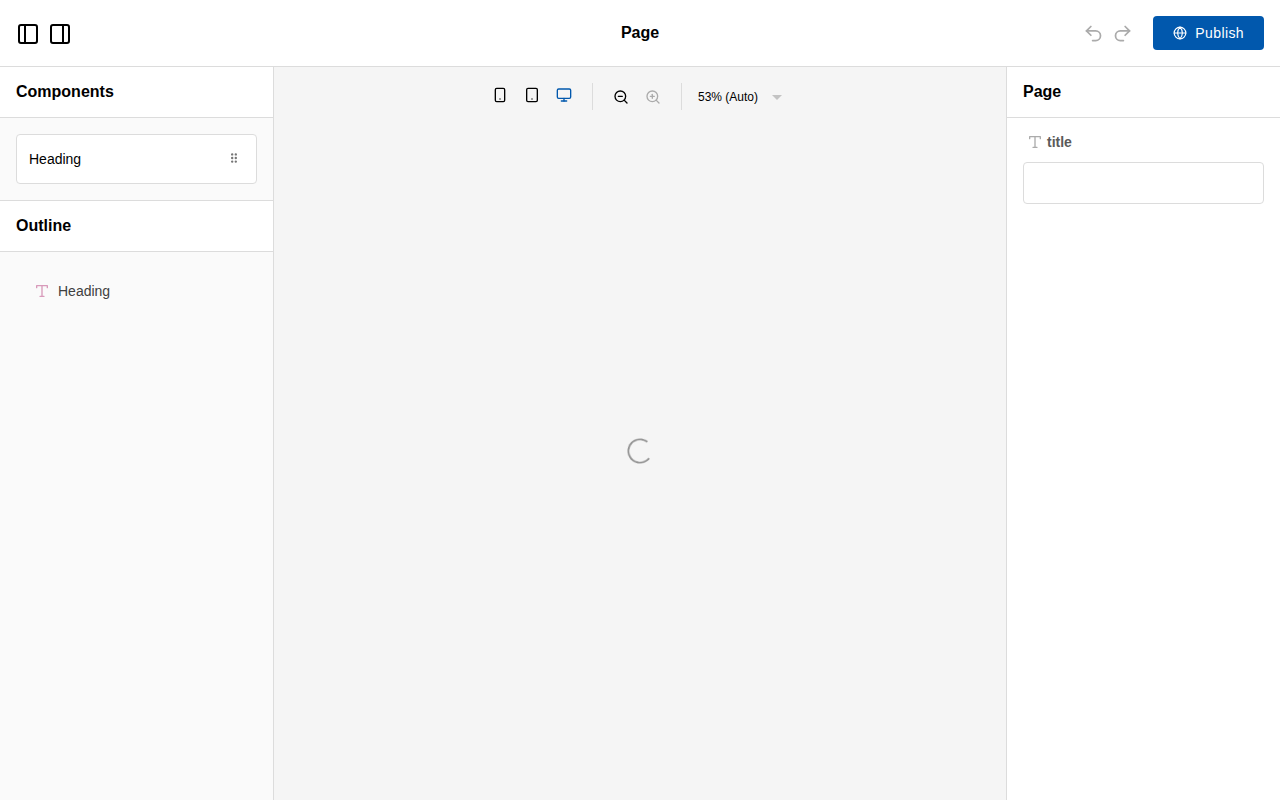
*Puck 0.20.2 from the code above, screenshotted from our own build at 1280×800.*
Compare that screenshot with the [Craft.js one](/libraries/craftjs): both are React editors, and the
difference in what you get for free is the entire argument between them.
In our benchmark this reached a rendered editor in a median of 852 ms, the second slowest of the six
libraries we measured, because it boots React and an iframe preview before the editor exists. That
is a one-time cost on an authenticated editor route, not something your visitors experience — see
the [time to first editor benchmark](/research/time-to-first-editor-benchmark) for the method.
## Strengths
**The config is the whole API.** A React developer who has never seen Puck can add an editable
component in minutes, and TypeScript catches field mistakes at compile time rather than at runtime.
Very few editor libraries have a surface this small.
**No canvas-to-production drift.** The editor renders your real components. When you change a
component, the editor changes with it, because there is no second copy.
**Typed content.** Renaming a prop is a compile error rather than a page that quietly loses a
section. Storing HTML gives you no such guarantee, and this is the single most underrated advantage
of the component-tree model.
**Your data stays yours.** Puck hands you JSON and steps back. No vendor storage, no CDN dependency,
no per-seat pricing, no data-residency conversation.
**Genuinely good documentation.** The docs are task-shaped, with runnable examples for the paths
teams actually take — App Router, custom fields, external data sources.
## Limitations
**React only, permanently.** This is not a gap to be filled later; the canvas renders React. If any
part of your roadmap involves offering the editor to customers on other stacks, Puck cannot go
there.
**No style manager.** Users cannot change padding, colour or typography unless you build a field for
it. For a design-system use case this is the feature. For a website builder you resell, it is a
missing half of the product, and bolting a styling layer on top means designing that system
yourself.
**A young ecosystem.** First published in June 2023. There is little third-party plugin supply, so
unusual field types are yours to write. That is cheaper than it sounds because the contract is
small, but it is a real difference against a decade-old catalogue.
**Slowest-but-one to first paint.** 852 ms in our benchmark against 94 ms for Craft.js. Acceptable
for an editor route; worth knowing if you intend to embed the editing surface in a page users hit
constantly.
**Email is out of scope.** No table-based output, no client testing. See the
[email template builder use case](/use-cases/email-template-builder-for-saas) for what to use
instead.
## Pricing
Free, MIT licensed, no paid tier for the core editor and no usage ceiling. The costs are the ones
you would incur anyway: building the components you want editable, and the persistence and
permissions layer around the JSON. Our [build-versus-buy calculator](/use-cases/build-vs-buy-visual-editor)
puts numbers on that against commercial SDK pricing — with Puck you can uncheck the UI line, which
changes the arithmetic substantially.
## Who it fits, and who it does not
**Good fit**
- React and Next.js products where marketing pages must be assembled from the app's existing component library
- Teams that want page content stored as typed JSON they control rather than as generated HTML
- Adding a drag-and-drop layer to an existing design system without rewriting the components
**Poor fit**
- Applications outside React, since there is no Vue or Angular path and the canvas is React-native by design
- Free-form pixel-level design, because there is no CSS style manager — layout comes from the props your components expose
- Email template building, where the output must be table-based HTML rather than React components
## Puck against its nearest neighbours
| Product | Type | Licence | Frameworks | Bundle (min+gzip) | Price from | Self-hosted | White label | Score |
| --- | --- | --- | --- | --- | --- | --- | --- | --- |
| [Puck](https://www.editorstack.cc/libraries/puck) | library | MIT | React | 90.4 kB gzip | Free (open source) | Yes | Yes | 8 |
| [BlockNote](https://www.editorstack.cc/libraries/blocknote) | library | MPL-2.0 | React, Vue | 386.1 kB gzip | from $195/mo | Yes | Yes | not scored |
| [Craft.js](https://www.editorstack.cc/libraries/craftjs) | library | MIT | React | 29.2 kB gzip | Free (open source) | Yes | Yes | 6.6 |
| [GrapesJS](https://www.editorstack.cc/libraries/grapesjs) | library | BSD-3-Clause | Any (framework-agnostic) | 294.6 kB gzip | Free (open source) | Yes | Yes | 7.5 |
## Our scores
- **developer experience: 9/10.** The config object is the whole API: you describe components, their fields and their defaults, and the editor is generated from that. A React developer who has never seen Puck can add a new editable component in minutes, and the typings catch field mistakes at compile time rather than at runtime.
- **extensibility: 8/10.** Custom fields, overrides for editor chrome and a plugin interface cover most product requirements without forking. The ceiling is lower than a full engine: you are shaping an editor around React components, not building an arbitrary design surface with its own style engine.
- **documentation: 8.5/10.** Docs are task-shaped rather than reference-shaped, with runnable examples for the paths teams actually take — Next.js App Router, custom fields, external data sources. Gaps appear in the advanced areas such as multi-user editing and large-document performance.
- **ecosystem: 6/10.** Younger than the alternatives, so third-party plugin choice is limited and most teams write their own field types. That is less costly than it sounds because the component contract is small, but it is a real difference against a decade-old plugin catalogue.
- **time to production: 8.5/10.** Because the editor renders your production components directly, there is no export step and no HTML-to-component translation to maintain. For a React team this is the fastest route in the dataset from install to something you can put in front of a customer.
## Alternatives
- [Puck vs Editor.js](https://www.editorstack.cc/compare/editorjs-vs-puck)
- [Puck vs GrapesJS](https://www.editorstack.cc/compare/grapesjs-vs-puck)
- [Puck vs Builder.io](https://www.editorstack.cc/compare/puck-vs-builder-io)
- [Puck vs Craft.js](https://www.editorstack.cc/compare/puck-vs-craftjs)
- [Puck vs Plasmic](https://www.editorstack.cc/compare/puck-vs-plasmic)
- [Puck vs React Page](https://www.editorstack.cc/compare/puck-vs-react-page)
- [Puck vs Storyblok](https://www.editorstack.cc/compare/puck-vs-storyblok)
## Frequently asked questions
### Is Puck free?
Yes. Puck is MIT licensed with no paid tier for the editor itself, so you can ship it inside a commercial product with no fee and no usage ceiling.
### How big is Puck?
We measured @measured/puck 0.20.2 at 90.4 kB gzip (282.3 kB raw), with React and react-dom marked external on the basis that a React application already ships them.
### Does Puck work with Next.js App Router?
Yes, and it is the best-supported integration path. The renderer works in server components and the editor is a client component, so the usual pattern is a client-side editor route plus a server-rendered public page reading the same JSON.
### Can users change colours and spacing in Puck?
Only through fields you expose. There is no style manager that writes arbitrary CSS, which is a deliberate constraint: it keeps pages inside your design system. If users need free-form styling, GrapesJS is the tool with that feature.
### Where does Puck store pages?
Wherever you put them. Puck hands you a JSON object on publish and you persist it; there is no hosted service and no vendor storage, which is the main structural difference from Builder.io or Plasmic.
### Can Puck build email templates?
Not usefully. Its output is a JSON tree of React component instances, and email needs table-based HTML with inlined CSS. Use an email-specific SDK or GrapesJS with the newsletter preset instead.
## Sources
1. [npm registry metadata for @measured/puck (licence, first publish date, latest version)](https://registry.npmjs.org/@measured/puck) — accessed 2026-08-19
2. [Puck source repository](https://github.com/measuredco/puck) — accessed 2026-08-19
3. [Puck documentation](https://puckeditor.com/docs) — accessed 2026-08-19
---
# Quill review: a small, BSD-licensed editor with a quiet release line
*Source: https://www.editorstack.cc/libraries/quill — last updated 2026-09-17. Licensed CC BY 4.0 with attribution to EditorStack.*
## Summary
- Quill is a framework-agnostic rich-text editor under BSD-3-Clause, maintained in the slab/quill repository, with a toolbar, Snow and Bubble themes, a module API and the Delta format for describing both documents and changes.
- We measured quill 2.0.3 at 58.7 kB gzip for the default entry, which registers the standard formats, the toolbar, syntax and table modules and both themes — the lightest editor with a built-in interface in our bundle benchmark. Our benchmark application needed 8 lines.
- Every React, Vue and Angular wrapper is community-maintained, the original react-quill was last published in August 2022, and the latest quill release on npm is 2.0.3 from November 2024.
## Quick facts
| Fact | Value |
| --- | --- |
| Type | library |
| Licence | BSD-3-Clause |
| First release | 2014-11 |
| Language | TypeScript |
| Frameworks | Any (framework-agnostic) |
| SSR support | Unverified |
| Bundle (min+gzip) | 58.7 kB gzip |
| Pricing | Free (open source) |
| npm weekly downloads | 6,600,547 |
| GitHub stars | 47,348 |
| Latest version | 2.0.3 |
| Last verified | 2026-09-17 |
| Drag & drop canvas | Unverified |
| Responsive breakpoints | No |
| Visual style manager | No |
| Custom components | Yes |
| Data binding | No |
| E-commerce blocks | No |
| Email HTML export | No |
| AI generation | Unverified |
| Editor i18n | Unverified |
| White label | Yes |
| Self-hosted | Yes |
## What Quill is, and who it is for
Quill sits between the two ends of the rich-text category. Unlike [Tiptap](/libraries/tiptap) or
[Lexical](/libraries/lexical), it ships an interface: a toolbar, two themes and the pickers and
tooltips they need. Unlike [CKEditor 5](/libraries/ckeditor) or [TinyMCE](/libraries/tinymce), it is
permissively licensed, small, and has no commercial tier attached.
That makes it a natural fit for the modest end of rich-text requirements: comment boxes, notes fields,
support replies, simple article bodies. It is the wrong fit for block-style editing with drag handles
and slash menus, and for teams that want a maintained first-party binding for their framework.
The npm package name has a history worth knowing: the registry's creation date reads March 2012
because an unrelated package held the name first. Quill's own releases start at 0.19.0 in
November 2014, which is the date we record.
## Architecture: Deltas, formats and modules
Three concepts carry most of Quill.
**Deltas** are the data format. The documentation describes them as able "to describe Quill's
contents and changes", so the same structure represents a stored document and an edit applied to it.
**Formats** define what content can exist — headers, lists, links, code blocks — and are registered
through Quill's registries, which is also how custom formats are added.
**Modules** customise behaviour. The documented built-ins are clipboard, keyboard, history, toolbar
and syntax, and the modules guide walks through building your own.
Quill 2.0, announced by Slab in April 2024, moved the source to TypeScript.
## Getting started
The file from our benchmark application, unedited: eight lines to a themed editor with a toolbar.
```js
import Quill from 'quill';
import 'quill/dist/quill.snow.css';
const quill = new Quill('#app', { theme: 'snow' });
quill.setContents([
{ insert: 'Hello editor' },
{ insert: '\n', attributes: { header: 1 } },
{ insert: 'Type here.\n' },
]);
```

*Quill 2.0.3 from the code above, screenshotted from our own build. The toolbar is the Snow theme's default; the initial content is written as a Delta.*
The time-to-editor figure is not published yet. The application ran, but on a different machine from
the [time to first editor benchmark](/research/time-to-first-editor-benchmark), and we do not put
timings from two machines in one table.
## Strengths
**Small for what it includes.** 58.7 kB gzip for the default build with both themes, lighter than
[Editor.js](/libraries/editorjs) at 64.3 kB with no tools at all, and less than a sixth of TinyMCE's
393.9 kB.
**Permissive licence, no upsell.** BSD-3-Clause, no licence key, no hosted tier, no vendor branding in
the editor we built.
**A toolbar on install.** Eight lines produce something a user can work with, which no headless
framework offers.
**Deltas.** One format for documents and changes is a clean base for storing content, diffing it or
applying edits from elsewhere.
**Framework-agnostic.** It mounts against a DOM element, so it works the same in any stack.
## Limitations
**No first-party framework bindings.** React, Vue and Angular wrappers are all community projects,
and `react-quill`, the best-known, has not been published since August 2022. A React team either
adopts a fork or writes its own thin wrapper.
**A quiet release line.** 2.0.3 in November 2024 is the latest npm release. That is not proof of
abandonment, but it is a risk to weigh against [Tiptap](/libraries/tiptap) or
[Lexical](/libraries/lexical), both of which published npm releases in September 2026.
**Not a block editor.** No drag handles, no slash menu, no nested block model. Products that want the
Notion-style experience should look at [BlockNote](/libraries/blocknote).
**Unverified areas.** We could not confirm server-rendering guidance, UI localisation or AI features
from Quill's documentation, so the dataset leaves those fields empty rather than guessing.
**Customisation means Quill's own concepts.** Deeper changes go through formats, registries and Delta
handling, which is a separate mental model from the component systems most teams know.
## Pricing
Free under BSD-3-Clause, with no commercial offering we could find. The costs are wrapper maintenance
if you use a framework, and whatever you build beyond the default formats.
For the head-to-heads, see [Quill vs Tiptap](/compare/quill-vs-tiptap) and
[Lexical vs Quill](/compare/lexical-vs-quill), and for the whole category, the
[rich-text editor comparison](/categories/rich-text).
## Who it fits, and who it does not
**Good fit**
- Comment boxes, notes fields and simple article bodies where a small, permissively licensed editor with a toolbar is enough
- Framework-agnostic products that want one editor in plain JavaScript and are willing to wrap it themselves
- Applications that benefit from Quill's Delta format, which describes both documents and changes to them as JSON operations
**Poor fit**
- React teams wanting a maintained first-party binding: the original react-quill package was last published in August 2022
- Block-style editing with drag handles, nested blocks or slash menus, which Quill does not provide out of the box
- Teams that need a steady release cadence, since the latest quill release on npm is from November 2024
## Quill against its nearest neighbours
| Product | Type | Licence | Frameworks | Bundle (min+gzip) | Price from | Self-hosted | White label | Score |
| --- | --- | --- | --- | --- | --- | --- | --- | --- |
| [Quill](https://www.editorstack.cc/libraries/quill) | library | BSD-3-Clause | Any (framework-agnostic) | 58.7 kB gzip | Free (open source) | Yes | Yes | not scored |
| [CKEditor 5](https://www.editorstack.cc/libraries/ckeditor) | library | GPL-2.0-or-later OR commercial | Any (framework-agnostic) | 161.2 kB gzip | from $144/mo | Yes | Unverified | not scored |
| [Editor.js](https://www.editorstack.cc/libraries/editorjs) | library | Apache-2.0 | Any (framework-agnostic) | 64.3 kB gzip | Free (open source) | Yes | Yes | 7.7 |
| [TinyMCE](https://www.editorstack.cc/libraries/tinymce) | library | GPL-2.0-or-later OR commercial | Any (framework-agnostic) | 393.9 kB gzip | from $79/mo | Yes | Unverified | not scored |
## Our scores
Not scored. We publish scores only for products we have run hands-on; see the methodology page.
## Alternatives
- [Quill vs Lexical](https://www.editorstack.cc/compare/lexical-vs-quill)
- [Quill vs Tiptap](https://www.editorstack.cc/compare/quill-vs-tiptap)
## Frequently asked questions
### Is Quill free for commercial use?
Yes. Quill is BSD-3-Clause licensed, which permits use in closed-source commercial products with attribution, and we found no commercial tier or hosted service.
### Is Quill still maintained?
Quill 2.0 shipped in April 2024 with the source moved to TypeScript, and 2.0.3 followed on 30 November 2024. No release has been published to npm since. Repository activity is collected by our daily metrics sync and shown on this page once it has run.
### How do I use Quill with React?
Through a community wrapper or by mounting Quill against a ref in an effect. The original react-quill package's latest version, 2.0.0, was published in August 2022; react-quill-new is a community fork published more recently. Neither is maintained by the Quill project.
### How big is Quill?
We measured quill 2.0.3 at 58.7 kB gzip (200.6 kB raw) for the default import, CSS excluded. That default already includes both themes and the standard formats, so unlike most editors in our benchmark, a realistic configuration is not much larger than the measured one.
### What is a Delta?
Quill's documentation describes Deltas as a simple, expressive format that can describe Quill's contents and changes. A document is a Delta, and so is an edit to it, which makes change handling and storage consistent.
## Sources
1. [npm registry metadata for quill (BSD-3-Clause; 2.0.0 on 17 April 2024 UTC; latest 2.0.3 on 30 November 2024; the name belonged to an unrelated package in 2012, and Quill's own releases begin at 0.19.0 in November 2014)](https://registry.npmjs.org/quill) — accessed 2026-09-17
2. [Quill LICENSE (BSD 3-clause, copyright Slab, Jason Chen and salesforce.com)](https://raw.githubusercontent.com/slab/quill/main/LICENSE) — accessed 2026-09-17
3. [Slab blog: announcing Quill 2.0 (source fully transitioned to TypeScript)](https://slab.com/blog/announcing-quill-2-0/) — accessed 2026-09-17
4. [Quill Delta documentation (a format describing Quill's contents and changes)](https://quilljs.com/docs/delta) — accessed 2026-09-17
5. [Quill modules documentation (clipboard, keyboard, history, toolbar, syntax)](https://quilljs.com/docs/modules) — accessed 2026-09-17
6. [Quill registries documentation (custom formats)](https://quilljs.com/docs/customization/registries) — accessed 2026-09-17
7. [npm registry metadata for react-quill (community wrapper, 2.0.0 last published August 2022)](https://registry.npmjs.org/react-quill) — accessed 2026-09-17
8. [npm registry metadata for ngx-quill (community Angular wrapper)](https://registry.npmjs.org/ngx-quill) — accessed 2026-09-17
9. [npm registry metadata for @vueup/vue-quill (community Vue wrapper)](https://registry.npmjs.org/@vueup/vue-quill) — accessed 2026-09-17
---
# React Page review: a cell-and-row content editor for React
*Source: https://www.editorstack.cc/libraries/react-page — last updated 2026-08-19. Licensed CC BY 4.0 with attribution to EditorStack.*
## Summary
- React Page is an MIT-licensed React content editor built around a cell-and-row grid, with per-language content handling included rather than bolted on.
- We measured @react-page/editor 5.4.6 at 377.2 kB gzip — the third-largest bundle in this dataset — and a median of 1,004 ms to a rendered editor, the slowest of the eight libraries we tested.
- It does not bundle against React 19 without aliasing react/jsx-runtime.js, because its react-dnd dependency imports a path React 19 no longer exports.
## Quick facts
| Fact | Value |
| --- | --- |
| Type | library |
| Licence | MIT |
| First release | 2019-11 |
| Language | TypeScript |
| Frameworks | React |
| SSR support | partial |
| Bundle (min+gzip) | 377.2 kB gzip |
| Pricing | Free (open source) |
| npm weekly downloads | 4,544 |
| GitHub stars | 9,538 |
| Latest version | 5.4.6 |
| Last verified | 2026-08-19 |
| Drag & drop canvas | Yes |
| Responsive breakpoints | Partial |
| Visual style manager | Partial |
| Custom components | Yes |
| Data binding | Partial |
| E-commerce blocks | No |
| Email HTML export | No |
| AI generation | No |
| Editor i18n | Yes |
| White label | Yes |
| Self-hosted | Yes |
## What React Page is, and who it is for
React Page is a content editor built around an explicit layout grid. Content lives in cells, cells
sit in rows, and users resize and rearrange them. Each cell is rendered by a cell plugin — text,
image, video, spacer, or one you write.
This puts it in a different place from [Puck](/libraries/puck) and [Craft.js](/libraries/craftjs).
Those two treat layout as something your components decide; React Page treats layout as a
first-class feature of the editor. If your users need to put two things side by side and resize the
split, React Page does that on install and the others do not.
Its other distinguishing feature is language handling. Content can carry per-language values with
the editor aware of the current language, which is unusual — most editors leave internationalisation
entirely to the surrounding application.
The library is the oldest active React editor in this dataset, first published in November 2019, and
it shows both in what it includes and in what it costs.
## Architecture: cells, rows and plugins
The stored value is a tree of rows and cells. Each cell records which plugin renders it and that
plugin's data. Layout plugins can wrap groups of cells for structural components.
A cell plugin declares its controls — the settings form the editor shows — its default data, and its
renderer. The contract is straightforward, and writing one is a familiar exercise for a React
developer, though the type ergonomics feel dated next to Puck's.
The editor interface is built on Material UI, which is the main reason for the bundle size. That is
a structural cost rather than a configuration choice: you are shipping a component library inside
your editor whether or not your application uses one.
## Getting started
From our benchmark. Note the two CSS imports — the editor ships styles you must include, unlike the
prop-driven builders:
```jsx
import { useState } from 'react';
import { createRoot } from 'react-dom/client';
import Editor from '@react-page/editor';
import slate from '@react-page/plugins-slate';
import '@react-page/editor/lib/index.css';
import '@react-page/plugins-slate/lib/index.css';
const cellPlugins = [slate()];
function App() {
const [value, setValue] = useState(null);
return ;
}
createRoot(document.getElementById('app')).render();
```

*React Page 5.4.6 from the code above. The interface is Material UI, which is both why it looks finished and why it weighs 377.2 kB.*
Building this at all required aliasing `react/jsx-runtime.js` to `react/jsx-runtime` in our
bundler. Without it, esbuild fails outright on `react-dnd`. That is a real integration cost that no
feature comparison mentions, and it is recorded in our
[time to first editor benchmark](/research/time-to-first-editor-benchmark).
## Strengths
**A layout grid you do not have to build.** Rows, cells, resizing and drop targets are included.
Recreating this on Craft.js is a substantial project.
**Multilingual content is built in.** Per-language content handling inside the editor rather than in
your data layer is rare in this category and genuinely valuable for teams who need it.
**A finished-looking interface on install.** For internal tools where nobody is going to restyle the
editor, this is worth real money.
**MIT licensed and self-hosted.** No service, no account, no usage ceiling.
**A stable API.** The slow release cadence has an upside: integrations do not need rewriting every
quarter.
## Limitations
**One of the largest bundles we measured.** 377.2 kB gzip, more than four times Puck and nearly thirteen
times Craft.js. Much of that is the Material UI editor interface, which you cannot opt out of.
**The slowest to first editor.** 1,004 ms median in our benchmark, roughly ten times Craft.js.
**React 19 needs a bundler workaround.** See above. It is one line of configuration, but you have to
know to write it, and it signals a dependency tree that has not been modernised.
**Dated ergonomics.** Type definitions and error messages are noticeably older in style than Puck's,
and invalid plugin definitions do not always report where the mistake is.
**A thin ecosystem.** A small set of official plugins and few third-party ones. Plan to write what
you need.
**Documentation lags the code.** Some pages describe earlier versions, so the examples directory in
the repository is often the more reliable reference.
## Pricing
Free under MIT with no usage limits. The cost is the bundle you ship and the plugins you write. For
a React team choosing today, [Puck](/libraries/puck) covers most of the same ground at a quarter of
the weight — the exception being teams who specifically need the resizable grid or the multilingual
handling, which Puck does not have. [React Page vs Puck](/compare/puck-vs-react-page) sets out that
trade directly.
## Who it fits, and who it does not
**Good fit**
- React content sites that need a row-and-column layout editor with per-language content out of the box
- Teams replacing a legacy WYSIWYG in an internal CMS where multilingual content is a hard requirement
- Projects that want both a layout grid and custom React plugins without building the grid themselves
**Poor fit**
- Products needing an active, fast-moving upstream, since release cadence is slow compared with newer React builders
- Non-React stacks and server-rendered templating engines
- Design-heavy landing pages that need arbitrary positioning rather than a cell grid
## React Page against its nearest neighbours
| Product | Type | Licence | Frameworks | Bundle (min+gzip) | Price from | Self-hosted | White label | Score |
| --- | --- | --- | --- | --- | --- | --- | --- | --- |
| [React Page](https://www.editorstack.cc/libraries/react-page) | library | MIT | React | 377.2 kB gzip | Free (open source) | Yes | Yes | 6.4 |
| [BlockNote](https://www.editorstack.cc/libraries/blocknote) | library | MPL-2.0 | React, Vue | 386.1 kB gzip | from $195/mo | Yes | Yes | not scored |
| [Craft.js](https://www.editorstack.cc/libraries/craftjs) | library | MIT | React | 29.2 kB gzip | Free (open source) | Yes | Yes | 6.6 |
| [Lexical](https://www.editorstack.cc/libraries/lexical) | library | MIT | Any (framework-agnostic) | 104.9 kB gzip | Free (open source) | Yes | Yes | 7.4 |
## Our scores
- **developer experience: 6.5/10.** The editor mounts with a value and an onChange, which is familiar to any React developer, and the cell plugin contract is straightforward. Type ergonomics are dated in places and error messages from invalid plugin definitions are not always specific enough to locate the mistake quickly.
- **extensibility: 7.5/10.** Cell plugins define their own controls, serialisation and rendering, and layout plugins can wrap groups of cells, which covers most structural requirements. Deeper changes to the drag-and-drop behaviour or grid semantics are harder because those live inside the core.
- **documentation: 6/10.** Concepts are explained with runnable examples and the multilingual story is documented, which is unusual. Some pages lag behind the current major version, so a portion of integration work is reading the examples directory in the repository instead.
- **ecosystem: 5/10.** A small set of official plugins covers text, image, video and spacer, and third-party contributions are rare. Teams should plan to write the plugins their product needs rather than shop for them.
- **time to production: 7/10.** The built-in grid and language handling remove two chunks of work that other React libraries leave to you, so a straightforward content editor lands quickly. Anything requiring modification of core drag behaviour extends the timeline sharply.
## Alternatives
- [React Page vs Craft.js](https://www.editorstack.cc/compare/craftjs-vs-react-page)
- [React Page vs Puck](https://www.editorstack.cc/compare/puck-vs-react-page)
## Frequently asked questions
### Does React Page work with React 19?
It runs, but it does not bundle without help: react-dnd, a dependency of @react-page/editor, imports react/jsx-runtime.js, which React 19 does not export. We aliased that path in esbuild to complete our benchmark, and recorded it as a workaround.
### How big is React Page?
We measured @react-page/editor 5.4.6 at 377.2 kB gzip (1,279.3 kB raw) with React external — the third largest of the twelve libraries in our bundle benchmark, largely because it bundles a Material UI-based editor interface.
### What makes React Page different from Puck?
React Page gives you a row-and-column grid and multilingual content out of the box; Puck gives you a smaller, more modern API and no grid. React Page is the older design and shows it in bundle size and API ergonomics.
### Is React Page still maintained?
It receives updates — 5.4.6 was published in July 2026 — but the cadence is slower than newer React builders, and parts of the documentation lag the current major version.
## Sources
1. [npm registry metadata for @react-page/editor (licence, first publish date, latest version)](https://registry.npmjs.org/@react-page/editor) — accessed 2026-08-19
2. [React Page source repository](https://github.com/react-page/react-page) — accessed 2026-08-19
3. [React Page documentation](https://react-page.github.io/docs/) — accessed 2026-08-19
---
# Sanity visual editing review: click-to-edit over a live front end
*Source: https://www.editorstack.cc/libraries/sanity — last updated 2026-08-19. Licensed CC BY 4.0 with attribution to EditorStack.*
## Summary
- Sanity is a headless content platform whose Presentation tool adds click-to-edit overlays on a live preview of your front end, connecting rendered elements back to the documents that produced them.
- The @sanity/visual-editing package is MIT licensed and has been on npm since February 2024; visual editing is available on every plan including the free tier, which supports up to 20 seats.
- There is no drag-and-drop page composition: Sanity edits structured documents, and layout remains code. That is a deliberate design position, not a missing feature.
## Quick facts
| Fact | Value |
| --- | --- |
| Type | cms |
| Licence | MIT |
| First release | 2024-02 |
| Language | TypeScript |
| Frameworks | React, Vue |
| SSR support | full |
| Bundle (min+gzip) | Not measurable |
| Pricing | from $15/mo |
| npm weekly downloads | 664,282 |
| GitHub stars | 64 |
| Latest version | 6.1.2 |
| Last verified | 2026-08-19 |
| Drag & drop canvas | No |
| Responsive breakpoints | No |
| Visual style manager | No |
| Custom components | Yes |
| Data binding | Yes |
| E-commerce blocks | No |
| Email HTML export | No |
| AI generation | Partial |
| Editor i18n | Yes |
| White label | No |
| Self-hosted | Partial |
## What Sanity visual editing is, and who it is for
Sanity's position in this dataset is the most opinionated: content should be structured, layout
should be code, and visual editing should be a way of navigating structured content rather than a way
of designing pages.
The Presentation tool implements that. Your front end renders with source annotations; the Studio
shows it in a preview pane; clicking an element opens the document field behind it. Editors get the
context of the live site without gaining the ability to restyle it.
That suits engineering-led teams with real content models — product catalogues, documentation,
multi-surface content — and frustrates marketing teams who expected Webflow. Knowing which of those
describes your organisation before you buy is most of the evaluation.
## Architecture
Three parts. The **content lake** is the hosted data store. The **Studio** is an open-source React
application that lives in your repository, which means the editing interface is code you can modify —
genuinely unusual, and the reason Sanity appeals to teams who dislike black-box admin panels. The
**visual editing package** connects rendered output to documents through source annotations.
The overlay approach explains both the strength and the limit. Because it decorates your real front
end, there is no canvas to drift from production. Because it decorates rather than composes, it
cannot offer drag-and-drop layout.
## How we assessed it
We have not run Sanity hands-on under our test procedure, so no score and no code sample appear here,
per our [methodology](/methodology). Registry metadata confirms the MIT licence, publication history
and current version of the visual-editing package; pricing comes from the vendor's published page
with the date we checked it.
## Strengths
**The editing interface is yours.** The Studio is open source and lives in your repository, so
customising it is a code change rather than a support ticket.
**Visual editing on the free plan.** Not gated behind an enterprise tier, which is unusual in this
category.
**Structured content, properly done.** The data model is the product's strength, and it holds up when
content genuinely needs to serve several surfaces.
**MIT-licensed packages.** The client libraries and the visual-editing layer are open source, so
inspection and patching are possible.
**A generous free tier.** Up to 20 seats is enough for a real team, not just an evaluation.
## Limitations
**No drag-and-drop composition.** If stakeholders expect to rearrange a page visually, this will
disappoint them, and no amount of modelling fixes that expectation gap.
**React-first.** Visual editing outside React is community territory.
**Usage-based costs need modelling.** API requests, bandwidth and asset storage all meter beyond the
plan allowances, and surprise bills in this category usually come from there.
**The content lake is hosted.** The Studio runs anywhere; the data does not.
**Annotation setup is developer work.** Source annotations must be threaded through your rendering
layer for the overlays to work, and a partial implementation gives editors an inconsistent
experience.
## Pricing
Vendor-published: free plan with up to 20 seats, two datasets and stated request allowances; Growth
around $15 per seat per month billed monthly (roughly $12 annually); Enterprise by quote for SSO,
audit logs and data residency.
If drag-and-drop layout is the actual requirement, compare with
[Storyblok](/compare/storyblok-vs-sanity) and [Contentful Studio](/compare/sanity-vs-contentful-studio),
and if the editor needs to live inside your own product rather than in a CMS, look at
[Puck](/libraries/puck) or [GrapesJS](/libraries/grapesjs) instead.
## Questions to ask before you buy
1. **What will our usage cost beyond the plan allowances?** API requests, CDN requests, bandwidth and
assets all meter; get a modelled figure for your traffic.
2. **How much work is threading source annotations through our rendering layer?** This is the real
integration cost of visual editing here.
3. **What is the upgrade story for the Studio living in our repository?** Owning the code means owning
the upgrades.
4. **Can we meet our data residency requirement?** The content lake is hosted; residency options are
an Enterprise conversation.
5. **How do we model a page builder if stakeholders insist on one?** Ask for the reference pattern
before promising the feature.
6. **What happens to visual editing when a document type changes shape?**
## Where it sits in this dataset
Sanity is the most developer-owned CMS profiled here: the editing interface is code in your
repository, the client packages are MIT licensed, and the visual editing layer decorates your real
front end rather than replacing it with a canvas.
That makes it the natural comparison against [Storyblok](/compare/storyblok-vs-sanity), which trades
that ownership for a more polished hosted app that non-technical teams adopt faster. Against
[Contentful Studio](/compare/sanity-vs-contentful-studio), Sanity includes visual editing on the free
plan where Contentful sells it as a quote-only add-on — a large practical difference for a team
trying to make a decision this quarter.
The boundary worth restating: none of the three composes layout freely. If a stakeholder is
describing drag-and-drop page building, the honest answer is that they want a different category, and
the [comparison table](/) shows which products are in it.
## Who it fits, and who it does not
**Good fit**
- React and Next.js teams that want overlay-based click-to-edit on top of an existing front end
- Content models that are genuinely structured, where free-form page building would be a regression
- Teams that want the editing studio itself version-controlled in their own repository
**Poor fit**
- Drag-and-drop page composition, which the Presentation tool deliberately does not provide
- Products embedding an editor for external end users
- Teams needing the content lake self-hosted, since the hosted dataset is the product
## Sanity Visual Editing against its nearest neighbours
| Product | Type | Licence | Frameworks | Bundle (min+gzip) | Price from | Self-hosted | White label | Score |
| --- | --- | --- | --- | --- | --- | --- | --- | --- |
| [Sanity Visual Editing](https://www.editorstack.cc/libraries/sanity) | cms | MIT | React, Vue | Not measurable | from $15/mo | Partial | No | not scored |
| [Contentful Studio](https://www.editorstack.cc/libraries/contentful-studio) | cms | MIT | React | Not measurable | Quote only | No | No | not scored |
| [Storyblok](https://www.editorstack.cc/libraries/storyblok) | cms | Proprietary | Any (framework-agnostic) | Not measurable | Free tier, paid plans undisclosed | No | No | not scored |
| [Builder.io](https://www.editorstack.cc/libraries/builder-io) | sdk | Proprietary | React, Vue, Angular | Not measurable | from $19/mo | No | Partial | not scored |
## Our scores
Not scored. We publish scores only for products we have run hands-on; see the methodology page.
## Alternatives
- [Sanity Visual Editing vs Contentful Studio](https://www.editorstack.cc/compare/sanity-vs-contentful-studio)
- [Sanity Visual Editing vs Storyblok](https://www.editorstack.cc/compare/storyblok-vs-sanity)
## Frequently asked questions
### Does Sanity have a page builder?
Not a drag-and-drop canvas. Teams build page-builder-like experiences by modelling an array of section types and rendering them, and the Presentation tool then gives click-to-edit over the result — but layout freedom stays with developers.
### How much does Sanity cost?
Vendor-published: a free plan supporting up to 20 seats, Growth at about $15 per seat per month billed monthly (around $12 annually), and Enterprise by quote. Visual editing is included on the free plan.
### Is Sanity open source?
Partly. The Studio and packages such as @sanity/visual-editing are open source under MIT and run in your own repository; the hosted content lake behind them is the commercial service.
### Which frameworks does visual editing support?
React and Next.js are the first-class path, with community support elsewhere. The overlay mechanism depends on annotating rendered output, so framework support follows the SDK.
## Sources
1. [npm registry metadata for @sanity/visual-editing (MIT licence, first publish date, latest version)](https://registry.npmjs.org/@sanity/visual-editing) — accessed 2026-08-19
2. [Sanity pricing page (vendor-published plan prices)](https://www.sanity.io/pricing) — accessed 2026-08-19
3. [Sanity visual editing documentation](https://www.sanity.io/docs/visual-editing) — accessed 2026-08-19
---
# Silex review: a free/libre website builder built on GrapesJS
*Source: https://www.editorstack.cc/libraries/silex — last updated 2026-08-19. Licensed CC BY 4.0 with attribution to EditorStack.*
## Summary
- Silex is a free/libre website builder maintained by Silex Labs, a French non-profit, dual-licensed GPL-3.0 or MPL-2.0 and built on top of the GrapesJS engine.
- It is an application rather than a library: you host Silex and publish sites from it, whereas GrapesJS is the engine you embed inside your own product.
- Choose it when you want a complete free builder to run yourself, and choose GrapesJS directly when the editor has to live inside another application.
## Quick facts
| Fact | Value |
| --- | --- |
| Type | library |
| Licence | GPL-3.0 OR MPL-2.0 |
| First release | 2019-04 |
| Language | TypeScript |
| Frameworks | Any (framework-agnostic) |
| SSR support | none |
| Bundle (min+gzip) | Not measurable |
| Pricing | Free (open source) |
| npm weekly downloads | 159 |
| GitHub stars | 2,973 |
| Latest version | 3.0.0-alpha.17 |
| Last verified | 2026-08-19 |
| Drag & drop canvas | Yes |
| Responsive breakpoints | Yes |
| Visual style manager | Yes |
| Custom components | Yes |
| Data binding | Yes |
| E-commerce blocks | No |
| Email HTML export | No |
| AI generation | No |
| Editor i18n | Yes |
| White label | Yes |
| Self-hosted | Yes |
## What Silex is, and who it is for
Silex is a website builder you run, not a library you import. It wraps the GrapesJS engine in a
complete application: a project workspace, hosting connectors, and a publication step that pushes
the result to a host or a repository.
The audience is people who want the Webflow experience without Webflow's business model: agencies
producing client sites, non-profits with no budget for per-site subscriptions, and organisations
whose policy favours copyleft software maintained by an association rather than a venture-funded
vendor. Silex Labs is a French non-profit, there is no contributor licence agreement, and the
licensing is structured so that it cannot be relicensed later.
It is in this dataset because it appears on shortlists next to embeddable engines, and it is
important to be clear that it answers a different question. If your product needs an editor inside
it, Silex is the wrong layer and [GrapesJS](/libraries/grapesjs) is the right one.
## Architecture
Silex builds on GrapesJS, so the editing model — an iframe canvas, a component tree, a style
manager — is inherited. What Silex adds is everything around it: the application shell, project
management, and a connector interface that abstracts where files are stored and where sites are
published.
That connector interface is the most interesting extension point for developers. Adding your own
storage backend or publication target is a defined integration rather than a fork, which is how
agencies wire Silex into their own hosting.
The relationship with GrapesJS also sets expectations for plugins: the underlying component and
plugin model is familiar to anyone who has used the engine, but compatibility with arbitrary
GrapesJS plugins is not guaranteed, because Silex has its own application-level assumptions.
## Getting started
We did not run Silex as part of our hands-on benchmark, because it is an application rather than an
npm-installable editor comparable with the others, and we do not publish code we have not executed.
What we can state from primary sources: the `silex-website-builder` package has been on npm since
April 2019, and the project publishes v3 with its own installation documentation.
For an evaluation, the honest advice is to run the hosted instance the project offers before
deciding to self-host, because most of what distinguishes Silex is the application experience rather
than the engine underneath it.
## Strengths
**A complete free builder.** Not a toolkit — a working product with a publication workflow, at no
cost.
**Governance you can inspect.** A non-profit steward, no CLA, and dual licensing designed to keep it
free. For organisations that have been burned by a licence change, this is a substantive difference
rather than a philosophical one.
**Static publishing.** Output goes to a host or a repository, so sites are portable and cheap to
serve, with no runtime dependency on the builder.
**Familiar engine underneath.** Teams who know GrapesJS recognise the editing model immediately.
**Connectors are a real extension point.** Storage and publication targets are pluggable, which is
what makes it viable for agencies with existing hosting.
## Limitations
**Not embeddable.** This is the headline limitation for readers of this site. Silex is not designed
to be mounted inside another application, and the copyleft licensing makes a commercial embed a
question for your lawyers rather than your architects.
**Copyleft licensing needs review.** GPL-3.0 or MPL-2.0 is fine for many uses and a blocker for
some. Compare with GrapesJS's BSD-3-Clause, which asks nothing of you.
**Thin developer documentation.** User-facing documentation is reasonable; connector and plugin
documentation is thinner and version-specific details lag as v3 evolves.
**A small ecosystem.** A committed community, but plugin supply is limited and mostly produced by
the maintainers.
**No commercial support contract.** For teams that need a contractual response time, a non-profit
project is not the right procurement shape.
## Pricing
Free software, no licence fee, no usage ceiling. An optional paid cloud instance funds the project,
and donations go through the association. The cost of self-hosting is operational: someone patches
it, someone runs the storage behind it, and someone answers when the editor is down.
If what you actually want is the engine inside your own product,
[GrapesJS](/libraries/grapesjs) is free of both the licence question and the application layer —
[Silex vs GrapesJS](/compare/grapesjs-vs-silex) sets the two out side by side.
## Who it fits, and who it does not
**Good fit**
- Agencies and non-profits that need a complete free website builder application rather than an editor library
- Static site workflows where the output is published to a host or a git repository rather than served from a vendor
- Organisations with a policy preference for copyleft-licensed, non-profit maintained software
**Poor fit**
- Embedding an editor inside another SaaS product, which is what the underlying GrapesJS engine is for
- Teams that need commercial support with a contractual response time
- React-native component editing, since the canvas is DOM and HTML based
## Silex against its nearest neighbours
| Product | Type | Licence | Frameworks | Bundle (min+gzip) | Price from | Self-hosted | White label | Score |
| --- | --- | --- | --- | --- | --- | --- | --- | --- |
| [Silex](https://www.editorstack.cc/libraries/silex) | library | GPL-3.0 OR MPL-2.0 | Any (framework-agnostic) | Not measurable | Free (open source) | Yes | Yes | not scored |
| [GrapesJS](https://www.editorstack.cc/libraries/grapesjs) | library | BSD-3-Clause | Any (framework-agnostic) | 294.6 kB gzip | Free (open source) | Yes | Yes | 7.5 |
| [CKEditor 5](https://www.editorstack.cc/libraries/ckeditor) | library | GPL-2.0-or-later OR commercial | Any (framework-agnostic) | 161.2 kB gzip | from $144/mo | Yes | Unverified | not scored |
| [Editor.js](https://www.editorstack.cc/libraries/editorjs) | library | Apache-2.0 | Any (framework-agnostic) | 64.3 kB gzip | Free (open source) | Yes | Yes | 7.7 |
## Our scores
Not scored. We publish scores only for products we have run hands-on; see the methodology page.
## Alternatives
- [Silex vs GrapesJS](https://www.editorstack.cc/compare/grapesjs-vs-silex)
## Frequently asked questions
### Is Silex free?
Yes, and it is free software in the licensing sense as well as the price sense: dual-licensed GPL-3.0 or MPL-2.0, maintained by a non-profit, with an optional paid cloud instance that funds the project.
### What is the difference between Silex and GrapesJS?
GrapesJS is the editor engine; Silex is a complete website builder application built on it, with hosting connectors and a publication workflow. If you are building a product, you want the engine. If you want a builder to use or host, you want Silex.
### Can I embed Silex in my SaaS?
That is not what it is designed for, and the copyleft licensing needs legal review for a commercial embed. For embedding, use GrapesJS directly under its BSD-3-Clause licence.
### Does Silex support static site publishing?
Yes — publishing to a host or a git repository is the intended workflow, which is what makes it attractive for static sites with dynamic data.
## Sources
1. [npm registry metadata for silex-website-builder (licence, first publish date)](https://registry.npmjs.org/silex-website-builder) — accessed 2026-08-19
2. [Silex source repository](https://github.com/silexlabs/Silex) — accessed 2026-08-19
3. [Silex project website](https://www.silex.me) — accessed 2026-08-19
---
# Sitejet review: a volume builder for agencies
*Source: https://www.editorstack.cc/libraries/sitejet — last updated 2026-08-20. Licensed CC BY 4.0 with attribution to EditorStack.*
## Summary
- Sitejet is designed around producing client sites at volume: templates, a production workflow and per-site hosting charges rather than a per-seat platform fee.
- Vendor-published pricing centres on an Agency plan reported at $89 per month including the first website, with additional hosted sites reported at roughly $5 per site annually or $7 monthly.
- It is a platform your team and clients use, not an editor you embed, and our verification pass could confirm less about it than about most entries in this dataset.
## Quick facts
| Fact | Value |
| --- | --- |
| Type | platform |
| Licence | Proprietary |
| First release | Unverified |
| Language | Unverified |
| Frameworks | Unverified |
| SSR support | Unverified |
| Bundle (min+gzip) | Not measurable |
| Pricing | from $89/mo |
| npm weekly downloads | pending sync |
| GitHub stars | pending sync |
| Latest version | pending sync |
| Last verified | 2026-08-20 |
| Drag & drop canvas | Yes |
| Responsive breakpoints | Yes |
| Visual style manager | Yes |
| Custom components | Unverified |
| Data binding | Unverified |
| E-commerce blocks | Partial |
| Email HTML export | No |
| AI generation | Yes |
| Editor i18n | Yes |
| White label | Partial |
| Self-hosted | No |
## What Sitejet is, and who it is for
Sitejet targets the agency that produces sites in quantity: a template library, a production
workflow, and a cost structure where the marginal site is cheap rather than a fresh subscription.
That structure is genuinely different from [Webflow](/libraries/webflow)'s or
[Wix Studio](/libraries/wix-studio)'s, where each site carries its own plan. At roughly $5 to $7 per
additional hosted site, a portfolio of fifty sites costs a different order of magnitude — which is the
reason to look at it.
Like every platform in this dataset, it is not an editor you can put inside your own application.
## How we assessed it
We have not run Sitejet hands-on, so there is no score, no code sample and no measurement here.
More than that: this is one of the thinner entries in the dataset. There is no npm package or public
repository, and our verification pass could confirm the agency tier and per-site pricing but not the
full plan structure. Where we could not confirm, the fields are null and this page says so rather
than filling the gap from marketing copy. See [methodology](/methodology) for why we hold that line.
## Strengths
**Per-site economics built for volume.** The clearest structural advantage over per-site subscription
platforms, and the reason agencies with large portfolios evaluate it.
**A production workflow rather than a design tool.** Templates, reusable assets and a hand-off
process aimed at delivery rather than exploration.
**Client editing** with guardrails, so clients can maintain content without breaking layouts.
**Hosting included** at the per-site price, which removes an operational line agencies otherwise carry
themselves.
## Limitations
**Not embeddable.** Your product cannot host this editor.
**Incomplete published pricing**, at least as far as our verification could establish — which is
itself a finding when you are comparing against vendors that publish every tier.
**Hosted only**, so data residency is not addressable.
**Little independent evidence.** No repository, no registry entry, no third-party benchmark we can
cite. Compared with the measurable libraries in this dataset, you are relying on the vendor.
**White-label extent unconfirmed.** If your clients must never see the vendor's name, establish
exactly what is rebrandable before committing a portfolio.
## Questions to ask before you buy
1. **Publish every tier for us in writing**, including what the first plan below Agency costs and what
it omits.
2. **What is rebrandable, precisely?** Editor, client dashboard, notification emails, published
output.
3. **What is the total for fifty sites** on the billing cycle we would use?
4. **What is the export path for a client site** if we or the client leave?
5. **Where is the data hosted, and can that be constrained?**
## Where it sits in this dataset
Sitejet belongs with [Duda](/libraries/duda), [Brizy](/libraries/brizy) and
[Wix Studio](/libraries/wix-studio) as an agency-facing platform, and its distinguishing feature is
the per-site cost curve rather than the editor.
Against building on an engine, the comparison is the usual one: our
[calculator](/use-cases/build-vs-buy-visual-editor) puts a customer-facing builder at roughly 520
engineering hours, and at $5 per site per month it takes a very large portfolio before that
arithmetic favours building. The
[white-label category page](/categories/white-label-website-builders) has the full list under the
branding constraint.
## Who it fits, and who it does not
**Good fit**
- Agencies producing a high volume of client sites where per-site cost matters more than editor flexibility
- Teams that want templates and a production workflow rather than a component-level editor
**Poor fit**
- Products embedding an editor in their own application, which this platform does not support
- Buyers who need every plan tier published, since our verification pass could only confirm the agency tier
- Teams with data-residency requirements, as it is hosted only
## Sitejet against its nearest neighbours
| Product | Type | Licence | Frameworks | Bundle (min+gzip) | Price from | Self-hosted | White label | Score |
| --- | --- | --- | --- | --- | --- | --- | --- | --- |
| [Sitejet](https://www.editorstack.cc/libraries/sitejet) | platform | Proprietary | Unverified | Not measurable | from $89/mo | No | Partial | not scored |
| [Brizy](https://www.editorstack.cc/libraries/brizy) | platform | Proprietary | Unverified | Not measurable | from $159/mo | Partial | Yes | not scored |
| [Duda](https://www.editorstack.cc/libraries/duda) | platform | Proprietary | Unverified | Not measurable | from $19/mo | No | Yes | not scored |
| [Elementor](https://www.editorstack.cc/libraries/elementor) | platform | GPL-3.0 | Unverified | Not measurable | from $59/yr | Yes | Partial | not scored |
## Our scores
Not scored. We publish scores only for products we have run hands-on; see the methodology page.
## Alternatives
- [Sitejet vs Duda](https://www.editorstack.cc/compare/duda-vs-sitejet)
## Frequently asked questions
### How much does Sitejet cost?
Vendor-published figures we could confirm centre on an Agency plan at around $89 per month including the first website, with additional hosted websites at roughly $5 per site on annual billing or $7 monthly. Lower tiers exist but we could not confirm their prices, so we do not publish them.
### Can Sitejet be embedded in my product?
No. It is a hosted platform for building and hosting client sites, not an editor SDK.
### Is Sitejet white label?
Partially — branding options exist for the agency-facing experience. We could not confirm the full extent from a source we trust, so the dataset records it as partial rather than yes.
## Sources
1. [Sitejet pricing page (vendor-published)](https://www.sitejet.io/en/pricing) — accessed 2026-08-20
2. [Sitejet Studio for agencies](https://www.sitejet.io/en/website-builder-for-agencies) — accessed 2026-08-20
---
# Storyblok review: headless CMS with a real visual editor
*Source: https://www.editorstack.cc/libraries/storyblok — last updated 2026-08-19. Licensed CC BY 4.0 with attribution to EditorStack.*
## Summary
- Storyblok is a headless CMS whose visual editor shows a live preview of your front end and lets editors click a component to edit its fields, so content stays structured while editing feels visual.
- Vendor-published pricing is quoted in euros — free Starter, Growth around €99 per month, Growth Plus around €349, quote-only Elite — and attaches to a space, so multiple projects mean multiple subscriptions.
- It is a tool for your content team, not an editor you ship to your customers: layout comes from components your developers build, and the editing UI is Storyblok's.
## Quick facts
| Fact | Value |
| --- | --- |
| Type | cms |
| Licence | Proprietary |
| First release | 2022-03 |
| Language | TypeScript |
| Frameworks | Any (framework-agnostic) |
| SSR support | full |
| Bundle (min+gzip) | Not measurable |
| Pricing | Free tier, paid plans undisclosed |
| npm weekly downloads | 106,460 |
| GitHub stars | 68 |
| Latest version | 7.3.1 |
| Last verified | 2026-08-19 |
| Drag & drop canvas | Partial |
| Responsive breakpoints | No |
| Visual style manager | No |
| Custom components | Yes |
| Data binding | Yes |
| E-commerce blocks | Partial |
| Email HTML export | No |
| AI generation | Yes |
| Editor i18n | Yes |
| White label | No |
| Self-hosted | No |
## What Storyblok is, and who it is for
Storyblok solves a problem that sits next to, but is not the same as, the one most libraries here
address. Its users are your own content team, not your customers, and its job is to let them edit a
site that your developers built without either side compromising: content stays typed and validated,
and editing still feels like pointing at the page.
The mechanism is a live preview. Your front end runs inside the Storyblok app, a bridge script
connects DOM elements to content entries, and clicking a section opens its fields. Editors are
looking at the real site — the same code that serves production — rather than a form or an
approximation.
If your requirement is an editor your customers use inside your product, this is the wrong category
and an [embeddable library](/categories/open-source-visual-editors) is the right one. If your
requirement is a marketing site your content team owns, Storyblok is one of the strongest options in
this dataset.
## Architecture
Content is modelled as typed components ("bloks") with defined fields. Your front end registers
matching components, fetches content through the API, and renders it. The visual editor overlays that
rendered output with selection affordances.
The consequence developers care about: layout is a function of the components you ship. An editor
cannot invent a three-column section that does not exist in code, and cannot change padding on a
whim. Whether that is a feature or a limitation depends entirely on who is asking — content teams
occasionally find it constraining, and design systems survive it.
Pricing attaching to a space rather than to an account is an architectural fact as much as a
commercial one: agencies running many client projects should model that before comparing headline
prices with per-account competitors.
## How we assessed it
We have not run Storyblok hands-on under our test procedure, so this page carries no score and no
code sample, per our [methodology](/methodology). Registry metadata confirms the React SDK's licence,
publication history and current version; pricing and capabilities come from the vendor's published
pages with the date we checked them. Prices are quoted in euros by the vendor, so our dataset records
`paid_from_usd` as null rather than converting at a rate that would be wrong tomorrow.
## Strengths
**Visual editing without giving up structure.** The main reason teams choose it over a page builder:
content remains typed, queryable and reusable across surfaces.
**Genuinely framework-agnostic delivery.** First-party SDKs for React and Vue, community support
elsewhere, and content delivered as data so any renderer works.
**Strong internationalisation.** Multi-language workflow is built in rather than modelled by hand,
which is unusual and valuable.
**A mature app.** Roles, workflow, asset handling and versioning are all present, which is what
separates a CMS from a content API.
**Editors like it.** Adoption by non-technical teams is the metric that decides whether a CMS project
succeeds, and this is where Storyblok consistently does well.
## Limitations
**Per-space pricing punishes multi-project teams.** An agency with ten client sites is buying ten
subscriptions. Model that before comparing with per-account products.
**Not free-form.** Editors cannot restyle; they fill fields in components you built. For a marketing
team used to Webflow, that is a real adjustment.
**Not embeddable in your product.** Storyblok's editor is Storyblok's product.
**Hosted only.** Content lives with the vendor, which is a hard stop for some procurement processes.
**Preview setup is real work.** The bridge, preview URLs and draft handling need doing properly, and
a half-finished preview integration undermines the entire value proposition.
## Pricing
Vendor-published: free Starter with one seat; Growth around €99 per month with five seats; Growth
Plus around €349 per month; Elite by quote. Monthly billing costs roughly 20% more than annual, and
each space is billed separately.
Compare with [Contentful Studio](/compare/storyblok-vs-contentful-studio) if you are already in the
Contentful ecosystem, with [Sanity](/compare/storyblok-vs-sanity) if you want the studio itself in
your repository, and with [Puck](/compare/puck-vs-storyblok) if what you actually need is an editor
inside your own application rather than a CMS.
## Questions to ask before you buy
1. **How many spaces will we actually need?** Pricing attaches per space, so this question determines
your cost more than the tier does.
2. **What does the preview integration require from our front end?** Get the specifics before
estimating, because a partial preview undermines the product's whole value.
3. **How are component schema changes handled for existing content?** Ask about removing a field from
a component used by a thousand stories.
4. **What are the API request and bandwidth allowances, and what happens beyond them?**
5. **How does the translation workflow behave with our language set?** Multi-language is a strength
here, but the workflow shape matters.
6. **What does an export look like if we leave?** Structured content exports better than most
formats; confirm it includes assets and references.
## Where it sits in this dataset
Storyblok is the CMS in this dataset that comes closest to feeling like a page builder without
becoming one. Editors compose from components and see a live preview; they cannot restyle. For a
marketing team that is either exactly right or exactly wrong, and knowing which before you buy is
most of the evaluation.
Against [Contentful Studio](/compare/storyblok-vs-contentful-studio) its advantage is straightforward:
published pricing and visual editing in every tier, against a quote-only add-on. Against
[Sanity](/compare/storyblok-vs-sanity), the difference is philosophy — Storyblok gives you a polished
hosted app, Sanity gives you a studio in your repository. Against
[Directus](/compare/directus-vs-storyblok), it is hosted-and-content-shaped against
self-hosted-and-database-shaped.
And against [Puck](/compare/puck-vs-storyblok): if the editor needs to be inside your own product for
your own customers, no CMS in this group qualifies, and that is the distinction most shortlists get
wrong.
## Who it fits, and who it does not
**Good fit**
- Marketing sites where a content team needs click-to-edit preview of a developer-built front end
- Multilingual content operations that need translation workflow alongside visual editing
- Teams that want structured, typed content rather than stored HTML
**Poor fit**
- Embedding an editor that your own customers use inside your product, which is not what a CMS visual editor is
- Free-form page design, since layout comes from components developers ship
- Organisations that must keep content on their own infrastructure
## Storyblok against its nearest neighbours
| Product | Type | Licence | Frameworks | Bundle (min+gzip) | Price from | Self-hosted | White label | Score |
| --- | --- | --- | --- | --- | --- | --- | --- | --- |
| [Storyblok](https://www.editorstack.cc/libraries/storyblok) | cms | Proprietary | Any (framework-agnostic) | Not measurable | Free tier, paid plans undisclosed | No | No | not scored |
| [Contentful Studio](https://www.editorstack.cc/libraries/contentful-studio) | cms | MIT | React | Not measurable | Quote only | No | No | not scored |
| [Sanity Visual Editing](https://www.editorstack.cc/libraries/sanity) | cms | MIT | React, Vue | Not measurable | from $15/mo | Partial | No | not scored |
| [Builder.io](https://www.editorstack.cc/libraries/builder-io) | sdk | Proprietary | React, Vue, Angular | Not measurable | from $19/mo | No | Partial | not scored |
## Our scores
Not scored. We publish scores only for products we have run hands-on; see the methodology page.
## Alternatives
- [Storyblok vs Builder.io](https://www.editorstack.cc/compare/builder-io-vs-storyblok)
- [Storyblok vs Directus](https://www.editorstack.cc/compare/directus-vs-storyblok)
- [Storyblok vs Puck](https://www.editorstack.cc/compare/puck-vs-storyblok)
- [Storyblok vs Contentful Studio](https://www.editorstack.cc/compare/storyblok-vs-contentful-studio)
- [Storyblok vs Sanity Visual Editing](https://www.editorstack.cc/compare/storyblok-vs-sanity)
## Frequently asked questions
### How much does Storyblok cost?
Vendor-published tiers: free Starter, Growth around €99 per month including five seats, Growth Plus around €349 per month, and Elite by quote. Prices attach to a space, so several projects mean several subscriptions, and monthly billing costs more than annual.
### Is Storyblok a page builder?
Not in the sense this site usually means. Editors compose pages from components developers have built and registered, with no free-form styling. That constraint is the point: it keeps output inside your design system.
### How does Storyblok's visual editor work?
Your front end runs in an iframe inside the Storyblok app with a bridge script. Clicking an element in the preview selects the corresponding content entry, so editors work against the real site rather than a form.
### Can I use Storyblok to give my customers an editor?
It is not designed for that. The editing UI is Storyblok's product with Storyblok's accounts; for a customer-facing editor you want an embeddable library or SDK.
## Sources
1. [npm registry metadata for @storyblok/react (licence, first publish date, latest version)](https://registry.npmjs.org/@storyblok/react) — accessed 2026-08-19
2. [Storyblok pricing page (vendor-published plan prices)](https://www.storyblok.com/pricing) — accessed 2026-08-19
3. [Storyblok documentation](https://www.storyblok.com/docs) — accessed 2026-08-19
---
# Stripo Plugin review: an email builder metered by emails, not seats
*Source: https://www.editorstack.cc/libraries/stripo — last updated 2026-08-19. Licensed CC BY 4.0 with attribution to EditorStack.*
## Summary
- Stripo Plugin is the embeddable white-label edition of the Stripo email editor, sold separately from the Stripo web application.
- Vendor-published pricing meters by unique emails rather than seats: a free plan for integration testing, Startup at $100 per month for 400 unique emails, and Business at $550 per month for 15,000.
- The metering model is the whole evaluation: below a few thousand emails a month it undercuts every competitor here, and above that the curve turns against you.
## Quick facts
| Fact | Value |
| --- | --- |
| Type | sdk |
| Licence | Proprietary |
| First release | Unverified |
| Language | JavaScript |
| Frameworks | Any (framework-agnostic) |
| SSR support | none |
| Bundle (min+gzip) | Not measurable |
| Pricing | from $100/mo |
| npm weekly downloads | pending sync |
| GitHub stars | pending sync |
| Latest version | pending sync |
| Last verified | 2026-08-19 |
| Drag & drop canvas | Yes |
| Responsive breakpoints | Yes |
| Visual style manager | Yes |
| Custom components | Yes |
| Data binding | Yes |
| E-commerce blocks | Partial |
| Email HTML export | Yes |
| AI generation | Yes |
| Editor i18n | Yes |
| White label | Yes |
| Self-hosted | No |
## What Stripo Plugin is, and who it is for
Stripo is best known as a standalone email editor used by marketers directly. Stripo Plugin is the
same editing experience packaged for embedding: an ESP, CRM or marketing platform drops it into
their product, brands it as their own, and their customers build emails without leaving.
What separates it from [Unlayer](/libraries/unlayer) and [Beefree SDK](/libraries/beefree-sdk) is not
the editor — all three are competent — but the meter. Stripo prices by unique emails per month
rather than by seats or by end-user accounts. If your customers each produce a handful of templates,
that is the cheapest entry in this category. If they produce hundreds, it is not.
## Architecture
A vendor-hosted editor component embedded in your application, configured through their integration
API, with your application handling authentication and storage of the resulting templates. AMP
support and interactive modules are part of the feature set, which is a genuine differentiator for
platforms whose customers want interactive email.
The template library is substantial and, as with Beefree, is part of what you are buying: users who
start from a template adopt an editing feature far more readily than users facing an empty canvas.
## How we assessed it
We have not run Stripo Plugin hands-on — it requires vendor credentials — so this page carries no
score and no code sample, per our [methodology](/methodology). There is no npm package we could
verify against the registry either, so the facts here come from the vendor's published product and
integration pages with the date we checked them, and several fields in our dataset are null as a
result. That is worth noticing: it is a less machine-verifiable product than its competitors.
## Strengths
**The lowest realistic entry point among the established email SDKs.** $100 per month against
Unlayer's $250 and Beefree's $350.
**Metering that suits low-volume, high-value customers.** A platform whose users each maintain a few
templates pays very little.
**AMP and interactive modules.** Fewer competitors support these properly, and for some platforms it
is the deciding feature.
**A large template catalogue** included with the plugin.
**Genuinely white-label.** Sold as an embeddable product, not as a consumer app with an embed option
bolted on.
## Limitations
**The meter turns against you at scale.** From 400 emails at $100 to 15,000 at $550 is a reasonable
curve, but past that you are in custom pricing and the model no longer protects you.
**"Unique email" needs defining in writing.** Whether a duplicated template, a revision or a
per-customer copy counts is the difference between a cheap plan and an expensive one. Get it in the
contract.
**No self-hosting.** Vendor-hosted only.
**Least machine-verifiable of the email SDKs.** No npm package, no public repository, so several
fields in our dataset stay null. That is not a product flaw, but it does mean more of what you know
comes from the vendor rather than from a primary source.
**Email only.** Unlike Beefree, there is no page or popup builder alongside it.
## Pricing
Vendor-published: free plan for integration testing; Startup $100 per month for 400 unique emails;
Business $550 per month for 15,000 unique emails; custom terms above that.
Model your own volume before comparing headline prices — this is the one product in the category
where the metering, not the tier, decides the bill. Then compare with
[Unlayer](/compare/unlayer-vs-stripo), [Beefree SDK](/compare/beefree-sdk-vs-stripo) and
[Topol](/compare/stripo-vs-topol-io), whose per-account model suits a different customer shape.
## Questions to ask before you buy
1. **Define "unique email" in the contract.** Does a duplicate count? A revision? A per-customer copy
of the same template? This one definition determines your bill.
2. **What happens when we exceed the plan's email count mid-month?**
3. **Which mail clients are tested, and does AMP support extend to the clients our customers use?**
4. **What is white-labelled — editor UI, exported markup, asset URLs?**
5. **Is there an export path that preserves editability, or only flat HTML?**
6. **What is the uptime record for the embedded editor, and how are incidents communicated to us
rather than to end users?**
## Where it sits in this dataset
Stripo Plugin is the cheapest established email SDK at entry and the one whose cost model diverges
most from its competitors. That divergence is the reason to consider it and the reason to model it
carefully.
Its per-template meter suits platforms whose customers maintain a small, stable set of templates —
a vertical SaaS, a niche CRM — and works against platforms whose customers produce templates
constantly. [Unlayer](/compare/unlayer-vs-stripo) and [Beefree SDK](/compare/beefree-sdk-vs-stripo)
charge flat platform tiers that do not care how many templates exist;
[Topol](/compare/stripo-vs-topol-io) charges per customer account, which is a third model again.
Across the four, feature lists differ less than the meters do. Build a spreadsheet with your real
volumes before reading any of the marketing pages, including ours.
## Who it fits, and who it does not
**Good fit**
- Email service providers and CRMs adding a branded email builder with AMP and interactive module support
- Teams whose usage is naturally capped, since pricing is metered per unique email rather than per seat
- Products that want a large ready-made template library alongside the editor
**Poor fit**
- High-volume platforms where per-email metering becomes expensive relative to a flat platform fee
- Self-hosting requirements, as the editor runs as a vendor-hosted component
- Non-email page building, which is outside the product's scope
## Stripo Plugin against its nearest neighbours
| Product | Type | Licence | Frameworks | Bundle (min+gzip) | Price from | Self-hosted | White label | Score |
| --- | --- | --- | --- | --- | --- | --- | --- | --- |
| [Stripo Plugin](https://www.editorstack.cc/libraries/stripo) | sdk | Proprietary | Any (framework-agnostic) | Not measurable | from $100/mo | No | Yes | not scored |
| [Beefree SDK](https://www.editorstack.cc/libraries/beefree-sdk) | sdk | Proprietary | Any (framework-agnostic) | Not measurable | from $350/mo | No | Yes | not scored |
| [Topol Plugin](https://www.editorstack.cc/libraries/topol-io) | sdk | Proprietary | Any (framework-agnostic) | Not measurable | from $60/mo | No | Yes | not scored |
| [Unlayer](https://www.editorstack.cc/libraries/unlayer) | sdk | Proprietary | Any (framework-agnostic) | Not measurable | from $250/mo | Partial | Yes | not scored |
## Our scores
Not scored. We publish scores only for products we have run hands-on; see the methodology page.
## Alternatives
- [Stripo Plugin vs Beefree SDK](https://www.editorstack.cc/compare/beefree-sdk-vs-stripo)
- [Stripo Plugin vs Topol Plugin](https://www.editorstack.cc/compare/stripo-vs-topol-io)
- [Stripo Plugin vs Unlayer](https://www.editorstack.cc/compare/unlayer-vs-stripo)
## Frequently asked questions
### How much does Stripo Plugin cost?
Vendor-published tiers are a free plan for integration testing, Startup at $100 per month covering 400 unique emails per month, and Business at $550 per month covering 15,000 unique emails, with custom terms above that.
### What counts as a unique email?
A distinct template created in the editor during the billing period, rather than a message sent. That distinction is the single most important thing to confirm with the vendor before signing, because it changes the model completely.
### Is Stripo Plugin white-label?
Yes — embedding it under your own brand is the product's purpose, and it is sold separately from the consumer-facing Stripo application for exactly that reason.
### Can I self-host Stripo Plugin?
No. The editor runs as a vendor-hosted component inside your application.
## Sources
1. [Stripo Plugin product page (vendor-published)](https://stripo.email/plugin/) — accessed 2026-08-19
2. [Stripo Plugin integration documentation](https://plugin.stripo.email/) — accessed 2026-08-19
---
# TeleportHQ review: visual design to exportable front-end code
*Source: https://www.editorstack.cc/libraries/teleporthq — last updated 2026-08-19. Licensed CC BY 4.0 with attribution to EditorStack.*
## Summary
- TeleportHQ is a low-code front-end platform whose output is exportable code in React, Vue or Angular rather than a runtime dependency on the vendor.
- Its code generation libraries are separately open source under MIT and have been on npm since September 2019, so the generation layer can be used independently of the hosted studio.
- Vendor-published pricing: a free plan limited to one project, Professional at $18 per editor per month monthly or around $9 annually, and a quote-only Agency tier.
## Quick facts
| Fact | Value |
| --- | --- |
| Type | sdk |
| Licence | Proprietary |
| First release | 2019-09 |
| Language | TypeScript |
| Frameworks | Any (framework-agnostic) |
| SSR support | partial |
| Bundle (min+gzip) | Not measurable |
| Pricing | from $9/mo |
| npm weekly downloads | 1,165 |
| GitHub stars | 1,116 |
| Latest version | 0.43.65 |
| Last verified | 2026-08-19 |
| Drag & drop canvas | Yes |
| Responsive breakpoints | Yes |
| Visual style manager | Yes |
| Custom components | Yes |
| Data binding | Yes |
| E-commerce blocks | No |
| Email HTML export | No |
| AI generation | Yes |
| Editor i18n | Partial |
| White label | Partial |
| Self-hosted | No |
## What TeleportHQ is, and who it is for
TeleportHQ answers a narrower question than most products here: how do you get from a visual layout
to front-end code without hand-translating it? Its output is source code in the framework you pick,
and the interesting part is that the generation engine is open source and usable on its own.
The audience is agencies and small teams producing static marketing sites across several
frameworks, and developers who want a design-to-code step in their pipeline without adopting a
runtime SDK. Because the output is code, the vendor disappears from your production stack the moment
you export — which is a materially different risk profile from
[Builder.io](/libraries/builder-io) or [Plasmic](/libraries/plasmic)'s runtime loader.
It is not an embeddable editor. If your product needs an editing surface for your own customers,
this is the wrong category and the [embeddable libraries](/categories/open-source-visual-editors) are
the right one.
## Architecture
Two separable layers. The **studio** is a hosted visual editor with an AI assistant and a
publication step. The **code generators** are MIT-licensed npm packages that turn a project
definition into framework-specific source.
That separation is unusual and worth understanding: you can use the generators in your own pipeline
without the studio at all, which makes TeleportHQ interesting to teams building their own
design-to-code tooling rather than buying one.
The generated output is presentation-focused. Layout, styling and static structure translate well;
application state, data fetching and interactivity remain your code. Treat it as a scaffolding tool
rather than an application generator, and it delivers; expect it to generate an app, and it will
disappoint.
## How we assessed it
We have not run TeleportHQ hands-on, so no score and no code sample appear here — see
[methodology](/methodology). Registry metadata confirms the MIT licence, publication history and
current version of the generator packages; pricing is recorded from the vendor's published page with
the date we checked it.
## Strengths
**Exportable code, no runtime dependency.** Once exported, the vendor is out of your stack. For
teams nervous about platform risk this is the strongest form of exit guarantee in this dataset.
**Multi-framework output.** React, Vue and Angular from the same design, which is genuinely useful
for agencies serving clients on different stacks.
**Open-source generators.** The generation layer is MIT licensed and independently usable.
**Low entry price.** Around $9 per editor per month on annual billing is the cheapest paid tier
among the commercial tools here.
**Real-time collaboration in the studio.** Multiple people in the same project without file
juggling.
## Limitations
**Restrictive free tier.** One project and limited code views make evaluation cramped compared with
Plasmic's unlimited-projects free tier.
**Not embeddable.** No path to giving the editor to your own customers.
**Presentation-only output.** Generated code covers layout and styling; behaviour is yours. Expect
to treat exports as a starting point that you then own — including the second time a design changes.
**Round-tripping is the weak spot.** Design-to-code tools are strongest on the first export and
weakest on the fifth. Once engineers have edited the generated code, regenerating is a merge problem,
and that is where teams usually stop using these tools.
**A smaller ecosystem and community** than Builder.io or Plasmic, which shows in the volume of
worked examples available when you get stuck.
## Pricing
Vendor-published: free plan with one project, three pages per project and limited code
views/downloads; Professional at $18 per editor per month billed monthly or around $9 billed
annually, with unlimited projects and exports; Agency by quote.
The comparison worth running is not against embeddable SDKs — different category — but against your
current Figma-to-code process and against [Plasmic](/compare/plasmic-vs-teleporthq), which offers a
stronger canvas and a runtime option at a higher price.
## Questions to ask before you buy
1. **What does round-tripping look like after engineers edit the exported code?** This is where
design-to-code tools usually stop being used, so ask for the intended workflow explicitly.
2. **Which parts of our design system can be registered so exports use them?** Otherwise every export
reintroduces markup you have already standardised.
3. **How much of the generated code is layout versus behaviour?** Set the expectation that
interactivity remains yours.
4. **Can the code generators run in our CI without the studio?** The MIT-licensed generators make this
plausible, and the answer determines how deeply you can automate.
5. **What is the export limit on our tier?** The free plan's limited code views are a real
evaluation constraint.
6. **How are exports affected by a framework major version?** Generated React for React 18 and 19 is
not identical, and the generator's support policy matters.
## Where it sits in this dataset
TeleportHQ is the cheapest commercial visual tool profiled here and the one with the smallest
footprint in your production stack: after export, there is nothing left of the vendor. That is a
genuinely different risk profile from every hosted product in this dataset.
The trade is depth. [Plasmic](/compare/plasmic-vs-teleporthq) has the stronger canvas and a runtime
option; [Builder.io](/libraries/builder-io) has the platform features. TeleportHQ's proposition is
narrower and cleaner: designs in, framework code out.
If exportable code is the appeal but you also need an editor your customers use, note that these are
different requirements with no overlap — the code generators do not make an embeddable editor, and
the [open-source engines](/categories/open-source-visual-editors) are the category that does.
## Who it fits, and who it does not
**Good fit**
- Teams that want design-to-code output they can commit to a repository rather than a runtime dependency
- Agencies producing static marketing sites across several front-end frameworks
- Projects that want to use the open-source code generators independently of the hosted studio
**Poor fit**
- Embedding an editor for your own end customers, which is not the product's shape
- Applications needing a runtime editing surface inside the product UI
- Complex application state, since generated code is presentation-focused
## TeleportHQ against its nearest neighbours
| Product | Type | Licence | Frameworks | Bundle (min+gzip) | Price from | Self-hosted | White label | Score |
| --- | --- | --- | --- | --- | --- | --- | --- | --- |
| [TeleportHQ](https://www.editorstack.cc/libraries/teleporthq) | sdk | Proprietary | Any (framework-agnostic) | Not measurable | from $9/mo | No | Partial | not scored |
| [Builder.io](https://www.editorstack.cc/libraries/builder-io) | sdk | Proprietary | React, Vue, Angular | Not measurable | from $19/mo | No | Partial | not scored |
| [Plasmic](https://www.editorstack.cc/libraries/plasmic) | sdk | Proprietary | React | Not measurable | from $39/mo | No | No | not scored |
| [Beefree SDK](https://www.editorstack.cc/libraries/beefree-sdk) | sdk | Proprietary | Any (framework-agnostic) | Not measurable | from $350/mo | No | Yes | not scored |
## Our scores
Not scored. We publish scores only for products we have run hands-on; see the methodology page.
## Alternatives
- [TeleportHQ vs Plasmic](https://www.editorstack.cc/compare/plasmic-vs-teleporthq)
## Frequently asked questions
### Does TeleportHQ produce code I own?
Yes — code export is the core proposition. You get React, Vue or Angular source you can commit, which means no runtime SDK and no vendor in your request path.
### Is TeleportHQ open source?
Partly. The teleport code generator packages are MIT licensed on npm; the hosted studio is a commercial product.
### How much does TeleportHQ cost?
Vendor-published: a free plan with one project and limited exports, Professional at $18 per editor per month billed monthly or roughly $9 per editor per month billed annually, and a custom-priced Agency tier.
### Can I embed TeleportHQ in my product?
It is not designed as an embeddable editor for your customers. It is a design and code-generation tool for your team; for embedding, an SDK or an open-source engine is the right category.
## Sources
1. [npm registry metadata for @teleporthq/teleport-code-generator (MIT licence, first publish date, latest version)](https://registry.npmjs.org/@teleporthq/teleport-code-generator) — accessed 2026-08-19
2. [TeleportHQ pricing page (vendor-published plan prices)](https://teleporthq.io/pricing) — accessed 2026-08-19
3. [TeleportHQ documentation](https://docs.teleporthq.io) — accessed 2026-08-19
---
# TinyMCE review: the familiar editor, after two licence changes
*Source: https://www.editorstack.cc/libraries/tinymce — last updated 2026-09-17. Licensed CC BY 4.0 with attribution to EditorStack.*
## Summary
- TinyMCE is a finished WYSIWYG editor with menus, a toolbar and first-party React, Vue and Angular integrations. Its npm licence field was MIT through 6.x, GPL-2.0-or-later from 7.0.0, and from 8.3.0 points to a licence file offering GPL-2.0-or-later or Tiny's self-hosted commercial terms.
- Self-hosted TinyMCE 8 must be given a valid licence key or the editor is disabled: 'gpl' for GPL use, a commercial key otherwise. Cloud plans start with 1,000 free editor loads a month; Essential is vendor-published at $79 per month paid annually.
- We measured tinymce 8.9.1 at 393.9 kB gzip for the core, icons, Silver theme and DOM model with no plugins, and our benchmark application needed 14 lines of code.
## Quick facts
| Fact | Value |
| --- | --- |
| Type | library |
| Licence | GPL-2.0-or-later OR commercial |
| First release | 2014-05 |
| Language | TypeScript |
| Frameworks | Any (framework-agnostic) |
| SSR support | Unverified |
| Bundle (min+gzip) | 393.9 kB gzip |
| Pricing | from $79/mo |
| npm weekly downloads | 1,025,945 |
| GitHub stars | 16,298 |
| Latest version | 8.9.1 |
| Last verified | 2026-09-17 |
| Drag & drop canvas | Unverified |
| Responsive breakpoints | No |
| Visual style manager | No |
| Custom components | Unverified |
| Data binding | No |
| E-commerce blocks | No |
| Email HTML export | Unverified |
| AI generation | Via plugin |
| Editor i18n | Yes |
| White label | Unverified |
| Self-hosted | Yes |
## What TinyMCE is, and who it is for
TinyMCE is the editor a great many people picture when they hear "rich-text editor": a menu bar, a
formatting toolbar, and an editing area that behaves like a word processor. It installs as a complete
product with first-party integrations for React, Vue and Angular, and it has been on npm since
May 2014.
It suits the same products as [CKEditor 5](/libraries/ckeditor) — CMS body fields, LMS authoring,
support-desk replies, internal tools — and competes with it directly; the
[head-to-head](/compare/ckeditor-vs-tinymce) covers where each wins. It is the opposite of a headless
framework such as [Tiptap](/libraries/tiptap), where the toolbar is yours to build.
The reason most teams read a TinyMCE review in 2026 is not features. It is the licence.
## The licence history, from the registry
The npm registry records the licence each version was published under, which makes the history
checkable rather than anecdotal:
- **6.x:** MIT, through 6.8.6.
- **7.0.0 (March 2024):** GPL-2.0-or-later.
- **8.3.0 (December 2025) onwards:** "SEE LICENSE IN license.md", where the file offers
GPL-2.0-or-later or the Tiny Self-Hosted License Agreement.
TinyMCE 7 introduced a `license_key` option so that developers make "a conscious decision" between
the GPL and a commercial licence. TinyMCE 8 hardens it: in a self-hosted environment "a license key
must be provided and it must be valid. Otherwise, the editor will be disabled." GPL use sets
`license_key: 'gpl'`; commercial self-hosted use needs a commercial key.
For a closed-source product that adopted TinyMCE under MIT, upgrading past 6.x is a licensing
decision, not a dependency bump. That is the problem our
[TinyMCE alternatives guide](/alternatives/tinymce) is written for.
## Getting started
The file from our benchmark application, unedited. Fourteen lines, most of them imports: the bundling
guide requires the global first, then icons, theme, model and skins.
```js
import tinymce from 'tinymce';
import 'tinymce/icons/default/icons.min.js';
import 'tinymce/themes/silver/theme.min.js';
import 'tinymce/models/dom/model.min.js';
import 'tinymce/skins/ui/oxide/skin.js';
import 'tinymce/skins/ui/oxide/content.js';
import 'tinymce/skins/content/default/content.js';
tinymce.init({
target: document.getElementById('app'),
license_key: 'gpl',
skin_url: 'default',
content_css: 'default',
setup: (editor) => editor.on('init', () => editor.setContent('Hello editor
Type here.
')),
});
```
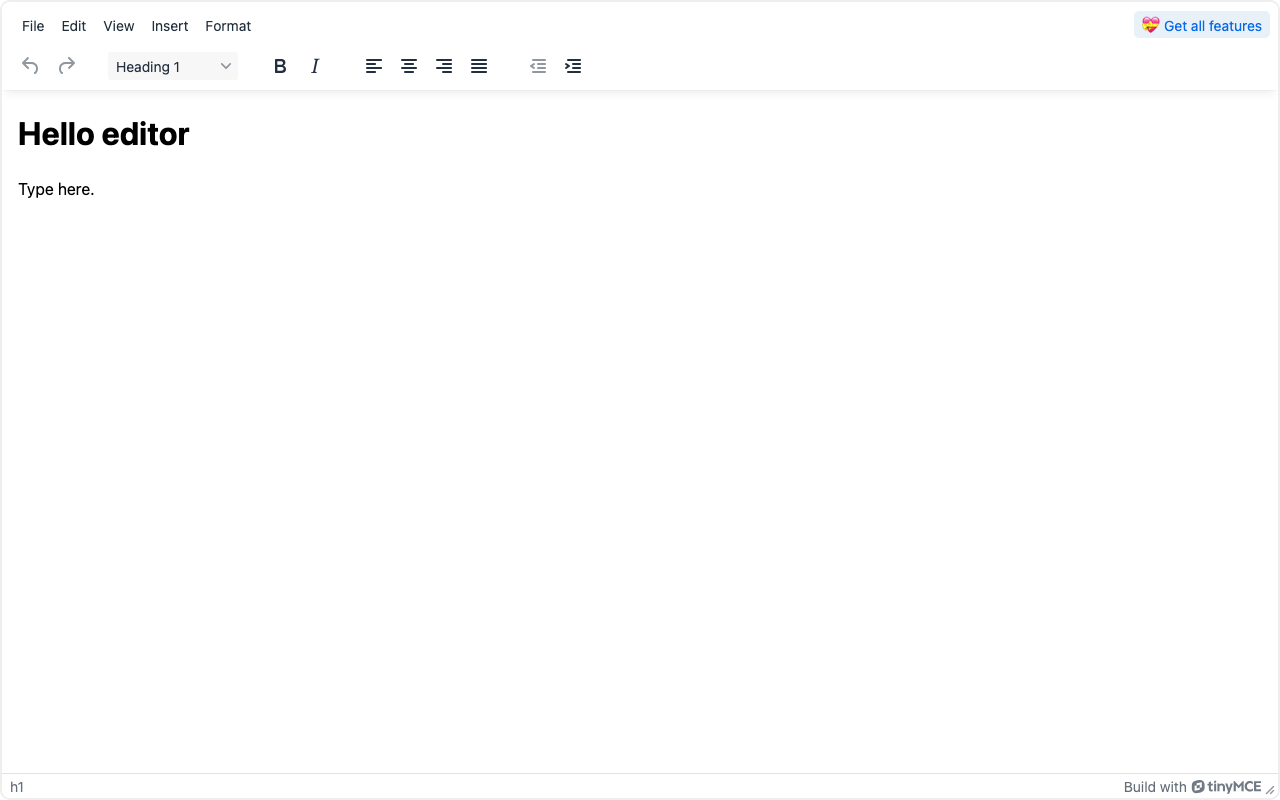
*TinyMCE 8.9.1 from the code above, screenshotted from our own build with the GPL key. The menu bar, toolbar and status bar are defaults; so are the "Get all features" button and the TinyMCE credit in the status bar.*
What the screenshot shows matters for white-label products: the default GPL build we ran displays a
"Get all features" upsell button and a TinyMCE credit. We did not verify which configuration or
licence removes them, so the dataset records white-label as unverified.
There is no published time-to-editor figure for TinyMCE yet. The application ran, but on a different
machine from the published [time to first editor benchmark](/research/time-to-first-editor-benchmark),
and we do not mix timings from two machines in one table.
## Strengths
**Nothing to design.** The menu bar, toolbar and status bar in our screenshot are defaults we did not
configure. A team can ship a capable editor the day it installs one, and add plugins from there.
**First-party framework integrations.** `@tinymce/tinymce-react`, `@tinymce/tinymce-vue` and
`@tinymce/tinymce-angular` are published by the vendor under MIT.
**A documented plugin model.** The documentation covers writing your own plugins, so product-specific
buttons and behaviours do not require forking the editor.
**Localisation options.** Premium language packs for paid deployments and community packs maintained
through Crowdin.
**A cloud option.** Loading from Tiny Cloud needs no self-hosted licence key, which is a genuine
simplification for teams that accept a vendor-hosted script.
## Limitations
**The licence is no longer permissive.** GPL-2.0-or-later or commercial terms, with a mandatory key
in self-hosted TinyMCE 8. MIT-era assumptions do not survive the upgrade.
**The heaviest bundle we measured.** 393.9 kB gzip for the core, icons, theme and model, before any
plugin — heavier than [CKEditor 5](/libraries/ckeditor) at 161.2 kB and more than six times
[Quill](/libraries/quill) at 58.7 kB. Lazy-load it on the editing route.
**Paid features sit where products grow.** The current TinyMCE AI plugin is "only available for paid
TinyMCE subscriptions", and Suggested Edits and Revision History are priced add-ons.
**Branding in the default GPL build.** The upsell button and credit we saw are a problem for
white-label products until you have confirmed how to remove them under your licence.
**Stored content is HTML.** Right for many products, wrong for block-structured content models.
## Pricing
Vendor-published on the day we checked. Free: cloud-hosted, 1,000 editor loads per month, then $40
per 1,000. Essential: $79 per month paid annually, 5,000 loads, commercial licence. Professional: $145
per month paid annually, 20,000 loads. Enterprise: quoted. Self-hosting under GPL-2.0-or-later is free
of licence fees. We could not read monthly-billing prices from the page, so none are recorded.
For the alternatives by licence, see [CKEditor 5 vs TinyMCE](/compare/ckeditor-vs-tinymce), the
[TinyMCE alternatives guide](/alternatives/tinymce) and the
[rich-text editor comparison](/categories/rich-text).
## Who it fits, and who it does not
**Good fit**
- Replacing a textarea with a familiar word-processor interface — menus, toolbar, tables — without designing any editor UI
- Products already on TinyMCE that are GPL-compatible or can budget for a commercial licence, where migrating content would cost more than the licence
- Teams that want first-party React, Vue and Angular integrations maintained by the same vendor as the editor
**Poor fit**
- Closed-source products still on TinyMCE 6 expecting MIT terms on upgrade, since versions 7 and 8 are GPL or commercial
- Bundle-sensitive routes: the self-hosted core, theme, model and icons measured the heaviest JavaScript in our benchmark
- Structured, block-based content models where stored HTML is a liability rather than the goal
## TinyMCE against its nearest neighbours
| Product | Type | Licence | Frameworks | Bundle (min+gzip) | Price from | Self-hosted | White label | Score |
| --- | --- | --- | --- | --- | --- | --- | --- | --- |
| [TinyMCE](https://www.editorstack.cc/libraries/tinymce) | library | GPL-2.0-or-later OR commercial | Any (framework-agnostic) | 393.9 kB gzip | from $79/mo | Yes | Unverified | not scored |
| [CKEditor 5](https://www.editorstack.cc/libraries/ckeditor) | library | GPL-2.0-or-later OR commercial | Any (framework-agnostic) | 161.2 kB gzip | from $144/mo | Yes | Unverified | not scored |
| [Editor.js](https://www.editorstack.cc/libraries/editorjs) | library | Apache-2.0 | Any (framework-agnostic) | 64.3 kB gzip | Free (open source) | Yes | Yes | 7.7 |
| [Quill](https://www.editorstack.cc/libraries/quill) | library | BSD-3-Clause | Any (framework-agnostic) | 58.7 kB gzip | Free (open source) | Yes | Yes | not scored |
## Our scores
Not scored. We publish scores only for products we have run hands-on; see the methodology page.
## Alternatives
- [TinyMCE vs CKEditor 5](https://www.editorstack.cc/compare/ckeditor-vs-tinymce)
## Frequently asked questions
### Is TinyMCE still free?
Self-hosting is free under GPL-2.0-or-later with license_key set to 'gpl', which obliges your product to comply with the GPL. Closed-source self-hosted use needs a commercial licence key. The cloud Free plan includes 1,000 editor loads per month.
### When did TinyMCE's licence change?
According to the npm registry, the licence field reads MIT for the 6.8.x releases and GPL-2.0-or-later from 7.0.0, published in March 2024. From 8.3.0, published in December 2025, it points to a licence file offering GPL-2.0-or-later or the Tiny Self-Hosted License Agreement.
### How much does TinyMCE cost?
Vendor-published: Essential at $79 per month and Professional at $145 per month, both paid annually, with 5,000 and 20,000 editor loads respectively; Enterprise is quoted. Monthly-billing prices were not visible in the page source we could read, so we do not quote them.
### How big is TinyMCE?
We measured tinymce 8.9.1 at 393.9 kB gzip (1,130.2 kB raw) for the core plus the default icons, Silver theme and DOM model that the bundling guide requires, with no plugins and the skin modules excluded. That is the heaviest figure in our bundle benchmark.
### What should I use instead of TinyMCE?
It depends on what the licence change broke. Our TinyMCE alternatives guide sorts the options into finished editors, MIT or MPL frameworks, and the BSD-licensed Quill.
## Sources
1. [npm registry metadata for tinymce (first publish May 2014; licence field MIT for 6.8.x, GPL-2.0-or-later from 7.0.0, 'SEE LICENSE IN license.md' from 8.3.0; latest 8.9.1)](https://registry.npmjs.org/tinymce) — accessed 2026-09-17
2. [tinymce 8.9.1 license.md (GPL-2.0-or-later or the Tiny Self-Hosted License Agreement)](https://cdn.jsdelivr.net/npm/tinymce@8.9.1/license.md) — accessed 2026-09-17
3. [tinymce 7.0.0 license.md (GPL-2.0-or-later)](https://cdn.jsdelivr.net/npm/tinymce@7.0.0/license.md) — accessed 2026-09-17
4. [TinyMCE licence key documentation (self-hosted TinyMCE 8 requires a valid key; 'gpl' for GPL use)](https://www.tiny.cloud/docs/tinymce/latest/license-key/) — accessed 2026-09-17
5. [TinyMCE pricing page (vendor-published Free, Essential, Professional and Enterprise plans)](https://www.tiny.cloud/pricing/) — accessed 2026-09-17
6. [Bundling TinyMCE with Vite (required icons, theme, model and skin imports)](https://www.tiny.cloud/docs/tinymce/latest/vite-es6-npm/) — accessed 2026-09-17
7. [TinyMCE AI plugin (only available for paid subscriptions)](https://www.tiny.cloud/docs/tinymce/latest/tinymceai/) — accessed 2026-09-17
8. [TinyMCE UI localisation (premium and community language packs)](https://www.tiny.cloud/docs/tinymce/latest/ui-localization/) — accessed 2026-09-17
9. [TinyMCE documentation: creating a plugin](https://www.tiny.cloud/docs/tinymce/latest/creating-a-plugin/) — accessed 2026-09-17
10. [npm registry metadata for @tinymce/tinymce-react, published by tinymce (also checked: tinymce-vue, tinymce-angular)](https://registry.npmjs.org/@tinymce/tinymce-react) — accessed 2026-09-17
---
# Tiptap review: a headless editor framework you build the UI for
*Source: https://www.editorstack.cc/libraries/tiptap — last updated 2026-08-20. Licensed CC BY 4.0 with attribution to EditorStack.*
## Summary
- Tiptap is a headless rich-text editor framework: it supplies the document model, commands and extension system, and supplies no toolbar, menu or button, because the interface is expected to be yours.
- We measured @tiptap/react 3.31.3 with StarterKit at 123.3 kB gzip; in our time-to-editor benchmark (3.30.2) it reached a rendered editor in 11 lines of application code and a median of 171 ms.
- It is a document editor, not a page builder: there is no canvas, no breakpoints and no style manager, so a landing-page requirement points somewhere else entirely.
## Quick facts
| Fact | Value |
| --- | --- |
| Type | library |
| Licence | MIT |
| First release | 2020-11 |
| Language | TypeScript |
| Frameworks | Any (framework-agnostic) |
| SSR support | partial |
| Bundle (min+gzip) | 123.3 kB gzip |
| Pricing | Free tier, paid plans undisclosed |
| npm weekly downloads | 13,973,443 |
| GitHub stars | 38,426 |
| Latest version | 3.31.3 |
| Last verified | 2026-08-20 |
| Drag & drop canvas | Partial |
| Responsive breakpoints | No |
| Visual style manager | No |
| Custom components | Yes |
| Data binding | No |
| E-commerce blocks | No |
| Email HTML export | No |
| AI generation | Via plugin |
| Editor i18n | Partial |
| White label | Yes |
| Self-hosted | Yes |
## What Tiptap is, and who it is for
Tiptap is what you reach for when the editing surface has to be yours. It gives you ProseMirror's
document model wrapped in an extension system that is far more pleasant than ProseMirror's own API,
and then it stops: there is no toolbar, no bubble menu, no slash command, no file uploader. Those are
components you write against commands the framework exposes.
That makes it a strong fit for products where the editor is part of a designed interface — a
knowledge base, a CRM notes field, a CMS body editor, an AI writing surface — and a poor fit for a
team that expected to install an editor and see one.
It is in this dataset because it is routinely shortlisted next to [Plate](/libraries/plate),
[Editor.js](/libraries/editorjs) and [Lexical](/libraries/lexical), and because those four are
frequently confused with page builders. They are not: a requirement containing the words "columns",
"breakpoints" or "brand colours" belongs with [GrapesJS](/libraries/grapesjs) or
[Puck](/libraries/puck) instead.
## Architecture: extensions over ProseMirror
An extension can contribute nodes, marks, keyboard shortcuts, input rules, commands and rendering
behaviour, and extensions compose into a schema. StarterKit is a bundle of the common ones —
paragraphs, headings, lists, bold, italic, history — which is why the getting-started example is so
short.
Underneath sits ProseMirror, and that matters in both directions. It gives you a battle-tested,
transaction-based document model with strong guarantees about valid state. It also means that when
something behaves unexpectedly, the concepts you need are ProseMirror's: schema, transactions,
plugins, decorations. Tiptap does not hide that permanently, and the documentation stops short of
where ProseMirror's begins.
The framework-agnostic core with first-party React and Vue bindings is worth noting. Of the
headless document-editing frameworks in this dataset, only Tiptap and [Editor.js](/libraries/editorjs)
can serve a Vue product without community glue. The finished editors,
[CKEditor 5](/libraries/ckeditor) and [TinyMCE](/libraries/tinymce), also ship first-party Vue
integrations — with a toolbar you did not design and a GPL-or-commercial licence attached.
## Getting started
This is the file from our benchmark, unedited. Eleven lines — the shortest React integration of the
eight applications we measured.
```jsx
import { createRoot } from 'react-dom/client';
import { EditorContent, useEditor } from '@tiptap/react';
import StarterKit from '@tiptap/starter-kit';
function App() {
const editor = useEditor({
extensions: [StarterKit],
content: 'Hello editor
Type here.
',
});
return ;
}
createRoot(document.getElementById('app')).render();
```

*Tiptap 3.30.2 from the code above, screenshotted from our own build. There is no toolbar because Tiptap does not ship one — that is the product decision, not an omission.*
Median 171 ms to a rendered editor. Compare that with [Plate](/libraries/plate) at 209 ms and
[Lexical](/libraries/lexical) at 159 ms: within this group the timings are close enough that they
should not decide anything, and the [benchmark page](/research/time-to-first-editor-benchmark)
explains why we publish them anyway.
## Strengths
**The extension model is the whole API.** Configure a list, get an editor. Adding a custom node type
is one file, and the typed command API means mistakes surface at compile time.
**Framework-agnostic core.** First-party React and Vue bindings from one editing core, which no other
headless rich-text framework here offers.
**ProseMirror underneath.** A document model with real guarantees, years of edge cases handled, and
an escape hatch to raw ProseMirror plugins when the extension API is not enough.
**Documentation organised by task.** Each extension has a runnable example and an explicit install
path — better than most libraries in this dataset.
**A clear upgrade path for hard features.** Collaboration, comments and AI exist as maintained
products rather than as abandoned community experiments.
## Limitations
**No interface, at all.** Toolbars, bubble menus, slash commands, link dialogs and upload handling are
your code. For a designed product this is the point; for a team on a deadline it is a surprise, and
it is the single most common reason Tiptap gets swapped out again.
**Heavier than the minimal comparison suggests.** 123.3 kB gzip for the React binding plus StarterKit,
against [Lexical](/libraries/lexical) at 104.9 kB and [Editor.js](/libraries/editorjs) at 64.3 kB.
Realistic editors add extensions on top of all three.
**ProseMirror leaks through.** Not a flaw, but a cost: debugging unusual behaviour means learning a
second mental model, and the documentation hands you off at that boundary.
**Some expected capabilities are commercial.** Collaboration, comments, AI and document conversion are
paid services. That is a legitimate business model and it is worth establishing before a
proof of concept assumes they are free.
**Not a page builder.** No canvas, no layout, no styling for end users. Worth repeating because the
category names overlap.
## Pricing
The framework and its open-source extensions are MIT licensed, free, with no ceiling. The hosted
services are separately priced; our verification pass did not capture the current figures, so the
dataset records `paid_from_usd` as null rather than an estimate.
For a hands-on comparison against the closest alternatives, see
[Tiptap vs Lexical](/compare/tiptap-vs-lexical), [Plate vs Tiptap](/compare/plate-vs-tiptap) and
[Editor.js vs Tiptap](/compare/editorjs-vs-tiptap).
## Who it fits, and who it does not
**Good fit**
- Products that need a rich-text editor whose interface is entirely their own, because Tiptap ships no UI to override
- Teams that want the same editing core across React and Vue rather than one library per framework
- Editors that will grow collaborative features later, since real-time editing is a supported path rather than a rewrite
**Poor fit**
- Page building, because there is no canvas, no layout primitives and no style manager anywhere in the framework
- Teams that want a toolbar and menus on install, since building the interface is the deal Tiptap offers
- Products that need email-safe HTML output rather than structured document content
## Tiptap against its nearest neighbours
| Product | Type | Licence | Frameworks | Bundle (min+gzip) | Price from | Self-hosted | White label | Score |
| --- | --- | --- | --- | --- | --- | --- | --- | --- |
| [Tiptap](https://www.editorstack.cc/libraries/tiptap) | library | MIT | Any (framework-agnostic) | 123.3 kB gzip | Free tier, paid plans undisclosed | Yes | Yes | 8.3 |
| [BlockNote](https://www.editorstack.cc/libraries/blocknote) | library | MPL-2.0 | React, Vue | 386.1 kB gzip | from $195/mo | Yes | Yes | not scored |
| [Lexical](https://www.editorstack.cc/libraries/lexical) | library | MIT | Any (framework-agnostic) | 104.9 kB gzip | Free (open source) | Yes | Yes | 7.4 |
| [Plate](https://www.editorstack.cc/libraries/plate) | library | MIT | React | 150.8 kB gzip | Free (open source) | Yes | Yes | 8 |
## Our scores
- **developer experience: 8.5/10.** The extension model is the whole API and it is coherent: configure a set of extensions, get an editor instance, render it where you like. Our benchmark reached a working editor in eleven lines. The friction is that being headless means every visible control is your code, and that reality arrives immediately after the first render.
- **extensibility: 9/10.** Extensions reach schema, keyboard handling, input rules, commands and rendering, and ProseMirror sits underneath for anything the extension API does not cover. Very little requires a fork, and the escape hatch to raw ProseMirror plugins means the ceiling is effectively the ceiling of ProseMirror itself.
- **documentation: 8.5/10.** Documentation is organised by task with runnable examples per extension and explicit installation paths, which is unusual in this category. It thins out where ProseMirror concepts leak through — schema design and transaction handling assume you will read upstream documentation eventually.
- **ecosystem: 8/10.** A large first-party extension catalogue covers most document requirements, and community extensions are plentiful because the ProseMirror community overlaps. Some capabilities teams expect for free — collaboration, comments, AI — are commercial services rather than open extensions, which is worth establishing before adopting.
- **time to production: 7.5/10.** A functional editing surface takes hours; a product takes longer because toolbars, bubble menus, slash commands and upload handling are all yours. That is the same trade Craft.js makes for page building, and it prices out similarly: fast to something working, slower to something shippable.
## Alternatives
- [Tiptap vs Editor.js](https://www.editorstack.cc/compare/editorjs-vs-tiptap)
- [Tiptap vs Plate](https://www.editorstack.cc/compare/plate-vs-tiptap)
- [Tiptap vs Quill](https://www.editorstack.cc/compare/quill-vs-tiptap)
- [Tiptap vs BlockNote](https://www.editorstack.cc/compare/tiptap-vs-blocknote)
- [Tiptap vs CKEditor 5](https://www.editorstack.cc/compare/tiptap-vs-ckeditor)
- [Tiptap vs Lexical](https://www.editorstack.cc/compare/tiptap-vs-lexical)
## Frequently asked questions
### Is Tiptap free?
The editor framework and its open-source extensions are MIT licensed with no usage ceiling. Tiptap separately sells hosted services — collaboration, comments, AI, document conversion — on paid plans, and those prices were not captured in our verification pass, so we record them as null rather than guess.
### How big is Tiptap?
We measured @tiptap/react 3.31.3 together with StarterKit at 123.3 kB gzip (raw figures are in the dataset), with React treated as external because a React application already ships it.
### Tiptap or Lexical?
Tiptap is faster to something usable — 11 lines against 25 in our benchmark — and has the larger extension catalogue. Lexical has the smaller core and a stricter state model. Our head-to-head compares them directly.
### Does Tiptap work outside React?
Yes. The core is framework-agnostic with first-party React and Vue bindings, which is unusual among the headless rich-text frameworks in this dataset — Plate and Lexical's React binding are both React-specific. CKEditor 5 and TinyMCE also have first-party Vue integrations, but they are finished editors rather than frameworks.
### Can Tiptap build landing pages?
No. It has no canvas, no layout primitives, no responsive breakpoints and no style manager. Products that need those want GrapesJS or Puck, and the comparison pages set out where the line falls.
## Sources
1. [npm registry metadata for @tiptap/react (MIT licence, first publish date, latest version)](https://registry.npmjs.org/@tiptap/react) — accessed 2026-08-20
2. [npm registry metadata for @tiptap/core (first publish date November 2020)](https://registry.npmjs.org/@tiptap/core) — accessed 2026-08-20
3. [Tiptap documentation](https://tiptap.dev/docs) — accessed 2026-08-20
---
# Topol Plugin review: the low-cost embeddable email editor
*Source: https://www.editorstack.cc/libraries/topol-io — last updated 2026-08-19. Licensed CC BY 4.0 with attribution to EditorStack.*
## Summary
- Topol Plugin is an embeddable white-label email editor priced per prepaid end-user account: around $60 per month for 50 accounts, $300 for 500 and $600 for unlimited.
- A prepaid user is a customer account that opens the editor during a billing month, not an individual person, so a company with thirty employees using one account counts as one.
- It is the cheapest way into this category, and the account-based meter makes it a poor fit for platforms with very many low-activity accounts.
## Quick facts
| Fact | Value |
| --- | --- |
| Type | sdk |
| Licence | Proprietary |
| First release | Unverified |
| Language | JavaScript |
| Frameworks | Any (framework-agnostic) |
| SSR support | none |
| Bundle (min+gzip) | Not measurable |
| Pricing | from $60/mo |
| npm weekly downloads | pending sync |
| GitHub stars | pending sync |
| Latest version | pending sync |
| Last verified | 2026-08-19 |
| Drag & drop canvas | Yes |
| Responsive breakpoints | Yes |
| Visual style manager | Yes |
| Custom components | Yes |
| Data binding | Yes |
| E-commerce blocks | No |
| Email HTML export | Yes |
| AI generation | Yes |
| Editor i18n | Yes |
| White label | Yes |
| Self-hosted | No |
## What Topol Plugin is, and who it is for
Topol Plugin is the budget entry in the embeddable email editor category, and it is honest about
being that. It does one job — a white-label drag-and-drop email builder inside your product — and it
charges roughly a quarter of what the established vendors do to start.
The customer it fits is a small or mid-sized SaaS product with a predictable number of customer
accounts that use the editor: an agency platform, a niche CRM, a vertical marketing tool. Below a
few hundred active accounts, nothing else in this dataset is close on price.
The customer it does not fit is a platform with tens of thousands of accounts, most of which touch
the editor once. Per-account pricing punishes exactly that distribution, and
[Stripo](/libraries/stripo)'s per-template meter or a flat platform fee will be cheaper.
## Architecture
A hosted editor component embedded in your application, configured through the vendor's integration
API, with unlimited exports and no API call caps on the published plans. Your application handles
where templates are stored and how they are sent.
The plan inclusions mention a data traffic allowance, which is worth checking against your asset
usage if your customers upload heavy imagery — it is the kind of secondary limit that only surfaces
after launch.
## How we assessed it
We have not run Topol Plugin hands-on — it requires vendor credentials — so this page carries no
score and no code sample, per our [methodology](/methodology). As with Stripo, there is no npm
package to verify against the registry, so the facts here come from the vendor's published pages
with the date we checked them, and the unverifiable fields in our dataset stay null.
## Strengths
**The lowest entry price in the category.** Around $60 per month against $100, $250 and $350 for the
alternatives.
**A meter that suits B2B account structures.** Counting accounts rather than people means a customer
with a large team costs the same as a solo user.
**Unlimited exports, no API call caps.** Fewer secondary limits to model than in metered-by-volume
plans.
**A trial without a sales call.** Self-serve evaluation is a real advantage when you are trying to
make a decision this quarter.
**Focused scope.** It does email and does not pretend otherwise, which keeps the integration simple.
## Limitations
**No permanent free tier.** A 14-day trial only, where the three main competitors all offer a free
plan.
**Per-account pricing scales badly with many light accounts.** If your product has thousands of
accounts that occasionally open the editor, this is the wrong meter.
**Email only.** No landing page or popup builder alongside it, unlike Beefree SDK or Unlayer.
**A smaller vendor.** Fewer public integration references and a smaller ecosystem than the market
leaders, which matters if long-term vendor viability is part of your risk assessment.
**No self-hosting**, and the same machine-verifiability gap as Stripo: no public package or
repository, so more of what you know comes from the vendor than from a primary source.
## Pricing
Vendor-published: Startup around $60 per month including 50 prepaid users with roughly $1.20 per
additional user; Business $300 per month including 500 prepaid users; Unlimited $600 per month.
14-day trial, no permanent free plan.
Model your account distribution first, then compare: [Topol vs Unlayer](/compare/unlayer-vs-topol-io)
covers the price-versus-breadth trade, and [Stripo vs Topol](/compare/stripo-vs-topol-io) compares
the two metering models directly, which is the more useful comparison if your volumes are unusual.
## Questions to ask before you buy
1. **What counts as a prepaid user, precisely?** An account that opens the editor once in a month is
the stated rule; confirm how trials, internal accounts and dormant tenants are treated.
2. **What is the data traffic allowance and what happens when we exceed it?** The published plans
mention an allowance, and image-heavy customers will find it.
3. **Which mail clients are in the test matrix?**
4. **What is the roadmap and team size?** For a smaller vendor this is a legitimate procurement
question, not an impolite one.
5. **What are the terms if we outgrow the Unlimited tier?**
6. **Can we pin an editor version so it does not change under our customers?**
## Where it sits in this dataset
Topol is the entry point of the embeddable email category and the only one of the four without a
permanent free plan — an odd combination that tells you it is priced for small paying platforms
rather than for evaluation-led adoption.
Its per-account meter is a good match for B2B products where one customer account represents a whole
company, and a poor match for consumer-shaped products with many light accounts. That is the
comparison to run against [Stripo](/compare/stripo-vs-topol-io)'s per-template model and
[Unlayer](/compare/unlayer-vs-topol-io)'s flat tiers.
Within the wider dataset, Topol reinforces a pattern worth noticing: in the email category, price
differences between vendors are smaller than the differences between their metering models, and
almost every regretted purchase here is a metering mismatch rather than a feature gap.
## Who it fits, and who it does not
**Good fit**
- Small and mid-sized SaaS products that need an embedded email builder at a lower entry price than the market leaders
- Platforms with a predictable number of customer accounts using the editor each month
- Teams that want unlimited exports without API call caps
**Poor fit**
- Products with a very large number of low-activity accounts, where per-user pricing works against you
- Self-hosted deployments
- Requirements beyond email, such as full website page building
## Topol Plugin against its nearest neighbours
| Product | Type | Licence | Frameworks | Bundle (min+gzip) | Price from | Self-hosted | White label | Score |
| --- | --- | --- | --- | --- | --- | --- | --- | --- |
| [Topol Plugin](https://www.editorstack.cc/libraries/topol-io) | sdk | Proprietary | Any (framework-agnostic) | Not measurable | from $60/mo | No | Yes | not scored |
| [Beefree SDK](https://www.editorstack.cc/libraries/beefree-sdk) | sdk | Proprietary | Any (framework-agnostic) | Not measurable | from $350/mo | No | Yes | not scored |
| [Stripo Plugin](https://www.editorstack.cc/libraries/stripo) | sdk | Proprietary | Any (framework-agnostic) | Not measurable | from $100/mo | No | Yes | not scored |
| [Unlayer](https://www.editorstack.cc/libraries/unlayer) | sdk | Proprietary | Any (framework-agnostic) | Not measurable | from $250/mo | Partial | Yes | not scored |
## Our scores
Not scored. We publish scores only for products we have run hands-on; see the methodology page.
## Alternatives
- [Topol Plugin vs Stripo Plugin](https://www.editorstack.cc/compare/stripo-vs-topol-io)
- [Topol Plugin vs Unlayer](https://www.editorstack.cc/compare/unlayer-vs-topol-io)
## Frequently asked questions
### How much does Topol Plugin cost?
Vendor-published tiers are Startup at around $60 per month including 50 prepaid users with roughly $1.20 per additional user, Business at $300 per month including 500 prepaid users, and Unlimited at $600 per month. A 14-day trial is offered.
### What is a prepaid user?
A customer account that opens the editor during a billing month. It counts per account rather than per person, so a company whose thirty employees share one account counts as one prepaid user.
### Is there a free plan?
There is a 14-day trial rather than a permanent free tier, which is a difference from Unlayer, Beefree and Stripo, all of which offer a free plan of some kind.
### Topol or Unlayer?
Topol at around $60 per month against Unlayer at $250 is the main axis. Unlayer brings a broader feature set and page building; Topol brings a much lower entry price for a focused email builder.
## Sources
1. [Topol Plugin pricing page (vendor-published)](https://topol.io/tariff-plugin) — accessed 2026-08-19
2. [Topol comparison page listing plugin plan inclusions](https://topol.io/compare) — accessed 2026-08-19
---
# Unlayer review: the embeddable email builder SaaS products buy
*Source: https://www.editorstack.cc/libraries/unlayer — last updated 2026-08-19. Licensed CC BY 4.0 with attribution to EditorStack.*
## Summary
- Unlayer is a commercial embeddable email and landing page builder for SaaS products, with white-labelling included from the first paid tier and a React wrapper published to npm since October 2017.
- Vendor-published pricing: a free plan, Launch at $250 per month, Scale at $750 per month and Optimize at $2,000 per month, with a reported $149 startup option and quote-only enterprise terms including on-premise deployment.
- You are buying tested email HTML and the years of mail-client edge cases behind it — the part of an email builder that is genuinely hard and that no open-source engine gives you.
## Quick facts
| Fact | Value |
| --- | --- |
| Type | sdk |
| Licence | Proprietary |
| First release | 2017-10 |
| Language | JavaScript |
| Frameworks | Any (framework-agnostic) |
| SSR support | none |
| Bundle (min+gzip) | Not measurable |
| Pricing | from $250/mo |
| npm weekly downloads | 196,459 |
| GitHub stars | 5,223 |
| Latest version | 2.1.2 |
| Last verified | 2026-08-19 |
| Drag & drop canvas | Yes |
| Responsive breakpoints | Yes |
| Visual style manager | Yes |
| Custom components | Yes |
| Data binding | Yes |
| E-commerce blocks | Partial |
| Email HTML export | Yes |
| AI generation | Yes |
| Editor i18n | Yes |
| White label | Yes |
| Self-hosted | Partial |
## What Unlayer is, and who it is for
Unlayer is an editor you rent, embed and rebrand. Its customers are SaaS products — CRMs, marketing
platforms, e-commerce tools — whose users need to build emails and landing pages inside the product,
and whose teams have decided not to build that themselves.
The reason it exists as a business is narrow and real: email HTML is miserable. Outlook renders with
the Word engine, Gmail strips things, dark mode inverts what it feels like inverting, and the only
way to know whether a template survives is to render it across dozens of clients. Unlayer maintains
that knowledge, and every paying customer is buying a share of it.
If email is incidental to your product, or you only need page building, this is an expensive way to
solve the problem and an open-source engine is the better route. The
[email template builder use case](/use-cases/email-template-builder-for-saas) sets out the whole
decision.
## Architecture
The editor is embedded as a component — the `react-email-editor` package is the best-known wrapper,
and equivalents exist for other stacks — and it renders a vendor-hosted editing surface inside your
application. Your app configures it, listens for events, and asks it to export HTML when the user
saves.
Two consequences. First, integration is genuinely fast: this is a component with a configuration
object, not an engine you assemble. Second, the editing surface is the vendor's, so availability and
roadmap belong to them. That is the trade the whole category makes.
Custom tools and merge tags are the main extension points: you can add product-specific blocks and
expose your own data fields for personalisation, which is what makes the embedded editor feel like
part of your product rather than a rented iframe.
## How we assessed it
We have not run Unlayer hands-on — the embedded editor requires a vendor project key — so no score
and no code sample appear here, per our [methodology](/methodology). Registry metadata confirms the
React wrapper's publication history and current version; pricing and capabilities are recorded from
the vendor's published pages with the date we checked them.
## Strengths
**Email output that has been tested against real clients.** The single reason to buy in this
category, and it is not something you can shortcut.
**Fast to embed.** Weeks rather than quarters, which is exactly the point when email is a feature
rather than your product.
**White-label from the first paid tier.** Your customers see your product, not Unlayer's.
**Email and landing pages from one vendor.** Useful for marketing platforms that need both and would
otherwise integrate two products.
**Merge tags and custom tools.** Personalisation fields and product-specific blocks make the editor
feel native to your application.
## Limitations
**The entry price is high for early-stage products.** $250 per month before you have revenue per
customer to match it is a real constraint, and the reported $149 startup option only softens it.
**Standard plans are vendor-hosted.** On-premise exists under enterprise terms; if your procurement
blocks new sub-processors, that conversation happens before anything else.
**You are renting the editing surface.** Roadmap, uptime and pricing decisions are the vendor's, and
your product inherits them.
**Overkill for page building alone.** If you do not need email, you are paying for the expensive part
of the product and not using it.
**Lock-in via templates.** Templates your customers build live in the vendor's format. Migrating
away means exporting HTML and losing editability, which is the standard shape of this trade in the
email category.
## Pricing
Vendor-published: free plan; Launch $250 per month; Scale $750 per month; Optimize $2,000 per month;
reported $149 per month startup option; enterprise by quote with on-premise available. White-labelling
is included from the first paid tier.
Run the arithmetic against building it: our
[build-versus-buy calculator](/use-cases/build-vs-buy-visual-editor) puts the engineering estimate
against these numbers, and for email specifically we would weight it toward buying more heavily than
the raw hours suggest, because the mail-client work never finishes. Compare also with
[Beefree SDK](/compare/unlayer-vs-beefree-sdk), [Stripo](/compare/unlayer-vs-stripo) and the
lower-priced [Topol](/compare/unlayer-vs-topol-io).
## Questions to ask before you buy
1. **Which mail clients are in your rendering test matrix, and how often is it run?** This is the
product. Ask for the list, not the assurance.
2. **What is included in white-labelling — editor chrome only, or exported HTML comments and asset
URLs too?** Customers notice vendor domains in image URLs.
3. **How do merge tags work with our data model?** Personalisation that requires a data shape you do
not have is a rebuild, not an integration.
4. **What are the on-premise terms, and at which tier do they start?** If self-hosting is a hard
requirement, this is the first question, not the last.
5. **Who owns templates our customers create if we leave?** Ask for the export format and try it.
6. **How is the editor versioned, and can we pin a version?** An editor that changes under your
customers without notice generates support tickets you did not budget for.
## Where it sits in this dataset
Unlayer is the middle of the embeddable email category on price and the broadest on scope: it is the
only one of the four email products here that also does landing pages seriously.
Against [Beefree SDK](/compare/unlayer-vs-beefree-sdk) it starts $100 per month cheaper and offers
less of a template catalogue and marketplace. Against [Stripo](/compare/unlayer-vs-stripo) the
difference is the meter — flat platform tiers against per-template pricing — and that difference,
not the feature lists, is what should decide it. Against [Topol](/compare/unlayer-vs-topol-io) it is
four times the entry price for a broader product.
Against building on [GrapesJS](/compare/grapesjs-vs-unlayer) with the newsletter preset, the honest
framing is that you would be taking on the mail-client compatibility work permanently. Our
[build-versus-buy calculator](/use-cases/build-vs-buy-visual-editor) understates that case, because
the maintenance line for email never trends toward zero the way it does for a page builder.
## Who it fits, and who it does not
**Good fit**
- SaaS products that need an email builder inside their app in weeks rather than quarters
- Teams that want email HTML which has been tested against real mail clients by someone else
- Marketing platforms needing both email and landing page editing from one vendor
**Poor fit**
- Products whose unit economics cannot absorb a four-figure monthly platform fee at low customer counts
- Teams requiring the editor itself to run fully inside their own infrastructure on standard plans
- Use cases that are page building only, where a general-purpose engine costs nothing
## Unlayer against its nearest neighbours
| Product | Type | Licence | Frameworks | Bundle (min+gzip) | Price from | Self-hosted | White label | Score |
| --- | --- | --- | --- | --- | --- | --- | --- | --- |
| [Unlayer](https://www.editorstack.cc/libraries/unlayer) | sdk | Proprietary | Any (framework-agnostic) | Not measurable | from $250/mo | Partial | Yes | not scored |
| [Beefree SDK](https://www.editorstack.cc/libraries/beefree-sdk) | sdk | Proprietary | Any (framework-agnostic) | Not measurable | from $350/mo | No | Yes | not scored |
| [Stripo Plugin](https://www.editorstack.cc/libraries/stripo) | sdk | Proprietary | Any (framework-agnostic) | Not measurable | from $100/mo | No | Yes | not scored |
| [Topol Plugin](https://www.editorstack.cc/libraries/topol-io) | sdk | Proprietary | Any (framework-agnostic) | Not measurable | from $60/mo | No | Yes | not scored |
## Our scores
Not scored. We publish scores only for products we have run hands-on; see the methodology page.
## Alternatives
- [Unlayer vs GrapesJS](https://www.editorstack.cc/compare/grapesjs-vs-unlayer)
- [Unlayer vs Beefree SDK](https://www.editorstack.cc/compare/unlayer-vs-beefree-sdk)
- [Unlayer vs GrapesJS Studio SDK](https://www.editorstack.cc/compare/unlayer-vs-grapesjs-studio-sdk)
- [Unlayer vs Stripo Plugin](https://www.editorstack.cc/compare/unlayer-vs-stripo)
- [Unlayer vs Topol Plugin](https://www.editorstack.cc/compare/unlayer-vs-topol-io)
## Frequently asked questions
### How much does Unlayer cost?
Vendor-published tiers are a free plan, Launch at $250 per month, Scale at $750 per month and Optimize at $2,000 per month, with a reported $149 per month startup option and custom enterprise terms. White-labelling is included from the first paid tier.
### Can I white-label Unlayer?
Yes — removing Unlayer's branding from the embedded editor is part of the paid plans, which is why it appears inside so many marketing platforms without users knowing.
### Is there a free version of Unlayer?
There is a free plan suitable for evaluation and small use. Production SaaS embedding generally starts at the paid tiers where white-labelling and support are included.
### Unlayer or GrapesJS with the newsletter plugin?
GrapesJS costs nothing and produces email HTML through a plugin, but you own every rendering bug across mail clients. Unlayer costs four figures a month and hands you output the vendor tests. Which is right depends on whether email is core to your product or a feature you tolerate.
### Can Unlayer be self-hosted?
On-premise deployment is offered under enterprise terms rather than on standard plans. If self-hosting is a hard requirement, raise it in the first sales conversation.
## Sources
1. [npm registry metadata for react-email-editor (licence, first publish date, latest version)](https://registry.npmjs.org/react-email-editor) — accessed 2026-08-19
2. [Unlayer pricing page (vendor-published plan prices)](https://unlayer.com/pricing) — accessed 2026-08-19
3. [Unlayer embed documentation](https://docs.unlayer.com) — accessed 2026-08-19
---
# Webflow review: the build-versus-buy reference point
*Source: https://www.editorstack.cc/libraries/webflow — last updated 2026-08-19. Licensed CC BY 4.0 with attribution to EditorStack.*
## Summary
- Webflow is a hosted visual website platform. It cannot be embedded in your own product, which is why it appears in this dataset as a build-versus-buy reference point rather than as a candidate.
- 2026 pricing stacks two layers: site plans (Starter free, Basic around $15 per month, Premium around $25 billed yearly, plus a reported $2,500 per month Team plan) and workspace plans for collaborators from free to around $60 per month.
- If your goal is to give your own customers a builder under your brand, Webflow is structurally the wrong answer and an embeddable engine or SDK is the right category.
## Quick facts
| Fact | Value |
| --- | --- |
| Type | platform |
| Licence | Proprietary |
| First release | Unverified |
| Language | Unverified |
| Frameworks | Unverified |
| SSR support | Unverified |
| Bundle (min+gzip) | Not measurable |
| Pricing | from $15/mo |
| npm weekly downloads | pending sync |
| GitHub stars | pending sync |
| Latest version | pending sync |
| Last verified | 2026-08-19 |
| Drag & drop canvas | Yes |
| Responsive breakpoints | Yes |
| Visual style manager | Yes |
| Custom components | Yes |
| Data binding | Yes |
| E-commerce blocks | Yes |
| Email HTML export | No |
| AI generation | Yes |
| Editor i18n | Yes |
| White label | No |
| Self-hosted | No |
## Why Webflow is in this dataset
Nobody researching embeddable editor libraries intends to buy Webflow. They end up comparing against
it anyway, because Webflow is what stakeholders picture when someone says "visual builder", and
because it is the benchmark for what a finished product looks like.
That comparison is worth making explicit rather than leaving implicit, which is why this profile
exists. Webflow shows the standard your embedded editor will be judged against, and it shows what a
company can build when the editor is the entire product rather than a feature of one.
The structural fact is simple: you cannot embed it. There is no editor SDK. If your requirement is
"our customers build pages inside our product", Webflow is not a candidate, and no amount of API work
changes that.
## What it does well, and what that implies for you
Webflow's canvas exposes the CSS box model directly — flexbox, grid, positioning, breakpoints —
without writing CSS, and its class system means styles are reusable rather than inline. Designers
who learn it produce sites that are genuinely good, not "good for a page builder".
The implication for anyone building an editor is uncomfortable but useful: your users may have used
Webflow, and their expectations are set by it. That is an argument for constraining your editor
deliberately — the [Puck](/libraries/puck) model of "edit props, not CSS" — rather than half-building
a style manager that invites the comparison and loses it.
The CMS, hosting, forms and e-commerce around the editor are the other half of the product, and the
reminder that a builder is more than a canvas. Everything Webflow surrounds its editor with is
something an embedded-editor project eventually has to solve.
## How we assessed it
We have not run Webflow under our test procedure — it is a hosted platform rather than something we
can install and measure — so it carries no score, no code sample and no bundle measurement. Pricing
is recorded from the vendor's published page with the date we checked it.
## Strengths
**The best visual design surface in this dataset**, by a distance, for people producing marketing
sites.
**A complete product.** Editor, CMS, hosting, forms and commerce in one place, with none of the
integration work an assembled stack requires.
**Reusable class-based styling** rather than inline styles, which is why Webflow output does not
degrade into unmaintainable markup the way most builders' does.
**A large professional ecosystem** of agencies, templates and freelancers, which matters if you are
buying delivery rather than software.
## Limitations
**Not embeddable, at all.** The reason it is a reference point rather than a candidate here.
**Not white-label.** Your clients see Webflow.
**Two stacked pricing layers.** Teams routinely budget the site plan and forget the workspace seats.
Model both.
**Content lives with the vendor**, on Webflow's hosting, with the usual portability and residency
consequences.
**Costs scale per site.** For an agency with fifty client sites, fifty site plans is a business model
question, and it is precisely the pressure that sends agencies looking at
[white-label builders](/categories/white-label-website-builders).
## Pricing
Vendor-published: site plans Starter (free), Basic around $15 per month and Premium around $25 per
month billed yearly, with a reported Team plan at $2,500 per month on an annual contract; workspace
plans free, Freelancer around $16 per month, Core around $19 per seat per month and Growth around $60
per month.
Use it as the reference point it is: run your requirements through the
[build-versus-buy calculator](/use-cases/build-vs-buy-visual-editor) with Webflow's numbers as the
"buy" side, and read [GrapesJS vs Webflow](/compare/grapesjs-vs-webflow) for the comparison people
actually mean when they ask for "Webflow but embedded".
## Questions to ask before you compare against it
If Webflow is the alternative your stakeholders keep raising, these are the questions that turn the
comparison into a decision.
1. **Do our customers need to build pages, or does our marketing team?** If the answer is customers,
Webflow is out on the first question and the conversation should move to embeddable products.
2. **How many sites will exist in three years?** Per-site pricing compounds, and this is where
agencies discover the problem.
3. **Who owns the published output if we leave?** Webflow's export exists for some plans; confirm
what it covers, especially CMS content.
4. **What does our design team actually need — the CSS box model, or a constrained block set?** The
answer determines whether Webflow's power is a benefit or a support burden.
5. **What is the total cost including workspace seats?** Two layers, budgeted once, is the standard
mistake.
## Where it sits in this dataset
Webflow is the standard against which embedded editors are judged, and it is worth being explicit
about what that means: your first version will not match it, and it does not need to. Webflow spent a
decade building an editor as its whole product; you are building a feature.
The productive response is scope. [Puck](/libraries/puck)'s constrained model — users edit props, not
CSS — produces better outcomes in a product context than a half-built style manager that invites
comparison with Webflow and loses. [GrapesJS](/compare/grapesjs-vs-webflow) is the engine that gets
closest to Webflow's feature surface, at 294.6 kB gzip and the surrounding application work that our
[calculator](/use-cases/build-vs-buy-visual-editor) prices at roughly 480 hours.
For agencies specifically, the pressure Webflow's per-site pricing creates is exactly what the
[white-label builders](/categories/white-label-website-builders) exist to relieve.
## Who it fits, and who it does not
**Good fit**
- Marketing sites that a design team owns end to end without engineering involvement
- Teams comparing the cost of buying a finished platform against building an editor in-house
- Agencies delivering client sites where the client accepts Webflow branding in the admin experience
**Poor fit**
- Embedding an editor in your own SaaS, which Webflow's model does not allow at all
- White-label resale, since customers see Webflow's editor and account system
- Applications needing the page data in your own database rather than on the vendor's platform
## Webflow against its nearest neighbours
| Product | Type | Licence | Frameworks | Bundle (min+gzip) | Price from | Self-hosted | White label | Score |
| --- | --- | --- | --- | --- | --- | --- | --- | --- |
| [Webflow](https://www.editorstack.cc/libraries/webflow) | platform | Proprietary | Unverified | Not measurable | from $15/mo | No | No | not scored |
| [Brizy](https://www.editorstack.cc/libraries/brizy) | platform | Proprietary | Unverified | Not measurable | from $159/mo | Partial | Yes | not scored |
| [Duda](https://www.editorstack.cc/libraries/duda) | platform | Proprietary | Unverified | Not measurable | from $19/mo | No | Yes | not scored |
| [Elementor](https://www.editorstack.cc/libraries/elementor) | platform | GPL-3.0 | Unverified | Not measurable | from $59/yr | Yes | Partial | not scored |
## Our scores
Not scored. We publish scores only for products we have run hands-on; see the methodology page.
## Alternatives
- [Webflow vs Builder.io](https://www.editorstack.cc/compare/builder-io-vs-webflow)
- [Webflow vs GrapesJS](https://www.editorstack.cc/compare/grapesjs-vs-webflow)
- [Webflow vs Plasmic](https://www.editorstack.cc/compare/plasmic-vs-webflow)
- [Webflow vs Duda](https://www.editorstack.cc/compare/webflow-vs-duda)
- [Webflow vs Elementor](https://www.editorstack.cc/compare/webflow-vs-elementor)
- [Webflow vs Framer](https://www.editorstack.cc/compare/webflow-vs-framer)
- [Webflow vs Wix Studio](https://www.editorstack.cc/compare/webflow-vs-wix-studio)
## Frequently asked questions
### Can I embed Webflow in my SaaS product?
No. Webflow is a hosted platform with its own editor, account system and hosting. There is no embeddable editor SDK, which is the single fact that removes it from most shortlists on this site.
### How much does Webflow cost?
Two stacked layers. Site plans: Starter free, Basic around $15 per month and Premium around $25 per month billed yearly, with a reported Team plan at $2,500 per month annually. Workspace plans for collaborators run from free through Freelancer around $16, Core around $19 per seat and Growth around $60 per month.
### What is the open-source alternative to Webflow?
For a complete builder application, Silex. For an engine you embed in your own product, GrapesJS. Neither replicates Webflow's hosting, CDN and CMS in one package — you assemble those.
### Is Webflow white-label?
Not meaningfully. Clients see Webflow's editor and account system, so agencies wanting a branded builder need a different category of product.
## Sources
1. [Webflow pricing page (vendor-published site and workspace plan prices)](https://webflow.com/pricing) — accessed 2026-08-19
2. [Webflow University documentation](https://university.webflow.com) — accessed 2026-08-19
---
# Wix Studio review: a reference point, not a candidate
*Source: https://www.editorstack.cc/libraries/wix-studio — last updated 2026-08-20. Licensed CC BY 4.0 with attribution to EditorStack.*
## Summary
- Wix Studio is a hosted platform with no embeddable editor, included in this dataset as a build-versus-buy reference point rather than as an option for a product team.
- Vendor-published site tiers are reported at Basic $19, Standard $27, Plus $34 and Elite $159 per month, with annual billing reported at roughly half the monthly rate and a quote-only Enterprise tier.
- Pricing attaches per site and clients see Wix throughout, which are the two facts that remove it from most agency and SaaS shortlists this site's readers are working from.
## Quick facts
| Fact | Value |
| --- | --- |
| Type | platform |
| Licence | Proprietary |
| First release | Unverified |
| Language | Unverified |
| Frameworks | Unverified |
| SSR support | Unverified |
| Bundle (min+gzip) | Not measurable |
| Pricing | from $19/mo |
| npm weekly downloads | pending sync |
| GitHub stars | pending sync |
| Latest version | pending sync |
| Last verified | 2026-08-20 |
| Drag & drop canvas | Yes |
| Responsive breakpoints | Yes |
| Visual style manager | Yes |
| Custom components | Partial |
| Data binding | Yes |
| E-commerce blocks | Yes |
| Email HTML export | No |
| AI generation | Yes |
| Editor i18n | Yes |
| White label | No |
| Self-hosted | No |
## Why Wix Studio is in this dataset
Not as a candidate. Wix Studio cannot be embedded in your application, cannot be resold under your
brand, and prices per site — three facts that remove it from the shortlists this site's readers are
building.
It is here for the same reason [Webflow](/libraries/webflow) and [Framer](/libraries/framer) are: it
sets the expectation your own editor will be measured against, and it is the "buy" side of a
build-versus-buy calculation someone in the room will raise.
## What it does well, and what that implies
Wix Studio is Wix's answer to designers and agencies who found the consumer product too constrained:
a more capable canvas, real responsive control, a developer surface with its own APIs, and a client
hand-off flow.
For a team building an embedded editor, two lessons transfer.
The first is about constraint. Wix's consumer product succeeded by removing choices, and Studio
exists because professionals wanted them back. Whichever direction your own editor goes, choose it
deliberately rather than drifting — the products in this dataset that developers rate highest all have
a sharp boundary.
The second is about the client editor. Wix, Duda and Brizy all ship a restricted editing mode where
clients change content but cannot break layout. Teams building their own builder consistently
underestimate that this is a separate mode with separate rules, not the same editor with fewer
buttons.
## How we assessed it
We have not run Wix Studio under our test procedure — it is a hosted platform, not something we can
install and measure — so it carries no score, no code sample and no bundle measurement. Pricing is
recorded from the vendor's published material with the date we checked it.
## Strengths
**A capable canvas** with genuine responsive control, well beyond the consumer Wix product.
**A large template and app ecosystem**, and a very large pool of people who already know the platform.
**Developer tooling** for custom code and integrations, which most consumer platforms lack.
**Hosting, CMS and commerce included**, with none of the assembly an in-house stack requires.
## Limitations
**Not embeddable**, at any tier.
**Not white label.** Clients see Wix, which is the difference from [Brizy](/libraries/brizy) and
[Duda](/libraries/duda) and the reason agencies with brand requirements rule it out.
**Per-site pricing compounds.** A fifty-site portfolio is fifty subscriptions.
**Platform lock-in.** Sites live on Wix infrastructure with limited portability.
**Annual-versus-monthly gap is large**, so the advertised price is not the price you pay monthly.
## Where it sits in this dataset
Wix Studio is a reference point alongside [Webflow](/compare/webflow-vs-framer) and Framer, and it is
most useful as the "buy" figure when you run the
[build-versus-buy calculator](/use-cases/build-vs-buy-visual-editor).
If the requirement is a builder your clients use under your brand, the products that actually serve
it are on the [white-label category page](/categories/white-label-website-builders). If the
requirement is an editor inside your own application, the
[embeddable libraries](/categories/open-source-visual-editors) are the category, and no hosted
platform belongs on that shortlist.
## Who it fits, and who it does not
**Good fit**
- Agencies already delivering on Wix who want a more capable canvas and developer tooling
- Projects where the client will maintain the site themselves in a familiar consumer product
- Comparing what a mature hosted platform costs against building an editor in-house
**Poor fit**
- Embedding an editor in your own product, which the platform does not offer at any tier
- White-label delivery, since clients see Wix throughout
- Agencies with large portfolios, where per-site pricing compounds
## Wix Studio against its nearest neighbours
| Product | Type | Licence | Frameworks | Bundle (min+gzip) | Price from | Self-hosted | White label | Score |
| --- | --- | --- | --- | --- | --- | --- | --- | --- |
| [Wix Studio](https://www.editorstack.cc/libraries/wix-studio) | platform | Proprietary | Unverified | Not measurable | from $19/mo | No | No | not scored |
| [Brizy](https://www.editorstack.cc/libraries/brizy) | platform | Proprietary | Unverified | Not measurable | from $159/mo | Partial | Yes | not scored |
| [Duda](https://www.editorstack.cc/libraries/duda) | platform | Proprietary | Unverified | Not measurable | from $19/mo | No | Yes | not scored |
| [Elementor](https://www.editorstack.cc/libraries/elementor) | platform | GPL-3.0 | Unverified | Not measurable | from $59/yr | Yes | Partial | not scored |
## Our scores
Not scored. We publish scores only for products we have run hands-on; see the methodology page.
## Alternatives
- [Wix Studio vs Webflow](https://www.editorstack.cc/compare/webflow-vs-wix-studio)
## Frequently asked questions
### Can Wix Studio be embedded in a SaaS product?
No. There is no embeddable editor SDK. Sites are built and hosted on Wix's platform.
### How much does Wix Studio cost?
Vendor-published site tiers are reported at Basic $19, Standard $27, Plus $34 and Elite $159 per month, with a quote-only Enterprise tier. Annual billing is reported at roughly half the monthly rate, and the price attaches per site.
### Is Wix Studio white label?
No. Clients see Wix branding and Wix accounts, which is the main structural difference from Brizy and Duda's white-label tiers.
### Why include it at all?
Because it is what stakeholders picture when they say 'a website builder', and because every build-versus-buy conversation eventually compares against a mature hosted platform.
## Sources
1. [Wix Studio product page (vendor-published)](https://www.wix.com/studio) — accessed 2026-08-20
2. [Wix developer documentation](https://dev.wix.com) — accessed 2026-08-20
---
# Zillapage review: a marketplace PHP landing page builder
*Source: https://www.editorstack.cc/libraries/zillapage — last updated 2026-08-19. Licensed CC BY 4.0 with attribution to EditorStack.*
## Summary
- Zillapage is a self-hosted PHP landing page and funnel builder distributed as a one-time-licence script through code marketplaces, not as a library you embed in an application.
- We could not find a canonical vendor pricing page — only reseller listings — so we record its price as null rather than quoting a reseller, and most of its capability fields are null for the same reason.
- It is in this dataset for completeness of the self-hosted category, and it is the entry we can tell you least about, which is itself useful information.
## Quick facts
| Fact | Value |
| --- | --- |
| Type | platform |
| Licence | Proprietary |
| First release | Unverified |
| Language | PHP |
| Frameworks | Unverified |
| SSR support | Unverified |
| Bundle (min+gzip) | Not measurable |
| Pricing | Undisclosed |
| npm weekly downloads | pending sync |
| GitHub stars | pending sync |
| Latest version | pending sync |
| Last verified | 2026-08-19 |
| Drag & drop canvas | Yes |
| Responsive breakpoints | Unverified |
| Visual style manager | Unverified |
| Custom components | Unverified |
| Data binding | Unverified |
| E-commerce blocks | Yes |
| Email HTML export | Unverified |
| AI generation | Unverified |
| Editor i18n | Unverified |
| White label | Unverified |
| Self-hosted | Yes |
## What Zillapage is
Zillapage is a self-hosted landing page and e-commerce builder written in PHP and sold as a script
through code marketplaces. Buy the licence, install it on your server, and you have a funnel builder
with payment integration that costs nothing per month.
It belongs to a distribution model — marketplace-distributed self-hosted scripts — that is largely
invisible in developer-focused comparisons and quite popular outside them. It is here for the same
reason [Webflow](/libraries/webflow) is: not because you would embed it, but because it appears in
real shortlists when someone searches for a self-hosted builder.
## Why this entry is mostly empty
Our [methodology](/methodology) requires a source for every fact. For Zillapage, most of the sources
do not exist in a form we can rely on:
- We found marketplace and reseller listings rather than a canonical vendor site with published
pricing, so `paid_from_usd` is null.
- There is no public repository, no npm package and no registry entry, so there is no primary source
for version, release history, licence or maintenance activity.
- Capability claims come from marketplace copy, which is sales material rather than documentation,
so most capability fields are null rather than filled from it.
An empty row is a finding. If you are evaluating a product where the only available evidence is a
marketplace listing and reseller copies, that tells you something about the support and patch
expectations you should set.
## How it compares in this dataset
The nearest neighbours are [PageKit](/libraries/pagekit), which is also self-hosted and one-time
licensed but built on a known open-source engine by an identifiable vendor, and
[Elementor](/libraries/elementor), which is also self-hosted and PHP but with an enormous ecosystem
and a public codebase.
Against either, Zillapage's distinguishing feature is price, and its distinguishing risk is opacity.
## Strengths
**A complete funnel builder for a one-time payment.** Pages, catalogue and payment integration
without a subscription.
**Runs on ordinary shared hosting.** PHP plus a database is a low operational bar, which is exactly
the appeal for solo operators.
**No vendor in the request path.** Whatever else is true, your pages are served from your server.
## Limitations
**Not embeddable.** There is no integration API for putting the editor inside another product, which
rules it out for every use case this site is primarily about.
**We cannot verify most claims.** No repository, no registry entry, no canonical pricing page. Six
capability fields in our dataset are null as a result.
**Unknown patch and security posture.** Marketplace scripts vary widely, and the resale ecosystem
around this one — several sites offering "activated" copies — is a genuine supply-chain concern
independent of the original product's quality.
**No published support terms** that we could verify.
## Pricing
Not published in a form we can cite. Marketplace and reseller listings exist at a range of prices;
we do not repeat them, because a reseller's price for a redistributed copy is not the product's
price and quoting it would imply a verification we did not perform.
If a self-hosted builder with a one-time cost is what you want, the honest shortlist from this
dataset is [PageKit](/libraries/pagekit) — with the conflict of interest we disclose on that page —
[Silex](/libraries/silex) as free software, or building on [GrapesJS](/libraries/grapesjs) yourself.
The [self-hosted category page](/categories/self-hosted-page-builders) lists them together.
## Questions to ask before you buy
For marketplace-distributed scripts, the questions are different in kind from the ones you would ask a
SaaS vendor. All of them are worth asking in writing before any money moves.
1. **Who maintains this, and what is the patch cadence for security issues?**
2. **What is the licence, exactly, and does it permit use for client work?** Marketplace licences vary
more than buyers expect.
3. **Is there a changelog, and does it show activity in the last twelve months?**
4. **What PHP versions are supported?** An unmaintained script pins you to an EOL runtime.
5. **What happens if the author stops publishing?** There is no escrow and usually no source
repository.
6. **Has anyone independent reviewed the code?** For self-hosted software handling payments, this is
not optional.
## Where it sits in this dataset
Zillapage is the entry we can tell you least about, and that is the useful finding. Every other
product here has at least one primary source we could check — a registry entry, a public repository, a
published pricing page. This one has marketplace copy and reseller listings.
That does not make it bad software. It does mean that if you buy it, you are buying without the
evidence you would demand anywhere else in this comparison, and the resale ecosystem around it adds a
supply-chain question on top.
The alternatives that occupy the same "self-hosted, one-time cost" space with more verifiable
provenance are [PageKit](/libraries/pagekit) — our funder's product, disclosed —
[Silex](/libraries/silex) as free software from a non-profit, and building on
[GrapesJS](/libraries/grapesjs) directly. All three are listed together on the
[self-hosted category page](/categories/self-hosted-page-builders).
## Who it fits, and who it does not
**Good fit**
- Single-operator projects that want a complete hosted-on-your-server funnel builder for a one-off payment
- Sales funnel and upsell pages with built-in payment integration and no monthly fee
**Poor fit**
- Any project that needs the editor embedded inside another application, which this script does not offer
- Teams with security review requirements, since marketplace scripts rarely publish an audit or a patch policy
- Buyers who need verifiable vendor information, which we were unable to establish for this product
## Zillapage against its nearest neighbours
| Product | Type | Licence | Frameworks | Bundle (min+gzip) | Price from | Self-hosted | White label | Score |
| --- | --- | --- | --- | --- | --- | --- | --- | --- |
| [Zillapage](https://www.editorstack.cc/libraries/zillapage) | platform | Proprietary | Unverified | Not measurable | Undisclosed | Yes | Unverified | not scored |
| [Brizy](https://www.editorstack.cc/libraries/brizy) | platform | Proprietary | Unverified | Not measurable | from $159/mo | Partial | Yes | not scored |
| [Elementor](https://www.editorstack.cc/libraries/elementor) | platform | GPL-3.0 | Unverified | Not measurable | from $59/yr | Yes | Partial | not scored |
| [Duda](https://www.editorstack.cc/libraries/duda) | platform | Proprietary | Unverified | Not measurable | from $19/mo | No | Yes | not scored |
## Our scores
Not scored. We publish scores only for products we have run hands-on; see the methodology page.
## Alternatives
- [Zillapage vs PageKit](https://www.editorstack.cc/compare/pagekit-vs-zillapage)
## Frequently asked questions
### Can I embed Zillapage in my SaaS?
No. It is a standalone PHP application, not an editor library with an integration API. For embedding, the open-source engines or commercial SDKs in this dataset are the right category.
### How much does Zillapage cost?
We do not publish a figure. Our verification pass found only marketplace and reseller listings rather than a canonical vendor pricing page, and quoting a reseller price as the product's price would be misleading.
### Is Zillapage safe to run?
We have not audited it and cannot say. Self-hosted PHP scripts distributed through marketplaces vary widely in patch policy and code quality; if you are considering one, a security review before deployment is not optional.
## Sources
1. [Zillapage marketplace listing](https://codecanyon.net/item/zillapage-landing-page-and-ecommerce-builder/25567789) — accessed 2026-08-19
---
# Beefree SDK vs Stripo Plugin: enterprise breadth against per-template pricing
*Source: https://www.editorstack.cc/compare/beefree-sdk-vs-stripo — last updated 2026-08-19. Licensed CC BY 4.0 with attribution to EditorStack.*
## Summary
- Beefree SDK is the broader product — email, landing pages, popups, file manager, add-ons marketplace — at a $350 per month entry tier.
- Stripo Plugin is email-focused and metered by unique emails created: $100 per month for 400, $550 for 15,000.
- The choice follows from customer behaviour: Stripo rewards platforms whose users keep a small set of templates, Beefree suits platforms whose users expect a catalogue and constant creation.
## At a glance
| Product | Type | Licence | Frameworks | Bundle (min+gzip) | Price from | Self-hosted | White label | Score |
| --- | --- | --- | --- | --- | --- | --- | --- | --- |
| [Beefree SDK](https://www.editorstack.cc/libraries/beefree-sdk) | sdk | Proprietary | Any (framework-agnostic) | Not measurable | from $350/mo | No | Yes | not scored |
| [Stripo Plugin](https://www.editorstack.cc/libraries/stripo) | sdk | Proprietary | Any (framework-agnostic) | Not measurable | from $100/mo | No | Yes | not scored |
## The two ends of the email SDK market
Beefree SDK sits at the enterprise end: the widest scope, the largest catalogue, a marketplace, and
pricing that starts where most products' budgets end.
Stripo Plugin sits at the pragmatic end: email only, a usage meter that rewards restraint, and an
entry price a small platform can absorb.
Both produce reliable email HTML. Neither can be self-hosted. The decision is about scope and shape
of spend.
## Choose Beefree SDK when
**Your customers expect a template library.** Adoption of an editing feature improves sharply when
users start from something, and Beefree's catalogue is the largest here.
**You need popups and pages too.** One integration covering three surfaces is a real saving against
integrating separate tools.
**You want to extend by installing rather than building.** The add-ons marketplace is unique in this
category.
**Your revenue per customer supports it.** $350 per month plus usage is an established-platform
price.
## Choose Stripo Plugin when
**Your customers maintain few templates.** A vertical SaaS whose users each keep two or three
templates pays almost nothing at the $100 tier.
**AMP or interactive email matters.** Stripo's support here is a genuine differentiator.
**The entry price is the constraint.** $100 against $350 decides many evaluations before any feature
is discussed.
**Email is the whole requirement**, with no page or popup ambitions.
## The question that decides it
How many distinct templates will your customers create per month, in total, in year two?
If that number is small and stable, Stripo's meter is a gift. If it is large or unpredictable — or if
you cannot answer confidently — Beefree's flat tier plus usage is easier to forecast, and forecastable
is worth real money to a finance team.
Get Stripo's definition of "unique email" in the contract either way. Whether revisions, duplicates
and per-customer copies count is the difference between two very different bills.
## What we could not check
Neither vendor publishes an npm package or public repository we could verify against a registry, so
several fields in our dataset are null for both, and we have run neither hands-on — both require
vendor credentials. This comparison therefore reasons from vendor-published facts and structure, and
neither product carries a score. See our [methodology](/methodology).
## Migration
Both export HTML; published templates survive a move. Editable templates do not, in either direction.
At the volumes these products imply, template re-creation is the real switching cost, and it is worth
negotiating an export path before signing rather than at renewal.
## Verdict
Established platform, catalogue-driven customers, multi-surface content: Beefree SDK. Focused email
requirement, controlled template volume, tighter budget: Stripo.
If neither shape fits, [Unlayer](/compare/unlayer-vs-beefree-sdk) sits between them on price with
landing pages included, and [Topol](/compare/stripo-vs-topol-io) is cheaper again with a per-account
meter.
## Decision checklist
1. **How many templates will our customers create monthly, in total?** Stripo's meter counts them;
Beefree's tier does not.
2. **Do we need popups and pages as well as email?** Only Beefree covers all three.
3. **Is an add-ons marketplace valuable to us, or would we build extensions anyway?**
4. **What does our finance team need — a low floor or a predictable ceiling?**
5. **Have we asked both for an export path for customer templates?** At these volumes it is the real
switching cost.
## The number that matters
$250 per month at entry — the gap between Stripo's $100 Startup tier and Beefree's $350 Essentials.
For a platform still proving the feature, that gap funds a quarter of engineering elsewhere. For an
established platform with thousands of customer templates, it is smaller than the cost of a migration
you would rather not do twice.
## Frequently asked questions
### Which is cheaper?
Stripo at entry, by $250 per month. Whether it stays cheaper depends entirely on how many unique templates your customers create, because that is what Stripo meters.
### Does Stripo do landing pages?
Stripo Plugin is email-focused. Beefree SDK covers email, landing pages and popups from the same integration.
### Which has more extensibility?
Beefree, through its add-ons marketplace — extending the editor is a purchase rather than a project.
---
# BlockNote vs Editor.js: two block editors, six times apart in weight
*Source: https://www.editorstack.cc/compare/blocknote-vs-editorjs — last updated 2026-09-17. Licensed CC BY 4.0 with attribution to EditorStack.*
## Summary
- Both editors organise content into blocks, but they are built differently: BlockNote sits on ProseMirror and Tiptap inside React, Editor.js is a framework-agnostic editor whose block tools each own their DOM and save JSON.
- Measured: @blocknote/react 0.54.2 with the Mantine view at 386.1 kB gzip, React external; @editorjs/editorjs 2.31.7 core at 64.3 kB with no block tools. BlockNote's figure includes its full interface; Editor.js's grows with every tool.
- Licences: Editor.js is Apache-2.0 including its official tools; BlockNote's core is MPL-2.0, with AI, multi-column and exporter packages under GPL-3.0 or a commercial licence.
## At a glance
| Product | Type | Licence | Frameworks | Bundle (min+gzip) | Price from | Self-hosted | White label | Score |
| --- | --- | --- | --- | --- | --- | --- | --- | --- |
| [BlockNote](https://www.editorstack.cc/libraries/blocknote) | library | MPL-2.0 | React, Vue | 386.1 kB gzip | from $195/mo | Yes | Yes | not scored |
| [Editor.js](https://www.editorstack.cc/libraries/editorjs) | library | Apache-2.0 | Any (framework-agnostic) | 64.3 kB gzip | Free (open source) | Yes | Yes | 7.7 |
## Same idea, different foundations
A block editor stores a document as an ordered set of typed blocks rather than as one stream of
markup. Both of these do that. What differs is everything underneath.
**[Editor.js](/libraries/editorjs)** owns a contenteditable surface and delegates each block to a tool
class that renders its own DOM and saves its own data. It is framework-agnostic and outputs clean JSON
you render yourself.
**[BlockNote](/libraries/blocknote)** is built on ProseMirror and [Tiptap](/libraries/tiptap), renders
in React, and ships a finished Notion-style interface: side menu with drag handle, slash menu,
formatting toolbar.
## Where BlockNote wins
**Inline-level richness.** Custom inline content and styles are part of its schema API, and the
ProseMirror foundation handles partial-selection formatting. Editor.js's tools work at block level.
**Collaboration without building it.** Yjs-based real-time collaboration and comments are listed in
BlockNote's free Community tier.
**Interface included.** Drag handles, slash menu and formatting toolbar are documented components of
the default view.
**A path to exports.** PDF, DOCX, ODT and email exporters exist as XL packages — under GPL-3.0 or a
commercial licence.
## Where Editor.js wins
**A sixth of the weight.** 64.3 kB gzip against 386.1 kB, before either adds anything.
**Framework-agnostic.** One editor for React, Vue, Angular or none. BlockNote is React-only.
**Five lines to start.** Our Editor.js benchmark application is five lines; our BlockNote application
is fourteen.
**Apache-2.0 all the way down.** No copyleft packages anywhere in the official tool set.
**A clean install.** Editor.js installed without flags. BlockNote's documented `npm install` failed
with ERESOLVE on npm 10.8.2 until we added `--legacy-peer-deps`.
## Migration between them
Both store blocks, so the mapping is conceptually direct: paragraph to paragraph, heading to heading,
list to list. The friction is inline content. Editor.js tools typically store inline formatting as
HTML strings inside block data, which must be parsed into BlockNote's inline content; the reverse
direction flattens richer inline structures into those strings. Custom Editor.js tools become custom
BlockNote block specs, which is a rewrite.
## Decision checklist
1. **Is our front end React?** If not, the choice is made.
2. **Do we need inline mentions, comments or collaboration soon?** Yes favours BlockNote.
3. **What is our JavaScript budget on the editing route?** The measured gap is 321.8 kB.
4. **Do we want the interface decided for us?** BlockNote decides it; Editor.js leaves most of it to
tools you choose.
5. **Will we need PDF or DOCX export in a closed-source product?** With BlockNote, that is the
commercial XL licence.
## The number that matters
Six times — BlockNote's documented setup against Editor.js's core in our
[bundle benchmark](/research/bundle-size-benchmark-2026). For the inline-versus-block question on its
own, [Editor.js vs Tiptap](/compare/editorjs-vs-tiptap) goes deeper.
## Frequently asked questions
### Which is lighter?
Editor.js, at 64.3 kB gzip for the core against 386.1 kB for BlockNote with the Mantine view. The comparison flatters Editor.js somewhat, because its figure contains no block tools and BlockNote's contains its whole interface.
### Which works outside React?
Editor.js. It mounts against a DOM element and has community wrappers for React, Vue and Angular. BlockNote has no first-party Vue or Angular package.
### Which handles inline formatting and collaboration better?
BlockNote. It is built on ProseMirror, supports custom inline content and styles, and lists Yjs-based real-time collaboration and comments in its free tier. Editor.js's API is block-level.
---
# Brizy vs Duda: two white-label platforms for agencies
*Source: https://www.editorstack.cc/compare/brizy-vs-duda — last updated 2026-08-20. Licensed CC BY 4.0 with attribution to EditorStack.*
## Summary
- Both sell what agencies keep asking for: a builder that carries your brand rather than the vendor's, at a published price.
- Vendor-published: Brizy White Label from $159 per month including ten websites; Duda White Label at $149 per month including four, with additional sites reported around $17–19 each.
- Brizy's entry economics are better for a large portfolio; Duda's provisioning API is better if your own product needs to create sites programmatically.
## At a glance
| Product | Type | Licence | Frameworks | Bundle (min+gzip) | Price from | Self-hosted | White label | Score |
| --- | --- | --- | --- | --- | --- | --- | --- | --- |
| [Brizy](https://www.editorstack.cc/libraries/brizy) | platform | Proprietary | Unverified | Not measurable | from $159/mo | Partial | Yes | not scored |
| [Duda](https://www.editorstack.cc/libraries/duda) | platform | Proprietary | Unverified | Not measurable | from $19/mo | No | Yes | not scored |
## The same promise, different curves
Both products answer the agency objection to [Webflow](/compare/webflow-vs-elementor) and
[Wix Studio](/libraries/wix-studio): per-site subscriptions and someone else's brand in front of your
client.
Where they differ is what happens as the portfolio grows, and what your own software can do with the
platform.
## Where Brizy wins
**Ten sites at the entry tier** against Duda's four, which is the single biggest difference in the
first year for a growing agency.
**White-label as the headline product** rather than a top tier — the positioning is built around it.
**An enterprise path including on-premise**, which is unusual in this category and the only answer
either vendor offers to a data-residency question.
## Where Duda wins
**A provisioning API.** If your own product creates sites for customers, this is the feature that
matters and Brizy's equivalent is an enterprise conversation.
**Published pricing at every tier**, so you can model the whole ladder rather than the top of it.
**A more mature platform** around the editor: roles, client editing with guardrails, and a marketplace.
**Performance reputation** on published sites, which matters when your agency is judged on Core Web
Vitals.
## The comparison to actually run
Take your site count in eighteen months and compute both totals: plan fee plus additional-site
pricing, on the billing cycle you would use.
Then ask whether anything you build needs to create sites without a human. If yes, Duda's API
changes the shape of the product you can offer, and it is worth more than the per-site difference.
If not, the arithmetic decides, and the arithmetic favours Brizy for volume.
## What neither solves
Neither is an editor you embed in your own application. Your customers use a branded platform, which
is fine for an agency and structurally wrong for a SaaS whose users expect to stay inside the product.
For that, the [embeddable libraries](/categories/open-source-visual-editors) are the category, and the
[white-label use case](/use-cases/white-label-website-builder-for-agencies) sets out when buying a
platform beats building on an engine.
## Migration between them
There is no export path from one into the other that preserves editability. Migrating a portfolio
means rebuilding sites, which is why the choice is worth modelling before the tenth client rather than
the fiftieth.
If you are already on one and considering the other, price the rebuild honestly: by template count
rather than site count, since sites built from four templates migrate far more cheaply than forty
bespoke ones.
## Decision checklist
1. **How many client sites in eighteen months?**
2. **Does our own software need to create sites?**
3. **Will any client ask where the data is hosted?**
4. **What exactly is rebranded — editor, dashboard, emails, published output?**
5. **What happens to client sites if we stop paying?**
## The number that matters
Six sites. That is the difference between the two entry tiers, and at typical additional-site pricing
it is roughly $100 a month — enough to reverse the headline price difference before you reach a dozen
clients.
## Frequently asked questions
### Which is cheaper for an agency?
Brizy at the entry tier for volume: $159 including ten sites against $149 including four. Model your real site count, because Duda's additional-site pricing is where the two diverge.
### Which one can my SaaS product drive programmatically?
Duda, through its site provisioning API. That makes it viable as the engine behind a 'every customer gets a website' feature in a way a pure builder is not.
### Can either be embedded in my application's UI?
No. Both are branded platforms your customers log into. An editor inside your own screens means an embeddable SDK or an open-source engine.
---
# Builder.io vs Contentful Studio: a second vendor or a paid add-on
*Source: https://www.editorstack.cc/compare/builder-io-vs-contentful-studio — last updated 2026-08-19. Licensed CC BY 4.0 with attribution to EditorStack.*
## Summary
- Both add visual composition over your own React components; the difference is whether it lives in a separate platform or inside the CMS you already run.
- Builder.io publishes credit-based pricing from around $19 per user per month; Contentful Studio has no published price and is negotiated as an add-on on top of platform tiers.
- For an organisation already on Contentful, consolidation usually wins; for anyone else, buying into Contentful to get Studio is an expensive route to visual editing.
## At a glance
| Product | Type | Licence | Frameworks | Bundle (min+gzip) | Price from | Self-hosted | White label | Score |
| --- | --- | --- | --- | --- | --- | --- | --- | --- |
| [Builder.io](https://www.editorstack.cc/libraries/builder-io) | sdk | Proprietary | React, Vue, Angular | Not measurable | from $19/mo | No | Partial | not scored |
| [Contentful Studio](https://www.editorstack.cc/libraries/contentful-studio) | cms | MIT | React | Not measurable | Quote only | No | No | not scored |
## The decision is procurement, not features
Both products register your React components and let non-developers compose experiences from them.
The mechanics are close enough that architecture rarely decides this.
What decides it is whether you are already a Contentful customer.
If you are, Studio keeps composition inside the content model, permission set and audit trail you
already operate. That consolidation is worth real money in a large organisation, and no competitor can
offer it.
If you are not, Studio requires adopting an enterprise CMS and negotiating an unpublished add-on
price — an expensive path to a capability Builder.io will sell you self-serve this afternoon.
## Where Builder.io wins
**Published pricing.** You can model the cost without a meeting. This sounds trivial and is the
single most common practical objection to Studio.
**CMS-agnostic.** Works alongside Contentful, Storyblok, Sanity or your own database.
**More frameworks.** React, Vue and Angular first-party against Studio's React-only SDK.
**Personalisation and experimentation** included rather than assembled.
**Self-serve adoption.** Sign up, register components, ship.
## Where Contentful Studio wins
**One content model.** Experiences live beside your other content with the same permissions,
environments and workflow.
**Enterprise governance.** Release workflows, audit trails and environment promotion that
content-platform newcomers do not match.
**One vendor relationship**, one security review, one DPA — which in a regulated organisation is
worth more than a feature list.
**No data duplication.** Builder.io alongside Contentful means page content in one system and
structured content in another, with the synchronisation questions that follow.
## The hidden cost of running both
Teams that add Builder.io to an existing Contentful stack take on a boundary problem: which system
owns a given piece of content, how references cross the boundary, and what happens when a page in one
references an entry in the other.
That is manageable and common, and it is a real ongoing tax. Studio's whole proposition is not paying
it.
## What we could not tell you
Contentful does not publish a Studio price, so our dataset records it as null rather than estimated.
That means we cannot tell you where the two cross on cost, which is exactly the comparison a buyer
wants. Ask Contentful for a total annual figure including platform and add-on before comparing, and
insist on one number rather than two ranges.
## Migration
Studio experiences are Contentful entries; Builder pages are Builder content. Moving either way is an
export plus a transformer per experience type, and both directions also mean re-registering components
against a different SDK.
## Verdict
Already on Contentful at scale: Studio, and negotiate the add-on as part of your renewal rather than
separately. Not on Contentful: Builder.io, or [Storyblok](/compare/builder-io-vs-storyblok) if the
underlying need is content modelling rather than page composition.
And if the requirement is an editor your own customers use, neither qualifies — the
[embeddable libraries](/categories/open-source-visual-editors) are the category that does.
## Decision checklist
1. **Are we already a Contentful customer at scale?** If not, this comparison usually resolves
against Studio.
2. **Can we get a single annual figure covering platform plus add-on?** Insist on one number.
3. **Do we need Vue or Angular?** Studio's SDK is React-only.
4. **Is running two vendors acceptable operationally?** Builder alongside Contentful is a real and
common architecture.
5. **How long is our procurement cycle?** Self-serve versus sales-led is often the deciding practical
difference.
## The number that matters
Null — what our dataset records for Contentful Studio's price, because Contentful publishes none. That
is not an oversight on our part; it is a fact about the product, and it tells you what kind of
purchase this is before any feature is compared.
## Frequently asked questions
### How much does Contentful Studio cost?
Contentful does not publish a Studio price. It is an add-on negotiated through sales on top of platform pricing, where the Lite tier is reported around $300 per month and higher tiers are quote-only.
### Can I use Builder.io with Contentful?
Yes, and many teams do — Builder for page composition, Contentful for structured content. That combination is a real alternative to buying Studio, at the cost of running two vendors.
### Which is faster to adopt?
Builder.io, if you are not already a Contentful customer: self-serve signup against a sales cycle.
---
# Builder.io vs Plasmic: marketing platform or design studio
*Source: https://www.editorstack.cc/compare/builder-io-vs-plasmic — last updated 2026-08-19. Licensed CC BY 4.0 with attribution to EditorStack.*
## Summary
- Builder.io and Plasmic are direct competitors: hosted visual builders where you register your own components and non-developers compose pages from them.
- Builder.io is the broader platform — personalisation, experimentation, CDN delivery, more frameworks — priced on 2026 credit-based tiers from around $19 per user per month.
- Plasmic is the stronger design surface with two integration models, runtime loading or generated code, and paid tiers reported from around $39 per month.
## At a glance
| Product | Type | Licence | Frameworks | Bundle (min+gzip) | Price from | Self-hosted | White label | Score |
| --- | --- | --- | --- | --- | --- | --- | --- | --- |
| [Builder.io](https://www.editorstack.cc/libraries/builder-io) | sdk | Proprietary | React, Vue, Angular | Not measurable | from $19/mo | No | Partial | not scored |
| [Plasmic](https://www.editorstack.cc/libraries/plasmic) | sdk | Proprietary | React | Not measurable | from $39/mo | No | No | not scored |
## The clearest head-to-head in this dataset
Unlike most pairings here, these two genuinely compete: same buyer, same integration pattern, same
promise. Register your components, let non-developers arrange them, render with your code.
The difference is which half of the problem each optimises.
## Builder.io: the platform half
Builder.io treats visual editing as one feature of a content platform. Around it sit targeting,
experimentation, scheduling, roles and CDN delivery — and in 2026, a substantial AI design-to-code
capability that its credit-based pricing meters.
Choose it when the organisation buying is marketing, when experimentation is part of the workflow, or
when your front end is Vue or Angular and Plasmic is therefore out.
Its cost is forecasting. Credits track work done rather than seats occupied, which is the most common
friction we see reported by teams looking at [alternatives](/alternatives/builder-io).
## Plasmic: the design half
Plasmic treats visual building as a design problem. Its canvas is closer to a design tool, with
variants, slots and real layout control, and designers take to it in a way they generally do not take
to content-platform editors.
Choose it when a design team owns the visual surface, when you want the option of generated code with
no runtime vendor dependency, or when the deciding factor is how good the pages look rather than how
they are targeted.
Its cost is breadth: no personalisation, no experimentation, React only.
## The integration difference that matters most
Plasmic offers code generation. Builder.io does not.
That single option changes the risk profile: with generated code committed to your repository, the
vendor is not in your production request path at all. For teams whose objection to hosted platforms is
availability or lock-in rather than price, it is the most substantive difference between these two
products, and it rarely appears in feature comparisons.
## Where neither fits
Both are tools for your team. Neither can be handed to your own customers as your product's page
builder under your brand — the accounts and the branding are the vendor's.
If that is the requirement, this comparison is the wrong one, and
[Puck](/compare/puck-vs-builder-io) or [GrapesJS](/compare/grapesjs-vs-builder-io) is where to look.
## Migration
Both store pages as component instances with props, so a transformer between them is more tractable
than most migrations here — the concepts line up, and your components need not change.
What does not transfer is everything platform-specific: personalisation rules, experiments and
scheduling on the Builder side, design-tool constructs like variants on the Plasmic side.
## Verdict
Marketing-led with experimentation and multi-framework needs: Builder.io. Design-led, React-only, with
a preference for owning the code: Plasmic.
If both feel heavier than the requirement, the honest third option is that a marketing team needing
only page composition can often be served by [Puck](/libraries/puck) plus a weekend of preview
plumbing, at no licence cost at all.
## Decision checklist
1. **Who owns the visual surface — marketing or design?** That is the cleanest split between these
two.
2. **Is our front end React only?** If not, Plasmic is out.
3. **Do we need experimentation and targeting?** Only Builder.io offers them.
4. **Would generated code in our repository reduce a risk we actually care about?** Plasmic's
code-generation path is its most underrated differentiator.
5. **How volatile is our usage month to month?** Credit-based billing punishes volatility.
## The number that matters
Zero — the number of ways to remove Builder.io from your production request path. Plasmic's
code-generation model can do exactly that, and for teams whose objection to hosted platforms is
availability or lock-in rather than price, it is the difference that should decide this.
## Frequently asked questions
### Which is better for designers?
Plasmic. Its canvas gives more genuine layout control and design teams adopt it more readily.
### Which is better for marketing operations?
Builder.io. Personalisation, A/B testing, scheduling and governance are the platform features marketing organisations use, and Plasmic does not match them.
### Which supports more frameworks?
Builder.io, with first-party React, Vue and Angular SDKs. Plasmic is React-only in practice.
---
# Builder.io vs Storyblok: page composition or content modelling
*Source: https://www.editorstack.cc/compare/builder-io-vs-storyblok — last updated 2026-08-19. Licensed CC BY 4.0 with attribution to EditorStack.*
## Summary
- Builder.io is a visual building platform with content features; Storyblok is a headless CMS with a visual editor, and the difference shows in how each handles structured, reusable content.
- Builder.io's 2026 pricing is credit-based from around $19 per user per month; Storyblok publishes euro-denominated tiers with Growth around €99 per month per space.
- Choose Builder.io when pages are the unit of work, and Storyblok when content is reused across many pages and surfaces.
## At a glance
| Product | Type | Licence | Frameworks | Bundle (min+gzip) | Price from | Self-hosted | White label | Score |
| --- | --- | --- | --- | --- | --- | --- | --- | --- |
| [Builder.io](https://www.editorstack.cc/libraries/builder-io) | sdk | Proprietary | React, Vue, Angular | Not measurable | from $19/mo | No | Partial | not scored |
| [Storyblok](https://www.editorstack.cc/libraries/storyblok) | cms | Proprietary | Any (framework-agnostic) | Not measurable | Free tier, paid plans undisclosed | No | No | not scored |
## Where each one starts
Builder.io starts at the page. A page is composed of components, and content exists to fill them. If
your work is producing landing pages quickly, that is the right starting point.
Storyblok starts at the content model. A story is typed content with fields and references, and the
visual editor is a way of editing that content in context. If your work is maintaining content reused
across many pages and surfaces, that is the right starting point.
Both can approximate the other, and both are worse at it than the tool designed for the job.
## Where Builder.io wins
**Free-form page composition.** Dragging sections onto a canvas and rearranging them is what it does;
Storyblok's model is closer to filling in a structured story.
**Personalisation and experimentation** at the content layer.
**Multi-framework SDKs** — React, Vue and Angular.
**Speed to a landing page.** For a marketing team that mostly ships campaign pages, Builder.io is the
faster tool.
## Where Storyblok wins
**Content modelling.** References, reusable blocks, typed fields and relationships that survive
refactoring.
**Translation workflow**, managed rather than modelled by hand — the requirement most often
underestimated in content projects.
**Editorial process.** Roles, drafts, releases and scheduling designed for a content team rather than
bolted around a page builder.
**Predictable pricing** you can read on a page, against a credit model that requires modelling.
**Content reuse across surfaces.** Structured content renders to a website, an app and an email;
composed pages do not travel as well.
## The question that separates them
Will the same piece of content appear in more than one place?
If yes — a product description on a listing page, a detail page and in an app — you want a content
model, and page-first tools make that awkward by treating each page as the unit.
If no, and each page is a one-off campaign artefact, a content model is overhead and a page builder
is the honest fit.
## Cost shapes
Storyblok bills per space. An agency with ten client projects buys ten subscriptions, which is the
detail that most often changes the conclusion for delivery businesses.
Builder.io bills by credits consumed. A team with spiky usage sees a spiky bill, which is the detail
that most often changes the conclusion for in-house teams.
Neither is unfair; both punish a particular shape of customer, and knowing which shape you are is
worth more than comparing headline numbers.
## Migration
Builder.io to Storyblok means modelling your pages as story types and transforming component
instances into typed fields — feasible, and it is also the moment you discover how much implicit
structure lived in your page compositions.
Storyblok to Builder.io means flattening structured content into page compositions, which loses
reuse.
## Verdict
Campaign pages, experimentation, multi-framework: Builder.io. Reused, structured, translated content
with an editorial process: Storyblok.
If the requirement turns out to be an editor for your own customers rather than your team, neither
qualifies, and [Puck](/compare/puck-vs-storyblok) or [GrapesJS](/libraries/grapesjs) is the category
that does.
## Decision checklist
1. **Will the same content appear in more than one place?** Reuse is what a content model is for.
2. **How many spaces or projects will we run?** Storyblok bills per space; agencies feel this
immediately.
3. **Is our usage spiky?** Credit-based billing punishes that shape.
4. **Do we need translation workflow?** Storyblok includes it; Builder.io does not match it.
5. **Are campaign pages one-offs or long-lived assets?** One-offs favour page-first tools; long-lived
content favours a model.
## The number that matters
One content model against many pages. Builder.io treats the page as the unit of work; Storyblok
treats the entry as the unit and lets pages assemble from it. Teams that answered "yes" to the reuse
question and chose the page-first tool end up rebuilding a content model inside it, badly.
## Frequently asked questions
### Which is the better CMS?
Storyblok, clearly. Typed content, references, reuse, translation workflow and editorial roles are its core, where Builder.io's content features exist to support page building.
### Which has the better visual editor?
Builder.io, for composing a page from scratch. Storyblok's visual editor is click-to-edit on a live preview, which is a different interaction and less free-form.
### Which is cheaper?
Storyblok is more predictable — published per-space pricing — while Builder.io's credit model varies with usage. Agencies running many projects should note that Storyblok bills per space.
---
# Builder.io vs Webflow: pages inside your app or a site beside it
*Source: https://www.editorstack.cc/compare/builder-io-vs-webflow — last updated 2026-08-19. Licensed CC BY 4.0 with attribution to EditorStack.*
## Summary
- Webflow produces a site it hosts; Builder.io produces content your own application renders with your own components.
- Webflow's 2026 pricing stacks per-site plans from around $15 per month with per-seat workspace plans; Builder.io's is credit-based from around $19 per user per month.
- If your marketing pages must sit on the same domain, in the same framework, using the same components as your product, Webflow is structurally the wrong tool.
## At a glance
| Product | Type | Licence | Frameworks | Bundle (min+gzip) | Price from | Self-hosted | White label | Score |
| --- | --- | --- | --- | --- | --- | --- | --- | --- |
| [Builder.io](https://www.editorstack.cc/libraries/builder-io) | sdk | Proprietary | React, Vue, Angular | Not measurable | from $19/mo | No | Partial | not scored |
| [Webflow](https://www.editorstack.cc/libraries/webflow) | platform | Proprietary | Unverified | Not measurable | from $15/mo | No | No | not scored |
## Two different artefacts
Webflow's artefact is a website. It has its own hosting, its own CMS, its own domain configuration,
and it exists beside your product.
Builder.io's artefact is content. Your application fetches it and renders it with components you
wrote, on your domain, in your framework, with your analytics and your performance budget.
That is the whole comparison. Everything else follows from which artefact you want.
## Choose Webflow when
**There is no engineering capacity for marketing pages.** Webflow needs none. Builder.io needs
developers to register components and maintain the integration.
**The site stands alone.** A brochure site, a campaign microsite, a pre-product landing page.
**Design quality is the priority** and the pages contain no product functionality.
**Time is measured in days.** Webflow ships faster than any integration.
## Choose Builder.io when
**Marketing pages must contain product components.** Live pricing tables, interactive demos,
authenticated states — none of these exist in Webflow.
**One domain, one stack.** No subdomain, no reverse proxy, no duplicated navigation, no design tokens
drifting between two systems.
**Personalisation or experimentation** is part of the workflow.
**Engineering already owns the front end** and wants marketing to work within it rather than beside
it.
## The seam tax
Running Webflow next to a React product creates a boundary, and the same costs recur across every
team that does it: navigation implemented twice, design tokens drifting, a proxy or subdomain
decision that never feels right, analytics stitched across two properties, and a login state that
cannot cross the seam.
Plenty of successful companies pay that tax deliberately, because Webflow's speed for pure marketing
work is worth it. The mistake is paying it accidentally, by choosing Webflow before anyone asked
whether the pages needed product functionality.
## Cost shapes
Webflow bills per site and per seat. Agencies with many client sites feel the first; teams with many
collaborators feel the second.
Builder.io bills by credits consumed. Teams with spiky design-to-code usage feel that, and it is the
most common reason we see for evaluating [alternatives](/alternatives/builder-io).
Neither model is wrong; each punishes a particular customer shape.
## Migration
Webflow to Builder.io is a rebuild: exported markup is not registered components, and CMS content
needs its own path.
Builder.io to Webflow is also a rebuild, and it loses the component integration that justified
Builder in the first place.
## Verdict
Standalone marketing site, no engineering involvement, no product components in the pages: Webflow.
Pages inside your application, sharing components and domain with your product: Builder.io — or
[Puck](/compare/puck-vs-builder-io) if you would rather own the editor and skip the platform.
## Decision checklist
1. **Do marketing pages need product functionality in them?** Live pricing, interactive demos,
authenticated states — Webflow has none of these.
2. **Does marketing have engineering support?** Builder.io requires some; Webflow requires none.
3. **Same domain, same framework?** That requirement points to Builder.io.
4. **How many sites and how many seats?** Webflow's two pricing layers surprise teams that budget
one.
5. **Is experimentation part of the workflow?** Only Builder.io includes it.
## The number that matters
One domain, or two. Everything on this page follows from whether your marketing pages live inside your
application or beside it, and the seam between two stacks — duplicated navigation, drifting tokens,
split analytics — is the cost nobody puts in the comparison spreadsheet.
## Frequently asked questions
### Can Webflow render my application's components?
No. Webflow produces its own markup on its own hosting. Builder.io renders through an SDK inside your application, using components you register.
### Which is better for a marketing team with no developers?
Webflow, comfortably. It requires no engineering at all, where Builder.io requires developers to register components and integrate the SDK.
### Which is cheaper?
Depends on shape: Webflow charges per site plus per seat, Builder.io meters credits. An agency with many sites and a product team with heavy usage will reach opposite conclusions.
---
# CKEditor 5 vs TinyMCE: two finished editors, two GPL-or-commercial licences
*Source: https://www.editorstack.cc/compare/ckeditor-vs-tinymce — last updated 2026-09-17. Licensed CC BY 4.0 with attribution to EditorStack.*
## Summary
- CKEditor 5 and TinyMCE solve the same problem the same way: a finished editor with a toolbar, a plugin system and vendor-maintained React, Vue and Angular integrations, offered under GPL-2.0-or-later for self-hosting or under commercial terms.
- Measured: CKEditor 5 48.5.1 at 161.2 kB gzip for ClassicEditor with four plugins, TinyMCE 8.9.1 at 393.9 kB for its core, icons, theme and model with no plugins — the heaviest bundle in our benchmark.
- Vendor-published entry prices differ: TinyMCE Essential at $79 per month paid annually, CKEditor 5 Essential at $160 per month or $144 on the annual toggle, both with 5,000 editor loads. The GPL routes are free for both and both require a licence key setting.
## At a glance
| Product | Type | Licence | Frameworks | Bundle (min+gzip) | Price from | Self-hosted | White label | Score |
| --- | --- | --- | --- | --- | --- | --- | --- | --- |
| [CKEditor 5](https://www.editorstack.cc/libraries/ckeditor) | library | GPL-2.0-or-later OR commercial | Any (framework-agnostic) | 161.2 kB gzip | from $144/mo | Yes | Unverified | not scored |
| [TinyMCE](https://www.editorstack.cc/libraries/tinymce) | library | GPL-2.0-or-later OR commercial | Any (framework-agnostic) | 393.9 kB gzip | from $79/mo | Yes | Unverified | not scored |
## The same product shape
Many comparisons in this dataset set a framework against a finished product. This one does not.
[CKEditor 5](/libraries/ckeditor) and [TinyMCE](/libraries/tinymce) both install as a working editor
with a toolbar, both extend through plugins, both publish their own React, Vue and Angular packages,
and both store HTML.
They also share a licensing position they did not always share. CKEditor 5 has offered
GPL-2.0-or-later since its first npm release in 2018, alongside commercial terms. TinyMCE was MIT
through 6.x, became GPL-2.0-or-later in 7.0.0, and from 8.3.0 offers GPL-2.0-or-later or its self-hosted commercial agreement. For a closed-source
product, both now mean a commercial contract.
So the decision comes down to weight, price shape, interface and which premium features you need.
## Where CKEditor 5 wins
**Less than half the JavaScript.** 161.2 kB gzip against 393.9 kB in our measurements, though the two
entries are not identical configurations — CKEditor's includes four plugins, TinyMCE's none.
**Fewer lines to start.** Nine lines in our benchmark application against fourteen, because TinyMCE's
bundling guide requires separate icon, theme, model and skin imports.
**A documented widget framework.** The framework tutorials build custom block widgets with their own
model and view, which suits products with structured content inside rich text.
**Documented localisation breadth.** 41 fully translated UI languages and right-to-left support out
of the box.
## Where TinyMCE wins
**A lower vendor-published entry price.** Essential at $79 per month paid annually against CKEditor
5's $144 on annual billing, at the same 5,000 editor loads.
**A lower listed overage rate on the free plan.** $40 per 1,000 loads beyond the free 1,000, against
CKEditor's $60, both as vendor-published on the day we checked.
**A cloud path without a self-hosted key.** Loading from Tiny Cloud needs no licence key in your
configuration; CKEditor's cloud distribution needs a commercial key.
**A menu bar by default.** Our default TinyMCE build showed File, Edit, View, Insert and Format menus
as well as the toolbar, which matches what users of desktop word processors expect.
## Branding in the GPL builds
Both free self-hosted builds carry vendor branding. CKEditor's documentation says the GPL
configuration displays a "Powered by CKEditor" logo. Our TinyMCE 8.9.1 GPL build showed a
"Get all features" button and a TinyMCE credit in the status bar. If the editor ships under your
brand, price the commercial licence before comparing features.
## Migration between them
Both store HTML, so content moves with less effort than between block-based editors; the work is in
the elements one editor's schema allows and the other's strips, and in plugin-specific markup such as
embeds. The integration layer — toolbar configuration, custom plugins, upload handlers — is a rewrite
in either direction.
If the licence is the reason you are comparing these two at all, the other route is out of both,
towards a permissive licence. Our
[TinyMCE alternatives guide](/alternatives/tinymce) covers those routes.
## Decision checklist
1. **Can our product comply with the GPL?** If not, both are commercial purchases.
2. **How many editor loads a month?** Both price around loads; model yours against each tier.
3. **What is our JavaScript budget on the editing route?** The measured gap is 232.7 kB.
4. **Do we need collaboration or AI?** Both sell them; compare the add-on prices, not the base plans.
5. **Does the editor ship under our brand?** Confirm what removes the branding under your licence.
## The number that matters
232.7 kB — the gzip gap between the two in our [bundle benchmark](/research/bundle-size-benchmark-2026).
Load either one lazily on the editing route, and see the [rich-text category page](/categories/rich-text)
for the permissively licensed options.
## Frequently asked questions
### Which is lighter, CKEditor 5 or TinyMCE?
CKEditor 5, in our measurement: 161.2 kB gzip for ClassicEditor with Essentials, Paragraph, Bold and Italic, against 393.9 kB for TinyMCE's core, icons, Silver theme and DOM model. Both grow with every plugin you add.
### Which is cheaper?
On vendor-published entry plans, TinyMCE: Essential at $79 per month paid annually against CKEditor 5's Essential at $144 per month on annual billing. Both include 5,000 editor loads, and both free cloud plans include 1,000 loads a month.
### Can I use either for free in a closed-source product?
Not under the GPL. Both self-hosted GPL routes impose GPL obligations on your product; closed-source distribution needs a commercial licence from the vendor.
### Do both need a licence key?
Yes. CKEditor 5 takes licenseKey: 'GPL' for self-hosted GPL use. Self-hosted TinyMCE 8 must be given a valid key or the editor is disabled, with 'gpl' for GPL use.
---
# Craft.js vs Builder.io: build every part of it or buy all of it
*Source: https://www.editorstack.cc/compare/craftjs-vs-builder-io — last updated 2026-08-19. Licensed CC BY 4.0 with attribution to EditorStack.*
## Summary
- Craft.js gives you the least of any product in this dataset and Builder.io gives you the most, which makes this the clearest build-versus-buy comparison available.
- Craft.js is MIT licensed at 29.2 kB gzip with no vendor; Builder.io is credit-metered from around $19 per user per month with a CDN, personalisation and workflow included.
- The comparison only makes sense when the editing experience is a differentiator — otherwise you are choosing between a quarter of engineering and a subscription.
## At a glance
| Product | Type | Licence | Frameworks | Bundle (min+gzip) | Price from | Self-hosted | White label | Score |
| --- | --- | --- | --- | --- | --- | --- | --- | --- |
| [Craft.js](https://www.editorstack.cc/libraries/craftjs) | library | MIT | React | 29.2 kB gzip | Free (open source) | Yes | Yes | 6.6 |
| [Builder.io](https://www.editorstack.cc/libraries/builder-io) | sdk | Proprietary | React, Vue, Angular | Not measurable | from $19/mo | No | Partial | not scored |
## The purest version of the question
Every build-versus-buy conversation in this category is a version of this pairing. Craft.js is the
minimum viable foundation — you write the editor. Builder.io is the maximum — you write a component
registration file.
Between them sit everything else in this dataset, which is why understanding this comparison makes
the others easier.
## What you are buying with Builder.io
Not an editor. A system: visual editing plus content delivery, personalisation, experimentation,
roles, scheduling and multi-framework SDKs. Buying it means those problems are solved on a timescale
of days.
The costs are the ones every platform carries: content on vendor infrastructure, pricing that tracks
usage rather than headcount, and no path to putting the editor in front of your own customers under
your own brand.
## What you are building with Craft.js
Everything above the node tree. Our
[build-versus-buy calculator](/use-cases/build-vs-buy-visual-editor) defaults to 520 hours for a
customer-facing editor on an open-source engine, and with Craft.js none of the interface lines are
optional — the library ships no panels, no toolbar, no settings forms.
What you get for that is total control of the editing experience and no vendor at all: no credits, no
seats, no data-residency conversation, no roadmap dependency.
## The three questions that decide it
**Who edits?** If your customers do, Builder.io is structurally awkward — its accounts and branding
are not yours — and Craft.js is designed for embedding. If your marketing team does, Builder.io is
doing far more than Craft.js ever will.
**Is the editing experience a differentiator?** If users would choose you because your editor feels
better than a competitor's, own it. If they tolerate the editor, buy it.
**How does cost scale?** Per-user platform pricing grows with your success; an engineering cost does
not. Model three years with your projected customer count, not this quarter.
## The option this comparison hides
Craft.js and Builder.io are the extremes, and most teams belong between them.
[Puck](/compare/puck-vs-builder-io) gives you the component-editing model with an interface included,
MIT licensed, at 90.4 kB. [GrapesJS](/compare/grapesjs-vs-builder-io) gives you a full engine with a
style manager, free, if the editor must leave React.
Choosing Craft.js against Builder.io specifically should follow from a deliberate decision that the
supplied interfaces in the middle of that range will not do.
## Migration
Builder.io to Craft.js is a rebuild of both the content and the editor, and the workflow features have
no equivalent to migrate to.
Craft.js to Builder.io means registering your components with Builder and transforming the stored
tree — mechanically easier, and it means abandoning the custom editor you spent months building,
which is usually the real objection.
## Verdict
Buy Builder.io if the editor is a feature and speed matters. Build on Craft.js if the editor is the
product and you have a quarter to spend on it. If neither description fits comfortably, you are
probably in the middle of the range, and the middle is where most successful embedded editors
actually live.
## Decision checklist
1. **Is the editing experience a reason customers choose us?** Only that justifies the Craft.js
route.
2. **How many customers will use the editor, and how does each vendor's meter treat them?** Platform
pricing scales with success; engineering cost does not.
3. **Can content live with a vendor?** If not, Builder.io is out before features are discussed.
4. **Do we have a quarter to spend before a customer sees it?** That is the realistic Craft.js
timeline for a polished editor.
5. **Would a middle option serve us better?** Puck and GrapesJS both sit between these extremes, and
most teams belong there.
## The number that matters
520 hours against a subscription. That is the whole comparison, and the honest framing is that the
hours are only worth spending if the editor differentiates your product. If customers merely tolerate
the feature, buying it back is the better use of a quarter — and our
[calculator](/use-cases/build-vs-buy-visual-editor) will tell you which case you are in.
## Frequently asked questions
### Why would anyone choose Craft.js over Builder.io?
Because the editor interface is the product. If your users choose you for the editing experience, owning every pixel of it matters more than the months it costs.
### Can Craft.js do what Builder.io does?
Not without building it: Builder.io includes hosting, delivery, personalisation, experimentation and workflow. Craft.js includes a node tree and drag-and-drop.
### Which is cheaper over three years?
Depends entirely on customer count. A fixed engineering cost beats per-user platform pricing at scale; below that, the platform is far cheaper. Our calculator models both.
---
# Craft.js vs Plasmic: an editor for your users or a studio for your designers
*Source: https://www.editorstack.cc/compare/craftjs-vs-plasmic — last updated 2026-08-19. Licensed CC BY 4.0 with attribution to EditorStack.*
## Summary
- Craft.js is a React library you use to build an editing surface for your users; Plasmic is a hosted studio your designers use to build pages.
- Craft.js is MIT licensed at 29.2 kB gzip with no vendor; Plasmic's paid tiers are reported from around $39 per month with a free tier.
- Plasmic cannot be given to your customers as your product's editor, and Craft.js gives your designers nothing until you have built the interface.
## At a glance
| Product | Type | Licence | Frameworks | Bundle (min+gzip) | Price from | Self-hosted | White label | Score |
| --- | --- | --- | --- | --- | --- | --- | --- | --- |
| [Craft.js](https://www.editorstack.cc/libraries/craftjs) | library | MIT | React | 29.2 kB gzip | Free (open source) | Yes | Yes | 6.6 |
| [Plasmic](https://www.editorstack.cc/libraries/plasmic) | sdk | Proprietary | React | Not measurable | from $39/mo | No | No | not scored |
## Different audiences, different products
Plasmic is used by designers, in Plasmic. Craft.js is used by developers, to build something their
users will touch. Once stated that way the comparison mostly resolves, and what remains is worth
saying because teams do put these two on the same list.
## Where Plasmic wins
**It exists.** A complete design studio, a CMS, a loader and a code-generation path. On Craft.js you
have a node tree.
**Layout power for designers.** Real positioning, responsive control, variants and slots.
**No engineering time to first page.** Register components and let designers work.
**Two integration models**, runtime or generated code, so your production dependency is a choice.
## Where Craft.js wins
**Your users can use it.** The editor is a component in your application, not a vendor's website.
**No vendor at all.** MIT, free, no tiers, no seats, no availability dependency.
**29.2 kB.** The lightest option in this dataset, because it ships no interface.
**Total control of interaction.** Drop rules, drag behaviour and tree manipulation are yours, which
matters when the editing surface has to match an unusual application — a canvas app, a diagram tool,
a dashboard composer.
## What each one costs you
Plasmic costs a subscription and a vendor relationship, and it costs you the option of ever giving
that editor to your customers.
Craft.js costs the 120 hours our [calculator](/use-cases/build-vs-buy-visual-editor) attaches to
building an editor interface, plus the settings forms, the layer tree and the block library. It buys
you an editing experience nobody else has.
## The mistake to avoid
Do not choose Craft.js because Plasmic is expensive. The subscription is not the expensive part of
this decision; the quarter of engineering is. Choose Craft.js because you need an editor inside your
product that looks like your product, and no supplied interface will do.
Equally, do not choose Plasmic because Craft.js looks like work. If your customers need to edit,
Plasmic will not do the job at any price, and discovering that after a proof of concept is the more
expensive mistake.
## Migration
There is no path. Plasmic designs are a hosted project in a vendor model; Craft.js content is a JSON
tree of your components in your database. Moving either way means rebuilding both the content and the
editing experience.
## Verdict
Designers, marketing pages, no customer-facing requirement: Plasmic — and compare it with
[Builder.io](/compare/builder-io-vs-plasmic), which is its actual competitor.
Customer-facing editing where the interface is your differentiator: Craft.js, with the interface work
budgeted honestly. If you want that customer-facing editing without building the interface,
[Puck](/compare/puck-vs-plasmic) is the option this pairing tends to hide.
## Decision checklist
1. **Who uses the editor?** Customers point to Craft.js; designers point to Plasmic.
2. **Is the editor interface part of our product's identity?** If yes, no supplied studio will do.
3. **How much of a design tool are we prepared to build?** Answer honestly, then halve it.
4. **Do we need a hosted CMS behind the pages?** Plasmic includes one; on Craft.js it is another
system.
5. **What is our timeline to first customer use?** Craft.js measures in months.
## The number that matters
29.2 kB — the smallest bundle in our benchmark, and a misleading advantage in this comparison. Craft.js
is small because it ships no interface, and the interface is precisely what Plasmic sells. Comparing
these two on bundle size is comparing an engine block with a car.
## Frequently asked questions
### Is Plasmic an alternative to Craft.js?
Only in the sense that both put React components on a visual canvas. Plasmic is a finished design tool for your team; Craft.js is a toolkit for building an editor your users see.
### Could I build something like Plasmic on Craft.js?
The drag-and-drop foundation, yes. The design canvas, style system, CMS and hosting are a multi-year product, and pretending otherwise is how editor projects overrun.
---
# Craft.js vs React Page: build the editor or inherit a grid
*Source: https://www.editorstack.cc/compare/craftjs-vs-react-page — last updated 2026-09-17. Licensed CC BY 4.0 with attribution to EditorStack.*
## Summary
- Craft.js measured 29.2 kB gzip against React Page's 377.2 kB — a 12.9× difference that is almost entirely editor interface.
- React Page hands you a resizable cell grid, a settings UI and multilingual content; Craft.js hands you drag-and-drop primitives and expects the rest from you.
- Choose Craft.js when the interface must be yours, and React Page when you want a working editor and can accept its Material UI appearance.
## At a glance
| Product | Type | Licence | Frameworks | Bundle (min+gzip) | Price from | Self-hosted | White label | Score |
| --- | --- | --- | --- | --- | --- | --- | --- | --- |
| [Craft.js](https://www.editorstack.cc/libraries/craftjs) | library | MIT | React | 29.2 kB gzip | Free (open source) | Yes | Yes | 6.6 |
| [React Page](https://www.editorstack.cc/libraries/react-page) | library | MIT | React | 377.2 kB gzip | Free (open source) | Yes | Yes | 6.4 |
## Opposite ends of the same axis
These two libraries sit at the extremes of how much editor you are given. React Page is the most
complete React editor in this dataset and one of the heaviest; Craft.js is the least complete and by far the
lightest. Everything else follows.
## Where React Page wins
**An editor exists.** Grid, resizing, settings panels, toolbar. With Craft.js all of that is your
code, and our [calculator](/use-cases/build-vs-buy-visual-editor) puts editor interface work at 120
hours before you have a block library.
**A resizable layout grid**, which is genuinely difficult to build well — hit testing, drop
indicators, constraint handling.
**Multilingual content** built into the editor rather than modelled around it.
**More documentation**, though parts lag the current version.
## Where Craft.js wins
**A thirteenth of the bundle.** 29.2 kB against 377.2 kB. If you are going to replace the interface
anyway, React Page's Material UI weight is pure loss.
**No design language imposed.** React Page looks like Material UI, permanently. That is fine for
internal tools and wrong for a product with its own identity.
**Cleaner React 19 support.** No bundler workaround required.
**Faster first render:** 94 ms against 1,004 ms in our
[benchmark](/research/time-to-first-editor-benchmark).
**A smaller API to learn**, and a smaller surface to be surprised by.
## Choosing between them
The question is not which library is better; it is what you are shipping and to whom.
An internal tool where five people will use the editor and nobody will complain about Material UI:
React Page saves you a month, and the bundle size is irrelevant because the editor is not on a
public route.
A customer-facing product where the editor sits inside your application's design: Craft.js, because
you were going to build the interface regardless, and starting from a supplied one you dislike is
slower than starting from nothing.
A product needing resizable multi-column layout for end users: React Page, unless you are prepared to
build a grid on Craft.js — which is the single most expensive thing to add.
## Migration
Both serialise a component tree to JSON, but the structures are unrelated: React Page's carries rows
and cells, Craft.js's carries nodes with your component names. A transformer is possible for simple
content and impossible to make lossless once grid resizing is involved.
Renderers migrate more easily than editors: a React Page cell plugin's render function is usually
close to a Craft.js user component minus the connectors.
## Verdict
For most teams choosing today, neither is the default — [Puck](/compare/puck-vs-craftjs) sits between
them with a modern API at 90.4 kB and is the safer starting point.
Reach for React Page when the grid or the multilingual handling is a hard requirement, and for
Craft.js when the editor interface is your product's differentiator and you have the time to build
it.
## Decision checklist
1. **Will the editor be seen by customers or by colleagues?** Material UI is fine for colleagues.
2. **Do we need a resizable grid?** Building one on Craft.js is the single most expensive addition.
3. **Is our React version 19 or later?** React Page needs a bundler alias; Craft.js does not.
4. **How much editor UI are we willing to write?** Craft.js requires all of it.
5. **Does bundle size reach our users?** On an internal tool it does not, and React Page's weight
stops mattering.
## The number that matters
348 kB — the gzip difference between these two libraries in our measurements. On an internal admin
tool, that difference is invisible. On a customer-facing editor route on mobile, it is the difference
between a fast first load and a slow one, and no amount of code splitting removes it once the editor
opens.
## Frequently asked questions
### Which is lighter, Craft.js or React Page?
Craft.js, by a very large margin: 29.2 kB gzip against 377.2 kB in our measurements, with React external in both cases.
### Which is faster to build with?
React Page, if its grid and interface suit you — the editor exists. Craft.js is faster only in the sense that you are not undoing decisions you disagree with.
### Do either support React 19?
Craft.js does, cleanly — our benchmark ran it on React 19.2.8. React Page needs a bundler alias for react/jsx-runtime.js because of react-dnd.
---
# Directus vs Storyblok: self-hosted data platform or hosted content platform
*Source: https://www.editorstack.cc/compare/directus-vs-storyblok — last updated 2026-08-19. Licensed CC BY 4.0 with attribution to EditorStack.*
## Summary
- Directus is self-hosted and database-shaped: it wraps an existing SQL schema and is free below $5M annual revenue under a BSL 1.1 licence.
- Storyblok is hosted and content-shaped, with a visual editor that is more mature than Directus's preview and overlay features.
- If data must stay on your infrastructure, Storyblok is not a candidate; if editorial experience is the priority, Directus is the weaker tool.
## At a glance
| Product | Type | Licence | Frameworks | Bundle (min+gzip) | Price from | Self-hosted | White label | Score |
| --- | --- | --- | --- | --- | --- | --- | --- | --- |
| [Directus](https://www.editorstack.cc/libraries/directus) | cms | BSL-1.1 | Any (framework-agnostic) | Not measurable | from $99/mo | Yes | Yes | not scored |
| [Storyblok](https://www.editorstack.cc/libraries/storyblok) | cms | Proprietary | Any (framework-agnostic) | Not measurable | Free tier, paid plans undisclosed | No | No | not scored |
## The constraint that usually decides
Ask whether content may leave your infrastructure.
If the answer is no — health, finance, government, or a procurement process that treats every new
sub-processor as a project — Storyblok is out and the comparison is over. Directus is one of the few
products in this dataset that clears that bar.
If the answer is yes, the comparison becomes about editorial experience, and Storyblok is the
stronger product.
## Where Directus wins
**Self-hosting.** The whole platform on infrastructure you control.
**Your existing database.** Directus wraps a SQL schema you already have rather than requiring
migration into a vendor content model.
**White-label admin.** The interface can carry your customer's branding, which matters for agencies
and embedded-admin scenarios.
**Free below the revenue threshold**, with the full product rather than a cut-down tier.
**No per-space or per-seat meter**, which changes the arithmetic for teams with many projects.
## Where Storyblok wins
**A mature visual editor.** This is the feature Directus is still growing into.
**Editorial workflow.** Roles, drafts, releases, scheduling — designed for content teams.
**Managed translations**, which Directus expects you to model.
**Nothing to operate.** No upgrades, no backups, no uptime responsibility.
**Content-shaped modelling** rather than schema-shaped, which is more forgiving when your database
was designed for an application rather than for content.
## The licence question
Directus is BSL 1.1: source-available with a usage restriction, converting to GPLv2 three years after
each release. Below $5M in total annual revenue and funding, self-hosting is free. Above it, you need
a commercial licence with no published price.
This is a legitimate model and it is not open source in the OSI sense. Establish which side of the
threshold you are on, and whether you expect to cross it during the project's life, before anything
technical is discussed.
## The operational cost nobody budgets
Self-hosting is the feature and the cost. Someone upgrades Directus, someone runs the database
backups, someone is on call when the admin is down at month-end close.
For organisations that already operate infrastructure, that is marginal. For a five-person startup, it
is a real distraction from the product, and the hosted option is usually the better trade even when
the licence is free.
## Migration
Directus to Storyblok means exporting your tables and modelling them as stories — a genuine content
migration, and the moment you discover how much of your schema was application-shaped rather than
content-shaped.
Storyblok to Directus means designing a schema and transforming stories into rows, which is the easier
direction technically and loses the editorial workflow.
## Verdict
Data residency or an existing SQL database as the starting point: Directus, with the licence threshold
checked first.
Editorial experience and translation workflow as the priority, with no self-hosting requirement:
Storyblok — and compare it with [Sanity](/compare/storyblok-vs-sanity) if developer control matters
as much as editor experience.
## Decision checklist
1. **May content leave our infrastructure?** A no ends the comparison in Directus's favour.
2. **Which side of the $5M revenue threshold are we on, now and in two years?**
3. **Do we already have a SQL schema worth wrapping?** That is Directus's strongest case.
4. **Who operates the deployment?** Self-hosting is a standing commitment, not a one-off.
5. **How mature does the visual editing need to be?** Storyblok's is further along.
## The number that matters
$5 million — the total annual revenue and funding threshold in Directus's BSL 1.1 licence. Below it,
you have a capable self-hosted platform for free. Above it, you have a vendor negotiation with no
published price, and teams that assumed "open source" discover this at exactly the wrong moment.
## Frequently asked questions
### Is Directus free?
Free to self-host below $5M in total annual revenue and funding, under BSL 1.1 — a source-available licence, not OSI open source. Above that threshold a commercial licence is required and priced through sales.
### Which has better visual editing?
Storyblok. Its visual editor is a mature part of the product; Directus's preview and editable overlays are newer and less complete.
### Can Storyblok be self-hosted?
No. It is a hosted platform, which is the point at which many regulated organisations stop considering it.
---
# Duda vs Sitejet: two agency platforms with different cost curves
*Source: https://www.editorstack.cc/compare/duda-vs-sitejet — last updated 2026-08-20. Licensed CC BY 4.0 with attribution to EditorStack.*
## Summary
- Both target agencies producing client sites; Duda is the more complete platform, Sitejet the cheaper per additional site on the figures we could verify.
- Vendor-published: Duda from $19 per month with White Label at $149 and additional sites around $17–19; Sitejet's Agency plan reported at $89 per month with additional sites at roughly $5–7.
- We could confirm less about Sitejet than about Duda — several fields in our dataset are null — which is itself relevant when comparing vendors.
## At a glance
| Product | Type | Licence | Frameworks | Bundle (min+gzip) | Price from | Self-hosted | White label | Score |
| --- | --- | --- | --- | --- | --- | --- | --- | --- |
| [Duda](https://www.editorstack.cc/libraries/duda) | platform | Proprietary | Unverified | Not measurable | from $19/mo | No | Yes | not scored |
| [Sitejet](https://www.editorstack.cc/libraries/sitejet) | platform | Proprietary | Unverified | Not measurable | from $89/mo | No | Partial | not scored |
## The comparison is a spreadsheet
These two products do the same job for the same buyer. What differs is the cost curve and how much
each vendor publishes.
At ten sites the difference is modest. At a hundred, per-site pricing dominates every other factor,
and on the figures we could verify the gap is roughly threefold per site.
## Where Duda wins
**Published pricing at every tier**, so the whole ladder can be modelled without a sales call.
**A provisioning API**, which Sitejet does not advertise and which changes what your own software can
do.
**A confirmed white-label tier** at a published price.
**A more mature platform**: roles, client editing, marketplace, developer documentation.
**More independent evidence available** — more third-party coverage, more published integration
experience.
## Where Sitejet wins
**Per-site cost**, on the figures we could confirm: roughly $5–7 per additional hosted site against
Duda's roughly $17–19.
**A production workflow aimed at volume** rather than at design exploration.
**A lower total at large portfolios**, which is the entire reason to consider it.
## What we could not establish
Our verification pass could confirm Sitejet's agency tier and per-site pricing but not the full plan
structure, and there is no public repository or registry entry for either product.
That asymmetry matters when choosing a vendor you will trust with a client portfolio. It is not
evidence that Sitejet is worse — it is evidence that you should ask for more in writing before
migrating fifty client sites onto it. Our [methodology](/methodology) explains why we leave those
fields null rather than filling them from marketing pages.
## Migration between them
No export path preserves editability in either direction. Portfolio migration means rebuilding, so the
decision is worth making before the portfolio exists rather than after.
## Decision checklist
1. **What is the all-in total for our projected site count, in writing, from both?**
2. **What exactly is rebrandable?** Get the list, not the assurance.
3. **Does our own software need to create sites?** Only Duda advertises that.
4. **What happens to client sites if we leave?**
5. **What is each vendor's published patch and incident history?**
## The number that matters
Roughly threefold — the per-site price difference on the figures we could verify. At ten sites that is
noise. At a hundred it is the whole comparison, and it is the reason agencies with large portfolios
look past the more polished platform.
## Frequently asked questions
### Which is cheaper at fifty sites?
On the figures we could verify, Sitejet: roughly $5–7 per additional site against Duda's roughly $17–19 changes the total substantially at that portfolio size. Confirm both with the vendors, because per-site pricing is where quotes and published rates diverge most.
### Which has better white-label support?
Duda, which publishes a White Label tier at $149 per month. Sitejet's rebranding extent we could not confirm, so our dataset records it as partial.
### Can either be embedded in a product?
No. Both are hosted platforms for producing and hosting client sites.
---
# Editor.js vs Lexical: the smallest integration against the strictest model
*Source: https://www.editorstack.cc/compare/editorjs-vs-lexical — last updated 2026-09-17. Licensed CC BY 4.0 with attribution to EditorStack.*
## Summary
- Editor.js is a finished block editor you configure; Lexical is a framework for building editors, and our benchmark shows the difference as 5 lines against 25.
- Measured: Editor.js 64.3 kB gzip at 70 ms, Lexical 104.9 kB at 159 ms — both fast, both small, and doing very different amounts of work.
- Choose Editor.js when the requirement is structured blocks and you want them today; choose Lexical when the editing surface is unusual enough that no supplied model fits.
## At a glance
| Product | Type | Licence | Frameworks | Bundle (min+gzip) | Price from | Self-hosted | White label | Score |
| --- | --- | --- | --- | --- | --- | --- | --- | --- |
| [Editor.js](https://www.editorstack.cc/libraries/editorjs) | library | Apache-2.0 | Any (framework-agnostic) | 64.3 kB gzip | Free (open source) | Yes | Yes | 7.7 |
| [Lexical](https://www.editorstack.cc/libraries/lexical) | library | MIT | Any (framework-agnostic) | 104.9 kB gzip | Free (open source) | Yes | Yes | 7.4 |
## Different products wearing the same word
Both get called "block editors" and only one of them is a product.
Editor.js is an editor: install it, name your tools, get a working editing surface with a plus menu
and block settings. The block model is fixed and the output is JSON.
Lexical is a framework: it gives you an editor state, a node system and a reconciler, and expects you
to build the editor. Blocks are whatever node types you define.
## Where Editor.js wins
**Five lines and 70 ms.** The lowest integration cost in this dataset, and the fastest to render.
**A finished block UI.** Plus menu, block tunes, drag to reorder — present rather than built.
**Smaller**, at 64.3 kB gzip against 104.9 kB.
**Framework-agnostic** in practice as well as in principle; Lexical outside React is community
territory.
**A stable API.** Editor.js's tool contract has been steady for years; Lexical is pre-1.0.
## Where Lexical wins
**Inline-level capability.** Marks, mentions, partial-selection formatting and collaborative cursors —
none of which a block-level API can express.
**A far higher ceiling.** Unusual editing surfaces that are not documents at all are exactly what its
unopinionated node model is for.
**Performance under extreme load**, which is the requirement it was designed around.
**A model you can reason about.** Immutable state and transactions, rather than coordinating
contenteditable regions.
## Who each one is actually for
Editor.js suits a product where content is the point and editing is a means: a help centre, a
knowledge base, a CMS body field. Its constraint — a linear stack of typed blocks — is also its
guarantee.
Lexical suits a product where the editing surface is a competitive feature and the team is prepared to
build it. If nobody on the team can name why the supplied models do not fit, that is a strong
signal to take the five-line option.
## Migration between them
Editor.js to Lexical means defining node types matching your block tools and writing an importer from
your stored JSON — mechanical, and the editor UI is a rewrite.
Lexical to Editor.js is only sensible if your Lexical editor was block-shaped and never used inline
features; otherwise the content does not fit.
## Decision checklist
1. **Is the editing surface a differentiator, or a means to store content?**
2. **Do we need any inline-level feature?** If yes, Editor.js is out.
3. **How large do documents get?**
4. **Is our stack React?** Lexical effectively requires it.
5. **How many engineer-weeks can we give this before a user sees it?**
## The number that matters
Twenty-five lines against five. Both produce an editing surface; only one of them produces an editor,
and the other four-fifths of the code is where the difference lives. The same trade in different
proportions appears in [Tiptap vs Lexical](/compare/tiptap-vs-lexical).
## Frequently asked questions
### Which is faster to integrate?
Editor.js by a wide margin: five lines against twenty-five, and no interface decisions to make before something renders.
### Which handles large documents better?
Lexical, by design. Its immutable state and reconciliation model were built for the scale Meta runs, where Editor.js's contenteditable-per-block approach is not aimed.
### Can Lexical produce block JSON like Editor.js?
It can serialise to any shape you write a serialiser for, including a block array. That is code you own rather than a format the framework gives you.
---
# Editor.js vs Plate: a framework-agnostic block editor or a React rich-text framework
*Source: https://www.editorstack.cc/compare/editorjs-vs-plate — last updated 2026-08-19. Licensed CC BY 4.0 with attribution to EditorStack.*
## Summary
- Editor.js is a framework-agnostic block editor with a small tool API; Plate is a React plugin framework over Slate with a much larger surface and a much higher ceiling.
- We measured Editor.js at 64.3 kB gzip and Plate at 150.8 kB, and Editor.js reached a working editor in 5 lines against Plate's 13.
- Choose Editor.js when you want structured blocks with minimal integration; choose Plate when you need inline behaviour — comments, mentions, collaborative selection — that a block-level API cannot express.
## At a glance
| Product | Type | Licence | Frameworks | Bundle (min+gzip) | Price from | Self-hosted | White label | Score |
| --- | --- | --- | --- | --- | --- | --- | --- | --- |
| [Editor.js](https://www.editorstack.cc/libraries/editorjs) | library | Apache-2.0 | Any (framework-agnostic) | 64.3 kB gzip | Free (open source) | Yes | Yes | 7.7 |
| [Plate](https://www.editorstack.cc/libraries/plate) | library | MIT | React | 150.8 kB gzip | Free (open source) | Yes | Yes | 8 |
## Block-level or inline-level
The technical difference that matters is granularity.
Editor.js models a document as an ordered list of blocks, and a block is the unit of everything: your
tool renders its own DOM, owns its own state, and returns its own data. That model is simple, robust
and limited — anything spanning blocks or living inside text is outside what the API expresses.
Plate models a document as a Slate tree, where inline elements, marks, selections and nested
structures are first-class. That is why comments, mentions, collaborative cursors and slash commands
are natural in Plate and awkward in Editor.js.
## Where Editor.js wins
**Framework independence.** Mounts in React, Vue, Angular or plain JavaScript. Plate is React-only,
permanently.
**Smaller in every sense.** 64.3 kB against 150.8 kB, five lines against thirteen, and a tool API you
can hold in your head against a plugin framework plus Slate's document model.
**Faster to first editor:** 70 ms against 209 ms in our
[benchmark](/research/time-to-first-editor-benchmark).
**Stability.** The tool contract has been stable for years; Plate ships major versions frequently
enough that upgrades are a recurring line item.
**Cleaner storage.** Blocks with typed data, easy to render on any surface.
## Where Plate wins
**Inline everything.** Marks, mentions, comments, links and selection behaviour that block-level APIs
cannot reach.
**A large first-party plugin catalogue**, maintained together rather than assembled from strangers.
**Components you own.** Copy-in shadcn/ui components mean the editor's interface is code in your
repository.
**AI features as a maintained plugin** rather than a community experiment.
**A much higher ceiling.** Anything Slate can express, Plate can plug into.
## The decision rule
Write down the hardest thing your editor must do.
If it is "insert an embed block", "reorder sections" or "store content we render on three surfaces",
Editor.js does it for a third of the weight and a fifth of the concepts.
If it is "comment on a phrase", "mention a colleague mid-sentence" or "two people editing the same
paragraph", Editor.js cannot express it and no amount of tooling closes the gap.
## Migration
Editor.js to Plate: blocks map onto Slate nodes reasonably well for standard types — paragraphs,
headings, lists, images. Custom tools need re-implementing as plugins, and inline formatting stored
as HTML strings inside block data needs parsing into marks.
Plate to Editor.js: lossy by construction. Anything inline-level — comments, mentions, partial
formatting — has nowhere to go in a block model.
## Verdict
Editor.js for structured content authoring with a small integration budget and possibly a non-React
front end. Plate for a document editor with real word-processor expectations inside a React product.
Both are document tools. If what you actually need is page layout, neither is the answer, and
[Editor.js vs Puck](/compare/editorjs-vs-puck) sets out that boundary.
## Decision checklist
1. **Do we need comments, mentions or collaborative cursors?** Any of these rules out Editor.js.
2. **Is our front end React, permanently?** Plate requires yes.
3. **How much upgrade maintenance can we absorb?** Plate ships major versions frequently.
4. **Do we need the same content rendered on non-web surfaces?** Editor.js's typed blocks travel
more cleanly.
5. **Who writes the toolbar?** Plate's components are copied into your repository, which is
ownership and also work.
## The number that matters
2.3× — Plate's bundle against Editor.js's in our
[measurements](/research/bundle-size-benchmark-2026), 150.8 kB against 64.3 kB, before Plate's plugins
and before Editor.js's block tools. Both figures are floors rather than shipping numbers, and the
ratio holds roughly as you add features to either.
## Frequently asked questions
### Which is better for a Notion-style editor?
Plate. Slash commands, mentions, nested structures and inline formatting are what its plugin set is built around, and Editor.js's block-level model does not reach that granularity.
### Which is lighter?
Editor.js, at 64.3 kB gzip against Plate's 150.8 kB, and its API is considerably smaller.
### Can Editor.js be used outside React?
Yes — it owns its own DOM and mounts anywhere. Plate is React-only at the level of its architecture.
---
# Editor.js vs Puck: writing documents or composing pages
*Source: https://www.editorstack.cc/compare/editorjs-vs-puck — last updated 2026-08-19. Licensed CC BY 4.0 with attribution to EditorStack.*
## Summary
- Editor.js produces documents: a vertical stack of typed blocks, framework-agnostic, 64.3 kB gzip in our measurement.
- Puck produces pages: instances of your React components with props, arranged on a canvas, 90.4 kB gzip with React external.
- Products that need both usually need two editors, and forcing one library to do both jobs is the most reliable way to end up with a poor version of each.
## At a glance
| Product | Type | Licence | Frameworks | Bundle (min+gzip) | Price from | Self-hosted | White label | Score |
| --- | --- | --- | --- | --- | --- | --- | --- | --- |
| [Editor.js](https://www.editorstack.cc/libraries/editorjs) | library | Apache-2.0 | Any (framework-agnostic) | 64.3 kB gzip | Free (open source) | Yes | Yes | 7.7 |
| [Puck](https://www.editorstack.cc/libraries/puck) | library | MIT | React | 90.4 kB gzip | Free (open source) | Yes | Yes | 8 |
## Two different verbs
Editor.js is for writing. The user types, and structure emerges from what they type — a heading, a
list, an image with a caption. The output is a document.
Puck is for arranging. The user picks components you built and places them, filling in the props you
exposed. The output is a page.
A help centre article is the first. A pricing page is the second. Most products eventually need both,
and the honest architecture is two editors rather than one stretched.
## Where Editor.js wins
**Writing feels like writing.** A contenteditable surface where text flows. In Puck, text is a prop
in a form field, and writers notice immediately.
**Framework-agnostic.** Mounts anywhere; Puck requires React.
**Content portable across surfaces.** Typed JSON blocks render on the web, in an app or in an email
from one stored representation. Puck's data means something only inside your React app.
**Cheaper to integrate**: five lines against sixteen, and 70 ms against 852 ms to a rendered editor.
**Users cannot break the layout**, because there is none.
## Where Puck wins
**Layout and composition.** Users arrange sections, choose variants and fill in props. Editor.js has
no concept of any of this.
**Your components render in the canvas.** What the editor shows is what production renders, and
interactive components — pricing tables, booking widgets, product carousels — work in both.
**Typed content against your config.** Renaming a prop is a compile error rather than a silently
broken page.
**Structure you control.** You decide what can exist on a page; Editor.js's structure is whatever
tools you installed, in whatever order the user typed them.
## Using both
The common architecture is Editor.js (or [Plate](/compare/editorjs-vs-plate)) for the article body,
and Puck for the page around it — with a "rich text" Puck component whose prop is a block document.
That composition works well and is much less exotic than it sounds. The alternative — a single
library serving both — produces either a page builder people write badly in, or a text editor people
lay out badly with.
## Migration
Editor.js to Puck: each block type becomes a component with props. Mechanical for standard blocks,
and it loses the flowing-text editing experience.
Puck to Editor.js: only sensible for content that was already a stack of text and images. Anything
with layout has nowhere to go.
## Verdict
Ask what the user is doing when they open the editor. If they are going to type a lot, Editor.js. If
they are going to arrange things, Puck. If both, build both — and use the boundary between them as a
product decision rather than a technical compromise.
If the arranging has to happen outside React, [GrapesJS vs Editor.js](/compare/grapesjs-vs-editorjs)
is the comparison that applies instead.
## Decision checklist
1. **What is the user doing in the first thirty seconds — typing or dragging?** That answers it.
2. **Do we need both an article editor and a page builder?** Many products do, and building both is
more honest than stretching one.
3. **Is our stack React?** Puck requires it; Editor.js does not care.
4. **Should users be able to change layout?** Editor.js says no by construction.
5. **Where does the content render?** Editor.js blocks need a renderer per surface; Puck data renders
through your React components only.
## The number that matters
One renderer per output surface — the recurring cost of Editor.js's JSON model that nobody mentions
when comparing installation snippets. If your content appears on a website, in an app and in an email,
that is three renderers to write and keep in step with your tool versions.
## Frequently asked questions
### Can Editor.js replace Puck for landing pages?
No. Editor.js has no layout, no columns and no component props — a landing page built from a linear block stack is a compromise you will keep apologising for.
### Can Puck replace Editor.js for articles?
Awkwardly. You would model a paragraph as a component and lose the flowing text-editing experience writers expect. Use a text editor for text.
### Which is lighter?
Editor.js at 64.3 kB against Puck's 90.4 kB, though Puck's figure excludes React on the basis that a React app already ships it.
---
# Editor.js vs Tiptap: block JSON or a rich-text document
*Source: https://www.editorstack.cc/compare/editorjs-vs-tiptap — last updated 2026-09-17. Licensed CC BY 4.0 with attribution to EditorStack.*
## Summary
- Editor.js models content as an ordered list of typed blocks with clean JSON output; Tiptap models a rich-text document where inline marks, mentions and links are first-class.
- Our measurements: Editor.js 64.3 kB gzip and 5 lines of setup, Tiptap 123.3 kB and 11 lines — Editor.js is roughly half the weight for a deliberately narrower job.
- If content must render on several surfaces from one stored representation, Editor.js's block JSON is easier to work with; if the requirement contains the word 'inline', Editor.js cannot express it.
## At a glance
| Product | Type | Licence | Frameworks | Bundle (min+gzip) | Price from | Self-hosted | White label | Score |
| --- | --- | --- | --- | --- | --- | --- | --- | --- |
| [Editor.js](https://www.editorstack.cc/libraries/editorjs) | library | Apache-2.0 | Any (framework-agnostic) | 64.3 kB gzip | Free (open source) | Yes | Yes | 7.7 |
| [Tiptap](https://www.editorstack.cc/libraries/tiptap) | library | MIT | Any (framework-agnostic) | 123.3 kB gzip | Free tier, paid plans undisclosed | Yes | Yes | 8.3 |
## The storage format is the decision
Ask what you will do with the content after it is saved.
**Editor.js** gives you an array of blocks, each with a type and a data object. Rendering it means
mapping block types to markup on each surface you support. That is work, and it is
straightforward work — and it means the same article can render as HTML, as native mobile views and
as an email with three small renderers.
**Tiptap** gives you a document tree with inline marks. Rendering to HTML is built in; rendering to a
non-HTML surface means walking a richer tree with more cases. In exchange, the content faithfully
represents what the writer did, including formatting that spans partial sentences.
## Where Editor.js wins
**Half the weight**, and the simplest integration in this dataset at five lines.
**Structured output that travels.** Blocks are queryable and diffable, and multi-surface rendering is
a solved shape rather than an exercise.
**Framework-agnostic** with no React requirement — though note Tiptap's core is framework-agnostic
too, with a Vue binding Editor.js matches through community wrappers.
**Users cannot produce surprising markup**, because the tool set defines what can exist.
## Where Tiptap wins
**Inline everything.** Marks, links, mentions, comments and partial-selection formatting. Editor.js
cannot express these, and no plugin closes that gap.
**A writing experience closer to a word processor**, which matters when your users are writers rather
than form-fillers.
**A larger extension catalogue** covering tables, task lists, code blocks with syntax choice and more.
**A path to collaboration** without changing framework.
## The test that settles it
Write down the hardest sentence your users must be able to produce.
If it is "a paragraph, then an image with a caption, then a list", Editor.js does it for half the
weight and a fifth of the setup.
If it is "a sentence where two words are bold, one is a link, and a colleague is mentioned mid-clause",
Editor.js structurally cannot, and the conversation is over.
## Migration between them
Editor.js to Tiptap is the common direction, usually after hitting the inline wall. Standard block
types map onto Tiptap nodes cleanly; the effort concentrates in parsing whatever inline HTML you
stored inside block data into real marks.
Tiptap to Editor.js is lossy by construction — inline formatting has nowhere to go — and is rarely
worth doing.
## Decision checklist
1. **Do we need inline-level features now or within two years?**
2. **How many surfaces render this content?** More surfaces favour block JSON.
3. **Are our users writing prose or assembling content?**
4. **What is our JavaScript budget on the editing route?** The gap is 59.0 kB.
5. **Who writes the renderer?** With Editor.js, you do, once per surface.
## The number that matters
Five lines. Editor.js's setup is the shortest in this dataset, and it is the honest headline for a
tool with the narrowest scope — the same trade appears in
[Editor.js vs Plate](/compare/editorjs-vs-plate) and
[Editor.js vs Lexical](/compare/editorjs-vs-lexical).
## Frequently asked questions
### Which produces cleaner stored content?
Editor.js, if clean means simple: typed blocks with their own data shapes. Tiptap's document is richer and more faithful to what the user wrote, which is a different kind of clean.
### Which is lighter?
Editor.js at 64.3 kB gzip against Tiptap's 123.3 kB with StarterKit, both measured in our own benchmark.
### Can Editor.js do mentions and comments?
Not properly. Those are inline-level features and Editor.js's API is block-level, which is the structural limit that sends teams to Tiptap, Plate or Lexical.
---
# GrapesJS Studio SDK vs Builder.io: an embeddable editor or a hosted platform
*Source: https://www.editorstack.cc/compare/grapesjs-studio-sdk-vs-builder-io — last updated 2026-08-19. Licensed CC BY 4.0 with attribution to EditorStack.*
## Summary
- Studio SDK is an editor you embed and can hand to your own customers under your brand; Builder.io is a hosted platform for your team, not for your users.
- Studio SDK is framework-agnostic and stores portable HTML; Builder.io is component-registration based, storing pages in a vendor content model.
- Studio SDK offers a permanently free plan; Builder.io's 2026 pricing is credit-based from around $19 per user per month.
## At a glance
| Product | Type | Licence | Frameworks | Bundle (min+gzip) | Price from | Self-hosted | White label | Score |
| --- | --- | --- | --- | --- | --- | --- | --- | --- |
| [GrapesJS Studio SDK](https://www.editorstack.cc/libraries/grapesjs-studio-sdk) | sdk | Proprietary | Any (framework-agnostic) | Not measurable | Free tier, paid plans undisclosed | Yes | Yes | not scored |
| [Builder.io](https://www.editorstack.cc/libraries/builder-io) | sdk | Proprietary | React, Vue, Angular | Not measurable | from $19/mo | No | Partial | not scored |
## Disclosure
EditorStack is funded by GJS.Market, which sells commercial products in the GrapesJS ecosystem — one
of the two products compared here. Neither is scored, and the rules we work under are on the
[disclosure page](/disclosure).
## Different products for different customers
Builder.io's customer is a marketing organisation that wants to ship pages without engineering.
Studio SDK's customer is a product team that wants an editing feature inside its own application.
That is why comparing their feature lists is unproductive: personalisation and A/B testing are
central to one and irrelevant to the other, while white-labelling and self-hosted data are central to
the other and unavailable in the first.
## Where Studio SDK wins
**You can resell it.** An editor your customers use, under your brand, is what the SDK is designed
for and what a hosted platform structurally is not.
**Framework independence.** The engine mounts in React, Vue, Angular or a server-rendered app.
**Portable output.** HTML and CSS rather than a vendor content model, so the exit cost is an
application migration rather than a content migration.
**Self-hosted data is available**, which is the requirement that removes most hosted SDKs from
regulated procurement.
**A permanently free plan** for evaluation.
## Where Builder.io wins
**The platform around editing.** Personalisation, experimentation, scheduling, roles and CDN
delivery — none of which an embeddable SDK provides.
**No infrastructure.** Content storage, delivery and availability are the vendor's problem.
**Marketing-team autonomy.** The workflow is designed for non-technical users at organisational
scale.
**Broader out-of-the-box integrations** with commerce and analytics platforms.
## The question that decides it
Who logs into the editor?
Your marketing team: Builder.io is doing far more than editing, and Studio SDK would leave you
building the workflow around it.
Your customers: Builder.io is the wrong shape at a structural level, and the comparison should be
between Studio SDK, [Unlayer](/compare/unlayer-vs-grapesjs-studio-sdk) if the surface is email, and
building on the [open-source engine](/compare/grapesjs-vs-grapesjs-studio-sdk) yourself.
## Migration
Builder.io to Studio SDK: export content through Builder's API and transform component instances into
HTML. Feasible for template-driven pages, manual for bespoke ones, and you rebuild any workflow
features you relied on.
Studio SDK to Builder.io: harder, because free-form HTML does not map onto registered component
instances with typed props.
## Verdict
Marketing-led, workflow-heavy, no requirement to give the editor to customers: Builder.io.
Product-led, customer-facing, data-residency-bound or framework-diverse: Studio SDK — and run the
[build-versus-buy calculator](/use-cases/build-vs-buy-visual-editor) against the free engine first,
because for narrow requirements it will tell you to build.
## Decision checklist
1. **Will our customers open this editor?** Only one of these two is built for that.
2. **Is our stack React, or does it need to be framework-agnostic?**
3. **Must page data stay on our infrastructure?**
4. **Do we need personalisation and experimentation?** Only Builder.io provides them.
5. **How much does an exit cost?** Portable HTML against a vendor content model is the difference
between an application migration and a content migration.
## The number that matters
One format. Studio SDK stores HTML and CSS because of the engine underneath it; Builder.io stores
pages in its own model. That single property determines what leaving costs, and it is the fact most
worth carrying out of this comparison.
## Frequently asked questions
### Can I give either editor to my own customers?
Studio SDK, yes — that is what an embeddable SDK is for. Builder.io, not comfortably: its accounts and branding are the vendor's.
### Which supports non-React stacks?
Studio SDK, through the framework-agnostic GrapesJS engine. Builder.io has first-party SDKs for React, Vue and Angular, which covers more frameworks than most competitors but still means registering components per framework.
### Which has less lock-in?
Studio SDK, because the stored output is HTML and CSS from an open-source engine rather than a proprietary content model.
---
# GrapesJS Studio SDK vs Plasmic: an editor for your users or a studio for your designers
*Source: https://www.editorstack.cc/compare/grapesjs-studio-sdk-vs-plasmic — last updated 2026-08-19. Licensed CC BY 4.0 with attribution to EditorStack.*
## Summary
- Studio SDK is embeddable and framework-agnostic, aimed at products whose users edit; Plasmic is a hosted React design studio aimed at teams whose designers build.
- Studio SDK stores portable HTML from the open-source GrapesJS engine; Plasmic stores designs in its own model, with a code-generation path that removes the runtime dependency.
- If your users are the editors, Plasmic is not deployable for the job; if your designers are, Studio SDK is a weaker design surface than Plasmic.
## At a glance
| Product | Type | Licence | Frameworks | Bundle (min+gzip) | Price from | Self-hosted | White label | Score |
| --- | --- | --- | --- | --- | --- | --- | --- | --- |
| [GrapesJS Studio SDK](https://www.editorstack.cc/libraries/grapesjs-studio-sdk) | sdk | Proprietary | Any (framework-agnostic) | Not measurable | Free tier, paid plans undisclosed | Yes | Yes | not scored |
| [Plasmic](https://www.editorstack.cc/libraries/plasmic) | sdk | Proprietary | React | Not measurable | from $39/mo | No | No | not scored |
## Disclosure
EditorStack is funded by GJS.Market, which sells commercial products in the GrapesJS ecosystem — one
of the two products on this page. Neither is scored. See [disclosure](/disclosure).
## They are rarely alternatives
This pairing appears on shortlists because both are commercial visual building products for
developers. In practice they answer different questions, and recognising which one you are asking
saves an evaluation cycle.
Plasmic asks: how do our designers produce React pages without an engineer translating them?
Studio SDK asks: how do we put an editor inside our product for our users?
## Where Plasmic wins
**Design depth.** Variants, slots, real layout control and a canvas designers adopt willingly.
**Component registration.** Your React components appear on the canvas as first-class editable
elements — something an HTML-canvas engine cannot do.
**Code generation.** The option to commit generated components and remove the vendor from your
runtime entirely.
**A hosted CMS** for structured content behind the pages.
## Where Studio SDK wins
**Embeddability.** The decisive difference. Your customers can use it, inside your product, under
your brand.
**Framework independence.** Vue, Angular, server-rendered stacks — Plasmic serves none of them.
**Portable output.** HTML and CSS from the open-source engine rather than a vendor design model.
**Self-hosted data**, documented by the vendor, which Plasmic does not offer.
**A style manager for end users**, so non-developers can change appearance — which in a
customer-facing builder is usually the requirement, and which Plasmic reserves for your designers.
## The mistake this comparison exists to prevent
Teams evaluating "visual editing" without specifying who edits end up comparing these two on canvas
quality, choosing Plasmic, and discovering there is no path to giving it to customers.
Write the sentence "the person using this editor is ___" before comparing anything. It resolves most
of this dataset, not just this page.
## Migration
There is no meaningful path. Plasmic designs are a hosted project in a React-specific model; Studio
SDK content is HTML from a DOM canvas. Moving either way is a rebuild of both content and editing
experience.
## Verdict
Designers producing marketing pages in a React codebase: Plasmic, compared against
[Builder.io](/compare/builder-io-vs-plasmic) rather than against an embeddable SDK.
Customers editing inside your product, especially outside React: Studio SDK — with the
[open-source engine](/compare/grapesjs-vs-grapesjs-studio-sdk) as the free alternative to price
first, and our funding relationship disclosed above.
## Decision checklist
1. **Write the sentence: "the person using this editor is ___."** If it ends with "our customer",
Plasmic is out.
2. **Is every front end we support React?** Plasmic requires yes.
3. **Do end users need to change appearance?** Studio SDK has a style manager; Plasmic reserves
design for your team.
4. **Do we need self-hosted data?** Only one documents it.
5. **Is design canvas quality or embeddability the binding constraint?**
## The number that matters
Zero deployments of the Plasmic studio as your product's customer-facing editor. That is not a
criticism of Plasmic — it is a different product for a different buyer — but it is the fact that
resolves this comparison faster than any feature table, and the one teams discover last.
## Frequently asked questions
### Can Plasmic be embedded for my customers?
Not meaningfully. The studio is Plasmic's branded product with its own accounts. Studio SDK is an editor you embed in your own application.
### Which has the better design canvas?
Plasmic, for a designer producing marketing pages. Studio SDK's strength is being embeddable and framework-agnostic, not competing with a design tool.
### Which supports Vue or Angular?
Studio SDK, through the framework-agnostic engine. Plasmic is React-only in practice.
---
# GrapesJS vs Builder.io: own the editor or rent the platform
*Source: https://www.editorstack.cc/compare/grapesjs-vs-builder-io — last updated 2026-09-17. Licensed CC BY 4.0 with attribution to EditorStack.*
## Summary
- GrapesJS costs nothing and requires roughly 480 engineering hours of surrounding work to become a customer-facing product; Builder.io costs from around $19 per user per month on credit-based pricing and supplies that work.
- Builder.io stores your pages on its infrastructure and delivers them from its CDN; GrapesJS stores whatever you tell it to, wherever you keep it.
- Only one of the two can be resold to your own customers under your own brand, and it is not the hosted platform.
## At a glance
| Product | Type | Licence | Frameworks | Bundle (min+gzip) | Price from | Self-hosted | White label | Score |
| --- | --- | --- | --- | --- | --- | --- | --- | --- |
| [GrapesJS](https://www.editorstack.cc/libraries/grapesjs) | library | BSD-3-Clause | Any (framework-agnostic) | 294.6 kB gzip | Free (open source) | Yes | Yes | 7.5 |
| [Builder.io](https://www.editorstack.cc/libraries/builder-io) | sdk | Proprietary | React, Vue, Angular | Not measurable | from $19/mo | No | Partial | not scored |
## The comparison people actually mean
This pairing comes up when a team has a visual editing requirement and has not yet decided whether it
is buying a capability or building a feature. Those are different projects with different staffing,
and the products reflect that.
Builder.io hands a marketing team a working system: a visual editor over your registered components,
a CDN, personalisation, experimentation and governance. Your engineers register components and
integrate the SDK.
GrapesJS hands your engineers an editor engine. Everything a user-facing product needs around it —
interface, storage, assets, permissions, publishing — is yours.
## Where Builder.io wins
**Time.** Weeks against quarters. If the constraint is that marketing cannot ship pages without an
engineer, Builder removes that constraint far faster than any build.
**Features you would not build.** Personalisation, A/B testing and targeting at the content layer are
substantial products in themselves.
**Multi-framework SDKs.** React, Vue and Angular, first-party.
**Someone else's uptime.** The CDN, the API and the editor are the vendor's operational problem.
## Where GrapesJS wins
**No vendor in your product.** No credits, no per-user pricing, no roadmap you do not control, no
availability dependency in your rendering path.
**You can resell it.** A white-label builder for your own customers is a normal thing to build on
GrapesJS and an awkward thing to attempt on Builder.io.
**Data stays where you put it.** For regulated industries this is not a preference; it is the
requirement that ends the conversation.
**Portable output.** HTML and CSS rather than a vendor content model, which makes the exit cost of
GrapesJS close to zero and the exit cost of Builder.io a migration project.
**Predictable cost.** Engineering hours are forecastable in a way that credit consumption is not,
which is the most common complaint we see from teams evaluating alternatives to Builder.
## The cost comparison, honestly
Our [build-versus-buy calculator](/use-cases/build-vs-buy-visual-editor) puts a customer-facing
GrapesJS build at roughly 520 hours — about $44,000 at a blended $85 per hour — plus ongoing
maintenance. Builder.io's Pro tier at around $19 per user per month with credits is a fraction of
that in year one for a small team.
The arithmetic changes when the editor is resold. If your product charges customers for page
building, per-user platform pricing scales with your success while an engineering cost does not. That
is the point at which teams that started on a hosted platform start reading GrapesJS documentation.
## Migration between them
Builder.io to GrapesJS: export content through the API and write a transformer from Builder's model
to HTML. Feasible for template-driven pages, manual for bespoke ones.
GrapesJS to Builder.io: harder, because you would be converting free-form HTML into registered
component instances, and arbitrary markup does not map onto typed props.
## Verdict
If a marketing team is the user and speed is the constraint, Builder.io. If your customers are the
users, if data residency matters, or if the editor is a product feature you intend to own, GrapesJS —
with 480 hours budgeted honestly rather than discovered later.
For the middle path, [GrapesJS Studio SDK](/compare/grapesjs-vs-grapesjs-studio-sdk) buys the
surrounding application on the same engine, and [Puck vs Builder.io](/compare/puck-vs-builder-io) is
the same argument for React-native teams.
## Decision checklist
1. **Will anyone outside our organisation open this editor?** If yes, Builder.io's hosted accounts
and branding are a structural problem, not a configuration one.
2. **Can page content live on a vendor's infrastructure?** Answer this with your compliance team
before comparing features; it removes one option outright in many industries.
3. **Do we have 480 engineering hours, and is this the best use of them?** That is our estimate for
the work GrapesJS leaves you, and it is the real price of the free licence.
4. **How does the bill scale with success?** Credits and seats grow with usage; an engineering cost
does not. Model year three, not this quarter.
5. **Do we need personalisation and experimentation?** If yes, that is a second product to build on
the GrapesJS side, and it is not a small one.
## The number that matters
294.6 kB gzip is the GrapesJS core in our [measurement](/research/bundle-size-benchmark-2026), and it
is the number people quote against it. It is also the wrong number to decide on: the editor loads on
an authenticated route, once per session, and 480 hours of surrounding work is the figure that
actually determines whether this project succeeds.
## Frequently asked questions
### Is Builder.io better than GrapesJS?
They solve different problems. Builder.io is a finished platform for a marketing team; GrapesJS is an engine for a product team building an editor into their own application. Comparing their feature lists misses that.
### Can I white-label Builder.io like GrapesJS?
No. Builder.io is a hosted product with its own account system and branding. GrapesJS is white-label by default because it has no brand in the first place.
### Which is cheaper?
Builder.io, almost always, in year one. GrapesJS is free but the surrounding work is not, and our calculator puts it at roughly $44,000 at a blended $85 per hour. Over three years with many customers the answer can invert.
---
# GrapesJS vs Craft.js: a finished engine or a toolkit to build one
*Source: https://www.editorstack.cc/compare/grapesjs-vs-craftjs — last updated 2026-09-17. Licensed CC BY 4.0 with attribution to EditorStack.*
## Summary
- GrapesJS ships an editor; Craft.js ships the parts you build one from, which is why our measurements put them ten times apart in bundle size — 294.6 kB gzip against 29.2 kB.
- Craft.js only exists inside React and only edits React components; GrapesJS runs in any stack and edits HTML, so the choice is usually settled by where the editor has to live rather than by preference.
- If you are going to replace the editor UI anyway, Craft.js means you are not shipping 265 kB of UI you throw away — but you are committing to build panels, toolbars and settings forms from scratch.
## At a glance
| Product | Type | Licence | Frameworks | Bundle (min+gzip) | Price from | Self-hosted | White label | Score |
| --- | --- | --- | --- | --- | --- | --- | --- | --- |
| [GrapesJS](https://www.editorstack.cc/libraries/grapesjs) | library | BSD-3-Clause | Any (framework-agnostic) | 294.6 kB gzip | Free (open source) | Yes | Yes | 7.5 |
| [Craft.js](https://www.editorstack.cc/libraries/craftjs) | library | MIT | React | 29.2 kB gzip | Free (open source) | Yes | Yes | 6.6 |
## The deciding question
Are you going to keep the editor interface you are given?
If yes, GrapesJS is the shorter road: panels, layers, a style manager and a device switcher exist on
install, and your work is restyling them. If no — because your product has a strong visual identity,
or because the editor is narrow and opinionated — then GrapesJS's interface is 265 kB of code you
will spend weeks overriding and then ship anyway.
Craft.js is the answer for the second case. It gives you the part that is genuinely hard to build —
a node tree with drag-and-drop, drop rules, selection and serialisation — and nothing you would throw
away.
## Where GrapesJS wins
**It works outside React.** Craft.js is React-only at the level of its architecture, not its
packaging. If the editor might one day need to run in a Vue admin panel or be resold to customers on
another stack, that decision is made now.
**It edits HTML, so the output is portable.** Craft.js serialises a tree of your React components,
which means nothing outside your application. GrapesJS gives you markup you can render in an email,
a static site or a PHP template.
**Style control for end users.** GrapesJS's style manager lets users change padding, colour and
typography, producing CSS. In Craft.js, users change props you decided to expose, and building a
styling system on top is your project.
**Responsive editing is included.** Device switching and breakpoint-aware styles ship with GrapesJS.
**A decade of plugins.** Uneven in quality, but the surface of already-solved problems is much larger
than Craft.js's, which is close to empty.
## Where Craft.js wins
**The editor looks like your product.** No panels to restyle, no specificity war with a vendor
stylesheet, no compromise between two design languages.
**A tenth of the bundle.** 29.2 kB against 294.6 kB. On a route users open constantly — an in-app
composer rather than a separate editor page — that difference is worth having.
**A far smaller API surface.** Two hooks and a rules object against seven managers. Onboarding a new
engineer onto a Craft.js codebase is an afternoon.
**Your components are the canvas.** Craft.js edits real React components with their real props, so
there is no translation layer between what the editor shows and what production renders — the same
advantage [Puck](/libraries/puck) has, without Puck's opinions about the interface.
**Faster to first paint**, at 94 ms against 309 ms in our
[benchmark](/research/time-to-first-editor-benchmark), because it renders almost nothing.
## Migration between them
There is no sensible migration path, in either direction, and this is one of the clearer cases in
the dataset.
GrapesJS stores HTML; Craft.js stores a JSON tree keyed by React component names. Converting HTML
into component instances requires a parser plus a mapping that only exists if the HTML was generated
from a constrained block set. Converting the other way means rendering components to HTML and losing
every editable structure.
Treat the choice as a one-way door for existing content, and make it on the basis of where the editor
must run and who is building the UI.
## Verdict
Choose GrapesJS when the editor must work outside React, when the output must be portable HTML, or
when you want an editor to restyle rather than an editor to build. Choose Craft.js when the editing
experience is a differentiator, the product is React, and you have the engineering time to spend on
UI — because with Craft.js, that time is not optional.
Two adjacent comparisons are usually worth reading before deciding:
[GrapesJS vs Puck](/compare/grapesjs-vs-puck) if the React question is live, and
[Puck vs Craft.js](/compare/puck-vs-craftjs) if you have already ruled GrapesJS out.
## Frequently asked questions
### Is Craft.js lighter than GrapesJS?
Substantially. We measured @craftjs/core 0.2.12 at 29.2 kB gzip and grapesjs 0.23.6 at 294.6 kB. The difference is roughly the weight of the editor interface, which GrapesJS includes and Craft.js does not.
### Can Craft.js do everything GrapesJS does?
No. Craft.js has no style manager, no responsive breakpoint switching, no asset manager and no HTML output — those are features of GrapesJS, not layers you configure in Craft.js. You would be building them.
### Which is faster to a working editor?
GrapesJS, for a demo: 14 lines against 21 in our benchmark, with panels included. Craft.js is faster to first render (94 ms against 309 ms) precisely because it renders no editor chrome.
---
# GrapesJS vs Editor.js: page building or document authoring
*Source: https://www.editorstack.cc/compare/grapesjs-vs-editorjs — last updated 2026-09-17. Licensed CC BY 4.0 with attribution to EditorStack.*
## Summary
- Editor.js is a document editor: a linear stack of typed blocks saved as JSON, with no layout, no breakpoints and no style controls.
- GrapesJS is a page builder engine: a canvas with layout, a style manager, responsive devices and HTML output, at 294.6 kB gzip against Editor.js's 64.3 kB in our measurements.
- If users are writing, choose Editor.js; if users are designing, choose GrapesJS — the failure mode is picking Editor.js for a landing page builder and rebuilding half of GrapesJS on top of it.
## At a glance
| Product | Type | Licence | Frameworks | Bundle (min+gzip) | Price from | Self-hosted | White label | Score |
| --- | --- | --- | --- | --- | --- | --- | --- | --- |
| [GrapesJS](https://www.editorstack.cc/libraries/grapesjs) | library | BSD-3-Clause | Any (framework-agnostic) | 294.6 kB gzip | Free (open source) | Yes | Yes | 7.5 |
| [Editor.js](https://www.editorstack.cc/libraries/editorjs) | library | Apache-2.0 | Any (framework-agnostic) | 64.3 kB gzip | Free (open source) | Yes | Yes | 7.7 |
## The distinction that decides it
Write down what your users are producing. If it is an article, a help centre page, a product
description or a report, they are authoring a document and Editor.js is built for that. If it is a
landing page, an email or a template with columns and imagery arranged for effect, they are designing
a page and GrapesJS is built for that.
This sounds obvious and is routinely got wrong, because "block editor" and "page builder" sound
adjacent. They are not: one is a linear stack of typed content, the other is a two-dimensional canvas
with a style engine.
## Where Editor.js wins
**Structured output.** Saved content is typed JSON, so it is queryable, diffable and renderable to
any surface — web, native app, email, print. HTML gives you none of that.
**A fifth of the integration cost.** Five lines against fourteen in our benchmark, and 70 ms to a
rendered editor against 309 ms.
**A far smaller footprint.** 64.3 kB gzip against 294.6 kB, and the API is small enough to hold in
your head.
**Safer content handling.** Per-tool sanitisation and no arbitrary pasted markup reaching your
database.
**Users cannot break the design.** There is nothing to style, so an editor cannot produce an
off-brand page.
## Where GrapesJS wins
**Layout exists.** Columns, positioning, spacing and responsive breakpoints. In Editor.js, none of
these are configuration — they are features you would build.
**Users can style.** The style manager writes CSS. For a builder your customers use, this is usually
the requirement.
**HTML output, ready to publish.** No renderer to write, and the output works in contexts where JSON
blocks do not — email being the clearest.
**Email support through the newsletter preset**, where Editor.js has no path at all.
**Templates and blocks as a concept**, which is how end users actually start a page.
## The hidden cost of each
Editor.js's hidden cost is the renderer. Nothing turns your saved blocks into HTML; you write and
maintain one per surface, and keep it in step with tool versions. Teams underestimate this because
the editor itself was so cheap to install.
GrapesJS's hidden cost is the interface. The default panels are a developer tool, and making them
presentable to customers is a real project — see the
[screenshots in our benchmark](/research/time-to-first-editor-benchmark) for what "out of the box"
means.
## Migration
Editor.js to GrapesJS: render blocks to HTML with your existing renderer and import that. Workable,
lossy in the sense that structure becomes markup.
GrapesJS to Editor.js: only feasible for content that was already document-shaped. Anything with
layout does not survive the trip.
## Verdict
Document authoring: Editor.js, and be honest that a renderer is part of the project. Page building:
GrapesJS, and budget for the UI work. Some products genuinely need both — an article editor and a
landing page builder are different features, and using one library for both is the compromise that
satisfies nobody.
If the requirement is React-native document editing specifically,
[Editor.js vs Plate](/compare/editorjs-vs-plate) is the more useful comparison.
## Decision checklist
1. **Will users type paragraphs, or arrange sections?** Typing means Editor.js; arranging means
GrapesJS.
2. **Does the same content need to appear on more than one surface?** Structured JSON blocks travel;
HTML does not travel as well.
3. **Do users need to control appearance?** Editor.js gives them no styling at all, which is either
the feature or the blocker.
4. **Who writes the renderer?** With Editor.js, you do, once per output surface, forever.
5. **Is email in scope?** Editor.js has no path to it; GrapesJS has the newsletter preset.
## The number that matters
Five lines of code and 70 ms to a rendered editor, from our
[benchmark](/research/time-to-first-editor-benchmark) — the lowest integration cost in this dataset.
It is genuinely impressive, and it is also the reason teams pick Editor.js for jobs it cannot do. The
cheapest library to install is not the cheapest to ship if the requirement is a page builder.
## Frequently asked questions
### Can Editor.js be used as a page builder?
Not without building a layout system, a styling layer and a renderer yourself, which is most of what GrapesJS already is. Editor.js has no columns, no breakpoints and no style manager in core.
### Which produces cleaner output?
Editor.js, unambiguously: typed JSON blocks rather than markup. But you write the renderer that turns those blocks into HTML for every surface you support.
### Which is lighter?
Editor.js, at 64.3 kB gzip against 294.6 kB for GrapesJS in our measurements — though the comparison flatters Editor.js, which does far less.
---
# GrapesJS vs Studio SDK: the same engine, with or without the product around it
*Source: https://www.editorstack.cc/compare/grapesjs-vs-grapesjs-studio-sdk — last updated 2026-08-19. Licensed CC BY 4.0 with attribution to EditorStack.*
## Summary
- GrapesJS and Studio SDK share an engine, so this is not a technology comparison — it is a decision about whether you build the application around the editor or buy it.
- The core is BSD-3-Clause with no ceiling; Studio SDK is proprietary with a permanently free plan and paid tiers published by the vendor.
- Because both store portable HTML, moving from the core to the SDK later is unusually cheap — which makes starting on the core a defensible default.
## At a glance
| Product | Type | Licence | Frameworks | Bundle (min+gzip) | Price from | Self-hosted | White label | Score |
| --- | --- | --- | --- | --- | --- | --- | --- | --- |
| [GrapesJS](https://www.editorstack.cc/libraries/grapesjs) | library | BSD-3-Clause | Any (framework-agnostic) | 294.6 kB gzip | Free (open source) | Yes | Yes | 7.5 |
| [GrapesJS Studio SDK](https://www.editorstack.cc/libraries/grapesjs-studio-sdk) | sdk | Proprietary | Any (framework-agnostic) | Not measurable | Free tier, paid plans undisclosed | Yes | Yes | not scored |
## A disclosure before the comparison
EditorStack is funded by GJS.Market, which sells commercial products in the GrapesJS ecosystem. This
page compares two products we have a commercial interest in, and neither carries a score.
[The disclosure page](/disclosure) sets out the rules we work under; the short version is that our
funding pays for benchmarks, not conclusions.
## The decision, stated plainly
Both products put the same editing engine in your application. The difference is who writes the
application.
With the open-source core you build the editor interface your customers see, the storage layer, the
asset pipeline, the permissions model and the publishing flow. Our
[calculator](/use-cases/build-vs-buy-visual-editor) puts that at roughly 480 hours beyond the 40 for
integrating the engine itself.
With Studio SDK you configure those things instead of building them, and you accept a proprietary
dependency and a licence key in your runtime.
## Choose the open-source core when
**You have engineering time and a strong interface opinion.** If the editor is a differentiator, you
were going to replace a supplied UI anyway.
**A fully open dependency chain is a requirement.** Some organisations' policies make this
categorical.
**Your needs are narrow.** A constrained email template editor or a single-purpose block builder does
not need a full editor product, and buying one is over-solving.
**The timeline is long enough** that 480 hours is affordable.
## Choose Studio SDK when
**Time is the binding constraint.** Weeks against quarters is the whole proposition.
**You need pages and email from one editor** without assembling plugins and testing output yourself.
**Asset and project management are not where you want to spend engineering.** They are unglamorous,
they are large, and they are solved here.
**You want self-hosted data without building the storage layer.** The vendor documents a self-hosted
option, which is the combination that is otherwise hard to find.
## The migration argument
This pairing has a property almost nothing else in this dataset does: both sides store HTML and CSS.
That makes the direction-of-travel argument concrete rather than theoretical.
Starting on the core and adopting the SDK later means replacing your editor application while your
stored content remains valid. Starting on the SDK and returning to the core means the same in
reverse. Neither is free, but neither is a content migration, which is what makes moving between
[Builder.io](/compare/grapesjs-vs-builder-io) and an open engine expensive.
If you are genuinely undecided, that asymmetry argues for starting on the core: you keep the option,
and you learn what your product actually needs before paying for capabilities you may not use.
## Verdict
Buy the SDK if your constraint is time and your team would otherwise spend a quarter rebuilding what
it sells. Use the core if your constraint is licensing, your requirements are narrow, or the editing
experience is the thing you intend to be good at.
And run the [calculator](/use-cases/build-vs-buy-visual-editor) with your own rate before either — it
returns "build it yourself" whenever the arithmetic says so, including against our funder's products.
## Decision checklist
1. **Is our constraint time or licensing?** Time argues for the SDK; a policy requiring an open
dependency chain argues for the core.
2. **How narrow is the requirement?** A constrained template editor does not need a full editor
product, and buying one is over-solving.
3. **Can we accept a licence key in the runtime?** Ask what happens to editing if validation is
unreachable.
4. **Do we want the option to change our mind?** Both store portable HTML, so this decision is
unusually reversible.
5. **Who will maintain the editor UI in three years?** With the core, that is a standing commitment
on your roadmap.
## The number that matters
40 hours against 520. The first is our estimate for integrating the engine; the second is the whole
customer-facing product. The gap between them is what Studio SDK sells, and whether that is a good
purchase depends entirely on whether your team would otherwise spend a quarter rebuilding it.
## Frequently asked questions
### Is Studio SDK just GrapesJS with a UI?
Broadly, plus project storage, asset handling and the integration surface an embedder needs. The engine and the output format are shared, which is what makes the two interchangeable in a way most commercial and open-source pairs are not.
### Can I start with GrapesJS and move to Studio SDK?
That is the easier direction, because the stored output is HTML and CSS in both cases. Moving from a hosted vendor with a proprietary format to an open engine is the harder one.
### Does using Studio SDK lock me in?
Less than a typical hosted SDK, because the content format is portable. You would still be replacing the editor application, which is real work — just not a content migration.
---
# GrapesJS vs Plasmic: an engine for your product or a studio for your team
*Source: https://www.editorstack.cc/compare/grapesjs-vs-plasmic — last updated 2026-09-17. Licensed CC BY 4.0 with attribution to EditorStack.*
## Summary
- Plasmic is a tool your designers use to produce React pages; GrapesJS is an engine you embed so your customers can produce pages inside your product.
- Plasmic's paid tiers are reported from around $39 per month and it is React-only; GrapesJS is free under BSD-3-Clause, runs anywhere, and measured 294.6 kB gzip in our benchmark.
- If your requirement contains the phrase 'our users', Plasmic is out; if it contains 'our designers', GrapesJS is the harder road for no benefit.
## At a glance
| Product | Type | Licence | Frameworks | Bundle (min+gzip) | Price from | Self-hosted | White label | Score |
| --- | --- | --- | --- | --- | --- | --- | --- | --- |
| [GrapesJS](https://www.editorstack.cc/libraries/grapesjs) | library | BSD-3-Clause | Any (framework-agnostic) | 294.6 kB gzip | Free (open source) | Yes | Yes | 7.5 |
| [Plasmic](https://www.editorstack.cc/libraries/plasmic) | sdk | Proprietary | React | Not measurable | from $39/mo | No | No | not scored |
## They answer different questions
Plasmic asks: how do designers ship pages into a React app without an engineer translating a Figma
file? Its answer is a canvas that produces real components, loaded at runtime or generated as code.
GrapesJS asks: how do I put an editor inside my product? Its answer is an engine with no interface
opinions and no vendor.
The overlap that puts them on the same shortlist is that both produce web pages visually. Everything
past that diverges.
## Where Plasmic wins
**Design quality.** Plasmic's canvas is the best design surface among the developer-oriented tools
here. Layouts arrive needing less rework, and designers do not fight it.
**Nothing to build.** The studio, the CMS, the component registration and the loader all exist. On
GrapesJS you would be building the equivalent of the studio yourself.
**Two integration models.** Runtime loading for publish-without-deploy, or code generation for no
runtime dependency. That flexibility has no equivalent on the GrapesJS side, where the integration
model is always "you wrote it".
**Real components on the canvas.** Registered React components render natively — something GrapesJS
structurally cannot do, because its canvas is an iframe of HTML.
## Where GrapesJS wins
**You can give it to your customers.** The decisive difference. A white-label builder is a normal
GrapesJS project and not a Plasmic use case at all.
**No framework requirement.** Vue, Angular, Rails, plain JavaScript — GrapesJS mounts anywhere.
**No vendor, no tiers, no seat counts.** Free under BSD-3-Clause with no ceiling.
**Portable output.** HTML and CSS, which matters if pages must render in an email, a static export or
a system you do not control.
**Self-hosting is the default**, not an enterprise negotiation.
## What it costs to choose wrong
Choosing Plasmic when you needed an embeddable editor means discovering, usually after a
proof-of-concept, that there is no path to giving the editing surface to end users. The work is not
wasted so much as inapplicable.
Choosing GrapesJS when you needed a design tool means your designers now file tickets against an
editor your team maintains, and every layout is an engineering task. That is the failure mode teams
describe as "we built a worse Webflow", and it is the most common regret in this category.
## Migration
Plasmic to GrapesJS is a rebuild: designs become HTML you would then re-model as GrapesJS components.
GrapesJS to Plasmic is a rebuild in the other direction, with the added constraint that Plasmic wants
React components rather than markup.
Neither is a migration in the sense of a script. Treat this as an architecture decision, not a tool
preference.
## Verdict
If designers are the users and React is the stack, Plasmic — and compare it with
[Builder.io](/compare/builder-io-vs-plasmic) rather than with an engine. If your customers are the
users, or the editor must run outside React, GrapesJS, with the
[surrounding work priced honestly](/use-cases/build-vs-buy-visual-editor).
For React teams who want the component-native model without a hosted vendor,
[Puck](/compare/puck-vs-plasmic) is the third option that this pairing tends to obscure.
## Decision checklist
1. **Who opens the editor — a designer on our team, or a customer of our product?** This single
answer resolves the comparison in almost every case.
2. **Is our whole front end React, permanently?** Plasmic requires yes; GrapesJS does not care.
3. **Do pages need to contain our interactive components?** Plasmic renders them natively; GrapesJS
renders HTML in an iframe and cannot.
4. **Does the output need to leave our application?** Email, static export, a customer's own hosting
— all argue for portable HTML.
5. **Who maintains the editor in two years?** With Plasmic that is the vendor; with GrapesJS it is
your team, permanently.
## The number that matters
Zero, and it is not the licence fee. It is the number of ways to give the Plasmic studio to your own
customers as your product's page builder. If your requirement contains the word "customers", the
comparison ends there regardless of how much better the canvas is.
## Frequently asked questions
### Can Plasmic be embedded in my SaaS product?
Not as an editor for your customers. The studio is Plasmic's own branded product with its own accounts, so shipping it as your page builder is not the intended use.
### Is Plasmic easier than GrapesJS?
For a designer producing marketing pages, considerably. For a developer embedding an editor in a product, the comparison does not apply — Plasmic does not do that job at any level of effort.
---
# GrapesJS vs Puck: HTML canvas or React components?
*Source: https://www.editorstack.cc/compare/grapesjs-vs-puck — last updated 2026-09-17. Licensed CC BY 4.0 with attribution to EditorStack.*
## Summary
- Choose Puck if your product is React and the things users arrange should be your own React components; choose GrapesJS if the editor must run outside React or must produce standalone HTML.
- The measured difference is large: GrapesJS core is 294.6 kB gzip against Puck's 90.4 kB, though Puck's figure excludes React itself because a React app already ships it.
- Migration between them is not a port, it is a re-model: GrapesJS stores HTML and CSS, Puck stores a JSON tree of component names and props, and there is no mechanical conversion between the two.
## At a glance
| Product | Type | Licence | Frameworks | Bundle (min+gzip) | Price from | Self-hosted | White label | Score |
| --- | --- | --- | --- | --- | --- | --- | --- | --- |
| [GrapesJS](https://www.editorstack.cc/libraries/grapesjs) | library | BSD-3-Clause | Any (framework-agnostic) | 294.6 kB gzip | Free (open source) | Yes | Yes | 7.5 |
| [Puck](https://www.editorstack.cc/libraries/puck) | library | MIT | React | 90.4 kB gzip | Free (open source) | Yes | Yes | 8 |
## The one difference that decides it
GrapesJS edits a document. Puck edits a tree of your components. Everything else follows from that.
In GrapesJS, the user manipulates HTML nodes inside an iframe canvas, and what you store is HTML
and CSS. That format is portable to anything that renders web markup — an email, a static site, a
PHP template — and it means the editor never needs to know what framework surrounds it.
In Puck, the user manipulates instances of React components you registered, and what you store is
JSON: component names plus the props each instance was given. That format is portable to exactly
one thing, your React application, and in exchange the editor renders the same components your
users will see in production, with no translation layer in between.
Neither is a better architecture in the abstract. They are answers to different questions.
## When GrapesJS wins
**The editor has to leave React.** A white-label builder resold to agencies whose sites are not
React, an editor embedded in a Vue admin panel, a template builder inside a Rails monolith — Puck
is not a candidate for any of these, and GrapesJS is designed for them. Mounting it is the same
small component in each framework; our [Vue guide](/guides/grapesjs-vue) and
[React guide](/guides/grapesjs-react-integration) show both, tested.
**The output has to be HTML.** Email is the clearest case. An email template must be table-based
HTML with inlined CSS, and a JSON tree of React components does not get you there without writing
a serialiser. GrapesJS has a newsletter preset that switches the whole component set to email-safe
primitives.
**Users need visual style control.** GrapesJS ships a style manager: users pick a node and change
padding, colour, typography, and the result is CSS. Puck deliberately has no style manager — layout
comes from the props your components expose, which is a feature if you want brand consistency and
a blocker if your users expect to design freely.
**You are handing the builder to end customers who expect a website builder.** The mental model
GrapesJS presents — canvas, layers, styles, breakpoints — is the one people already know from
Webflow and Elementor.
## When Puck wins
**Your components are the product.** If you have a design system and marketing needs to assemble
pages from it, Puck's config is a direct expression of that: register the component, declare its
editable fields, done. The canvas renders the real component, so what the editor shows is what
production renders, and there is no second implementation to keep in sync.
**You want typed content.** Puck's stored JSON is typed against your config, so a renamed prop is a
compile error rather than a page that silently loses a section. Storing HTML gives you no such
guarantee.
**You are on Next.js.** Puck's documentation and examples target the App Router directly, the
renderer works in server components, and there is no dynamic-import-with-SSR-disabled dance. Our
benchmark measured Puck at 852 ms to a rendered editor against GrapesJS at 309 ms — Puck is slower
to first paint because it boots React and an iframe preview — but that is a one-time editor load,
not a page-speed number your visitors experience.
**Bundle budget matters.** 90.4 kB gzip against 294.6 kB is a real difference, with the caveat that
Puck's measurement treats React as already present. See the
[bundle size benchmark](/research/bundle-size-benchmark-2026) for how both were measured.
## In code
The shapes of the two APIs make the difference concrete. GrapesJS takes a container and a document:
```js
import grapesjs from 'grapesjs';
grapesjs.init({
container: '#app',
components: '',
blockManager: { blocks: [{ id: 'text', label: 'Text', content: 'Text block
' }] },
});
```
Puck takes a config describing your components and a data tree of instances:
```jsx
const config = {
components: {
Heading: {
fields: { text: { type: 'text' } },
defaultProps: { text: 'Hello editor' },
render: ({ text }) => {text}
,
},
},
};
;
```
Read the second one again: `render` is your component. That single line is the whole argument for
Puck, and the reason it cannot serve a non-React product.
## What migration actually costs
There is no converter, in either direction, and building one is not a weekend project.
**GrapesJS to Puck** means parsing stored HTML and mapping DOM structures onto component instances.
It works only if your stored pages were built from a constrained block set; free-form pages with
user-authored inline styles do not map onto typed props at all. Budget for a per-page manual pass
on anything that is not template-generated.
**Puck to GrapesJS** is more tractable, because rendering component instances to HTML is something
your app already does — you render the tree server-side, store the output, and accept that the
result is no longer structured. What you lose is the typing and the link back to the components.
The practical advice: pick based on where the editor has to run in three years, not on which API you
prefer this week. Framework portability is the expensive thing to add later; a nicer developer
experience is not.
## Verdict
For a React or Next.js product whose editable units are its own components, Puck is the better
tool and the faster route to something customers can use. For anything that must run outside React,
must emit portable HTML, or must give users real style control, GrapesJS is the one that can do the
job at all — and its cost shows up as the UI work and the 294.6 kB you have to plan for.
If the requirement is specifically email, neither is the shortest path: see
[GrapesJS vs Unlayer](/compare/grapesjs-vs-unlayer) and the
[email template builder use case](/use-cases/email-template-builder-for-saas). If you are weighing
either against buying a finished editor, the [build vs buy calculator](/use-cases/build-vs-buy-visual-editor)
puts hours against licence fees.
## Frequently asked questions
### Is Puck a replacement for GrapesJS?
Only for React products that want their own components as editable units. Puck cannot produce standalone HTML for an email or run inside a Vue application, which are two of the main reasons teams pick GrapesJS.
### Which one is faster to get into production?
For a React team, Puck — it ships an editor UI and stores typed JSON, so there is no export step and no HTML-to-component translation. GrapesJS reaches a demo quickly but needs a replacement UI before it is customer-facing.
### Can I use both?
Yes, and some products do: Puck for in-app page composition from product components, GrapesJS for a separate email or template builder where the output has to be portable HTML.
---
# GrapesJS vs Silex: an engine to embed or an application to host
*Source: https://www.editorstack.cc/compare/grapesjs-vs-silex — last updated 2026-08-19. Licensed CC BY 4.0 with attribution to EditorStack.*
## Summary
- Silex is built on GrapesJS, so this is not a comparison of editing engines — it is a comparison of layers: an application you host against a library you embed.
- GrapesJS is BSD-3-Clause and asks nothing of you; Silex is GPL-3.0 or MPL-2.0, which is a question for your lawyers if you intend to build a commercial product around it.
- If you want a builder to use, Silex. If you want a builder inside your product, GrapesJS.
## At a glance
| Product | Type | Licence | Frameworks | Bundle (min+gzip) | Price from | Self-hosted | White label | Score |
| --- | --- | --- | --- | --- | --- | --- | --- | --- |
| [GrapesJS](https://www.editorstack.cc/libraries/grapesjs) | library | BSD-3-Clause | Any (framework-agnostic) | 294.6 kB gzip | Free (open source) | Yes | Yes | 7.5 |
| [Silex](https://www.editorstack.cc/libraries/silex) | library | GPL-3.0 OR MPL-2.0 | Any (framework-agnostic) | Not measurable | Free (open source) | Yes | Yes | not scored |
## Two layers of the same stack
Silex is what you get when someone takes the GrapesJS engine and builds the application nobody hands
you: a workspace, storage connectors, a publication step, and an interface aimed at people rather
than developers.
That makes the comparison unusually clean. The editing experience is largely shared. What differs is
everything around it, plus the licence.
## Choose Silex when
**You want a finished builder to run.** Agencies, non-profits and small teams who need a website
builder rather than a component to integrate.
**Free software governance matters to you.** Silex Labs is a non-profit, there is no contributor
licence agreement, and the dual licensing is structured to keep it free. For organisations that have
been through a licence change elsewhere, this is substantive.
**Static publishing fits your workflow.** Output goes to a host or a repository, so sites are cheap to
serve and portable.
**You do not want to build an application.** The 480 hours our
[calculator](/use-cases/build-vs-buy-visual-editor) attaches to a GrapesJS build is largely what Silex
already is.
## Choose GrapesJS when
**The editor goes inside your product.** Silex is not designed for that, and the licence complicates
it further.
**You need a permissive licence.** BSD-3-Clause against GPL-3.0 or MPL-2.0 is the difference between
"ship it however you like" and "ask your lawyer".
**You want to control the interface.** Silex's application shell is the product; changing it is
modifying a product rather than configuring a library.
**You need commercial support options.** A non-profit project is the wrong procurement shape for teams
that require a contractual response time.
## The licence question in practical terms
BSD-3-Clause imposes attribution and nothing else. You can build a closed commercial product on
GrapesJS, resell it, and never publish a line.
GPL-3.0 imposes reciprocal obligations that depend on how you distribute. MPL-2.0 is file-level
copyleft and more permissive in practice. Dual licensing means you may choose, which softens the
issue considerably — but "we chose MPL" is still a decision your legal team should make rather than
your architect.
For an internal tool or an agency using Silex to produce client sites, none of this is likely to
bite. For a SaaS product built on it, get advice first.
## Migration
Because Silex is built on GrapesJS, exported sites are HTML and CSS, and moving from Silex to a
custom GrapesJS build means keeping the output and rebuilding the application layer. That is
substantial work, but it is not a content migration.
## Verdict
Silex if you want a free, well-governed website builder to run and use. GrapesJS if you are building
a product and the editor is a component of it. The two are not competitors so much as adjacent floors
of the same building — and if what you want is the Silex experience with commercial support and a
permissive licence, [Studio SDK](/compare/grapesjs-vs-grapesjs-studio-sdk) is the third option, with
the funding disclosure that page carries.
## Decision checklist
1. **Are we building a product or using a tool?** Building means the engine; using means the
application.
2. **Has our legal team reviewed GPL-3.0 and MPL-2.0?** Do this before the architecture decision,
not after.
3. **Do we need commercial support with a response time?** A non-profit project is the wrong
procurement shape for that.
4. **Who hosts it?** Silex is an application you run; GrapesJS is a library you embed in something
you already run.
5. **Is publication to a host or repository our workflow?** That is Silex's design centre, and
rebuilding it on the engine is real work.
## The number that matters
Two licences against one. GrapesJS's BSD-3-Clause asks for attribution and nothing else; Silex's dual
GPL-3.0 or MPL-2.0 gives you a choice that your lawyers rather than your architects should make. For
an internal tool it will not bite. For a commercial product built on top, get advice before you write
code.
## Frequently asked questions
### Is Silex just a GrapesJS wrapper?
It is more than a wrapper — an application with project management, hosting connectors and a publication workflow — but the editing experience is inherited from GrapesJS.
### Can I embed Silex in my SaaS?
It is not designed for embedding, and the copyleft licensing makes a commercial embed a legal question rather than a technical one. For embedding, use GrapesJS directly.
### Which licence is more permissive?
GrapesJS's BSD-3-Clause, clearly. It permits commercial use, modification and redistribution inside closed-source products with no reciprocal obligation.
---
# GrapesJS vs Unlayer for email: free engine or tested output
*Source: https://www.editorstack.cc/compare/grapesjs-vs-unlayer — last updated 2026-08-19. Licensed CC BY 4.0 with attribution to EditorStack.*
## Summary
- For email specifically, the comparison is not about editors: both produce a drag-and-drop building experience. It is about who owns the mail-client rendering problem.
- GrapesJS costs nothing and hands you that problem permanently; Unlayer's vendor-published plans start at $250 per month and hand it to them.
- Choose GrapesJS when email is a minor feature or your templates are few and controlled; choose Unlayer when your customers create templates you cannot review.
## At a glance
| Product | Type | Licence | Frameworks | Bundle (min+gzip) | Price from | Self-hosted | White label | Score |
| --- | --- | --- | --- | --- | --- | --- | --- | --- |
| [GrapesJS](https://www.editorstack.cc/libraries/grapesjs) | library | BSD-3-Clause | Any (framework-agnostic) | 294.6 kB gzip | Free (open source) | Yes | Yes | 7.5 |
| [Unlayer](https://www.editorstack.cc/libraries/unlayer) | sdk | Proprietary | Any (framework-agnostic) | Not measurable | from $250/mo | Partial | Yes | not scored |
## The only question that matters here
Who sees the broken email?
If your product's customers build their own templates and send them to their own lists, you will
never see most of what they produce, and every rendering failure arrives as a support ticket about
your product. Buying an editor whose vendor maintains a rendering test matrix is buying an insurance
policy against a category of ticket you cannot otherwise close.
If your team authors a fixed set of transactional templates, you can test them once, in the clients
your audience actually uses, and be done. Paying four figures a month for that is poor value.
## Where GrapesJS wins
**Cost.** Zero against $250 per month at Unlayer's entry tier — $3,000 a year before you have a
customer.
**Full control of the editor.** Component types, panels and behaviour are yours, so an email editor
constrained exactly to your brand's templates is achievable in a way it is not inside a vendor
product.
**Self-hosted by default.** No content leaving your infrastructure, no data processing agreement.
**One engine for pages and email.** If you already run GrapesJS for page building, the newsletter
preset is a configuration change rather than a second vendor. The MJML plugin is the other route;
our [GrapesJS email builder guide](/guides/grapesjs-email-builder) runs it on GrapesJS 0.23.5 and
shows what it outputs.
**No per-user or per-template meter** to model as you grow.
## Where Unlayer wins
**The rendering knowledge.** Table layouts, inlined CSS, Outlook conditional comments, dark mode
behaviour and image blocking — years of accumulated fixes you inherit by paying.
**Speed.** An embedded email builder in weeks, against a project to build blocks, test output and
handle the long tail of client quirks.
**White-labelling from the first paid tier**, so your customers see your product.
**Templates included**, which measurably improves adoption of an editing feature.
**Merge tags and personalisation** as a supported feature rather than something you design.
## The cost model, plainly
Our [build-versus-buy calculator](/use-cases/build-vs-buy-visual-editor) puts a customer-facing
editor at roughly 520 hours. For email, we would treat that as an underestimate: the mail-client work
does not finish, it recurs, and every new client version is a new maintenance event. That is the one
category in this dataset where we would lean toward buying even when the arithmetic looks close.
## Migration
GrapesJS to Unlayer: your stored HTML remains valid email, but it is not editable inside Unlayer's
structure without re-creating templates. Expect to rebuild templates, not import them.
Unlayer to GrapesJS: export the HTML, which is portable, and accept that editability is lost. This is
the standard shape of the trade across the whole email category, and it is worth knowing before you
start rather than at renewal.
## Verdict
Email as a core product feature with customer-created templates: Unlayer, or one of its competitors —
[Beefree SDK](/compare/unlayer-vs-beefree-sdk), [Stripo](/compare/unlayer-vs-stripo) or the cheaper
[Topol](/compare/unlayer-vs-topol-io). Email as a small, controlled feature: GrapesJS with the
newsletter preset.
The [email template builder use case](/use-cases/email-template-builder-for-saas) works through the
whole decision including the metering differences, which matter more than the feature lists.
## Decision checklist
1. **Do our customers create emails we never review?** If yes, buy the rendering knowledge; if no,
test your own templates once and keep the money.
2. **What is our revenue per customer?** $250 per month is trivial at enterprise pricing and fatal
at $9 per seat.
3. **Do we need landing pages as well?** Unlayer covers both; a GrapesJS email build covers what you
build.
4. **Can the editor be vendor-hosted?** Unlayer's on-premise path is enterprise-tier; GrapesJS is
self-hosted by default.
5. **Who answers the ticket when an email renders wrong in Outlook?** That question is the whole
comparison.
## The number that matters
Zero recurring cost against $3,000 a year at Unlayer's entry tier — and the honest counterweight is
that mail-client compatibility work never reaches zero maintenance. Our
[calculator](/use-cases/build-vs-buy-visual-editor) understates the build side for email specifically,
which is the one category where we would lean toward buying even when the arithmetic looks close.
## Frequently asked questions
### Can GrapesJS build email templates?
Yes, through its newsletter preset plugin, which switches the component set to table-based layouts and inlines CSS on export. What it does not include is a cross-client rendering test lab.
### Why is email harder than web pages?
Because Outlook renders with the Word engine, Gmail strips styles, and every client differs on dark mode, image blocking and media queries. Correct email HTML is a body of accumulated knowledge, not a spec you can read.
### Is Unlayer worth $250 a month?
If your customers create templates you never see, yes — the alternative is your support team debugging someone else's Outlook rendering. If you ship a handful of transactional templates your team controls, no.
---
# GrapesJS vs Webflow: the comparison that means 'Webflow, but embedded'
*Source: https://www.editorstack.cc/compare/grapesjs-vs-webflow — last updated 2026-08-19. Licensed CC BY 4.0 with attribution to EditorStack.*
## Summary
- Webflow is a hosted platform with no embeddable editor, so for any product that needs an editor inside it, this comparison has one candidate.
- GrapesJS is the closest free engine to Webflow's feature surface — canvas, style manager, breakpoints, class-based styling — and it is an engine, not a product.
- Teams asking for 'Webflow but embedded' are describing roughly 480 hours of work on top of GrapesJS, which our calculator prices at about $44,000 at a blended rate.
## At a glance
| Product | Type | Licence | Frameworks | Bundle (min+gzip) | Price from | Self-hosted | White label | Score |
| --- | --- | --- | --- | --- | --- | --- | --- | --- |
| [GrapesJS](https://www.editorstack.cc/libraries/grapesjs) | library | BSD-3-Clause | Any (framework-agnostic) | 294.6 kB gzip | Free (open source) | Yes | Yes | 7.5 |
| [Webflow](https://www.editorstack.cc/libraries/webflow) | platform | Proprietary | Unverified | Not measurable | from $15/mo | No | No | not scored |
## Why this comparison exists
Almost nobody chooses between these two. The comparison exists because a stakeholder saw Webflow,
asked for it inside your product, and someone has to explain what that would take.
The explanation has two parts. First, Webflow cannot be embedded — not with effort, not with a
partnership, not at all. Second, the free thing that comes closest is GrapesJS, and "closest" means
the engine, not the experience.
## What Webflow has that GrapesJS does not
**A finished, teachable interface.** Designers learn Webflow and become productive. Nobody hands a
customer the default GrapesJS panels and expects the same.
**Class-based styling with reuse.** Webflow's class system is why its output stays maintainable at
scale. GrapesJS has a style manager and selectors, but the workflow around reusable classes is
something you would design.
**Hosting, CMS, forms and commerce.** The platform around the editor, all of it work you would
otherwise assemble.
**Fifteen years of edge cases** in a canvas that behaves correctly under strange content.
## What GrapesJS has that Webflow does not
**It goes inside your product.** The entire reason it is on this page.
**No brand, no accounts, no vendor.** White-label by absence rather than by feature.
**A licence that permits reselling.** BSD-3-Clause asks nothing of you.
**Your data, your hosting.**
**Per-site costs of zero**, which is the pressure point for agencies running dozens of client sites
on Webflow's per-site plans.
## What "Webflow but embedded" actually costs
Our [build-versus-buy calculator](/use-cases/build-vs-buy-visual-editor) defaults to 520 hours for a
customer-facing editor on an open-source engine: 40 for integration, 120 for the interface, 100 for a
block library, 80 for assets, 60 for persistence, 60 for permissions and 60 for QA. At a blended $85
per hour that is roughly $44,000, plus ongoing maintenance.
That estimate does not include Webflow's more distinctive features — a class system with reuse,
sophisticated interactions, a CMS. Matching those is a multi-year product effort, and the useful
conclusion is not "it is impossible" but "constrain the scope deliberately". The products in this
dataset that developers rate highest have sharp boundaries, and copying Webflow's surface area is the
opposite of that.
## Migration
Webflow to GrapesJS: exported HTML and CSS can be imported into a GrapesJS canvas, and it will be
editable as markup rather than as Webflow's structured classes. CMS content is a separate migration.
GrapesJS to Webflow: publish the HTML and rebuild in Webflow. There is no import path that preserves
editability.
## Verdict
If the editor must be inside your product, Webflow is not a candidate and the real comparison is
[GrapesJS against the commercial SDKs](/compare/grapesjs-vs-builder-io) that would supply the 480
hours. If the requirement is a marketing site your own team maintains, Webflow is very good and
building an editor to avoid a subscription is a poor use of a quarter.
For agencies whose objection is per-site pricing rather than the editor itself, the
[white-label builders category](/categories/white-label-website-builders) is the shortlist that
addresses it directly.
## Decision checklist
1. **Does the editor need to be inside our product?** If yes, Webflow is not a candidate and this is
a one-option comparison.
2. **What exactly do stakeholders want from "Webflow"?** Usually the canvas polish, occasionally the
CMS, rarely the class system — and each has a different price.
3. **Are we prepared to constrain the editor?** Copying Webflow's surface area is a multi-year
project; deliberately doing less is how successful embedded editors ship.
4. **How many client sites will exist?** Per-site pricing is the pressure that sends agencies looking
for alternatives in the first place.
5. **Who owns the published output?** Webflow hosts it; GrapesJS output is yours from the start.
## The number that matters
520 hours — our estimate for a customer-facing editor on an open-source engine, roughly $44,000 at a
blended $85 rate. That is the honest answer to "can we just build Webflow into our app", and it buys
a fraction of what Webflow does. Constrain the scope and it becomes a reasonable project; do not, and
it becomes the story of a lost year.
## Frequently asked questions
### Can I embed Webflow in my app?
No. There is no embeddable editor SDK. Webflow is a hosted platform with its own editor, accounts and hosting.
### Is GrapesJS as good as Webflow?
Out of the box, no — Webflow is a decade-old finished product and GrapesJS is an engine with a developer-facing default UI. With substantial work on top, GrapesJS can serve a similar job inside your own product.
### What is the open-source Webflow?
Silex is the closest complete application, built on GrapesJS. For embedding rather than using, GrapesJS itself is the answer.
---
# Lexical vs Quill: Meta's editor framework or a ready-made editor
*Source: https://www.editorstack.cc/compare/lexical-vs-quill — last updated 2026-09-17. Licensed CC BY 4.0 with attribution to EditorStack.*
## Summary
- Lexical is a framework built around an immutable editor state, with plugins rather than an interface; Quill is a finished, themeable editor with a toolbar and the Delta document format.
- Measured: @lexical/react 0.50.0 with the rich-text and history plugins at 104.9 kB gzip, React external; quill 2.0.3 default build at 58.7 kB. Our benchmark applications needed 25 lines for Lexical and 8 for Quill.
- Both are permissively licensed — MIT and BSD-3-Clause — with no commercial tier. What separates them is how much editor you want to build and how actively each project releases.
## At a glance
| Product | Type | Licence | Frameworks | Bundle (min+gzip) | Price from | Self-hosted | White label | Score |
| --- | --- | --- | --- | --- | --- | --- | --- | --- |
| [Lexical](https://www.editorstack.cc/libraries/lexical) | library | MIT | Any (framework-agnostic) | 104.9 kB gzip | Free (open source) | Yes | Yes | 7.4 |
| [Quill](https://www.editorstack.cc/libraries/quill) | library | BSD-3-Clause | Any (framework-agnostic) | 58.7 kB gzip | Free (open source) | Yes | Yes | not scored |
## Opposite ends of the effort scale
[Lexical](/libraries/lexical) needed more application code than any other editor in our
[time to first editor benchmark](/research/time-to-first-editor-benchmark): 25 lines to render an
editor with no toolbar. [Quill](/libraries/quill) needed 8 lines in our benchmark application to
render one with a toolbar.
That gap is not a quality judgement. Lexical makes every piece — composer, rich-text behaviour,
editable element, history — an explicit decision because it expects to be the foundation of a serious
editing product. Quill assumes you want an editor now.
## Where Lexical wins
**A stricter state model.** Immutable, transactional editor state, which makes behaviour predictable
as documents and features grow.
**Production scale behind the core.** Meta built it for its own editing surfaces.
**Active releases.** 0.50.0 was published to npm in September 2026. The pre-1.0 version line means
the API can still move, but the project is moving too.
**First-party React binding.** `@lexical/react` is maintained with the core. Quill's React wrappers
are community projects.
**Your interface, not a theme.** Nothing to override when the editor must match a design system.
## Where Quill wins
**About 44% less weight, with a toolbar.** 58.7 kB gzip against 104.9 kB, and Quill's figure includes
both themes and the toolbar module.
**A third of the code.** 8 lines against 25 in our benchmark applications.
**No framework coupling.** Quill mounts on a DOM node in any stack.
**A stable major version.** Quill is at 2.x; Lexical is pre-1.0.
**Deltas** as one format for documents and changes.
## Migration between them
Both can exchange HTML, which is the realistic bridge: export Quill content as HTML and import it into
Lexical with nodes covering the formats you used, or the reverse. Custom Quill formats become Lexical
nodes; Lexical plugins become Quill modules. Expect to rewrite the integration layer either way.
## Decision checklist
1. **Is the editor a core, long-lived part of our product?** Yes favours Lexical.
2. **Do we need a toolbar this sprint?** Quill has one.
3. **Are we on React?** Lexical's binding is first-party; Quill's are community.
4. **How do we weigh release activity against API stability?** Lexical releases often and is pre-1.0;
Quill is 2.x with no release since November 2024.
5. **What is our JavaScript budget?** The measured gap is 46.2 kB.
## The number that matters
17 lines — the difference between our two benchmark applications, and the clearest measure of what
each project expects you to build. The same trade appears between Quill and
[Tiptap](/compare/quill-vs-tiptap), and the full category is on the
[rich-text editor comparison](/categories/rich-text).
## Frequently asked questions
### Which is lighter?
Quill, at 58.7 kB gzip for its default build including both themes, against 104.9 kB for Lexical's composer with rich-text and history plugins, React external.
### Which needs less code?
Quill: 8 lines in our benchmark application, with a toolbar, against Lexical's 25 lines, without one.
### Which is more actively released?
Lexical: @lexical/react 0.50.0 was published to npm in September 2026. Quill's latest npm release, 2.0.3, dates from November 2024.
### Which handles very large or unusual documents better?
Lexical is designed for that end of the problem — an immutable, transactional state model built for Meta's own products. Quill is sized for conventional rich-text fields.
---
# PageKit vs Brizy: a one-time licence against a monthly platform
*Source: https://www.editorstack.cc/compare/pagekit-vs-brizy — last updated 2026-08-20. Licensed CC BY 4.0 with attribution to EditorStack.*
## Summary
- PageKit is self-hosted with vendor-stated one-time licence tiers; Brizy is a hosted platform with a published White Label plan from $159 per month including ten sites.
- EditorStack is funded by GJS.Market, which sells PageKit. Neither product is scored here and PageKit's pricing is vendor-stated and unverified by us.
- The honest split: a one-time licence plus your own hosting against a subscription plus someone else's operations — and which is cheaper depends entirely on how long you keep it.
## At a glance
| Product | Type | Licence | Frameworks | Bundle (min+gzip) | Price from | Self-hosted | White label | Score |
| --- | --- | --- | --- | --- | --- | --- | --- | --- |
| [PageKit](https://www.editorstack.cc/libraries/pagekit) | sdk | Proprietary | Any (framework-agnostic) | Not measurable | from $199 one-time | Yes | Yes | not scored |
| [Brizy](https://www.editorstack.cc/libraries/brizy) | platform | Proprietary | Unverified | Not measurable | from $159/mo | Partial | Yes | not scored |
## Disclosure first
EditorStack is funded by GJS.Market, which sells PageKit. This page compares our funder's product with
a competitor.
What we do about that: neither product is scored, PageKit's pricing is labelled vendor-stated and
unverified, we have run neither hands-on, and this page gives no verdict. The rules are on the
[disclosure page](/disclosure), and if that makes this comparison less decisive than the others, that
is the cost of the conflict rather than something to write around.
## The structural difference
**PageKit**: you buy a licence, you install it, you run it. Costs are a one-time payment plus your
hosting and your operations. Data stays on your infrastructure.
**Brizy**: you subscribe, they run it. Costs are monthly and predictable, operations are theirs, and
data sits on their platform unless you reach the enterprise tier that lists on-premise.
Everything else — both are white-label, both target agencies, both produce client websites — is
common ground.
## What each model actually costs
A subscription is an operating expense that continues as long as the product exists. A licence is a
capital cost plus an operations line that is easy to underestimate: someone patches the server,
someone restores the backup, someone answers when the builder is down during a client's launch week.
Agencies that already run infrastructure absorb that easily. Agencies that do not are usually better
served by a subscription even when the licence looks cheaper on a spreadsheet, and we would say the
same if our funder sold the subscription instead.
## What to ask both vendors
1. **Total cost at our site count over three years**, including hosting for the self-hosted option.
2. **What exactly is rebranded** — editor, dashboard, emails, published output, asset URLs.
3. **What happens to client sites** if we stop paying, or if the vendor stops publishing.
4. **What is the update and security-patch policy?** For self-hosted software this is the question.
5. **Can our own systems provision sites?**
## Where we can be useful without a verdict
Two facts from our dataset rather than our opinion.
Brizy publishes its White Label price and what it includes; PageKit's tiers are vendor-stated and we
could not verify them independently. If verifiable published pricing is part of how you evaluate
vendors, that difference is visible and it does not favour our funder.
Both are proprietary. If an open dependency chain matters, the answer is neither, and building on
[GrapesJS](/libraries/grapesjs) — which PageKit is built on — is the route our
[calculator](/use-cases/build-vs-buy-visual-editor) prices at roughly 520 hours.
## Decision checklist
1. **Do we already operate servers?** If not, self-hosting is a new capability, not a saving.
2. **Will any client's procurement ask where data lives?**
3. **How long do we expect to run this?** Licence economics improve with time; subscriptions do not.
4. **How much do we trust each vendor's longevity?** Ask both for their patch history.
5. **Would the free engine underneath cover our requirement?**
## The number that matters
Zero — the number of verdicts on this page. That is deliberate, and it is what a funding conflict
should cost a comparison site. Use the checklist above and the
[white-label category page](/categories/white-label-website-builders), which is computed from the
dataset rather than curated by us.
## Frequently asked questions
### Which is cheaper?
Over a long horizon a one-time licence wins on licence cost alone, and self-hosting adds an operations cost the subscription includes. We do not publish a recommendation here because we are funded by one of the two vendors.
### Which can be self-hosted?
PageKit is described by its vendor as self-hosted. Brizy is hosted, with optional on-premise listed under a quote-only enterprise tier.
### Can either be embedded in my product's UI?
Neither is an editor component for your own screens. Both are branded builder applications your clients use.
---
# PageKit vs GrapesJS Studio SDK: a one-time licence or a subscription, on the same engine
*Source: https://www.editorstack.cc/compare/pagekit-vs-grapesjs-studio-sdk — last updated 2026-08-19. Licensed CC BY 4.0 with attribution to EditorStack.*
## Summary
- Both products are built on the GrapesJS engine, so the editing model and the portable HTML output are shared; the difference is packaging and payment model.
- PageKit is sold under vendor-stated one-time licence tiers of $199, $449 and $899; Studio SDK has a permanently free plan and published subscription tiers.
- EditorStack is funded by GJS.Market, which sells PageKit. Neither product is scored here, and PageKit's pricing is vendor-stated and unverified by us.
## At a glance
| Product | Type | Licence | Frameworks | Bundle (min+gzip) | Price from | Self-hosted | White label | Score |
| --- | --- | --- | --- | --- | --- | --- | --- | --- |
| [PageKit](https://www.editorstack.cc/libraries/pagekit) | sdk | Proprietary | Any (framework-agnostic) | Not measurable | from $199 one-time | Yes | Yes | not scored |
| [GrapesJS Studio SDK](https://www.editorstack.cc/libraries/grapesjs-studio-sdk) | sdk | Proprietary | Any (framework-agnostic) | Not measurable | Free tier, paid plans undisclosed | Yes | Yes | not scored |
## Disclosure, before anything else
EditorStack is funded and operated by the team behind GJS.Market, which sells PageKit. This page
compares our funder's product with another commercial product in the same ecosystem.
What we do about that here: neither product is scored, PageKit's pricing is labelled vendor-stated
and unverified, we have run neither hands-on, and we do not tell you which to buy. If that makes this
page less useful than the others, that is the honest cost of the conflict rather than something to
paper over. The [disclosure page](/disclosure) sets out the full arrangement.
## What they share
Both are commercial products built on the GrapesJS engine. That means the editing model is the same
one described in the [GrapesJS review](/libraries/grapesjs) — an iframe canvas, a component tree, a
style manager — and, importantly, both store portable HTML and CSS rather than a proprietary document
format.
That shared output is the most consequential fact for a buyer: whichever you choose, the content you
accumulate is not trapped in a vendor format, and moving between them or to a custom GrapesJS build is
an application migration rather than a content migration.
## What differs
**Payment model.** PageKit is sold under vendor-stated one-time licence tiers; Studio SDK has a
permanently free plan and published subscription tiers.
**Deployment shape.** PageKit is described as a self-hosted application you install; Studio SDK is an
SDK you embed, with hosted and self-hosted options for data documented by its vendor.
**Evaluation path.** Studio SDK's free plan allows real evaluation before any purchase; PageKit's
tiers begin at the first licence.
**Verifiability.** Studio SDK publishes an npm package we could check against the registry for
licence, version and publication history. PageKit has no public package or repository, so several
fields in our dataset are null.
## How to choose without our opinion
Three questions decide it, and you can answer all three yourself:
1. **Recurring or one-time?** A fixed licence suits an agency with predictable deployments; a
subscription with a free tier suits a product that wants to defer cost until it has customers.
2. **Application or SDK?** If you want something to install and run, that is a different purchase
from something to embed and configure.
3. **What can you verify?** Ask both vendors for the same things — current pricing in writing,
deployment options, upgrade policy, what happens if support ends — and compare the answers rather
than the marketing.
## The third option this comparison hides
The engine underneath both is free. If your requirements are narrow — a constrained template editor
rather than a full builder — building on [GrapesJS](/libraries/grapesjs) directly may cost less than
either product.
Our [build-versus-buy calculator](/use-cases/build-vs-buy-visual-editor) will tell you when that is
true, including against our funder's product, and it is the page we would rather you used than this
one.
## Decision checklist
1. **Recurring cost or one-time?** That is the cleanest difference between these two.
2. **Do we want an application to install or an SDK to embed?**
3. **Can we evaluate before paying?** Only one has a permanent free plan.
4. **What can we verify about each vendor?** Ask both for pricing in writing, upgrade policy and what
happens if support ends.
5. **Would the free engine underneath cover our requirement?** For narrow use cases it often does.
## The number that matters
The same engine, twice. Both products are built on GrapesJS, which means the editing model and the
portable HTML output are shared, and the decision is entirely about packaging, payment model and
vendor. That also means the free engine is a genuine third option, and the
[calculator](/use-cases/build-vs-buy-visual-editor) will tell you when it wins.
## Frequently asked questions
### Which should I choose?
A one-time licence suits an agency deploying a builder per client with no recurring cost; a subscription with a free tier suits a product team that wants to start small and grow. We do not rank them, for the disclosure reasons on this page.
### Do they use the same engine?
Both are built on GrapesJS, so the editing model and the HTML output format are shared. The application layers around the engine differ.
### Why does neither have a score?
Because we have not run either hands-on under our test procedure, which is the same rule applied to every commercial product in this dataset — and because we are funded by the vendor of one of them.
---
# PageKit vs Zillapage: two self-hosted builders, very different evidence
*Source: https://www.editorstack.cc/compare/pagekit-vs-zillapage — last updated 2026-08-19. Licensed CC BY 4.0 with attribution to EditorStack.*
## Summary
- Both products are self-hosted with a one-time licence, which is a rare combination and the reason they appear together.
- PageKit is built on GrapesJS with an identifiable vendor; Zillapage is a PHP script distributed through code marketplaces, and we could not find a canonical vendor pricing page for it.
- EditorStack is funded by GJS.Market, which sells PageKit — so read this comparison knowing we have an interest in one side of it.
## At a glance
| Product | Type | Licence | Frameworks | Bundle (min+gzip) | Price from | Self-hosted | White label | Score |
| --- | --- | --- | --- | --- | --- | --- | --- | --- |
| [PageKit](https://www.editorstack.cc/libraries/pagekit) | sdk | Proprietary | Any (framework-agnostic) | Not measurable | from $199 one-time | Yes | Yes | not scored |
| [Zillapage](https://www.editorstack.cc/libraries/zillapage) | platform | Proprietary | Unverified | Not measurable | Undisclosed | Yes | Unverified | not scored |
## Disclosure
EditorStack is funded by GJS.Market, which sells PageKit. One of the two products on this page belongs
to our funder. Neither is scored, and we are not going to tell you which to buy. See
[disclosure](/disclosure) for the arrangement and the rules it operates under.
## Why these two are compared
Self-hosted plus one-time licence is an unusual combination. Most commercial editors are
subscriptions, and most self-hosted options are open-source engines you assemble yourself. These two
occupy the same small space, and someone searching for "self-hosted page builder one-time payment"
will find both.
## What we can verify about each
**PageKit.** Built on the GrapesJS engine, which means the editing model and the portable HTML output
are known quantities. Vendor-stated one-time tiers of $199, $449 and $899, which we could not verify
independently — and the vendor funds this site. No public package or repository, so several dataset
fields are null.
**Zillapage.** A PHP landing page and e-commerce builder distributed through code marketplaces. We
found marketplace and reseller listings rather than a canonical vendor pricing page, so we publish no
price. No public repository, no registry entry, no verifiable release history, and most capability
fields are null.
Between them, one entry has thin evidence and one has almost none. That is a meaningful difference
even before any feature is discussed.
## What to ask, whichever you consider
For self-hosted software you install and expose to users, the questions are about the vendor as much
as the product:
1. What is the patch cadence for security issues, and how are they announced?
2. What exactly does the licence permit — client work, resale, multiple deployments?
3. Is there a changelog showing activity in the last twelve months?
4. What happens to our deployment if the vendor stops publishing?
5. Has anyone independent reviewed the code?
Ask both. Compare the answers rather than the feature lists.
## The alternative worth considering
If a self-hosted builder with no recurring cost is the requirement, there is a third option neither
vendor will mention: [GrapesJS](/libraries/grapesjs) is free under BSD-3-Clause, and
[Silex](/libraries/silex) is a complete free-software builder application from a non-profit.
Both require more work than buying a packaged product. Both come with evidence you can check — public
repositories, published release histories, licences you can read — which is precisely what is thin on
this page.
## Verdict
We do not give one. Our funding relationship with one side and the absence of verifiable evidence on
the other mean any recommendation here would be worth less than the questions above.
What we will say plainly: if you are choosing a self-hosted builder to run in production, prefer the
option whose provenance you can verify, and treat a missing changelog as a finding rather than an
oversight. The [self-hosted category page](/categories/self-hosted-page-builders) lists every option
in this dataset that clears the self-hosting bar.
## Decision checklist
1. **Can we identify the vendor and their patch policy?** Ask in writing; treat silence as an answer.
2. **Does the licence permit client work and multiple deployments?** Marketplace licences vary more
than buyers expect.
3. **Is there a changelog showing activity in the last twelve months?**
4. **Who reviews the code before it goes into production?** For self-hosted software handling user
content, this is not optional.
5. **What is the fallback if the product is abandoned?** For one of these, the underlying engine is
open source, which is a meaningful difference.
## The number that matters
Two source-verifiable facts against almost none. For PageKit we could confirm the underlying engine
and an identifiable vendor, though not the pricing. For Zillapage we found marketplace listings and a
visible resale ecosystem. Neither is a recommendation — but if you are installing software on your own
server, provenance is a feature, and it is the one this comparison is really about.
## Frequently asked questions
### Which is safer to deploy?
We cannot make a security claim about either, because we have audited neither. What we can say is that one has an identifiable vendor and a known underlying engine, and the other is distributed through marketplaces with a visible resale ecosystem.
### Can either be embedded in my product?
Neither is an embeddable editor library. Both are applications you install. For embedding, GrapesJS or a commercial SDK is the right category.
### Why is neither scored?
We score only products we have run hands-on, and we have run neither. Our funding relationship with one of them is a second reason to be careful here.
---
# Plasmic vs TeleportHQ: a runtime studio or a code generator
*Source: https://www.editorstack.cc/compare/plasmic-vs-teleporthq — last updated 2026-08-19. Licensed CC BY 4.0 with attribution to EditorStack.*
## Summary
- Both turn a visual canvas into front-end code, and both let you leave with code you own — TeleportHQ by default, Plasmic as one of its two integration models.
- TeleportHQ is cheaper (Professional around $9 per editor per month billed annually) and outputs React, Vue or Angular; Plasmic is React-only with paid tiers reported from around $39 per month.
- Plasmic's canvas and component registration are more capable; TeleportHQ's generators are MIT licensed and usable independently of the studio.
## At a glance
| Product | Type | Licence | Frameworks | Bundle (min+gzip) | Price from | Self-hosted | White label | Score |
| --- | --- | --- | --- | --- | --- | --- | --- | --- |
| [Plasmic](https://www.editorstack.cc/libraries/plasmic) | sdk | Proprietary | React | Not measurable | from $39/mo | No | No | not scored |
| [TeleportHQ](https://www.editorstack.cc/libraries/teleporthq) | sdk | Proprietary | Any (framework-agnostic) | Not measurable | from $9/mo | No | Partial | not scored |
## Two answers to design-to-code
TeleportHQ's answer is generation: design in the studio, export framework code, commit it. The vendor
leaves your stack at that moment.
Plasmic's answer is a choice: load designs at runtime through its loader, or generate code. The first
gives publish-without-deploy; the second gives independence.
Both avoid the hand-translation of designs into components that most teams still do.
## Where Plasmic wins
**A stronger canvas.** Variants, slots, real layout control and component registration that lets
interactive product components appear inside designed pages.
**Runtime loading as an option.** Publishing without a deploy is a workflow benefit TeleportHQ
structurally cannot offer.
**A more generous free tier** — unlimited projects for a small team against TeleportHQ's single
project.
**A hosted CMS** for structured content behind the pages.
**More depth overall**, which is what the higher price buys.
## Where TeleportHQ wins
**Price.** Around $9 per editor per month billed annually is the cheapest commercial visual tool in
this dataset.
**Multi-framework output.** React, Vue and Angular from one design — genuinely useful for agencies
serving clients on different stacks, and impossible in Plasmic.
**Open-source generators.** The code generation packages are MIT licensed and usable in your own
pipeline without the studio, which is an unusual amount of independence to offer.
**No runtime dependency by default.** Export and the vendor is gone.
## The shared weakness
Both are design-to-code tools, and both share the failure mode of the category: round-tripping.
The first export is excellent. The fifth, after engineers have edited the generated code and the
designer has changed the layout again, is a merge problem. Ask both vendors what the intended workflow
is after engineering edits, and treat a vague answer as the answer.
Teams that succeed with these tools usually do so by treating generated code as scaffolding that is
adopted once, not as a continuously regenerated artefact.
## Where neither fits
Neither is an editor for your customers. Both are tools for your team, and no configuration turns
them into an embeddable page builder. If that is the requirement, the
[embeddable category](/categories/open-source-visual-editors) is the right place to look.
## Migration
Both produce code, which means migration between them is not a content migration — it is a design
rebuild plus whatever your repository already contains.
That is a genuine advantage of the code-generation model over the hosted-content model: your
production artefact is already in your repository, so switching tools does not put your pages at risk.
## Verdict
Design depth, React-only, budget for it: Plasmic. Multi-framework output, tight budget, or a desire to
run the generators in your own pipeline: TeleportHQ.
If the runtime workflow is what appeals rather than the code output,
[Plasmic vs Builder.io](/compare/builder-io-vs-plasmic) is the comparison that matters more.
## Decision checklist
1. **Do we need Vue or Angular output?** Only TeleportHQ generates them.
2. **Will engineers edit the generated code?** If yes, ask both vendors what happens on the next
export.
3. **Do we want publish-without-deploy?** Only Plasmic's runtime loader offers it.
4. **Would we use the generators in our own pipeline?** TeleportHQ's are MIT licensed and
independently usable.
5. **How restrictive is a one-project free tier for our evaluation?**
## The number that matters
Roughly 4× — the difference between TeleportHQ's approximately $9 per editor per month on annual
billing and Plasmic's reported $39 entry tier. What that buys is canvas depth, component registration
and a hosted CMS. Whether that is worth four times the price depends entirely on whether a designer or
a developer is driving.
## Frequently asked questions
### Which is cheaper?
TeleportHQ, at around $9 per editor per month billed annually against Plasmic's reported $39 per month entry. TeleportHQ's free tier is more restrictive, though — one project.
### Which supports more frameworks?
TeleportHQ, which generates React, Vue and Angular. Plasmic is React-only in practice.
### Can I use either without the hosted studio?
TeleportHQ's code generators are MIT licensed npm packages usable on their own. Plasmic's studio is central to its workflow.
---
# Plasmic vs Webflow: React components on the canvas or a complete platform
*Source: https://www.editorstack.cc/compare/plasmic-vs-webflow — last updated 2026-08-19. Licensed CC BY 4.0 with attribution to EditorStack.*
## Summary
- Webflow is a complete hosted platform — editor, CMS, hosting, forms, commerce — and its output is Webflow's, not your application's.
- Plasmic renders your registered React components on the canvas and hands the result to your own Next.js deployment, either at runtime or as generated code.
- The deciding question is whether the pages need your product's interactive components in them, because that is the thing Webflow cannot do.
## At a glance
| Product | Type | Licence | Frameworks | Bundle (min+gzip) | Price from | Self-hosted | White label | Score |
| --- | --- | --- | --- | --- | --- | --- | --- | --- |
| [Plasmic](https://www.editorstack.cc/libraries/plasmic) | sdk | Proprietary | React | Not measurable | from $39/mo | No | No | not scored |
| [Webflow](https://www.editorstack.cc/libraries/webflow) | platform | Proprietary | Unverified | Not measurable | from $15/mo | No | No | not scored |
## The question that resolves it
Do the pages need to contain your product?
A pricing page with a live plan selector, a dashboard preview populated with real data, a booking
widget — these are your React components, and Plasmic can put them on the canvas as editable
elements while Webflow cannot.
If the pages are marketing content that links to your product rather than containing it, Webflow is
the more capable tool and the argument for Plasmic weakens considerably.
## Where Webflow wins
**Design precision.** The canvas exposes the CSS box model with a class system that keeps output
maintainable. Nothing here matches it for a designer producing a marketing site.
**A complete platform.** Hosting, CMS, forms and commerce included, with no assembly.
**Interactions and animation** far beyond what Plasmic offers.
**A professional ecosystem** of agencies, templates and freelancers who already know it.
**No engineering dependency.** A marketing team can run a Webflow site with no developer at all.
## Where Plasmic wins
**Your components on the canvas.** The decisive difference where it applies.
**Pages render in your deployment.** Same domain, same framework, same performance work, same
analytics — no subdomain, no proxy, no split stack.
**Code generation.** You can leave with React source; Webflow's export is markup, and its CMS content
is a separate migration.
**One codebase.** Marketing pages and product share components, so a design change propagates
everywhere instead of being reimplemented twice.
**Developer workflow.** Version control, review and CI apply to what Plasmic produces in the
code-generation model.
## The split-stack cost nobody budgets
Running Webflow alongside a React product means two systems, and the seams show up in the same places
every time: navigation duplicated in both, design tokens drifting, a proxy or subdomain decision, and
analytics stitched across two properties.
None of that is fatal. All of it is ongoing, and it is the strongest practical argument for keeping
marketing pages inside the application — which is Plasmic's proposition and the reason teams accept a
less capable canvas.
## Where neither fits
Neither can be handed to your own customers as your product's editor. Both are tools for your team.
For customer-facing editing, [Puck](/libraries/puck) or [GrapesJS](/libraries/grapesjs) are the
categories that apply.
## Migration
Webflow to Plasmic is a rebuild: exported markup is not React components, and CMS content needs its
own transformer.
Plasmic to Webflow is also a rebuild, and it loses the component integration that was the reason to
choose Plasmic.
## Verdict
Marketing site that stands alone, designer-led, no product components required: Webflow, and compare
it with [Framer](/compare/webflow-vs-framer) rather than with a React tool.
Marketing pages that live inside your React application and contain parts of your product: Plasmic,
accepting a less refined canvas in exchange for one stack.
## Decision checklist
1. **Do the pages need to contain our product's components?** This is the question Webflow cannot
answer yes to.
2. **Are we prepared to run two stacks?** Webflow beside a React product creates a seam that never
fully closes.
3. **Is design precision or component integration the priority?**
4. **Who maintains the marketing site — engineers or marketers?** Webflow needs no engineers at all.
5. **How many sites will there be?** Webflow's per-site pricing compounds; Plasmic's does not work
that way.
## The number that matters
Two — the number of navigation implementations, design token sets and analytics properties you end up
maintaining when a Webflow site sits beside a React product. Plenty of companies pay that tax
deliberately and happily. The failure is paying it by accident.
## Frequently asked questions
### Can Webflow use my React components?
No. Webflow produces its own markup and hosting; there is no path to rendering your React components inside a Webflow page as first-class editable elements.
### Is Plasmic as good as Webflow for design?
For pure marketing-site design, Webflow is more polished and more precise. Plasmic's advantage is that its output is your React application rather than a separate site.
### Which is cheaper?
They price differently — Webflow stacks per-site and per-seat plans, Plasmic charges per collaborator tier. Model both against your site count and team size rather than comparing entry prices.
---
# Plate vs Lexical: components included or nothing included
*Source: https://www.editorstack.cc/compare/plate-vs-lexical — last updated 2026-09-17. Licensed CC BY 4.0 with attribution to EditorStack.*
## Summary
- Plate gives you a plugin framework plus components you copy into your repository; Lexical gives you an editor state model and expects the rest from you.
- Measured: Plate 150.8 kB gzip and 13 lines to a working editor, Lexical 104.9 kB and 25 lines.
- Both are React-only in practice, so this comparison is decided by how much of the editor you intend to build and how much upgrade churn you can absorb.
## At a glance
| Product | Type | Licence | Frameworks | Bundle (min+gzip) | Price from | Self-hosted | White label | Score |
| --- | --- | --- | --- | --- | --- | --- | --- | --- |
| [Plate](https://www.editorstack.cc/libraries/plate) | library | MIT | React | 150.8 kB gzip | Free (open source) | Yes | Yes | 8 |
| [Lexical](https://www.editorstack.cc/libraries/lexical) | library | MIT | Any (framework-agnostic) | 104.9 kB gzip | Free (open source) | Yes | Yes | 7.4 |
## What each one decides for you
Plate decides a great deal: which plugins exist, what a toolbar looks like, how block menus behave.
You can change all of it, because the components live in your repository, but you begin with
opinions.
Lexical decides almost nothing beyond the state model. Every visible element is yours, and the
framework's position is that this is correct.
Our benchmark measures the consequence: thirteen lines against twenty-five, for editors that render
the same thing.
## Where Plate wins
**A running start.** Components, plugins and patterns for the features document editors need —
mentions, tables, slash commands, drag handles.
**Design-system fit.** If you use shadcn/ui, the editor matches your product immediately.
**AI plugins in the maintained set**, rather than as a service or a project.
**A larger catalogue of ready node types**, which shortens the distance to a product rather than a
prototype.
## Where Lexical wins
**Nearly a third less weight**, at 104.9 kB against 150.8 kB before either adds plugins.
**A cleaner state model.** Immutable and transactional, where Slate's normalisation is subtler and
harder to predict at the edges.
**Meta's production scale** behind the core.
**Fewer assumptions to unwind** when your editing surface is not a conventional document.
**No design-system coupling.** Plate's advantage becomes a constraint if you are not on Tailwind and
shadcn/ui.
## The upgrade question
Both projects move. Plate publishes major versions frequently; Lexical is pre-1.0 and permits API
changes by convention.
The practical difference is what breaks. Plate's churn tends to touch components you copied, which is
your code and therefore your merge. Lexical's touches framework APIs you called, which is a smaller
surface but a harder fix.
Whichever you choose, treat editor upgrades as scheduled work rather than as an occasional
inconvenience. Teams that do not end up pinned to an old version with a growing list of unbackported
fixes.
## Migration between them
Both build structured documents, so content converts with a serialiser you write. Neither's plugin
API resembles the other's, so the editor layer is a rewrite.
Realistically this is a decision to make once. Pick on the basis of how much editor you intend to own,
not on which API reads better in a tutorial.
## Decision checklist
1. **Are we on Tailwind and shadcn/ui?** That alone justifies Plate for many teams.
2. **How unusual is our editing surface?** Unusual favours Lexical.
3. **What is our JavaScript budget?** The gap is 45.9 kB before plugins.
4. **Who owns editor upgrades, and when?**
5. **Do we need collaboration?** Both can; neither hands it to you free.
## The number that matters
45.9 kB — the gzip gap in our [bundle benchmark](/research/bundle-size-benchmark-2026), and roughly
the weight of the components Plate gives you. That is a fair way to read this comparison: you are
paying in kilobytes for the UI you would otherwise build, and the question is whether you would have
built the same thing.
## Frequently asked questions
### Which is lighter?
Lexical, at 104.9 kB gzip against Plate's 150.8 kB, both measured with React external and before either project's additional plugins.
### Which ships more UI?
Plate, decisively — its shadcn/ui components are copied into your codebase, so you start from a toolbar rather than from nothing.
### Which has the more stable API?
Neither is settled: Plate ships frequent major versions and Lexical is pre-1.0. Plate's churn is more visible because the version numbers are large; Lexical's is implied by the 0.x line.
---
# Plate vs Tiptap: Slate with components or ProseMirror with extensions
*Source: https://www.editorstack.cc/compare/plate-vs-tiptap — last updated 2026-09-17. Licensed CC BY 4.0 with attribution to EditorStack.*
## Summary
- Plate and Tiptap solve the same problem on different foundations: Plate wraps Slate and gives you components to copy into your repository, Tiptap wraps ProseMirror and gives you no interface at all.
- Our measurements: Plate 150.8 kB gzip and 13 lines to a working editor, Tiptap 123.3 kB and 11 lines, at 209 ms and 171 ms respectively.
- Plate is React-only; Tiptap has first-party React and Vue bindings, which decides it for any product with a non-React surface.
## At a glance
| Product | Type | Licence | Frameworks | Bundle (min+gzip) | Price from | Self-hosted | White label | Score |
| --- | --- | --- | --- | --- | --- | --- | --- | --- |
| [Plate](https://www.editorstack.cc/libraries/plate) | library | MIT | React | 150.8 kB gzip | Free (open source) | Yes | Yes | 8 |
| [Tiptap](https://www.editorstack.cc/libraries/tiptap) | library | MIT | Any (framework-agnostic) | 123.3 kB gzip | Free tier, paid plans undisclosed | Yes | Yes | 8.3 |
## The same job, two ecosystems
Both are React-first rich-text frameworks aimed at products that need a serious writing surface. The
difference is what each one hands you and what it hands you off to.
Plate sits on Slate and ships a large first-party plugin catalogue plus components you copy into your
repository in the shadcn/ui manner. You get UI without a package boundary.
Tiptap sits on ProseMirror and ships extensions but no components. You get behaviour, and the
interface is your project.
## Where Plate wins
**Components you can start from.** For a team using shadcn/ui and Tailwind, the editor arrives
speaking the same design language, and the copy-in model means modifying it is a normal code change.
**Block-level UI is in the catalogue.** Drag handles, slash commands and block menus are maintained
components rather than exercises.
**AI features as first-party plugins**, not a hosted service.
## Where Tiptap wins
**Smaller.** 123.3 kB gzip against 150.8 kB, before either project's extras.
**Framework reach.** First-party Vue binding as well as React; Plate is React-only at an
architectural level.
**A calmer release cadence.** Plate ships major versions frequently enough that upgrades are a
standing line item; Tiptap's 3.x line moves more slowly.
**Nothing in the core is commercial** — although note the inverse risk: Tiptap's *hosted* features
(collaboration, comments, AI) are paid, where Plate's AI plugins are not.
## The honest summary of the foundations
Slate and ProseMirror are both good, and the choice rarely decides a project. What decides it is
which team you would rather join for debugging: Slate's normalisation model, or ProseMirror's
transaction and schema model.
If nobody on the team has an opinion, that is itself an argument for Plate, because its components
mean you meet the foundation later.
## Migration between them
Content migrates through HTML or a document converter you write; both produce structured documents
with familiar node types. Custom nodes and every piece of editor UI do not migrate.
The practical scale is the same as [Tiptap versus Lexical](/compare/tiptap-vs-lexical): count your
custom node types, not your documents.
## Decision checklist
1. **Do we use shadcn/ui and Tailwind already?** If yes, Plate's components are worth real time.
2. **Is any surface non-React?** Only Tiptap answers that.
3. **How much upgrade churn can we absorb?** Plate moves faster.
4. **Do we need collaboration, and who pays for it?** Tiptap sells it; with Plate you assemble it.
5. **Which foundation do we want to debug?**
## The number that matters
27.5 kB — the gzip difference between them in our
[bundle benchmark](/research/bundle-size-benchmark-2026), and one of the smaller gaps between any two
frameworks in this comparison set. These two are close enough on weight that it should not decide
anything; the framework reach and the component story should.
## Frequently asked questions
### Which has more UI out of the box?
Plate, through its copy-in shadcn/ui components — you own the code but you do not write it from scratch. Tiptap ships no interface, so every control is yours.
### Slate or ProseMirror — does the foundation matter?
It matters when things go wrong. Both are mature, and both leak through: with Plate you debug Slate normalisation, with Tiptap you debug ProseMirror transactions. Pick the one your team would rather learn.
### Which is better for a Notion-style editor?
Plate, marginally, because slash commands, drag handles and block-level UI are in its catalogue as components rather than as things you build against commands.
---
# Puck vs Builder.io: the same editing model, with and without a vendor
*Source: https://www.editorstack.cc/compare/puck-vs-builder-io — last updated 2026-08-19. Licensed CC BY 4.0 with attribution to EditorStack.*
## Summary
- Puck and Builder.io implement the same core idea — visual editing of your registered components — with the difference that Puck is a library you own and Builder.io is a platform you rent.
- Puck is MIT licensed, 90.4 kB gzip in our measurement, and stores typed JSON wherever you choose; Builder.io's 2026 pricing is credit-based from around $19 per user per month.
- What Builder.io adds beyond editing — personalisation, A/B testing, CDN delivery, governance — is the part Puck has no equivalent for, and the part most teams do not initially need.
## At a glance
| Product | Type | Licence | Frameworks | Bundle (min+gzip) | Price from | Self-hosted | White label | Score |
| --- | --- | --- | --- | --- | --- | --- | --- | --- |
| [Puck](https://www.editorstack.cc/libraries/puck) | library | MIT | React | 90.4 kB gzip | Free (open source) | Yes | Yes | 8 |
| [Builder.io](https://www.editorstack.cc/libraries/builder-io) | sdk | Proprietary | React, Vue, Angular | Not measurable | from $19/mo | No | Partial | not scored |
## The same premise, a different business model
Register your components; let non-developers arrange them; render the result with the same
components. Both products do this, and both avoid the canvas-versus-production drift that HTML-based
builders suffer.
Everything else is the difference between a library and a platform.
## Where Builder.io wins
**The workflow around editing.** Previews, roles, scheduling, approvals — the machinery a marketing
organisation needs, none of which Puck has.
**Personalisation and experimentation.** Targeting and A/B testing at the content layer are
substantial products that a library cannot replace.
**Delivery.** Content served from Builder's CDN with caching handled.
**More frameworks.** React, Vue and Angular first-party, against Puck's React-only model.
**No build required.** The system exists on day one; with Puck, previews and publishing are yours to
assemble.
## Where Puck wins
**Cost predictability.** MIT licensed, free, no credits, no per-user pricing. Credit-based billing is
the most common complaint we see from teams evaluating Builder alternatives, and Puck removes the
question entirely.
**Data in your database.** Pages are JSON you store, back up and query alongside everything else. No
data-residency conversation, no vendor availability in your render path.
**You can ship it to your customers.** A multi-tenant page builder inside your product is a normal
Puck project and an awkward Builder.io one.
**No vendor risk.** No pricing changes, no roadmap surprises, no sunset.
**Smaller surface to learn.** A config object against a platform.
## The real decision
Ask who the editor is for.
If the answer is "our marketing team", Builder.io is doing far more than editing and the comparison
should include those features rather than pretending it is a library. Building previews, roles and
scheduling on Puck to match is months of work that does not differentiate your product.
If the answer is "our customers", Builder.io is the wrong shape at a structural level, and the
question becomes whether Puck alone is enough or whether you need
[a white-label SDK](/categories/white-label-website-builders).
## Migration
Builder.io to Puck: export content via the API and transform Builder's model into Puck's config-plus-
data shape. Tractable for pages built from a constrained component set, manual for bespoke ones. You
also rebuild the workflow features you were relying on, which is usually the larger task.
Puck to Builder.io: register the same components in Builder and transform the JSON. Mechanically
easier, because you are moving toward a system with more capability rather than less.
## Verdict
Marketing-led, workflow-heavy, engineering-constrained: Builder.io. Product-led, customer-facing,
cost-sensitive, or data-residency-bound: Puck.
The middle case — a marketing team that only needs page composition without personalisation — is
where Puck plus a weekend of preview plumbing beats a platform subscription, and it is more common
than vendors suggest. Our [Builder.io alternatives guide](/alternatives/builder-io) covers the rest of
the shortlist.
## Decision checklist
1. **Who is the editor for — our marketing team or our customers?** Builder.io is built for the
first and structurally awkward for the second.
2. **Do we need personalisation and experimentation, or just page composition?** Most teams need only
the second and pay for the first.
3. **Can content live with a vendor?** If not, Puck is the only one of the two still in the running.
4. **How predictable does the bill need to be?** Credits move with usage; MIT licensing does not
move at all.
5. **What would we build around Puck?** Preview, publishing and roles are the realistic list, and
for a small marketing team that is a week, not a quarter.
## The number that matters
90.4 kB gzip, our [measured](/research/bundle-size-benchmark-2026) size for Puck with React external —
and a licence cost of zero against credit-based pricing that starts around $19 per user per month.
The interesting comparison is not those numbers but what sits between them: roughly one week of
plumbing for a simple marketing workflow, and considerably more if you need approvals, scheduling and
targeting.
## Frequently asked questions
### Is Puck a free alternative to Builder.io?
For the visual editing itself, yes, and it is the closest one. It does not replace Builder's personalisation, experimentation, CDN delivery or enterprise workflow.
### Which is better for a marketing team?
Builder.io, if the team needs to work independently of engineering at scale. Puck requires your engineers to build the surrounding workflow — previews, publishing, roles.
### Which is better for a product feature?
Puck. If the editor is a feature your own customers use, a hosted vendor platform with its own accounts is structurally awkward, and Puck's data-in-your-database model fits.
---
# Puck vs Craft.js: an editor you configure or an editor you write
*Source: https://www.editorstack.cc/compare/puck-vs-craftjs — last updated 2026-08-19. Licensed CC BY 4.0 with attribution to EditorStack.*
## Summary
- Puck and Craft.js share a premise — your React components are the editable units — and differ completely on how much of the editor you write.
- Our measurements put Puck at 90.4 kB gzip and Craft.js at 29.2 kB; the 61 kB difference is roughly the editor interface Puck includes.
- Puck reached a working editor in 16 lines in our benchmark and Craft.js in 21, but the 21 lines are mostly your own components, which is the point of the library.
## At a glance
| Product | Type | Licence | Frameworks | Bundle (min+gzip) | Price from | Self-hosted | White label | Score |
| --- | --- | --- | --- | --- | --- | --- | --- | --- |
| [Puck](https://www.editorstack.cc/libraries/puck) | library | MIT | React | 90.4 kB gzip | Free (open source) | Yes | Yes | 8 |
| [Craft.js](https://www.editorstack.cc/libraries/craftjs) | library | MIT | React | 29.2 kB gzip | Free (open source) | Yes | Yes | 6.6 |
## The same idea, two levels of abstraction
Both libraries agree on the important thing: in a React product, the units a user arranges should be
your React components, not HTML nodes. That agreement rules both of them out for the same set of jobs
— non-React stacks, email output, free-form styling — and puts them in direct competition for the
rest.
Puck implements the idea as a product: a config object describes your components, and an editor is
generated. Craft.js implements it as a toolkit: hooks connect your components to a node tree, and
the editor is yours to write.
## Where Puck wins
**You get an editor today.** Palette, canvas, fields sidebar, publish flow. In Craft.js all four are
your code, and our [benchmark screenshots](/research/time-to-first-editor-benchmark) show the
difference starkly: Puck renders an editor, Craft.js renders a draggable heading.
**The config API is small and typed.** Adding an editable component is a declaration, and TypeScript
catches field mistakes at compile time.
**Documentation is task-shaped and current.** Next.js App Router, custom fields and external data are
covered with runnable examples.
**Active development.** Faster-moving than Craft.js, with a visible roadmap.
**Publishing and data flow are solved.** `onPublish` hands you typed JSON; you decide where it goes.
## Where Craft.js wins
**No interface to fight.** If your product's editor must look like your product, starting from
nothing is faster than overriding someone else's.
**A third of the bundle.** 29.2 kB against 90.4 kB. On an in-app composer that users hit constantly,
that is worth having; on a dedicated editor route it rarely decides anything.
**More control over interaction.** Drop rules, custom drag behaviour and tree manipulation are
directly available rather than mediated by a config schema.
**A smaller conceptual surface.** Two hooks against a config schema with field types, overrides and
plugins.
**Faster first render**, 94 ms against 852 ms in our benchmark, because it puts almost nothing on
screen.
## The honest cost comparison
Puck's cost is accepting its opinions. You will spend some time working around the editor's layout
rather than building your own, and if your requirements diverge far enough from its model, you end up
fighting it — the classic framework trade.
Craft.js's cost is the 120 hours our [calculator](/use-cases/build-vs-buy-visual-editor) attaches to
building an editor interface, plus the settings forms, the layer tree and the toolbar. That work is
not hard; there is simply a lot of it, and it is not the work your product is judged on unless the
editor *is* your product.
## Migration
Both store a JSON tree keyed by component names, so migration is more tractable than most pairings
here — a transformer between the two shapes is realistic, and your components need not change.
The editor code does not migrate: Puck's config and Craft.js's connectors are unrelated APIs. Budget
for rewriting the editor layer while keeping the components and, with effort, the content.
## Verdict
Default to Puck. It is the faster route to a working editor for a React product, the API is smaller
than it looks, and the interface is good enough that most teams stop wanting to replace it.
Choose Craft.js deliberately, when you can name the reason the supplied interface will not do. "We
want more control" is not a reason; "our editor lives inside a canvas-based app and must share its
interaction model" is.
If the answer to either is that the editor must leave React,
[GrapesJS vs Puck](/compare/grapesjs-vs-puck) is the comparison to read instead.
## Decision checklist
1. **Can we name a specific reason the supplied interface will not work?** "We want control" is not
one; "our editor must share the interaction model of our canvas app" is.
2. **How many engineering weeks can we spend before a customer sees this?** Craft.js needs several
more than Puck.
3. **Is the editor on a route users open constantly, or a dedicated editing page?** Only the first
makes the 61 kB difference matter.
4. **Do we need custom drag behaviour or unusual drop rules?** That is where Craft.js's lower-level
API pays for itself.
5. **Who maintains the editor UI when the original author leaves?** With Puck that is the
maintainers; with Craft.js it is whoever inherits your code.
## The number that matters
120 hours — our estimate for building an editor interface, and the line item Puck removes entirely.
Craft.js's 61 kB saving is real, and it costs three engineering weeks. Make that trade deliberately,
because it is not obvious from a bundle-size table.
## Frequently asked questions
### Which is better for a React page builder?
Puck, for most teams: it gives you an editor immediately and its config API is small. Craft.js is better when the editor interface must be yours, which usually means the editing experience is a product differentiator.
### Can I customise Puck's interface?
Yes, through overrides for editor chrome and custom field types, but you are shaping a supplied interface. With Craft.js there is no supplied interface to shape.
### Which has more momentum?
Puck. It is newer, released in June 2023, and moving faster; Craft.js releases are infrequent, which is either stability or stagnation depending on your risk appetite.
---
# Puck vs Plasmic: a library in your codebase or a studio in the cloud
*Source: https://www.editorstack.cc/compare/puck-vs-plasmic — last updated 2026-08-19. Licensed CC BY 4.0 with attribution to EditorStack.*
## Summary
- Puck is for editors inside your product; Plasmic is for designers inside a studio. Both output React, and that shared output is what makes them look comparable when they are not.
- Puck is MIT licensed and free at 90.4 kB gzip in our measurement; Plasmic's paid tiers are reported from around $39 per month with a free tier for small teams.
- Plasmic's canvas gives designers far more layout power; Puck deliberately gives users only the props you expose, which is the safer model when your customers are the users.
## At a glance
| Product | Type | Licence | Frameworks | Bundle (min+gzip) | Price from | Self-hosted | White label | Score |
| --- | --- | --- | --- | --- | --- | --- | --- | --- |
| [Puck](https://www.editorstack.cc/libraries/puck) | library | MIT | React | 90.4 kB gzip | Free (open source) | Yes | Yes | 8 |
| [Plasmic](https://www.editorstack.cc/libraries/plasmic) | sdk | Proprietary | React | Not measurable | from $39/mo | No | No | not scored |
## Who is holding the mouse?
That question settles this comparison faster than any feature table.
If a designer is holding it, they want layout control, and Plasmic's canvas is built to give it to
them. Puck will feel like a form-filling exercise, because that is what it is.
If your customer is holding it — a user of your SaaS product building their own page — you almost
certainly do not want them to have layout control. You want them to produce pages that stay on brand
and cannot break. Puck's constrained model is the feature, and Plasmic is not deployable for that job
at all.
## Where Plasmic wins
**Layout power.** Real positioning, responsive control and design primitives, without writing CSS.
**Designer adoption.** Design teams take to it; they generally do not take to prop forms.
**Two integration models.** Runtime loading for publish-without-deploy, or code generation for no
runtime dependency — flexibility Puck does not have because it has no vendor to depend on.
**A hosted CMS** included for structured content behind the pages.
**AI-assisted generation** as a maintained feature.
## Where Puck wins
**It runs inside your product.** For multi-tenant editing this is decisive, and no amount of Plasmic
configuration substitutes.
**Free and MIT licensed**, with no tiers to outgrow and no per-collaborator pricing.
**Your data, your database.** Typed JSON you own, no vendor availability in your render path.
**A much smaller learning curve.** A config object against a design tool with variants, slots and
component props.
**Guardrails by default.** Users cannot produce an off-brand page, because the only things they can
change are the props you exposed.
## The failure modes
Choosing Plasmic when you needed multi-tenant editing means discovering after a proof of concept that
there is no path to giving the studio to your customers.
Choosing Puck when your designers wanted a canvas means a stream of tickets asking for spacing
controls, then colour controls, then positioning — and answering them one at a time until you have
built a worse design tool. If those requests are coming, choose the tool that already handles them.
## Migration
Plasmic to Puck: rebuild. Designs must be re-expressed as component instances with props, and
Plasmic's layout freedom does not survive the trip.
Puck to Plasmic: register the same components in Plasmic and transform the data. Easier, because you
are moving to a superset of capability, but the editing experience your users know changes
completely.
## Verdict
Designers producing marketing pages: Plasmic, compared against
[Builder.io](/compare/builder-io-vs-plasmic) rather than against a library. Customers producing pages
inside your product: Puck, every time.
If the honest answer is "both, for different audiences", running Puck in-product and a design tool
for marketing is a legitimate architecture — and cheaper than forcing one tool to serve two very
different users.
## Decision checklist
1. **Is a designer or a customer holding the mouse?** Designers want Plasmic's canvas; customers
should not have it.
2. **Are we prepared to say no to styling requests?** Puck's model requires that discipline and
rewards it with on-brand output.
3. **Is React permanent for us?** Both require yes, so this question only rules out both together.
4. **Do we need publish-without-deploy?** Plasmic's loader provides it; with Puck you build the
publish path.
5. **Would generated code in our repository be better than a hosted project?** Plasmic offers that
option; Puck's data is in your database from the start.
## The number that matters
One: the number of tools you can hand to a customer in a multi-tenant product. Plasmic's studio is a
vendor product with vendor accounts; Puck is a React component you render inside your own
application. Everything else on this page is preference, and that is architecture.
## Frequently asked questions
### Can Plasmic be embedded in my product for my customers?
Not meaningfully. The studio is Plasmic's branded product with its own accounts. Puck is a component you render inside your own application.
### Which produces better-looking pages?
Plasmic, if a designer is driving. Its canvas exposes real layout control. Puck's output looks like your design system because that is all it can produce.
### Is Puck missing features Plasmic has?
Many, by design: no design canvas, no hosted CMS, no visual style editing, no A/B testing. It is a library for arranging your components, not a design platform.
---
# Puck vs React Page: a modern config API or a built-in layout grid
*Source: https://www.editorstack.cc/compare/puck-vs-react-page — last updated 2026-09-17. Licensed CC BY 4.0 with attribution to EditorStack.*
## Summary
- Puck measured 90.4 kB gzip against React Page's 377.2 kB — one of the largest gaps between two directly comparable libraries in this dataset.
- React Page includes a resizable row-and-cell grid and per-language content handling, neither of which Puck has, and both of which are substantial to build.
- React Page also needs a bundler alias to build against React 19, because its react-dnd dependency imports a path React 19 no longer exports.
## At a glance
| Product | Type | Licence | Frameworks | Bundle (min+gzip) | Price from | Self-hosted | White label | Score |
| --- | --- | --- | --- | --- | --- | --- | --- | --- |
| [Puck](https://www.editorstack.cc/libraries/puck) | library | MIT | React | 90.4 kB gzip | Free (open source) | Yes | Yes | 8 |
| [React Page](https://www.editorstack.cc/libraries/react-page) | library | MIT | React | 377.2 kB gzip | Free (open source) | Yes | Yes | 6.4 |
## Two generations of the same idea
React Page was published in November 2019, Puck in June 2023, and the four years between them are
visible in every dimension: bundle size, API ergonomics, documentation and dependency freshness.
That does not settle it, because React Page has two capabilities Puck does not, and both are
expensive to build.
## Where React Page wins
**A resizable layout grid.** Rows, cells and drag-to-resize. Users can place things side by side and
change the split. In Puck, layout is whatever your components implement, and building an equivalent
grid is a real project.
**Multilingual content.** Per-language values with the editor aware of the current language. Puck
leaves internationalisation entirely to your application, and retro-fitting it into stored page data
is unpleasant.
**A more finished interface out of the box** — which is also why it is four times the size.
## Where Puck wins
**A quarter of the bundle.** 90.4 kB against 377.2 kB in our
[measurements](/research/bundle-size-benchmark-2026), and 852 ms against 1,004 ms to a rendered
editor.
**A modern, typed API.** The config object is small and the types are good; React Page's type
ergonomics are noticeably older and its error messages less specific.
**No bundler workarounds.** React Page needs a `react/jsx-runtime.js` alias to build against React
19. It is one line, but it is a signal about dependency maintenance.
**Better documentation and momentum.** Puck's docs track the current version; parts of React Page's
lag its major version.
**Cleaner data.** Puck's stored JSON maps directly to your config; React Page's tree carries grid
structure that only React Page understands.
## The decision rule
Do you need resizable multi-column layout controlled by the user?
If yes, React Page is worth its weight, because building that on Puck means implementing drag-resize,
drop targets and a grid model — comfortably 100 hours and a maintenance commitment.
If no — and for most product-embedded editors the answer is no, because free layout control is
exactly what you are trying to prevent — Puck is the better library on every other axis.
The multilingual case is narrower but sharper: if you need per-language content inside the editor
rather than in your data layer, React Page has it and Puck does not.
## Migration
Both store a JSON tree, but the shapes differ substantially: React Page's carries rows and cells,
Puck's carries a flat content array. A transformer is realistic if your React Page content uses a
simple single-column structure, and unrealistic once users have resized grids, because Puck has
nowhere to put that information.
Component code migrates more easily: a React Page cell plugin's renderer is usually usable as a Puck
component's render function with modest changes.
## Verdict
Choose Puck unless you can point at the grid or the multilingual requirement. Those are the only two
reasons that survive contact with the measurements, and both are legitimate.
If neither library is right because the editor must leave React, the comparison you actually want is
[GrapesJS vs Puck](/compare/grapesjs-vs-puck).
## Decision checklist
1. **Do users need to resize columns?** This is the one capability that justifies React Page's
weight.
2. **Is per-language content an editor concern or a data-layer concern for us?** React Page assumes
the first.
3. **Are we comfortable with a Material UI editor appearance?** It is not replaceable without
substantial work.
4. **Does our build tolerate a bundler alias?** React Page needs one for React 19, and it signals
the age of the dependency tree.
5. **What is our JavaScript budget on the editor route?** 377.2 kB against 90.4 kB is a fourfold
difference on the largest asset either library contributes.
## The number that matters
13.5× — the spread between the lightest and heaviest libraries in our
[bundle benchmark](/research/bundle-size-benchmark-2026), and React Page sits near the top of it while
Puck sits in the lighter half. If neither the grid nor the multilingual handling is a requirement, the
weight buys you nothing at all.
## Frequently asked questions
### Should I choose React Page over Puck?
Only for the two features Puck lacks: a resizable layout grid, and built-in multilingual content. If you need neither, Puck is lighter, faster and has a better developer experience.
### Why is React Page so much larger?
It bundles a Material UI-based editor interface. We measured 377.2 kB gzip against Puck's 90.4 kB with React external in both cases.
### Does React Page work with React 19?
It runs, but bundling requires aliasing react/jsx-runtime.js because of its react-dnd dependency. We recorded that workaround in our benchmark rather than omitting the library.
---
# Puck vs Storyblok: an editor in your product or a CMS for your team
*Source: https://www.editorstack.cc/compare/puck-vs-storyblok — last updated 2026-08-19. Licensed CC BY 4.0 with attribution to EditorStack.*
## Summary
- Puck is a React library you embed; Storyblok is a hosted headless CMS with a visual editor that previews your front end. They appear on the same shortlist and answer different questions.
- Storyblok brings content modelling, workflow, translations and asset management; Puck brings none of those and costs nothing.
- If your customers are meant to edit, Storyblok is not deployable for that; if your content team is, Puck means building a CMS around it.
## At a glance
| Product | Type | Licence | Frameworks | Bundle (min+gzip) | Price from | Self-hosted | White label | Score |
| --- | --- | --- | --- | --- | --- | --- | --- | --- |
| [Puck](https://www.editorstack.cc/libraries/puck) | library | MIT | React | 90.4 kB gzip | Free (open source) | Yes | Yes | 8 |
| [Storyblok](https://www.editorstack.cc/libraries/storyblok) | cms | Proprietary | Any (framework-agnostic) | Not measurable | Free tier, paid plans undisclosed | No | No | not scored |
## Two different users
Storyblok's user is your content team. They log into Storyblok, see a preview of your site, click a
section and edit its fields. Everything about the product — roles, workflow, translations, asset
library — is built for an internal editorial process.
Puck's user is whoever you put it in front of, because it is a React component in your application.
That is usually your own customers.
Once you know which of those you are building for, the comparison is nearly over. What follows is for
the case where you genuinely could go either way, which happens when the "customers" are internal
teams in a large organisation.
## Where Storyblok wins
**Content modelling.** Typed components, references, reusable content. Puck stores a page and nothing
else; relationships between content are your database's problem.
**Editorial workflow.** Drafts, releases, scheduling, roles and audit. Building even a subset of this
on Puck is months.
**Translations.** A managed multi-language workflow, which is the single most underestimated
requirement in content projects.
**Assets.** Upload, storage, transformation and a picker — the 80-hour line in our
[calculator](/use-cases/build-vs-buy-visual-editor).
**Nothing to run.** Hosted, with the vendor's uptime rather than yours.
## Where Puck wins
**It ships inside your product.** Multi-tenant, per-customer editing under your brand — impossible
with a hosted CMS.
**Free and MIT licensed.** No per-space pricing, which matters if you would otherwise need many
spaces.
**Your data.** Pages live in your database, joined to your other tables, with no vendor in the render
path.
**Composition, not just editing.** Puck users drag components onto a canvas; Storyblok's visual
editor is click-to-edit on a preview, which is a different interaction and a common source of
disappointed expectations.
**No vendor limits.** No API request allowances, no bandwidth tiers.
## The pairing nobody mentions
These are not mutually exclusive, and the combination is common: Storyblok for structured marketing
content managed by your team, Puck for the in-product page composition your customers do.
Trying to force one to do both jobs is where evaluations go wrong — a CMS bolted into your product as
a customer-facing editor, or a page builder gradually accumulating content-modelling features it was
never designed for.
## Migration
There is no direct path. Storyblok stories are typed content in a vendor model; Puck data is a
component tree in your database. Moving either way is an export, a transformer per content type, and
a rebuild of whatever workflow features you were using.
## Verdict
Your content team editing your marketing site: Storyblok, compared against
[Sanity](/compare/storyblok-vs-sanity) and
[Contentful Studio](/compare/storyblok-vs-contentful-studio) rather than against a library.
Your customers composing pages inside your product: Puck, with the asset and permissions work priced
into the plan.
## Decision checklist
1. **Who edits — our content team or our customers?** A hosted CMS cannot serve the second.
2. **Does content get reused across pages and surfaces?** Reuse is what a content model is for, and
Puck has none.
3. **How many spaces would we need?** Storyblok bills per space, which changes the arithmetic for
agencies immediately.
4. **Do we need translation workflow?** Building it on Puck is a project; Storyblok includes it.
5. **Are we prepared to build asset management?** Our calculator prices it at 80 hours, and
Storyblok includes it.
## The number that matters
80 hours for asset management — the line teams forget when they compare a free library with a paid
CMS. Upload, storage, thumbnails, a picker, deletion and quota are solved in Storyblok and unsolved in
Puck, and they are the second-largest line item in our
[build-versus-buy model](/use-cases/build-vs-buy-visual-editor) after the editor interface.
## Frequently asked questions
### Can I use Storyblok as a page builder for my customers?
No. Storyblok's editor is its own hosted application with its own accounts. It is for your organisation's content team, not for the users of your product.
### Does Puck replace a CMS?
No. Puck stores a page as JSON; it has no content model, no workflow, no translations and no asset pipeline. Teams often pair it with a CMS or a database rather than replacing one.
### Which is cheaper?
Puck is free. Storyblok's paid plans start around €99 per month per space. The comparison is not like-for-like, because Storyblok is doing considerably more.
---
# Quill vs Tiptap: a small editor with a toolbar, or a framework without one
*Source: https://www.editorstack.cc/compare/quill-vs-tiptap — last updated 2026-09-17. Licensed CC BY 4.0 with attribution to EditorStack.*
## Summary
- Quill ships a working editor with a Snow or Bubble theme and a toolbar; Tiptap ships an editing engine with an extension API and leaves the interface to you. Both are permissively licensed: BSD-3-Clause and MIT.
- Measured: quill 2.0.3 at 58.7 kB gzip for the default build with both themes, @tiptap/react 3.31.3 with StarterKit at 123.3 kB with React external. Our benchmark applications needed 8 and 11 lines.
- The deciding factors are maintenance and framework fit: Tiptap publishes a first-party React and Vue binding and released on npm in September 2026; Quill's wrappers are community projects and its latest npm release is from November 2024.
## At a glance
| Product | Type | Licence | Frameworks | Bundle (min+gzip) | Price from | Self-hosted | White label | Score |
| --- | --- | --- | --- | --- | --- | --- | --- | --- |
| [Quill](https://www.editorstack.cc/libraries/quill) | library | BSD-3-Clause | Any (framework-agnostic) | 58.7 kB gzip | Free (open source) | Yes | Yes | not scored |
| [Tiptap](https://www.editorstack.cc/libraries/tiptap) | library | MIT | Any (framework-agnostic) | 123.3 kB gzip | Free tier, paid plans undisclosed | Yes | Yes | 8.3 |
## A toolbar, or a framework
Put both benchmark applications side by side and the difference is visible before it is technical.
Our eight-line [Quill](/libraries/quill) application shows a toolbar with a heading picker, bold,
italic, underline, link, lists and a clear-formatting button. Our eleven-line
[Tiptap](/libraries/tiptap) application shows an editable heading and paragraph and nothing else,
because Tiptap's position is that the toolbar is yours.
Both positions are legitimate. They suit different products.
## Where Quill wins
**Half the weight, with an interface.** 58.7 kB gzip against 123.3 kB, and Quill's number already
contains a themed toolbar that Tiptap's does not.
**Usable on install.** A comment box or notes field ships the day you add it.
**Framework-agnostic in the plain sense.** It mounts on a DOM node; there is no binding to keep in
step with your framework version.
**Deltas.** One JSON format for documents and changes is a tidy basis for storing content and
applying edits.
## Where Tiptap wins
**First-party bindings.** `@tiptap/react` and a Vue binding from the same core, maintained by the
project. Quill users pick a community wrapper or write one.
**Release activity.** Tiptap published to npm in September 2026; Quill's last npm release was
November 2024.
**A higher ceiling.** Extensions reach schema, commands, input rules and rendering, with raw
ProseMirror plugins underneath for anything else.
**An interface that is entirely yours.** For products where the editor is part of a designed
experience, not having to override a theme is the advantage.
**A route to hosted collaboration and AI**, sold as Tiptap services.
## Migration between them
Quill stores Deltas; Tiptap stores ProseMirror JSON or HTML. The practical route is through HTML:
render Quill content to HTML, import it into Tiptap with extensions covering the formats you used,
and check the formats that do not map one-to-one. Custom Quill formats and modules become Tiptap
extensions, which is a rewrite.
## Decision checklist
1. **Does the editor need a designed interface of our own?** Yes favours Tiptap.
2. **Are we on React or Vue and want a first-party binding?** Tiptap.
3. **Is this a modest field — comments, notes, replies?** Quill is sized for it.
4. **How much release inactivity can we tolerate in a dependency?** Check both projects' recent
activity on the day you decide.
5. **What is our JavaScript budget?** The measured gap is 64.6 kB.
## The number that matters
64.6 kB — the gzip gap in our [bundle benchmark](/research/bundle-size-benchmark-2026), in Quill's
favour, before Tiptap has any interface at all. The other lightweight comparison is
[Lexical vs Quill](/compare/lexical-vs-quill).
## Frequently asked questions
### Which is lighter?
Quill, at 58.7 kB gzip for its default build including both themes and the toolbar module, against 123.3 kB for Tiptap with StarterKit, React external, with no interface.
### Which is better for React?
Tiptap, because @tiptap/react is first-party. Quill's React wrappers are community projects, and the original react-quill was last published in August 2022.
### Which is more actively released?
On npm, Tiptap: @tiptap/react 3.31.3 was published in September 2026. Quill's latest release, 2.0.3, was published in November 2024.
### Can either be customised deeply?
Both. Quill through formats, registries, modules and its Delta format; Tiptap through extensions with ProseMirror underneath as the escape hatch. Tiptap's ceiling is higher; Quill asks less before you reach it.
---
# Sanity vs Contentful Studio: open studio or enterprise add-on
*Source: https://www.editorstack.cc/compare/sanity-vs-contentful-studio — last updated 2026-08-19. Licensed CC BY 4.0 with attribution to EditorStack.*
## Summary
- Sanity's visual editing is included on every plan, including the free tier for up to 20 seats, and its packages are MIT licensed.
- Contentful Studio is a paid add-on with no published price, on a platform whose Lite tier is reported around $300 per month.
- Studio does more free-form composition; Sanity's Presentation tool is click-to-edit over structured content and refuses to become a page builder.
## At a glance
| Product | Type | Licence | Frameworks | Bundle (min+gzip) | Price from | Self-hosted | White label | Score |
| --- | --- | --- | --- | --- | --- | --- | --- | --- |
| [Sanity Visual Editing](https://www.editorstack.cc/libraries/sanity) | cms | MIT | React, Vue | Not measurable | from $15/mo | Partial | No | not scored |
| [Contentful Studio](https://www.editorstack.cc/libraries/contentful-studio) | cms | MIT | React | Not measurable | Quote only | No | No | not scored |
## Two philosophies about who owns the editor
Sanity's position is that the editing interface should be code you control. The Studio runs in your
repository, its packages are MIT licensed, and visual editing decorates your real front end rather
than replacing it with a canvas.
Contentful's position is that the editing interface should be a governed product. Studio is
configured rather than modified, and it fits into environments, workflows and audit trails that a
regulated organisation needs.
Neither is wrong. They are answers for organisations with different constraints.
## Where Sanity wins
**Cost transparency.** Free plan with visual editing and up to 20 seats; Growth around $15 per seat
per month. Contentful publishes no Studio price.
**Developer control.** The Studio is yours to modify — custom inputs, tailored document views,
workflow tweaks — as code.
**Open-source packages**, inspectable and patchable.
**Faster adoption.** Self-serve, no sales cycle, no add-on negotiation.
**A stronger content model** for genuinely complex structures, with GROQ as a query language.
## Where Contentful Studio wins
**Free-form composition.** Studio leans further toward assembling experiences from components;
Sanity's tool edits content in place and does not pretend otherwise.
**Enterprise governance.** Environments, release workflows and audit trails.
**Consolidation** for organisations already on Contentful.
**A polished editorial product** that requires no engineering time to feel finished, where Sanity's
Studio is finished when your team makes it so.
## The expectation gap to manage
If stakeholders are asking for drag-and-drop page building, Sanity will disappoint them and Studio
will partly satisfy them. Neither is a page builder in the sense of
[GrapesJS](/libraries/grapesjs) or [Puck](/libraries/puck).
Sanity's honesty about this is a feature: it refuses to become a layout tool, which keeps content
structured. But it means the expectation has to be managed before adoption, not after.
## The integration cost
Sanity's visual editing requires source annotations threaded through your rendering layer. Contentful
Studio requires registering components with its SDK. Both are real work; the Sanity path is more
invasive of your rendering code, and the Contentful path is more constrained in what it can express.
## What we could not price
Contentful publishes no Studio price, so our dataset records it as null rather than estimated. Get a
single annual figure including platform and add-on before comparing with Sanity's per-seat model.
## Migration
Both are structured content platforms; migration is an export, a schema mapping and a transformer,
plus a rewrite of the rendering and preview integration. Tractable, and considerably easier than
moving to or from a page builder.
## Verdict
Developer-led team, cost-sensitive, complex content model: Sanity.
Large organisation already on Contentful with governance requirements and a budget process that
tolerates a quote: Studio.
For the middle case — a mid-market team that wants published pricing and a polished editor without
either extreme — [Storyblok](/compare/storyblok-vs-sanity) is usually the answer that gets chosen.
## Decision checklist
1. **Are stakeholders asking for drag-and-drop layout?** Manage that expectation before choosing
Sanity.
2. **Can we budget against an unpublished price?** Studio requires it.
3. **Do we want to modify the editing interface?** Only Sanity makes that possible as code.
4. **Do we need environments and release promotion?** Contentful's governance is stronger.
5. **How many seats, and at what usage?** Sanity's meters are seats plus usage; model both.
## The number that matters
Zero published prices for Contentful Studio, against a Sanity free plan that includes visual editing
for up to 20 seats. If your evaluation has a deadline, that asymmetry usually settles it before any
feature is compared.
## Frequently asked questions
### Which offers drag-and-drop page composition?
Contentful Studio, more directly. Sanity's Presentation tool is deliberately click-to-edit rather than layout composition, and teams model section arrays to approximate it.
### Which is cheaper?
Sanity, in every case we can compare — Contentful publishes no Studio price at all, and Sanity includes visual editing on a free plan supporting 20 seats.
### Which is better for large organisations?
Contentful, if governance is the constraint: environments, releases and audit trails are more complete. Sanity is better where developer control matters more than process.
---
# Storyblok vs Contentful Studio: published pricing against enterprise consolidation
*Source: https://www.editorstack.cc/compare/storyblok-vs-contentful-studio — last updated 2026-08-19. Licensed CC BY 4.0 with attribution to EditorStack.*
## Summary
- Storyblok includes its visual editor in every plan, including the free Starter tier, and publishes prices from around €99 per month per space.
- Contentful Studio is a paid add-on with no published price, on top of platform tiers where Lite is reported around $300 per month.
- Contentful's advantage is consolidation for organisations already running it; Storyblok's is that you can evaluate, budget and adopt it without a sales conversation.
## At a glance
| Product | Type | Licence | Frameworks | Bundle (min+gzip) | Price from | Self-hosted | White label | Score |
| --- | --- | --- | --- | --- | --- | --- | --- | --- |
| [Storyblok](https://www.editorstack.cc/libraries/storyblok) | cms | Proprietary | Any (framework-agnostic) | Not measurable | Free tier, paid plans undisclosed | No | No | not scored |
| [Contentful Studio](https://www.editorstack.cc/libraries/contentful-studio) | cms | MIT | React | Not measurable | Quote only | No | No | not scored |
## The same category, two buying processes
Both products give a content team visual editing over a developer-built front end, and both keep
content structured underneath. The technical comparison is closer than either vendor's marketing
suggests.
The buying process is not close at all. Storyblok publishes tiers you can read, sign up for and
budget. Contentful Studio is an add-on you negotiate on top of platform pricing that is itself partly
quote-only.
For a team trying to make a decision this quarter, that difference outweighs several features.
## Where Storyblok wins
**Visual editing in every tier**, including the free plan. No add-on, no negotiation.
**Published pricing.** Growth around €99 per month, Growth Plus around €349.
**Faster adoption.** Self-serve signup, a preview bridge, and a content team working within days.
**Framework flexibility**, with first-party React and Vue SDKs.
**Better fit for mid-market teams**, which is where most of this dataset's readers sit.
## Where Contentful Studio wins
**Consolidation.** For an organisation already on Contentful, experiences live in the same content
model, permission set and audit trail as everything else.
**Enterprise governance.** Environments, releases and promotion workflows that Storyblok matches less
completely.
**Free-form composition.** Studio leans further toward assembling an experience from components;
Storyblok's visual editor is closer to editing structured content in place.
**One vendor relationship** for organisations where each new vendor is a security review and a
procurement cycle.
## The per-space detail that changes conclusions
Storyblok bills per space. An agency with ten client projects buys ten subscriptions, and at
€99 per month each that is a business-model question rather than a line item.
Contentful's pricing does not work that way, and for organisations with many projects it can be the
cheaper structure despite the higher headline. This is the most common reason we see the conclusion
flip between these two.
## What we could not price
Contentful does not publish a Studio price, so our dataset records it as null. We can tell you the
platform tiers and that Studio sits on top of them; we cannot tell you the total, and no comparison
that claims to should be trusted.
Ask for a single annual figure covering platform and add-on for your seat count and traffic, and
compare that against Storyblok's published tiers multiplied by your space count.
## Migration
Both store structured content, so migration between them is more tractable than moving to or from a
page builder — an export, a content-type mapping and a transformer. Rendering code changes, because
the SDKs and preview mechanisms differ.
## Verdict
Not already on Contentful: Storyblok, for published pricing, faster adoption and visual editing
included.
Already on Contentful at scale, with governance requirements: Studio, negotiated as part of your
renewal rather than separately.
If the underlying need is composing pages rather than managing content,
[Builder.io](/compare/builder-io-vs-storyblok) is the tool designed for that, and if it is an editor
for your own customers, no CMS here qualifies.
## Decision checklist
1. **Are we already on Contentful?** That single fact decides most instances of this comparison.
2. **Can we budget without a published price?** Studio requires a sales conversation.
3. **How many spaces would Storyblok require for our projects?**
4. **Do we need environments and release workflows?** Contentful's are more complete.
5. **How fast do we need the content team working?** Storyblok's self-serve path is measured in days.
## The number that matters
Every tier — the number of Storyblok plans that include the visual editor, including the free one.
Contentful sells visual composition as a separate add-on, which means a paying Contentful customer can
have no visual editing at all. That structural difference outlasts any feature comparison.
## Frequently asked questions
### Which is cheaper?
Storyblok, in every scenario we can price — because Contentful does not publish a Studio price at all. That absence is itself a signal about the intended buyer.
### Which has better visual editing?
They work differently: Storyblok's editor is click-to-edit on a live preview of your front end, Contentful Studio is closer to composing an experience from registered components. Studio does more free-form composition; Storyblok is faster to set up.
### Which is better for enterprise governance?
Contentful, with environments, release workflows and audit trails that large regulated organisations require.
---
# Storyblok vs Sanity: a polished hosted app or a studio in your repository
*Source: https://www.editorstack.cc/compare/storyblok-vs-sanity — last updated 2026-08-19. Licensed CC BY 4.0 with attribution to EditorStack.*
## Summary
- Storyblok is a hosted CMS whose editor is a finished product; Sanity's Studio is open-source React code that lives in your repository and that you modify.
- Both include visual editing in their free tiers, and Sanity's free plan supports up to 20 seats against Storyblok's single-seat Starter.
- Storyblok's visual editor is more approachable for non-technical editors; Sanity's is more precise and requires threading source annotations through your front end.
## At a glance
| Product | Type | Licence | Frameworks | Bundle (min+gzip) | Price from | Self-hosted | White label | Score |
| --- | --- | --- | --- | --- | --- | --- | --- | --- |
| [Storyblok](https://www.editorstack.cc/libraries/storyblok) | cms | Proprietary | Any (framework-agnostic) | Not measurable | Free tier, paid plans undisclosed | No | No | not scored |
| [Sanity Visual Editing](https://www.editorstack.cc/libraries/sanity) | cms | MIT | React, Vue | Not measurable | from $15/mo | Partial | No | not scored |
## Hosted product or code you own
Storyblok's editor is a product. It looks finished because it is, and a content team can use it on day
one without anyone customising anything.
Sanity's Studio is a React application in your repository. It looks like whatever you make it, and it
is finished when you decide it is. Developers who dislike black-box admin panels find this
liberating; content teams waiting for someone to build the interface find it less so.
Both approaches are legitimate, and the right one depends on who is short of time.
## Where Storyblok wins
**Editor experience without effort.** The single most reliable predictor of a successful CMS project
is whether the content team actually uses it, and Storyblok scores well here without customisation.
**Composable page editing.** Its blok model maps closely to sections on a page, which non-technical
editors understand quickly.
**Managed translations.** A workflow rather than a modelling exercise.
**Less integration work for preview.** Getting a working visual editor takes a bridge script and
preview URLs; Sanity's overlays need annotations threaded through your rendering layer.
## Where Sanity wins
**You own the interface.** The Studio is code. Custom input components, tailored document views and
workflow tweaks are pull requests.
**A far more generous free tier** — up to 20 seats with visual editing included.
**Open-source packages.** MIT-licensed client libraries and visual-editing layer, inspectable and
patchable.
**Stronger structured content.** GROQ, references and a document model that holds up under genuinely
complex requirements.
**Per-seat rather than per-space pricing**, which suits teams running many projects — the inverse of
Storyblok's model.
## The pricing shapes are opposites
Storyblok bills per space: many projects, many subscriptions. Sanity bills per seat with usage
allowances: many projects, one bill, but many editors cost more.
An agency with fifteen client sites and three editors will find Sanity dramatically cheaper. A single
product with one project and thirty editors may find Storyblok cheaper. Model your own shape; the
headline numbers mislead in both directions.
## The integration difference
Storyblok's preview needs a bridge script and preview URLs — a contained piece of work.
Sanity's visual editing needs source annotations threaded through your rendering layer so overlays
know which document produced which element. That is more work, and a partial implementation gives
editors an inconsistent experience, which is worse than none.
Budget for it properly or do not promise visual editing to your content team.
## Migration
Both are structured content platforms, so migration between them is an export, a schema mapping and a
transformer. It is more tractable than any migration involving a page builder, and the rendering layer
and preview integration are rewritten either way.
## Verdict
Content team that needs to work now, with limited developer time to spend on the CMS: Storyblok.
Developer-led team that wants to own the editing interface, with a complex content model and a
generous free tier: Sanity.
If neither is right because the requirement is an editor for your own customers, the
[embeddable category](/categories/open-source-visual-editors) is the correct one.
## Decision checklist
1. **Who has time — our developers or our content team?** Sanity spends developer time; Storyblok
spends less of it.
2. **How many editors, and how many projects?** Per-seat and per-space pricing reward opposite
shapes.
3. **Will we customise the editing interface?** Only Sanity makes that a pull request.
4. **How complex is the content model really?** Sanity handles genuine complexity better.
5. **Can we budget the annotation work?** Sanity's visual editing needs it threaded through your
rendering layer.
## The number that matters
20 seats on Sanity's free plan against one on Storyblok's Starter. For a team evaluating seriously —
or for a small organisation that never outgrows the free tier — that is not a marketing detail, it is
the difference between adopting a CMS and budgeting for one.
## Frequently asked questions
### Which is better for a non-technical content team?
Storyblok. The hosted app is more polished out of the box and needs no customisation to feel finished.
### Which gives developers more control?
Sanity, decisively. The Studio is code in your repository, so changing the editing interface is a pull request rather than a feature request.
### Which is cheaper?
Sanity's free tier is far more generous — up to 20 seats against Storyblok's one — and Growth is around $15 per seat per month. Storyblok's per-space model can be cheaper for a single large project with many editors.
---
# Stripo vs Topol: per-template metering against per-account metering
*Source: https://www.editorstack.cc/compare/stripo-vs-topol-io — last updated 2026-08-19. Licensed CC BY 4.0 with attribution to EditorStack.*
## Summary
- Stripo Plugin charges $100 per month for 400 unique emails; Topol Plugin charges around $60 per month for 50 prepaid customer accounts. Same category, incompatible meters.
- Stripo is cheaper for platforms with many accounts creating few templates; Topol is cheaper for platforms with few accounts creating many templates.
- Both are hosted-only, neither publishes a verifiable package or repository, and neither offers what the larger vendors offer in scope — which is why both are cheap.
## At a glance
| Product | Type | Licence | Frameworks | Bundle (min+gzip) | Price from | Self-hosted | White label | Score |
| --- | --- | --- | --- | --- | --- | --- | --- | --- |
| [Stripo Plugin](https://www.editorstack.cc/libraries/stripo) | sdk | Proprietary | Any (framework-agnostic) | Not measurable | from $100/mo | No | Yes | not scored |
| [Topol Plugin](https://www.editorstack.cc/libraries/topol-io) | sdk | Proprietary | Any (framework-agnostic) | Not measurable | from $60/mo | No | Yes | not scored |
## Work out the ratio
This is the only comparison in the dataset where we would tell you to open a spreadsheet before
reading further.
Take your projected customer accounts that will open the editor in a month, and the number of
distinct templates they will create between them.
- **Many accounts, few templates each** — for example 400 accounts creating 300 templates a month —
favours Stripo, where you pay for 300 templates and the account count is irrelevant.
- **Few accounts, many templates each** — 40 accounts creating 800 templates — favours Topol, where
you pay for 40 accounts and template volume is irrelevant.
The two meters are close to inverses, which makes this pairing unusually easy to resolve once you have
the ratio and unusually easy to get wrong without it.
## Where Stripo wins
**A free plan for integration testing**, so you can build the integration before paying.
**AMP and interactive modules**, which Topol does not emphasise.
**A large template catalogue** included.
**Volume-based predictability** for products whose account count fluctuates but whose content
production is stable.
## Where Topol wins
**A lower absolute entry**, around $60 per month against $100.
**Unlimited exports and no API caps**, so template production is not itself a cost.
**A meter that maps to B2B customers**, where an account represents a company rather than a person.
**An Unlimited tier at $600 per month** that caps your exposure entirely — useful when growth is
uncertain and you want a ceiling.
## What both share
Neither can be self-hosted. Neither publishes an npm package or a public repository we could verify
against a registry, so our dataset carries nulls for both where other vendors gave us primary-source
facts. Neither has been run by us hands-on, so neither carries a score — see
[methodology](/methodology).
Both are also narrower than [Unlayer](/libraries/unlayer) and
[Beefree SDK](/libraries/beefree-sdk): email only, with no landing page or popup builder. That
narrowness is why they cost a fraction as much.
## Migration
Both export HTML. Neither imports the other's editable templates. If you expect to switch — and at
these price points, growing out of one is a realistic outcome — the practical mitigation is to keep
your own copy of every template's exported HTML as it is saved, so a future migration starts from
content you hold rather than content you must request.
## Verdict
Run the ratio. Many accounts and modest template creation: Stripo. Fewer accounts creating steadily:
Topol. Interactive or AMP email: Stripo, on capability rather than price.
If you outgrow both — and platforms whose customers create constantly do —
[Unlayer](/compare/unlayer-vs-stripo) and [Beefree SDK](/compare/beefree-sdk-vs-stripo) are the
flat-tier options that stop the meter from being your problem.
## Decision checklist
1. **What is our ratio of active accounts to templates created?** The two meters are near inverses,
so this ratio is the answer.
2. **Do we need a free plan for integration development?** Stripo has one; Topol offers a trial.
3. **Is AMP or interactive email required?** That points to Stripo.
4. **Do we want a spending ceiling?** Topol's Unlimited tier at $600 per month provides one.
5. **How will we export customer templates if we switch?** Neither vendor solves this for you, so
store exported HTML as you go.
## The number that matters
Two meters, no overlap. Stripo counts templates, Topol counts accounts, and no feature comparison will
tell you which is cheaper for your product. Build the spreadsheet with your own projections before
reading either vendor's page — or ours.
## Frequently asked questions
### Which is cheaper, Stripo or Topol?
Neither, universally. Stripo meters templates and Topol meters accounts, so the answer depends on the ratio between your customer count and how many templates each creates.
### Do either offer a free plan?
Stripo Plugin offers a free plan for integration testing; Topol offers a 14-day trial with no permanent free tier.
### Which supports AMP email?
Stripo, which lists AMP and interactive modules among its plugin features. If interactive email is a requirement, that narrows the choice quickly.
---
# Tiptap vs BlockNote: the engine, or the Notion-style editor built on it
*Source: https://www.editorstack.cc/compare/tiptap-vs-blocknote — last updated 2026-09-17. Licensed CC BY 4.0 with attribution to EditorStack.*
## Summary
- BlockNote is built on ProseMirror and Tiptap — @blocknote/core depends on @tiptap/core — and adds a finished block-editing interface: side menu with drag handle, slash menu and formatting toolbar.
- Measured with React external: @tiptap/react 3.31.3 with StarterKit at 123.3 kB gzip, @blocknote/react 0.54.2 with the Mantine view at 386.1 kB. The difference is mostly interface you would otherwise build.
- Licences differ in a way that matters: Tiptap is MIT; BlockNote's core is MPL-2.0 and its AI, multi-column and export packages are GPL-3.0 or commercial.
## At a glance
| Product | Type | Licence | Frameworks | Bundle (min+gzip) | Price from | Self-hosted | White label | Score |
| --- | --- | --- | --- | --- | --- | --- | --- | --- |
| [Tiptap](https://www.editorstack.cc/libraries/tiptap) | library | MIT | Any (framework-agnostic) | 123.3 kB gzip | Free tier, paid plans undisclosed | Yes | Yes | 8.3 |
| [BlockNote](https://www.editorstack.cc/libraries/blocknote) | library | MPL-2.0 | React, Vue | 386.1 kB gzip | from $195/mo | Yes | Yes | not scored |
## One is built on the other
This is an unusual comparison because the libraries are not rivals in the ordinary sense. BlockNote's
documentation says it is "built on top of the widely used ProseMirror and TipTap", and
`@blocknote/core` lists `@tiptap/core` as a dependency.
So the real question is whether BlockNote's decisions — a block document model and a Notion-style
interface — are the decisions you would have made on top of [Tiptap](/libraries/tiptap) anyway. If
they are, [BlockNote](/libraries/blocknote) has already made them. If they are not, you will spend
your time working around them.
## Where Tiptap wins
**Weight.** 123.3 kB gzip against 386.1 kB. Your own interface adds to Tiptap's figure, but it is
unlikely to add 262.8 kB.
**Freedom of interaction model.** Tiptap does not assume blocks, handles or a slash menu. A comment
field, an inline notes editor or an unusual document surface fits without fighting a default UI.
**MIT throughout.** No copyleft anywhere in the open-source framework. BlockNote's MPL-2.0 core is
friendly to closed-source products, but its XL packages are GPL-3.0 or commercial.
**Vue.** A first-party Vue binding from the same core. BlockNote is React-only.
## Where BlockNote wins
**The interface exists.** Side menu with drag handle, slash menu, formatting toolbar and link toolbar
are documented components of the default view. On Tiptap each is a component you design, build and
maintain.
**Collaboration in the free tier.** Real-time collaboration and comments are listed under BlockNote's
free Community tier; Tiptap sells its hosted equivalents.
**A block schema API.** Custom blocks, inline content and styles are first-class, with the block model
already worked out.
**A choice of UI kits.** Mantine, shadcn and Ariakit views are published first-party.
## The install notes
BlockNote's documented `npm install` failed with ERESOLVE on npm 10.8.2 in a fresh directory, over
optional Yjs-related peer dependencies, until we added `--legacy-peer-deps`. Tiptap installed without
flags. It is a one-time cost, and worth knowing before a proof of concept stalls on it.
## Migration between them
Because BlockNote sits on Tiptap and ProseMirror, the conceptual distance is small, but stored formats
are not interchangeable: BlockNote documents are arrays of blocks, Tiptap documents are ProseMirror JSON
with whatever schema your extensions define. Plan a converter in either direction. Moving from
BlockNote to Tiptap also means rebuilding every piece of interface BlockNote supplied.
## Decision checklist
1. **Is a Notion-style block editor exactly what we want?** Yes favours BlockNote.
2. **Is any front end not React?** Tiptap is the only one of the two with an answer.
3. **What is our JavaScript budget on the editing route?** The measured gap is 262.8 kB.
4. **Do we need AI or PDF and DOCX export in a closed-source product?** With BlockNote that is the
commercial XL licence.
5. **Who builds and maintains the toolbar and menus?** With Tiptap, you do.
## The number that matters
262.8 kB — the gzip gap in our [bundle benchmark](/research/bundle-size-benchmark-2026), most of it
the interface and UI kit you did not have to write. The neighbouring trade-off, block JSON without any
ProseMirror underneath, is in [BlockNote vs Editor.js](/compare/blocknote-vs-editorjs).
## Frequently asked questions
### Is BlockNote just Tiptap with a UI?
It is built on Tiptap and ProseMirror, but it also decides the document model: content is organised into blocks, with its own schema API for custom blocks, inline content and styles. You get the interface and the block model together.
### Which is lighter?
Tiptap, at 123.3 kB gzip with StarterKit against 386.1 kB for BlockNote with the Mantine view, both with React external. Tiptap's figure includes no interface; BlockNote's includes its whole default UI.
### Which has free collaboration?
BlockNote lists Yjs-based real-time collaboration and comments in its free Community tier. Tiptap sells collaboration and comments as services on paid plans.
### Can I use either outside React?
Tiptap, yes: its core is framework-agnostic with a first-party Vue binding. BlockNote has no first-party Vue or Angular package.
---
# Tiptap vs CKEditor 5: build the editor, or buy the finished one
*Source: https://www.editorstack.cc/compare/tiptap-vs-ckeditor — last updated 2026-09-17. Licensed CC BY 4.0 with attribution to EditorStack.*
## Summary
- Tiptap gives you an MIT-licensed editing engine and no interface; CKEditor 5 gives you a finished editor with a toolbar, under GPL-2.0-or-later for self-hosting or commercial terms.
- Measured: @tiptap/react 3.31.3 with StarterKit at 123.3 kB gzip, ckeditor5 48.5.1 with ClassicEditor and four plugins at 161.2 kB. Our benchmark applications needed 11 and 9 lines, but only CKEditor's has a toolbar.
- The licence usually decides it before the features do: a closed-source product pays for CKEditor 5 from day one, and pays for Tiptap only if it wants Tiptap's hosted services.
## At a glance
| Product | Type | Licence | Frameworks | Bundle (min+gzip) | Price from | Self-hosted | White label | Score |
| --- | --- | --- | --- | --- | --- | --- | --- | --- |
| [Tiptap](https://www.editorstack.cc/libraries/tiptap) | library | MIT | Any (framework-agnostic) | 123.3 kB gzip | Free tier, paid plans undisclosed | Yes | Yes | 8.3 |
| [CKEditor 5](https://www.editorstack.cc/libraries/ckeditor) | library | GPL-2.0-or-later OR commercial | Any (framework-agnostic) | 161.2 kB gzip | from $144/mo | Yes | Unverified | not scored |
## What each one hands you
**[Tiptap](/libraries/tiptap)** hands you ProseMirror's document model behind an extension API, and
stops. Our benchmark application renders an editable heading and paragraph with no controls at all,
because the controls are meant to be your components.
**[CKEditor 5](/libraries/ckeditor)** hands you an editor. Our nine-line application renders a toolbar
with undo, redo, a heading dropdown and bold and italic buttons, because those plugins supply their
own interface.
Neither is better in the abstract. The question is whether the editor's interface is part of your
product design or a commodity your users should not notice.
## Where Tiptap wins
**MIT licence.** No GPL obligations, no licence key, no vendor branding. For a closed-source product
this alone often settles it.
**Your interface, exactly.** Every control is your component, so the editor matches your design
system without overriding a vendor's styles.
**Lighter, before UI.** 123.3 kB gzip against 161.2 kB. Your toolbar adds to Tiptap's figure; CKEditor's
already includes one.
**A first-party Vue binding from the same core**, just as CKEditor has — but without the licence
question attached.
## Where CKEditor 5 wins
**A finished editor.** Toolbar, dropdowns and keyboard behaviour exist on install. Weeks of interface
work you do not do.
**Angular.** CKEditor publishes a first-party Angular integration; Tiptap's Angular support is
community-maintained.
**Localisation breadth.** 41 fully translated UI languages documented by the vendor, for an interface
you did not have to translate yourself.
**One vendor for collaboration and AI.** Both are premium features — as Tiptap's collaboration and AI
are paid services — but they arrive integrated into the same editor.
## The licence conversation
Have it first. A product that cannot comply with GPL-2.0-or-later is choosing between Tiptap, free, and
CKEditor 5 under a commercial licence priced around editor loads — vendor-published Essential at
$160 per month, or $144 on annual billing. That is a real budget line, and it should be compared with
the engineering time to build Tiptap's interface, not with zero.
## Migration between them
Both render HTML, so stored content moves reasonably: export HTML from one, import it into the other,
and handle the elements one schema allows and the other drops. Custom Tiptap extensions become
CKEditor plugins and vice versa, which is a rewrite of that code rather than a port.
The two triggers to watch for are predictable: a licence review points from CKEditor 5 towards
Tiptap, and interface work that outgrows its budget points from Tiptap towards CKEditor 5.
## Decision checklist
1. **Can we accept GPL obligations?** If not, price CKEditor's commercial licence against building UI.
2. **Is the editor interface part of our design system?** Yes favours Tiptap.
3. **Do we need Angular?** CKEditor has a first-party answer.
4. **Who builds the toolbar, and when?** With Tiptap, you do, before launch.
5. **Do we need collaboration?** Both sell it; neither gives it away.
## The number that matters
37.9 kB — the gzip gap between the two in our [bundle benchmark](/research/bundle-size-benchmark-2026),
for a CKEditor configuration that includes a toolbar where Tiptap's includes no interface at all. The rest of the category is on the
[rich-text editor comparison](/categories/rich-text).
## Frequently asked questions
### Which is free for a closed-source SaaS product?
Tiptap's editor framework and open-source extensions, under MIT. CKEditor 5 is free only under the GPL, whose obligations most closed-source products cannot accept, so they need a commercial licence.
### Which is lighter?
Tiptap, at 123.3 kB gzip with StarterKit against CKEditor 5's 161.2 kB for ClassicEditor with Essentials, Paragraph, Bold and Italic. The CKEditor figure includes a toolbar; the Tiptap figure does not include any interface.
### Which is faster to ship?
CKEditor 5, if its interface is acceptable to your designers, because the toolbar and dropdowns already exist. Tiptap is faster to a working engine and slower to a finished product.
---
# Tiptap vs Lexical: extension framework or state machine
*Source: https://www.editorstack.cc/compare/tiptap-vs-lexical — last updated 2026-09-17. Licensed CC BY 4.0 with attribution to EditorStack.*
## Summary
- Tiptap wraps ProseMirror in an extension system and gets you to a working editor fastest; Lexical exposes an immutable editor state and asks you to assemble more before anything renders.
- Our measurements: Tiptap 123.3 kB gzip and 11 lines of application code, Lexical 104.9 kB and 25 lines, with medians of 171 ms and 159 ms to a rendered editor.
- Tiptap sells collaboration, comments and AI as hosted products; Lexical is MIT with no commercial tier at all, which matters if those features are on your roadmap.
## At a glance
| Product | Type | Licence | Frameworks | Bundle (min+gzip) | Price from | Self-hosted | White label | Score |
| --- | --- | --- | --- | --- | --- | --- | --- | --- |
| [Tiptap](https://www.editorstack.cc/libraries/tiptap) | library | MIT | Any (framework-agnostic) | 123.3 kB gzip | Free tier, paid plans undisclosed | Yes | Yes | 8.3 |
| [Lexical](https://www.editorstack.cc/libraries/lexical) | library | MIT | Any (framework-agnostic) | 104.9 kB gzip | Free (open source) | Yes | Yes | 7.4 |
## Two philosophies about what a framework owes you
Tiptap's answer: a good default. StarterKit bundles paragraphs, headings, lists, marks and history, so
one import produces an editor and you remove what you do not want.
Lexical's answer: nothing implicit. The composer, the rich-text behaviour, the editable element, the
error boundary and the history are separate pieces you assemble, because Lexical treats every one of
those as a decision rather than a default.
Neither is wrong, and our benchmark quantifies the difference precisely: eleven lines against
twenty-five for editors that do the same thing.
## Where Tiptap wins
**Time to something usable.** Less than half the code, and the extension catalogue covers most
document requirements without writing nodes yourself.
**Framework reach.** A framework-agnostic core with first-party React and Vue bindings. Lexical's
non-React bindings are community territory.
**Documentation shaped around tasks**, with a runnable example per extension.
**Commercial answers to hard problems.** Collaboration, comments, AI and conversion exist as products
you can buy rather than projects you must run.
## Where Lexical wins
**A smaller core**, at 104.9 kB gzip against 123.3 kB, with an architecture built for very large
documents rather than demos.
**A stricter state model.** Immutable state and transactional updates make behaviour predictable in
exactly the situations that break editors: collaboration, undo, programmatic edits.
**No commercial tier at all.** Everything is MIT. Nothing you build on can be moved behind a paid plan
later, which is a real consideration for a dependency you intend to keep for years.
**Production credibility at scale.** Meta runs it in products with more editing traffic than anything
else in this dataset.
**Fewer layers when debugging.** With Tiptap you eventually meet ProseMirror; with Lexical the model
you learn is the model you debug.
## The commercial difference is the underrated one
Teams compare these two on ergonomics and pick Tiptap, then discover eighteen months later that the
collaboration they need is a subscription.
That is not a criticism — maintaining collaboration infrastructure is genuinely hard and worth paying
for — but it belongs in the evaluation. Write down which features you expect to need in two years and
check which are MIT in each project. For a product that will eventually want multiplayer editing, that
single question can outweigh the eleven-lines-versus-twenty-five one.
## Migration between them
Both store a document tree, and both let you serialise to HTML or JSON, so content is portable with a
converter you write. What does not transfer is everything above the document: extensions and plugins
are unrelated APIs, and every custom node type needs reimplementing.
Realistically, migrating means rewriting the editor layer while keeping your content. Budget by the
number of custom node types you built, not by document count.
## Decision checklist
1. **How much editor UI were we going to build anyway?** Both make you build it; only the setup cost
differs.
2. **Will we need collaboration, and who runs it?** The clearest long-term divergence between them.
3. **Is any part of our front end not React?** Only Tiptap has a first-party answer.
4. **How large do documents get?** Lexical's model is built for the extreme end.
5. **Can we live with a pre-1.0 API?** Lexical is at 0.50.0; Tiptap is past 3.x.
## The number that matters
Eleven against twenty-five lines. Everything else on this page is a preference; that ratio is the
measurable difference in what each framework decides for you, and it is visible in the code samples on
the [Tiptap](/libraries/tiptap) and [Lexical](/libraries/lexical) reviews.
## Frequently asked questions
### Which is easier to start with?
Tiptap, clearly. Eleven lines against twenty-five for an equivalent editor in our benchmark, because StarterKit bundles the common extensions and Lexical requires wiring the composer, a rich-text plugin, a content-editable, an error boundary and history explicitly.
### Which is smaller?
Lexical, at 104.9 kB gzip against Tiptap's 123.3 kB with StarterKit, both measured with React external.
### Which should I pick for collaborative editing?
Both support it architecturally. Tiptap sells a hosted collaboration service, which is faster to adopt and a recurring cost; Lexical expects you to bring your own transport, which is more work and no vendor.
---
# Unlayer vs Beefree SDK: the two established embeddable email builders
*Source: https://www.editorstack.cc/compare/unlayer-vs-beefree-sdk — last updated 2026-08-19. Licensed CC BY 4.0 with attribution to EditorStack.*
## Summary
- Unlayer and Beefree SDK are the two most-embedded commercial email builders, and their capabilities overlap heavily enough that price, metering and catalogue decide most evaluations.
- Vendor-published entry pricing: Unlayer Launch at $250 per month, Beefree Essentials at $350 per month, both with free plans and usage components above the tier.
- Beefree brings an add-ons marketplace and a larger template library; Unlayer brings landing pages alongside email and a lower entry price.
## At a glance
| Product | Type | Licence | Frameworks | Bundle (min+gzip) | Price from | Self-hosted | White label | Score |
| --- | --- | --- | --- | --- | --- | --- | --- | --- |
| [Unlayer](https://www.editorstack.cc/libraries/unlayer) | sdk | Proprietary | Any (framework-agnostic) | Not measurable | from $250/mo | Partial | Yes | not scored |
| [Beefree SDK](https://www.editorstack.cc/libraries/beefree-sdk) | sdk | Proprietary | Any (framework-agnostic) | Not measurable | from $350/mo | No | Yes | not scored |
## Where they genuinely differ
Feature lists in this category converge: drag-and-drop, responsive preview, merge tags, AI assistance,
white-labelling. Four differences survive the marketing.
**Scope.** Unlayer covers email and landing pages. Beefree covers email, pages and popups, with a
file manager and an add-ons marketplace. Beefree is broader; Unlayer is broad enough for most.
**Entry price.** $250 against $350 per month, with usage components on both.
**Deployment.** Unlayer documents on-premise under enterprise terms. Beefree is hosted only.
**Catalogue.** Beefree's template library and marketplace are larger, and for products whose users
expect to start from a template that is a real adoption difference.
## Choose Unlayer when
- The entry price matters and the reported $149 startup option is within reach.
- You need landing pages as well as email but not popups.
- Self-hosting is a possible future requirement and you want a vendor who has an answer.
- Your integration is React-first; the `react-email-editor` wrapper is the most widely used
integration in this category.
## Choose Beefree SDK when
- Your users expect a large template library on day one.
- You want to extend the editor by installing add-ons rather than building them.
- Popups and a file manager are part of the requirement.
- You are an established platform for whom $100 per month of difference is noise against the value of
a broader product.
## What neither difference should be
Do not choose on the basis of which vendor's marketing claims better email rendering. Both maintain
test matrices; neither publishes them by default. Ask both for the client list and the refresh
cadence, and compare those answers rather than the claims.
We have not run either product hands-on — both require vendor credentials — so this comparison stays
on facts we can source and structure we can reason about, and we do not score either. That is our
[methodology](/methodology), applied consistently.
## Migration
Both export HTML, so published templates survive either way. Editable templates do not: each vendor's
saved design format is its own, and moving means re-creating templates in the new editor.
For a platform with thousands of customer templates, this is the practical lock-in in this category,
and it is worth negotiating an export format before signing rather than after.
## Verdict
Smaller platform, price-sensitive, possible self-hosting requirement: Unlayer. Established platform,
template-driven customers, appetite for a marketplace: Beefree SDK.
If both are too expensive, [Topol](/compare/unlayer-vs-topol-io) starts at around $60 per month, and
[Stripo](/compare/beefree-sdk-vs-stripo) meters per template rather than per platform — a model that
suits some products far better than either of these.
## Decision checklist
1. **Do our customers expect a template library on day one?** Beefree's is larger and that affects
adoption measurably.
2. **Do we need popups and landing pages, or just email?** Scope is the clearest difference between
these two.
3. **Might self-hosting become a requirement?** Only Unlayer documents an on-premise path.
4. **What is our revenue per customer?** $250 against $350 per month is decisive below a certain
scale and noise above it.
5. **Have we asked both for their mail-client test matrix?** Do it in writing; it is what you are
actually buying.
## The number that matters
$100 per month at entry, plus usage on both sides. That gap decides more evaluations than any feature,
and it is worth noticing that neither vendor's headline tier is the whole bill — usage components
apply to both, and modelling your real volume is the only way to compare them honestly.
## Frequently asked questions
### Which is cheaper, Unlayer or Beefree SDK?
Unlayer at entry: $250 per month against $350. Both have usage-based components above the tier, so model your actual volumes rather than comparing headline numbers.
### Which has better email output?
Both maintain mail-client testing and both produce reliable output. We have not run either hands-on, so we do not rank their rendering — ask each vendor for its client test matrix and its refresh cadence.
### Does either support self-hosting?
Unlayer offers on-premise deployment under enterprise terms; Beefree SDK is hosted only. If self-hosting is a requirement, that difference is the decision.
---
# Unlayer vs GrapesJS Studio SDK: an email specialist or a general editor
*Source: https://www.editorstack.cc/compare/unlayer-vs-grapesjs-studio-sdk — last updated 2026-08-19. Licensed CC BY 4.0 with attribution to EditorStack.*
## Summary
- Unlayer is an email product first, with landing pages attached; Studio SDK is a general web page editor with email capability, built on the open-source GrapesJS engine.
- Unlayer's vendor-published plans start at $250 per month; Studio SDK offers a permanently free plan with paid tiers published by the vendor.
- If email is the product, buy the specialist; if email is one surface among several, the general editor avoids a second vendor.
## At a glance
| Product | Type | Licence | Frameworks | Bundle (min+gzip) | Price from | Self-hosted | White label | Score |
| --- | --- | --- | --- | --- | --- | --- | --- | --- |
| [Unlayer](https://www.editorstack.cc/libraries/unlayer) | sdk | Proprietary | Any (framework-agnostic) | Not measurable | from $250/mo | Partial | Yes | not scored |
| [GrapesJS Studio SDK](https://www.editorstack.cc/libraries/grapesjs-studio-sdk) | sdk | Proprietary | Any (framework-agnostic) | Not measurable | Free tier, paid plans undisclosed | Yes | Yes | not scored |
## Disclosure
EditorStack is funded by GJS.Market, which sells commercial products in the GrapesJS ecosystem. One
of the two products on this page is in that ecosystem. Neither carries a score, and our
[disclosure page](/disclosure) sets out the rules this page is written under.
## The specialist-versus-generalist trade
Unlayer's whole product is email, with landing pages as an adjacent capability. Its value is the
accumulated knowledge of how mail clients misbehave, expressed as an editor whose output survives
them.
Studio SDK's whole product is embedded editing, with email as one output among several. Its value is
that one integration covers your web pages, your templates and your email, on an engine whose output
is portable HTML.
Neither framing is better. They serve products with different centres of gravity.
## Choose Unlayer when
**Email is the feature customers buy.** A marketing platform, an ESP, a CRM whose email builder is
evaluated directly against competitors.
**Your customers create templates you never see.** Every rendering failure becomes your support
ticket, and the vendor's test matrix is the mitigation.
**You need merge tags and personalisation as first-class features**, tested against real sending
scenarios.
**On-premise may become a requirement** — Unlayer documents it under enterprise terms.
## Choose Studio SDK when
**Email is one surface among several.** A product that also needs landing pages, templates or
in-app documents avoids running two vendors.
**Portability matters.** Because it is built on GrapesJS, stored output is HTML and CSS rather than a
vendor format.
**You want to start free.** The permanent free plan allows real evaluation before a budget
conversation.
**Framework independence matters.** The engine mounts in any stack; Unlayer's editor is embedded but
its integration surface is narrower.
## The risk each carries
Unlayer's risk is scope: if your requirements grow beyond email and pages, you are integrating a
second product.
Studio SDK's risk is depth in email specifically. A general editor that can emit email HTML is not
the same as a vendor whose entire business is that HTML rendering correctly in Outlook 2016. If your
customers send at volume to unknown clients, ask hard questions about testing before choosing the
generalist.
## Migration
Both export HTML, so sent emails are unaffected either way. Editable templates do not transfer; each
product's saved design format is its own.
Studio SDK's engine relationship gives it one exit route the other lacks: content built there remains
usable in a custom GrapesJS integration, because the format is the engine's rather than a vendor's.
## Verdict
Email-first products: Unlayer, or one of the other specialists —
[Beefree SDK](/compare/unlayer-vs-beefree-sdk), [Stripo](/compare/unlayer-vs-stripo),
[Topol](/compare/unlayer-vs-topol-io).
Products where email is one of several editing surfaces: Studio SDK, with the caveat that its email
testing depth is a question to put to the vendor rather than an assumption to make. And if you would
rather not pay for either, [GrapesJS with the newsletter preset](/compare/grapesjs-vs-unlayer) is the
free route, with the mail-client work permanently yours.
## Decision checklist
1. **Is email the product or one surface among several?** That is the specialist-versus-generalist
question in one line.
2. **Do our customers send to unknown mail clients at volume?** If yes, weigh the specialist's test
matrix heavily.
3. **Do we also need web pages, templates or in-app documents?** One integration is worth real money.
4. **Can we start on a free plan?** Studio SDK offers one permanently; Unlayer's free plan is
evaluation-oriented.
5. **What is our exit plan?** Both are proprietary, but only one stores output from an open-source
engine.
## The number that matters
One vendor against two. If your product needs both email and page editing, the generalist covers both
and the specialist covers one — and the cost of a second vendor is not just the subscription but the
second integration, the second security review and the second support relationship.
## Frequently asked questions
### Can Studio SDK produce email HTML?
Yes — email export is part of its capability set, inherited from the GrapesJS ecosystem where email presets are long-established. What it does not include is a dedicated mail-client rendering lab of the kind email specialists maintain.
### Which is cheaper?
Studio SDK has a permanently free plan, so it starts cheaper. Its paid tier prices are published by the vendor but were not captured in our verification pass, so we cannot state where the two cross.
### Which locks me in more?
Both are proprietary products, but Studio SDK stores portable HTML because of its engine, which makes leaving a rebuild of the application rather than a content migration.
---
# Unlayer vs Stripo Plugin: flat platform pricing against per-template metering
*Source: https://www.editorstack.cc/compare/unlayer-vs-stripo — last updated 2026-08-19. Licensed CC BY 4.0 with attribution to EditorStack.*
## Summary
- Unlayer prices by platform tier and Stripo prices by unique emails created, which means the same product usage can produce very different bills.
- Vendor-published entry points: Unlayer Launch at $250 per month, Stripo Startup at $100 per month for 400 unique emails and Business at $550 for 15,000.
- Stripo is cheaper for platforms whose customers maintain a small set of templates; Unlayer is cheaper and more predictable once template creation scales.
## At a glance
| Product | Type | Licence | Frameworks | Bundle (min+gzip) | Price from | Self-hosted | White label | Score |
| --- | --- | --- | --- | --- | --- | --- | --- | --- |
| [Unlayer](https://www.editorstack.cc/libraries/unlayer) | sdk | Proprietary | Any (framework-agnostic) | Not measurable | from $250/mo | Partial | Yes | not scored |
| [Stripo Plugin](https://www.editorstack.cc/libraries/stripo) | sdk | Proprietary | Any (framework-agnostic) | Not measurable | from $100/mo | No | Yes | not scored |
## The comparison is an arithmetic problem
Both products embed a white-label drag-and-drop email builder in your application. Both maintain
mail-client compatibility. Both support merge tags and AI assistance. The editors are comparable
enough that a feature-by-feature reading will not separate them.
What separates them is what you are charged for.
## Model your own numbers first
**Stripo** charges by unique emails created per month: $100 for 400, $550 for 15,000. If your product
has 200 customers who each maintain two templates and edit them occasionally, you are at the bottom
of that curve and paying very little.
**Unlayer** charges a platform fee: $250 per month at Launch, $750 at Scale. Template volume does not
change it. If your customers create templates constantly — an agency platform, a high-churn
newsletter tool — that predictability is worth the higher entry.
The crossover is somewhere between those two shapes, and only your own numbers locate it. Build the
spreadsheet before reading either vendor's comparison page, including this one.
## Where Unlayer wins beyond price
- **Landing pages as well as email**, from one integration.
- **On-premise deployment** under enterprise terms, where Stripo is hosted only.
- **A widely used React wrapper**, published since 2017, with a large body of public integration
experience.
- **Predictable billing**, which finance teams weigh more heavily than engineers expect.
## Where Stripo wins beyond price
- **AMP and interactive email modules**, which fewer competitors support properly.
- **A lower floor**: $100 per month is reachable for a product still finding its market.
- **A large template catalogue** included.
- **Metering that rewards controlled usage**, which suits vertical SaaS with a stable customer base.
## The verification difference
One structural note that belongs in an evaluation: Unlayer publishes an npm package we could verify
against the registry, with a licence, publication history and current version. Stripo Plugin has no
public package or repository we could check, so several fields in our dataset stay null for it.
That is not a product judgement. It does mean that if machine-verifiable vendor information matters to
your procurement, one of these two gives you more of it.
## Migration
Exported HTML is portable from both. Editable templates are not: each vendor's design format is its
own, and moving means re-creating templates.
For platforms with customer-created templates at scale, negotiate an export path before signing.
Neither vendor's standard terms solve this for you.
## Verdict
Low, stable template volume: Stripo, and confirm the "unique email" definition in writing. High or
unpredictable volume, or a need for landing pages and a self-hosting story: Unlayer.
If both entry prices are too high, [Topol](/compare/stripo-vs-topol-io) meters per customer account
from around $60 per month — a third model that fits B2B platforms particularly well.
## Decision checklist
1. **How many distinct templates will our customers create per month, in total?** This single number
decides the comparison.
2. **What counts as a unique email in Stripo's contract?** Get the definition in writing before
comparing prices.
3. **Do we need landing pages too?** Only Unlayer covers them.
4. **Is AMP or interactive email in scope?** That points to Stripo.
5. **Does our finance team prefer predictability to a lower floor?** Flat tiers usually win that
argument even at a higher number.
## The number that matters
400 unique emails per month at Stripo's $100 tier. Below that, Stripo is dramatically cheaper than
anything else in this category. Above it, the curve steepens toward $550 for 15,000 and the comparison
with Unlayer's flat $250 platform tier becomes a real calculation rather than an obvious answer.
## Frequently asked questions
### Which is cheaper, Unlayer or Stripo?
It depends on template volume. Stripo's $100 Startup tier covers 400 unique emails per month; beyond roughly that, Unlayer's flat $250 platform tier stops being the more expensive option.
### What counts as a unique email in Stripo's model?
A distinct template created during the billing period. Get the exact definition in the contract — whether revisions, duplicates and per-customer copies count is the difference between a cheap plan and an expensive one.
### Does either do landing pages?
Unlayer does; Stripo Plugin is email-focused. If you need both from one vendor, that narrows it to Unlayer or Beefree SDK.
---
# Unlayer vs Topol Plugin: breadth against a much lower entry price
*Source: https://www.editorstack.cc/compare/unlayer-vs-topol-io — last updated 2026-08-19. Licensed CC BY 4.0 with attribution to EditorStack.*
## Summary
- Topol's entry tier is roughly a quarter of Unlayer's — around $60 per month for 50 prepaid customer accounts against $250 for Unlayer's Launch plan.
- Unlayer covers landing pages as well as email, offers a permanent free plan and documents on-premise deployment under enterprise terms; Topol does email only, with a 14-day trial and no free tier.
- Topol's per-account meter suits B2B platforms with a modest number of active customer accounts and works badly for products with many light accounts.
## At a glance
| Product | Type | Licence | Frameworks | Bundle (min+gzip) | Price from | Self-hosted | White label | Score |
| --- | --- | --- | --- | --- | --- | --- | --- | --- |
| [Unlayer](https://www.editorstack.cc/libraries/unlayer) | sdk | Proprietary | Any (framework-agnostic) | Not measurable | from $250/mo | Partial | Yes | not scored |
| [Topol Plugin](https://www.editorstack.cc/libraries/topol-io) | sdk | Proprietary | Any (framework-agnostic) | Not measurable | from $60/mo | No | Yes | not scored |
## A quarter of the price, and a narrower product
This pairing is unusually easy to reason about, because the differences are structural rather than
subtle.
Topol does one job: an embeddable white-label email editor, metered by customer accounts, from around
$60 per month. Unlayer does that plus landing pages, offers a permanent free plan, and has an
on-premise story — from $250 per month.
If your requirement is exactly email and your account count is modest, you are looking at a four-fold
price difference for capabilities you would not use.
## Where Topol wins
**Entry price.** Around $60 per month including 50 prepaid accounts, with roughly $1.20 per
additional account. Nothing else established in this category starts that low.
**A meter that suits B2B.** Counting accounts rather than seats or templates means a customer with a
large team costs what a solo customer costs.
**No API call caps and unlimited exports** on the published plans.
**Self-serve evaluation.** A 14-day trial without a sales call, which matters when you are trying to
decide this quarter.
## Where Unlayer wins
**Landing pages as well as email**, from one integration and one vendor.
**A permanent free plan.** If your own product has a free tier, being able to offer the editor there
without paying per account is a genuine business advantage that Topol's trial-only model does not
support.
**An on-premise path** under enterprise terms.
**A broader integration ecosystem**, including the most widely used React wrapper in the category,
published since 2017.
**Scale headroom.** At high account counts, Topol's Unlimited tier at $600 per month is competitive,
but Unlayer's platform tiers were designed for that shape from the start.
## Where the meter breaks
Topol's model fails in one specific and common situation: a product with many accounts, most of which
open the editor rarely. A thousand accounts at even a low per-account rate becomes expensive quickly,
and that shape is typical of consumer-adjacent or freemium products.
If that describes you, compare Unlayer's flat tiers or [Stripo](/compare/stripo-vs-topol-io)'s
per-template metering instead, and model all three before choosing.
## Verification note
Neither Topol nor Stripo publishes an npm package or public repository we could verify against a
registry, so several fields in our dataset are null for both. Unlayer's React wrapper gave us
primary-source licence, version and publication history. If machine-verifiable vendor data matters to
your procurement, that difference is worth noting.
## Migration
Both export HTML, so published emails are portable. Editable templates are not: each vendor's saved
format is its own. Moving between them means re-creating templates, which is why the account and
volume model should be modelled for three years, not one.
## Verdict
Email only, modest active account count, price-sensitive: Topol. Email plus pages, a free tier in
your own product, or an eventual self-hosting requirement: Unlayer.
At the top of the market, [Beefree SDK](/compare/unlayer-vs-beefree-sdk) is the broader and more
expensive option again, and the [email use case page](/use-cases/email-template-builder-for-saas)
compares all four meters side by side.
## Decision checklist
1. **How many customer accounts will open the editor each month?** Topol's meter counts exactly that.
2. **Does our own product have a free tier?** Only Unlayer's permanent free plan supports offering
the editor there.
3. **Do we need landing pages?** Topol is email only.
4. **How light is our average account?** Many dormant accounts work against a per-account meter.
5. **Is a 14-day trial enough to evaluate our integration?** Topol offers no permanent free plan.
## The number that matters
Around $60 per month against $250 — roughly a quarter of the price for a narrower product. If your
requirement is exactly email and your active account count is modest, that difference is the largest
single saving available in this category, and the capabilities you give up are ones you were not going
to use.
## Frequently asked questions
### Is Topol Plugin a cheaper Unlayer?
At entry, yes: around $60 per month against $250. It is also narrower — email only, no free plan — so it is cheaper for a smaller job rather than the same job at a discount.
### What is a prepaid user in Topol's pricing?
A customer account that opens the editor during a billing month, counted per account rather than per person. A company whose thirty staff share one account counts as one.
### Which should an early-stage SaaS choose?
Topol, usually, on price — unless you need landing pages too, or need a free plan to ship an unpaid tier of your own product, in which case Unlayer.
---
# Webflow vs Duda: design tool or agency production platform
*Source: https://www.editorstack.cc/compare/webflow-vs-duda — last updated 2026-08-20. Licensed CC BY 4.0 with attribution to EditorStack.*
## Summary
- Webflow is the better design tool; Duda is the better agency platform, and most evaluations are decided by which of those two things the business actually sells.
- Both price per site, but Duda's agency and white-label tiers include four sites and additional sites are reported around $17–19, while Webflow charges site plans plus workspace seats.
- Duda can be white-labelled at $149 per month; Webflow cannot be meaningfully white-labelled at any tier.
## At a glance
| Product | Type | Licence | Frameworks | Bundle (min+gzip) | Price from | Self-hosted | White label | Score |
| --- | --- | --- | --- | --- | --- | --- | --- | --- |
| [Webflow](https://www.editorstack.cc/libraries/webflow) | platform | Proprietary | Unverified | Not measurable | from $15/mo | No | No | not scored |
| [Duda](https://www.editorstack.cc/libraries/duda) | platform | Proprietary | Unverified | Not measurable | from $19/mo | No | Yes | not scored |
## Two different businesses being served
Webflow sells design capability. Its canvas is the best in this dataset for a professional building a
marketing site, and its class system is why Webflow output stays maintainable when other builders'
does not.
Duda sells delivery capability. Its canvas is adequate; its roles, client editing, white-label
branding and API are what an agency producing sites at volume actually spends its day inside.
The question is not which is better. It is which capability your business is short of.
## Where Webflow wins
**Design precision and maintainable output.** Reusable classes rather than inline styles.
**A deeper CMS** for content-heavy sites.
**A much larger talent pool** — hiring someone who already knows Webflow is easy.
**Interactions and animation** well beyond Duda's.
## Where Duda wins
**White label at a published price.** $149 per month, where Webflow has no equivalent.
**Agency workflow as the design centre**: team roles, client permissions, hand-off.
**A restricted client editor** that lets clients change content without breaking layout — the feature
agencies ask for immediately after their first client incident.
**A provisioning API**, which makes it viable as the engine behind a product feature rather than only
a delivery tool.
**A gentler per-site curve** at volume, with four sites included on agency tiers.
## The cost comparison agencies actually run
Webflow stacks two layers: a site plan per site and a workspace plan per seat. Teams routinely budget
the first and are surprised by the second.
Duda charges a plan plus additional sites. At fifty client sites the additional-site pricing dominates,
and the comparison becomes arithmetic rather than preference.
Run both totals at your projected portfolio before comparing features. In our experience of these
evaluations, the number changes the conclusion more often than any capability does.
## What neither does
Neither can be embedded in your own application. If your customers should edit inside your product,
both are out and the [embeddable category](/categories/open-source-visual-editors) is the shortlist.
## Migration between them
There is no import path in either direction that preserves editability. Moving a portfolio means
rebuilding, so budget by template count rather than site count.
## Decision checklist
1. **Does the client see our brand or the vendor's?** Only one of these answers "ours".
2. **How many sites in eighteen months, and what is the all-in total for each?**
3. **Who edits after launch — us or the client?**
4. **Does anything we build need to create sites automatically?**
5. **Is design quality the reason clients choose us?** If yes, weight Webflow heavily.
## The number that matters
$149 per month — Duda's white-label tier, and the price of removing a vendor's name from your client
relationship. Webflow has no equivalent line at any price, which for a certain kind of agency ends the
comparison before the canvas is opened.
## Frequently asked questions
### Which is better for an agency?
Duda, for delivery at volume: client roles, a restricted client editor, white-label branding and a provisioning API. Webflow is better when design quality is the product and the client accepts Webflow branding.
### Can either be white-labelled?
Duda, on its $149 per month White Label tier. Webflow effectively cannot — clients see Webflow's editor and account system.
### Which produces better sites?
Webflow, for a designer who knows it: the canvas exposes the CSS box model directly with a reusable class system. Duda's output is good and its canvas is more constrained.
---
# Webflow vs Elementor: hosted platform or WordPress plugin
*Source: https://www.editorstack.cc/compare/webflow-vs-elementor — last updated 2026-08-19. Licensed CC BY 4.0 with attribution to EditorStack.*
## Summary
- Webflow is a hosted platform charging per site plus per seat; Elementor is a WordPress plugin charging an annual licence covering up to 1,000 sites at agency scale.
- For an agency with many client sites, the cost difference is not marginal: around $399 per year against a per-site subscription multiplied by the client count.
- Neither is embeddable in your own product, which is why both appear in this dataset as reference points rather than as candidates.
## At a glance
| Product | Type | Licence | Frameworks | Bundle (min+gzip) | Price from | Self-hosted | White label | Score |
| --- | --- | --- | --- | --- | --- | --- | --- | --- |
| [Webflow](https://www.editorstack.cc/libraries/webflow) | platform | Proprietary | Unverified | Not measurable | from $15/mo | No | No | not scored |
| [Elementor](https://www.editorstack.cc/libraries/elementor) | platform | GPL-3.0 | Unverified | Not measurable | from $59/yr | Yes | Partial | not scored |
## The comparison agencies actually run
This pairing is a delivery-business decision more than a technical one. Both build marketing sites
visually; the difference is who hosts, who maintains, and how the cost scales with client count.
## Where Webflow wins
**Output quality and maintainability.** A class-based styling system that keeps CSS reusable, against
Elementor's generated markup and stacked plugins.
**Nothing to maintain.** No WordPress updates, no plugin conflicts, no security patching, no
compromised installation to clean up at 2am.
**Performance by default.** Webflow sites start fast; Elementor sites require deliberate work to stay
fast.
**A more coherent product.** One system rather than a core plus a builder plus twelve plugins.
## Where Elementor wins
**Cost at scale.** Around $399 per year for up to 1,000 sites. Webflow charges per site plus
workspace seats, and for a fifty-client agency the difference is a business model, not a line item.
**Self-hosting.** Client sites on your infrastructure or theirs, with no vendor able to change terms
under you.
**The WordPress ecosystem.** Booking, membership, e-commerce, SEO tooling — whatever a client asks
for, a plugin exists.
**Client familiarity.** Many clients already have WordPress and staff who know it.
**Partial white-labelling** on higher tiers, which Webflow does not offer at all.
## The maintenance cost that closes the gap
Elementor's price advantage is real and it is not the whole picture. Fifty self-hosted WordPress
installations require updates, backups, security monitoring and incident response. Agencies that
price that work honestly find the gap narrower than the licence comparison suggests; agencies that do
not price it discover it during an incident.
Webflow's proposition is that this work does not exist. That is worth something, and how much depends
on whether your agency already runs a managed-hosting practice.
## What neither does
Neither can be embedded in your own product. An agency that wants to offer clients a builder under its
own brand, with its own accounts and its own billing, is describing something neither product
provides.
That requirement is what the [white-label builders category](/categories/white-label-website-builders)
covers, and what building on [GrapesJS](/libraries/grapesjs) or buying a self-hosted product like
[PageKit](/libraries/pagekit) is meant to solve — with the funding disclosure that page carries.
## Migration
Webflow to WordPress and Elementor is a rebuild. Exported Webflow markup is not Elementor content, and
CMS collections need their own path.
Elementor to Webflow is also a rebuild, plus recreating whatever plugin functionality the site relied
on — which is usually the larger part.
## Verdict
Few high-value sites where quality and low maintenance matter most: Webflow. Many client sites where
per-site cost and ecosystem breadth dominate: Elementor.
If the actual goal is a branded builder your clients log into as your product, neither answers it, and
the [build-versus-buy calculator](/use-cases/build-vs-buy-visual-editor) is where that conversation
should start.
## Decision checklist
1. **How many client sites will we run in two years?** This is the whole cost comparison.
2. **Do we have a managed-hosting practice?** If not, fifty WordPress installations is a new
business line, not a saving.
3. **Do clients expect WordPress?** Many do, and that is a real constraint on the alternative.
4. **What is our performance commitment per site?** Elementor makes it harder to keep.
5. **Do we want our own brand on the builder?** Neither delivers that, which points elsewhere
entirely.
## The number that matters
1,000 sites for around $399 per year against a per-site subscription. That is the comparison agencies
run, and the honest counterweight is the maintenance those thousand installations require — updates,
backups, incident response — which is real work that the licence comparison silently omits.
## Frequently asked questions
### Which is cheaper for an agency?
Elementor, by a wide margin at scale: around $399 per year for up to 1,000 sites against Webflow's per-site plans plus workspace seats.
### Which produces better sites?
Webflow, generally, on output quality and maintainability — its class-based styling produces cleaner CSS than Elementor's generated markup plus plugin stack.
### Can either be white-labelled?
Elementor partially, on higher tiers, though clients still see WordPress. Webflow effectively not at all.
---
# Webflow vs Framer: layout precision or motion, neither embeddable
*Source: https://www.editorstack.cc/compare/webflow-vs-framer — last updated 2026-08-19. Licensed CC BY 4.0 with attribution to EditorStack.*
## Summary
- Webflow and Framer are both hosted platforms with no embeddable editor, included in this dataset as build-versus-buy reference points rather than as candidates.
- Webflow is more precise — a class-based styling system over the CSS box model — and has a deeper CMS; Framer is faster to a polished result and far better at motion.
- For a developer choosing a library to embed, the useful output of this comparison is the expectation bar each one sets for your own editor.
## At a glance
| Product | Type | Licence | Frameworks | Bundle (min+gzip) | Price from | Self-hosted | White label | Score |
| --- | --- | --- | --- | --- | --- | --- | --- | --- |
| [Webflow](https://www.editorstack.cc/libraries/webflow) | platform | Proprietary | Unverified | Not measurable | from $15/mo | No | No | not scored |
| [Framer](https://www.editorstack.cc/libraries/framer) | platform | Proprietary | React | Not measurable | from $10/mo | No | No | not scored |
## Why a developer would read this
You are probably not choosing between these two. You are probably being asked why your product's
editor cannot do what one of them does.
The useful answer distinguishes what each one is actually good at, so you can decide what your own
editor will refuse to do — which, judging by the products in this dataset that developers rate
highest, is the most important decision in an editor project.
## Where Webflow wins
**Layout precision.** The canvas exposes flexbox, grid and positioning honestly, and the class system
means styles are reusable rather than inline. This is why Webflow output stays maintainable at scale
and most builder output does not.
**A deeper CMS.** Collections, references and dynamic templates that hold up for content-heavy sites.
**Ecosystem.** Agencies, templates and a large pool of people who already know it.
**Export.** Available on some plans, which at least gives an exit path for the markup.
## Where Framer wins
**Motion.** Scroll-linked animation, transitions and gestures that are a substantial engineering
project anywhere else.
**Speed to a good-looking result.** For a small team without a designer, Framer produces something
presentable faster.
**A React component model.** Custom code components can be added to the canvas, which is the closest
either platform comes to developer extensibility.
**A gentler learning curve.** Webflow rewards understanding the box model; Framer does not require it.
## What this means for your own editor
Both set expectations you will be measured against, and both are the wrong thing to copy.
Webflow's lesson is that giving users real CSS control requires a class system, or you get
unmaintainable inline styles — which is exactly what most page builders produce and why teams
eventually regret exposing styling at all. [Puck](/libraries/puck)'s constrained model exists because
of this.
Framer's lesson is that motion is expensive. If someone asks for animation in your editor, price it
separately and early; it is not a feature you add to a page builder later.
## Cost shapes
Webflow: per-site plans from around $15 per month, plus workspace seats from around $16 to $60 per
month, with a reported $2,500 per month Team plan.
Framer: per-site plans from around $10 per month on annual billing, plus editor seats reported at $20
per month on every plan.
Both bill in two layers, and both are routinely budgeted in one. Agencies feel the per-site multiplier
most, which is what pushes them toward
[white-label builders](/categories/white-label-website-builders).
## Verdict
Marketing site with structured content and long-term maintenance: Webflow. Design-led site where
motion carries the brand: Framer.
For an embedded editor, neither is a candidate, and the comparison you want is
[GrapesJS vs Webflow](/compare/grapesjs-vs-webflow) — which is really a question about how much of
Webflow you intend to rebuild, and the [calculator](/use-cases/build-vs-buy-visual-editor) prices the
answer.
## Decision checklist
1. **Does motion carry the brand, or does structure?** That is the honest split between these two.
2. **How many editor seats will we need?** Both bill seats separately from plans.
3. **Will the site still be maintained in three years, and by whom?**
4. **Does the CMS need depth, or just a few collections?** Webflow's is deeper.
5. **Is any of this going inside our product?** Neither can, which is why this comparison is a
reference point rather than a decision.
## The number that matters
Two pricing layers, on both platforms. Webflow stacks site plans and workspace seats; Framer stacks
site plans and editor seats at a reported $20 each. Teams routinely budget the first layer and are
surprised by the second, and at a ten-person marketing team the seats can exceed the plan.
## Frequently asked questions
### Can either be embedded in my SaaS?
No. Neither offers an embeddable editor SDK. If you need an editor inside your product, this comparison is not the one you want.
### Which is better for a marketing site?
Framer if speed and motion matter most; Webflow if layout precision, CMS depth and long-term maintainability matter more.
### Which is cheaper?
Both stack plan and seat costs. Webflow charges per site plus per workspace seat; Framer charges per site plan plus around $20 per editor seat. Model both against your site count and team size.
---
# Webflow vs Wix Studio: two hosted platforms, neither embeddable
*Source: https://www.editorstack.cc/compare/webflow-vs-wix-studio — last updated 2026-08-20. Licensed CC BY 4.0 with attribution to EditorStack.*
## Summary
- Webflow and Wix Studio compete directly for agencies and designers, and neither can be embedded in another product — both appear here as build-versus-buy reference points.
- Both price per site: Webflow site plans from around $15 per month plus workspace seats; Wix Studio tiers reported from $19 to $159 per month with a large annual discount.
- Neither is white label, so an agency that needs its own brand in front of clients is looking at the wrong pair entirely.
## At a glance
| Product | Type | Licence | Frameworks | Bundle (min+gzip) | Price from | Self-hosted | White label | Score |
| --- | --- | --- | --- | --- | --- | --- | --- | --- |
| [Webflow](https://www.editorstack.cc/libraries/webflow) | platform | Proprietary | Unverified | Not measurable | from $15/mo | No | No | not scored |
| [Wix Studio](https://www.editorstack.cc/libraries/wix-studio) | platform | Proprietary | Unverified | Not measurable | from $19/mo | No | No | not scored |
## Why a developer would read this
You are probably not choosing between them. You are being asked why your product's editor cannot do
what one of them does, or whether buying one is cheaper than building.
Both questions are answerable, and the answers are more useful than a feature grid.
## Where Webflow wins
**Structural control.** The canvas exposes flexbox, grid and positioning honestly, and its class
system keeps output maintainable at scale. This is the reason experienced agencies prefer it.
**CMS depth** for content-heavy sites.
**Code export** on some plans, which at least leaves a door open.
**A professional ecosystem** of agencies and specialists.
## Where Wix Studio wins
**Speed to a finished site**, particularly for teams without a dedicated designer.
**A much larger app ecosystem** covering booking, commerce, membership and more.
**A steeper annual discount**, reported at roughly half the monthly rate.
**Familiarity for clients** who will maintain the site themselves.
## What both tell you about your own editor
Two lessons transfer to anyone building an embedded editor.
**Client editing is a separate mode.** Both platforms ship a restricted editing experience where a
non-designer changes content without breaking layout. Teams building their own builder consistently
treat this as "the same editor with fewer buttons" and then rebuild it properly after the first
client incident.
**Per-site pricing is why agencies leave.** Both platforms' economics are what drives the search for a
[white-label builder](/categories/white-label-website-builders) or an in-house build. If your product
serves agencies, that pressure is your opportunity.
## Neither is white label
Clients see Webflow or Wix. For an agency that sells its own brand, this is disqualifying regardless
of canvas quality, and the products that answer it are [Brizy](/compare/brizy-vs-duda),
[Duda](/compare/webflow-vs-duda), a self-hosted product, or building on an engine.
## Decision checklist
1. **Does anything here need to sit inside our own product?** If yes, neither qualifies.
2. **Will clients see our brand or the vendor's?**
3. **What is the all-in annual cost at our portfolio size, seats included?**
4. **Who maintains the site after launch?**
5. **Is design precision or delivery speed the constraint?**
## The number that matters
Zero embeddable editors between them. That is the fact that puts both on this site as reference points
rather than candidates, and the
[build-versus-buy calculator](/use-cases/build-vs-buy-visual-editor) is where the comparison that
actually matters to a product team happens.
## Frequently asked questions
### Which is better for an agency?
Webflow for structural control and maintainable output; Wix Studio for speed to a finished site and a larger app ecosystem. Neither is white label, which is the constraint that usually matters more than either.
### Can either be embedded in my SaaS?
No. Neither offers an embeddable editor SDK.
### Which is cheaper?
Depends on portfolio and seats: Webflow stacks site plans and workspace seats, Wix Studio prices per site with a reported annual discount of roughly half. Model both at your real numbers.
---
# Beefree SDK alternatives for embedded email builders
*Source: https://www.editorstack.cc/alternatives/beefree-sdk — last updated 2026-08-19. Licensed CC BY 4.0 with attribution to EditorStack.*
## Summary
- Beefree SDK's $350 per month entry tier is the highest among embeddable email builders, and price is the most common reason teams look elsewhere.
- Unlayer at $250, Stripo at $100 and Topol at around $60 are the commercial alternatives, each metering something different — platform tier, unique templates, or customer accounts.
- GrapesJS with the newsletter preset is the free option, and it makes cross-client email rendering a permanent line on your maintenance budget.
## Why teams leave
**Entry price.** $350 per month plus usage components before you have proven the feature.
**Usage-based elements on top of the tier.** The headline number is not the bill, and modelling it
requires numbers vendors do not publish.
**Paying for breadth.** Email, pages, popups, file manager and a marketplace — teams that need only
email are buying a suite.
**No self-hosting.** Hosted only, which removes it from regulated procurement entirely.
## Four alternatives
### 1. Unlayer — $100 cheaper, still broad
[Unlayer](/libraries/unlayer) at $250 per month covers email and landing pages, includes
white-labelling from the first paid tier, and documents an on-premise path under enterprise terms.
*You give up:* Beefree's template catalogue and add-ons marketplace.
[Full comparison](/compare/unlayer-vs-beefree-sdk).
### 2. Stripo Plugin — a per-template meter
[Stripo](/libraries/stripo) at $100 per month for 400 unique emails, with AMP and interactive module
support.
*Best when:* your customers maintain few templates each. *Worse when:* template creation is constant.
[Full comparison](/compare/beefree-sdk-vs-stripo).
### 3. Topol Plugin — the cheapest commercial option
[Topol](/libraries/topol-io) at around $60 per month including 50 prepaid customer accounts, email
only, with a 14-day trial and no permanent free plan.
*Best when:* a modest, predictable number of active customer accounts.
### 4. GrapesJS with the newsletter preset — free
[GrapesJS](/libraries/grapesjs) produces table-based email HTML with CSS inlining, self-hosted, with no
meter and no vendor.
*You take on:* mail-client compatibility, permanently — no test lab, no accumulated Outlook fixes, no
template library. [Full comparison](/compare/grapesjs-vs-unlayer) covers the same trade against
Unlayer.
## Side by side
| | Entry price | Meter | Self-hosted | Beyond email |
|---|---|---|---|---|
| Beefree SDK | $350/mo | Tier plus usage | No | Pages, popups |
| Unlayer | $250/mo | Platform tier | Enterprise only | Landing pages |
| Stripo | $100/mo | Unique emails | No | No |
| Topol | ~$60/mo | Customer accounts | No | No |
| GrapesJS | Free | None | Yes | Anything you build |
Vendor-published prices as of 19 August 2026; see [the dataset](/data).
## Migration notes
The pattern is the same across this whole category: exported HTML is portable, editable templates are
not.
Moving from Beefree means re-creating customer templates in the new editor. At the volumes Beefree's
pricing implies — established platforms with many customers — that is a substantial project, and it is
the reason to negotiate an export path before signing rather than at renewal.
If you have not moved yet, store each template's exported HTML in your own storage as it is saved. It
does not preserve editability, but it means a future migration starts from content you hold.
Before switching for price, model the new meter against your real volumes. Every product on this list
charges for something different, and a mismatch produces a worse outcome than the price you were
trying to escape. The [email use case page](/use-cases/email-template-builder-for-saas) sets the four
meters side by side.
## Frequently asked questions
### What is the cheapest alternative to Beefree SDK?
Topol Plugin at around $60 per month for 50 prepaid customer accounts, or GrapesJS with the newsletter preset at no licence cost if you take on the mail-client work yourself.
### Which alternative also does landing pages?
Unlayer covers email and landing pages. Stripo and Topol are email-only, so a product needing both would run two tools or choose Unlayer.
### Does any embeddable email builder support self-hosting?
Unlayer offers on-premise deployment under enterprise terms. Stripo, Topol and Beefree are hosted only. GrapesJS is fully self-hosted because you run it yourself.
---
# Builder.io alternatives for developers in 2026
*Source: https://www.editorstack.cc/alternatives/builder-io — last updated 2026-08-19. Licensed CC BY 4.0 with attribution to EditorStack.*
## Summary
- Builder.io's 2026 pricing is credit-based rather than seat-based, which is the single most common reason teams start looking for an alternative: the bill scales with how much design-to-code work runs, not with headcount.
- For React teams that want the same visual editing without a hosted platform, Puck is the closest replacement — MIT licensed, 90.4 kB gzip in our measurement, and your data stays in your database.
- There is no alternative that keeps every Builder.io feature: the hosted CDN, personalisation and A/B testing are the platform, and replacing them means assembling three tools instead of one.
## Why teams look for an alternative
Builder.io is a capable product, and most teams that leave it are not leaving because it failed.
They leave for one of three structural reasons.
**Pricing that moves with usage.** The 2026 model is credit-based: a free tier with a monthly
credit allowance, Pro from around $19 per user per month, a Team tier around $99 per month, and
quote-only Enterprise. Credits, not seats, are the cost driver. For teams whose usage is spiky, the
bill is harder to forecast than a seat count, and finance departments dislike that more than they
dislike a higher fixed number.
**Content lives with the vendor.** Pages are stored on Builder's infrastructure and delivered from
it. That is the value proposition working as designed, and it is also a hard stop for teams with
data-residency requirements or a procurement process that treats every new sub-processor as a
project.
**White-labelling is awkward.** If you want to give the editor to *your* customers under *your*
brand, a hosted vendor product with its own account system is fighting you.
## The six replacements, and what each costs you
### 1. Puck — for React teams that want to own the data
[Puck](/libraries/puck) is the closest philosophical match: you register React components, users
arrange them visually, and the page is stored as typed JSON. MIT licensed, 90.4 kB gzip in
[our measurement](/research/bundle-size-benchmark-2026), and the data goes in your database.
*What you give up:* the hosted platform. No CDN, no personalisation, no A/B testing, no
enterprise workflow. You are replacing a platform with a library, and the difference is code you
write. [Builder.io vs Puck compared in full](/compare/puck-vs-builder-io).
### 2. Plasmic — the closest commercial equivalent
[Plasmic](/libraries/plasmic) is the like-for-like alternative: a hosted visual builder for React
with component registration, a free tier and paid tiers reported from around $39 per month. Teams
that want to keep the hosted model but change vendor usually land here.
*What you give up:* nothing structural, which is the point — but you also do not solve the
"content lives with a vendor" problem. [Builder.io vs Plasmic](/compare/builder-io-vs-plasmic).
### 3. GrapesJS — when the editor must leave React
If part of the reason you are leaving is that Builder.io only fits React-shaped products,
[GrapesJS](/libraries/grapesjs) is the framework-agnostic engine, BSD-3-Clause, self-hostable, and
white-labellable by default.
*What you give up:* the finished UI. GrapesJS is an engine and you build the product around it —
see the [build vs buy calculator](/use-cases/build-vs-buy-visual-editor) for what that costs.
### 4. Storyblok — when the real need is a CMS
Many teams adopt Builder.io as a CMS with visual editing attached, then find the content modelling
lacking. [Storyblok](/libraries/storyblok) is a headless CMS first, with a visual editor that
renders a live preview of your front end, a free Starter plan and paid plans from around €99 per
month per space.
*What you give up:* free-form page composition. Layout comes from components your developers ship.
### 5. Contentful Studio — when you are already on Contentful
If your organisation already runs Contentful, [Studio](/libraries/contentful-studio) adds visual
composition without introducing another vendor. It is a paid add-on with no published price, which
tells you what kind of purchase it is.
*What you give up:* budget predictability, and a sales conversation you cannot skip.
### 6. Craft.js — when you want to build the editor yourself
[Craft.js](/libraries/craftjs) is the most extreme version of taking back control: 29.2 kB gzip, MIT
licensed, and it supplies the drag-and-drop node tree while you write every piece of UI.
*What you give up:* months. This is the right answer only when the editing experience is your
differentiator.
## Side by side
| | Hosted | Open source | React-only | Self-hostable | Price from |
|---|---|---|---|---|---|
| Builder.io | Yes | No | No | No | ~$19/user/mo |
| Puck | No | Yes (MIT) | Yes | Yes | Free |
| Plasmic | Yes | No | Yes | No | ~$39/mo |
| GrapesJS | No | Yes (BSD-3) | No | Yes | Free |
| Storyblok | Yes | No | No | No | ~€99/mo |
| Contentful Studio | Yes | No | Yes | No | Quote only |
| Craft.js | No | Yes (MIT) | Yes | Yes | Free |
Prices are the vendors' published figures on 19 August 2026 and are labelled vendor-published in
[the dataset](/data), because a price is a claim rather than a measurement.
## Migration notes
Moving off Builder.io is a content migration, not a code port. Page data is stored in Builder's
model, and the target's model will be different in kind: Puck stores component names and props,
GrapesJS stores HTML and CSS, a CMS stores structured fields.
The practical route most teams take is to export the content API, write a one-off transformer for
the page types that matter, and hand-rebuild the long tail. Budget by page count and template
variety, not by total page count — a thousand pages from four templates is a small job, and forty
bespoke pages is a large one.
Before you migrate, check whether the reason you are leaving actually goes away. If the reason is
cost predictability, a hosted alternative solves nothing. If the reason is data residency, only the
self-hosted options qualify — the [self-hosted page builders](/categories/self-hosted-page-builders)
page has the full list.
## Frequently asked questions
### What is the best open-source alternative to Builder.io?
For React applications, Puck. It renders your own React components in the canvas and stores page data as typed JSON in your own database, which covers the core visual editing use case without a hosted platform. It does not replace Builder.io's personalisation, A/B testing or CDN delivery.
### Why do teams leave Builder.io?
Most commonly because credit-based pricing makes costs unpredictable as usage grows, because page content has to live on vendor infrastructure, or because they need to resell the editor to their own customers under their own brand, which a hosted vendor product does not fit well.
### Is Plasmic a drop-in replacement for Builder.io?
It is the closest commercial equivalent — both are hosted visual builders for React with component registration and a loader — but it is not a drop-in: the content model, APIs and stored format are entirely different, so a migration is a rebuild of the page data.
---
# Craft.js alternatives when building the editor is too much
*Source: https://www.editorstack.cc/alternatives/craftjs — last updated 2026-09-17. Licensed CC BY 4.0 with attribution to EditorStack.*
## Summary
- Craft.js is the lightest library we measured at 29.2 kB gzip, and it ships no editor interface at all — which is why teams leave it when the UI work outgrows the timeline.
- Puck is the natural next step: the same premise of editing React components, with an interface included, at 90.4 kB gzip and MIT licensed.
- If the reason for leaving is a quiet upstream rather than the workload, that is a maintenance judgement rather than a feature comparison — and forking a 29 kB library is a realistic option.
## Why teams leave
**The interface work outgrew the plan.** Craft.js ships no panels, no toolbar, no settings forms and
no layer tree. Our [calculator](/use-cases/build-vs-buy-visual-editor) puts editor interface work at
120 hours, and with Craft.js none of it is optional.
**Release cadence.** Development is quiet compared with newer React builders. That is stability if you
are shipped and a risk if you are still adopting.
**Missing capabilities that were never there.** No style manager, no breakpoints, no HTML output. These
are not gaps to be filled by a plugin; they are outside the library's scope.
**Nobody to ask.** A thin ecosystem means few worked examples when you get stuck.
## Four replacements
### 1. Puck — the natural next step
[Puck](/libraries/puck) keeps the premise (your React components are the editable units) and adds the
interface. MIT licensed, 90.4 kB gzip, actively developed, with documentation that targets the Next.js
App Router directly.
*You give up:* total control of the editing interface and 61 kB.
[Full comparison](/compare/puck-vs-craftjs).
### 2. React Page — if you need a layout grid
[React Page](/libraries/react-page) includes a resizable row-and-cell grid and multilingual content,
neither of which Craft.js or Puck provide. It is also one of the heaviest libraries we measured at 377.2 kB
gzip and needs a bundler alias for React 19.
[Full comparison](/compare/craftjs-vs-react-page).
### 3. GrapesJS — if users need to style
[GrapesJS](/libraries/grapesjs) has the style manager, breakpoints and HTML output that the React
component builders deliberately lack, and it works outside React. 294.6 kB gzip, BSD-3-Clause.
[Full comparison](/compare/grapesjs-vs-craftjs).
### 4. A commercial SDK — if the timeline broke
If the reason for leaving is that the editor did not ship, the honest option is buying one. Our
[build-versus-buy calculator](/use-cases/build-vs-buy-visual-editor) compares the remaining
engineering against subscription pricing, and with Craft.js the remaining engineering is usually
larger than teams expect.
## The option worth considering first
Craft.js is 29.2 kB of well-scoped code with a small API. If your objection is upstream activity rather
than capability, forking it is genuinely viable — a rare thing to be able to say about a dependency in
this category.
That is not a recommendation to fork casually. It is a reminder that "the project is quiet" is a
different problem from "the library cannot do what we need", and only the second one requires
migrating.
## Migration notes
**Craft.js to Puck** is the most tractable move in this dataset. Both store a JSON tree keyed by
component names, so a transformer is realistic, and your user components survive with modest changes —
Craft.js connectors come out, Puck field definitions go in.
What does not survive is the editor you built. That is the sunk cost, and it is worth weighing
against how much of it you actually like.
**Craft.js to GrapesJS** is a rebuild: component-tree JSON to HTML is a rendering step, and the
editing model changes completely.
## Frequently asked questions
### What is the closest alternative to Craft.js?
Puck. Same idea — your React components as editable units — with an editor interface, a config API and active development. Roughly three times the bundle size and a fraction of the work.
### Is Craft.js abandoned?
No, but releases are infrequent. For a small, stable library that is survivable; teams adopting it should assume they may maintain a fork, and price that in.
### What if I need a style manager?
Neither Craft.js nor Puck provides one. GrapesJS is the engine in this dataset with a real style manager that writes CSS and supports responsive breakpoints.
---
# Editor.js alternatives for structured content editing
*Source: https://www.editorstack.cc/alternatives/editorjs — last updated 2026-09-17. Licensed CC BY 4.0 with attribution to EditorStack.*
## Summary
- Most teams do not leave Editor.js because it is bad; they leave because they hit one of three walls: no layout, no inline-level features, or the cost of writing renderers.
- For inline features — comments, mentions, collaborative cursors — Plate is the React answer; for layout, a page builder like Puck or GrapesJS is the right category.
- If the wall is renderer maintenance, the honest fix is usually fewer output surfaces rather than a different library.
## Identify the wall first
Editor.js is good at what it does, so the useful question is not "what is better" but "what stopped
working".
**Wall 1: no layout.** Users want two columns, or a section with a background, or breakpoints. Nothing
in Editor.js's core provides these, and community attempts are not a layout engine.
**Wall 2: no inline-level features.** Comments on a phrase, mentions mid-sentence, collaborative
cursors. The block-level API cannot express any of them.
**Wall 3: renderer maintenance.** One renderer per output surface, kept in step with tool versions,
forever.
Each wall has a different answer.
## For layout: a page builder
[Puck](/libraries/puck) if your pages are assembled from React components and users should not restyle
them. [GrapesJS](/libraries/grapesjs) if users need real styling control or the output must be
portable HTML.
Both are a different product category, not a drop-in replacement. Text editing in a page builder is
worse than in a document editor, which is why products needing both usually run both — see
[Editor.js vs Puck](/compare/editorjs-vs-puck).
## For inline features: Plate
[Plate](/libraries/plate) is the React framework built on Slate, with a maintained plugin catalogue
covering comments, mentions, slash commands, tables and AI blocks. 150.8 kB gzip against Editor.js's
64.3 kB, and React-only.
The trade is conceptual weight: you meet Slate's document model when debugging, and major versions
arrive frequently. [Full comparison](/compare/editorjs-vs-plate).
## For renderer maintenance: fewer surfaces
This wall is usually a product problem wearing a technical costume.
If you are maintaining four renderers for web, app, email and AMP, the question is whether all four
surfaces need to render the same content or whether one of them could consume rendered HTML instead.
Switching library does not remove renderer work — a component-tree format needs rendering too, and
HTML-based editors move the cost from rendering to sanitising and styling. Reducing the number of
surfaces does remove it.
## If you are moving off Editor.js entirely
| | Category | Bundle (min+gzip) | Frameworks |
|---|---|---|---|
| Editor.js | Block document editor | 64.3 kB | Any |
| Plate | React rich-text framework | 150.8 kB | React |
| Puck | Component page builder | 90.4 kB | React |
| GrapesJS | HTML page builder engine | 294.6 kB | Any |
All four figures are from our own [benchmark](/research/bundle-size-benchmark-2026).
## Migration notes
**Editor.js to Plate:** standard block types map onto Slate nodes reasonably well. Custom tools need
re-implementing as plugins, and inline formatting stored as HTML strings inside block data must be
parsed into marks — that parsing step is where the effort concentrates.
**Editor.js to a page builder:** render your blocks to HTML with your existing renderer and import
that. Structure becomes markup, which is a real loss and often acceptable if the destination is a
layout tool.
**Keeping Editor.js and adding something else** is frequently the right answer. An article editor and
a page builder are different features, and the boundary between them is a product decision rather than
a compromise.
## Frequently asked questions
### What is a good alternative to Editor.js for React?
Plate, if you need a document editor with inline features: comments, mentions, slash commands and collaborative selection. We measured it at 150.8 kB gzip against Editor.js's 64.3 kB.
### Can I replace Editor.js with a page builder?
Only if the requirement was layout all along. Page builders are worse at flowing text, so products that need both usually run both rather than replacing one with the other.
### Is Editor.js still a good choice in 2026?
Yes, for its actual scope. Version 2.31.7 was published on 17 September 2026, the tool API is stable, and it remains the cheapest structured-authoring integration we measured — five lines and 70 ms to a working editor.
---
# Elementor alternatives for SaaS products
*Source: https://www.editorstack.cc/alternatives/elementor-for-saas — last updated 2026-08-19. Licensed CC BY 4.0 with attribution to EditorStack.*
## Summary
- Elementor is a WordPress plugin: it cannot be embedded in a SaaS product, which is the constraint that sends product teams looking for alternatives regardless of price.
- For a builder your customers use inside your product, GrapesJS is the closest free equivalent — canvas, style manager, breakpoints, HTML output — with roughly 480 hours of surrounding work.
- Elementor's real appeal to agencies is a licence covering up to 1,000 sites for around $399 per year, and the alternatives that match that economics are self-hosted products or an in-house build.
## The constraint that decides everything
Elementor is a WordPress plugin. Not "mostly WordPress" — it depends on WordPress for content storage,
user accounts, routing and rendering.
That means a SaaS product cannot embed it. The workaround people reach for — a WordPress instance per
customer — is not an integration, it is a hosting business with an operational burden that grows
linearly with customers.
So the search for "Elementor alternatives for SaaS" is really a search for a different category.
## What you are actually replacing
Be specific about which part of Elementor you want, because they have different answers.
**The editing experience** — drag-and-drop with real styling control. That is
[GrapesJS](/libraries/grapesjs) in this dataset.
**The economics** — one licence covering many sites, no per-site subscription. That is a self-hosted
product or an in-house build.
**The ecosystem** — thousands of add-ons. Nothing here replaces it, and that is worth saying plainly
rather than pretending otherwise.
## The alternatives
### 1. GrapesJS — the closest editing model
Canvas, style manager, responsive devices, HTML output, BSD-3-Clause. Users get real styling control,
which is the Elementor-like part, and you build the application: interface, assets, persistence,
permissions. Around 480 hours in our
[build-versus-buy calculator](/use-cases/build-vs-buy-visual-editor).
### 2. A self-hosted commercial builder
A packaged builder you install and rebrand under a licence rather than a subscription.
[PageKit](/libraries/pagekit) is the example in this dataset — our funder's product, disclosed on its
page and in [our disclosure](/disclosure), with vendor-stated pricing we could not verify
independently.
### 3. Puck — if styling freedom is not required
[Puck](/libraries/puck) gives users composition without styling: they arrange your React components
and fill in props. MIT licensed, 90.4 kB gzip. For a SaaS product this is frequently the better
product decision, because pages stay on brand and support load stays low.
### 4. A commercial embeddable SDK
If the timeline is the constraint, an SDK supplies the application layer. Confirm the licence permits
resale to your own customers — that term is priced separately more often than teams expect.
## The economics comparison agencies are really running
Elementor at around $399 per year for up to 1,000 sites is extraordinarily cheap per site, and no
embeddable product matches it on price alone.
What it does not give an agency is a builder under their own brand, with their own accounts and
billing, independent of WordPress. That is what the
[white-label category](/categories/white-label-website-builders) covers, and the honest framing is
that you are paying — in licence fees or engineering hours — for branding and independence rather than
for editing capability.
If neither branding nor independence matters to your clients, staying on Elementor is the rational
choice, and we would rather say so than sell you a project.
## Migration notes
There is no export path from Elementor into any of these. Elementor content lives in WordPress
post meta in its own structure, and while it can be parsed, the result is markup rather than
structured blocks.
For agencies moving client sites, the realistic approach is to rebuild templates in the new system and
migrate content, not layouts. Budget by template count rather than site count — fifty sites from four
templates is a manageable project, and forty bespoke sites is not.
## Frequently asked questions
### Can I use Elementor in my SaaS application?
No. Elementor depends on WordPress for content, users, routing and rendering. Running a WordPress instance per customer to get it is a hosting product, not an integration.
### What gives my customers Elementor-like editing?
GrapesJS is the closest free engine: a canvas with a style manager and responsive breakpoints, producing HTML. You build the application around it, which our calculator prices at roughly 480 hours.
### Is there a multi-tenant version of Elementor?
Not as a product. Agencies approximate it with WordPress multisite or per-client installations, both of which are operational commitments rather than product features.
---
# Framer alternatives for developers
*Source: https://www.editorstack.cc/alternatives/framer — last updated 2026-08-19. Licensed CC BY 4.0 with attribution to EditorStack.*
## Summary
- Framer is a hosted platform with no embeddable editor, so developers looking for a Framer alternative are usually looking for a different category of product entirely.
- For a marketing site with more structural control, Webflow; for pages inside a React application, Plasmic; for an editor in your own product, GrapesJS or Puck.
- Framer's editor seats are reported at $20 per month on every plan, which is the cost line most teams miss when comparing entry prices.
## What developers usually want instead
Framer is a good product for its job: design-led marketing sites, published fast, with motion nothing
else here matches. Developers evaluating it typically want one of three different things.
**Pages inside our React app.** [Plasmic](/libraries/plasmic) renders your registered React components
and delivers pages through your own deployment. [Full comparison](/compare/plasmic-vs-webflow) covers
the same trade against Webflow.
**More structural control over a standalone site.** [Webflow](/libraries/webflow) exposes the CSS box
model with a class system that keeps output maintainable.
[Webflow vs Framer](/compare/webflow-vs-framer).
**An editor our customers use.** Neither Framer nor Webflow can do this at all.
[GrapesJS](/libraries/grapesjs) for HTML output and styling control, [Puck](/libraries/puck) for React
component composition.
## The cost line teams miss
Framer's advertised tiers are annual rates: Free, Basic around $10 per month, Pro around $30, Scale
from about $100. Editor seats are reported at $20 per month on every plan, with a $10 content-editor
seat, and monthly billing costs more than the advertised annual rates.
For a ten-person marketing team, seats can exceed the plan. Model both layers before comparing with
anything else — and note that [Webflow](/libraries/webflow) has the same two-layer structure with
different multipliers.
## If motion is the requirement
This is worth isolating, because it is the thing Framer genuinely does better than everything else in
this dataset.
Scroll-linked animation, transitions and gesture handling are not features you add to a page builder
later. If someone is asking for Framer-quality motion inside your own editor, price it as its own
project, and expect the answer to be that constrained, well-executed static layouts serve the product
better.
Every embeddable editor in this dataset would need substantial custom work to approach it, and none of
them advertise it.
## Alternatives at a glance
| | Embeddable | Self-hosted | Best for |
|---|---|---|---|
| Framer | No | No | Design-led marketing sites with motion |
| Webflow | No | No | Marketing sites needing layout precision and a CMS |
| Plasmic | No | No | Pages inside a React application |
| GrapesJS | Yes | Yes | An editor inside your own product |
| Puck | Yes | Yes | React component composition in your product |
## Migration notes
Framer sites do not export into any of these. Moving means rebuilding, and the CMS content needs its
own path.
The practical implication: decide early whether marketing pages will live inside your application or
beside it. That decision is expensive to reverse in either direction, and it is the actual question
behind most searches for a Framer alternative.
If the answer is "inside", start from the
[embed a page builder in React](/use-cases/embed-page-builder-in-react-app) guide rather than from a
platform comparison.
## Frequently asked questions
### Can Framer be embedded in my product?
No. There is no embeddable editor SDK. Framer is a hosted platform, which is why developers evaluating it for a product feature end up looking elsewhere.
### What is the closest alternative to Framer for a marketing site?
Webflow, which gives more layout precision and a deeper CMS at the cost of Framer's motion quality and speed to a polished result.
### Is there an open-source alternative to Framer?
Not with comparable motion capability. Silex is a free/libre website builder and GrapesJS is the engine to build on, but neither replicates Framer's animation work.
---
# Plasmic alternatives for React teams
*Source: https://www.editorstack.cc/alternatives/plasmic — last updated 2026-08-19. Licensed CC BY 4.0 with attribution to EditorStack.*
## Summary
- Plasmic is a hosted design studio for your team; the most common reason to leave is discovering you needed an editor your customers could use, which no configuration of Plasmic provides.
- For customer-facing editing, Puck (MIT, 90.4 kB gzip) is the closest React replacement; for non-React or HTML output, GrapesJS.
- If the objection is price rather than model, Builder.io and TeleportHQ are the like-for-like commercial alternatives, at different points on the cost curve.
## Why teams leave
**They needed a customer-facing editor.** Plasmic is a studio for your team. Realising that a
multi-tenant product cannot use it is the most common exit, and it usually happens after a
proof of concept.
**React-only became a constraint.** A second front end in Vue or a server-rendered app puts Plasmic
out of reach for part of the product.
**Tier steps outpaced value.** Reported jumps from around $39 to $103 to $399 per month mean the
binding constraint — collaborators, projects or a feature gate — decides your cost, and it can arrive
sooner than expected.
**Runtime dependency concerns.** The loader puts a vendor in your render path; the code-generation
path avoids that, and some teams would rather have no vendor at all.
## Five replacements
### 1. Puck — for customer-facing editing
[Puck](/libraries/puck) renders your React components and stores typed JSON in your database. MIT
licensed, 90.4 kB gzip in our [measurement](/research/bundle-size-benchmark-2026), no vendor.
*You give up:* the design canvas, the hosted CMS, and layout freedom for editors.
[Full comparison](/compare/puck-vs-plasmic).
### 2. Builder.io — the like-for-like commercial move
[Builder.io](/libraries/builder-io) is the closest competitor: hosted, component registration,
credit-based pricing from around $19 per user per month, plus personalisation and experimentation
Plasmic does not offer, and SDKs for Vue and Angular.
*You give up:* Plasmic's canvas depth and the code-generation option.
[Full comparison](/compare/builder-io-vs-plasmic).
### 3. TeleportHQ — cheaper, multi-framework, code-first
[TeleportHQ](/libraries/teleporthq) generates React, Vue or Angular code from around $9 per editor
per month on annual billing, with MIT-licensed generators usable in your own pipeline.
*You give up:* canvas depth, the runtime loading model and a generous free tier.
[Full comparison](/compare/plasmic-vs-teleporthq).
### 4. GrapesJS — when the editor must leave React
[GrapesJS](/libraries/grapesjs) is framework-agnostic, free under BSD-3-Clause and produces portable
HTML. It is an engine, so the application around it is yours.
[Full comparison](/compare/grapesjs-vs-plasmic).
### 5. A headless CMS — if the real need was content
Teams that adopted Plasmic to manage marketing content sometimes find the requirement was structured
content all along. [Storyblok](/libraries/storyblok) and [Sanity](/libraries/sanity) address that
directly, with visual editing included in their free tiers.
## Side by side
| | Hosted | Open source | Customer-facing | Frameworks | Price from |
|---|---|---|---|---|---|
| Plasmic | Yes | No | No | React | ~$39/mo |
| Puck | No | MIT | Yes | React | Free |
| Builder.io | Yes | No | No | React, Vue, Angular | ~$19/user/mo |
| TeleportHQ | Yes | Generators MIT | No | React, Vue, Angular | ~$9/editor/mo |
| GrapesJS | No | BSD-3 | Yes | Any | Free |
Prices are vendor-published as of 19 August 2026; see [the dataset](/data).
## Migration notes
**Plasmic to Puck** is a rebuild rather than a migration. Designs must be re-expressed as component
instances with props, and Plasmic's layout freedom has no destination. Practical when pages were built
from a constrained component set; painful otherwise.
**Plasmic to Builder.io** is the easiest move: both register components and store instances with props,
so a transformer is realistic and your components need not change.
**Plasmic to GrapesJS** means accepting a different editing model entirely — HTML canvas rather than
React components — and rebuilding both content and editor.
Before migrating, confirm the reason survives. If you are leaving because you need a customer-facing
editor, only Puck and GrapesJS on this list qualify, and that narrows the decision considerably.
## Frequently asked questions
### What is the best open-source alternative to Plasmic?
Puck, for React teams that want visual editing of their own components without a hosted vendor. It has no design canvas — users edit props rather than layout — which is the trade.
### Why do teams leave Plasmic?
Most often because they need an editor for their own customers and a vendor-branded studio cannot serve that; sometimes because their stack is not entirely React; sometimes because tier steps outpace the value.
### Is TeleportHQ a cheaper Plasmic?
Cheaper, yes — around $9 per editor per month on annual billing — and narrower. It generates React, Vue or Angular code with a weaker canvas and no runtime loader.
---
# Storyblok alternatives for teams outgrowing per-space pricing
*Source: https://www.editorstack.cc/alternatives/storyblok — last updated 2026-08-19. Licensed CC BY 4.0 with attribution to EditorStack.*
## Summary
- Storyblok's pricing attaches to a space, so an agency with ten client projects buys ten subscriptions — the most common reason delivery businesses look elsewhere.
- Sanity is the closest alternative with a different pricing shape: per seat, with visual editing on a free plan supporting up to 20 seats.
- If content must stay on your infrastructure, Directus is the only self-hostable option among the CMS entries in this dataset.
## Why teams leave
**Per-space pricing.** The single most common reason, and it hits agencies hardest. Ten projects, ten
subscriptions.
**No self-hosting.** Hosted only, which ends the conversation for regulated industries.
**Wrong category.** Some teams adopt Storyblok expecting drag-and-drop page building and find
click-to-edit over structured content instead — a good product, but not the one they wanted.
**Euro-denominated pricing** can complicate budgeting for teams reporting in dollars, which is a small
thing that comes up more than you would expect.
## Four alternatives
### 1. Sanity — per seat, and the studio is yours
[Sanity](/libraries/sanity) prices per seat rather than per space, includes visual editing on a free
plan supporting up to 20 seats, and puts the Studio in your repository as MIT-licensed React code.
*Best when:* many projects, few editors — the inverse of Storyblok's ideal shape. *Costs you:* more
integration work, since visual editing needs source annotations threaded through your rendering layer.
[Full comparison](/compare/storyblok-vs-sanity).
### 2. Contentful Studio — if you are already on Contentful
[Contentful Studio](/libraries/contentful-studio) keeps composition inside a platform you already run.
It is a quote-only add-on with no published price.
*Best when:* consolidation and enterprise governance matter more than transparent pricing.
[Full comparison](/compare/storyblok-vs-contentful-studio).
### 3. Directus — when it must be self-hosted
[Directus](/libraries/directus) runs on your infrastructure over your own SQL database, free below
$5M in total annual revenue under BSL 1.1.
*Best when:* data residency is the constraint. *Costs you:* a less mature visual editing experience
and the operational work of self-hosting.
[Full comparison](/compare/directus-vs-storyblok).
### 4. An embeddable builder — if the category was wrong
If what you actually needed was an editor your own customers use, no CMS qualifies.
[Puck](/libraries/puck) or [GrapesJS](/libraries/grapesjs) is the category that does, and
[Puck vs Storyblok](/compare/puck-vs-storyblok) makes the boundary explicit.
## Side by side
| | Pricing shape | Self-hosted | Visual editing on free tier |
|---|---|---|---|
| Storyblok | Per space | No | Yes |
| Sanity | Per seat plus usage | Content lake: no | Yes, up to 20 seats |
| Contentful Studio | Quote-only add-on | No | No free tier |
| Directus | Free below $5M revenue | Yes | Newer, less complete |
Details and sources are in [the dataset](/data).
## Migration notes
Moving between structured content platforms is more tractable than any migration involving a page
builder: export, map content types, transform, import.
What always needs rewriting is the rendering integration and the preview mechanism — each platform's
visual editing works differently, and that work is not portable. Budget it separately from the content
migration, because it is the part that determines whether your content team gets visual editing at
all after the move.
Before migrating for cost reasons, model the new pricing shape against your real usage. Per-seat and
per-space pricing reward opposite team structures, and teams have moved between these two products in
both directions for exactly that reason.
## Frequently asked questions
### What is the best Storyblok alternative?
Sanity for developer-led teams wanting per-seat pricing and an editing interface they control; Contentful Studio if you are already on Contentful; Directus if content must be self-hosted.
### Is there a self-hosted alternative to Storyblok?
Directus, which wraps your own SQL database and is free to self-host below $5M in annual revenue under a BSL 1.1 licence. Its visual editing is newer and less complete than Storyblok's.
### Why do agencies leave Storyblok?
Per-space pricing. Ten client sites means ten subscriptions, and at around €99 per month each that becomes a business-model question rather than a line item.
---
# TinyMCE alternatives after the licence change
*Source: https://www.editorstack.cc/alternatives/tinymce — last updated 2026-09-17. Licensed CC BY 4.0 with attribution to EditorStack.*
## Summary
- TinyMCE's npm licence field reads MIT for 6.x, GPL-2.0-or-later from 7.0.0 (March 2024), and from 8.3.0 points to a licence file offering GPL-2.0-or-later or Tiny's self-hosted commercial terms; self-hosted TinyMCE 8 is disabled without a valid licence key.
- For a closed-source product the realistic choices are to buy TinyMCE's commercial licence, move to another finished editor on a similar licence, or move to a permissively licensed editor and accept building more interface.
- Permissive replacements in our dataset: Quill (BSD-3-Clause, toolbar included, 58.7 kB gzip), Tiptap (MIT, headless, 123.3 kB), Lexical (MIT, headless, 104.9 kB) and BlockNote (MPL-2.0 core, block interface included, React-only, 386.1 kB).
## What actually changed
The npm registry records the licence each TinyMCE version was published under:
- **6.x:** MIT.
- **7.0.0, March 2024:** GPL-2.0-or-later, with a new `license_key` option so that developers make
"a conscious decision" between the GPL and a commercial licence.
- **8.3.0, December 2025, onwards:** "SEE LICENSE IN license.md", offering GPL-2.0-or-later or the
Tiny Self-Hosted License Agreement.
TinyMCE 8's documentation adds the operational part: in a self-hosted environment "a license key must
be provided and it must be valid. Otherwise, the editor will be disabled." GPL users set `'gpl'`;
commercial self-hosted use needs a commercial key. The full account is in our
[TinyMCE review](/libraries/tinymce).
For a GPL-compatible project, nothing much changed. For a closed-source SaaS product that adopted
TinyMCE under MIT, upgrading became a purchasing decision.
## Option 1: stay, and pay or comply
This is a legitimate answer and often the cheapest. TinyMCE's vendor-published Essential plan is $79
per month paid annually with 5,000 editor loads; your content, integration and user habits stay as
they are. Compare that line item with the engineering cost of any migration below before assuming
you must leave.
## Option 2: another finished editor
[CKEditor 5](/libraries/ckeditor) is the like-for-like replacement: toolbar on install, first-party
React, Vue and Angular integrations, HTML storage. It is lighter in our measurements — 161.2 kB gzip
against TinyMCE's 393.9 kB — but its licence is the same shape, GPL-2.0-or-later or commercial, and
its vendor-published Essential plan is $144 per month on annual billing.
Choose it for weight, localisation breadth or its collaboration and AI features, not to escape a
licence. [CKEditor 5 vs TinyMCE](/compare/ckeditor-vs-tinymce) has the detail.
## Option 3: a permissive editor with a toolbar
[Quill](/libraries/quill) is the permissively licensed editor in our dataset closest to TinyMCE's
shape: a fixed toolbar and themes on install, mounted on a DOM element in any stack. BSD-3-Clause,
58.7 kB gzip for the default build including both themes, eight lines in our benchmark application.
The costs are real. Every React, Vue and Angular wrapper is community-maintained, and the latest
quill release on npm is 2.0.3 from November 2024. For comment boxes, notes and simple article bodies
that is often acceptable; for a product's core editor it is a dependency risk to weigh deliberately.
## Option 4: a permissive framework, and build the interface
[Tiptap](/libraries/tiptap) (MIT, 123.3 kB gzip with StarterKit) and [Lexical](/libraries/lexical)
(MIT, 104.9 kB) remove the licence question entirely and hand you an engine with no toolbar. Tiptap has
first-party React and Vue bindings and sells collaboration and AI as services; Lexical has a
framework-agnostic core, a first-party React binding and no commercial tier.
The budget moves from licence fees to interface work: toolbar, link dialog, image upload, table
controls. Price that honestly: a TinyMCE-equivalent feature set is a project, not an afternoon.
[Tiptap vs CKEditor 5](/compare/tiptap-vs-ckeditor) frames the same build-or-buy question.
## Option 5: change the model to blocks
If TinyMCE was always a slightly awkward fit — users building documents from sections rather than
typing prose — the licence change is a reasonable moment to reconsider the content model.
[BlockNote](/libraries/blocknote) gives you a Notion-style block editor with its interface included,
an MPL-2.0 core usable in closed-source products, and React only; its AI and export packages are
GPL-3.0 or commercial. [Editor.js](/libraries/editorjs) is Apache-2.0, framework-agnostic and saves
JSON you render yourself.
## Side by side
| | Licence | Interface included | Bundle (min+gzip) | Frameworks |
|---|---|---|---|---|
| TinyMCE | GPL-2.0-or-later or commercial | Yes | 393.9 kB | React, Vue, Angular (first-party) |
| CKEditor 5 | GPL-2.0-or-later or commercial | Yes | 161.2 kB | React, Vue, Angular (first-party) |
| Quill | BSD-3-Clause | Yes | 58.7 kB | Any (community wrappers) |
| Tiptap | MIT | No | 123.3 kB | React, Vue (first-party) |
| Lexical | MIT | No | 104.9 kB | Any core; React (first-party) |
| BlockNote | MPL-2.0 core | Yes | 386.1 kB | React |
| Editor.js | Apache-2.0 | Block menus; tools installed separately | 64.3 kB | Any (community wrappers) |
Bundle figures are from our [bundle size benchmark](/research/bundle-size-benchmark-2026); the
configurations differ per library and are listed there.
## Migration notes
**TinyMCE to Quill, Tiptap, Lexical or CKEditor 5:** TinyMCE stores HTML, and all four import HTML.
The work is in elements the new schema does not know — plugin-specific markup, inline styles, custom
attributes — which are silently dropped unless you add formats, extensions or nodes for them. Audit a
sample of real stored content before estimating.
**TinyMCE to BlockNote or Editor.js:** a content conversion, not an import. Parse stored HTML into
blocks, decide what happens to inline formatting inside each block, and keep the original HTML until
the conversion has been verified.
**Custom TinyMCE plugins** are rewrites in every direction; no other editor shares its plugin API.
The whole category is on the [rich-text editor comparison](/categories/rich-text), with licence,
bundle size and framework support side by side.
## Frequently asked questions
### What is the closest free alternative to TinyMCE?
Quill, if 'closest' means an editor with a toolbar on install under a permissive licence: BSD-3-Clause, 58.7 kB gzip in our measurement. Its trade-offs are community-only framework wrappers and no npm release since November 2024.
### Is CKEditor 5 an escape from TinyMCE's licence?
No. CKEditor 5 is also GPL-2.0-or-later or commercial, and its GPL build displays a 'Powered by CKEditor' logo. It is an alternative on weight, price and features, not on licence.
### Can I stay on TinyMCE 6 under MIT?
The 6.x releases were published under MIT, and those licence terms do not change retroactively. Staying means forgoing every feature and fix released only in 7 and 8, so treat it as a bridge rather than a plan.
### Which alternative is easiest to migrate content to?
Any editor that imports HTML, because TinyMCE stores HTML: Quill, Tiptap, Lexical and CKEditor 5 all take the HTML route. Block editors such as BlockNote and Editor.js need a conversion step from HTML into blocks.
---
# Unlayer alternatives for embedded email builders
*Source: https://www.editorstack.cc/alternatives/unlayer — last updated 2026-08-19. Licensed CC BY 4.0 with attribution to EditorStack.*
## Summary
- Unlayer's vendor-published entry tier is $250 per month, and price is the most common reason teams look elsewhere — Topol starts around $60 and Stripo at $100.
- The alternatives differ mainly in how they meter: per customer account, per unique template, or a flat platform fee, and the same usage produces very different bills.
- GrapesJS with the newsletter preset is the free replacement, and it moves mail-client compatibility onto your maintenance budget permanently.
## Why teams leave
**Price at entry.** $250 per month before revenue is the most common reason, particularly for
products whose email feature serves a minority of customers.
**Hosted-only on standard plans.** On-premise exists under enterprise terms, which is a different
conversation and a different budget.
**Paying for breadth they do not use.** Unlayer covers email and landing pages; teams that need only
email are buying half a product.
**Meter mismatch.** Flat platform tiers suit high-volume products and overcharge low-volume ones.
## Five replacements
### 1. Topol Plugin — the cheapest commercial route
[Topol](/libraries/topol-io) starts around $60 per month including 50 prepaid customer accounts. It
does email only, has no permanent free plan, and meters by accounts that open the editor.
*Best when:* your active account count is modest and predictable. *Worse when:* you have many
low-activity accounts, where per-account pricing works against you.
[Full comparison](/compare/unlayer-vs-topol-io).
### 2. Stripo Plugin — a different meter entirely
[Stripo](/libraries/stripo) charges $100 per month for 400 unique emails and $550 for 15,000, plus
AMP and interactive module support that Unlayer does not emphasise.
*Best when:* many accounts create few templates each. *Worse when:* template creation is constant.
[Full comparison](/compare/unlayer-vs-stripo).
### 3. Beefree SDK — upmarket, not down
[Beefree](/libraries/beefree-sdk) starts at $350 per month with a larger template catalogue, an
add-ons marketplace and popups alongside email and pages.
*Best when:* you are leaving Unlayer for capability rather than price.
[Full comparison](/compare/unlayer-vs-beefree-sdk).
### 4. GrapesJS with the newsletter preset — free
[GrapesJS](/libraries/grapesjs) produces table-based email HTML with CSS inlining, at no licence cost,
self-hosted, with no meter.
*What you take on:* the mail-client compatibility work, permanently. There is no test lab, no
accumulated Outlook fixes and no template library.
[Full comparison](/compare/grapesjs-vs-unlayer).
### 5. GrapesJS Studio SDK — one editor for email and pages
[Studio SDK](/libraries/grapesjs-studio-sdk) is a commercial editor on the GrapesJS engine with a
permanently free plan, covering pages and email from one integration. Disclosure: it is in our
funder's ecosystem — see [our disclosure](/disclosure).
*Best when:* email is one surface among several and you would rather not run two vendors.
[Full comparison](/compare/unlayer-vs-grapesjs-studio-sdk).
## Side by side
| | Entry price | Meter | Self-hosted | Also does |
|---|---|---|---|---|
| Unlayer | $250/mo | Platform tier | Enterprise only | Landing pages |
| Topol | ~$60/mo | Customer accounts | No | Email only |
| Stripo | $100/mo | Unique emails | No | Email only |
| Beefree SDK | $350/mo | Tier plus usage | No | Pages, popups |
| GrapesJS | Free | None | Yes | Anything you build |
| Studio SDK | Free plan | Vendor tiers | Yes | Pages, email |
Prices are vendor-published as of 19 August 2026, recorded in [the dataset](/data).
## Migration notes
Every commercial email builder stores designs in its own format and exports HTML. That means:
**Published emails are portable.** Anything already sent or exported remains valid HTML.
**Editable templates are not.** Moving vendors means re-creating templates, and at thousands of
customer templates that is the switching cost — the real lock-in in this category.
**Mitigation, if you have not moved yet:** store the exported HTML of every template as it is saved,
in your own storage. A future migration then starts from content you hold rather than content you must
request.
Before migrating, check the reason survives the move. If it is price, model the new vendor's meter
against your real usage rather than comparing entry tiers — that is where most of these decisions go
wrong. The [email use case page](/use-cases/email-template-builder-for-saas) sets out all four meters
together.
## Frequently asked questions
### What is the cheapest alternative to Unlayer?
Topol Plugin at around $60 per month for 50 prepaid customer accounts, or GrapesJS with the newsletter preset at no licence cost if you are prepared to own the mail-client work.
### Is there an open-source Unlayer alternative?
GrapesJS with its newsletter preset is the closest: it produces table-based email HTML with inlined CSS, free under BSD-3-Clause. It does not include a cross-client rendering test lab.
### Which alternative supports self-hosting?
GrapesJS fully. Among commercial products, Unlayer itself offers on-premise under enterprise terms — Beefree, Stripo and Topol are hosted only, so leaving Unlayer for self-hosting reasons usually means leaving the category.
---
# Webflow alternatives for developers who need an embeddable editor
*Source: https://www.editorstack.cc/alternatives/webflow-for-developers — last updated 2026-09-17. Licensed CC BY 4.0 with attribution to EditorStack.*
## Summary
- Webflow has no embeddable editor, so developers looking for 'Webflow but in our app' are not looking for an alternative to Webflow — they are looking for a different category of product.
- The closest engine is GrapesJS: canvas, style manager, breakpoints, HTML output, BSD-3-Clause, 294.6 kB gzip in our measurement, and roughly 480 hours of surrounding work.
- If the objection is per-site pricing rather than embeddability, self-hosted products and open-source builders are the shortlist instead.
## The requirement behind the search
Developers rarely want to replace Webflow as a marketing tool. They want the thing Webflow will not
sell: an editor inside their own product, under their own brand, with their own data.
That reframing matters, because it changes the shortlist completely. Comparing Webflow with Framer or
Wix answers a question you are not asking.
## What actually fits
### 1. GrapesJS — the closest engine
[GrapesJS](/libraries/grapesjs) is the free engine that gets closest to Webflow's feature surface:
an HTML canvas, a style manager, responsive devices, a component tree, and BSD-3-Clause licensing that
permits resale.
*What you take on:* the editor interface, asset storage, persistence, permissions and publishing —
roughly 480 hours in our [calculator](/use-cases/build-vs-buy-visual-editor).
[Full comparison](/compare/grapesjs-vs-webflow).
### 2. Silex — a complete free builder to host
[Silex](/libraries/silex) is a website builder application built on GrapesJS by a non-profit,
dual-licensed GPL-3.0 or MPL-2.0, publishing to a host or a git repository.
*Best when:* you want a builder to run rather than embed. *Check first:* the copyleft licensing, if
you intend a commercial product around it.
### 3. A self-hosted commercial builder
Packaged builders you install and rebrand, sold under a licence rather than a subscription.
[PageKit](/libraries/pagekit) is the example in this dataset, and it is our funder's product — see
[disclosure](/disclosure) and treat its vendor-stated pricing accordingly.
### 4. Puck — if the pages are React components
[Puck](/libraries/puck) is not Webflow-like: no style manager, no free-form design. It is the right
answer when pages are assembled from your own React components and users should not restyle them.
90.4 kB gzip, MIT licensed.
### 5. A commercial embeddable SDK
If the timeline is the constraint, an SDK supplies the 480 hours. Check that the licence permits
resale to your own customers — that term is priced separately more often than teams expect.
## If the real objection is pricing
Some searches for "Webflow alternative" are about cost, not embeddability. Webflow stacks per-site
plans from around $15 per month with workspace seats, and an agency with fifty client sites feels it.
For that case the shortlist is different: [Elementor](/compare/webflow-vs-elementor) at around $399
per year for agency scale, self-hosted builders, or building on GrapesJS once your client count makes
the arithmetic work. The
[white-label builders category](/categories/white-label-website-builders) collects the products
designed for it.
## What you will not find
An embeddable product with Webflow's polish, for free. The closest options are an engine plus your
engineering time, or a commercial SDK plus a subscription.
That is not a gap in the market so much as a statement about what Webflow's decade of work is worth.
The productive response is to constrain your editor deliberately — the embedded editors developers
rate highest in this dataset all do less than Webflow, on purpose.
## Where to go next
Start from the [comparison table](/) filtered to embeddable products, read
[GrapesJS vs Webflow](/compare/grapesjs-vs-webflow) for the honest scope conversation, and run the
[build-versus-buy calculator](/use-cases/build-vs-buy-visual-editor) before committing a quarter.
## Frequently asked questions
### What is the open-source alternative to Webflow?
Silex is the closest complete application — a free/libre website builder from a non-profit, built on GrapesJS. For embedding an editor in your own product rather than using a builder, GrapesJS itself is the answer.
### Can I embed Webflow in my application?
No. Webflow has no embeddable editor SDK. This is the single fact that sends most developers looking for alternatives.
### What gives users Webflow-like styling control?
GrapesJS, through its style manager, which writes CSS and supports responsive breakpoints. Component-prop builders like Puck deliberately do not offer free-form styling.
---
# Build vs buy: should you build a visual editor or license one?
*Source: https://www.editorstack.cc/use-cases/build-vs-buy-visual-editor — last updated 2026-08-19. Licensed CC BY 4.0 with attribution to EditorStack.*
## Summary
- Building a customer-facing editor on an open-source engine takes roughly 520 engineering hours in our estimate — the engine integration is about 40 of them, and the other 480 are the UI, blocks, assets, persistence, permissions and QA that no engine gives you.
- At a blended $85 per hour, that is about $44,000 up front, which is roughly 15 months of a $250-per-month commercial SDK licence before ongoing maintenance is counted.
- Building wins when the editor is a differentiator, when data residency rules out a hosted vendor, or when your customer count makes per-seat licensing worse than a fixed engineering cost; buying wins almost every other time, and the calculator below will say so.
## The decision, stated honestly
The build-versus-buy question is almost never about whether you *can* build an editor. You can.
[Our own benchmark](/research/time-to-first-editor-benchmark) shows a working editor in 14 lines of
code. The question is what happens in the eleven months after that demo.
Here is the honest shape of it: the engine is 8% of the work. The other 92% is everything a
customer expects around the engine and no open-source project will give you — an interface that
does not look like a developer tool, a block library that matches your product, somewhere to put
uploaded images, autosave that does not lose work, permissions so one tenant cannot open another
tenant's page, and a QA pass across browsers and assistive technology.
## Run the numbers for your situation
An interactive build-versus-buy calculator is available on the web version of this page. Its default estimate for a customer-facing editor built on an open-source engine is 520 engineering hours: 40 for engine integration, 120 for replacing the editor UI, 100 for a block library, 80 for asset management, 60 for persistence and versioning, 60 for multi-tenant permissions and 60 for cross-browser and accessibility QA.
The defaults are our estimates, and you should change them. If you already have an asset service,
uncheck that line. If your design system gives you the block components, cut that estimate in half.
The calculator does not care which answer it produces, and at low licence prices with a small block
set it will tell you to build.
## Where the 520 hours come from
**Engine integration — 40 h.** Mounting the editor, wiring configuration, dynamic import for SSR,
basic event plumbing. This is the part that feels fast, because it is.
**Replacing the editor UI — 120 h.** Every open-source engine ships a functional but plain
interface. Look at the [screenshots in our benchmark](/research/time-to-first-editor-benchmark):
that is what your customers would see. Restyling panels, building a settings sidebar that matches
your product, and making the whole thing responsive is a genuine front-end project.
**Block library — 100 h.** A page builder with generic text and image blocks is not useful. Your
customers need blocks that reflect your product — pricing tables, testimonial sections, booking
widgets — each with its own settings, defaults, responsive behaviour and preview.
**Asset management — 80 h.** Upload, storage, thumbnails, a picker, deletion, and quota. Everyone
underestimates this because it sounds solved. It is solved, in services you still have to integrate.
**Persistence and versioning — 60 h.** Autosave, conflict handling, draft versus published state,
and a way to recover the previous version when a customer breaks their page at 2am.
**Permissions — 60 h.** Multi-tenant isolation, sharing, roles. Security-critical, so this is the
work you cannot rush.
**QA and accessibility — 60 h.** Cross-browser behaviour of drag-and-drop is genuinely difficult,
and keyboard accessibility in a drag-and-drop editor is harder than most teams expect.
## When building is the right answer
**The editor is your product's differentiator.** If customers choose you because of the editing
experience, outsourcing it to a vendor whose roadmap you do not control is a strategic error, not a
cost saving.
**Data residency or procurement rules out hosted vendors.** If page content cannot leave your
infrastructure, most commercial SDKs are out before price enters the conversation. Self-hosted
options exist — [PageKit](/libraries/pagekit) and the
[self-hosted category page](/categories/self-hosted-page-builders) list them — but the shortlist
gets short quickly.
**Per-customer pricing works against you.** Several SDKs price per end-user account or per email
sent. At ten thousand low-activity accounts, a fixed engineering cost can beat a metered one badly.
Model it with your own customer count before signing.
**You need capabilities no vendor sells.** Deep integration with your data model, an unusual output
format, or editing surfaces that are not pages at all.
## When buying is the right answer
**Email.** Do not build an email editor. The hard part is not the drag-and-drop, it is that Outlook
renders HTML with the Word engine and every mail client is different. Vendors maintain rendering
test labs for exactly this reason. See the
[email template builder use case](/use-cases/email-template-builder-for-saas) for the options.
**You need it this quarter.** 520 hours is roughly one engineer for three months, and that engineer
is not building your product while they do it.
**The editor is a checkbox, not a differentiator.** If customers tolerate the feature rather than
choose you for it, spend the smallest amount that clears the bar.
## The middle path most teams miss
There is a third option that the framing hides: build on an open-source engine and buy the parts
around it. GrapesJS is the clearest example — the engine is free, and the surrounding application is
available commercially from the same team as the
[Studio SDK](/libraries/grapesjs-studio-sdk), so you are not choosing between a blank page and a
walled garden.
> **Sponsored — GJS.Market:** The 480 hours, in parts you can buy — GJS.Market sells block libraries, templates and AI tools for GrapesJS — the block library and UI work above, already built. Disclosure: GJS.Market funds this site.
Whichever way the calculator points for you, run it with your own numbers before the meeting rather
than during it. The [full comparison table](/) has the licence prices to plug in, and the
[methodology page](/methodology) explains where each of those prices came from.
## Frequently asked questions
### How long does it take to build a page builder?
Our estimate for a customer-facing editor built on an open-source engine is around 520 engineering hours: 40 for integrating the engine, 120 for replacing the default UI, 100 for a usable block library, 80 for asset management, 60 for persistence and versioning, 60 for multi-tenant permissions and 60 for cross-browser and accessibility QA.
### Is it cheaper to build or to buy a visual editor?
Over a two-year horizon at a blended $85 per hour, building costs roughly $44,000 up front plus maintenance, and a $250-per-month SDK costs $6,000. Buying is cheaper for most teams. Building becomes competitive when licence costs scale with your customer count, or when the editor is a product differentiator rather than a feature.
### What do commercial editor SDKs actually give you?
The parts open-source engines leave out: a finished editor UI, hosted project and asset storage, a template library, and in the email category, output tested across mail clients. You are buying the 480 hours, not the 40.
### Can we start with open source and switch later?
In one direction, yes. Starting on GrapesJS and later moving to a commercial SDK built on the same engine keeps your stored HTML usable. Starting on a hosted SDK and moving out is harder, because the stored format and the asset pipeline belong to the vendor.
---
# Building a drag-and-drop landing page builder into your SaaS
*Source: https://www.editorstack.cc/use-cases/drag-and-drop-landing-page-builder-for-saas — last updated 2026-09-17. Licensed CC BY 4.0 with attribution to EditorStack.*
## Summary
- A customer-facing landing page builder is a multi-tenant product feature, not an internal tool: permissions, quotas, publishing and custom domains are part of the scope from day one.
- The library choice is between a React-native builder that renders your components (Puck at 90.4 kB) and an HTML engine that produces portable pages (GrapesJS at 294.6 kB).
- The three decisions that decide the project are how much styling freedom users get, where published pages are served from, and who owns the templates.
## This is a product feature, not an editor
The mistake that sinks these projects is scoping them as "add a page builder". What you are actually
shipping is a multi-tenant publishing product, and the editor is one component of it.
The full scope, at minimum:
- an editor your customers can use without training;
- a block library that reflects what your customers sell;
- asset upload with per-tenant quotas;
- draft and published states with a preview;
- publishing to a URL, and eventually to a custom domain;
- permissions so one tenant cannot open another's page;
- an analytics story, because customers will ask on day two.
Our [build-versus-buy calculator](/use-cases/build-vs-buy-visual-editor) puts the engineering at
around 520 hours before custom domains, which are their own project.
## Decision one: how much styling freedom
This decision shapes everything else, and it is a product decision rather than a technical one.
**Constrained** — users choose components and fill in props. Pages stay on brand, support load is low,
and the editor is simple. [Puck](/libraries/puck) implements this model natively.
**Free-form** — users change spacing, colour and typography. Customers ask for this constantly, and it
produces pages that look worse and generate more tickets. [GrapesJS](/libraries/grapesjs) is the
engine that supports it properly, with a style manager that writes CSS.
Most successful in-product builders are more constrained than their customers initially wanted. Pick
deliberately, and expect to defend the choice.
## Decision two: where published pages live
**Rendered by your app.** Simplest: a route that fetches page data and renders it. Works well with
Puck, keeps everything in one deployment, and means your app's availability is the page's
availability.
**Static HTML on object storage.** Publish generates HTML and uploads it; a CDN serves it. Fast,
cheap, resilient, and it fits GrapesJS's output naturally.
**Custom domains.** What customers ask for once they are serious. Certificate automation, DNS
validation and routing per tenant — plan a month, not a sprint.
## Decision three: who owns templates
Customers start from templates or they abandon the feature. Someone has to build them, keep them
current and make them look like the customer's brand rather than yours.
Three routes: build a starter set yourself (a week per template done properly), buy a template library
for your engine, or let customers save their own pages as templates — which is the cheapest and only
works once you have customers producing good pages.
> **Sponsored — GJS.Market:** Blocks and templates for GrapesJS — If you are building on GrapesJS, the block library is the line item you can buy rather than write. Disclosure: GJS.Market funds this site.
## A sequencing that works
1. **Spike the editor with three real blocks** from your own product, not a generic hero.
2. **Put it in front of one customer.** Interaction assumptions are where these projects fail, and one
session tells you more than a month of internal review.
3. **Build persistence and preview** before adding more blocks.
4. **Then assets, then permissions.** Both are harder to retrofit than to build.
5. **Custom domains last**, and only when customers ask with money attached.
## What to read next
[Puck vs GrapesJS](/compare/grapesjs-vs-puck) is the library decision in detail;
[white-label builders](/use-cases/white-label-website-builder-for-agencies) covers the case where your
customers are agencies with their own clients; and the
[build-versus-buy calculator](/use-cases/build-vs-buy-visual-editor) puts a number on the whole thing
before you commit a quarter to it.
## Frequently asked questions
### Which library should I use for a customer-facing landing page builder?
Puck if your pages are assembled from your own React components and served from your app; GrapesJS if users need real styling control or pages must be served as standalone HTML, possibly on their own domains.
### How do I host customer-published pages?
Three common patterns: render from your app on a path per tenant, serve static HTML from object storage behind a CDN, or support custom domains with automated certificates. The third is the most requested and the most work.
### Should users be able to change colours and fonts?
Only if you are prepared to support the results. Constrained prop-based editing keeps pages on brand and support tickets low; full styling freedom is what customers ask for and what produces pages they later blame you for.
---
# Email template builder for SaaS: build it or buy it
*Source: https://www.editorstack.cc/use-cases/email-template-builder-for-saas — last updated 2026-08-19. Licensed CC BY 4.0 with attribution to EditorStack.*
## Summary
- Embeddable email builder entry prices in 2026: Topol around $60 per month, Stripo $100, Unlayer $250, Beefree SDK $350 — and each meters something different: accounts, templates, or a flat platform fee.
- The hard part of email is not drag-and-drop, it is that Outlook renders HTML with the Word engine and every client differs; that knowledge is what the vendors actually sell.
- Building on GrapesJS with the newsletter preset costs nothing in licence and makes mail-client compatibility a permanent line on your maintenance budget.
## The problem you are actually solving
Every email builder does drag-and-drop. That is not what you are buying.
You are buying the answer to: what happens when a customer's carefully designed email arrives broken
in Outlook 2019 and the support ticket has your product's name on it. Vendors in this category
maintain rendering test matrices across dozens of clients, and that is the product.
If your customers create emails you never review, you want that. If your team ships five transactional
templates you can test once, you do not.
## The four vendors, and their meters
| Product | Entry price | Meter | Also does |
|---|---|---|---|
| [Topol Plugin](/libraries/topol-io) | ~$60/mo | Prepaid customer accounts | Email only |
| [Stripo Plugin](/libraries/stripo) | $100/mo | Unique emails created | Email only |
| [Unlayer](/libraries/unlayer) | $250/mo | Platform tier | Landing pages |
| [Beefree SDK](/libraries/beefree-sdk) | $350/mo | Platform tier plus usage | Pages, popups |
Prices are vendor-published as of 19 August 2026 and recorded in [the dataset](/data).
The meter matters more than the price. A product with 2,000 low-activity accounts pays little under
Stripo's template meter and a great deal under Topol's account meter. A product with 40 heavy
accounts inverts that completely. Build the spreadsheet before the demos.
## The build option
[GrapesJS](/libraries/grapesjs) with the newsletter preset gives you a table-based component set and
CSS inlining on export, for free, self-hosted, with no meter at all.
What it does not give you:
- a client rendering test lab;
- accumulated fixes for Outlook, Gmail and dark mode;
- a template library your customers start from;
- merge tags and personalisation tested against real sending.
Our [build-versus-buy calculator](/use-cases/build-vs-buy-visual-editor) puts a customer-facing editor
at around 520 hours. For email specifically we consider that an underestimate, because the maintenance
line never trends toward zero: every new client version is a new compatibility event.
## The decision rule we would apply
**Buy** when customers create emails you do not review, when email is a feature customers evaluate you
on, or when a rendering bug would reach your support queue.
**Build** when your team authors a fixed set of templates, when email is incidental to the product, or
when you already run GrapesJS for page building and email is one more surface.
That last case is the underrated one: if the engine is already in your product, adding the newsletter
preset is a configuration change rather than a second vendor relationship. See
[GrapesJS vs Unlayer](/compare/grapesjs-vs-unlayer) for the full trade.
## Questions for every vendor
1. Which mail clients are in your test matrix, and how often is it re-run?
2. What exactly is white-labelled — editor chrome, exported HTML comments, asset URLs?
3. Define the meter precisely: what counts as a user, an account or a unique email?
4. What is the export path for customer templates if we leave, and does it preserve editability?
5. Can we pin an editor version so it does not change under our customers?
The fourth is the real lock-in in this category. Templates your customers build live in the vendor's
format, and at thousands of templates that is the switching cost — negotiate the export before
signing, not at renewal.
> **Sponsored — GJS.Market:** Building it yourself on GrapesJS? — Email blocks, templates and export tooling for GrapesJS. Disclosure: GJS.Market funds this site.
## Where to go next
Compare the meters directly in [Unlayer vs Stripo](/compare/unlayer-vs-stripo) and
[Stripo vs Topol](/compare/stripo-vs-topol-io), or start from the
[email SDK category page](/categories/email-editor-sdks) for the full list with our verified facts.
## Frequently asked questions
### What is the cheapest embeddable email editor?
Topol Plugin at around $60 per month for 50 prepaid customer accounts, though the cheapest option depends on your shape: Stripo's $100 tier covers 400 unique emails, which is cheaper for products with many accounts creating few templates.
### Can I build an email editor with GrapesJS?
Yes, through the newsletter preset, which switches the component set to table-based layouts and inlines CSS on export. What you do not get is a cross-client rendering test lab, and that is the expensive part.
### Why is email HTML so difficult?
Outlook on Windows renders with the Microsoft Word engine, Gmail strips certain styles, clients differ on dark mode, image blocking and media query support. Correct email HTML is accumulated knowledge rather than a specification you can read.
### Which email SDK should a small SaaS choose?
Model the meter first. Topol charges per customer account, Stripo per unique template, Unlayer and Beefree charge platform fees. The same usage produces very different bills, and almost every regretted purchase here is a metering mismatch.
---
# How to embed a page builder in a React application
*Source: https://www.editorstack.cc/use-cases/embed-page-builder-in-react-app — last updated 2026-09-17. Licensed CC BY 4.0 with attribution to EditorStack.*
## Summary
- For a React application there are four realistic routes: Puck (90.4 kB gzip, editor included), Craft.js (29.2 kB, build the editor yourself), GrapesJS (294.6 kB, framework-agnostic HTML canvas), or a commercial SDK.
- Two questions eliminate most of the field: will your own customers use the editor, and must the output be portable HTML?
- Integration is roughly 8% of the work — asset storage, persistence, permissions and the editor UI are the rest, and they are the same regardless of which library you pick.
## Start with two questions
Most of the field eliminates itself before you compare features.
**Will people outside your organisation use this editor?** If yes, hosted platforms
([Builder.io](/libraries/builder-io), [Plasmic](/libraries/plasmic)) are structurally wrong: their
accounts and branding are the vendor's, and reselling the editing experience is not what they are for.
**Must the output be portable HTML?** If pages must render in an email, on a customer's own hosting,
or in a system you do not control, a React component tree is the wrong storage format and
[GrapesJS](/libraries/grapesjs) becomes the candidate despite being the heaviest.
## The four routes, with measured costs
| Route | Bundle (min+gzip) | Editor UI included | Output |
|---|---|---|---|
| [Puck](/libraries/puck) | 90.4 kB | Yes | Typed JSON of your components |
| [Craft.js](/libraries/craftjs) | 29.2 kB | No | JSON tree of your components |
| [GrapesJS](/libraries/grapesjs) | 294.6 kB | Basic, needs replacing | HTML and CSS |
| Commercial SDK | Vendor-hosted | Yes | Vendor format or HTML |
Bundle figures are from our own [benchmark](/research/bundle-size-benchmark-2026), with React
external for the React-only libraries.
## The recommended default: Puck
For a React product with a design system, Puck is the shortest route to something a customer can use.
You describe each component's editable fields once, and the editor is generated from that description.
```jsx
const config = {
components: {
Hero: {
fields: { title: { type: 'text' }, cta: { type: 'text' } },
defaultProps: { title: 'Welcome', cta: 'Get started' },
render: ({ title, cta }) => ,
},
},
};
```
`render` is your production component. That single line is why there is no drift between what the
editor shows and what users see, and why there is no export step to maintain.
In Next.js App Router, the pattern is an editor route that is a client component, and a public route
that server-renders the same data through Puck's `Render`. Page data lives in your database.
## When to choose the others
**Craft.js** when the editor interface has to look like your product rather than like an editor. You
get the drag-and-drop node tree and write everything visible yourself — see
[Puck vs Craft.js](/compare/puck-vs-craftjs) for the honest cost of that choice.
**GrapesJS** when the editor must run outside React, when users need real style control, or when the
output must be HTML — a white-label builder resold to agencies is the classic case.
[GrapesJS vs Puck](/compare/grapesjs-vs-puck) covers the trade, and
[GrapesJS in React](/guides/grapesjs-react-integration) has a tested component for mounting it.
**A commercial SDK** when the timeline is the constraint and the editor is a feature rather than a
differentiator.
## The work nobody puts in the estimate
Integration is the small part. What follows it is the same regardless of library:
- **Asset management** — upload, storage, thumbnails, a picker, quotas. Around 80 hours.
- **Persistence and versioning** — autosave, drafts, publish state, recovery. Around 60 hours.
- **Multi-tenant permissions** — who may edit which page, sharing, roles. Around 60 hours.
- **A block library that matches your product** — around 100 hours, and the thing users judge you on.
- **The editor UI**, if you chose Craft.js or GrapesJS — around 120 hours.
Our [build-versus-buy calculator](/use-cases/build-vs-buy-visual-editor) totals these at roughly 520
hours and lets you uncheck what you already have.
> **Sponsored — GJS.Market:** Skip the block library — Ready-made blocks and templates for GrapesJS — the 100-hour line item, already built. Disclosure: GJS.Market funds this site.
## A realistic sequence
1. Write down who edits and what the output must be. Those two answers pick the library.
2. Build a spike with three real components from your design system, not a demo hero block.
3. Put it in front of one real user before building anything else. Editor projects fail on interaction
assumptions far more often than on technology.
4. Then build persistence, then assets, then permissions — in that order, because each one is harder
to retrofit than the last.
## Frequently asked questions
### What is the best page builder library for React?
Puck for most teams: it renders your own React components, ships an editor interface, and stores typed JSON. Craft.js if the editor UI must be entirely yours, and GrapesJS if the editor must also work outside React or emit standalone HTML.
### How do I add a visual editor to Next.js?
Load the editor in a client component with a dynamic import and SSR disabled, keep the public page server-rendered, and store the page data in your own database. Puck's renderer works in server components, which is why it is the smoothest Next.js path.
### How long does it take to embed a page builder?
A working editor takes hours. A customer-facing feature takes months: our estimate is around 520 engineering hours including the editor UI, block library, asset management, persistence, permissions and QA.
### Can I use my existing design system components in the editor?
With Puck and Craft.js, yes — that is their core model. With GrapesJS, not natively: it renders HTML in an iframe canvas, so your React components would need wrapping rather than rendering.
---
# Headless CMS visual editing: how it works and what it costs
*Source: https://www.editorstack.cc/use-cases/headless-cms-visual-editing — last updated 2026-08-19. Licensed CC BY 4.0 with attribution to EditorStack.*
## Summary
- Headless CMS visual editing is click-to-edit over a live preview of your own front end, not drag-and-drop page building — and confusing the two is the most common cause of a disappointed content team.
- Storyblok and Sanity include visual editing in their free tiers; Contentful sells it as a quote-only add-on; Directus's version is newer and less complete.
- The integration cost is real: a preview bridge for Storyblok, source annotations threaded through your rendering layer for Sanity, component registration for Contentful Studio.
## What visual editing means here
It does not mean dragging boxes around a canvas. In a headless CMS, visual editing means:
1. your front end renders inside the CMS in a preview pane;
2. rendered elements carry markers linking them to the entries that produced them;
3. clicking an element opens that entry's fields.
Content stays typed and structured. Layout stays in code. Editors get context instead of a form.
This is a genuinely good pattern, and it disappoints anyone who was promised a page builder. Manage
that expectation before adoption, not after.
## The four, and what each actually does
**[Storyblok](/libraries/storyblok)** — the most approachable. A bridge script plus preview URLs and
your content team is working. Visual editing in every tier including the free one. Pricing attaches
per space, which matters for agencies.
**[Sanity](/libraries/sanity)** — the most developer-controlled. The Studio is React code in your
repository, packages are MIT licensed, and the Presentation tool decorates your real front end. Free
plan supports up to 20 seats with visual editing included. Requires threading source annotations
through your rendering layer.
**[Contentful Studio](/libraries/contentful-studio)** — the most composition-oriented and the least
transparent. Register React components and users assemble experiences. Sold as a quote-only add-on on
top of platform pricing.
**[Directus](/libraries/directus)** — the only self-hostable one. Live preview and editable overlays
over data in your own SQL database, free below $5M annual revenue under a BSL 1.1 licence. Its visual
editing is newer than the others'.
## The integration cost nobody quotes
Every one of these requires work in your front end, and a half-finished implementation is worse than
none because editors learn not to trust it.
- **Storyblok:** a bridge script, preview URLs and draft handling. Contained.
- **Sanity:** source annotations threaded through your rendering layer so overlays know which document
produced which element. The most invasive of the four.
- **Contentful Studio:** component registration with the experiences SDK, plus the constraints that
brings.
- **Directus:** preview and overlay setup, on a feature set that is still maturing.
Budget it properly. This is the line that gets cut when a project runs late, and cutting it removes
the reason you chose the product.
## Choosing
Ask three questions.
**May content leave our infrastructure?** No means Directus, and the comparison ends.
**Are we already on Contentful?** Yes usually means Studio, because consolidation beats a second
vendor. No usually means not Contentful, because buying into an enterprise CMS to obtain visual
editing is an expensive route.
**Who has time — developers or the content team?** Developers with time and a taste for owning the
interface pick Sanity. Teams that need the content team working next week pick Storyblok.
## When none of them is the answer
If your own customers are meant to edit — a multi-tenant SaaS where each customer maintains their own
pages — no CMS here qualifies. Their editors are hosted products for your organisation.
That requirement points to an embeddable library, and
[Puck vs Storyblok](/compare/puck-vs-storyblok) is the comparison that makes the boundary explicit.
The [headless CMS category page](/categories/headless-cms-visual-editing) lists all four with our
verified facts.
## Frequently asked questions
### What is visual editing in a headless CMS?
Your front end runs inside the CMS in a preview pane, and clicking a rendered element selects the content entry that produced it. Editors work against the real site instead of a form, while the content stays structured.
### Which headless CMS has the best visual editing?
Storyblok for approachability and speed of setup; Sanity for developer control, with visual editing included on its free plan; Contentful Studio for free-form composition if you are already a Contentful customer.
### Can a headless CMS replace a page builder?
Only if the layout comes from components your developers ship. If users need to arrange and style freely, a CMS is the wrong category and an embeddable page builder is the right one.
### Is visual editing free in any of them?
Yes — Sanity includes it on a free plan supporting up to 20 seats, and Storyblok includes it in every tier including the free Starter. Contentful publishes no Studio price at all.
---
# Adding a visual editor to a Next.js application
*Source: https://www.editorstack.cc/use-cases/visual-editor-for-nextjs — last updated 2026-09-17. Licensed CC BY 4.0 with attribution to EditorStack.*
## Summary
- No visual editor in this dataset server-renders: they all need a live DOM, so the editor is always a client component loaded with a dynamic import and SSR disabled.
- Puck is the smoothest Next.js path because its renderer works in server components while the editor stays client-side, which keeps public pages fast.
- The recurring Next.js mistake is putting the editor in the same bundle as the public page; the editor belongs on its own route, code-split, behind authentication.
## The one constraint that shapes everything
Every editor here mounts against a live DOM and, in the case of GrapesJS, an iframe canvas. None of
them run on the server.
In the App Router that means the editor is always a client component, loaded with a dynamic import:
```jsx
'use client';
import dynamic from 'next/dynamic';
const Editor = dynamic(() => import('@/components/Editor'), { ssr: false });
```
This is not a limitation to work around; it is the correct architecture. The editor is an
authenticated tool, not public content.
## The pattern that works
**Editor route** (`/admin/pages/[id]/edit`) — client component, dynamic import, SSR disabled, behind
authentication. Bundle size here is a UX consideration for a handful of internal or paying users, not
a Core Web Vitals concern.
**Public route** (`/[...slug]`) — server component that fetches the stored page data and renders it.
For Puck, that means importing `Render` rather than `Puck`, which keeps the editor entirely out of the
public bundle.
**Storage** — your database. All the libraries in this dataset hand you data and step back; none of
them require a vendor store.
The separation between these two routes is the whole integration. Get it wrong and you ship an editor
bundle to every visitor.
## Which library fits Next.js best
**[Puck](/libraries/puck)** is the smoothest fit. The editor is a client component, the renderer works
in server components, and the documentation targets the App Router directly. Our benchmark measured
90.4 kB gzip for the editor with React external.
**[GrapesJS](/libraries/grapesjs)** works well with the dynamic-import pattern and is the choice when
output must be HTML or the editor must also run outside React. It is the heaviest at 294.6 kB gzip,
which is fine on an editor route and unacceptable on a public one. The
[GrapesJS in Next.js guide](/guides/grapesjs-nextjs) has a server component that loads the project
and a client component that mounts the editor, built and run in CI.
**[Craft.js](/libraries/craftjs)** fits the same pattern at 29.2 kB, with the editor interface as your
project.
**[Plate](/libraries/plate)** and **[Editor.js](/libraries/editorjs)** fit the same way for document
editing rather than page building.
## Mistakes that cost a day each
**Importing the editor at module scope in a server component.** The error is a `window is not defined`
during build, and it is the first thing everyone hits.
**Putting the editor and the renderer in one module.** Now the public page pulls the editor into its
bundle. Split them; check with the bundle analyser rather than assuming.
**Forgetting the container needs a real height.** An editor in a parent with no height renders a
zero-height canvas, and the report is always "nothing appears".
**Re-initialising the editor on every render.** Initialise once in a mount effect with an empty
dependency array, destroy on unmount, and keep option objects out of the dependencies. In development
React's StrictMode will mount twice, and without a proper teardown you get two editors stacked in one
container.
**Mirroring editor state into React state.** Read from the editor instance; do not keep a parallel
copy of the document in your store.
## Publishing and preview
The pattern most teams land on: save draft data on autosave, publish by copying draft to published,
and preview by rendering the draft through the same renderer the public route uses with a preview
flag. Because the renderer is shared, preview cannot drift from production.
If you need publish-without-deploy for marketing pages specifically, that is what
[Builder.io](/libraries/builder-io) and [Plasmic](/libraries/plasmic) sell, and
[our comparison](/compare/puck-vs-builder-io) covers whether that is worth a platform.
## What comes after integration
Integration is around 40 hours in our
[build-versus-buy model](/use-cases/build-vs-buy-visual-editor). Asset uploads, autosave, versioning,
permissions and a block library are the other 480, and none of them are Next.js-specific — they are
the same on any stack, which is why the framework question is the easiest part of this project.
## Frequently asked questions
### Can I use GrapesJS with Next.js?
Yes, in a client component that initialises the editor in an effect, loaded with next/dynamic and ssr: false so the editor stays out of the server HTML and the initial bundle. Earlier versions of this page said GrapesJS touches window at import time; with GrapesJS 0.23.5 on Next.js 15.5.4 our build of a directly imported client component succeeded, so ssr: false is a bundle decision rather than a crash fix. Our GrapesJS Next.js guide has the tested code.
### What is the best visual editor for Next.js?
Puck, for most teams: it is React-native, its renderer works in server components, and the documentation targets the App Router directly. GrapesJS if the output must be portable HTML or the editor must work outside React too.
### How do I keep the editor out of my public bundle?
Put the editor on its own route and load it with a dynamic import. The public page should import only the renderer, which for Puck is a separate, much smaller export.
### Does an embedded editor hurt Core Web Vitals?
Not if it is on its own authenticated route. It hurts them badly if the editor bundle is imported by a public page, which is the most common integration mistake.
---
# Visual editor options for Vue applications
*Source: https://www.editorstack.cc/use-cases/vue-visual-editor-options — last updated 2026-09-17. Licensed CC BY 4.0 with attribution to EditorStack.*
## Summary
- The most-recommended visual editor libraries — Puck, Craft.js, Plate, React Page — are all React-only at an architectural level, so none is available to a Vue application.
- For Vue, the realistic options are framework-agnostic engines (GrapesJS at 294.6 kB gzip, Editor.js at 64.3 kB) or commercial SDKs with first-party Vue support.
- The framework-agnostic route means the editor renders HTML in its own canvas rather than rendering your Vue components, which is the trade you are accepting.
## The uncomfortable starting point
Most articles about visual editor libraries are really about React libraries. [Puck](/libraries/puck),
[Craft.js](/libraries/craftjs), [Plate](/libraries/plate) and [React Page](/libraries/react-page) are
all React-only, and not by packaging — their entire model is React components as editable units.
For a Vue application, that removes four of the eight libraries in our time-to-editor benchmark.
## What remains
**[GrapesJS](/libraries/grapesjs)** — framework-agnostic by design, and the most common answer for Vue
teams. It owns an iframe canvas, communicates through events, and produces HTML and CSS. Mount it in
`onMounted`, destroy it in `onBeforeUnmount`, and keep the editor instance out of Vue's reactivity
system — wrapping it in `ref` or `reactive` makes Vue proxy the whole object graph and produces
confusing failures. Use a plain variable or `shallowRef`.
**[Editor.js](/libraries/editorjs)** — also framework-agnostic, for document authoring rather than
page building. At 64.3 kB gzip it is the cheapest editor here to integrate, and Vue is simply hosting
it.
**Commercial SDKs** — [Builder.io](/libraries/builder-io) has first-party Vue support, which is
unusual among the component-registration platforms and worth knowing if a hosted platform is
acceptable. [Storyblok](/libraries/storyblok) has first-party Vue SDKs on the CMS side.
**[Directus](/libraries/directus)** — its own admin app is Vue-based, which is relevant if you intend
to extend the CMS interface itself.
## The trade you are accepting
With React, Puck's proposition is that the editor renders your production components, so there is no
translation layer. Vue teams do not get that.
With a framework-agnostic engine, the canvas renders HTML. You can define custom component types
whose markup matches your Vue components, but you now maintain two representations and must keep them
in step. That is the real cost of the Vue path, and it is worth naming before the project starts
rather than discovering it in month three.
The compensation is portability: HTML output works in an email, a static export or a customer's own
hosting, and the editor survives a framework migration.
## Integration notes specific to Vue
- Initialise once in `onMounted` against a `ref`'d container element, never a document-wide selector.
- Destroy the editor in `onBeforeUnmount`; without it, a client-side navigation away and back leaves
two editors stacked in one container.
- Keep the editor instance in a plain variable or `shallowRef`, not in reactive state.
- Give the container an explicit height. A container with no height produces a zero-height canvas,
which is the most common "nothing renders" report.
- Styles and fonts the canvas content needs must be injected through the editor's canvas
configuration, because the canvas is an iframe and your application's CSS does not cross into it.
## What we would do
For page building in a Vue product: GrapesJS, with the 294.6 kB loaded on a dedicated editor route and
the twin-representation cost accepted deliberately.
For document authoring: Editor.js, which is framework-agnostic in a way that costs you nothing.
For a marketing site rather than a product feature: a CMS with Vue SDKs, and the
[headless CMS visual editing](/use-cases/headless-cms-visual-editing) page covers that decision.
The [framework-agnostic category page](/categories/framework-agnostic-editors) lists everything in the
dataset that clears the no-framework-lock-in bar, computed from the data rather than curated.
## Frequently asked questions
### Is there a Vue equivalent of Puck?
Not with equivalent maturity. Puck's model depends on rendering React components in its canvas, and the Vue ecosystem has no widely adopted counterpart, which is why Vue teams generally choose a framework-agnostic engine instead.
### Does GrapesJS work with Vue?
Yes. It is framework-agnostic: you mount it against a container element in a component's mounted hook and destroy it before unmount. Community wrappers exist, and the integration is the same shape as in any framework.
### Can I use my Vue components inside the editor canvas?
Not natively with GrapesJS — it renders HTML in an iframe. You can define custom component types that render markup matching your components, but the canvas is not running Vue.
### What about Editor.js in Vue?
It works well for document authoring: Editor.js owns its own DOM, so Vue is hosting it rather than rendering it. For page building it is the wrong tool regardless of framework.
---
# White-label website builder for agencies: the real options
*Source: https://www.editorstack.cc/use-cases/white-label-website-builder-for-agencies — last updated 2026-08-19. Licensed CC BY 4.0 with attribution to EditorStack.*
## Summary
- White-label means two separate things buyers conflate: no vendor branding in the editor UI, and no vendor branding or dependency in the published output. Ask about both.
- Hosted platforms — Webflow, Framer, Builder.io, Plasmic — cannot be white-labelled meaningfully, which removes the best-known products from an agency shortlist immediately.
- The realistic routes are building on an open-source engine, buying a self-hosted product, or licensing an embeddable SDK whose terms permit resale to your own customers.
## Define white-label before you shop
Two different requirements travel under this word, and vendors answer whichever one is convenient.
**No vendor branding in the editor.** Your client logs in and sees your product. This is what most
SDKs mean by white-label.
**No vendor dependency in the output.** The published site does not phone home, does not carry vendor
asset URLs, and continues working if your relationship with the vendor ends. Far fewer products offer
this.
Agencies usually need both, and the second is the one that gets overlooked until a client asks who is
serving their images.
## What is eliminated immediately
[Webflow](/libraries/webflow) and [Framer](/libraries/framer): hosted platforms with their own
accounts. Clients see the vendor.
[Builder.io](/libraries/builder-io) and [Plasmic](/libraries/plasmic): tools for your team, not
products you resell. Their models assume your organisation is the customer.
That removes the four best-known names from the shortlist, which is why this search is so
frustrating.
## The three routes that remain
### 1. Build on an open-source engine
[GrapesJS](/libraries/grapesjs) under BSD-3-Clause is white-label by absence: no brand, no accounts,
no terms restricting resale. You build the application around it.
**Cost:** around 520 hours up front, then maintenance. **Per client site:** zero.
**Time to first client:** a quarter, realistically.
### 2. Buy a self-hosted product
A packaged builder you install and rebrand, sold under a licence rather than a subscription.
[PageKit](/libraries/pagekit) is the example in this dataset — and it is our funder's product, which
is disclosed on its page and in our [disclosure](/disclosure).
**Cost:** a licence, plus hosting and operations. **Per client site:** hosting only.
**Time to first client:** weeks.
### 3. License an embeddable SDK with resale terms
Commercial SDKs that permit shipping the editor to your own customers. Check the licence explicitly:
resale is often priced separately from internal use.
**Cost:** subscription, usually scaling with usage. **Per client site:** depends on the meter.
**Time to first client:** weeks.
## The arithmetic that decides it
Take your client count in two years and multiply by the per-site cost of each route.
Ten clients on a $25 per month hosted plan is $3,000 a year — cheap against 520 engineering hours.
Eighty clients is $24,000 a year and rising, which pays back a build in under two years and keeps
paying.
That crossover is why agencies build, and why they usually build later than they should have. Model
it with your own numbers in the
[build-versus-buy calculator](/use-cases/build-vs-buy-visual-editor).
## Questions to put to any vendor
1. Does the licence permit reselling the editor to our clients?
2. Is there any vendor branding in the published output, including asset URLs?
3. What happens to our clients' sites if we stop paying?
4. Can we host the editor and the assets ourselves?
5. How is pricing metered — per site, per end user, per seat, or flat?
The fifth question decides more agency deals than any feature, and the fourth decides whether you can
answer your client's security questionnaire.
> **Sponsored — GJS.Market:** A self-hosted builder with a one-time licence — PageKit is a white-label builder on the GrapesJS engine, sold under one-time licence tiers. Disclosure: PageKit is sold by GJS.Market, which funds this site, and its pricing is vendor-stated.
## What to do next
Shortlist by constraint rather than by feature: start from the
[white-label category page](/categories/white-label-website-builders), which is computed from the
dataset rather than curated, then read the licence terms of everything on it before booking a single
demo.
## Frequently asked questions
### What is the best white-label website builder for agencies?
There is no single answer, because the constraint differs: if you need no recurring per-site cost, a self-hosted product or an open-source engine; if you need speed, an embeddable SDK whose licence permits resale. Webflow and Framer are not candidates at all.
### Can I white-label Webflow?
Not meaningfully. Clients see Webflow's editor and account system. Partial rebranding exists on some plans but the underlying product remains visible.
### How much does it cost to build a white-label builder?
Our estimate is around 520 engineering hours on an open-source engine — roughly $44,000 at a blended $85 per hour — plus ongoing maintenance. That is a fixed cost, which is what makes it attractive against per-site subscriptions at scale.
### Does the licence let me resell the editor to my clients?
Check explicitly. Several commercial SDKs price resale separately from internal use, and it is the term agencies most often discover after signing.
---
# Generate GrapesJS sections with an LLM, safely
*Source: https://www.editorstack.cc/guides/grapesjs-ai-page-generation — last updated 2026-09-17. Licensed CC BY 4.0 with attribution to EditorStack.*
*Tested with GrapesJS 0.23.5. The code on this page runs in CI from examples/guides/grapesjs-ai-page-generation in the site repository.*
## Summary
- Keep the API key on the server: a small route calls the model with a fixed system prompt and returns only the HTML from the reply; the editor inserts it with editor.addComponents().
- Treat model output as untrusted input. In our 0.23.5 test, GrapesJS's parser defaults removed a script element, an onclick attribute and a javascript: URL from generated HTML before it reached the canvas or the export.
- The insert is one undo step, and refusals and truncated replies come back as explicit errors instead of half a section.
## The shape
1. The user types what they want: "a pricing section for a three-tier plan".
2. The editor POSTs the prompt to your server.
3. The server calls the model with a fixed system prompt and returns the HTML from the reply.
4. The editor inserts the HTML with `editor.addComponents()`, selects it, and the user edits it
like anything else.
Generation gives the user a starting point; the editor is still where the page gets made. That is
also why this pairs well with a good block library: see
[custom blocks and component types](/guides/grapesjs-custom-blocks).
## The server route
```bash
npm install @anthropic-ai/sdk
```
```js title="generate.mjs"
import Anthropic from '@anthropic-ai/sdk';
const SYSTEM_PROMPT = `You generate sections for a visual page builder (GrapesJS).
Return one HTML fragment inside a single \`\`\`html code block and nothing else.
Rules:
- Semantic HTML only: section, header, h1-h3, p, ul, li, a, img, button, div.
- Put styles in one
${body}